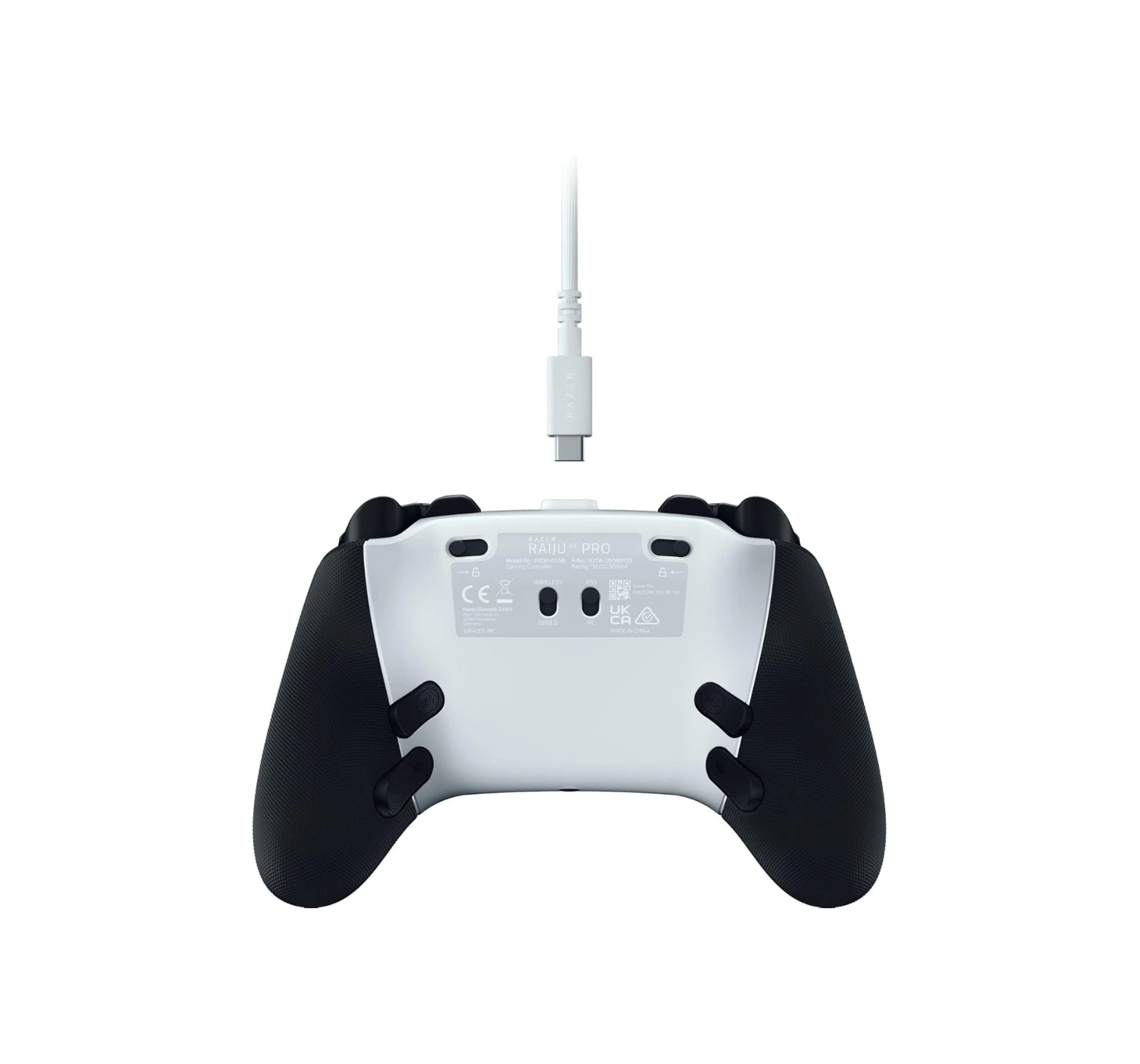
Razer Raiju V3 Pro Review: The Best Pro Controller

Razer Raiju V3 Pro

Razer Raiju V3 Pro

“The Razer Raiju V3 Pro is a luxury sports car with a heavy price tag to match. It’s not a casual purchase for casual gamers; it’s a serious investment for players who want to sharpen their competitive edge.”
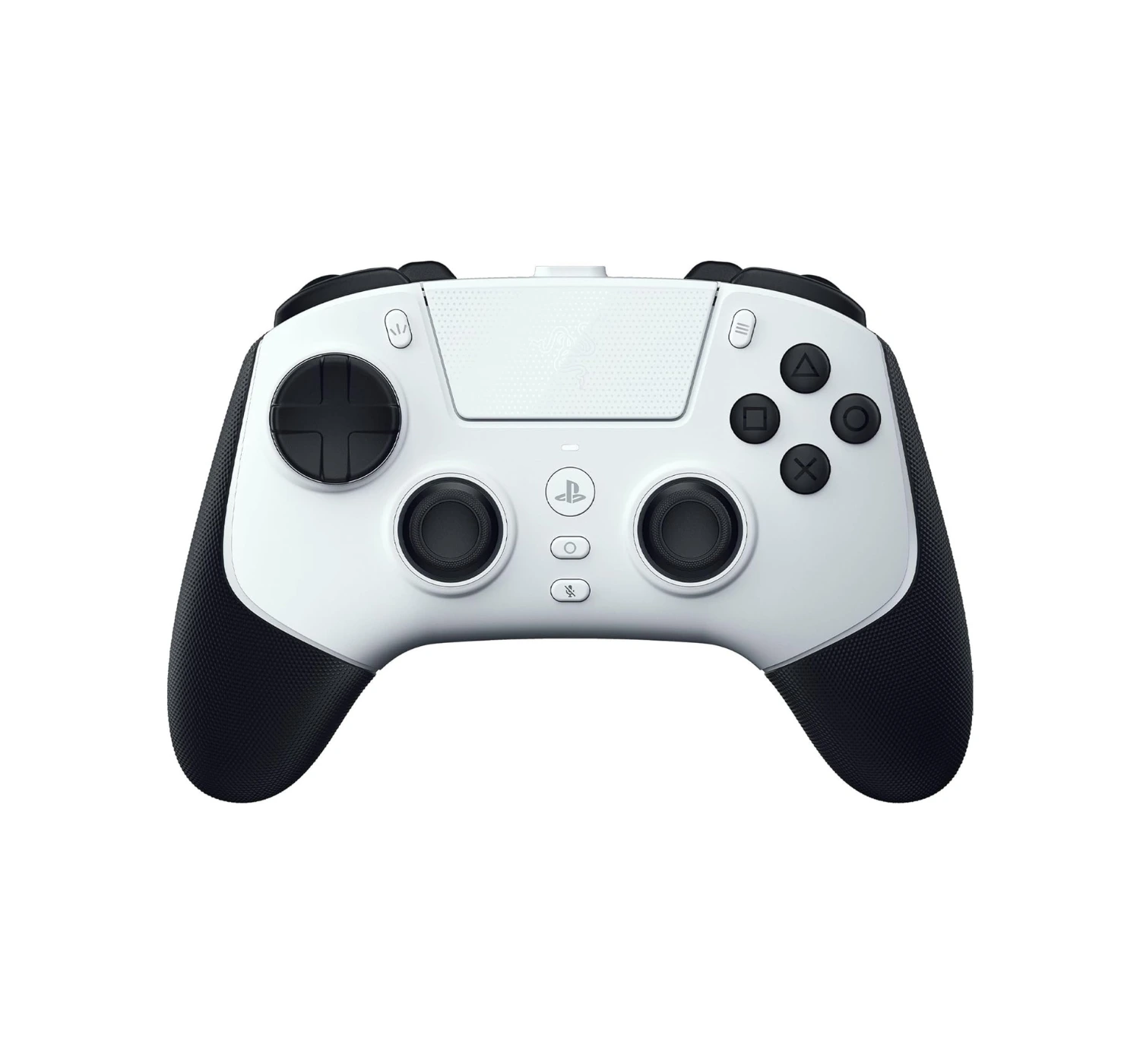
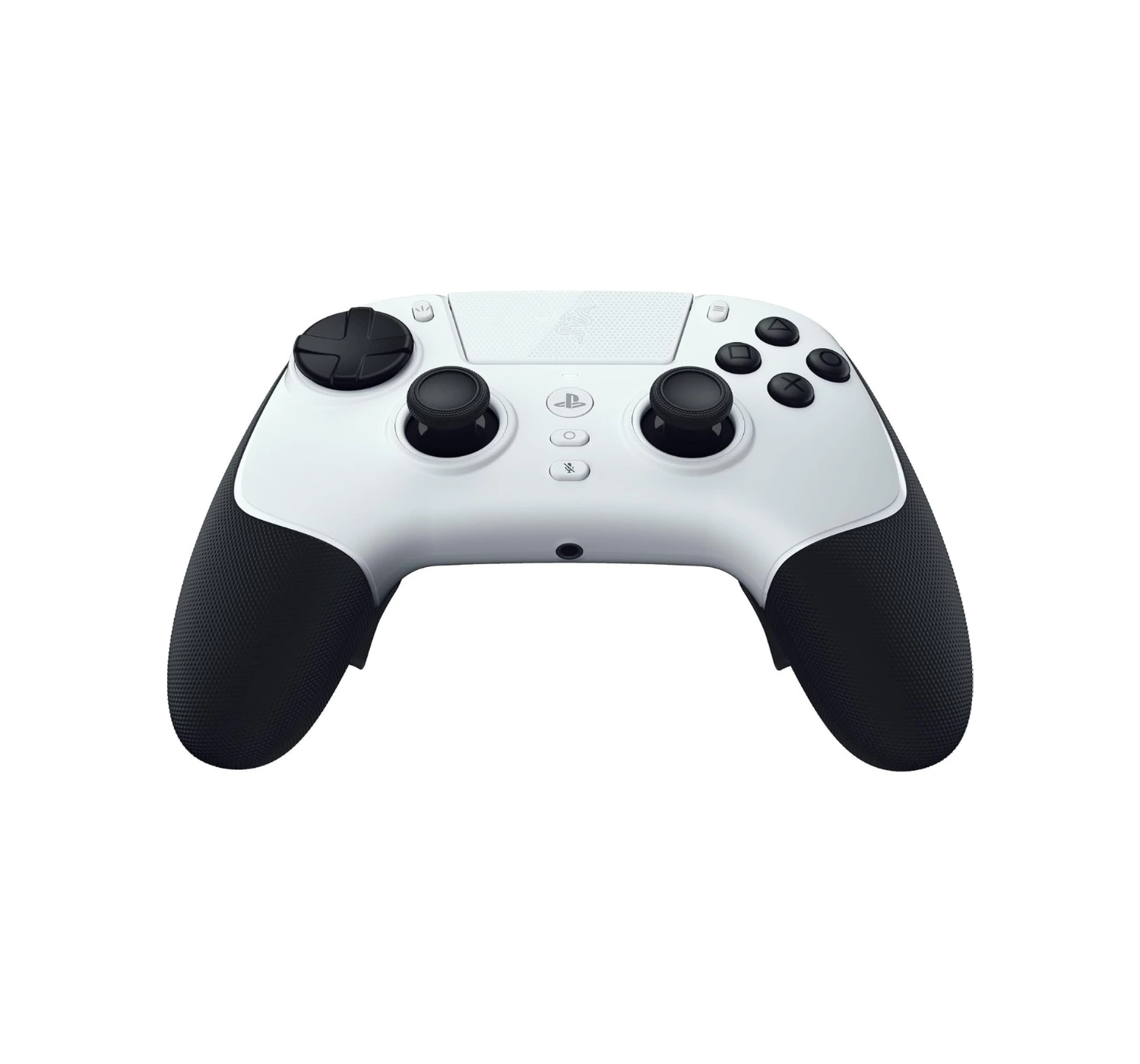
 

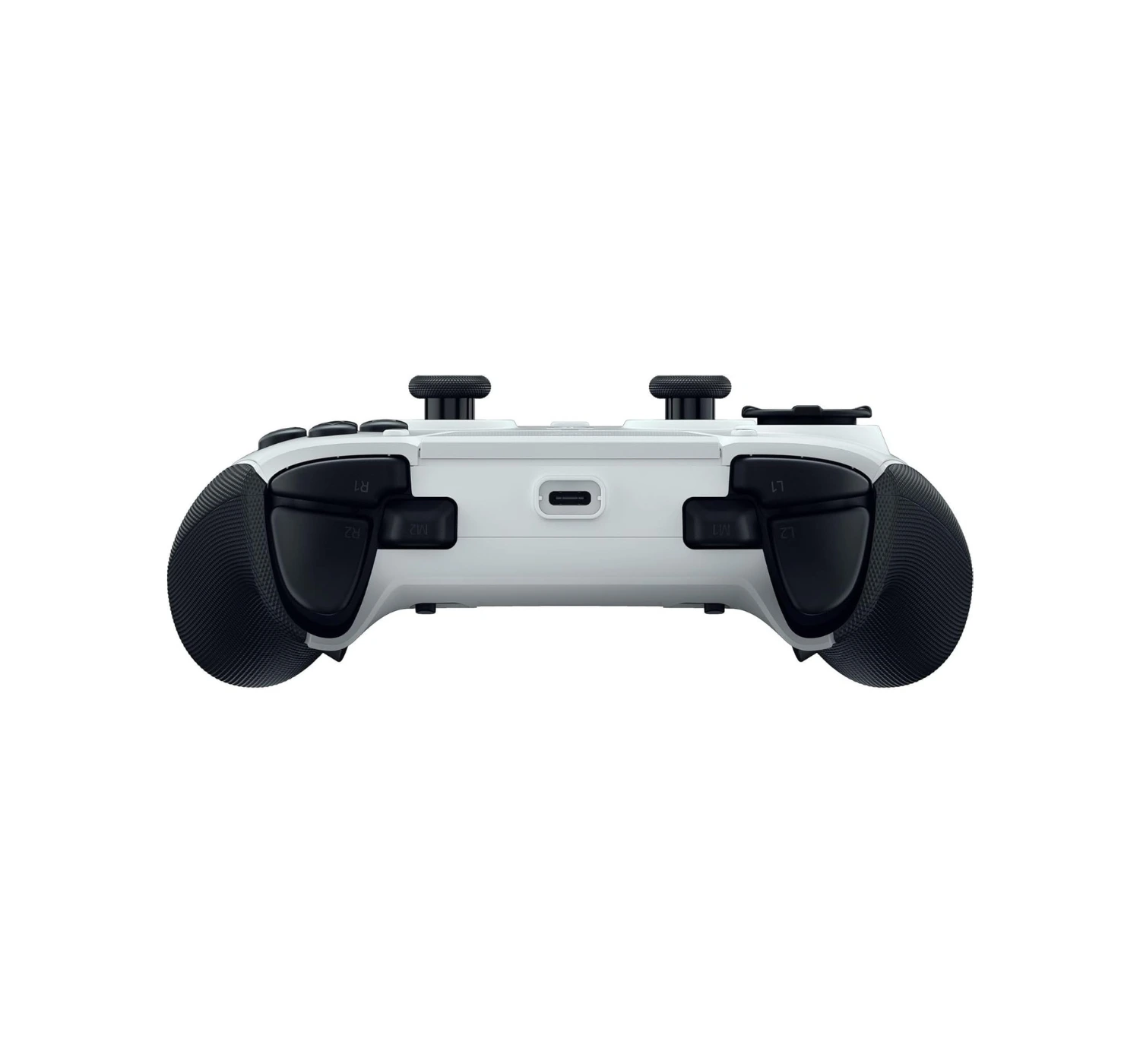
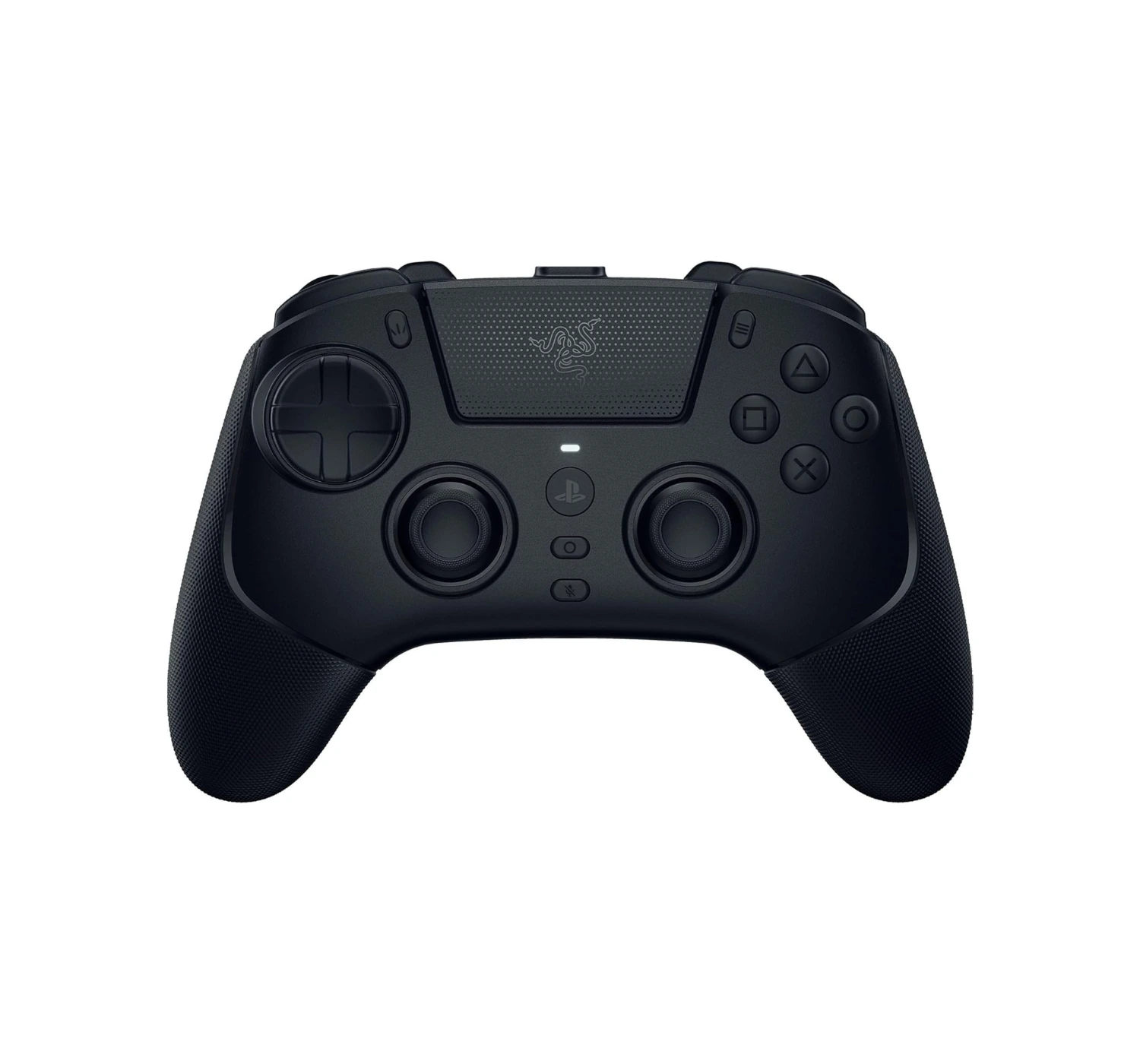
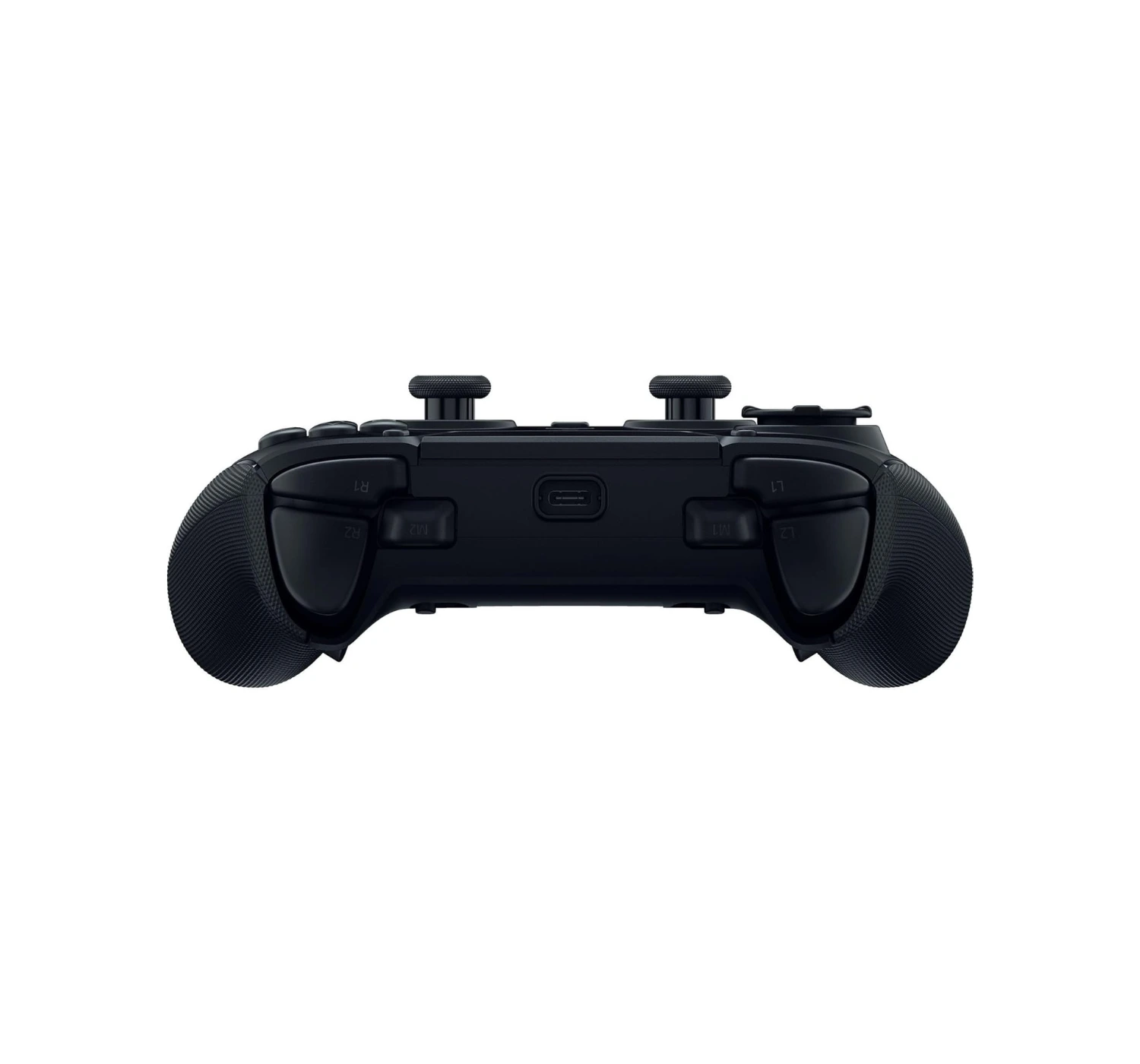
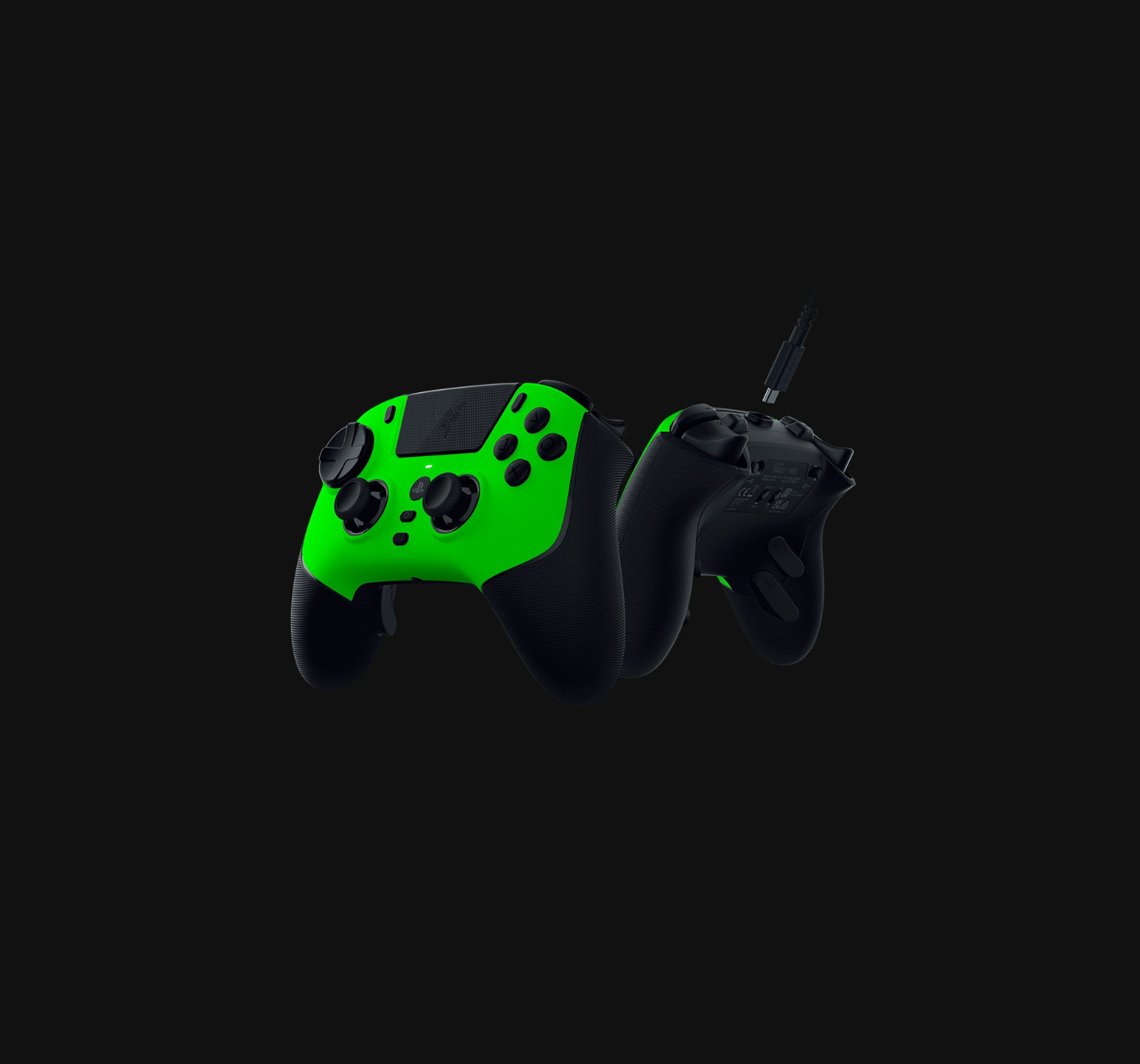
Are your thumbs tired of losing firefights because your old controller decided to drift into a wall, or run out of power after a short gaming session? Meet the Razer Raiju V3 Pro, a  premium controller that wants to turn your hands into surgical tools. Razer basically stripped down a high-end gaming mouse, stuffed its ‘clicky’ DNA into a controller body, and gave it magnetic thumb sticks that refuse to drift.

Holding this thing feels like sitting in the cockpit of a spaceship, especially with those rear buttons waiting to execute your next move. If your current gamepad feels like a wet potato, maybe it’s time to upgrade. Without wasting any time, let’s dive into the review and see if this thing actually justifies its heavy price tag.


Overview


At its core, the Razer Raiju V3 Pro is like a sports car for your hands. It connects to your PC or PS5 console and instantly upgrades your entire gaming setup. Razer packed this bad boy with clicky mechanical switches that snap like a crisp potato chip every time you press a button.

It also solves the ultimate gamer nightmare: stick drift. Thanks to its special magnetic sensors, the thumb-sticks stay rock-solid and precise, acting like heat-seeking missiles for your crosshairs.

Add in four extra back buttons that give you the finger-speed of a concert pianist, and you have a massive advantage. While it costs a pretty penny, this controller is worth considering because it acts like armor for your competitive edge, turning frustrating near-misses into easy victories.


Specs


  • COMPATIBLE WITH: PlayStation 5, PC
  • CONNECTION TYPE: Wireless (2.4 GHz), Wired (USB Type-C)
  • BATTERY LIFE: Up to 10 hours
  • WEIGHT: 279g / 9.8oz
  • PRICE: US$229.99 / R4939 / £171.43


What’s to Like


On the upside, we love how fast and responsive this controller functions. The standout feature is definitely the new TMR thumb-sticks. They use special magnets to prevent “stick drift,” which means your controller won’t slowly wear down or move on its own over time.

We also love the controller’s buttons and triggers. They use crisp micro-switches that feels just like the clicking sound from a premium gaming mouse. Even better, you can flip a switch on the back to instantly turn the long triggers into short, rapid-fire mouse clicks.

It also comes with six extra buttons that you can program to do whatever you wish, a very comfortable grip, and a massive battery life for those long gaming sessions. If you love competitive multiplayer games, these features give you a massive advantage.


The Deal Breakers


On the downside, this controller misses out on the features that make PlayStation 5 games feel so immersive. Because it is built strictly for competitive gaming, it does not have the DualSense’s famous haptic feedback rumble or adaptive trigger tension. No internal speaker on the controller as well like PlayStation 5’s DualSense. 

We also noted that while it works flawlessly on PC with super-fast response times, the connection speed is slowed down on the PS5 due to console limits.

And finally, the controller is not cheap. In fact, it’s more expensive than the DualSense Edge. For such a high price tag, some gamers will be disappointed by the lack of Bluetooth connection and the hard plastic material doesn’t feel really as heavy or as premium as its Xbox sibling.


The Best Alternatives for the Razer Raiju V3 Pro


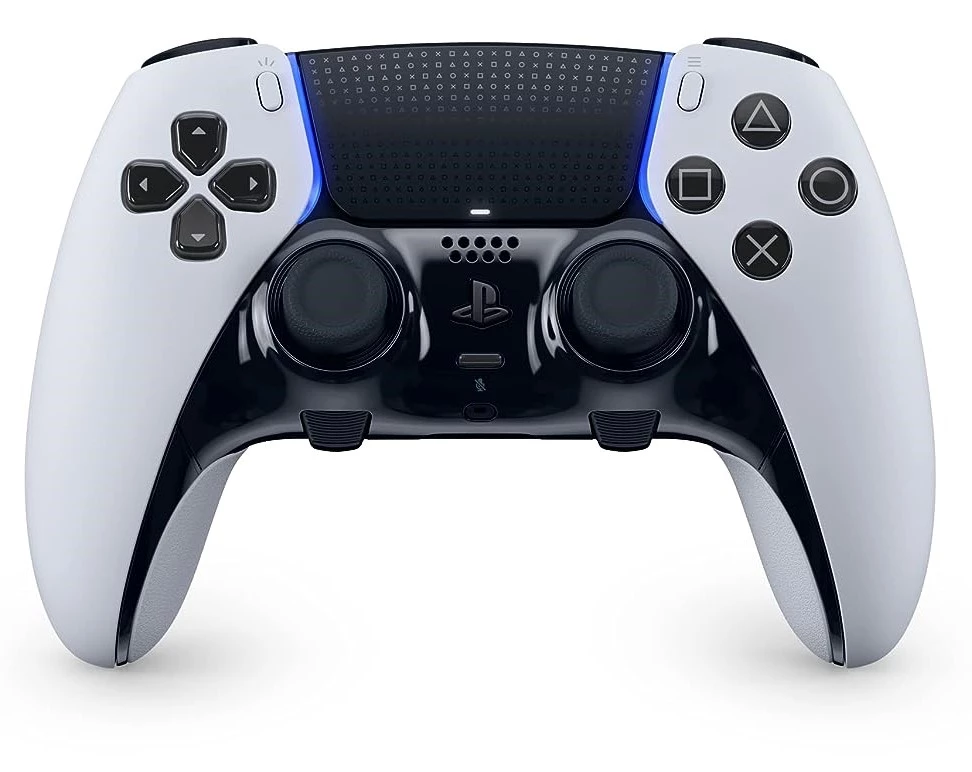
1. PlayStation5 DualSense Edge


★★★★☆ 4.0  Great

The PlayStation 5 DualSense Edge serves as a much better alternative to the Razer Raiju V3 Pro if you want the ultimate, seamless connection with your PS5. Sony built this controller to fit the console like a glove, meaning you keep the incredible haptic feedback and adaptive triggers that make games feel alive. When a rope snaps or a car skids, the Edge lets you feel it in your bones, whereas the Razer Raiju V3 Pro can sometimes feel like a mute spectator to those cool PlayStation features. Plus, if a thumbstick breaks or drifts, Sony lets you slide the whole joystick module out and pop a new one in, making repairs as easy as changing batteries in a TV remote.

However, the Edge definitely packs a few nasty surprises. The absolute biggest joke is the battery life; it drains juice so fast that it feels like trying to fill a bucket with a massive hole in the bottom, forcing you to play plugged in way too often. Sony also gives you only two extra back buttons instead of the four useful buttons found on the Razer, which cuts your extra firepower right in half. If you want the most immersive, official PlayStation experience, the DualSense Edge wins hands down, but you have to accept a terrible battery that clings to its charging cable like a toddler.


2. Razer Wolverine V3 Pro


★★★★☆ 4.0  Great

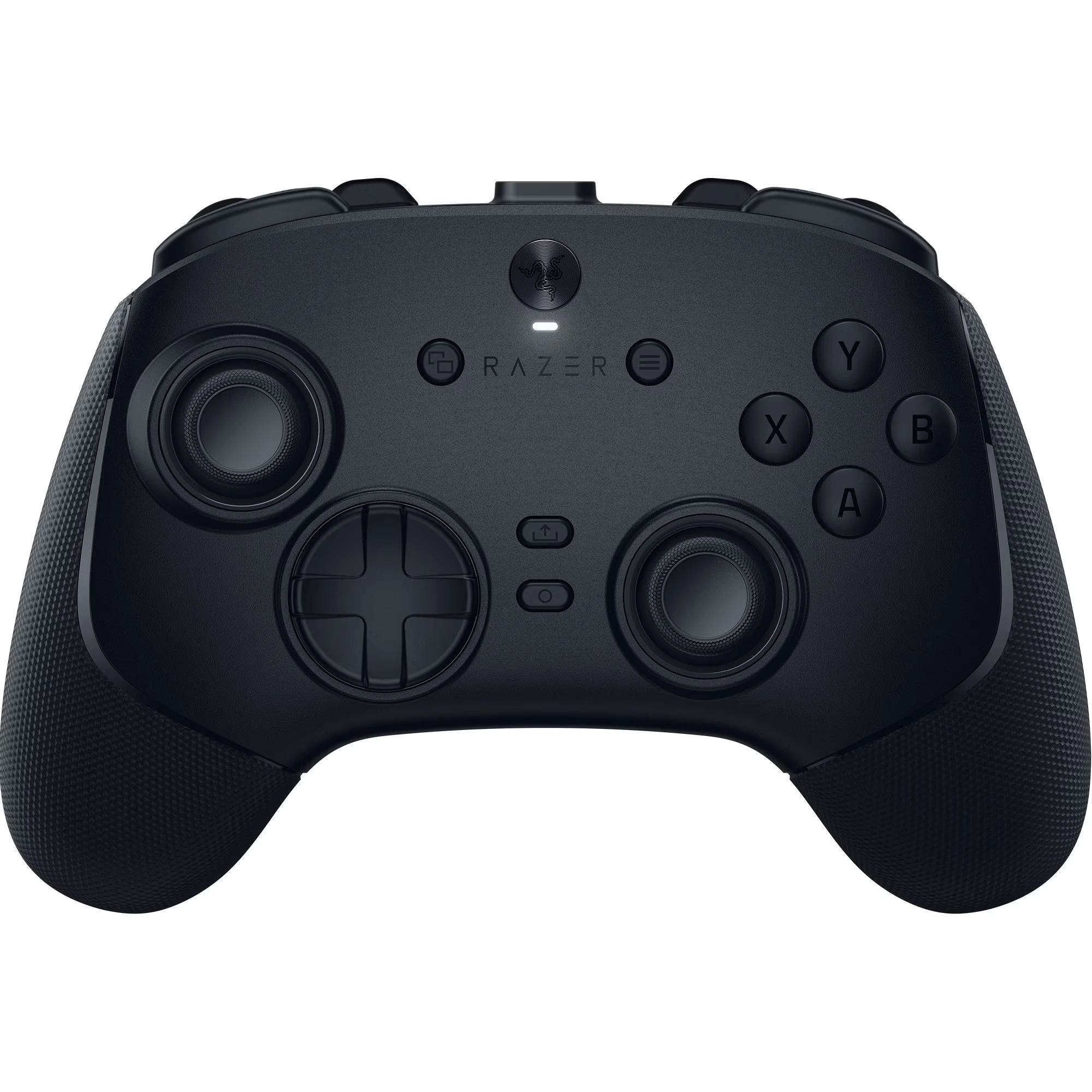
The Razer Wolverine V3 Pro steals the crown here, if you want the absolute fastest speed on PC or Xbox. It feels like upgrading from a fast sports car to a literal fighter jet because it includes a special PC “Tournament Mode” that registers your inputs at a blazing-fast 8,000 Hz. That means your button presses travel to the screen at supersonic speed, leaving standard controllers in the dust. It also reshapes the back paddles into clever mouse-click bumpers that sit exactly where your fingers naturally rest, so you do not have to stretch your hands like an acrobat.

On the flip side, the Wolverine has a few glaring flaws compared to the Razer Raiju V3 Pro. Its biggest crime is that it completely ditches PlayStation players, locking itself strictly into the Xbox and PC family tree. It also swaps the symmetrical, side-by-side thumbstick layout for offset Xbox sticks, which might make your hands feel totally lost if you grew up on a PlayStation diet. If you want maximum speed and play on a PC, the Wolverine is a much better alternative, but you have to accept that it locks you out of the PlayStation kingdom entirely.


3. Nacon Revolution 5 Pro


★★★★☆ 4.0  Great

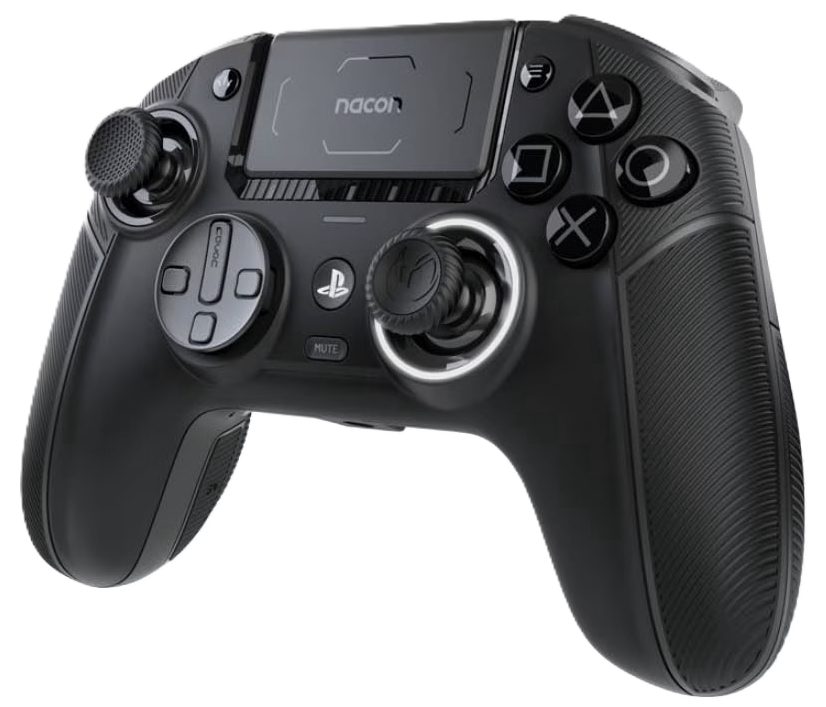
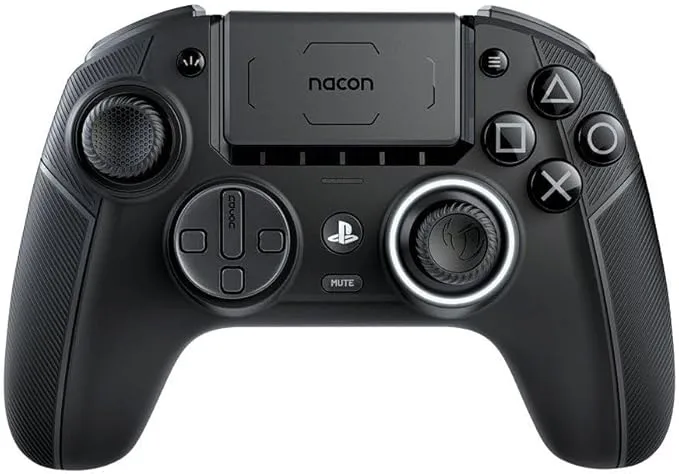
The Nacon Revolution 5 Pro makes a fantastic case for itself as a smarter alternative to the Razer Raiju V3 Pro, mostly because it treats your wallet with a lot more respect. Nacon packs this controller with magnetic Hall Effect sticks that completely destroy stick drift, meaning it will outlast a standard controller by miles. It also lets you tweak the physical weight like a high-tech gym kit, so you can make it feel heavy and solid in your hands.

However, it is not all sunshine and rainbows. Firstly, the Nacon lacks those clicky mouse-switch buttons, so pressing them feels a bit mushy—like stepping on a wet sponge rather than snapping a crisp potato chip. Secondly, if you love playing wirelessly on the PS5, Nacon restricts you to standard audio headset jacks, which feels like buying a spaceship but finding out it only plays cassette tapes. If you want premium magnetic sticks and adjustable weight without selling a kidney, the Nacon is a better alternative, but you do sacrifice some of that ultimate Razer luxury.

Check out the review of the Nacon Revolution 5 Pro Review


Final Verdict


Ultimately, the Razer Raiju V3 Pro is a luxury sports car with a heavy price tag to match. It’s not a casual purchase for casual gamers; it’s a serious investment for players who want to sharpen their competitive edge. If you want a controller that feels like an extension of your own hands and gives you an advantage on the digital battlefield, the Raiju V3 Pro delivers.

It acts like a cheat code you can physically hold, turning frustrating near-misses into satisfying victories. Though it’s missing some of the best features that makes the DualSense controller for PS5 great, the Raiju V3 Pro is an impressive controller for both console and PC. If you have the funds, get it. You won’t be disappointed. 

So what’s your opinion of the Raiju V3 Pro from Razer? Is it a gaming controller worth considering? Do you think it’s worth the price? What about the other controller alternatives? Let us know what you think on the comments section below. And if you want to find out more, click HERE to see what’s more in store for you 😀  


Nacon Revolution 5 Pro Review: New Ultimate Controller?

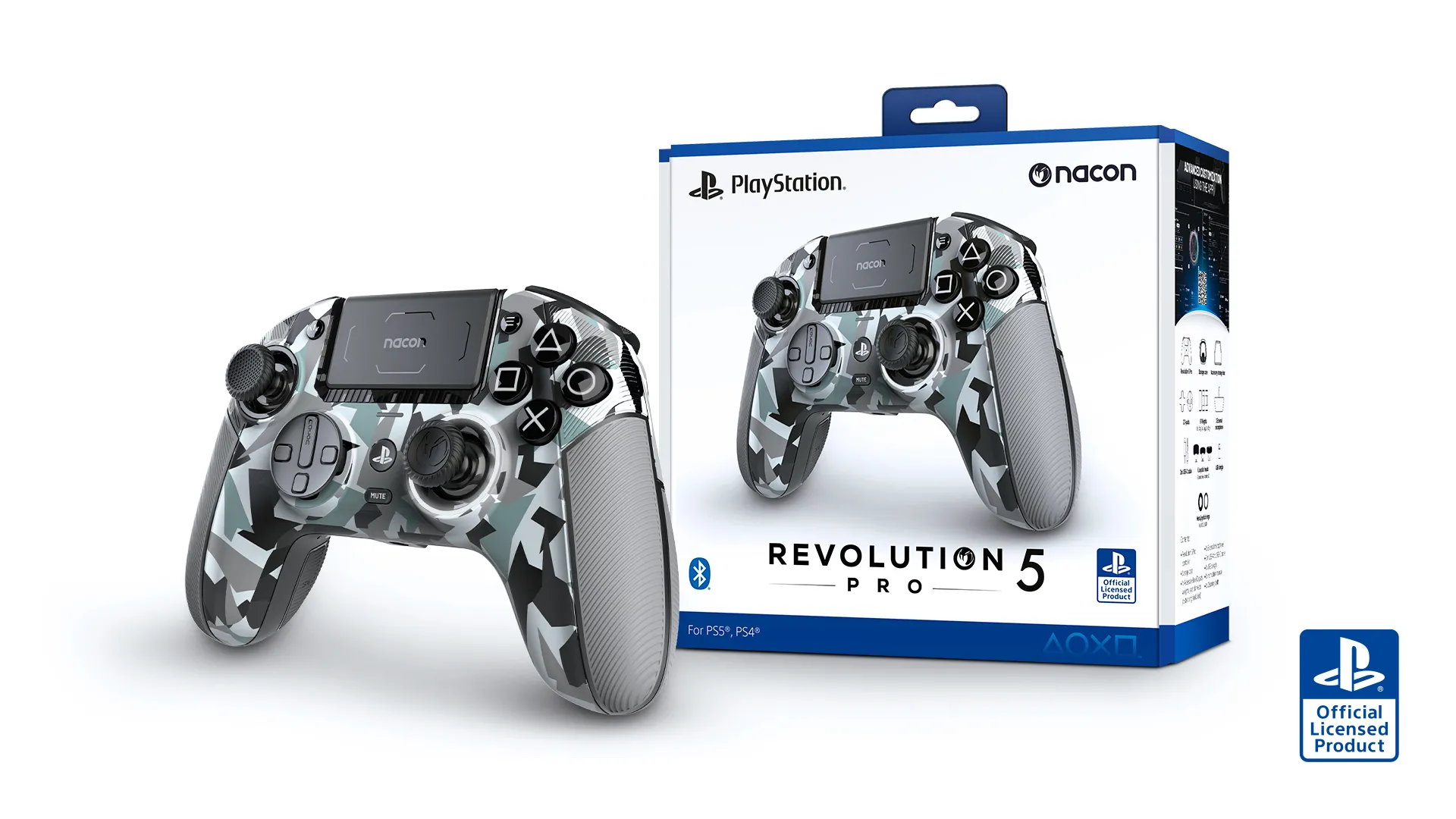
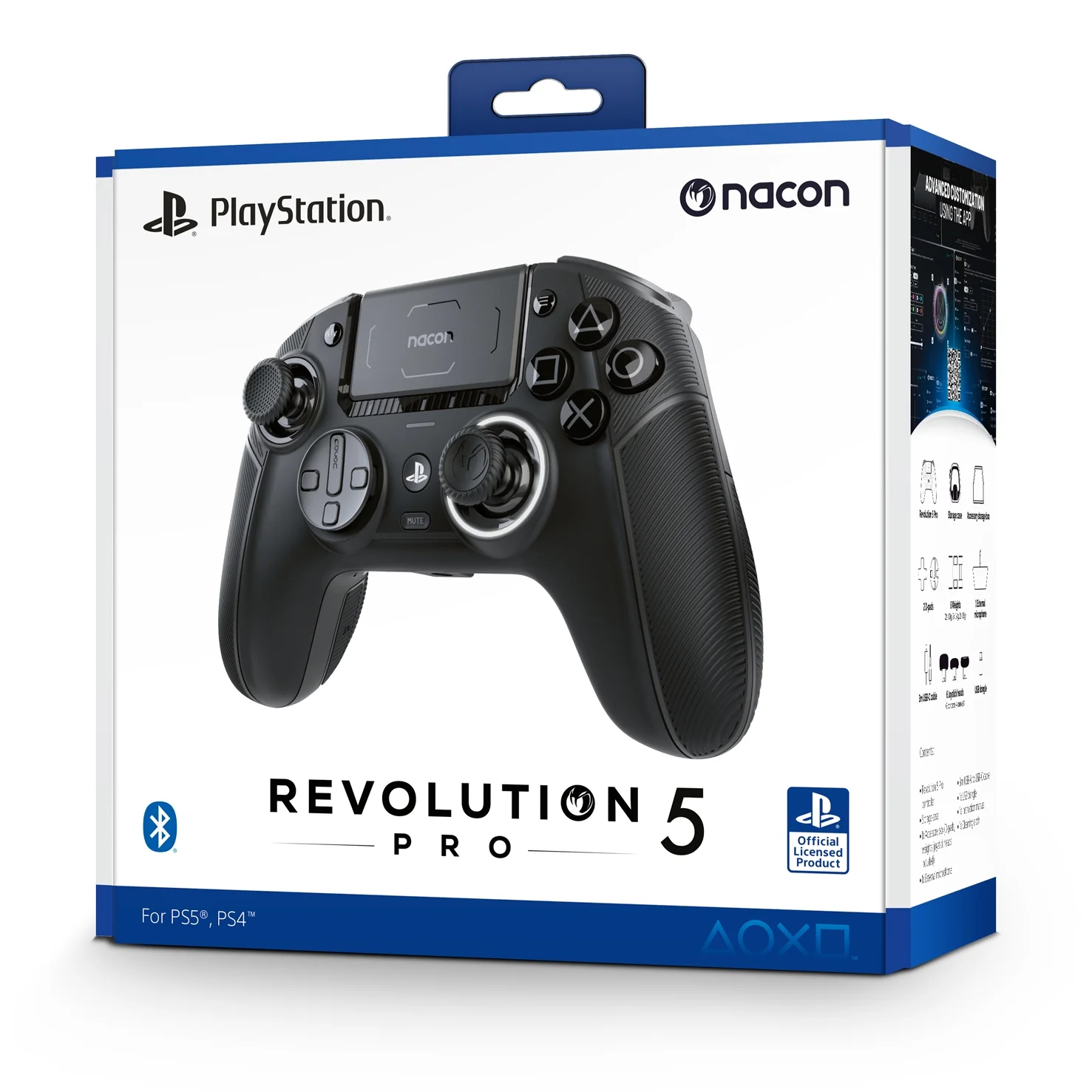
Nacon Revolution 5 Pro Review

Nacon Revolution 5 Pro Controller

“If you’re a serious gamer who wants a ton of customization and absolutely hates stick drift, this is a fantastic option”


If you’re sick and tired of charging your DualSense Edge Wireless controller or the DualSense controller for PlayStation 5, after every few hours, then you have come to the right place. Let me introduce you to the Nacon Revolution 5 Pro Controller, one of the better alternative PS5 controllers to consider. It looks good, and comes with features that gives it value, but is it better than the DualSense PS5 controller. Let’s dive in and check the Nacon Revolution 5 Pro Review.


Overview

Hey, so you’re thinking about the Nacon Revolution 5 Pro, huh? Let’s break down what this thing is all about. It’s basically a “pro” controller designed for PlayStation 5 and PC. Think of it as a super customizable, fancy version of a regular controller. Right off the bat, you’ll notice it has an asymmetrical stick layout, kind of like an Xbox controller, which is different from the usual PlayStation design. It also comes with a whole bunch of extra parts you can swap out. It’s built to feel premium and help you step up your game, especially if you play a lot of competitive shooters or fighting games.


Specs

  • Compatibility: PlayStation 5, PlayStation 4, MS Windows
  • Brand: Nacon
  • Color: Black
  • Batteries included: Yes


What’s to Like

So, what makes this controller special? First off, it uses this cool thing called “Hall Effect” technology for the joysticks. That’s just a fancy way of saying it uses magnets instead of old-school parts, which means you’ll never have to worry about that annoying stick drift that can ruin a controller.

It’s also super modular, so you can swap out the thumb sticks, the D-pad, and even add weights to make it feel just right in your hands. There are also four extra buttons on the back you can program for whatever you want. Plus, you can connect your Bluetooth headphones directly to the controller, which is pretty neat.

Another thing to note is the improved wireless response, which means the Nacon 5 Pro is really responsive, with split second-inputs, and it supports wired or wireless connections.     


What’s Not to Like

Now, for the big question: is it worth it? This isn’t your average controller, so the price is definitely on the higher side. It’s in the same price range as Sony’s own “pro” controller, the DualSense Edge.

For a lot of people, the main downside is that it doesn’t support some of the coolest PS5 features, like the haptic feedback and adaptive triggers. So if you love feeling every little rumble and tension from your games, you might miss out on that here. You also need a PC to get the most out of the customization, which can be a hassle if you only have a console.


Verdict

So, who is this controller for? If you’re a serious gamer who wants a ton of customization and absolutely hates stick drift, this is a fantastic option. The build quality feels great and the modularity lets you make it truly your own. However, if you’re a casual player who mostly enjoys the unique PS5 features like haptic feedback, you might be better off saving your money or sticking with the official DualSense Edge controller. It’s a great piece of gear, but it definitely has a specific audience. 

Thank you for checking out the Nacon Revolution 5 Pro review. If you have anything to share, your experiences with other game pads or controllers, or add comments about the Nacon 5 Pro controller, then you are welcome to leave a comment here below. Are you a pro gamer looking for a good controller? What other controllers are you using? That’s all from me. Stay safe until next time 😀


Best PC Game Controllers of 2024

PC Game Controllers

Ready to take your gaming experience to the next level? If you don’t have it, then you need a good PC game controller. Take it from us, it makes all the difference, whether you’re a casual or a hardcore pro gamer. In this article, we’ll explore the best PC game controllers on the market in 2024 and see which of these will level up your gaming experience.


The Best PC Game Controllers of 2024


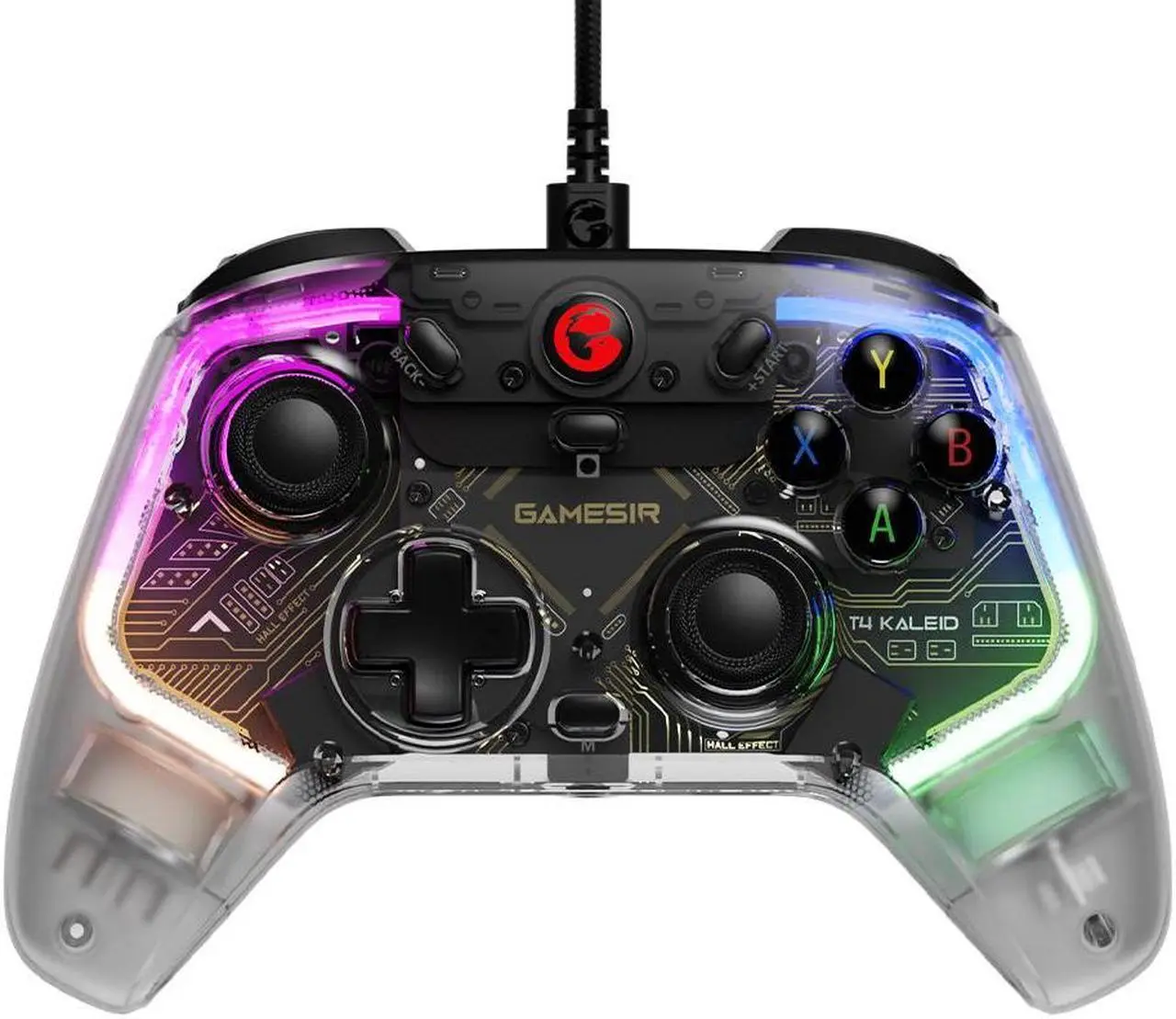
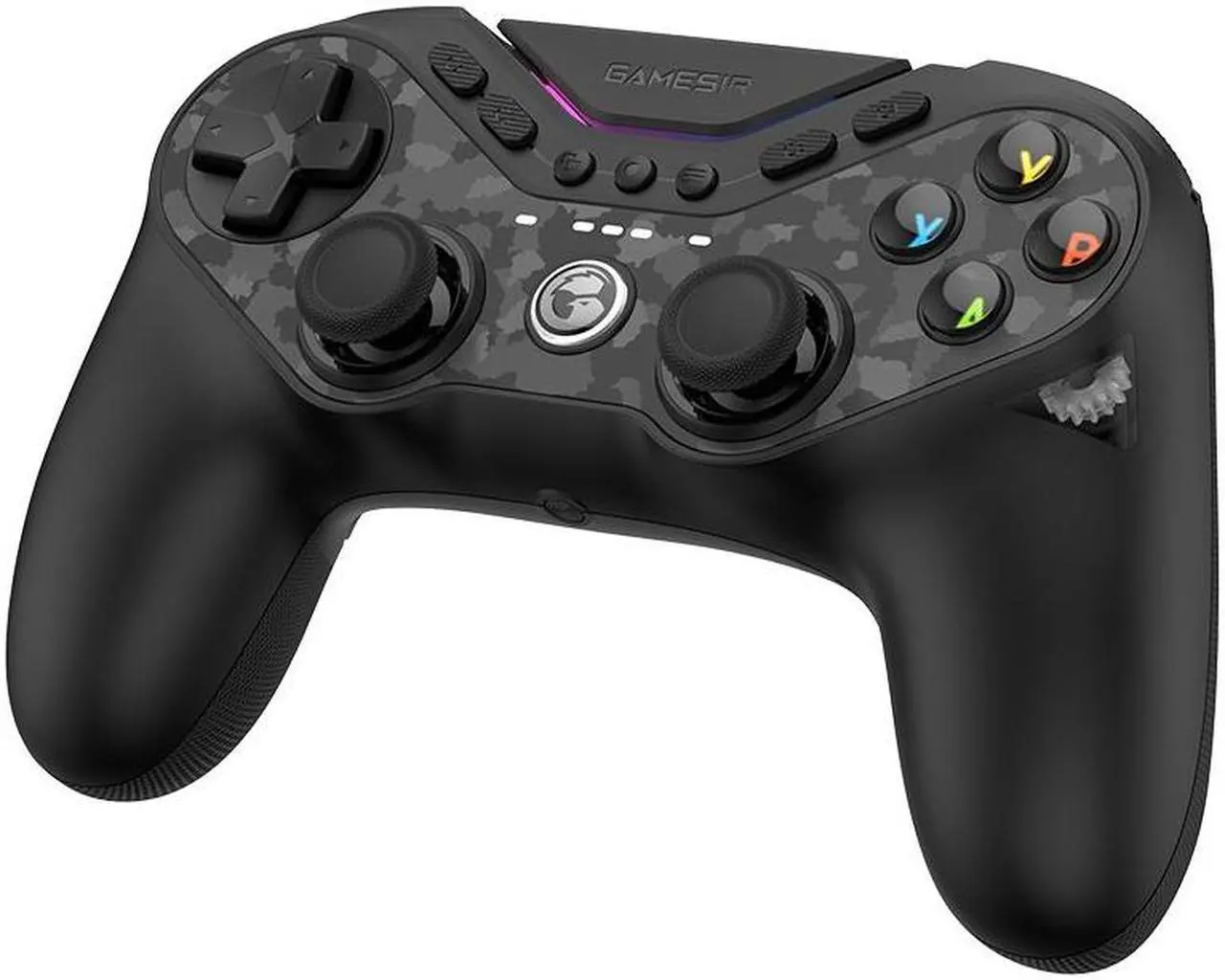
1 – GameSir T4 Kaleid

Best Budget PC Game Controller

5.0 ★★★★★


PROS

  • RGB color design style
  • Includes various features
  • Great budget alternative
  • Compatible with PC & Nintendo Switch

CONS

  • No wireless version
  • USB cable too short

There are several ways in which the GameSir T4 Kaleid outperforms other competing budget controllers. It boasts many pro-level features, including mechanical face buttons, and programmable back buttons (to name a few).

While the T4 Kaleid’s exposed PCB gives the controller a high-end appearance, the RGB lights is a pleasant touch that can be turned off on your discretion. The braided USB cable that comes with it is not very long, making you wish for a wireless version.

If you can overlook the fact that it is a wired controller, it’s a fantastic option for anyone searching for a budget PC controller that also functions on the Nintendo Switch. Overall, the GameSir T4 Kaleid is a fantastic multi-platform controller that offers good features at an affordable price. 


2 – GameSir Tarantula Pro

Best All-round PC Game Controller

5.0 ★★★★★


PROS

  • Good battery life
  • Compatible with Nintendo Switch and PC
  • Wired & wireless version
  • Good design
  • Fast input speed & performance
  • Front buttons swappable
  • Includes magnetic ‘TMR thumb sticks’ 

CONS

  • Build material looks & feels cheap
  • Confusing setup shortcuts

The Tarantula Pro offers similar performance to the Xbox Elite Series 2 controller, but at a lesser price. With the incredible performance of ‘TMR’ and ‘Hall Effect’ technology for the thumb sticks and triggers, it provides an even greater degree of customization. 

Available in both wired and wireless version, it’s well-design, yet looks and feels like a cheap gamepad. The wireless version comes with a 1200mAh battery that delivers an impressive battery life. Connect the Tarantula Pro to the Nintendo Switch and enjoy a console experience.

One thing to note, is that it becomes a pain when you have memorize the configuration sequences or shortcuts during connection setup, but later becomes minor once your figure it out.   

All things considered, the Tarantula Pro is just another superb illustration of how TMR technology can significantly improve your console, and PC gaming experience. It’s reasonable to say that the Tarantula Pro functions just like a professional gaming controller ought to be, that you won’t grow weary anytime soon.


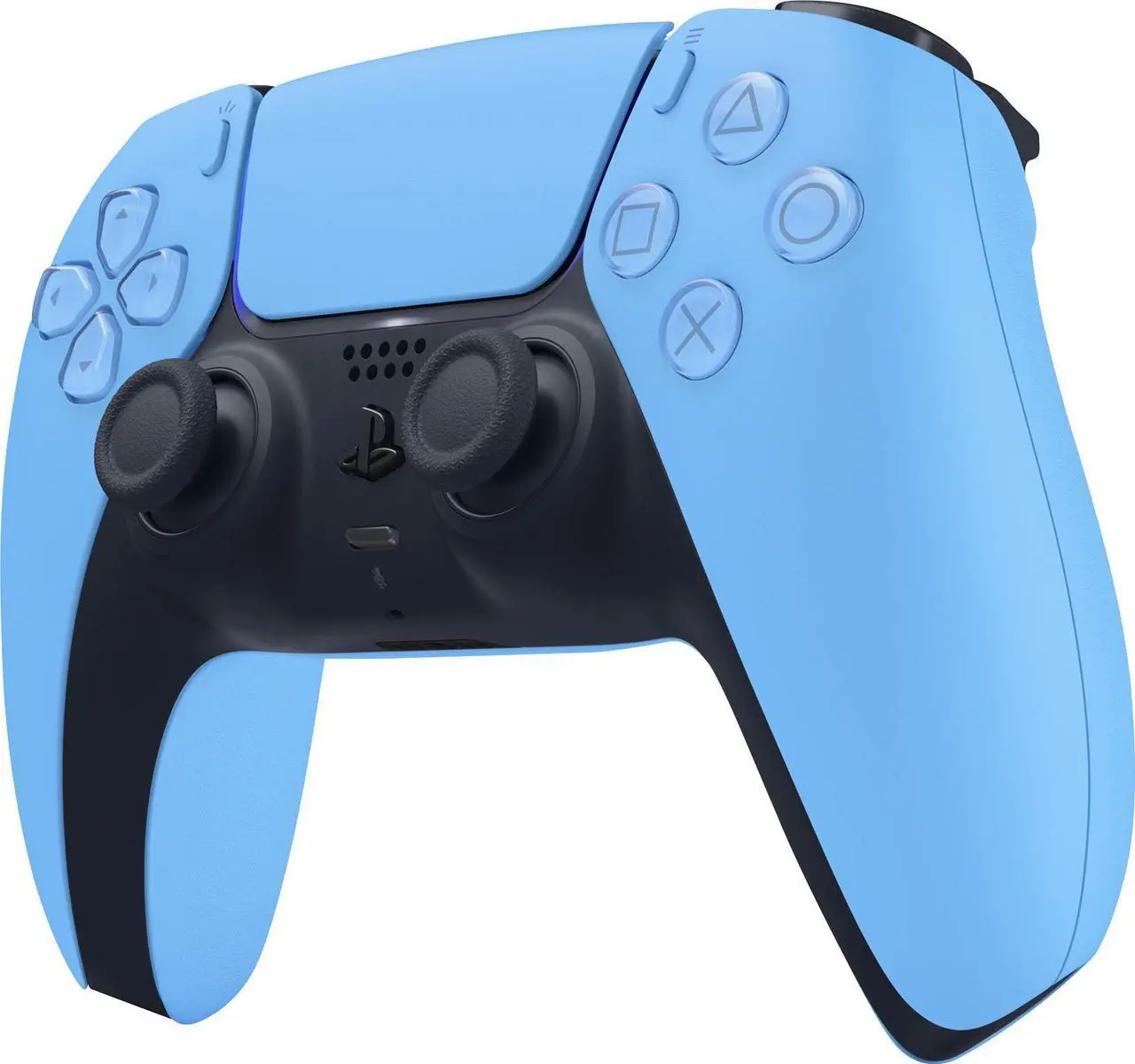
3 – Sony PlayStation 5 DualSense Wireless Controller

Best for Immersion PC Game Controller

5.0 ★★★★★


PROS

  • Official PS5 controller
  • Superb adaptive triggers & feedback
  • Feels comfortable to hold
  • Includes built in microphone
  • Great large design
  • Comes in various design colors
  • Compatible with PS5 and PC

CONS

  • Short battery life 

Believe us when we claim that the DualSense wireless controller is a breakthrough that must be experienced in order to be believed. The haptic and adaptive triggers feel sweet. It’s comfortable to hold. It’s bigger than the previous PlayStation controllers, and comes in various colors and designs. This goes without saying, but the DualSense is the most dependable and reasonably priced alternative.

While the PS5 DualSense controller has a rechargeable battery, don’t count on it to last longer than ten hours. Luckily a USB-C cable should do the job to keep it charged. It’s compatible with the PlayStation 5 console, and PC.

Overall, if you want one of the best console controllers for next gen with great features and don’t mind the short battery life, then the DualSense PS5 controller is for you.    


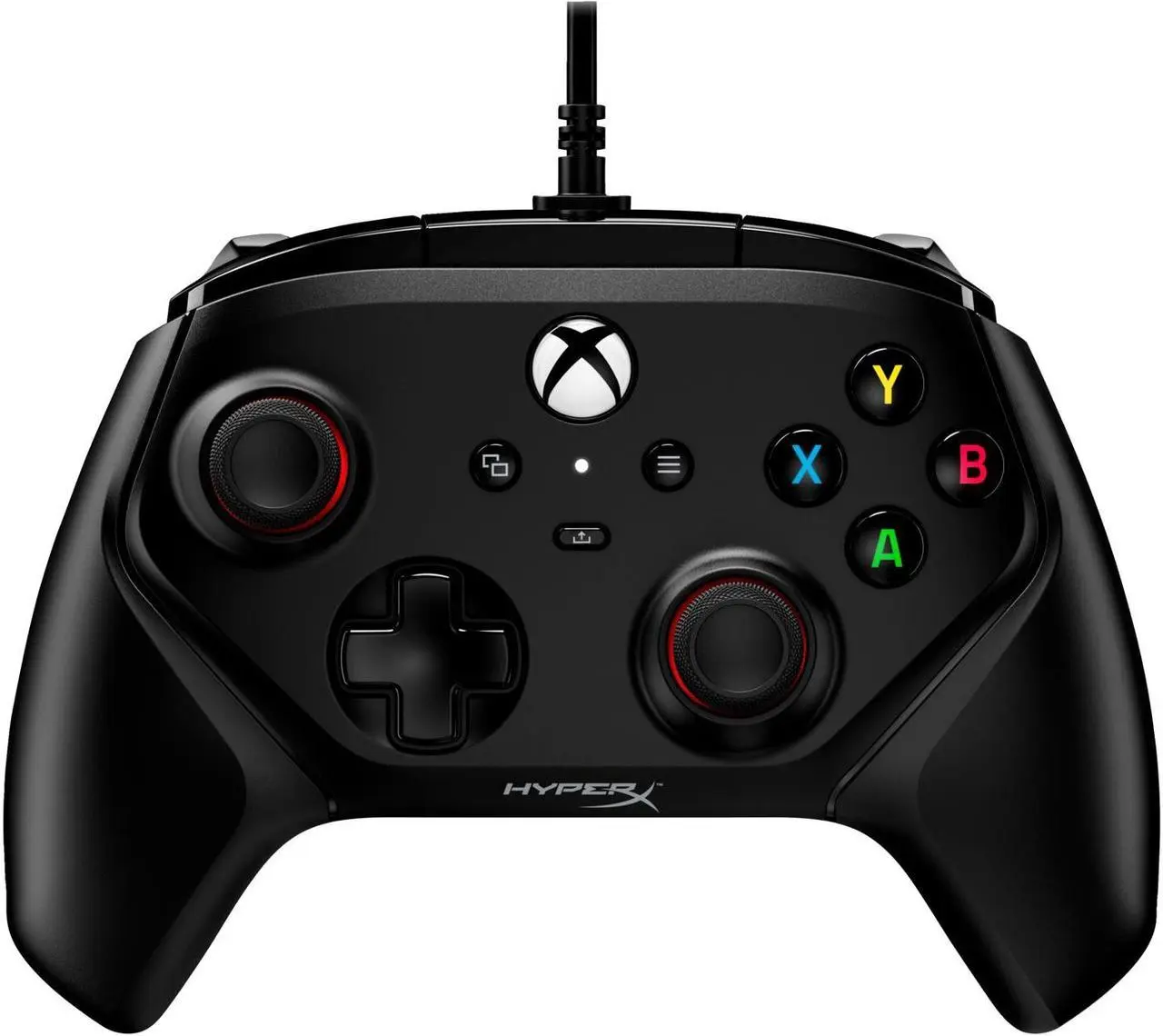
4 – HyperX Clutch Gladiate

Another Budget Wired PC Game Controller

5.0 ★★★★★


PROS

  • Lightweight & solid build quality
  • Includes remappable back buttons & trigger locks
  • Compatible with PC & Xbox
  • Affordable
  • Buttons feel great & comfortable

CONS

  • Wired only
  • Average build quality
  • Better for PC games than Xbox

For those who would rather use a cheaper wired controller, the HyperX Clutch Gladiate is a great alternative. It’s an impressive game controller with certain ‘Pro’ level capabilities that aren’t available on the Xbox Wireless Controller, even though the build quality isn’t as good as the competition.

When it comes to sensation, the HyperX Clutch Gladiate excels. Its analog sticks and face buttons are nearly identical to those of Microsoft’s approved pad. If you don’t mind the wired only connection, you’ll get a controller that feels great and is worth keeping as a spare. It also has a pair of tactile, mappable back buttons, which are uncommon on affordable game controllers. 

Given the pricing, certain flaws can be expected. It’s the unpredictable hair trigger locks, which after testing, don’t function well on a variety of Xbox Series X games. Yet strangely, when testing the identical game on PC, we had no trouble using the trigger locks. 

All we can say is that, the HyperX Clutch Gladiate is an affordable option. It comes with great premium features at a better price. If you can utilize the controller for PC Games and can’t afford the top-range, then the this one is for you. 


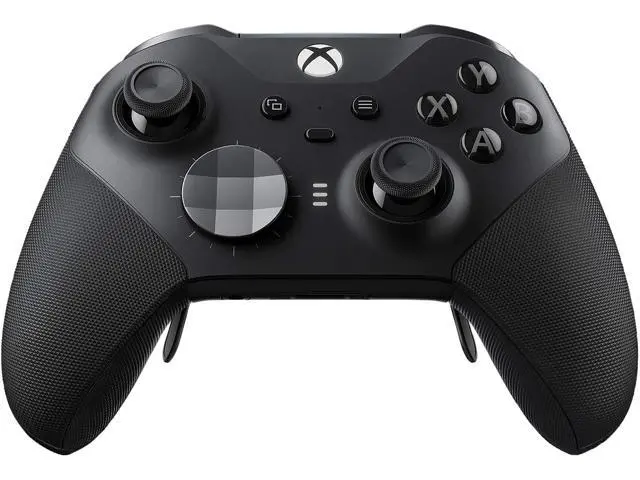
5 – Xbox Elite Series 2

Premium High-Priced PC Game Controller

5.0 ★★★★★


PROS

  • Premium top-range controller
  • Wireless charging
  • Superb battery life
  • Easy to customize
  • Compatible with PC & Xbox
  • Comfortable grips
  • Interchangeable sticks
  • Short triggers
  • Sleek & comfortable design
  • Comes in various colors

CONS

  • Very expensive
  • Takes awhile to get use to
  • Minor changes to the design from predecessor
  • Feels quite heavy

As long as you plan to utilize the customizing options it offers, the Xbox Elite Wireless Controller Series 2 is well worth the price. With Microsoft’s peripheral compatible with the Xbox Series X|S, Xbox One, and PC, this high-end game controller feels and looks like the best Xbox controller right now. It can charge wirelessly. It has an impressive battery life. It comfortable to hold… what more can you ask for.

Aside from that, a lot of gamers will not feel happy about the high price on offer. There are other things to note but are very minor compared to the positive features of the controller.

In the end, the the Xbox Elite Wireless Controller Series 2 will provide you the ideal PC and Xbox gaming experience once you figure out just how you prefer to play. It’s one of the best Xbox controllers to get right now. If you can afford it, you will not be disappointed.   


6 – Thrustmaster eSwap X2

Best Wired PC Game Controller

4.0 ★★★★☆


PROS

  • Wired controller
  • Impressive modular build & design
  • Buttons are accurate & satisfying
  • Compatible with PC & Xbox

CONS

  • Expensive wired controller
  • Rear buttons are challenging to press

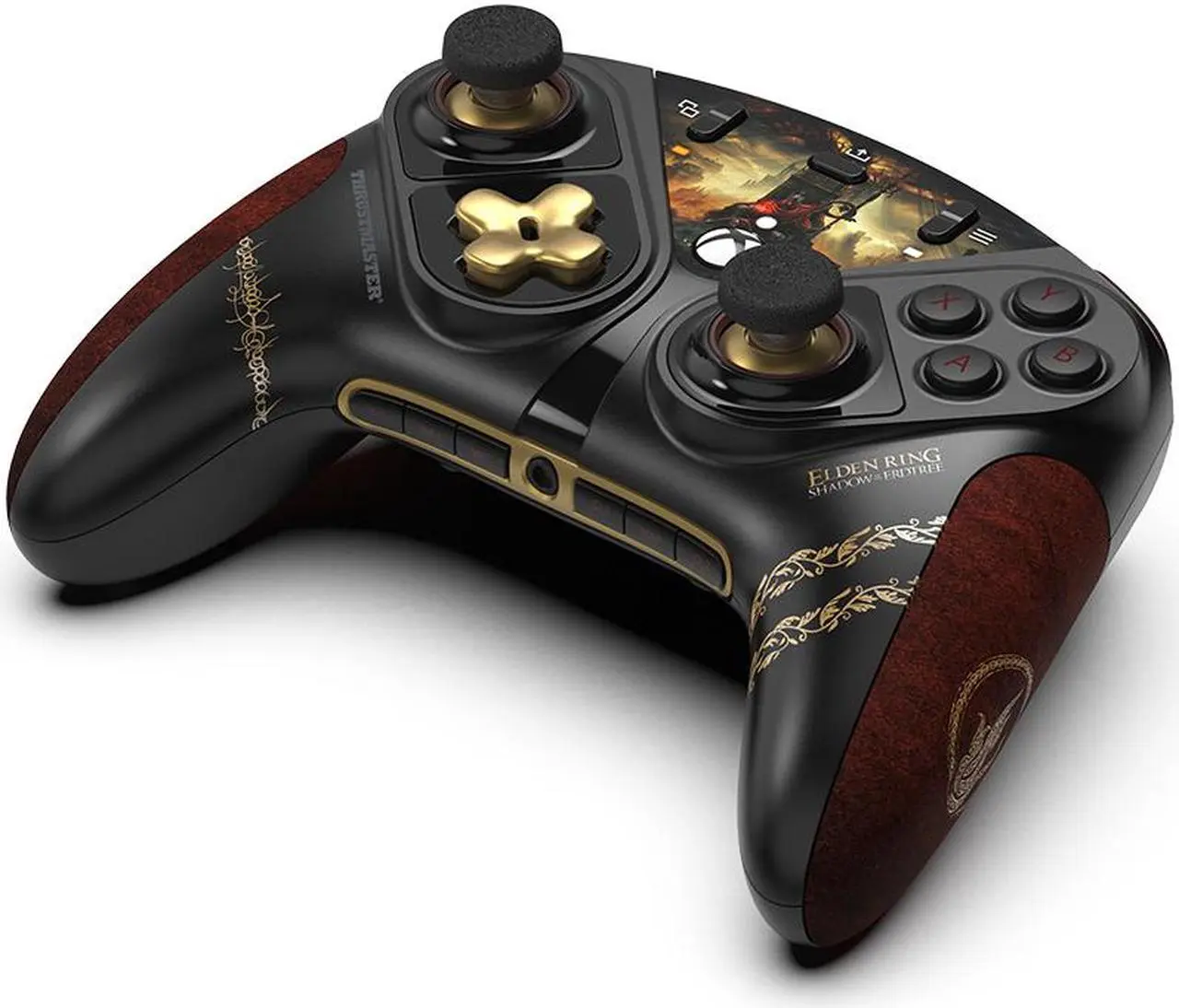
The Thrustmaster eSwap X2 has a flexible modular design that lets you to mix and change parts as you like. By merely removing the modules from their magnetic sockets, it’s easy to modify it to either an asymmetrical or symmetrical layout.

The controller has a sophisticated black and gold look and is loaded with appropriately high-end parts, such as a sensitive D-pad and a really pleasing set of tactile buttons.

In addition to the four rear buttons, there are trigger locks. These rear circular buttons made them occasionally difficult to push, however your experience may differ. Other than that, the game controller works with any game that supports a standard Xbox controller and connects to your PC using the USB-C cable included. 

Overall, the Thrustmaster eSwap X2 is one of the best wired PC game controllers. It offers a large selection of modules for customization, good build and design, and good input speed. If you can handle the extra costs from other budget wired controllers, then this one is for you.


7 – Microsoft Xbox Wireless Controller

All-round Best PC Game Controller

4.4 ★★★★⯪ 


PROS

  • Official Xbox controller
  • Premium top-notch design
  • Compatible with many devices
  • Impulse triggers feel great
  • Great performance
  • Includes Share button
  • Available in many colors
  • Affordable

CONS

  • Rechargeable battery pack sold separately
  • Minor design changes from predecessor

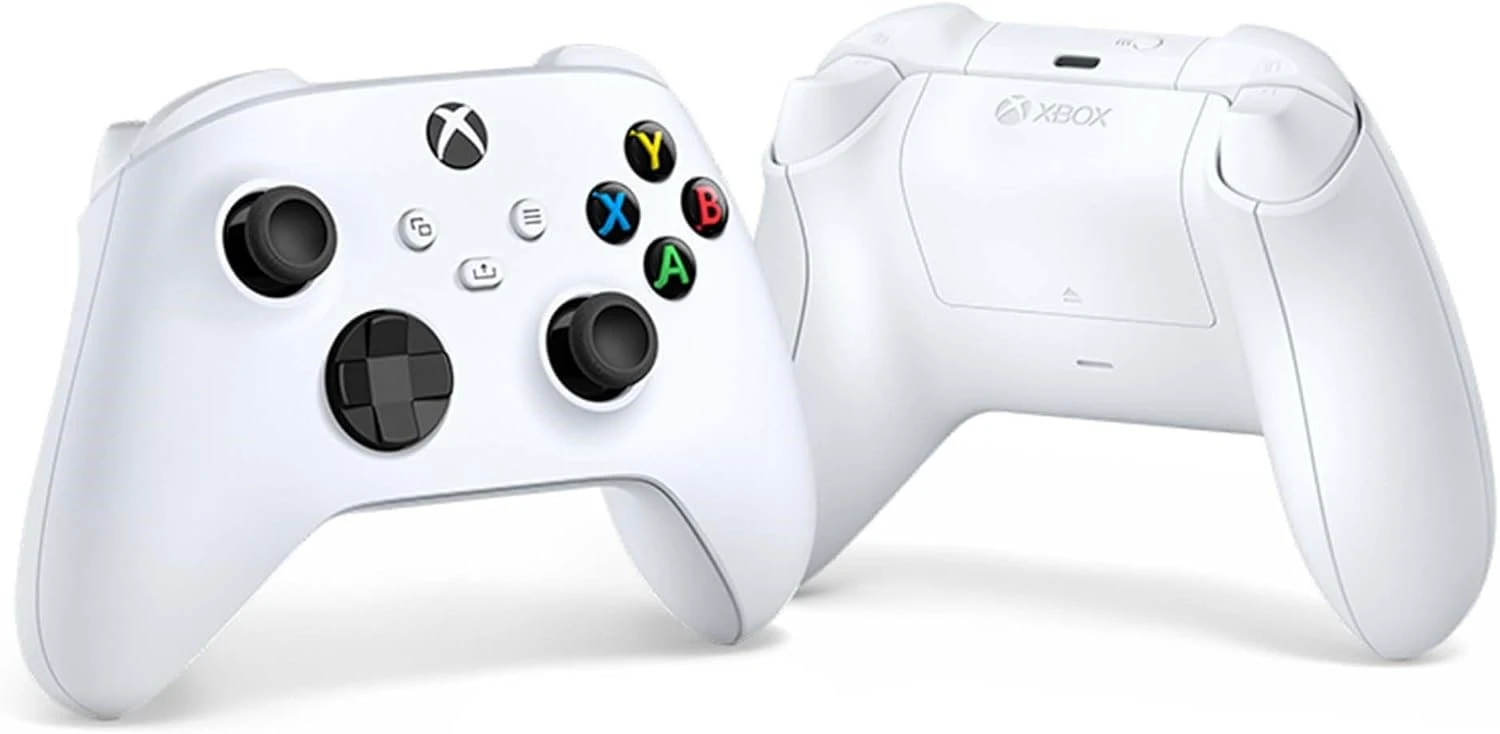
The Xbox Wireless Controller works with Android, Xbox One, and Windows 10 PCs. It comes with many features such as impulse triggers, a Share button to take screen shots and share with other players, and feels comfortable to hold. 

With the premium top-range product, the Xbox Elite being more expensive, Microsoft is making the Xbox controller more affordable for casual players, and is the most dependable and reasonably priced alternative to add for Xbox Series S or Xbox Series X.

It’s powered by standard or rechargeable AA batteries. It can also be connected to the console via USB-C, which prevents wireless operation. Investing in a ‘Play and Charge kit’, which must be purchased separately, will save you the trouble of regularly changing or charging your batteries.

Overall, the Xbox Wireless Controller is a reliable game controller with unique features, and regarded as one of the best PC game controllers. 


8 – Turtle Beach Stealth Ultra

Premium PC Game Controller

4.0 ★★★★☆


PROS

  • Nice RGB lighting
  • Includes an innovative color display
  • Impressive & responsive mechanical buttons
  • Compatible with Xbox consoles and PC
  • Good battery life

CONS

  • Buggy software
  • Notification feature not the best
  • Expensive

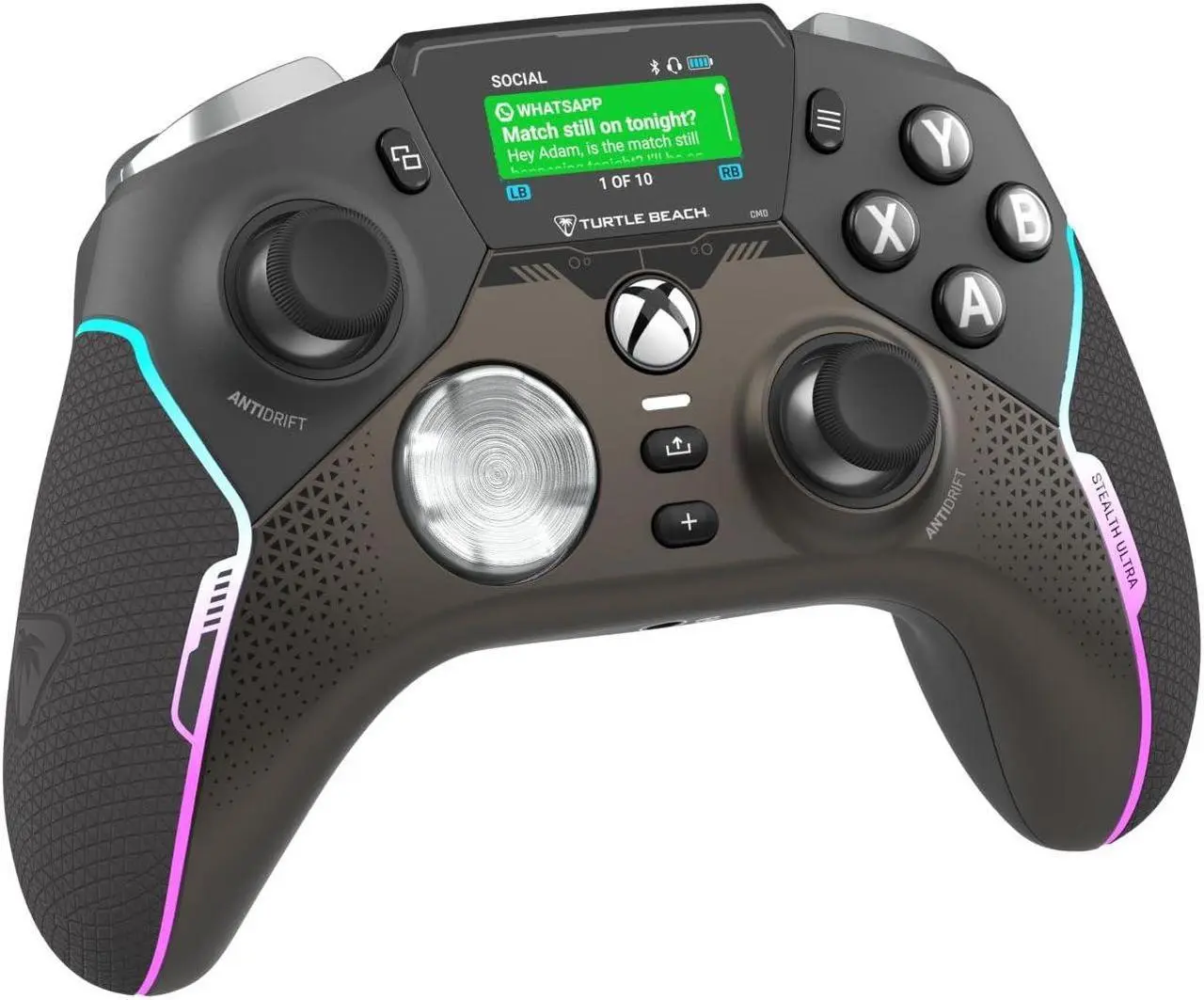
The Turtle Beach Stealth Ultra comes with a unique feature, a colorful LED display, that makes it look unique very different from other game controllers available on the market. It’s also really useful addition because it makes it easier than ever to change your controller settings. This is a fantastic option if you have the extra money to spend and is willing to pay a bit more for the vast amount of additional capabilities.

Nothing compares to the satisfaction of pressing a tactile, ‘clicky’ switch, and the Stealth Ultra’s face buttons are some of the greatest. If you’re on a limited budget, there are alternative options. Proper swappable thumb sticks are a better option than the provided thumbstick caps. Instead, get an Xbox Elite Series 2 if this feature is important to you.

Overall, the Turtle Beach Stealth Ultra stands out above the rest thanks to its buttons, thumb sticks, and the colorful display. But the frustrating and buggy software is a letdown from it becoming the best.  


9 – Razer Kitsune

Best PC Game Controller for Tournaments

4.5 ★★★★⯪ 


PROS

  • Fast input speed
  • Lightweight & portable
  • Great RGB design
  • Razer skins available for customization

CONS

  • Wired version only 
  • Needs time to get used to it

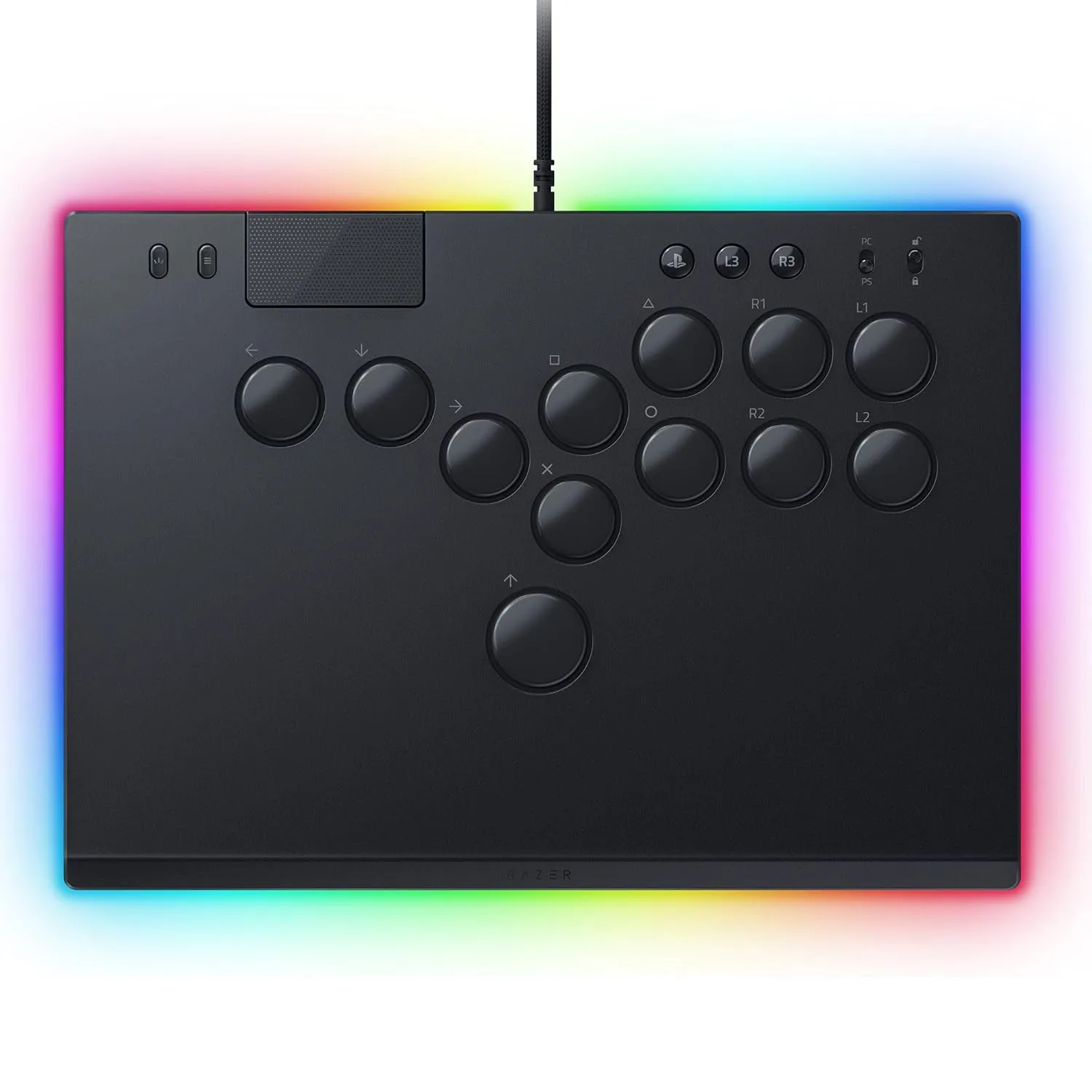
Do yourself a favor and get an arcade stick if you enjoy playing fighting or arcade games on console. But for PC gamers, get the Razer Kitsune game controller. With its “stickless” D-pad design, the controller features buttons that move in all directions. There are benefits, such as a faster input speed (milliseconds count in fighting games), improved precision, and simpler execution of certain maneuvers, but it could take some getting accustomed to. This PlayStation-licensed device has all the extra buttons you need to knock-out opponents in addition to the directional controls. 

It’s lightweight and portable enough to move around to tournaments and competitions. It’s the perfect size to allows for both hands to rest comfortably on it too. You can even customize the look of the controller by adding a ‘Razer skin‘ to give it personality. Despite this, the controller still feels solid and long-lasting, and the optical switches on the buttons are surprisingly quiet and responsive. You may hot-swap those buttons to get a different sensation. In order to keep you from unintentionally losing, Razer also adds a tournament lock and a dazzling light strip across the controller’s edge. Just to add to the design flair. 

Overall, the Kitsune is a perfect game controller for PC gamers that love playing fighting games. It’s fast, unique, portable, comes with great features, and looks great as well. Once you get used to it, you’ll never need another gaming arcade stick for PC.


Choose Your Controller

Choosing one of the best PC game controllers will not only make you a better gamer, but can significantly enhance your overall gaming experience. If you consider one of these factors such as comfort, performance, and compatibility, you can find the perfect controller to suit all your gaming needs. It doesn’t really matter whether you like wired or wireless PC game controllers, I’m sure these at least one controller on this list that will elevate your gaming sessions. 

After all that, it’s time to have your say. Which one of theses PC game controller on the list catchers your eye? Are you encouraged to buy one? What are you preferences to getting a controller? Leave us a comment here below. And if you want to find out more tech and gadgets, check the rest of the Wild Break Tech website and see what else grabs you eye. That’s all from us. Keep safe until next time 😀