
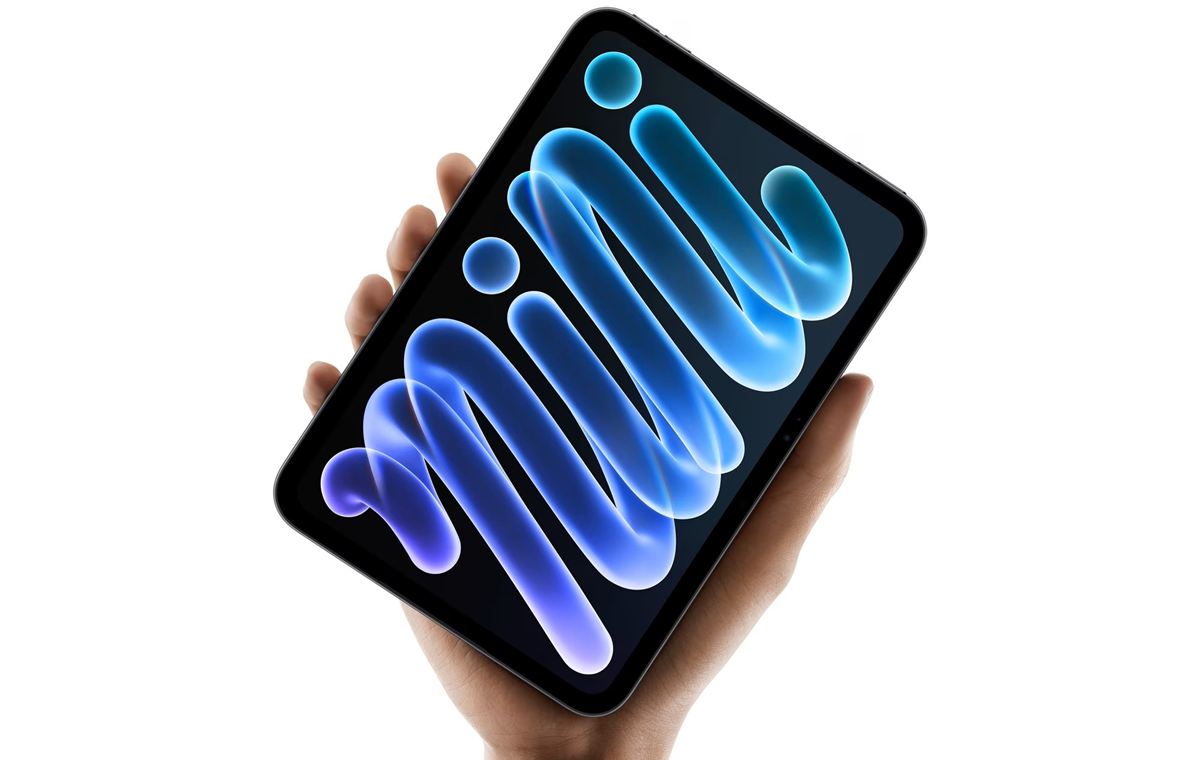
Apple iPad Mini (A20 Pro)


Pros
- Impressive OLED display
- Impressive performance
- Slim and lightweight
- Comes with water/dust resistance
- Better camera & audio
Cons
- Very expensive
- OLED display with 60Hz
- No Face ID
- Battery life good but not great
apple ipad mini a20 pro
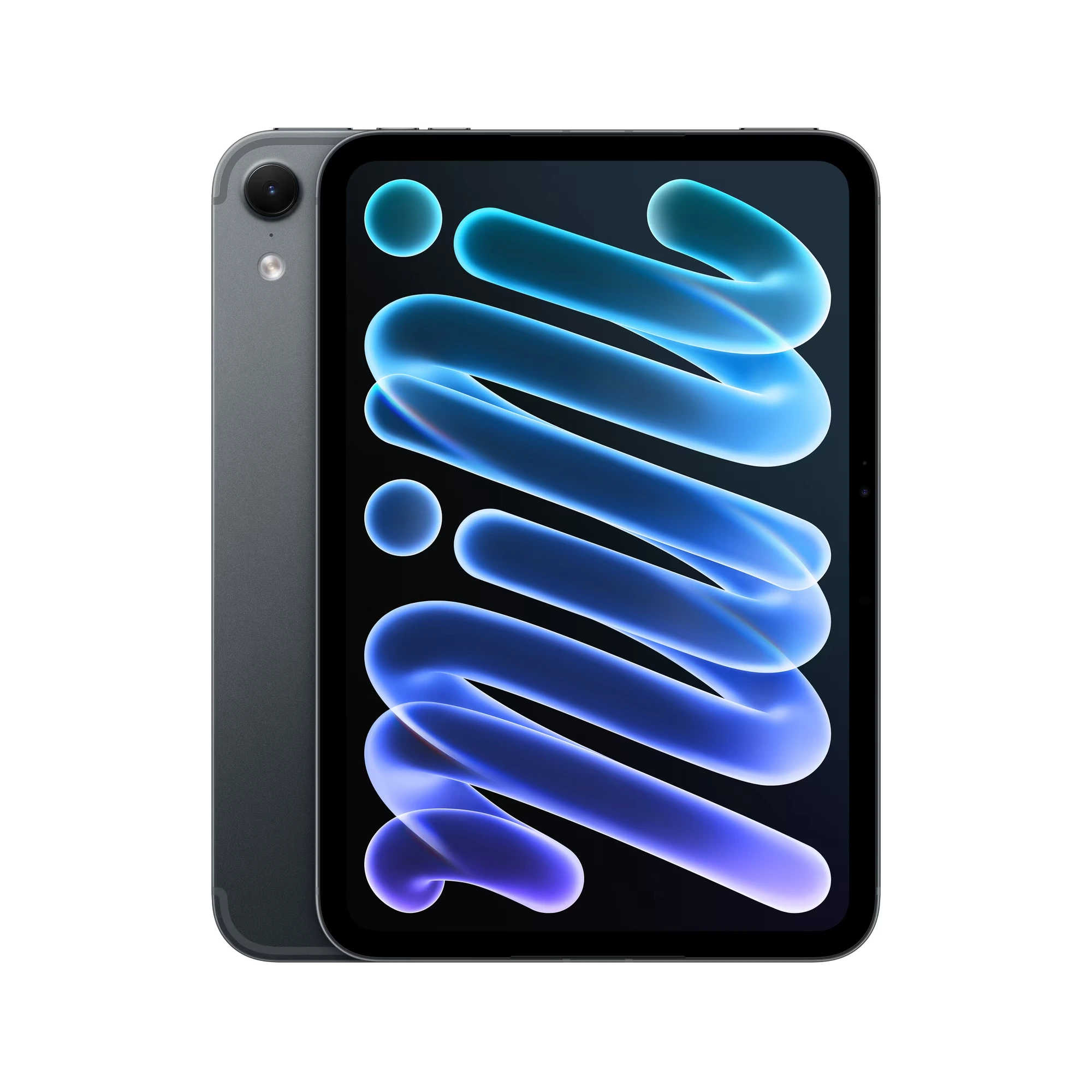

Apple iPad Mini (2026)
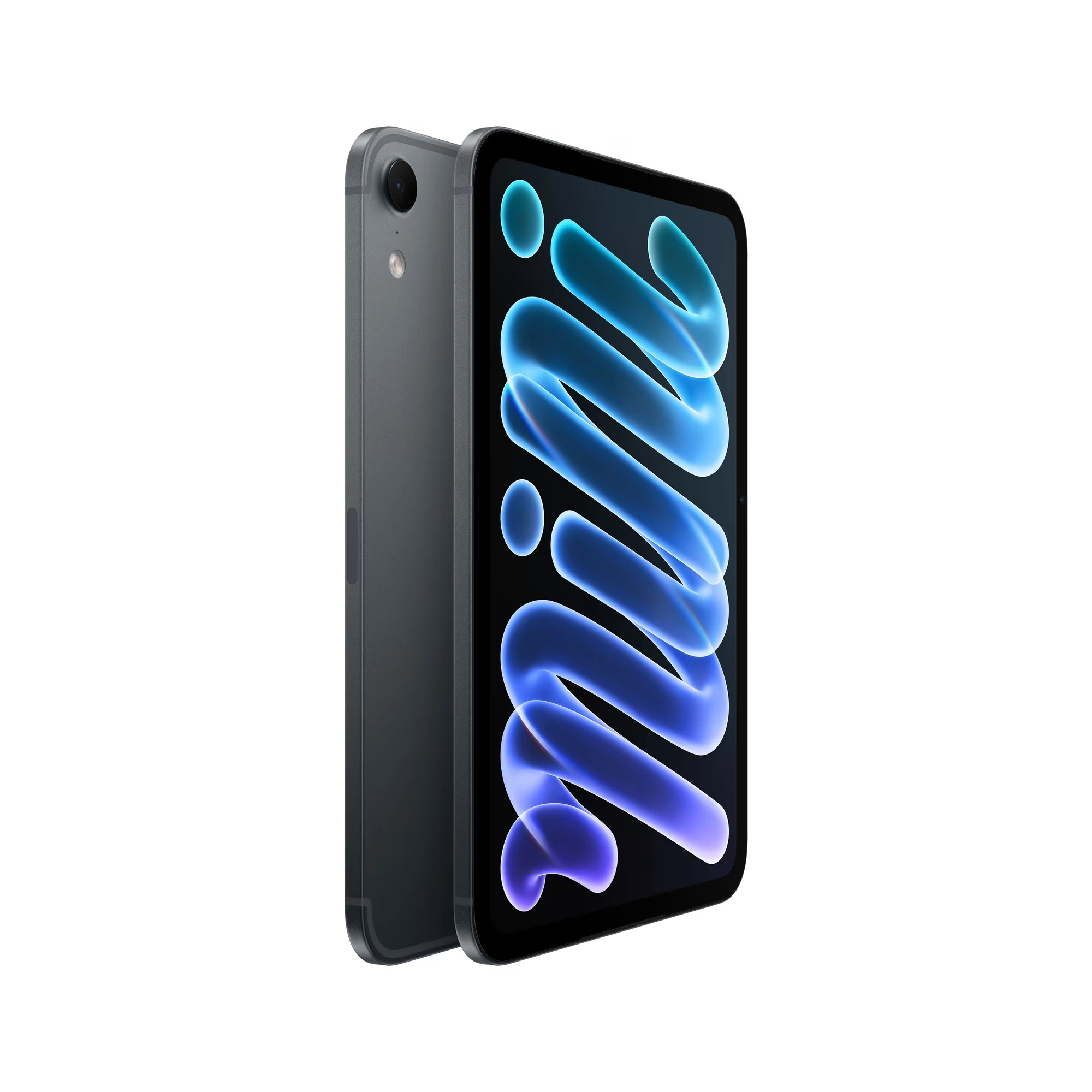
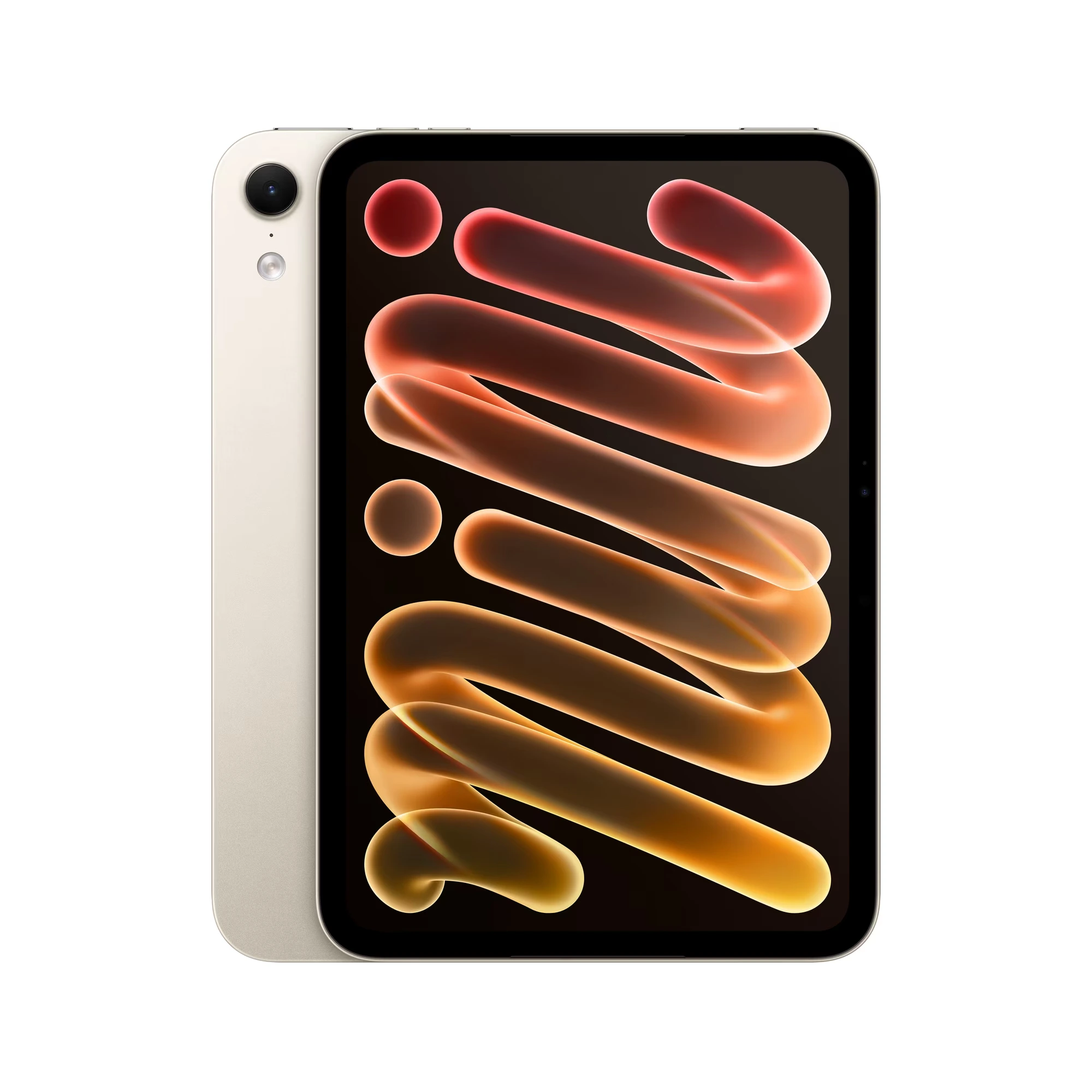


Verdict Summary
The new iPad Mini is one of the best looking, fast performing tablets or iPad this year. However, not every one will experience it as the high price, and the low refresh rate will leave many looking elsewhere.
Overview
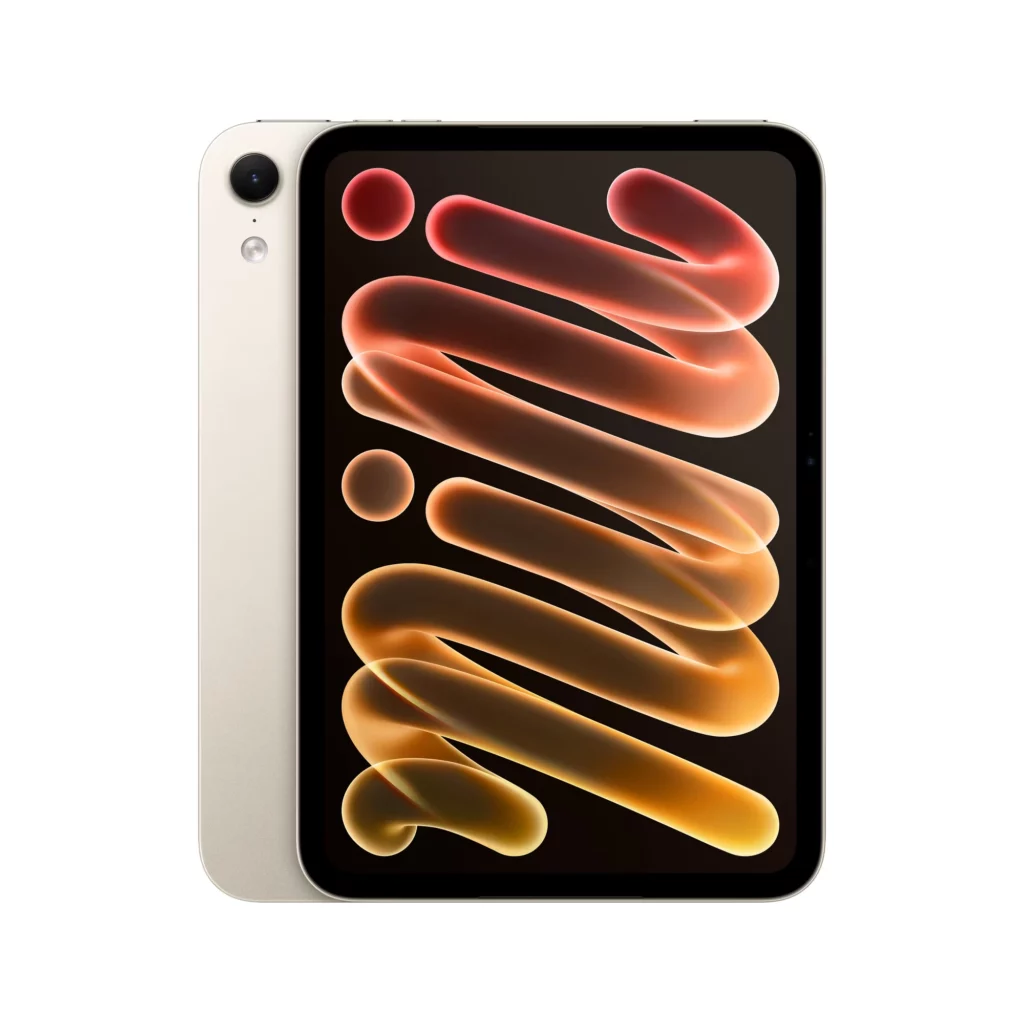
Apple finally gave its smallest tablet the overhaul we’ve been waiting years to see. The new iPad Mini (2026) aka Apple iPad Mini 8 (A20 Pro), is Apple’s ultra-compact, pocket-sized tablet designed for reading, gaming, and working on the go. It packs flagship-level hardware into a sleek aluminum frame that weighs barely half a pound.
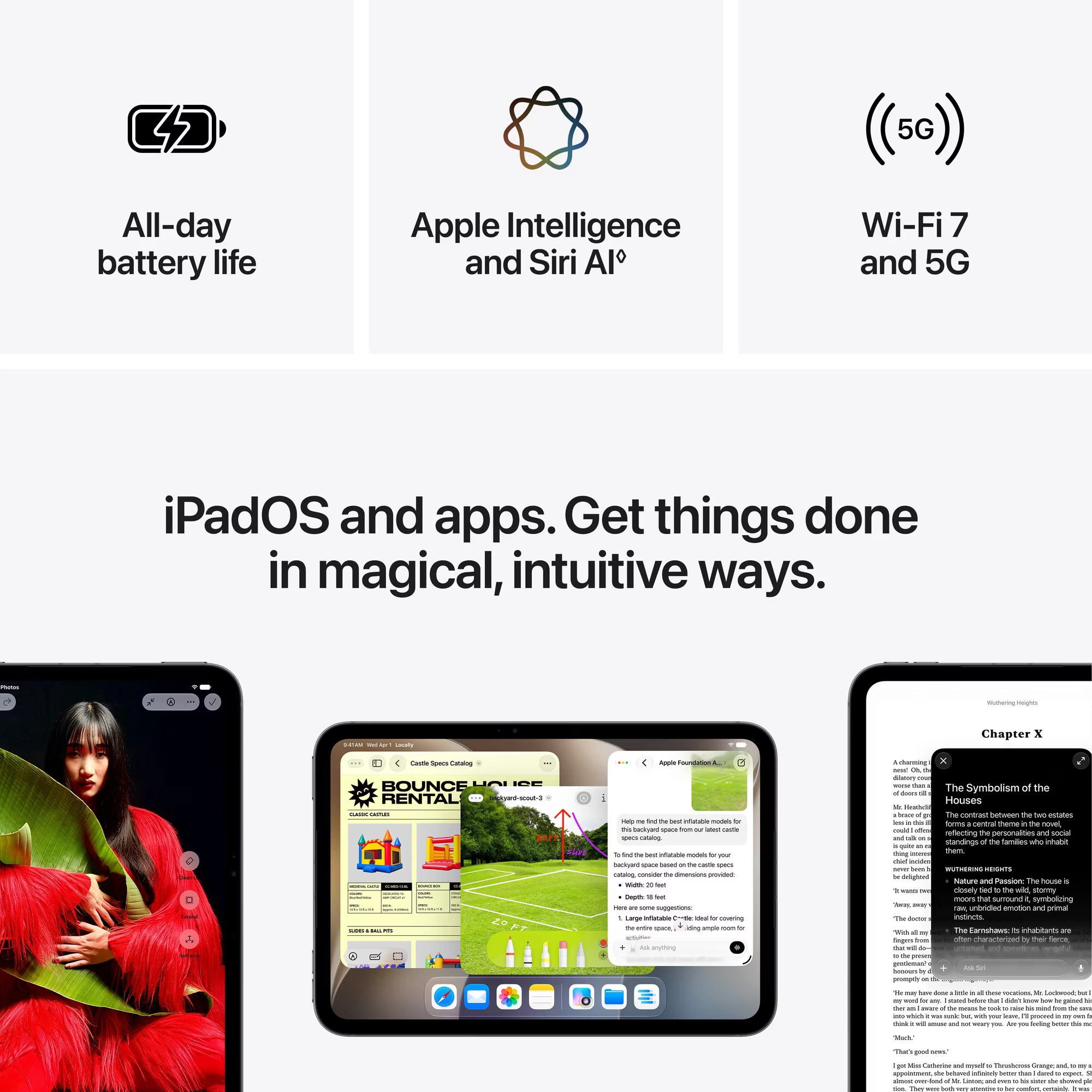
Its best features start with a gorgeous 8.5-inch OLED screen that delivers deep blacks and vibrant colors. Under the hood, the new A20 Pro chip handles demanding creative apps and local AI tasks without breaking a sweat. Apple also added an IP67 dust and water resistance rating, making this the very first iPad you can safely take by the pool.
Compared to the 2024 model, the upgrades are immediately obvious. Apple trimmed the bezels by 24 percent to fit a larger screen into the exact same footprint. The body is noticeably thinner at just 5.4 millimeters. Performance jumps dramatically over the older A17 Pro chip, and you now get 12GB of RAM for smoother multitasking. Even the speakers got a clever redesign, hiding behind the glass for clearer audio.
Picking it up for the first time, I was shocked by how light it feels in one hand. The OLED screen makes everything pop, though I still wish Apple had included a 120Hz refresh rate for smoother scrolling. Even with the higher price tag, my first impression is that this is easily the most exciting small tablet on the market.
Specs – iPad Mini (2026)
- Display: 8.5-inch Super Retina XDR OLED, 1512 x 2316 screen resolution
- Processor: Apple A20 Pro | 5-core (128GB/256GB) or 6-core (512GB)
- Graphics: Apple GPU (7-core)
- Memory: 12GB RAM
- Storage: 128GB/256GB/512GB
- OS: iPadOS 27.2
- Main Camera: 12MP wide, up to 4K video at 60 fps, Center Stage Camera
- Selfie Camera: 12MP ultra-wide, up to 1080p video at 60 fps
- Battery: 4900mAh
- Other: Available in Wi-Fi and Cellular models | IP67 water and dust resistance | Wi-Fi 7, Bluetooth 6.0, USB Type-C | Colors include Midnight and Starlight | Apple Pencil and Bluetooth Keyboard support | eSIM (cellular model only) | weighs 255 g (Wi-Fi model) and 263 g (Wi-Fi + cellular model)

Best Features
1. Stunning 8.5-Inch OLED Display
The biggest upgrade on this tablet is easily the new Super Retina XDR OLED screen. Blacks look truly ink-black instead of dark gray, and colors pop off the glass. Apple trimmed the bezels to fit a larger 8.5-inch panel into the same compact frame. It also reaches 1,200 nits of peak brightness, which makes reading outside in bright sunlight effortless. If you spend extra on the higher storage tiers, you can even add a nano-texture glass finish to cut down glare.
2. Blazing A20 Pro Performance
Under the hood, the new 2-nanometer A20 Pro chip turns this little tablet into a legitimate powerhouse. Apps open instantly, and heavy games run smoothly with hardware-accelerated ray tracing. With 12GB of RAM, I can jump between multiple split-screen windows without any stutter. It also tears through local AI tasks and photo edits way faster than the previous model.
3. Ultra-Thin and Lightweight Design
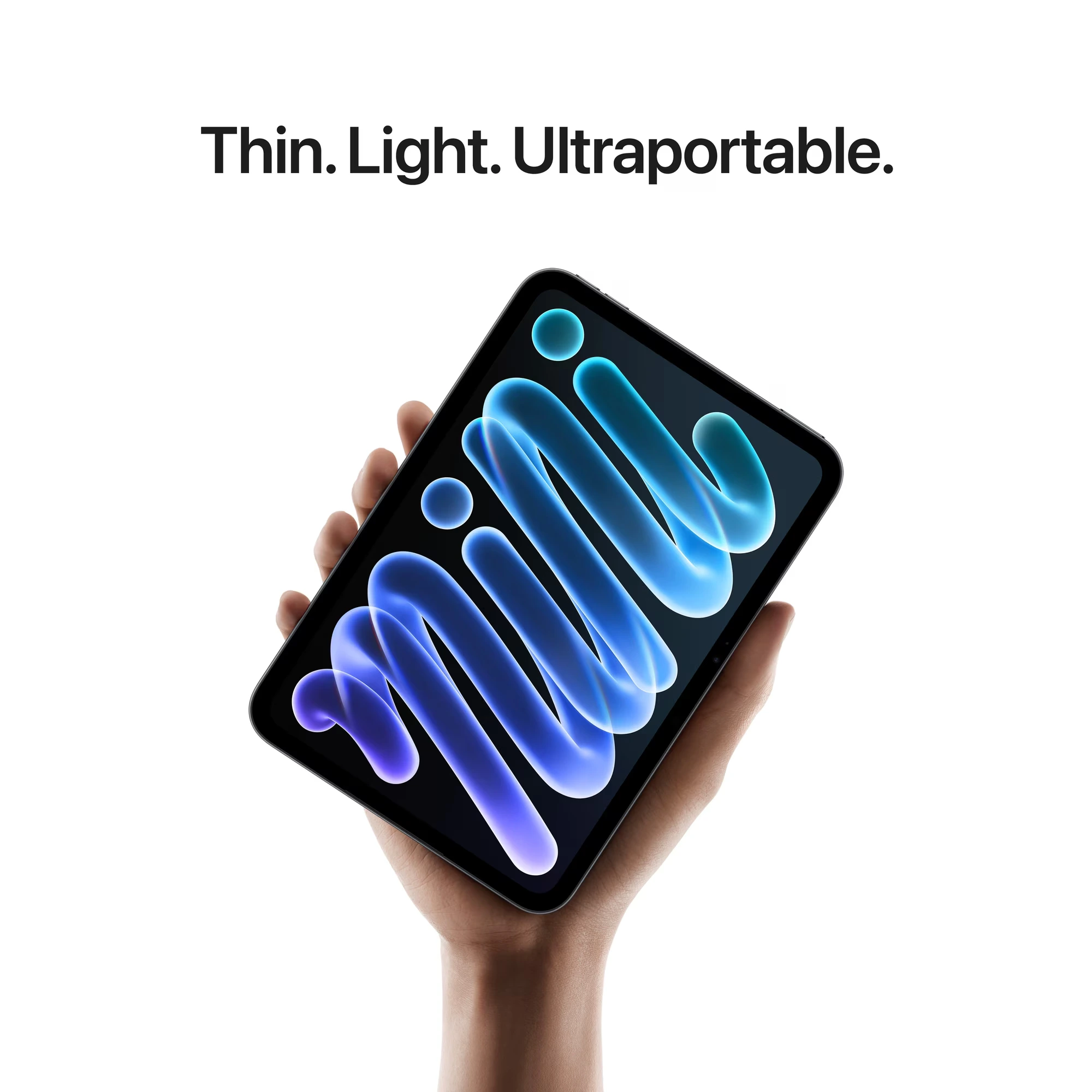
At just 5.4 millimeters thin and weighing only 255 grams, this tablet barely feels like anything in my bag. I can easily hold it in one hand for an hour-long reading session without my wrist getting tired. It slides right into a small sling bag or a large jacket pocket. Apple nailed the balance between screen size and true grab-and-go portability.
4. First-Ever IP67 Water Resistance
For the first time in iPad history, Apple added an official IP67 dust and water resistance rating. I no longer have to panic when I take my tablet near the pool or use it in the kitchen. It can survive accidental spills and even brief submersion in water. That extra peace of mind makes it a much better travel companion.
5. Landscape Camera and Hidden Speakers
Apple finally moved the 12MP front camera to the landscape edge. Video calls feel much more natural now because I am actually looking straight at the screen instead of off to the side. The speakers also got a clever update and now sit hidden beneath the display glass. Without visible speaker holes on the frame, the stereo sound feels cleaner and easily fills a small room.

Deal Breakers
1. Steep $699 Starting Price
The hardest pill to swallow with this tablet is the massive price jump. At $699 for the base 128GB model, it costs $200 more than the previous generation. That puts it dangerously close to the larger 11-inch iPad Air with an M4 chip. Once you add an Apple Pencil Pro or a case, the total bill feels tough to justify for a secondary device.
2. Stuck at a 60Hz Refresh Rate
Apple finally gave us a gorgeous OLED panel, yet left out a smooth 120Hz ProMotion refresh rate. If you use a modern iPhone Pro or an Android gaming tablet, scrolling through long web pages feels noticeably choppy. Even budget tablets cost half as much and give you a faster screen today. For a $699 tablet in 2026, 60Hz feels like a deliberate holdback.
3. Still No Face ID or Official Keyboard
Instead of Face ID, you still have to rely on the Touch ID sensor built into the top power button. It works fine, though unlocking the tablet feels slower when it sits flat on a desk. Apple also still refuses to make a first-party keyboard folio for the Mini. You can pair a third-party Bluetooth keyboard, but typing on cramped keys never feels quite right.
4. Boring Color Choices
If you loved the playful purple and blue shades from previous models, you’re out of luck. Apple only sells this generation in Midnight and Starlight, which feels surprisingly dull.
5. Average Battery Life
Battery life also stays stuck around the usual 10-hour mark for web browsing. Heavy gaming drains it much faster, and you have to buy a 35W charger separately if you want fast charging.
Alternatives
1. iPad Air 11-inch (M4)
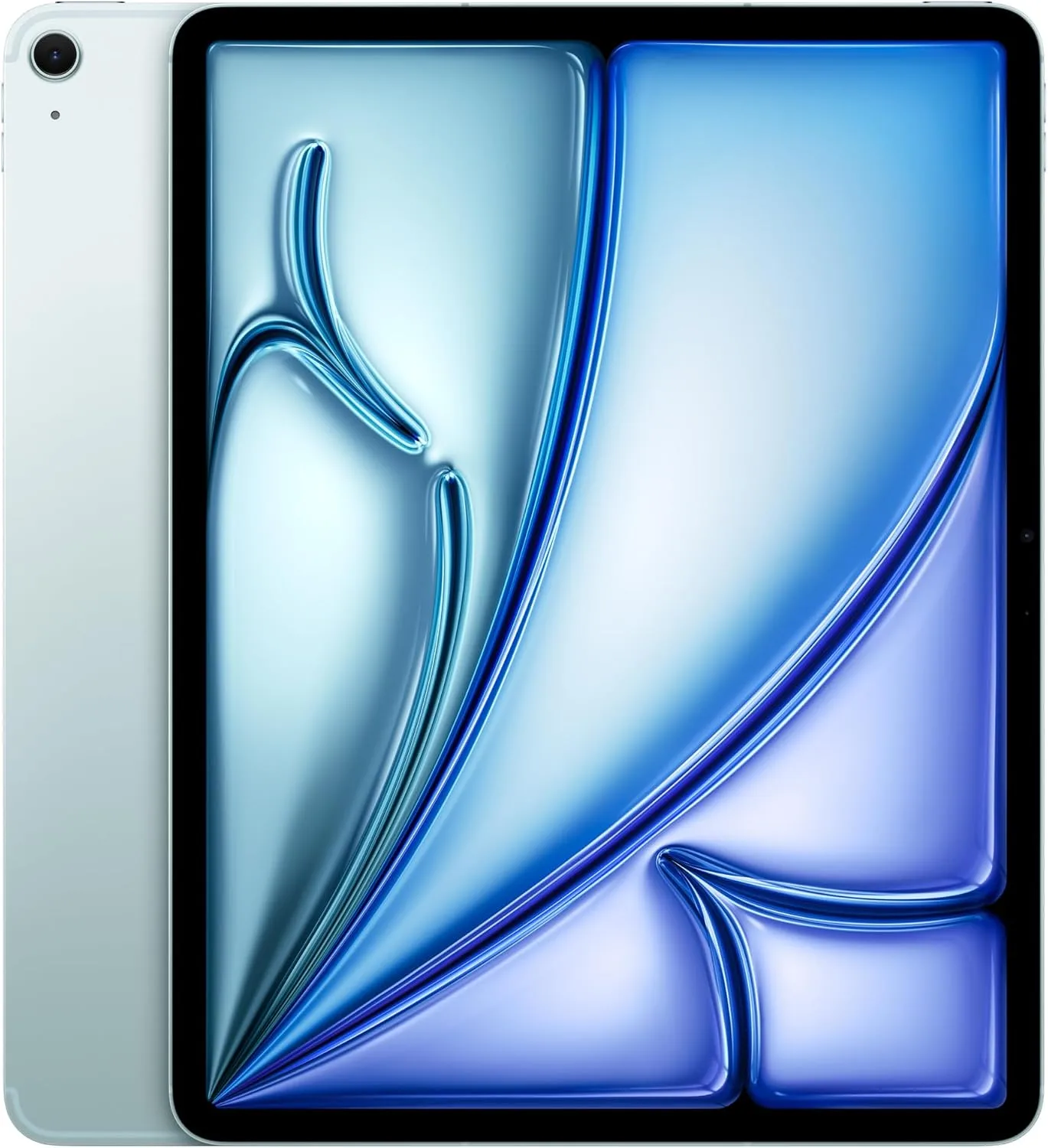

If you want more versatility for your money, the 11-inch iPad Air with the M4 chip is easily the smarter buy. It starts at $599 for the base 128GB model, which actually saves you $100 compared to the new iPad Mini. Even though it costs less, you get a much larger 11-inch screen that makes split-screen multitasking feel natural instead of cramped. Inside, the desktop-class M4 chip packs serious power for heavy video editing, graphic design, and demanding games. It also comes with 12GB of RAM, matching the Mini for smooth app switching.
Where the Air really pulls ahead is productivity. You can snap it onto Apple’s Magic Keyboard to get a full typing experience with a trackpad and function keys. That turns the tablet into a legitimate laptop replacement for writing or answering emails on the go. Plus, it gives you way more fun color options like Blue and Purple instead of just Midnight and Starlight. Unless you strictly need a tablet that fits in a coat pocket, the M4 iPad Air gives you a bigger screen, better accessories, and more power for less cash.
2. iPad Pro 11-inch (M5)
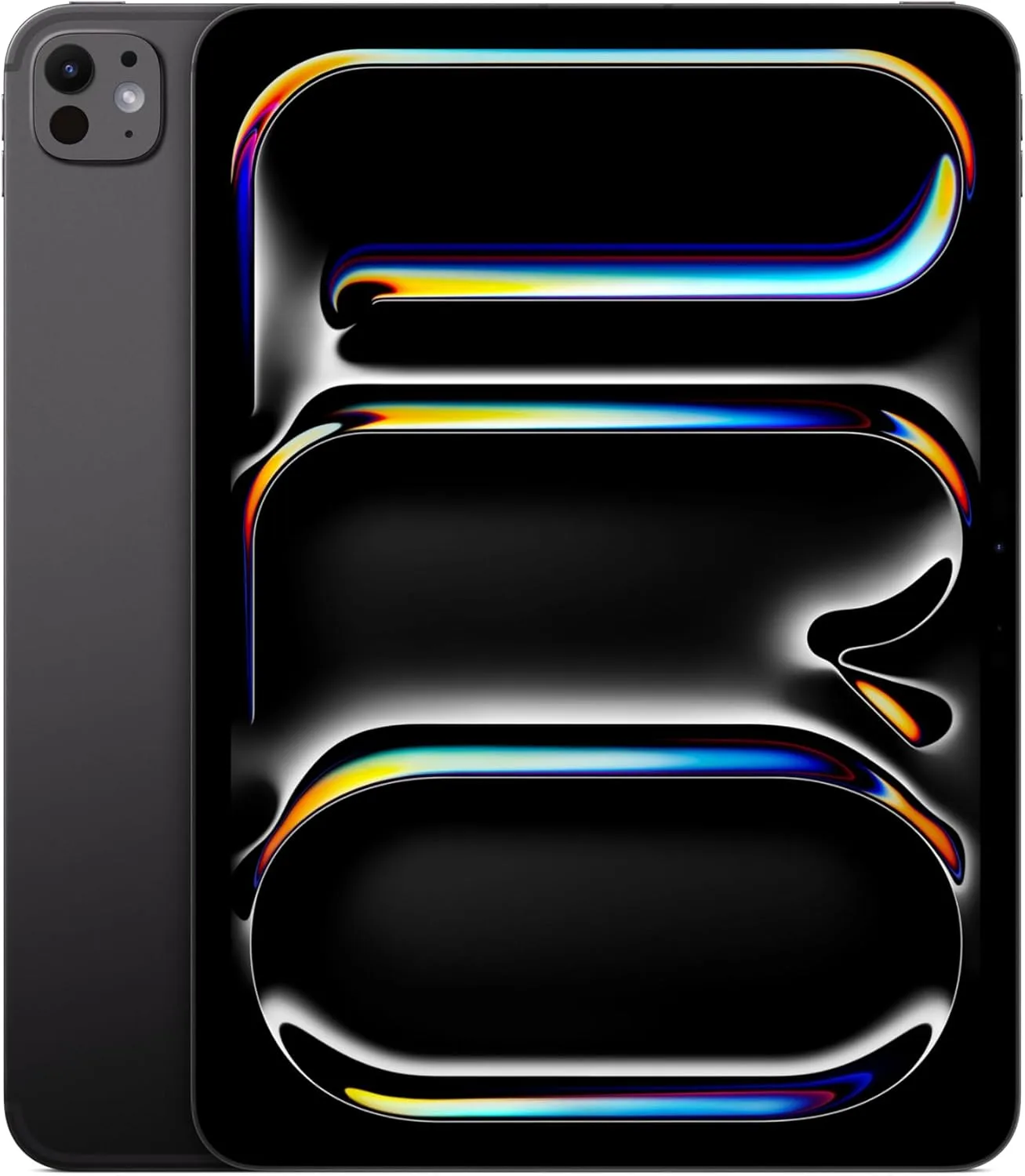

If you want the absolute best tablet experience without compromises, the 11-inch iPad Pro with the M5 chip leaves the iPad Mini in the dust. While the new Mini costs $699, spending $999 on the base 11-inch iPad Pro gets you double the starting storage at 256GB and a vastly superior screen. Its Tandem OLED display runs at a silky-smooth 120Hz ProMotion refresh rate and hits 1,600 nits of peak HDR brightness, making the Mini’s 60Hz screen look dated right next to it. Under the hood, the M5 chip crushes heavy multi-core workloads like 4K video editing and 3D rendering far better than the Mini’s A20 Pro.
You also get true pro-level extras that the Mini simply lacks. The iPad Pro unlocks instantly with Face ID, pumps out richer audio from four speakers, and features a high-speed Thunderbolt port for external monitors and fast SSDs. Plus, it pairs seamlessly with Apple’s aluminum Magic Keyboard. Even though it is slightly thinner at 5.3 millimeters, it feels like a genuine mobile workstation rather than just a pocket companion.
3. iPad Mini (2024)
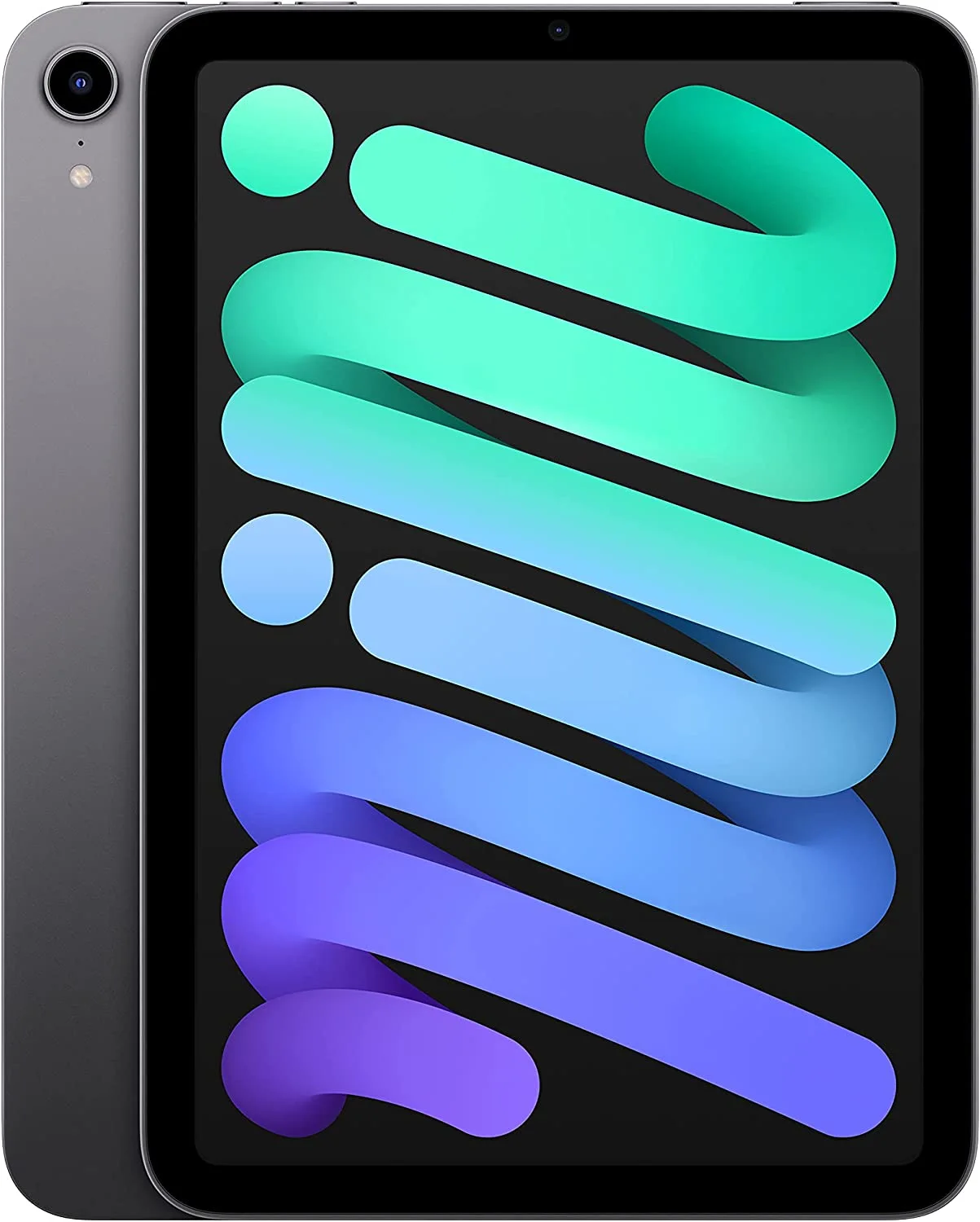

If you want that exact pocket-sized portability without the steep price hike, the iPad mini (2024) is still the best value in Apple’s lineup. Even though Apple discontinued it, retailers are clearing out remaining stock for well under the new model’s $699 starting price. You can easily find the 128GB Wi-Fi model around $500 to $545, saving you up to $200 right off the bat. For that lower price, you still get the exact same ultra-compact footprint and full support for the Apple Pencil Pro.
Inside, the A17 Pro chip with 8GB of RAM still handles everyday reading, streaming, note-taking, and Apple Intelligence features without breaking a sweat. Both tablets also share the exact same ten-hour battery life, Touch ID button, and 60Hz refresh rate. Plus, the 2024 model comes in much better colors like Blue and Purple instead of just Midnight and Starlight. Unless you truly need an OLED screen or water resistance, buying the discounted 2024 iPad mini gives you nearly the same daily experience for way less cash.
Final Verdict
The iPad mini (2026) is easily the best small tablet Apple has ever built, yet its steep $699 price tag makes it a tough recommendation for everyone. If you want maximum portability without sacrificing speed, this tiny powerhouse delivers in almost every way. The 8.5-inch OLED screen looks gorgeous, the 5.4mm frame feels weightless in one hand, and the A20 Pro chip handles demanding apps with ease. Adding IP67 water resistance also makes it the ultimate travel and poolside companion.
Still, holding back a 120Hz display at this price point stings. Most people who want a larger screen for split-screen work or a Magic Keyboard will get better value from the 11-inch iPad Air (M4). Power users who want zero compromises should step up to the 11-inch iPad Pro (M5), while bargain hunters can save serious money on a discounted 2024 iPad mini.
Buy it if:
Don’t buy it if:
- You refuse to pay $699 for a tablet that is still stuck with a 60Hz refresh rate.
- You want a larger screen for comfortable split-screen multitasking or typing on an official Magic Keyboard.
- You only need a basic e-reader and can save up to $200 on a discounted 2024 iPad mini instead.
Buy the new iPad Mini (2026) HERE if you crave an ultra-lightweight OLED tablet for reading, sketching, and gaming anywhere. Skip it if you want a laptop replacement or refuse to pay flagship prices for a 60Hz screen. Let’s hear from you. What are your impressions on the new iPad Mini? Do you think it worth the purchase? What’s favorite tablet or iPad at the moment. Leave your comments, or questions at the comments section below 😎