
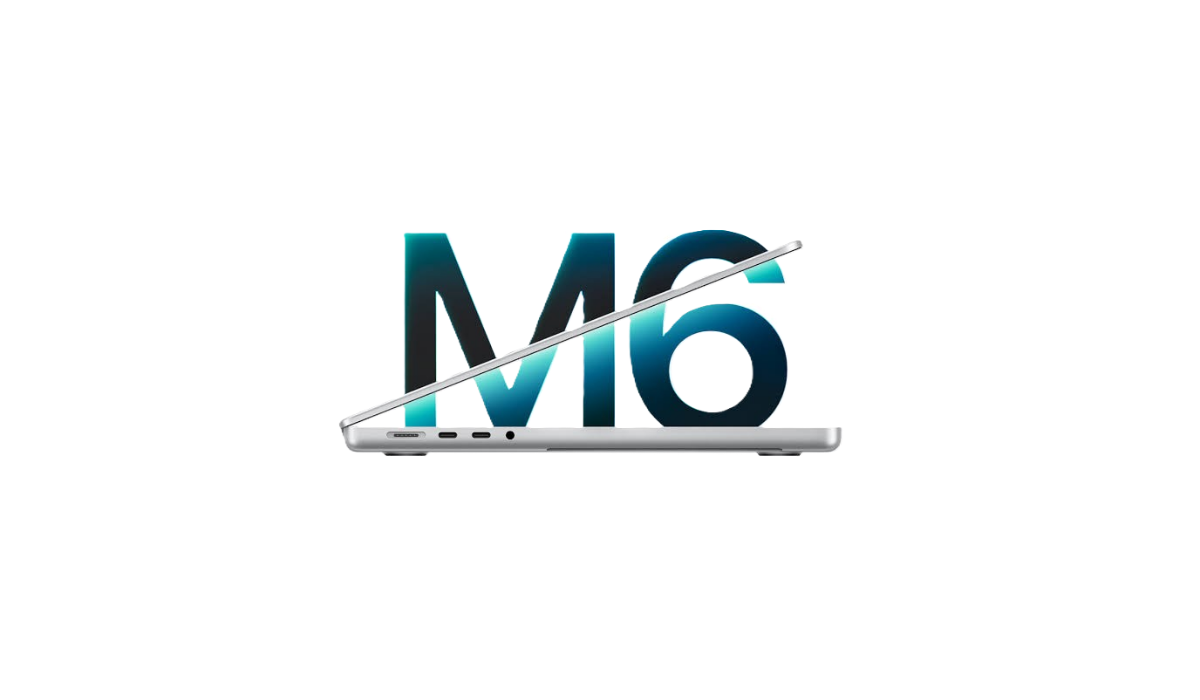

Apple MacBook Pro M6 (2026)

Pros
- Come with impressive base specs
- Impressive chipset performance
- Solid build
- Impressively bright display with great graphics
- Upgraded Wi-Fi 7
Cons
- Expensive
- MacBook design still the same
- Memory & storage upgrades more expensive
- No power charger included

Apple MacBook Pro M6 (2026)


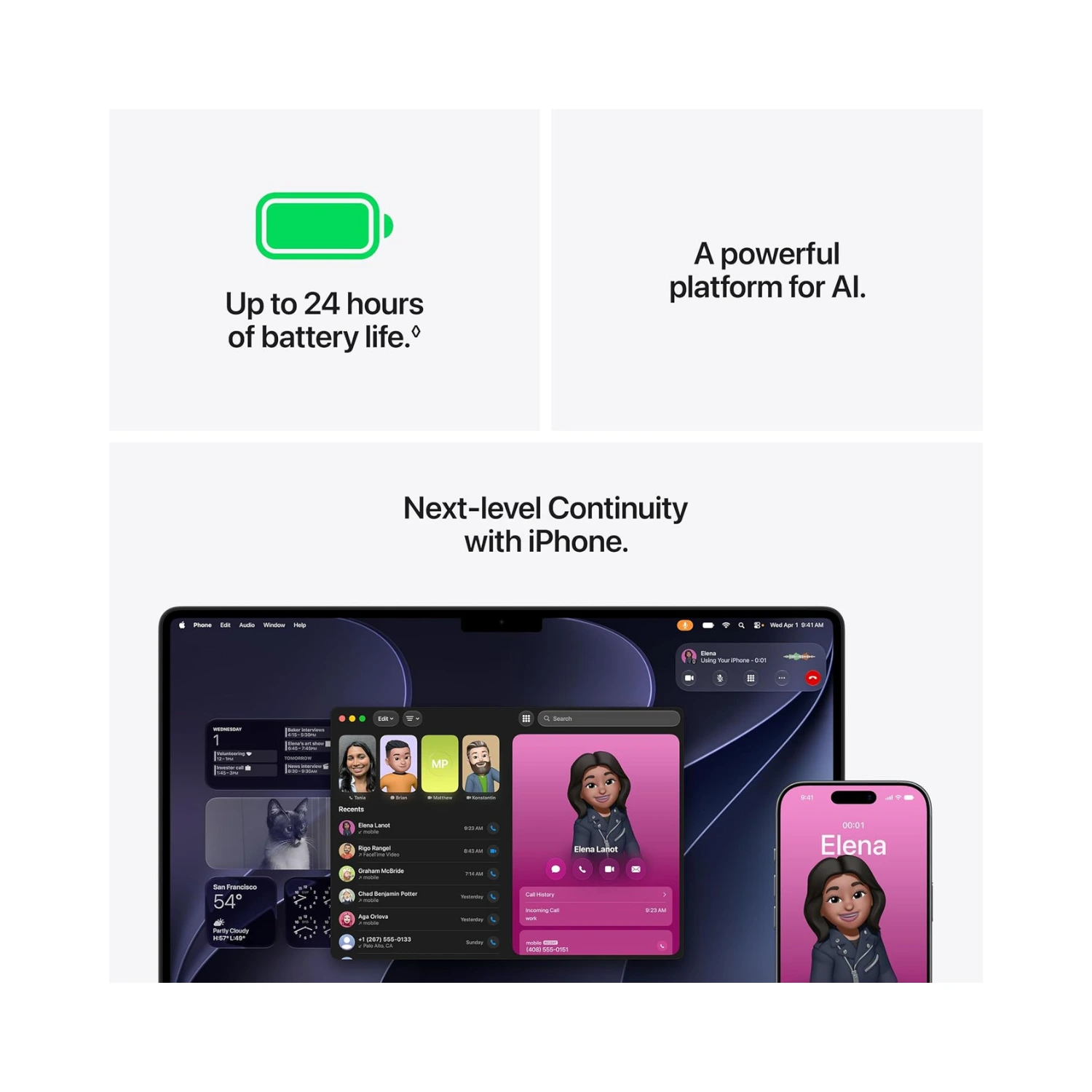



Quick Verdict
The new MacBook Pro M6 from Apple is a quiet powerhouse that keeps a familiar design while hiding a massive speed boost under the hood. It’s built for raw performance and incredible battery life, but it plays it very safe on the outside.
Overview

Apple just dropped a brand-new laptop, and if you blinked, you might think they forgot to change the outside. Meet the new Apple MacBook Pro powered by the powerful M6 chip. It looks identical to the machine you saw last year. It has the same aluminum shell, the same gorgeous screen, and the same ports. But inside, Apple gave its popular Pro laptop a quiet powerhouse upgrade.
This laptop is Apple’s workhorse machine built for creators, coders, and anyone who wants heavy-duty performance without moving up to a massive desktop. At its brain sits the brand-new M6 processor. Instead of the older layout, the M6 brings a 12-core CPU and a 12-core GPU to the table. That’s a jump from the 10 cores found in the previous M5 model. Apple also packed in a dual 16-core Neural Engine to supercharge AI tasks and machine learning. Another big hidden upgrade is wireless connectivity. The M6 version jumps to Wi-Fi 7 and Bluetooth 6.0, meaning your wireless connection is faster and ready for the future.
When you put it side by side with the older M5 MacBook Pro, the physical body has not changed at all. It weighs the same, measures the same thickness, and keeps the exact same sharp Liquid Retina XDR display. The real differences are under the hood. The new M6 processor delivers noticeably faster graphics and handles heavy multi-core tasks with extra breathing room. It feels snappy, runs cool thanks to active fan cooling, and chews through heavy video edits or coding loops without breaking a sweat. Battery life remains phenomenal, easily stretching through long workdays.
Overall, my first impressions are mixed but mostly positive. On one hand, it feels a bit safe because Apple kept the exact same design. If you already own a recent M-series MacBook Pro, you don’t need to rush out and upgrade. But if you’re coming from an older Mac or an aging Intel laptop, this machine is an absolute rocket. It keeps everything people love about the Pro line—like great speakers, a comfortable keyboard, and plenty of ports—while adding quiet power under the hood.
Specifications – Apple MacBook Pro M6
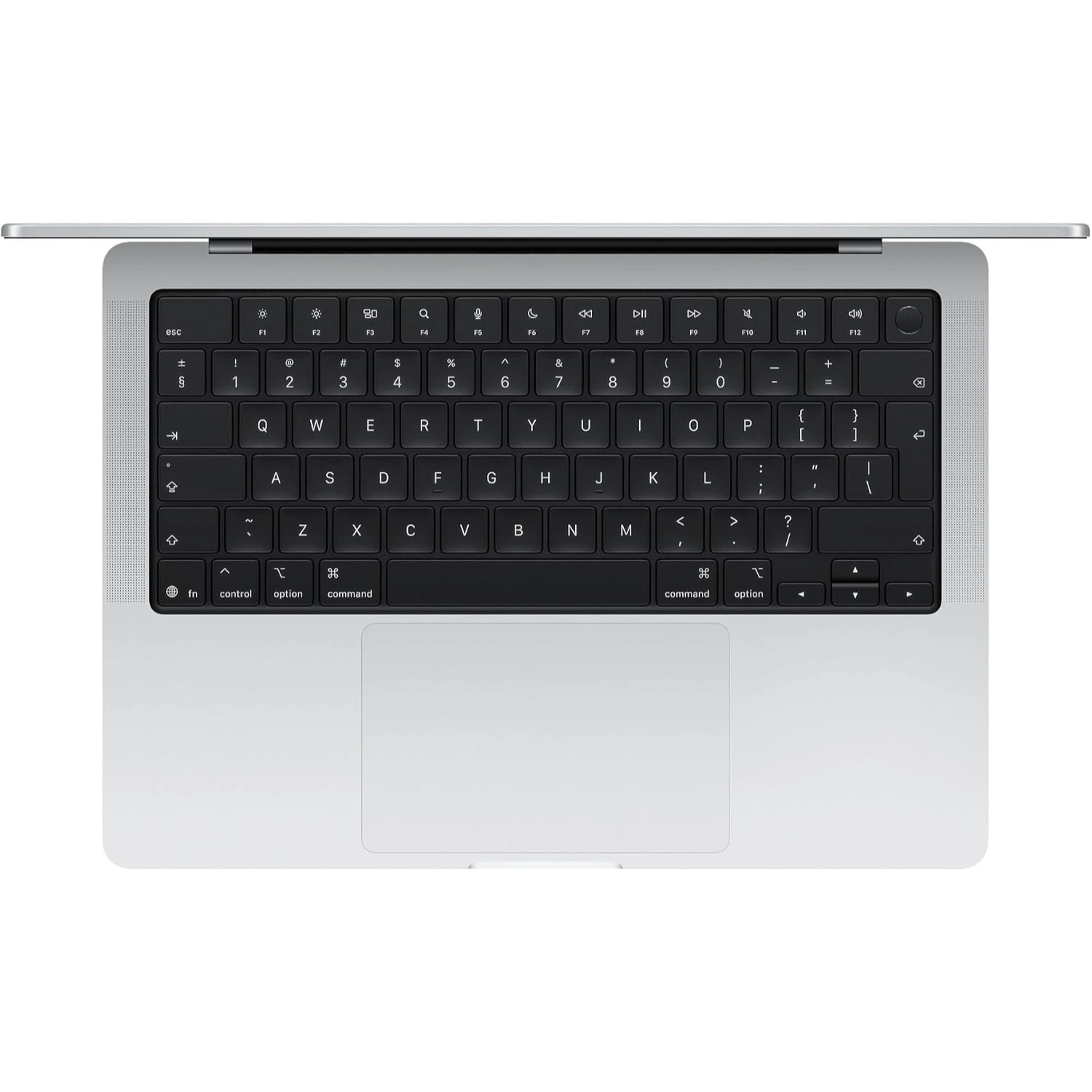
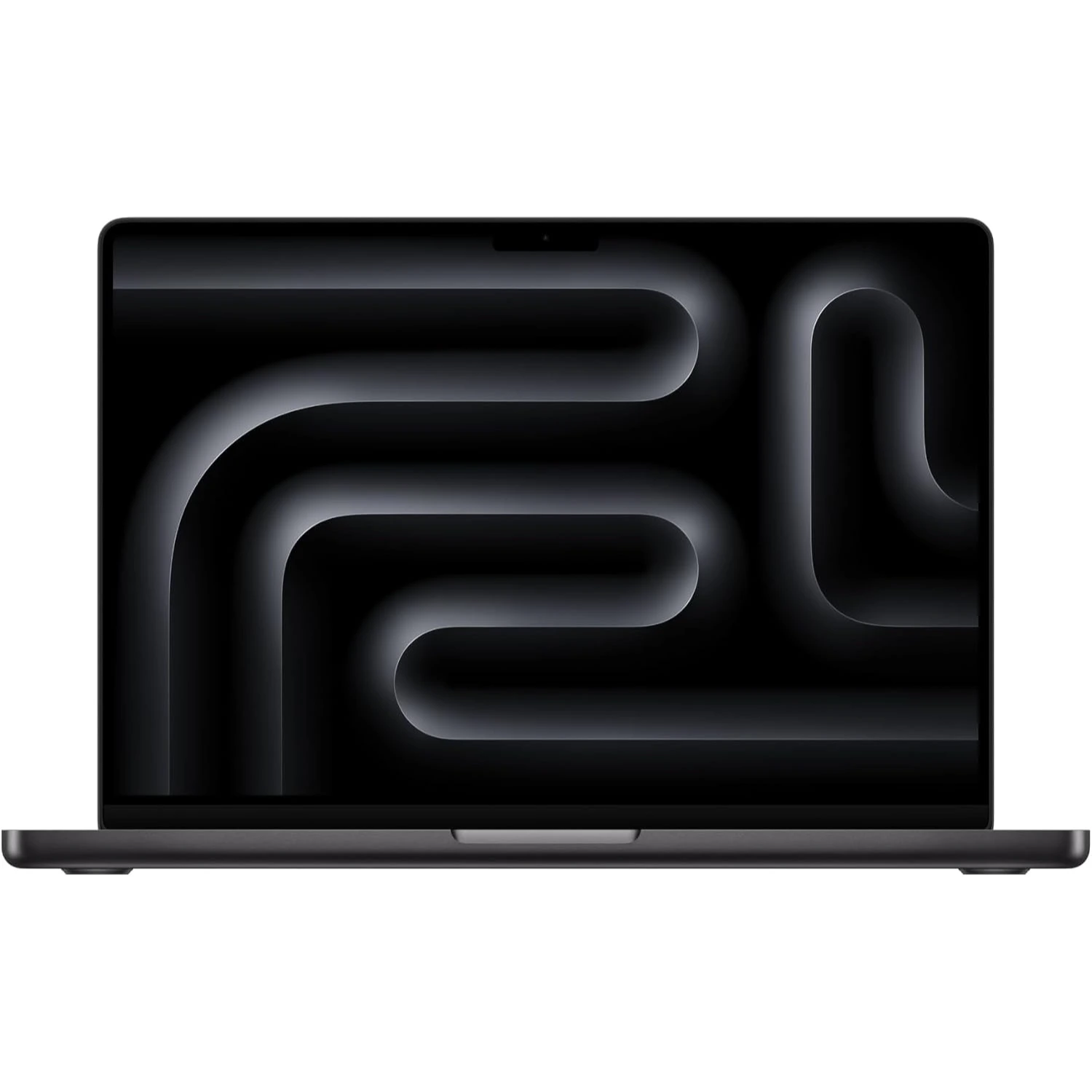
- Display: 14.2-inch Liquid Retina XDR, 120Hz refresh rate, 3024 x 1964 pixels screen resolution
- Processor: Apple M6 (12-core); dual 16-core Neural Engine for AI tasks
- Graphics: Apple GPU (12-core)
- Memory: 16GB / 24GB / 32GB
- Storage: 1TB SSD
- OS: macOS with Apple Intelligence
- Battery: 72.4-watt-hr, supports fast charging, up to a 96W power adapter
- Ports: 3x Thunderbolt 4 (USB-C); 1x MagSafe 3; 1x SDXC slot; 1x HDMI 2.1; 1x Headphone jack
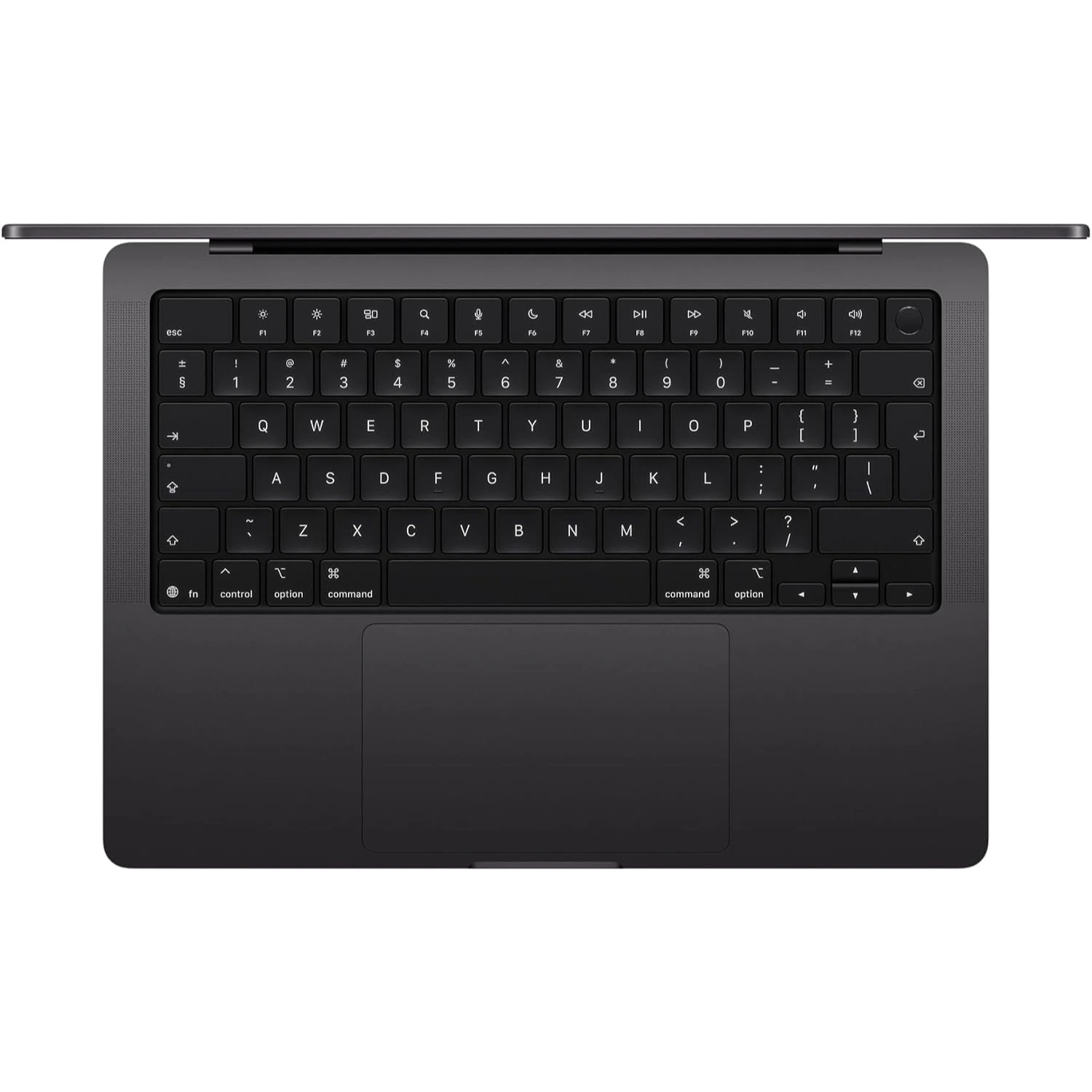
- Other: Bluetooth 6.0, Wi-Fi 7; Colors include Space Black and Silver; weighs 2.34 kg (5.16 lbs.); 12MP Center Stage camera
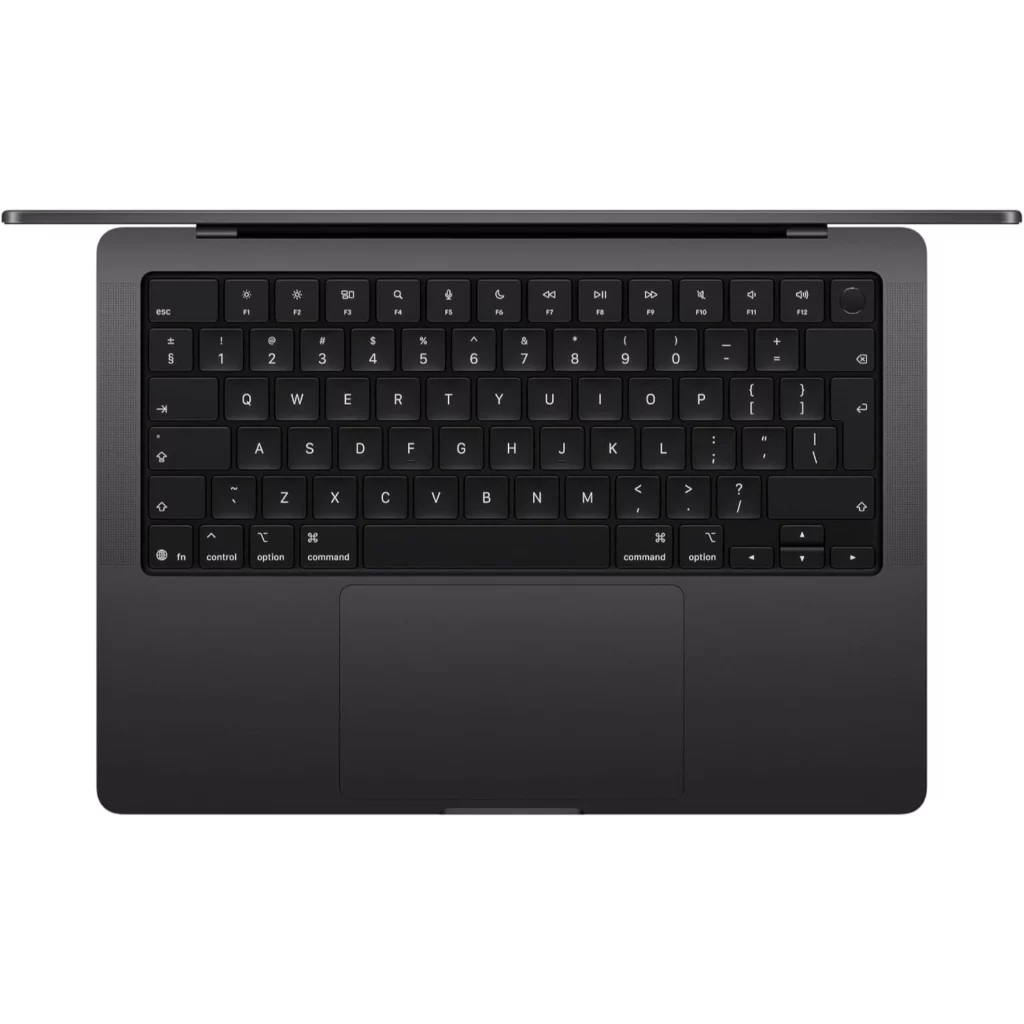
Best Features
Apple packed some serious upgrades into the latest machine, but you have to look past the familiar shell to find them. Here is a close look at what makes this laptop tick.
1) The new M6 chipset
The biggest reason this laptop exists is the new chip humming beneath the keyboard. Apple built the M6 processor using a brand-new manufacturing process. It jumps from ten cores up to a twelve-core CPU and a twelve-core GPU. That extra muscle gives the computer noticeable breathing room when you throw heavy workloads at it. Editing video, rendering 3D scenes, or compiling code feels snappy and smooth. It handles long processing sessions without breaking a sweat.

2) Next-Level AI and Neural Engines
Artificial intelligence is everywhere right now, and Apple gave this laptop a major brain boost to handle it. The M6 features a dual sixteen-core Neural Engine layout. This setup supercharges local machine learning tasks, making prompt processing for large language models and smart photo edits significantly faster. If you like running AI models directly on your device rather than relying on the cloud, this upgrade makes the machine feel future-proof.
3) Upgraded Wireless Speed
You might not see this upgrade from the outside, but your internet connection will thank you. Apple swapped out the older wireless hardware for Wi-Fi 7 and Bluetooth 6. That means your file transfers, cloud backups, and video streams benefit from faster speeds and much lower latency. It is a quiet upgrade that ensures your laptop is ready for the fastest routers on the market.
4) The Liquid Retina XDR Screen
Apple kept the same gorgeous screen from the previous generation, and nobody is complaining about that. You still get a bright mini-LED display with vibrant colors, deep blacks, and a smooth 120Hz refresh rate. Scrolling through web pages feels buttery smooth. Watching HDR movies looks stunning. It remains one of the best screens you can buy on any laptop today.
5) Battery Life Still Awesome
The MacBook Pro M6 comes with a 72.4WHr battery that supports fast charging using a USB Type-C Power Delivery and MagSafe 3 cables. In terms of battery life, the MacBook Pro delivers exceptionally. Apple claims that the battery life will last up to 24 hours on a single charge. From tests done, it has done just that. The only disappointment is that the power charger isn’t included with the MacBook upon purchase. i.e. it’s sold separately.
My overall impressions of these features are very strong. Apple focused on making the internal engine faster, smarter, and better connected while keeping the parts people already loved. It lacks a flashy new exterior design, but the sheer speed of the M6 chip and the dual neural engines make it a heavy-duty winner for daily work.
Deal Breakers
Even a great laptop has flaws. Apple kept many things the same, which means a few old frustrations carried over to this model. Here are the downsides you should know about.
1) The Stubborn Screen Notch
Apple still refuses to let go of the display notch. That black cutout at the top houses the webcam. It cuts directly into your top menu bar and steals small bits of screen space. Other laptop makers have found cleaner ways to hide cameras without eating into the picture. It feels outdated on a machine this expensive.
2) A Tired and Familiar Design
If you want your expensive new laptop to look brand-new, you might feel disappointed. Apple used the exact same chassis design from previous years. It is slightly chunky compared to newer, ultra-thin models on the market. You get zero visual excitement for your money. It looks identical to the older machine sitting on desks everywhere.
3) Higher Price
Apple bumped up the cost for this generation. The entry price feels steep for a base processor model. When you compare it to what previous versions cost at launch, your wallet takes a harder hit. You pay a premium price mostly for internal chip tweaks rather than a total system reinvention.
4) Missing Thunderbolt 5 Ports
You still only get standard Thunderbolt 4 ports on this base machine. Apple reserved faster Thunderbolt 5 connectivity for its more expensive Pro and Max chip variations. If you hoped to move massive files at lightning-fast wired speeds, this model leaves you behind.
My overall impression of these flaws is that they highlight Apple playing it too safe. None of these issues ruin the laptop on their own. Great battery life and raw speed still shine through. But the stubborn notch, recycled heavy body, and higher price tag make it feel a bit underwhelming for anyone expecting a true generational leap.
Alternatives
If you want to skip the M6 MacBook Pro, several standout laptops offer incredible power, stunning screens, and fantastic battery life. Here are four great alternatives to consider.
1. Microsoft Surface Laptop

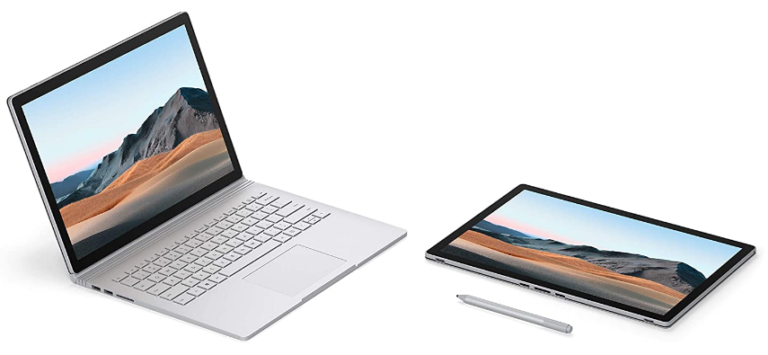
The Microsoft Surface Laptop is the ultimate Windows equivalent to the MacBook Pro. With a sleek aluminum build that feels just as premium as Apple’s MacBook, it features a gorgeous touch screen, a comfortable keyboard, and incredible battery life. If you want a clean transition away from macOS without losing build quality or portability, this is the top choice.
2. Dell XPS 14
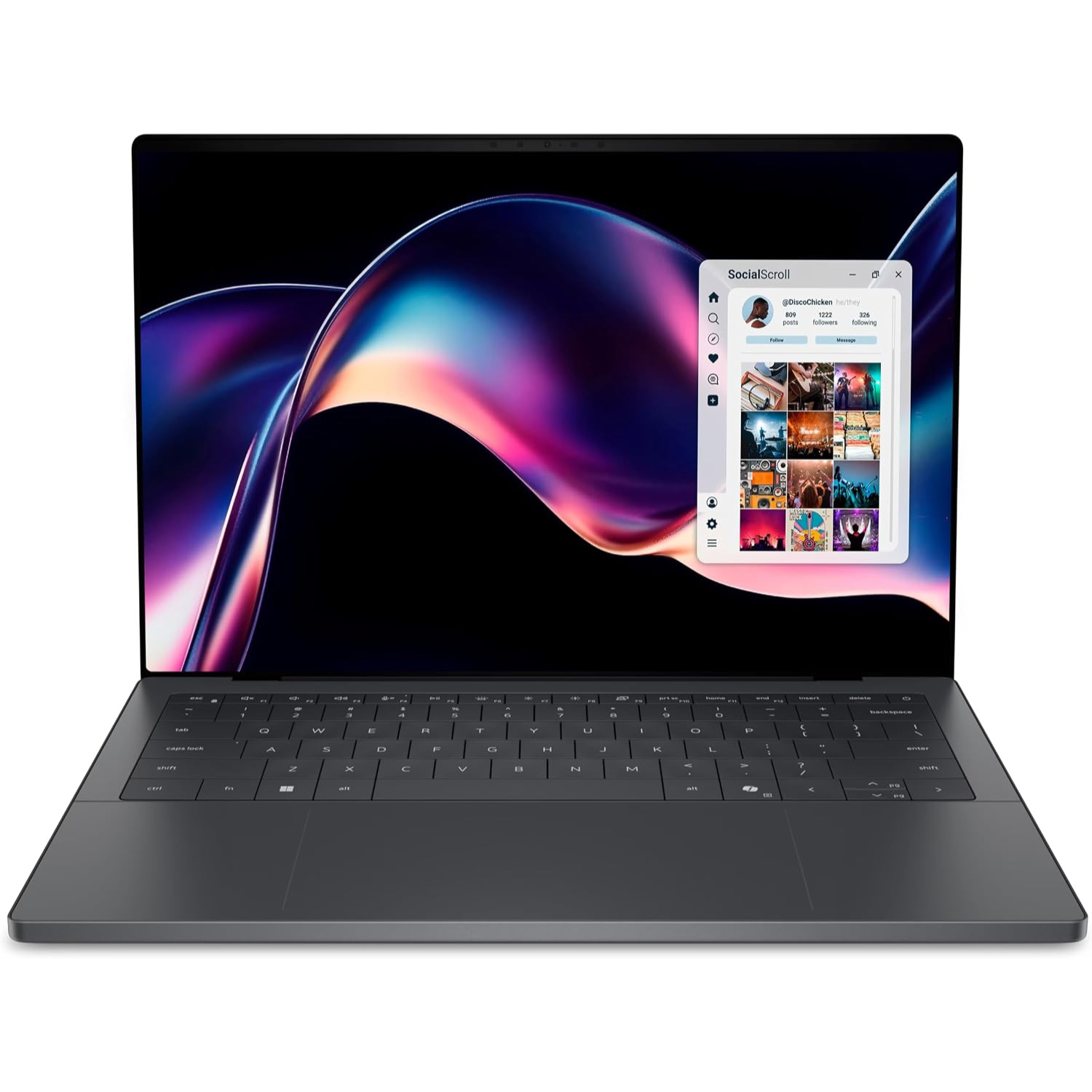
The Dell XPS 14 is a stylish laptop designed for those with a creative touch. With its gorgeous Tandem OLED display that rivals Apple’s Liquid Retina screen, it’s slim, lightweight, and handles heavy productivity tasks with ease. It stands out as a top-tier Windows ultraportable for users who want premium performance in a sleek package.
3. ASUS Zenbook 14 OLED
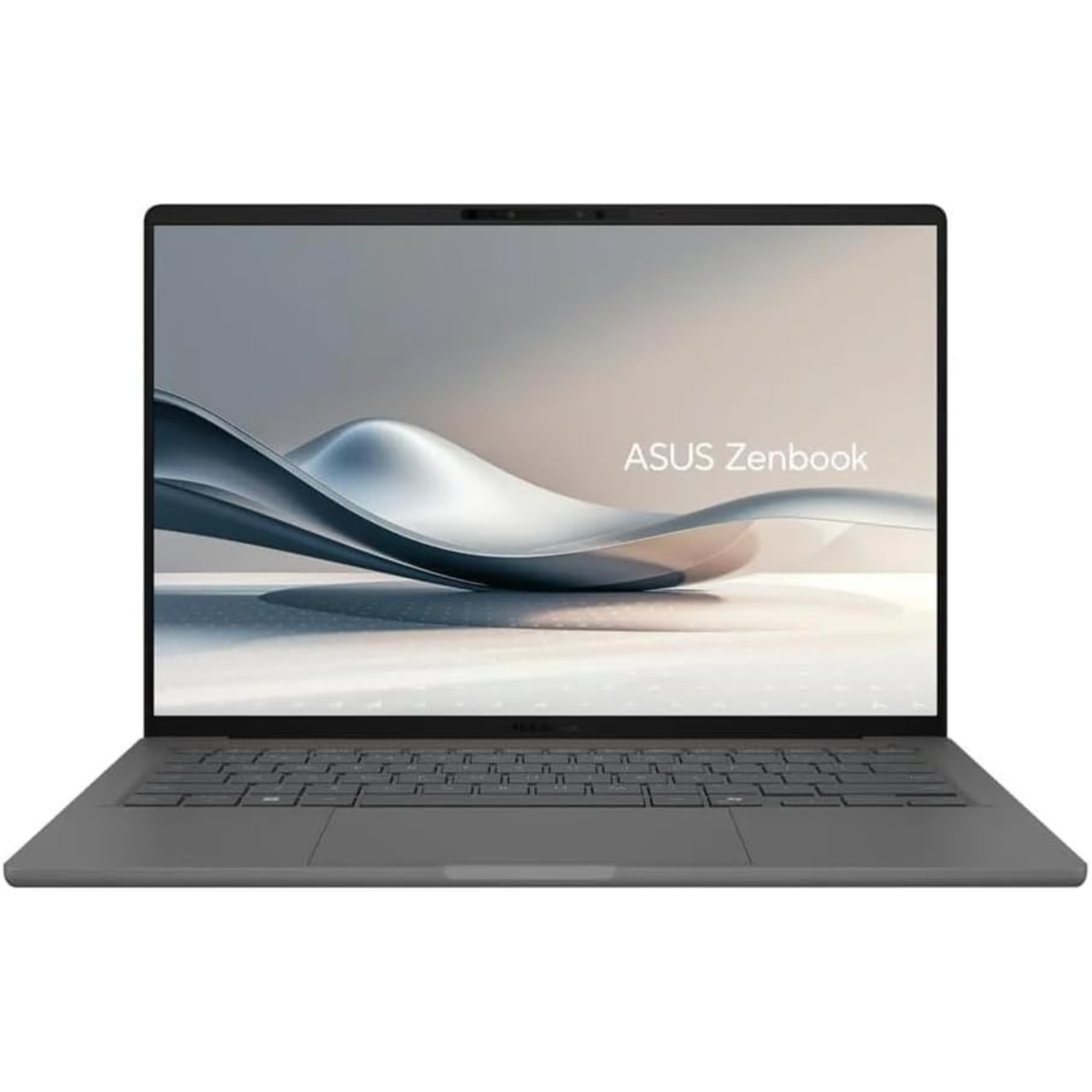
The ASUS Zenbook 14 OLED delivers incredible value without cutting corners on quality. It pairs a vibrant, crisp OLED screen with strong daily performance and a surprisingly low price tag compared to Apple. It is light, easy to carry, and features a solid mix of ports that save you from carrying extra adapters.
4. Lenovo Yoga Pro 9i Aura Edition
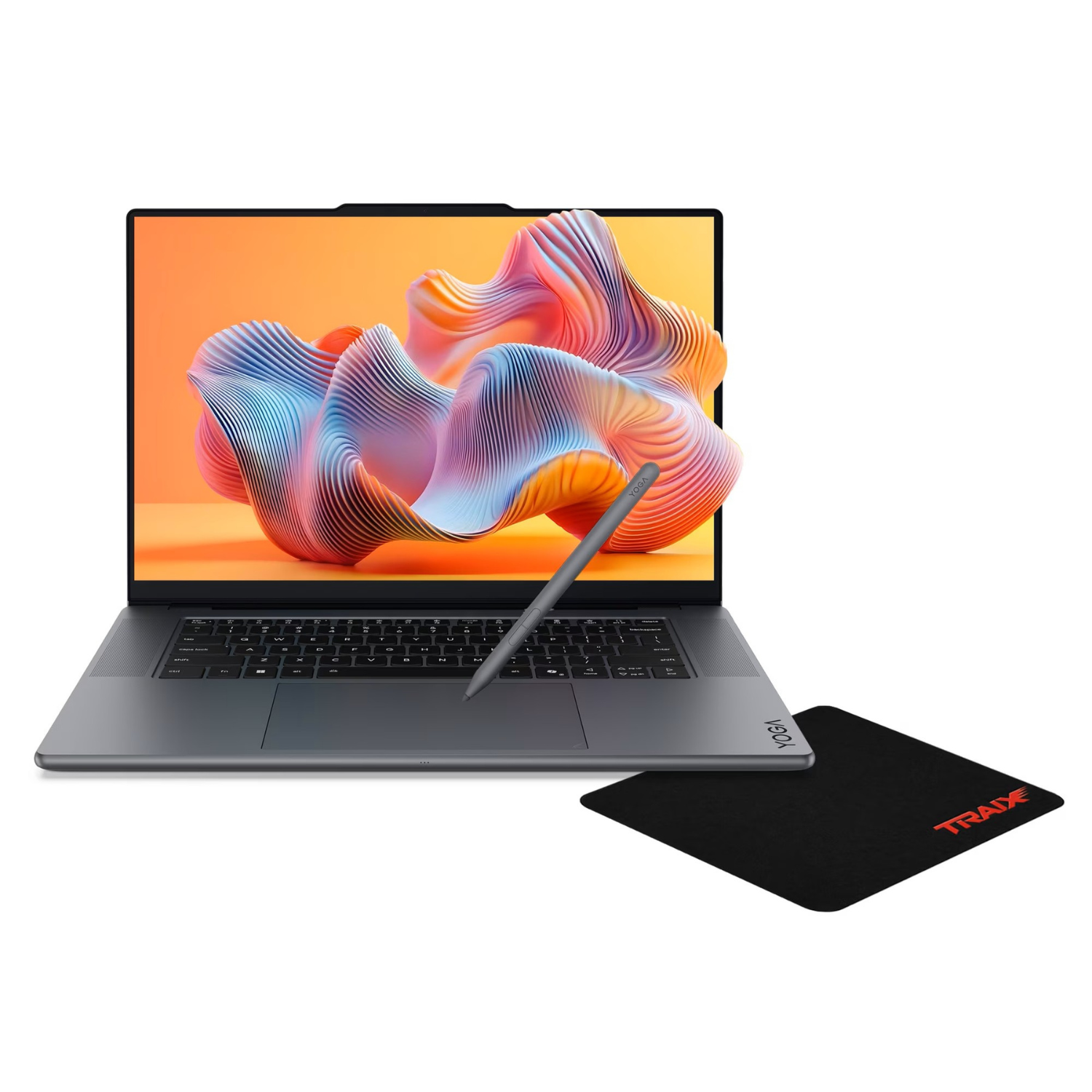
The Lenovo Yoga Pro 9i Aura Edition is built for heavy creators and power users. It features an incredible multi-speaker audio system, a brilliant display, and serious processing muscle that can tackle demanding video edits and rendering tasks. It is a true desktop replacement that pushes performance limits.
Final Verdict
The New MacBook Pro M6 is definitely one to look out for. It’s powerful and comes with noticeable upgrades and features. While the infamous MacBook design is starting to get pretty old now, with the stubborn top notch onscreen, and don’t forget the high price, the new super fast performance chipset in the new 14-inch MacBook Pro will give you more reasons to try it out.
Buy the MacBook Pro if:
- You’re running an older Intel-powered Mac and need a massive speed boost. You should also buy it if
- You work with heavy video files, code large projects every day, or need jaw-dropping battery life
- You need a powerful desktop-grade performance that easily goes into a portable bag
Don’t Buy the MacBook Pro if
- You already own a recent M-series MacBook Pro.
- The internal bump is nice, but it’s not worth spending thousands of dollars for a small speed increase.
- You should also look elsewhere if you want a brand-new physical design, a notch-free screen, or a budget-friendly price tag.
The M6 MacBook Pro is a quiet beast. It refuses to change its outfit, but its inner engine is ready to fly. If you are ready to upgrade your workspace and want a machine that will chew through your biggest projects without a hiccup, click the link HERE to grab your new MacBook Pro M6 today. Drop a comment down below and let me know your thoughts. Are you upgrading, or are you sticking with your current laptop? Let’s talk about it 😎


 LGMadyibi


+ There are no comments
Add yours