

ASUS Zenbook Duo (UX8406CA)


Pros
- Impressive performance
- Comes with two OLED touchscreens
- Good battery life
- Premium build & lightweight
- Impressive ergonomics
- Stylus support
Cons
- Expensive
- Some input ports poorly placed
- Poor webcam
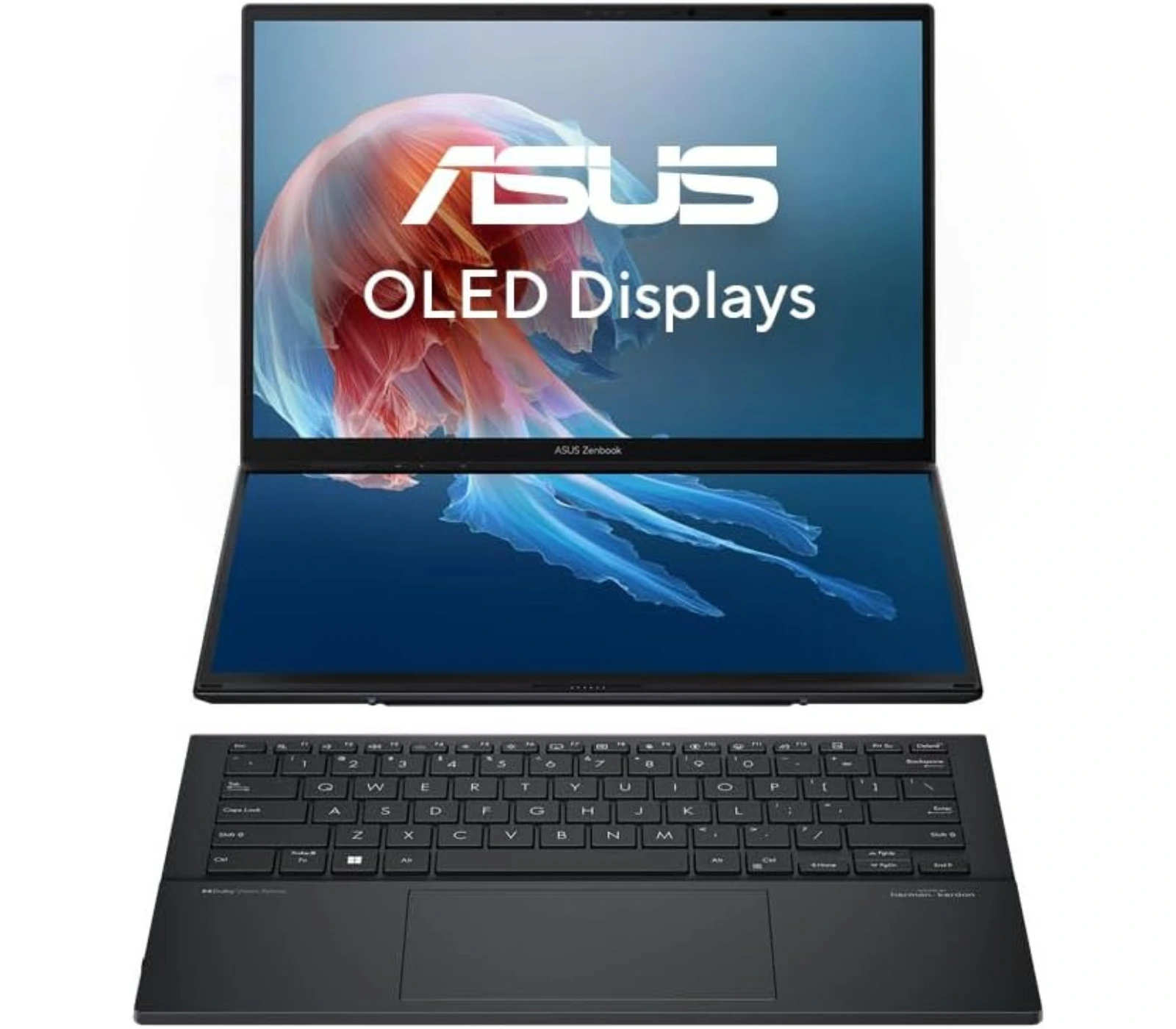

ASUS Zenbook Duo
“The 2026 Zenbook Duo is the one that finally makes the two-screen setup feel totally normal and easy to use”
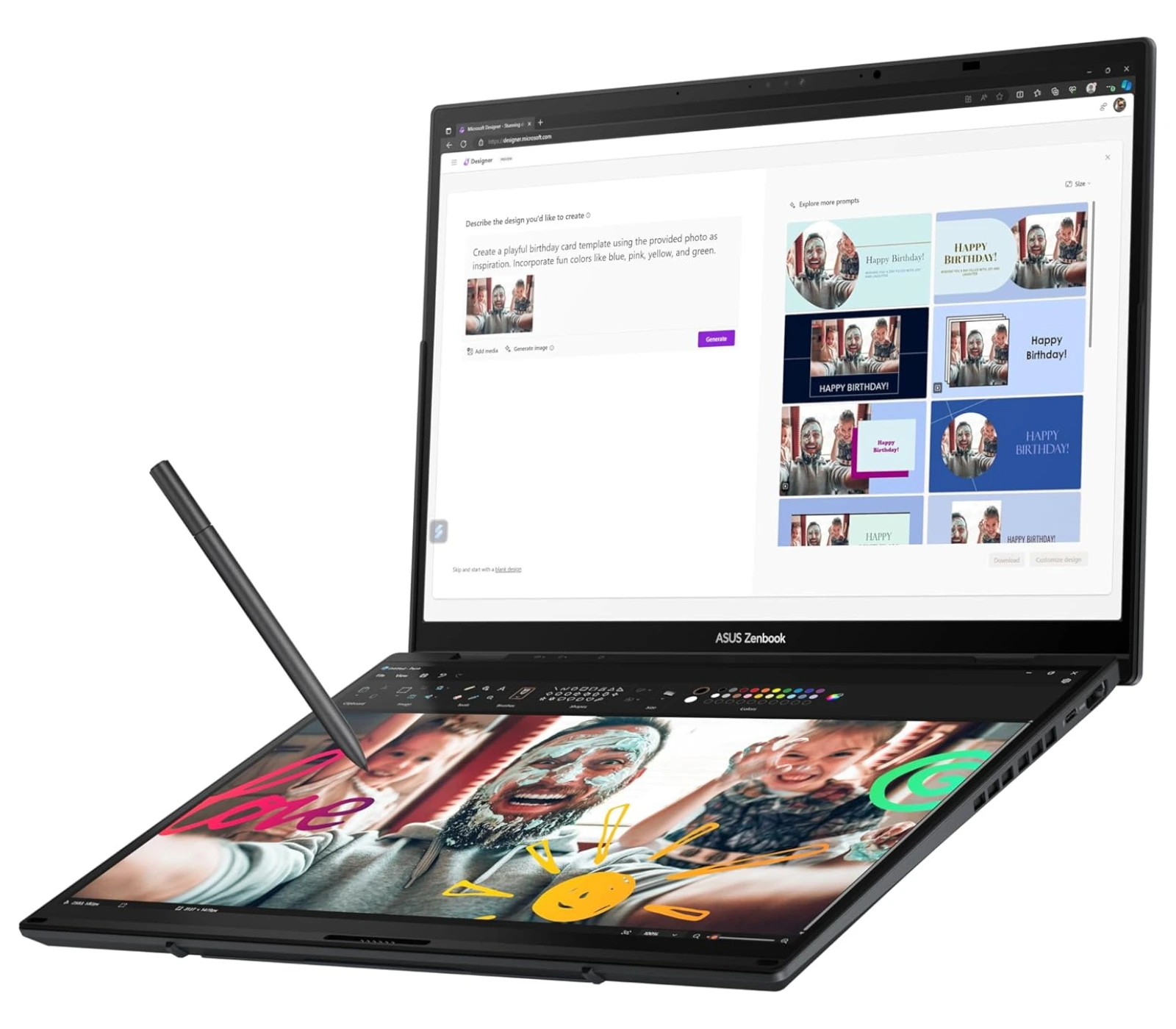

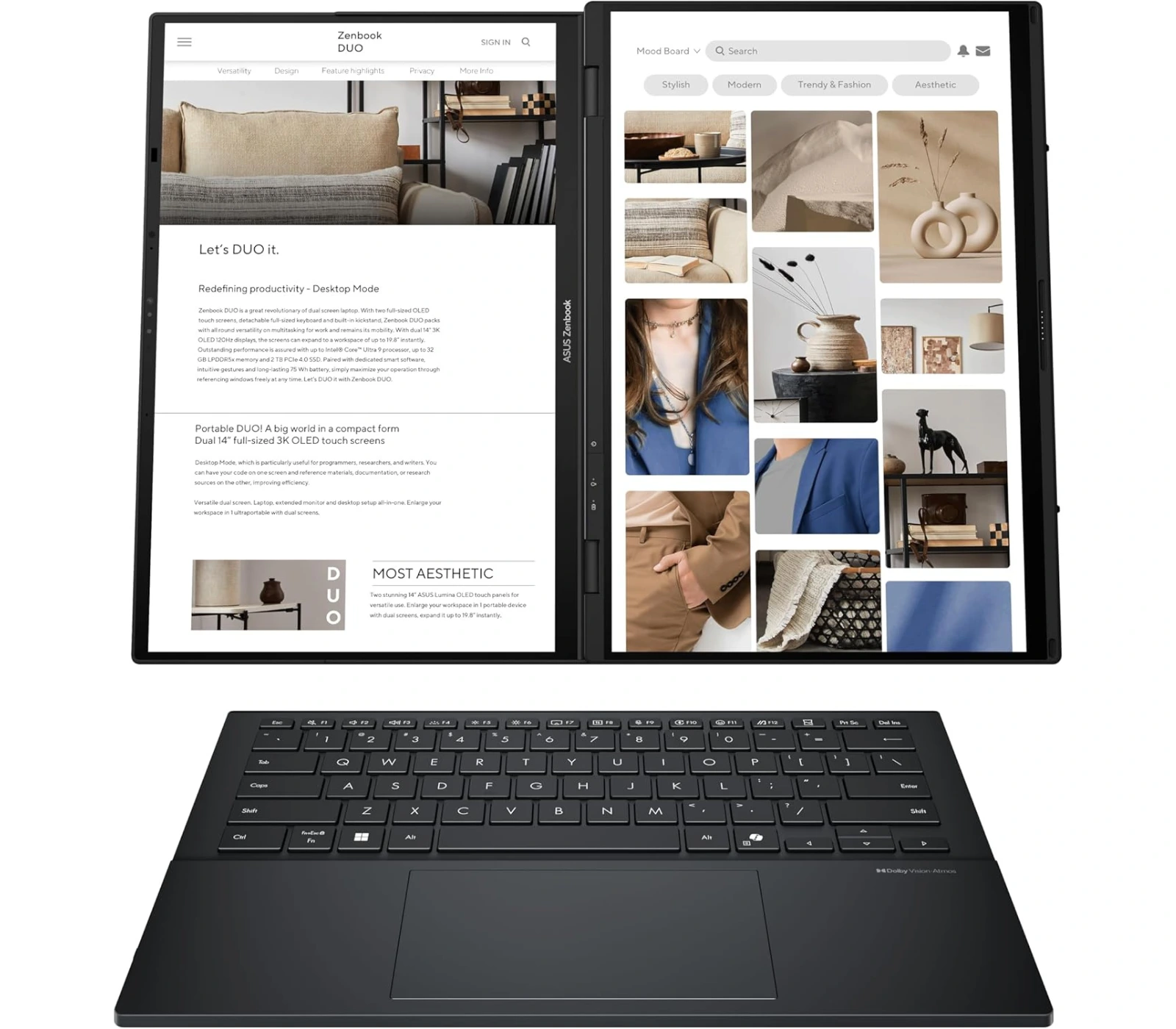
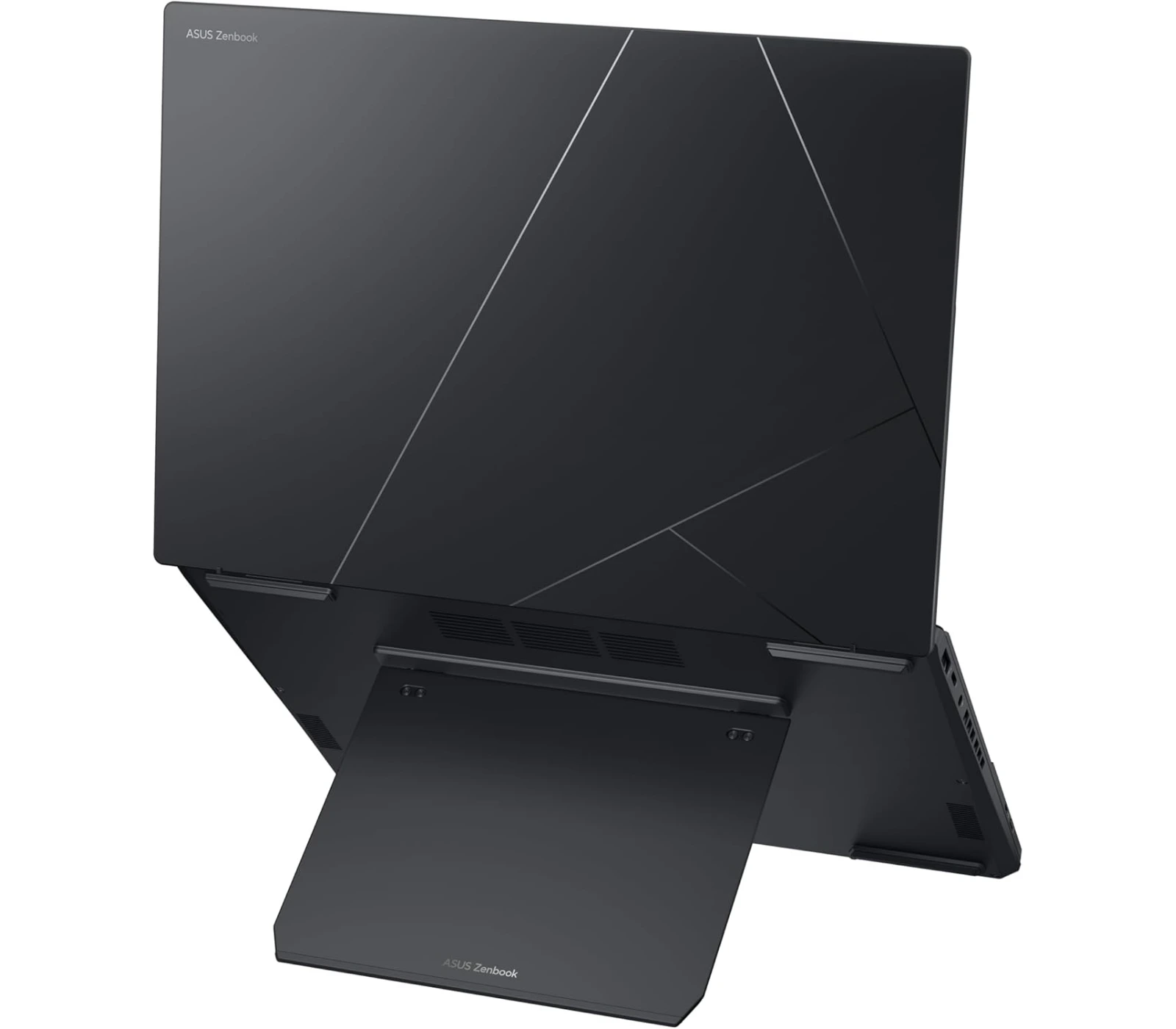
Multitasking is a pain. Whether you wanna admit it or not, however we look at it, we just can’t do it nor can we do it perfectly. You probably won’t believe me when I tell you this, but with the Zenbook Duo from ASUS, makes multitasking possible. It’s the most innovative powerhouse laptop which makes multitasking a breeze. It’s an incredibly clever piece of machinery that comes with two touchscreen displays, a whole lot of power, and other amazing features. But is it worth the buy? Let’s check out the review and find out.
Overview
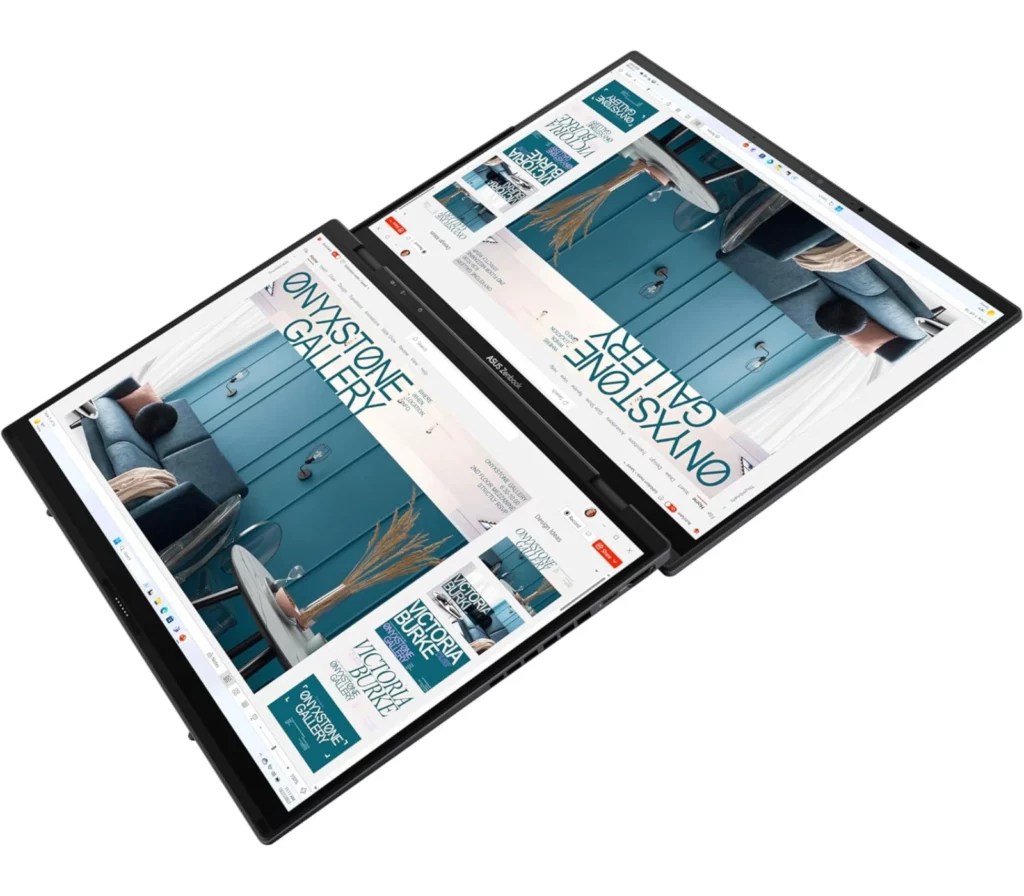
Imagine having a full dual-monitor setup that actually fits in your backpack—that’s basically the ASUS Zenbook Duo (2026) in a nutshell. It’s a total powerhouse featuring two gorgeous 14-inch 3K Lumina Pro OLED touchscreens that now hit a buttery-smooth 144Hz refresh rate, making everything from scrolling to gaming look incredible.
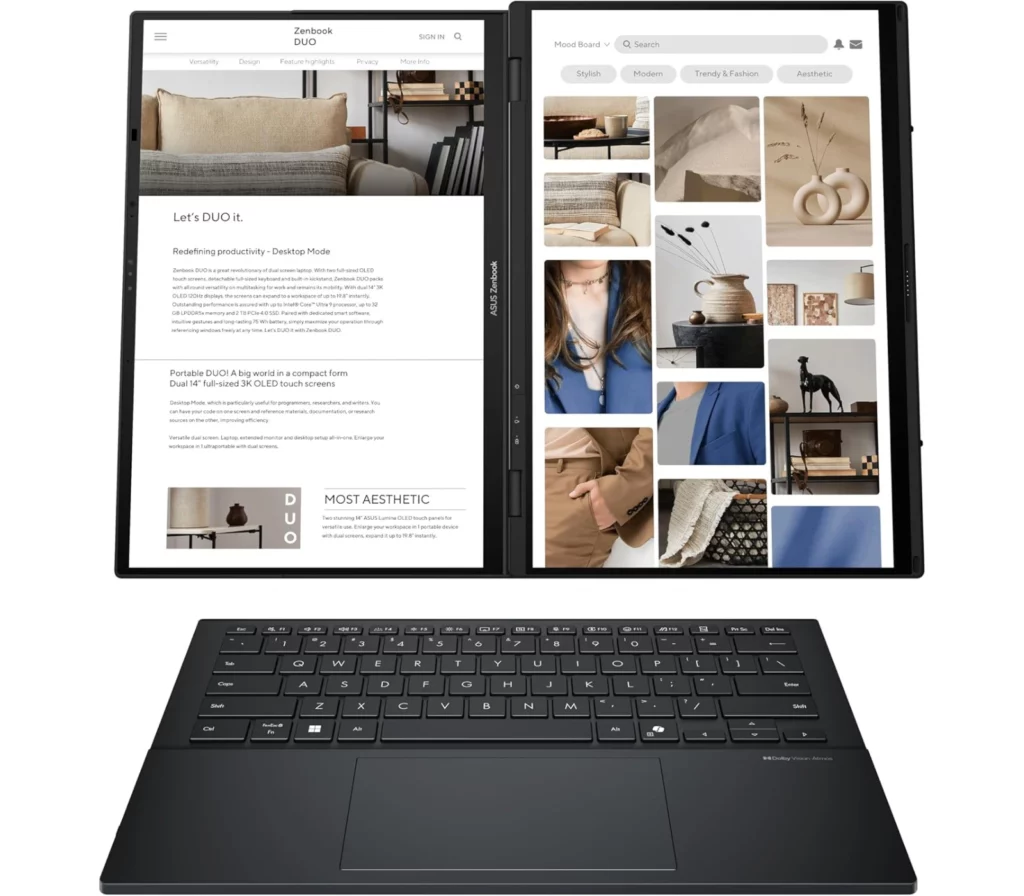
Under the hood, it’s rocking the latest Intel Core Ultra X9 “Panther Lake” chip and a massive 75Wh battery, which is basically the biggest battery you can legally take on a plane. The real “magic” is how versatile it is: you can use it as a standard laptop with the magnetic keyboard snapped on, or pop out the built-in kickstand to stack the screens vertically for an epic mobile workstation. Plus, with its intuitive design and a redesigned hinge that makes the gap between screens almost disappear, it feels less like a gadget and more like a refined, professional tool.
If that doesn’t convince you to get one, let’s find out more on what this amazing laptop can do.
Specs
What’s to Like
1. Double the Screen, Zero the Compromise
You’re getting two gorgeous 14-inch 3K OLED displays that both now run at a smooth 144Hz. What makes this year’s model special is the “hideaway” hinge; the gap between the screens has been shaved down to just 8mm, so when you stack them vertically, it feels like one giant, continuous 20-inch workspace. It’s like carrying a dual-monitor office setup in a bag designed for a 13-inch ultra book.
2. The “Panther Lake” Performance Leap
Under the hood, the Intel Core Ultra X9 Series 3 chip is a game-changer. It’s not just about speed—though it’s incredibly fast—it’s the new Arc B390 graphics. You’re getting integrated graphics that can actually keep up with a dedicated RTX 4050, meaning you can edit 4K video or play AAA games on your lunch break without the laptop turning into a space heater
3. A Battery That Actually Keeps Up
Usually, dual screens mean a dead battery by noon, but ASUS managed to cram a 75Wh battery in it—the literal legal limit for airplanes. Combined with the efficiency of the new Intel chips, you can actually get through a full 10-hour workday using both screens, or stretch it to a mind-blowing 32 hours if you’re just using one.
4. The Premium Build
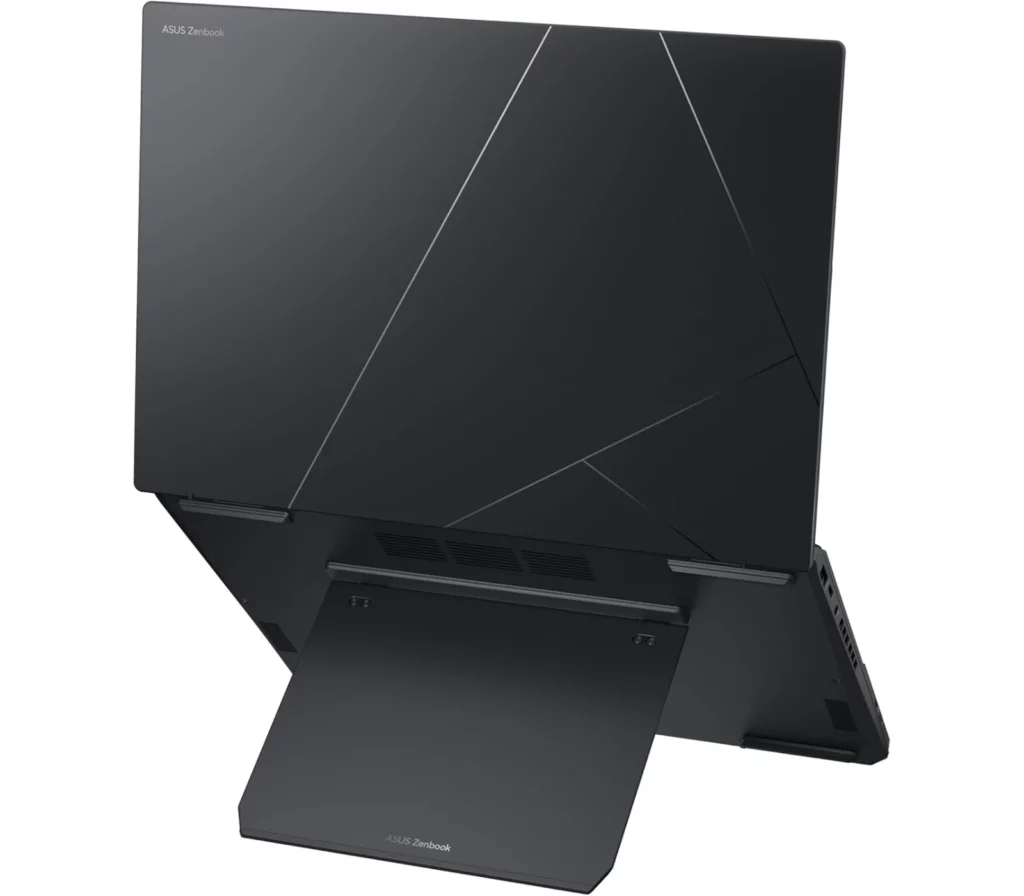
The chassis is made of this unique high-tech ceramic-aluminum hybrid. It’s tougher than standard aluminum, lighter, and completely resists those annoying fingerprints. Plus, the integrated kickstand is rock-solid this year, so you can prop the screens up in “Waterfall mode” on a tiny airplane tray table or a crowded coffee shop counter without it wobbling.
5. The Most Refined Setup on the Market
Everything about the ergonomics feels “solved.” The MagLatch keyboard snaps into place perfectly with magnetic pogo pins, charging itself while you type. When you want to go full workstation, you just pop the keyboard off and use it via Bluetooth. It’s the first time a dual-screen laptop has felt like a finished, polished tool rather than a cool science experiment.

What’s Not to Like
While the ASUS Zenbook Duo (2026) is a total marvel, it’s definitely not the right fit for everyone. If you’re a “minimalist” traveler or someone who just wants a laptop to work flawlessly without a second thought, there are some very real trade-offs to consider before dropping that much cash.
1. The “Chunky” Reality
Even with the new refinements, there’s no getting around the fact that this is a thick device. At nearly 23mm thick and weighing 1.65 kg (3.64 lbs.), it feels significantly bulkier in your bag compared to a svelte MacBook Air or an HP Spectre. If you spend most of your time in “standard laptop mode” with the keyboard snapped on, you’re essentially carrying around a heavy, thick laptop while only using half of what you paid for.
2. Ergonomic Quirks
The detachable keyboard is a cool party trick, but it has its downsides. Because it’s so thin, it lacks the deep travel and “clicky” stability of a traditional high-end keyboard. Plus, some users find the flat profile a bit straining for long typing sessions, and there have been occasional reports of the Bluetooth connection glitching for a split second when you move it away from the screens.
3. The “Dongle Life” Paradox
It’s great that it has an HDMI port, but here’s the kicker: when you have the screens unfolded horizontally in “Waterfall mode,” the HDMI and one of the USB-C ports are actually on the bottom edge facing the desk, making them almost impossible to use without some creative propping up. It’s a bit of a design “oops” for a device marketed at power users.
4. Disappointment Webcam
For a premium 2026 flagship, the 1080p webcam is just… okay. In a world where the HP Spectre has a crystal-clear 9MP sensor and the MacBook has Center Stage, the ASUS camera can look a bit blotchy and soft, especially if your home office lighting isn’t perfect.
5. The Price of Innovation
Let’s be honest—you’re paying a massive “dual-screen tax.” With the 2026 model pushing toward the $2,300 mark, you could easily buy a top-tier traditional laptop plus a high-end external 4K monitor and still have money left over. If you don’t actually find yourself using that second screen every single day, it’s a lot of extra money for a feature that might just end up being a gimmick for your specific workflow.
Alternatives – ASUS Zenbook Duo VS
★★★★☆ 4.0 out of 5
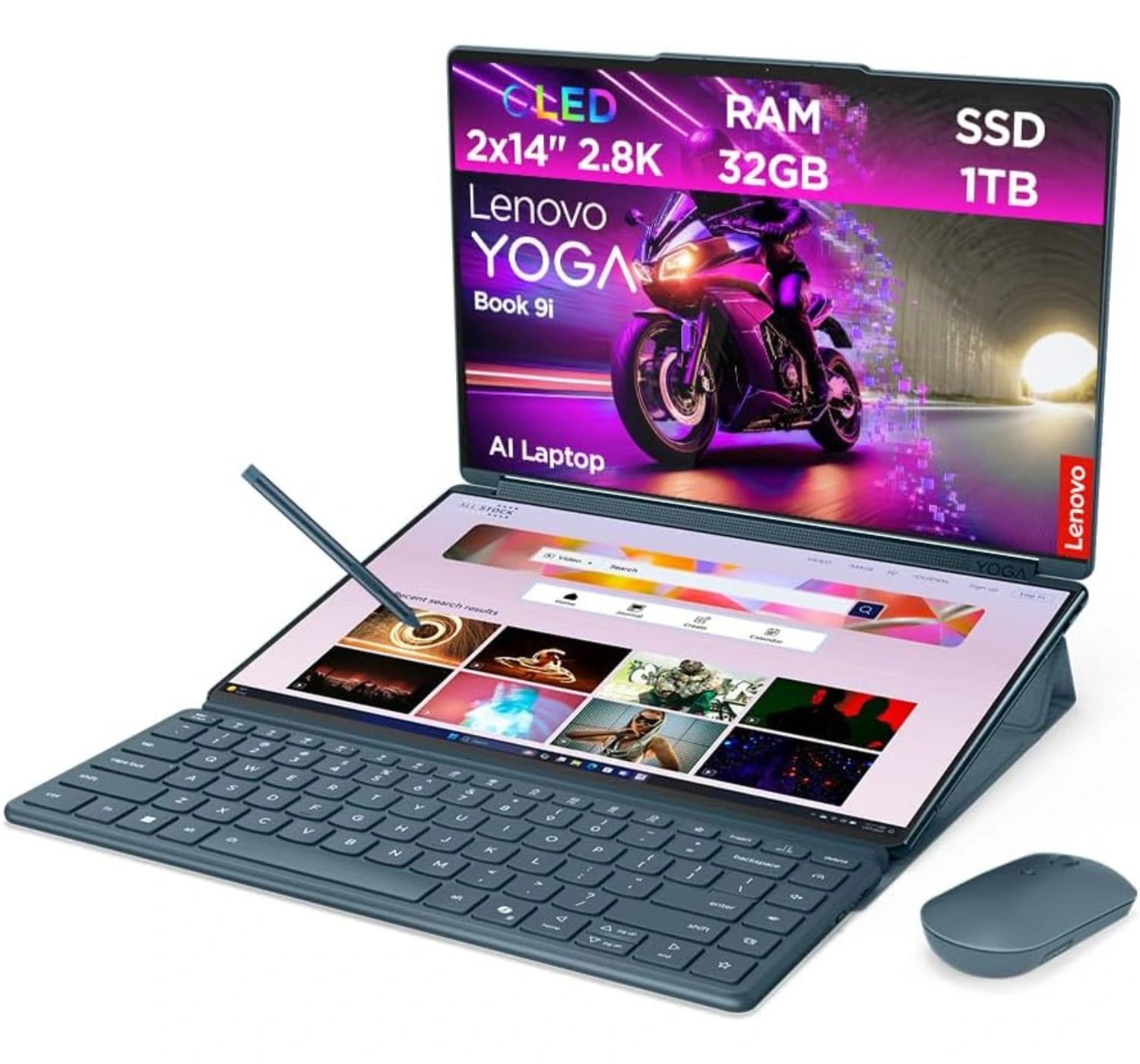
If you’re torn between these two, it really comes down to whether you want a “transformer” workstation or a refined powerhouse. The Lenovo Yoga Book 9i is the better pick if you prioritize portability and aesthetics; it’s thinner, lighter, and that rotating soundbar hinge produces audio that honestly puts the Zenbook to shame. It feels like a piece of tech art, and the way the screens can fold 360 degrees into a tablet is way more flexible. On the flip side, it’s a “worse” alternative if you hate setup friction. While the ASUS Zenbook Duo (2026) has a sturdy kickstand built right into the chassis and a keyboard with an actual integrated trackpad, the Yoga Book makes you carry a separate magnetic folio stand and a Bluetooth mouse to get the same level of productivity. Plus, the ASUS packs a much better port selection—including HDMI and USB-A—so you aren’t constantly reaching for a dongle like you would with the Lenovo’s “Thunderbolt-only” lifestyle.1. Lenovo Yoga Book 9i

★★★★⯪ 4.5 out of 5
If you’re debating between these two, you’re essentially choosing between a refined masterpiece and a multitasking beast. The HP Spectre x360 14 (2024) is the better choice if you value a seamless, high-quality “daily driver” experience; it’s notably lighter, feels incredibly premium, and features a 9MP webcam that honestly puts almost every other laptop to shame. Its keyboard and haptic trackpad are also best-in-class, offering a tactile stability you just can’t get with a detachable setup. However, it’s a “worse” alternative if you frequently find yourself wishing for more screen space. The ASUS Zenbook Duo (2026) offers a massive productivity jump with its dual 144Hz OLED displays and a built-in kickstand that lets you stack screens vertically. Plus, while the Spectre is sleek, the ASUS packs a much newer, more powerful processor and a massive 99Wh battery to handle the extra power demands—not to mention a built-in HDMI port so you can finally leave the dongles at home.2. HP Spectre x360 14 (2024)

★★★★☆ 4.2 out of 5
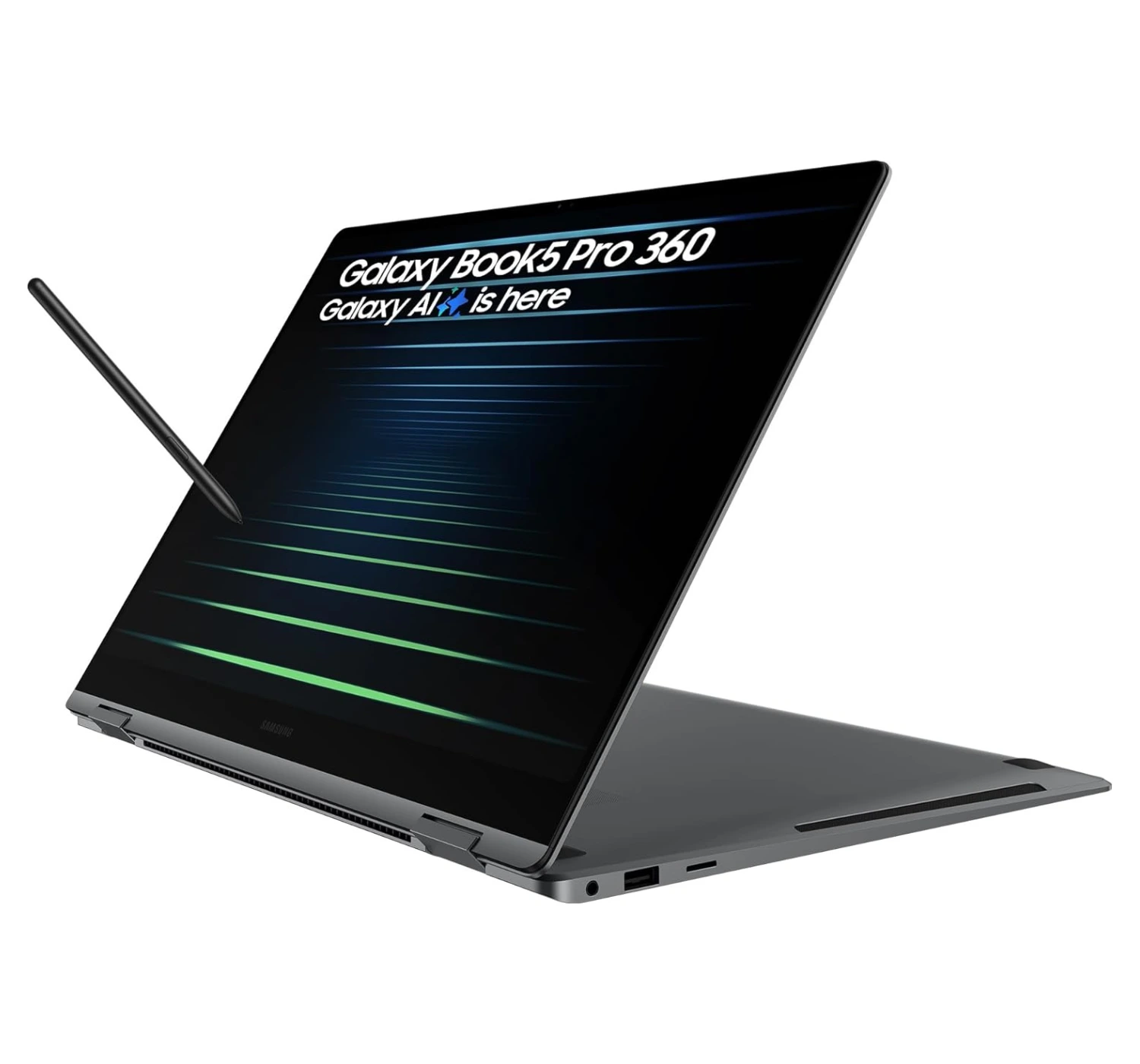
If you’re choosing between these two, you’re essentially deciding whether you want a sleek, artist-friendly companion or a dual-screen multitasking beast. The Samsung Galaxy Book5 Pro 360 is the better alternative if you’re a creative who values a “true” 2-in-1 experience; that 360-degree hinge and the included S Pen make it feel like a massive, premium sketchbook that’s incredibly thin and light for a 16-inch device. It also integrates beautifully with Galaxy phones and tablets, which is a huge perk if you’re already in that ecosystem. On the flip side, it’s a “worse” pick if you’re a power user who thrives on screen real estate. The ASUS Zenbook Duo (2026) gives you two 144Hz OLED displays to work with, a more powerful Intel “Panther Lake” processor, and a monster 99Wh battery that dwarfs the Samsung’s 76Wh cell. While the Samsung is a refined, elegant ultrabook, the ASUS is basically a portable multi-monitor workstation that makes the single-screen life feel a bit cramped.3. Samsung Galaxy Book5 Pro 360
★★★★⯪ 4.5 out of 5
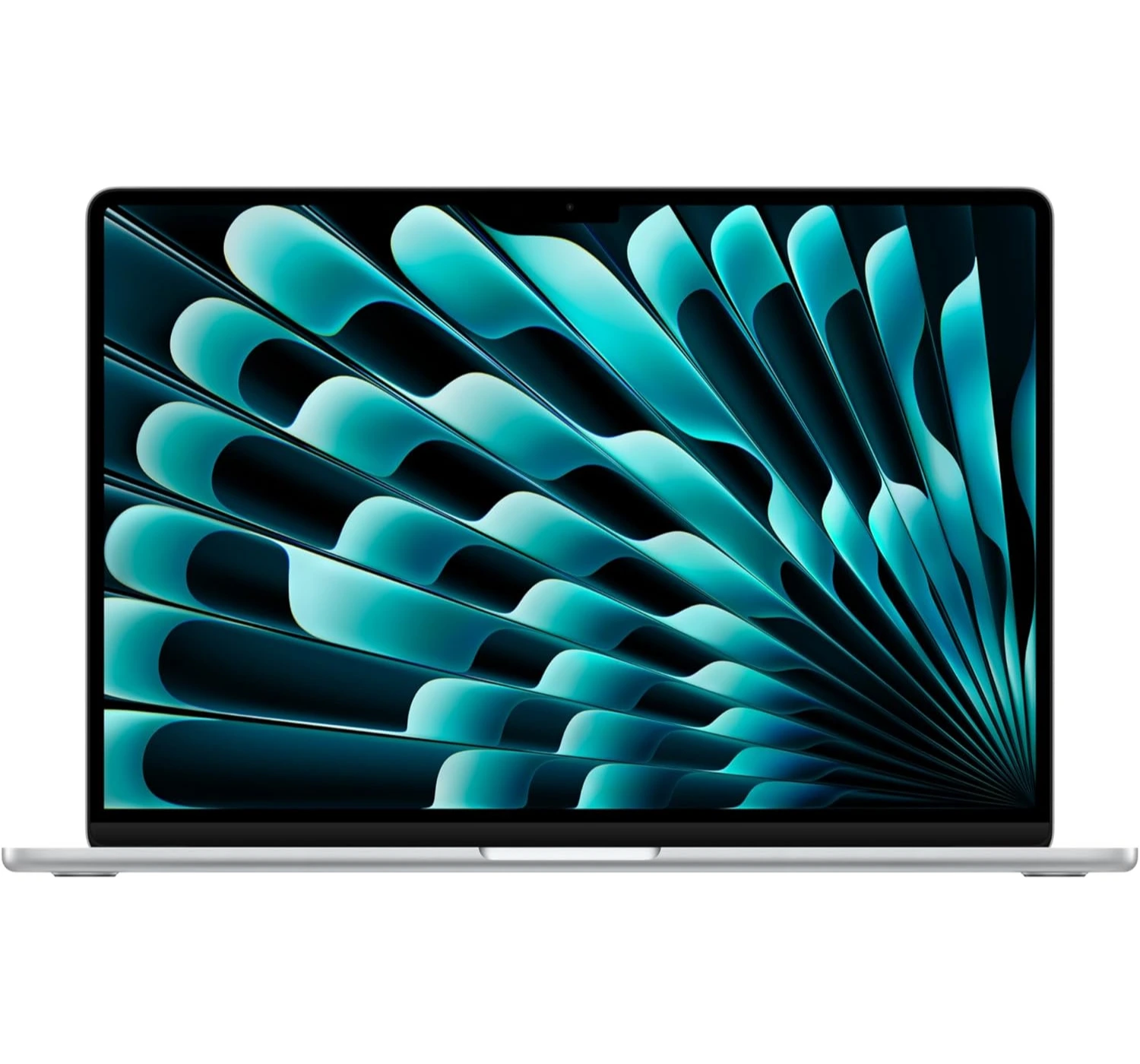
Choosing between these two is really a battle of “reliable simplicity” versus “infinite screen space.” The MacBook Air 15 (M4) is the better choice if you just want a laptop that stays out of your way; it’s dead silent thanks to its fanless design, and the M4 chip efficiency means you can basically forget your charger for an entire weekend. It’s significantly thinner and lighter than the ASUS, making it the ultimate “throw in your bag and go” machine, and the 12MP Center Stage webcam is miles ahead for video calls. However, it’s a “worse” alternative if you’re a power multitasker or a display snob. The ASUS Zenbook Duo (2026) gives you two gorgeous 144Hz OLED touchscreens while the MacBook is still stuck at a basic 60Hz. Plus, the ASUS actually respects your peripherals with a built-in HDMI port and USB-A, whereas the MacBook pretty much forces you into the “dongle life” with its two-port limitation.4. Apple MacBook Air 15 (M4)
The ASUS Zenbook Duo (2006): The Verdict
If you’ve been unsure about dual-screen laptops, the 2026 Zenbook Duo is the one that finally makes the two-screen setup feel totally normal and easy to use. It really is impressive at how much ASUS cleaned things up this time. They managed to get rid of that annoying gap between the screens, and the new ceramic-aluminum finish feels great and stays way cleaner than the old plastic ones.
The best part, though, is how fast it is. The new chip inside is a beast—in fact, you can actually play heavy AAA PC games or edit 4K video without it breaking a sweat. Plus, the battery finally lasts all day, so you don’t have to hunt for a wall outlet every three hours. Sure, it’s still a little thick when you fold it up, and it’ll definitely put a dent in your wallet, but if you’re tired of constantly switching tabs on a tiny screen, this thing is a total lifesaver. It definitely is a capable and refined multitasker on the market write now.
So what do you think of the ASUS Zenbook Duo laptop? Is it the ideal laptop you’re looking for? If not, what about the alternatives? Let us know here at the comments below. And if you wanna find out more, then CLICK HERE to see what’s more in store for you 😀