
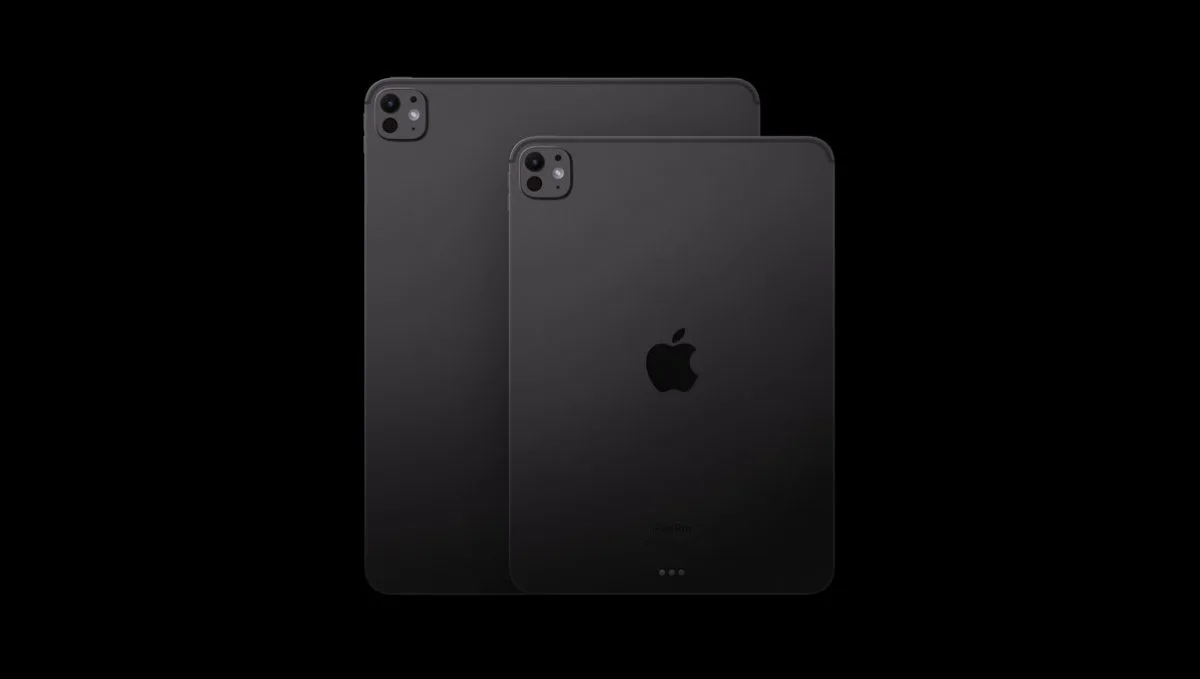

iPad Pro (M4) vs iPad Pro (M5)
We’ve all been there—staring at the shiny new Apple Store page, credit card in hand, thinking, “Do I really need this?” With the new iPad Pro (M5) released in October 2025, the question is louder than ever. The iPad Pro (M4) from 2024 was already a total stunner—super thin, crazy fast, and rocking that incredible OLED screen. So, does the M5 really bring enough to the table to make you swap, or is it just a tiny update? Let’s dive in to find out what the differences are, the cool new stuff, and the “nice-to-haves” to help you figure out if you should stick with your M4 or treat yourself to the M5. Let the battle begin: iPad Pro (M4) vs iPad Pro (M5)
iPad Pro (M4) vs iPad Pro (M5) – Quick Overview
First off, let’s be real—the iPad Pro (M4) was a huge deal. It brought us the Ultra Retina XDR display (that fancy Tandem OLED), giving us true blacks and amazing brightness on both sizes. Plus, the M4 chip tore through video editing and gaming while being the thinnest Apple gadget ever.
For most of us, the M4 is still more power than we know what to do with! It opens apps in a blink, handles multitasking like a champ, and looks good doing it. We aren’t here to just bore you with numbers; let’s see if the M5 actually fixes anything or adds cool features that the M4 is missing.
Specifications
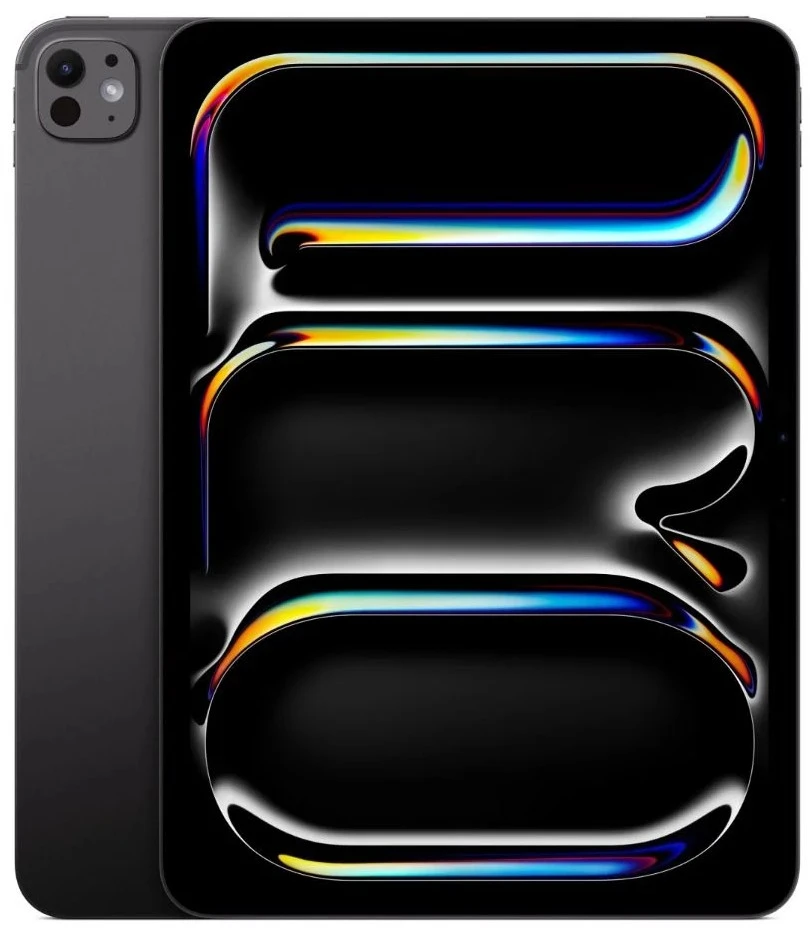
iPad Pro (M5)
iPad Pro (M4)
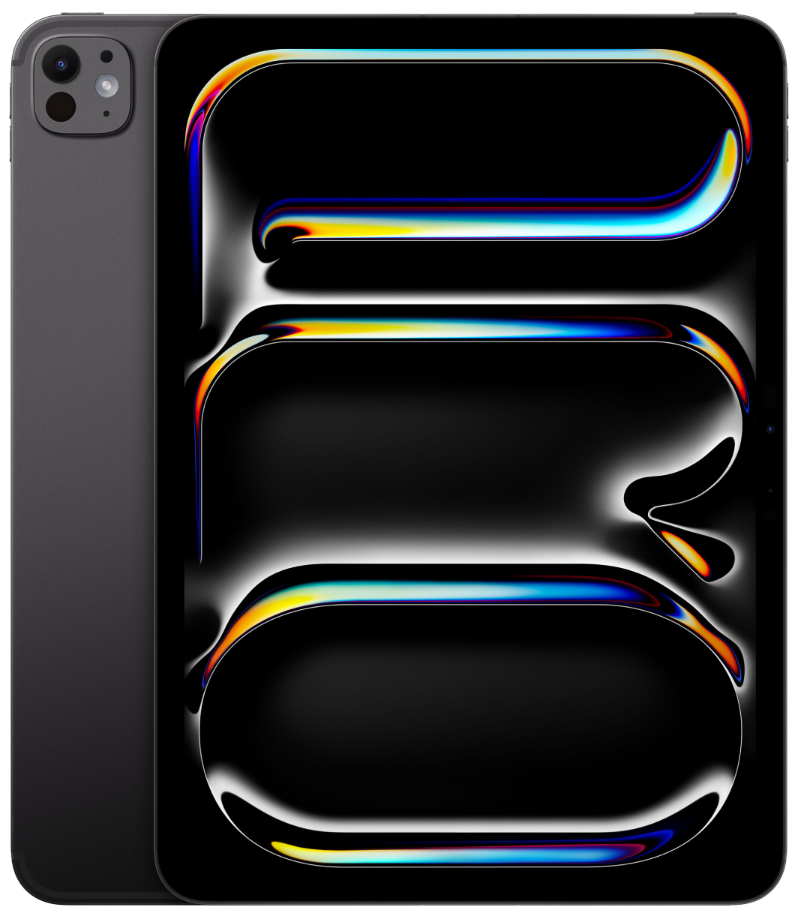
11-inch (M5, 2025) 13-inch (M5, 2025) 11-inch (M4, 2024) 13-inch (M4, 2024)
iPad Pro (M4) vs iPad Pro (M5): Head-to-Head
1. Power, Graphics, and AI
This is the big one. Apple’s chips are always fast, but the M5 is focusing on how it uses that speed, especially for AI and gaming. Let’s break it down! With the processing power, the M4 was fast, no doubt. But here’s the cool part: the M5 gives everyone a 10-core CPU, even on the cheapest models! It’s built on newer tech, so it runs cooler and handles multitasking even better. The M4 is great for daily use, but the M5 feels just a bit more snappier when you’re exporting media or handling data.
Next is the graphics. For gamers and content creators/artists, the M5’s graphics are way more efficient at lighting and shadows (ray tracing). We’re talking about games running up to 30% smoother. If you play big-name games or do 3D art on your iPad Pro, the M5 is going to feel a lot more better like a console. And what about AI? This is the M5’s secret weapon. With all the new Apple Intelligence features, the M5 chip is built to handle them way faster—Apple says up to 3.5x faster than the M4! If you use AI tools to edit video or generate images right on your iPad, the M5 is in a league of its own. So overall, the M4 chip is powerful, but with the newer tech, more efficiency and faster processing of AI, the M5 wins this one.
2. Memory and Storage
This is the best “secret” upgrade. The M4 started with 8GB of RAM on the base models. The M5? It kicks things off with 12GB of RAM! That extra 4GB is huge for keeping your apps open in the background so they don’t have to restart when you switch back.
The M5 can move data around faster than the M4. This just means everything from gaming to big work projects will run smoother. While the storage space (256GB to 2TB) is the same, the M5 saves and loads files faster. You’ll mostly notice this if you’re moving huge video files, but hey, every second counts. In the end, the iPad Pro (M5) comes with more system memory, resulting in smoother running, and faster loading of apps. Once again M5 takes this one.
3. Screen, Design, and Extras
If you were hoping for a brand new screen, don’t worry—the M4’s screen was already perfect. So the M5 iPad Pro uses the exact same Tandem OLED tech. You get the same awesome brightness and vibrant colors. However, the sad news is that the glare-free “Nanotexture Glass” is still only for the expensive 1TB and 2TB models. If you want that matte look, you still have to pay up for the bigger storage. If you’re expecting any major change to the design-don’t, because they are totally the same.
The M4 had Wi-Fi 6E, which is great. But the M5 includes and upgraded Wi-Fi 7. If you have a fancy new router, this means less lag and faster speeds—perfect for gaming or streaming super high-quality video. The 5G on the M5 is a little better at holding a signal in tricky spots, but if you live in a city, you probably won’t notice a huge difference from the M4.
The input port is the same Thunderbolt 3 / USB-Type-C setup. But thanks to the M5 chip, plugging into an external monitor works even better. It handles high-res screens smoothly without getting as hot. Overall, no changes to the display. No design changes. No changes to the input ports. But it comes with a upgraded Wi-Fi for better connectivity, which means the M5 wins this one.
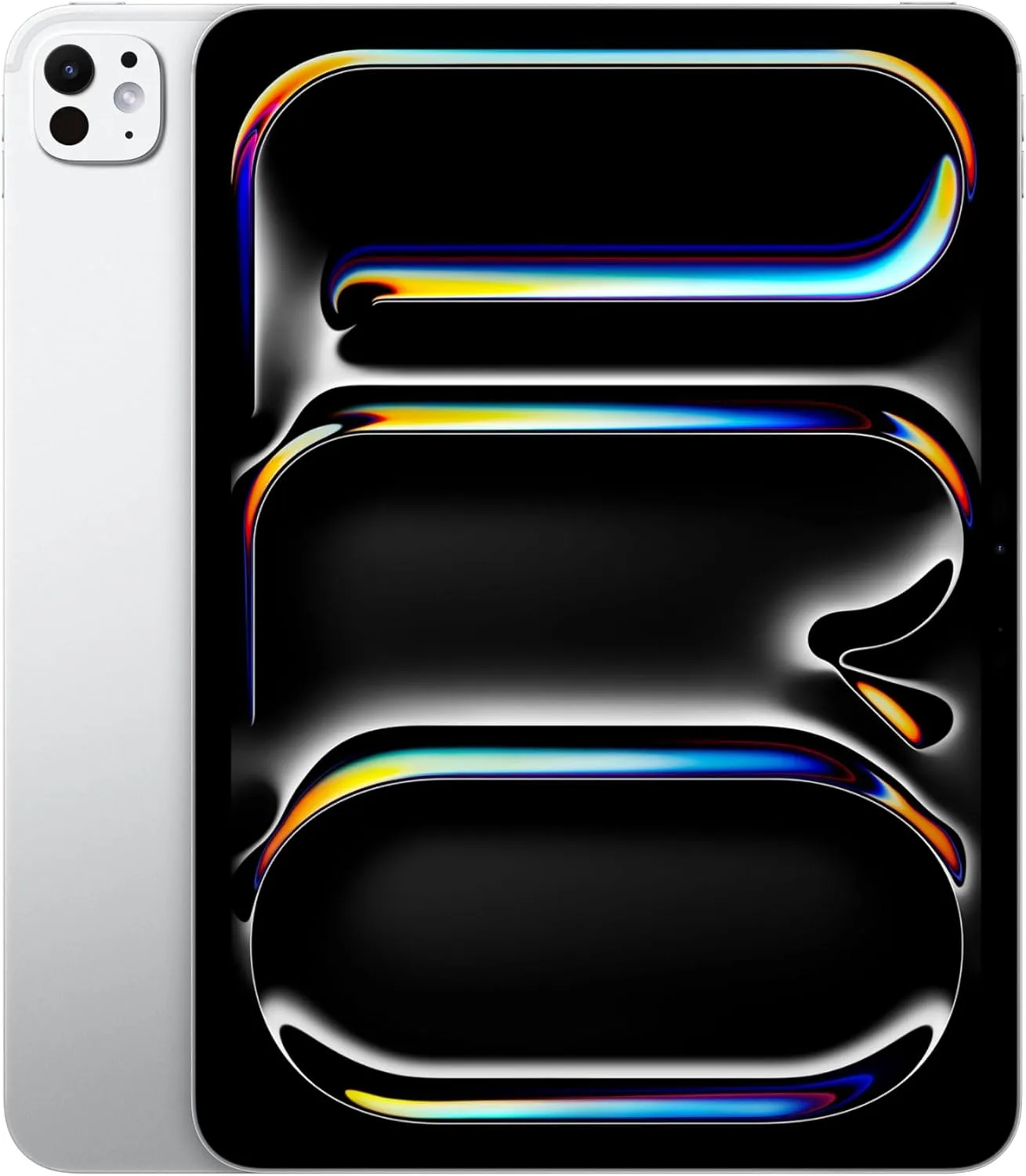
iPad Pro (M4) vs iPad Pro (M5): The Final Verdict
Which brings us now to the last question. Is this iPad Pro for you, or better yet, is it worth upgrading to the newer iPad or will you buy the older version? Let’s break it down this way. If you got the iPad Pro (M4) I would honestly say this: Keep it. Unless you use heavy AI tools all day or really, really need that extra RAM, your M4 is still a beast. The screen quality is the same, it looks the same, and it’s still super fast. Enjoy your M4—it’s still one of the best tablets out there!
If you have the Older iPad (M2 or older)? Get the iPad Pro (M5). This is the upgrade you’ve been waiting for! Moving to the M5 is a huge jump. You get the OLED screen (total game-changer), the slim and lightweight design, the landscape camera, and a processing chip that is way faster. It’s going to feel like a massive upgrade. Trust me. If you’re buying Your First iPad Pro, once again, I say: get the M5. The base model gives you a 12GB of RAM and better Wi-Fi 7 connection, meaning that it’ll last you for years to come. It’s the ultimate iPad Pro experience. Now let’s hear from you. Are you going to upgrade to the newer tablet? Do you have the older iPad Pro? What other iPads or tablets are you considering? We would love to hear from you 😀

 LGMadyibi





+ There are no comments
Add yours