
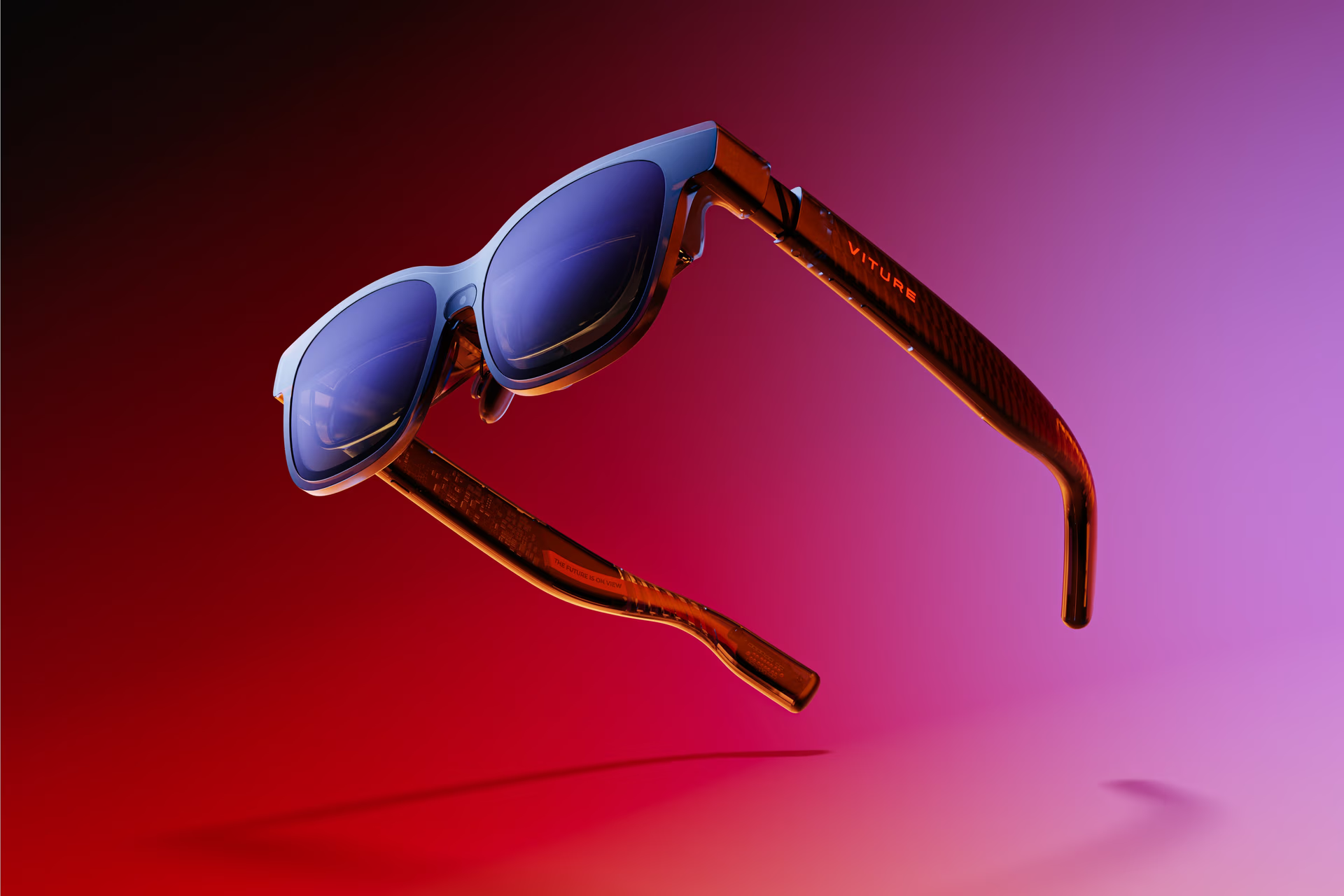

Virture Luma Pro XR Glasses
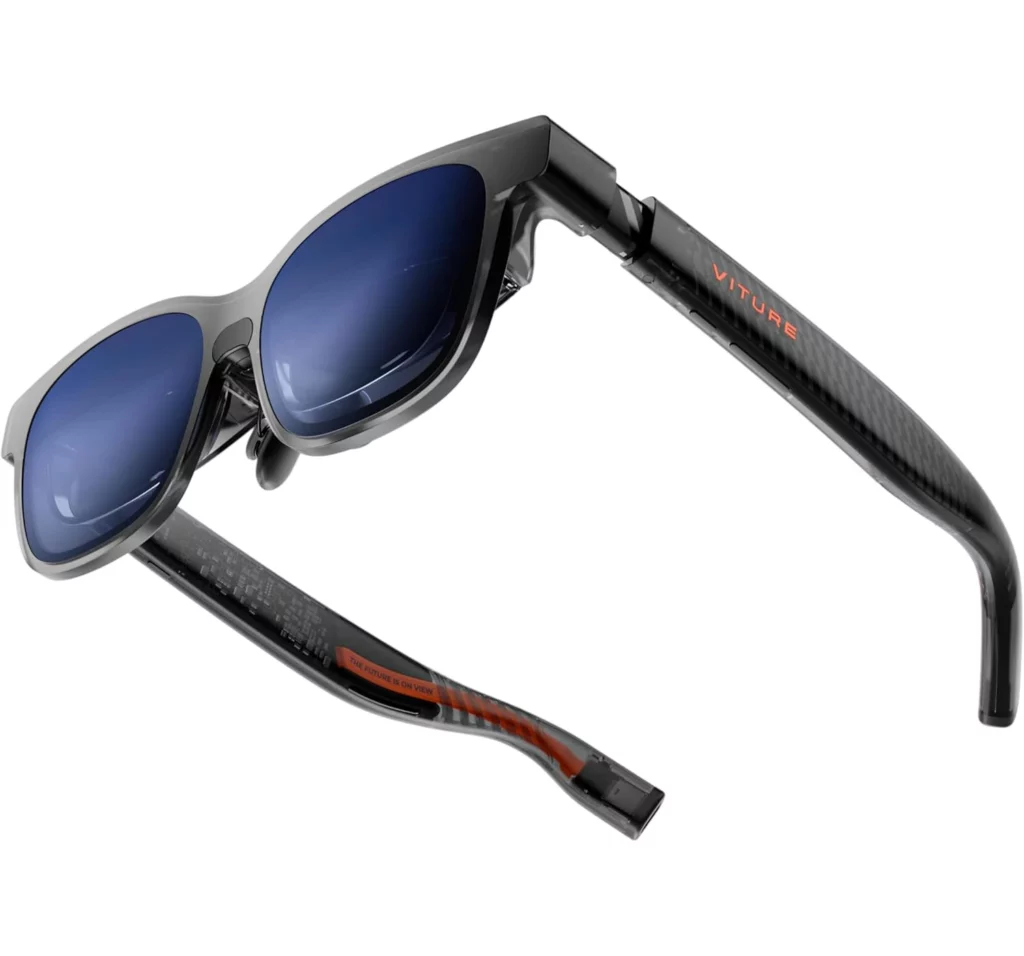
Virture Luma Pro XR Glasses
“The Virture Luma Pro XR Glasses are, without a doubt, the most polished “big screen in your pocket” experience available today. They’ve managed to take a futuristic concept and make it feel like a daily-driver tool.”
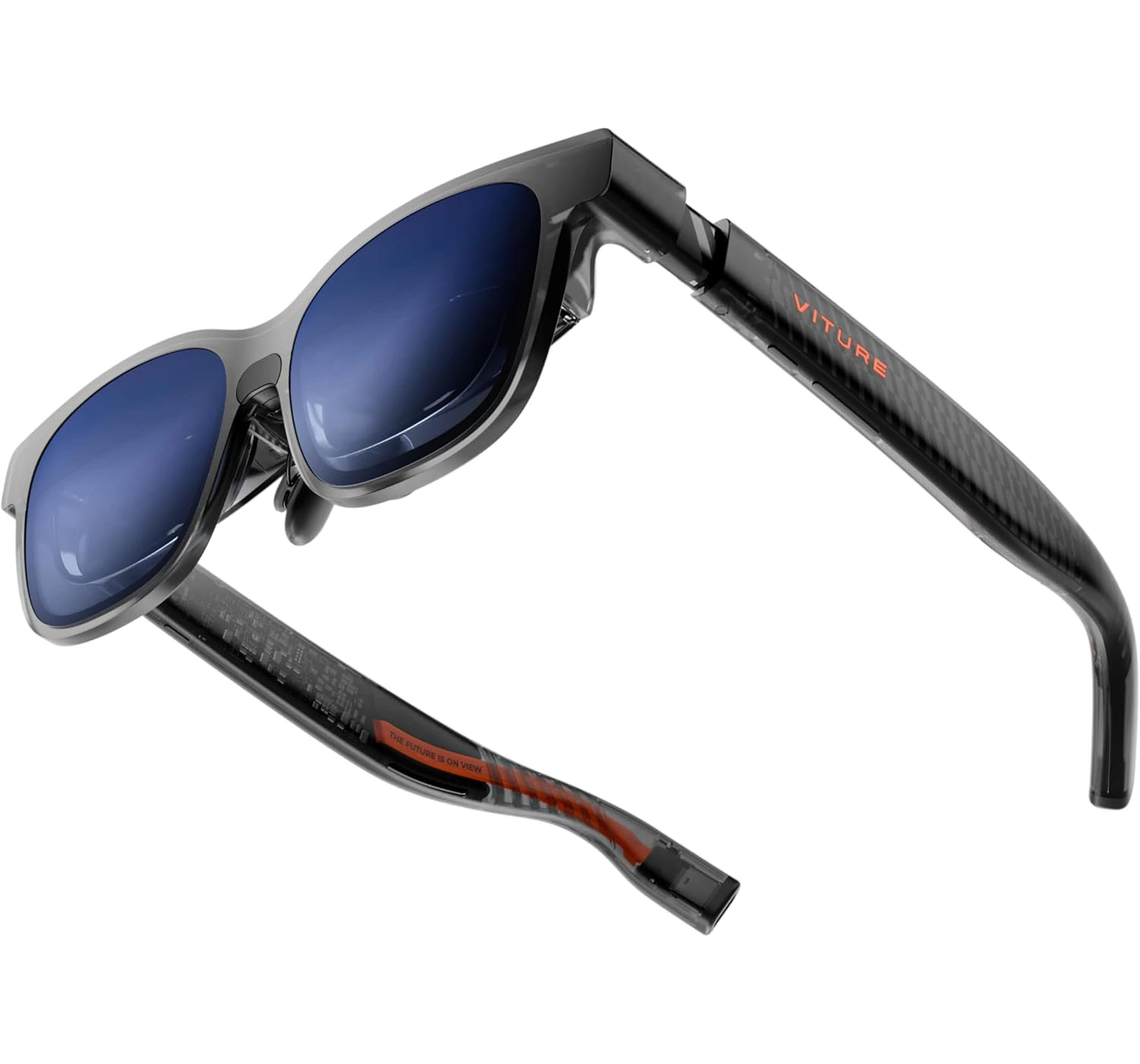

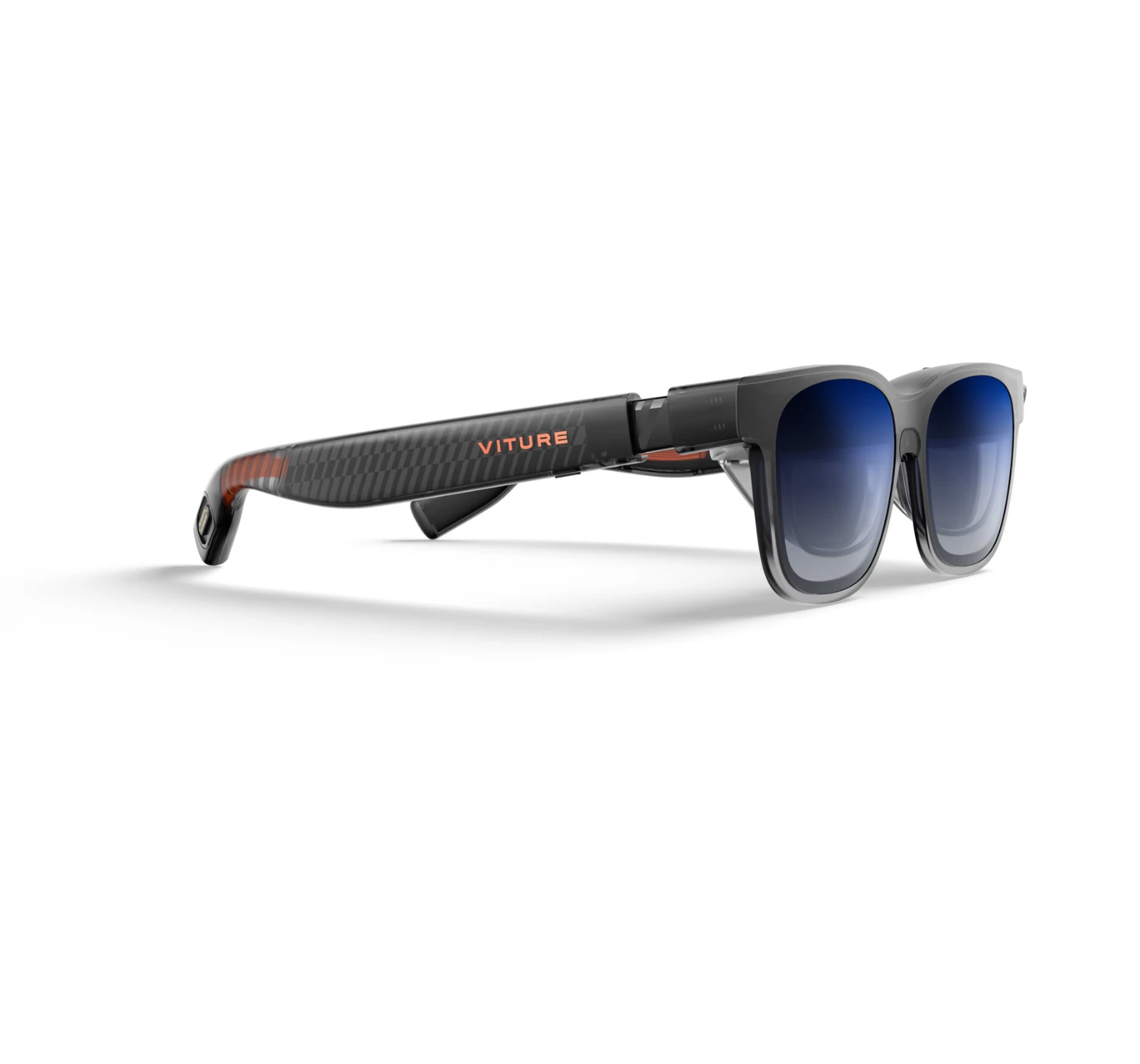


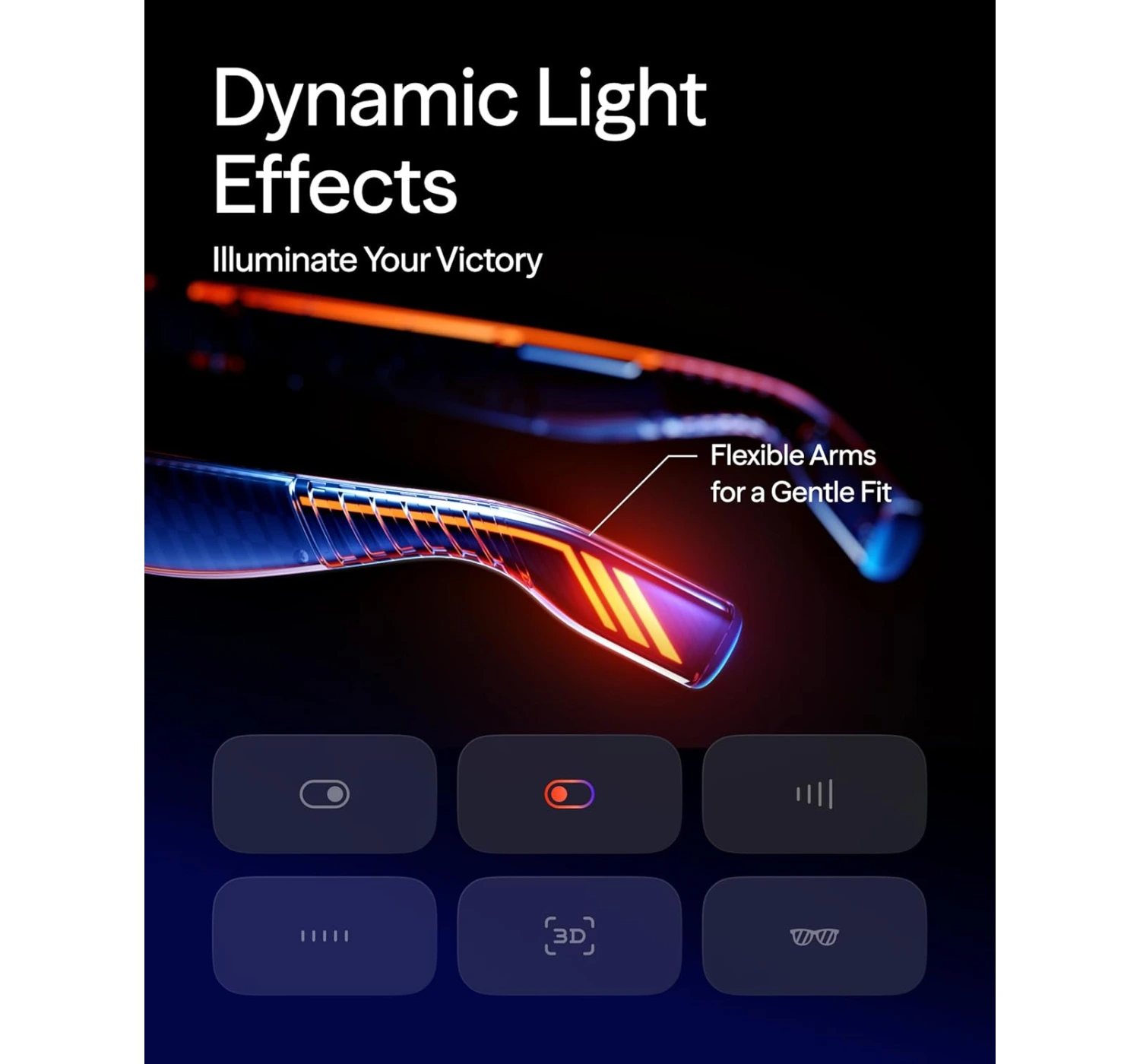
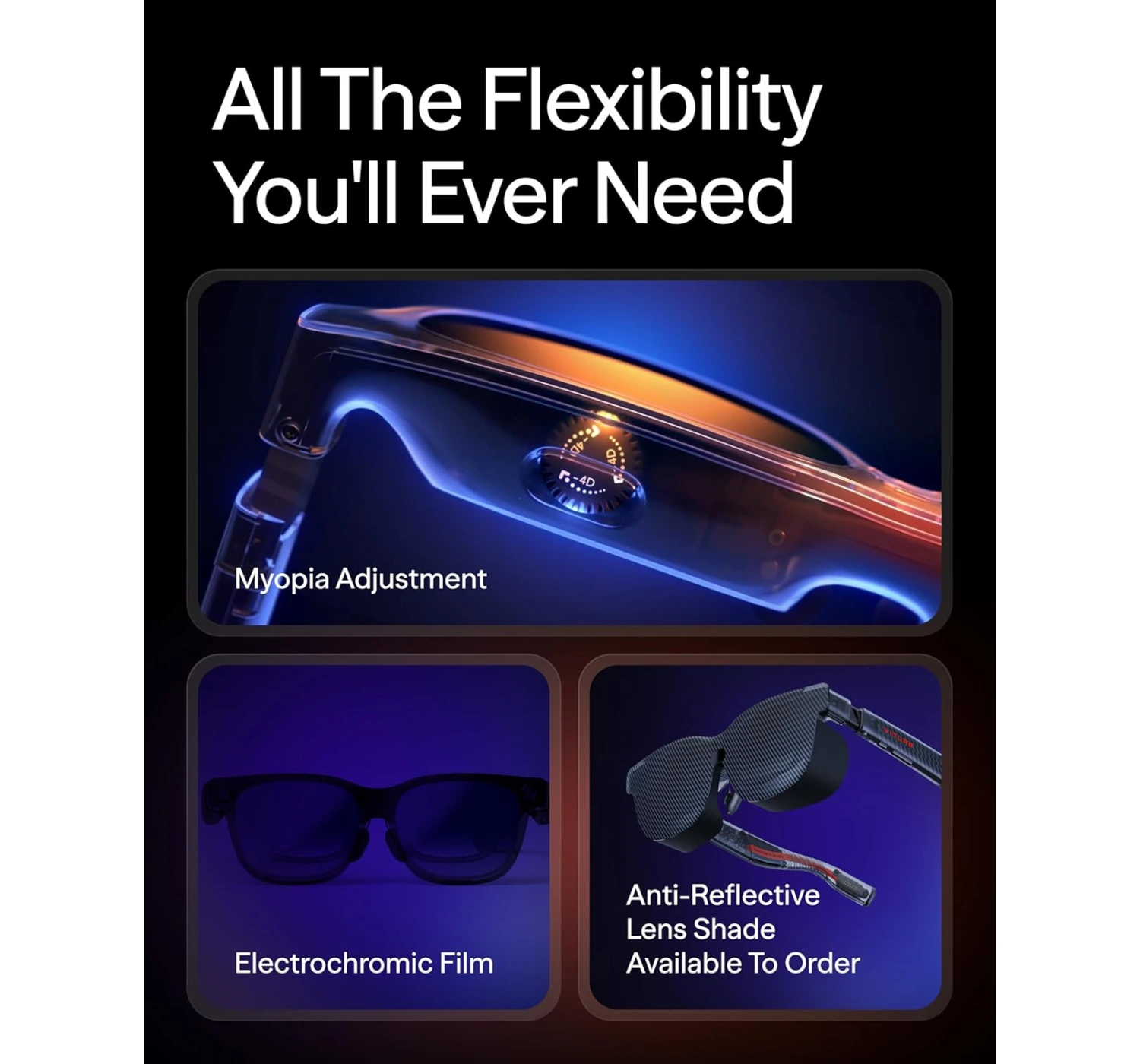

Let’s dive into the future—or at least, a future that you can strap cool accessories onto your face. If you’ve been hanging around the tech corners of the internet lately, you’ve probably seen the surge in “XR glasses.” These aren’t quite the VR headsets that cut you off from the world, but they aren’t just standard sunglasses either. They occupy this beautiful middle ground where your favorite movies, AAA games, and even documents, emails and spreadsheets float in front of you on a massive virtual canvas. If this peaks your interests, let’s dive right in and find out what these Virture Luma Pro XR Glasses are, and see if they offer an innovative cinematic experience or it’s another monitor that’s even dangerously closer to your face.
Overview
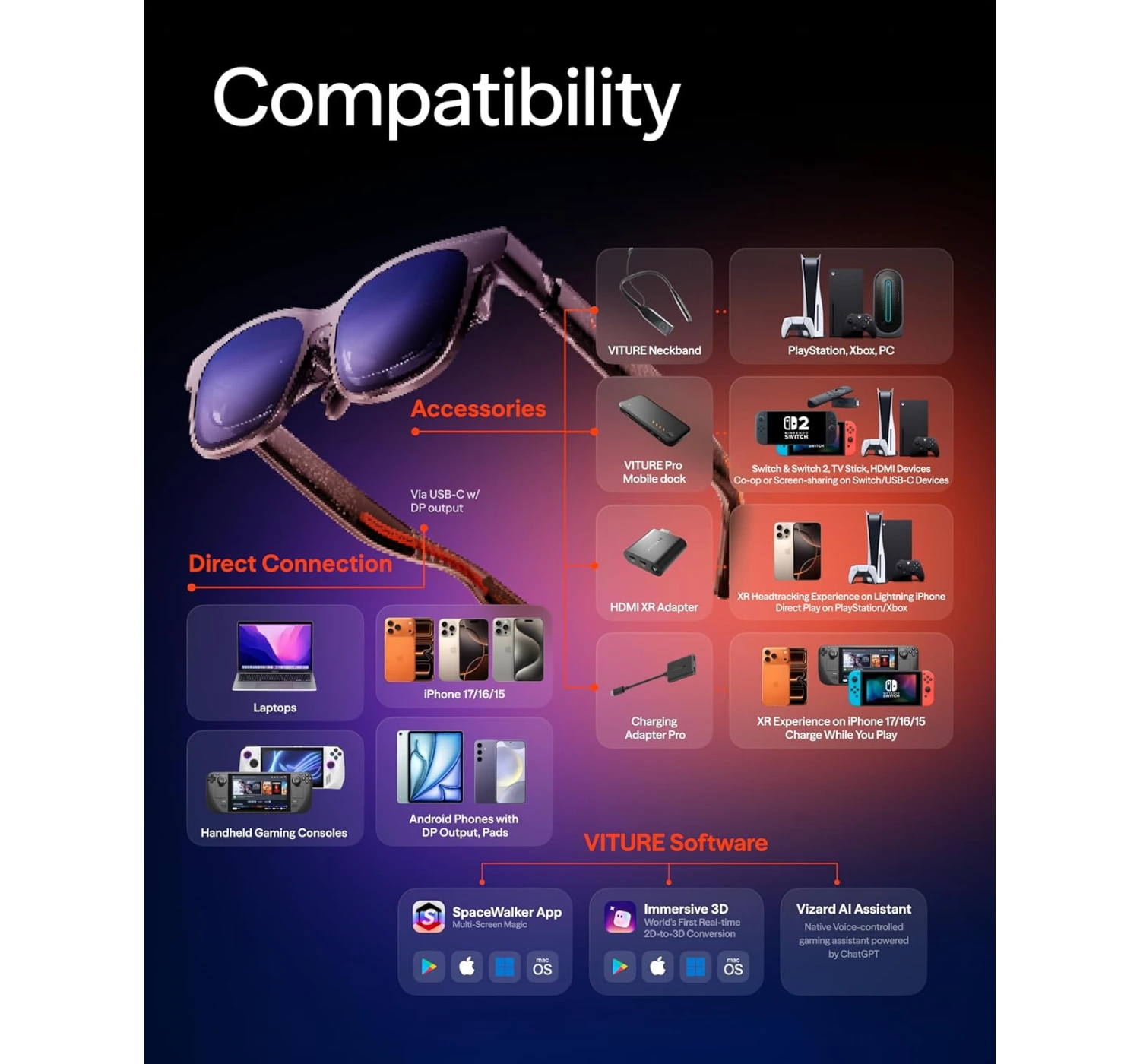
So, what exactly are we looking at here? The Virture Luma Pro XR Glasses (or simply the “Luma Pro” among the initiated) are the latest flagship offering from VITURE, a company that has quickly become the “Apple of XR” for their focus on polish and ecosystem. Think of these as a wearable 152-inch ultra-sharp display. Instead of sitting in front of a physical TV, you put these on, plug them into your phone, laptop, or Steam Deck, and suddenly you’re staring at a massive, vibrant screen that feels like it’s floating about 10 feet in front of you.
What makes it worth the buy? It’s the combination of three things: clarity, comfort, and customizability. Unlike previous generations that felt a bit like prototypes, the Luma Pro feels like a finished, premium product. It uses Sony’s latest Micro-OLED panels, which means the colors aren’t just good—they’re “I can’t believe this is a pair of glasses” good.
But the real magic for someone like me? The Myopia adjustment. If you’re nearsighted, you know the struggle of trying to fit a VR headset over your prescription frames. With the Luma Pro, you just turn two little dials on the top of the frame until the image is crisp. No extra lenses, no squished face. That alone is a game-changer.
Whether you’re a digital nomad trying to get a triple-monitor setup on a plane or a gamer wanting to play Resident Evil Requiem in bed without waking up your partner, these glasses are designed to give you a private, high-fidelity sanctuary anywhere.
Specs
Before we get into the “feel,” let’s talk about the “facts.” Viture didn’t hold back on the hardware here.
What’s To Like
1. Gorgeous Micro-OLED Display Tech
Alright, bear with me while I geek out for a second, but you’ve got to hear how the Viture Luma Pro XR glasses actually pulls off its magic.
It starts with these Sony micro-OLED panels. They’re super efficient, which is a total win because it means your phone or laptop battery won’t just tank while you’re using them. And even though the specs say 1200p, I’m telling you, it looks way crisper than that.
The Viture team basically borrowed some tricks from telescope optics and pro cameras to keep the edges sharp and kill off any annoying glare or distortion. It’s like they’ve polished the image to perfection. What you end up with is this massive 152-inch virtual screen with those punchy, vivid colors that make everything—from a working spreadsheet to a series on Netflix look spectacular.
One quick heads-up, though: they did trim the myopia adjustment range by a couple of points this time around. It turns out that they did it to make sure the edges of the wide 16:10 screen doesn’t get blurry. Basically, they traded a tiny bit of adjustment range to ensure the entire field of view stays crystal clear.
In the end, you get a gorgeous large virtual screen with great features so that you focus on what you see without distractions.
2. Lightweight, Comfortable, and Premium Design
These glasses are getting closer and closer to that “stealth” look. The ‘faux-Wayfarer’ vibe is way more subtle this time around. Sure, you can still see the techy “birdbath” lenses tucked inside if you look closely, but the refined shape is a huge step toward actually passing for normal sunglasses. You’re definitely getting fewer “what is that on your face?” double-takes.
In terms of actually wearing them, the Luma Pro kept things pretty versatile:
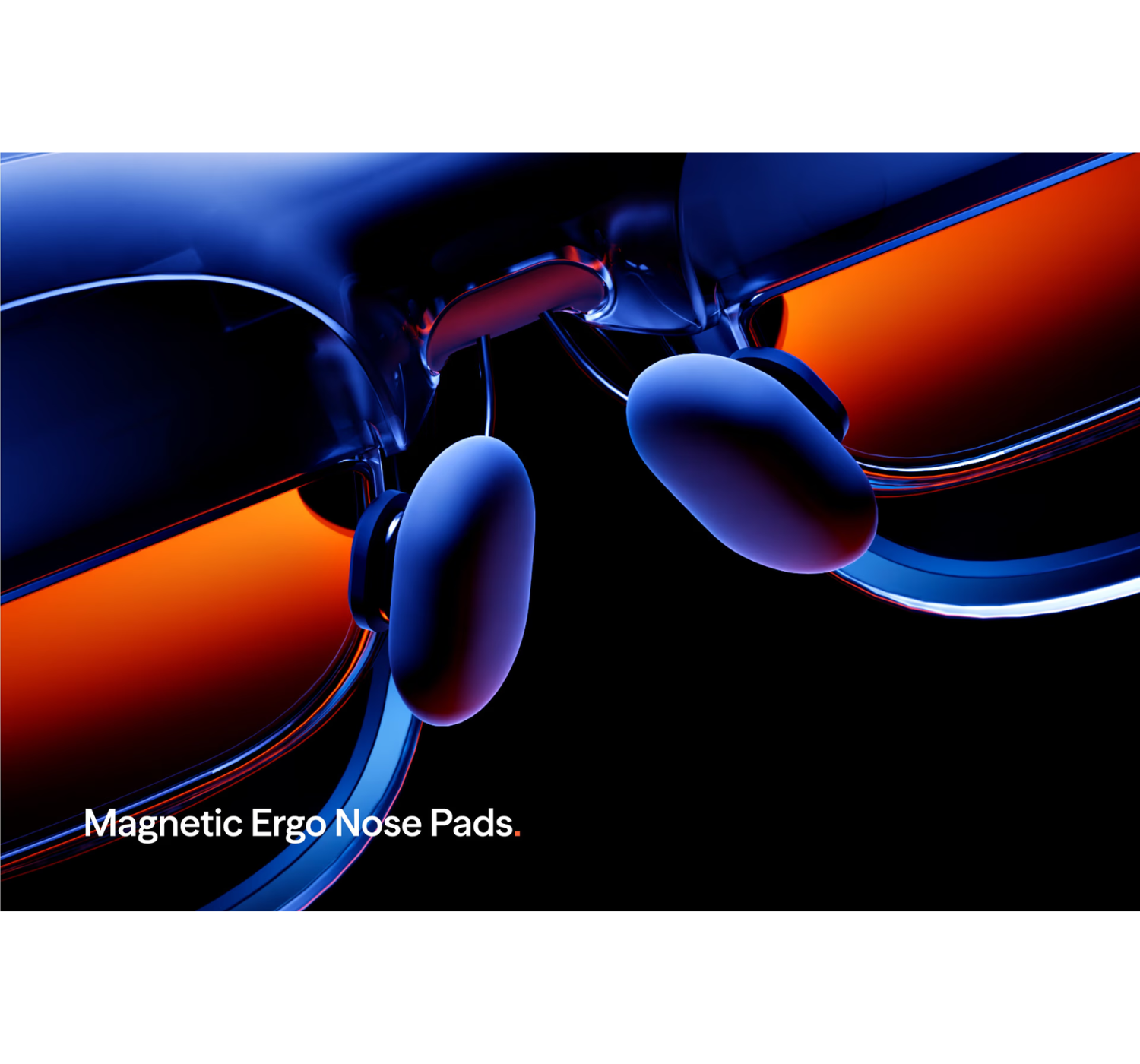
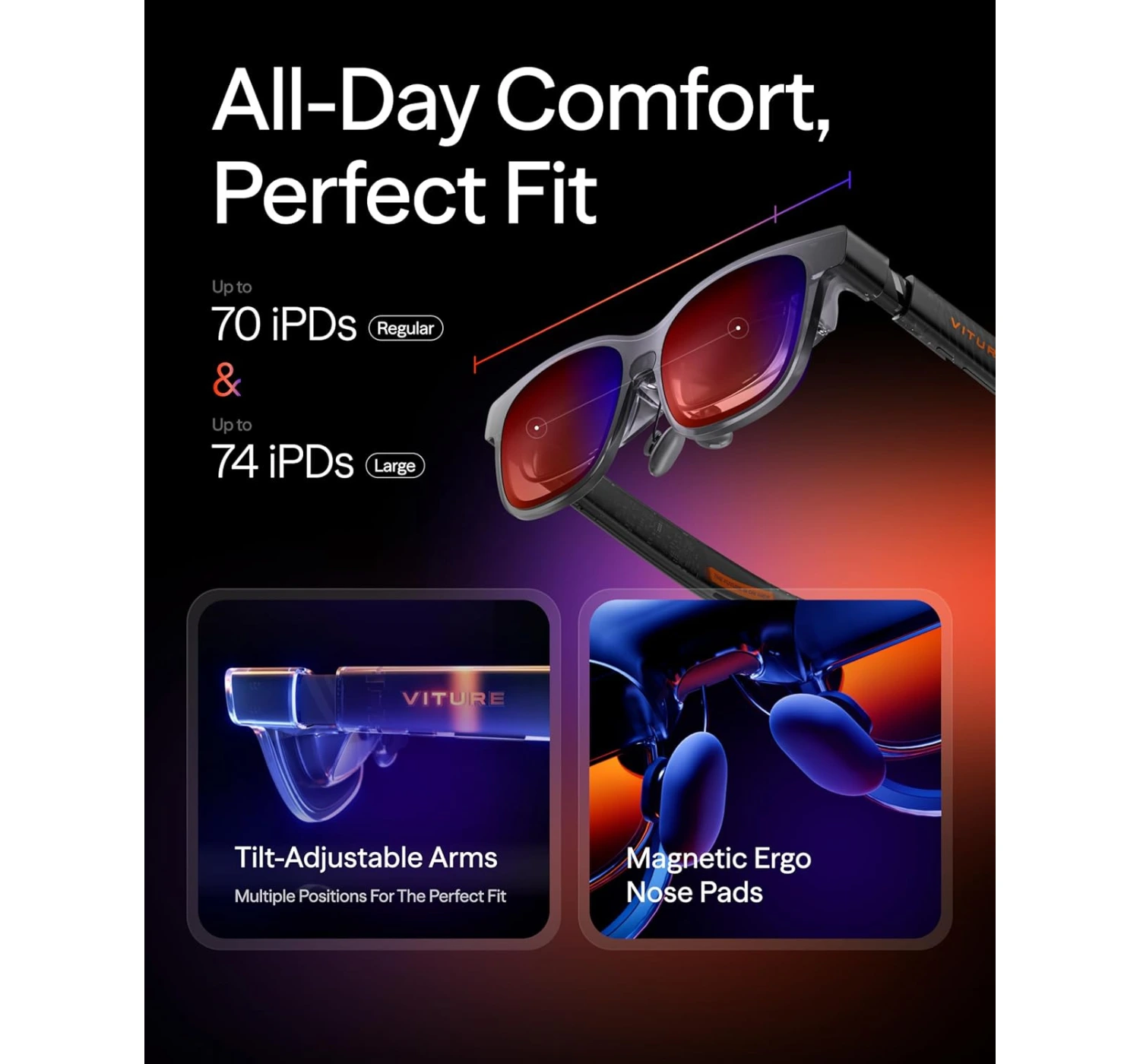
- They’ve got these magnetic nose pads that snap right on.
- The arms click into different angles, so you can really dial in the fit regardless of your head shape.
- They used this soft-touch plastic over the ears that feels great. No annoying headaches or any pinching.
And honestly? I have to give them props for the lighting. Usually, I find RGB accents a bit “cringe” and over-the-top, but the glow on these is actually really tasteful. It gives them a sharp, premium edge without looking like a neon sign.
The Deal Breakers
1. Mediocre Audio
Look, you can let the pros at Harman tune these things until they’re blue in the face, but at the end of the day, we’re still talking about teeny-tiny speakers crammed into the arms of some glasses. And they do exactly what you’d expect “teeny-tiny speakers” to do. (Have I said “tiny” enough yet? Because that’s the vibe.)
To be fair, I have to give Viture props for the privacy tuning. They’ve actually managed to keep the sound from leaking out, so if you’re out in public, the person next to you isn’t going to hear your whole playlist.
But honestly? Just pack a pair of headphones. If you’re anywhere noisy, the volume gets drowned out instantly. And if you’re somewhere quiet, the audio starts to sound pretty thin and “tinny,” which isn’t exactly the premium experience you’re looking for.
2. Prototype Product not Final
Let’s be real for a second—even though there are a ton of brands jumping into the AR glasses game, the actual heavyweight title fight is Xreal vs. Viture. But beyond just the brands, there’s a bigger “philosophical” battle happening: Hardware vs. Software.
Here’s the breakdown:
- They’re doing the heavy lifting right on the glasses. Because of that X1 chip inside, you can pull off tricks like a massive 32:9 ultrawide screen or tweak your settings directly on the hardware. It’s snappy and built-in.
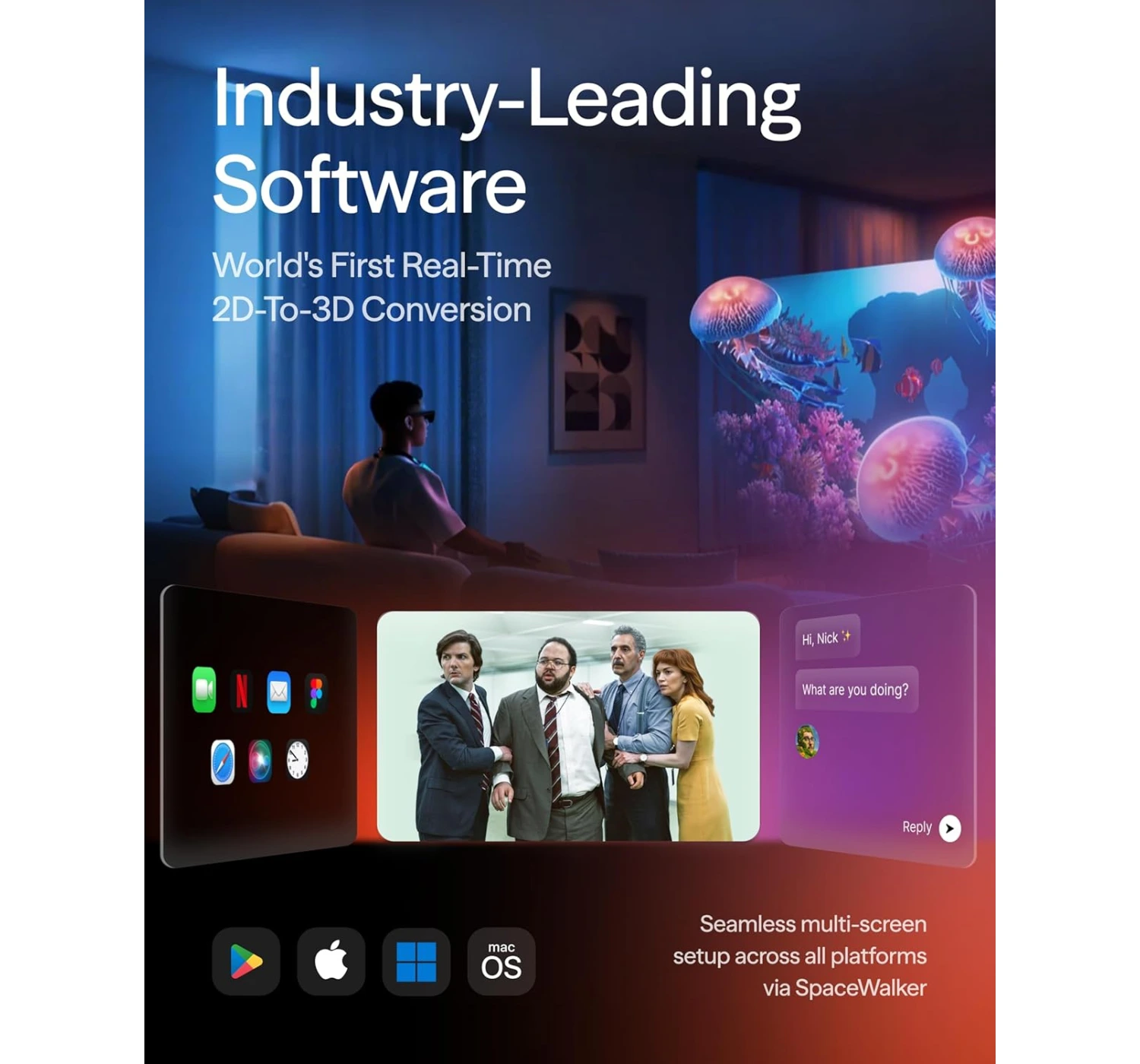
- They’re leaning hard into software. You’ll spend a bit more time getting apps like Spacewalker or Immersive 3D dialed in, but once you do, the customization is wild. We’re talking triple vertical monitors or this surprisingly cool trick that turns regular 2D videos into 3D. It actually works really well!
The catch? Not everything is “plug and play” just yet. For example, there’s a built-in camera meant for snapping photos and 6 DoF tracking (that’s the tech that “pins” your windows in mid-air so they stay put when you move your head). But since those features aren’t live until a post-launch update, using these right now feels a lot like the standard Viture Pros—just with a much prettier picture.
So, if we’re looking at who has the most features right this second, Xreal takes the win. I’ll definitely have to circle back once Viture flips the switch on that camera tech, but for now, it’s a “wait and see” on the full potential.
The Alternatives of the Virture Luma Pro XR
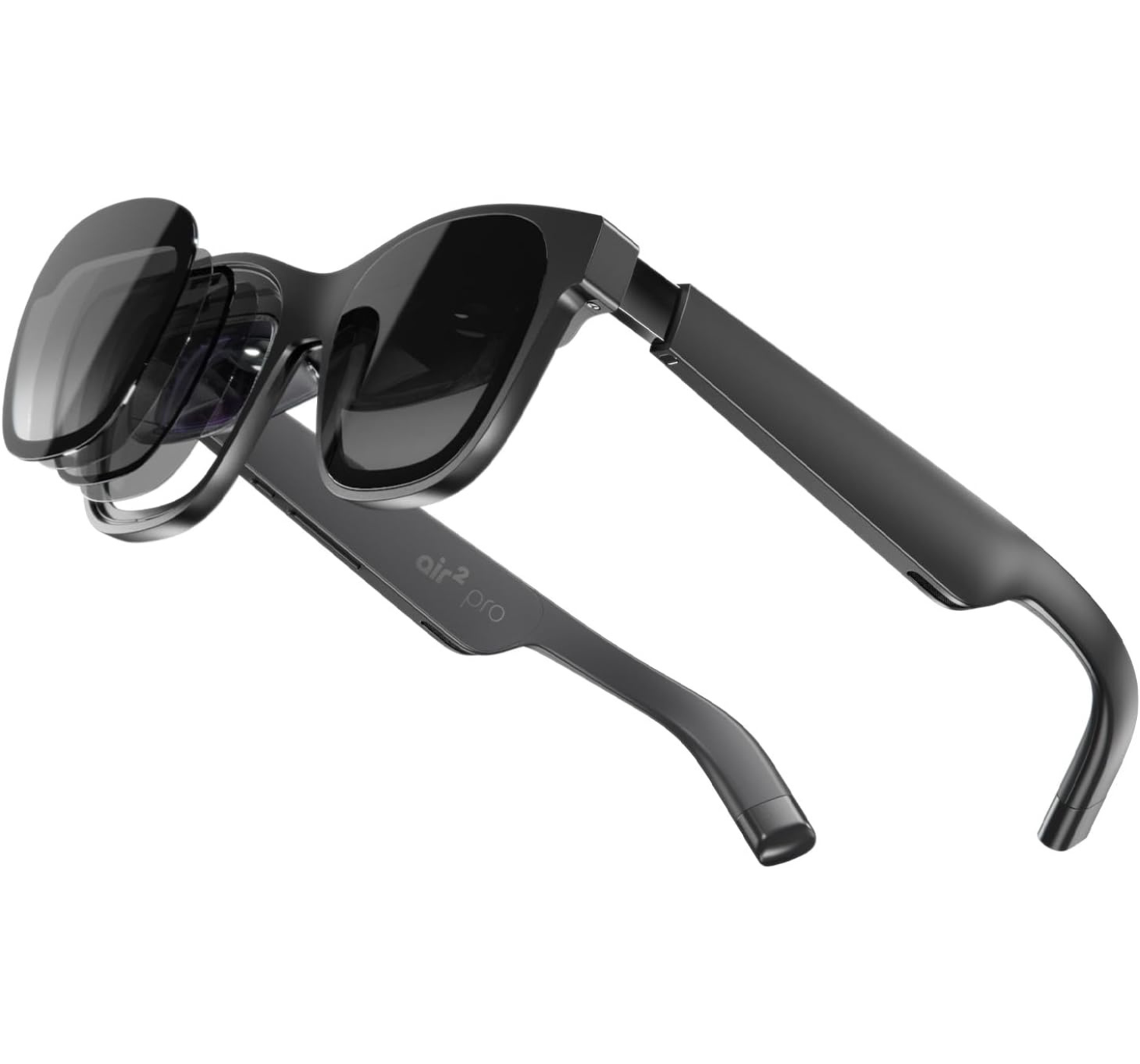
4.0 ★★★★☆ Best for movies and travel If you’re looking for a pair of XR glasses that you can actually wear for a four-hour flight without feeling like your nose is in a vice, the XREAL Air 2 Pro is a fantastic, comfort-focused alternative to the Viture Luma Pro XR. While the Viture is a powerhouse for productivity thanks to its sharper 1200p resolution and those ultra-convenient built-in focus dials for nearsighted users, it can feel a bit “clippy” and rigid during long sessions. The XREAL Air 2 Pro counters with a “set it and forget it” philosophy, featuring electrochromic dimming that toggles through three levels of tint at the press of a button—letting you go from total immersion to seeing the world in a snap. Its real secret weapon, though, is the audio; many users find it louder and clearer than the competition, which is a huge win for movies and games. You do give up that extra bit of vertical resolution and the convenience of focus dials (you’ll need lens inserts if your vision isn’t perfect), but for a lighter, more flexible fit that feels like a premium pair of shades, the XREAL is the go-to for pure, high-quality entertainment.1. XREAL Air 2 Pro
Best for gaming and overall productivity
If you’re the type who values “tank-like” build quality and raw power over the latest shiny bells and whistles, the Viture Pro XR remains a beastly alternative to the newer Luma Pro XR. While the Luma Pro boasts a slightly larger 152-inch virtual screen and that crisp 1200p “4K-like” resolution, the Pro XR wins the “premium feel” trophy with its aircraft-grade aluminum alloy frame compared to the Luma’s plastic build. Its secret weapon, however, is the staggering 4000 nits of peak brightness; it’s basically the only pair of XR glasses that doesn’t break a sweat when you’re using them outdoors in broad daylight. On the flip side, you are sticking with a slightly smaller 135-inch display and a 1080p resolution, so you might miss out on that ultra-fine text clarity the Luma series offers for heavy coding. But for many, the trade-off is worth it for the wider -5.0D myopia adjustment (a lifesaver if your eyes are a bit more “distinguished”) and the sheer reliability of a flagship that’s already proven its worth in the wild. It’s less about having the newest toy and more about having the most dependable, high-performance toolkit on your face.2. Viture Pro XR
 4.5 ★★★★⯪
Best for AI and photography
If you’re looking for smart tech that feels like a natural extension of your day rather than a dedicated “session,” the Rokid AI Glasses are a refreshing, high-IQ alternative to the Viture Luma Pro XR. While the Luma Pro is an absolute powerhouse for gamers and cinephiles—offering a massive, crisp virtual display that the Rokid simply doesn’t have—it can feel a bit heavy and “tethered” for casual wear. The Rokid is a featherweight champion at just 38.5g (literally half the weight of the Viture), making it the king of all-day comfort. It trades the giant screen for pure intelligence, featuring built-in AI assistants like Gemini and ChatGPT for hands-free help, real-time translation, and a sharp 12MP camera to snag 4K POV shots without you ever reaching for your phone. You will have to sacrifice that “private cinema” experience, and the proprietary charging cable is a bit of a quirk since there’s no battery case, but for a budget-friendly companion that helps you navigate the real world instead of hiding from it, the Rokid is a brilliantly clever choice.3. Rokid AI Glasses
 3.5 ★★★⯪☆
Verdict
The Virture Luma Pro XR Glasses are, without a doubt, the most polished “big screen in your pocket” experience available today. They’ve managed to take a futuristic concept and make it feel like a daily-driver tool. If you are a frequent traveler, a hardcore handheld gamer (Steam Deck owners, I’m looking at you), or someone who just wants to work from a balcony without a bulky laptop screen, these are a “must-buy.” The combination of the 120Hz Sony Micro-OLEDs and the effortless myopia adjustment makes them the most accessible XR glasses on the market.
Are they a total replacement for a 4K OLED TV? Not quite. But are they a replacement for that cramped laptop screen on a 10-hour flight? Absolutely. Ready to upgrade your reality? Click here to get your own pair of Virture Luma Pro XR Glasses and join the XR revolution!
I want to hear from you! Do you think XR glasses are the future of work, or are you holding out for “true” AR like the Apple Vision Pro? Are you worried about the “fit lottery,” or does the 152-inch screen sound too good to pass up? Drop a comment in the section below and let’s chat! I’ll be hanging out to answer any specific questions you have about the setup or gaming performance 😀

 LGMadyibi
+ There are no comments
Add yours