“Forza Horizon 6 is an absolute masterpiece and easily one of the best racing games I have ever played”
If you love cars even half as much as I do, you have probably been waiting forever for the next Forza Horizon series installment to finally pack its bags and head to a new location, which is Japan. Well, the wait is officially over, and I can tell you firsthand that Forza Horizon 6 absolutely delivers the ultimate Japanese car-culture paradise.
From the second you mash the throttle, the game drops you into a breathtaking, open-world playground that blends a neon-lit, shrunken-down Tokyo with winding mountain passes, dense forests, and hidden rural racetracks. It strikes the perfect balance between arcade fun and realistic handling, making you feel every bit of grip as you drift through hairpins or blast down the massive highway loops.
Whether you want to customize your dream ride, build your own private track in the countryside, or just park at a convenience store to hang out and snap photos with friends, this game completely captures the soul of car culture. Trust me, you will want to grab your controller and dive into this journey right away. Let’s take a deep dive into the Forza Horizon 6 review and see if it’s as impressive as it looks.
Overview
I will admit, it always felt a bit weird to me that the series took until its sixth entry to finally visit Japan. This is the birthplace of drifting and legendary car meets, so a stopover here is long overdue. But after spending a week tearing up the streets, I’m honestly glad the developers waited.
This game isn’t trying to be a 100% geographically accurate replica of Japan. Instead, it feels like a Japanese-themed amusement park for car lovers. It takes iconic, beautiful pieces of the country—like a shrunken-down Tokyo, sharp mountains, dense forests, rural racetracks, and the snowy Alps—and smashes them right next to each other.
The racing itself feels super familiar if you’ve played past games, blending approachable handling with a realistic sense of weight and grip. I even noticed the AI making better split-second decisions to avoid crashes. What really sets this entry apart is a revamped campaign structure that brings back the structured “wristband” progression of the older games, giving you a clear endgame and a massive final goal to chase.
Quick Info
RELEASE DATE: May 2026
DEVELOPER: Playground Games
PLATFORMS: Xbox Series X/S, Windows, PlayStation 5
So why’s this game such a masterpiece? Let’s explore the reasons why. One. This is easily the most credible, detailed, and car-friendly world the series has ever built. It feels like a living world made for cars, packed with bespoke multi-level parking lots, alleyways, and gas stations where you can just park, hang out with friends, and take photos.
Two. The visual scale is a total showstopper, and it runs flawlessly with zero stuttering. I keep stopping just to admire the tiny things, like flaking paint inside overgrown tunnels, distinct textures on different road surfaces, and tire marks left by other drifters on mountain passes.
Three. The car audio is the best it has ever been. Downshifting in tight tunnels creates this amazing, realistic echo that I honestly can’t get enough of. You can even hear the faint squeak of performance brakes when you push them too hard.
Next. After 20 years, we can finally put decals on window glass! The creation tools are wild now—you can customize your own garages, build private racetracks on estates in the countryside, and set up multiplayer events anywhere in the open world with no loading screens.
Forth. The developers smartly scaled back the random “wheelspin” prizes so they don’t feel overused. Instead, you earn credits at a good pace and get to hunt down more hidden barn finds and “treasure cars” just by exploring the map.
Lastly, the massive events at the end of each campaign tier are spectacular. One of them literally features a giant mech stomping its way toward Tokyo while you race through the chaos.
The Deal Breakers
Even great games have flaws. First, there’s no Underground Garages. While the parking lots are great, I would have loved to see deep, polished-concrete underground parking garages with working gates. Games like Test Drive Unlimited Solar Crown still have this game beat on that specific front.
Next. The storyline is not that interesting. The game makes a big deal about your character arriving as a regular tourist instead of an established superstar, but it doesn’t actually change anything. You are immediately handed three pre-modified cars anyway, making the choice feel kind of meaningless.
Thirdly, since the game introduces a cool new feature where you can physically drive up to cars parked in the world to buy them, I wish the intro made you cruise around Tokyo to buy your first project car, rather than just gifting you vehicles right away.
And finally, the predictable visual layout: While the environments look gorgeous, traveling through tight tunnels that predictably open up into combat-style racing arenas can get a little formulaic after a while.
The Verdict
Ultimately, Forza Horizon 6 is an absolute masterpiece and easily one of the best racing games I have ever played. Playground Games took their time bringing the series to Japan, but the wait paid off completely.
By combining the most jaw-dropping, detailed map in franchise history with a vastly improved progression system, they created a pure automotive paradise that you’ll want to get lost in for years.
If you’re ready to start your own racing open-world adventure, click the link HERE to check out more of what’s in store. Once you dive in, come back and leave a comment to let me know—is Forza Horizon 6 your favorite game of the year so far, or do you think another upcoming title will steal the crown? 😀
“Pragmata is great fun and satisfying to play. It introduces new gaming mechanics very well, enhancing the third-person shooting experience, together with impressive graphics and visuals.”
If you’re looking for a new sci-fi action adventure game to sink your teeth into, you definitely need to check out Capcom’s latest release, Pragmata. It completely takes the familiar third-person shooter genre, together with action and space adventure, and introduces new gaming mechanics in the absolute best way possible. The game hooks you right from the start with an awesome sci-fi premise, where you play as a lone survivor trapped on a massive Moon space station, then teaming up with a mysterious robot AI humanoid to fight your way through the chaos after a rogue AI turns an army of robots against humanity.
It is a super fun, action-first adventure that focuses on awesome gunplay, clever puzzles, and intense boss fights that will keep you glued to your screen the whole way through. But is it really a space adventure worth playing, or is it destined to later end up in a dark blackhole. Let’s break it down with the Pragmata game review.
Overview
Pragmata totally channels the vibe of an old-school third-person shooter, and honestly, I mean that in the best way possible. It relies on a specific gameplay hook but keeps everything else pretty straightforward.
The story kicks off on a massive Moon space station where a rogue AI turns an army of robots against the crew, leaving a guy named Hugh as the sole survivor. He teams up with Diana, a humanoid robot girl, for a 12-hour campaign where she handles the hacking and he handles the shooting.
While the plot doesn’t do much with its cool sci-fi setup and falls back on predictable tropes, the action is so incredibly fun and satisfying that I easily spent 15 to 16 hours, completing the main story and the extra missions the game had to offer.
Quick Info
RELEASE DATE: April 2026
DEVELOPER: Capcom
PLATFORMS: PlayStation 5, Nintendo Switch 2, Windows, Xbox Series X/S
So what makes this game such a gem? Here’s what we love about Pragmata. Firstly, the hacking mechanic is the absolute star of the show. You solve grid puzzles in real-time while aiming down sights to expose enemy weak spots. It stays fresh because you can add random “Nodes” to trigger status effects like chain-hacking or turning robots against each other.
Secondly, the shooting gameplay feels heavy and impactful. Between the crowd-clearing grenade launcher, the stasis net, and the hard-hitting automatic rifle, swapping weapons to manage heat buildup feels great. Plus, building up a stagger meter rewards you with awesome, high-damage finisher animations.
Third, the bosses at the end of each level are massive highlights. They challenge you with unique attack patterns and even mess with your hacking grids, forcing you to juggle intense combat and quick puzzle-solving at the same time.
Next, Diana isn’t just an escort mission; she is totally essential to how the game plays. Outside of combat, bringing back collectible objects to your hub triggers heartwarming moments where she shows curiosity about Earth and draws pictures for Hugh.
And lastly, the game has tons of optional simulation missions at your hideout to test your skills, plenty of hidden paths with upgrades, and a post-game chunk of content that is definitely worth uncovering.
The Deal Breakers
With all the great features of the Pragmata video game, here are a things we didn’t like. The main story is good but poorly illustrated. The game sidelines its unique space drama ideas for a predictable “rogue AI and robot girl” plot. Worse, it puts major lore details about Diana into readable text logs instead of showing them in actual cutscenes.
Next, the game shows repetitive environments. The level design follows a very predictable pattern of tight hallways leading into combat arenas. Fighting inside sterile, gray space station walls gets visually exhausting by the end of the campaign.
Thirdly, Hugh’s momentum can be really unpredictable. When optional simulation missions force you to do basic platforming, the inconsistent movement becomes incredibly frustrating.
And lastly, Hugh’s a pretty generic protagonist, and his emotional bond with Diana feels rushed. The game doesn’t spend enough screen time building a believable father-daughter relationship, making their connection feel a bit unearned.
The Verdict
The video game, Pragmata, is great fun and satisfying to play. It introduces new gaming mechanics very well, enhancing the third-person shooting experience, together with impressive graphics and visuals. I really enjoyed the boss fights, and doing the extra missions that are available.
Although the main story won’t really appeal visually to most players, the sci-fi drama gives enough to see it all the way through and experience this satisfying action-packed third-person shooter.
So tell me what you think of the Pragmata game review? Is it a game worth considering? What do like it or hate about it? Leave your answers and comments at the comments section below, and if you want to find out more or buy the game now, then click HEREand start your next sci-fi adventure 😀
As great as all these laptops are in the market right now, we often struggle to pick the best laptop for ourselves. Not because we don’t want to, but because of challenging factors such as rising prices, new hardware releasing, and tons of them in the market right now. If you’re one of them, I’ve got news for you. Stop looking and start here. We’ve come with a few of the best laptops to buy. Whether it’s a MacBook, a Chromebook, or a normal Windows laptop, we guarantee there’s one laptop here for you.
Quick Overview
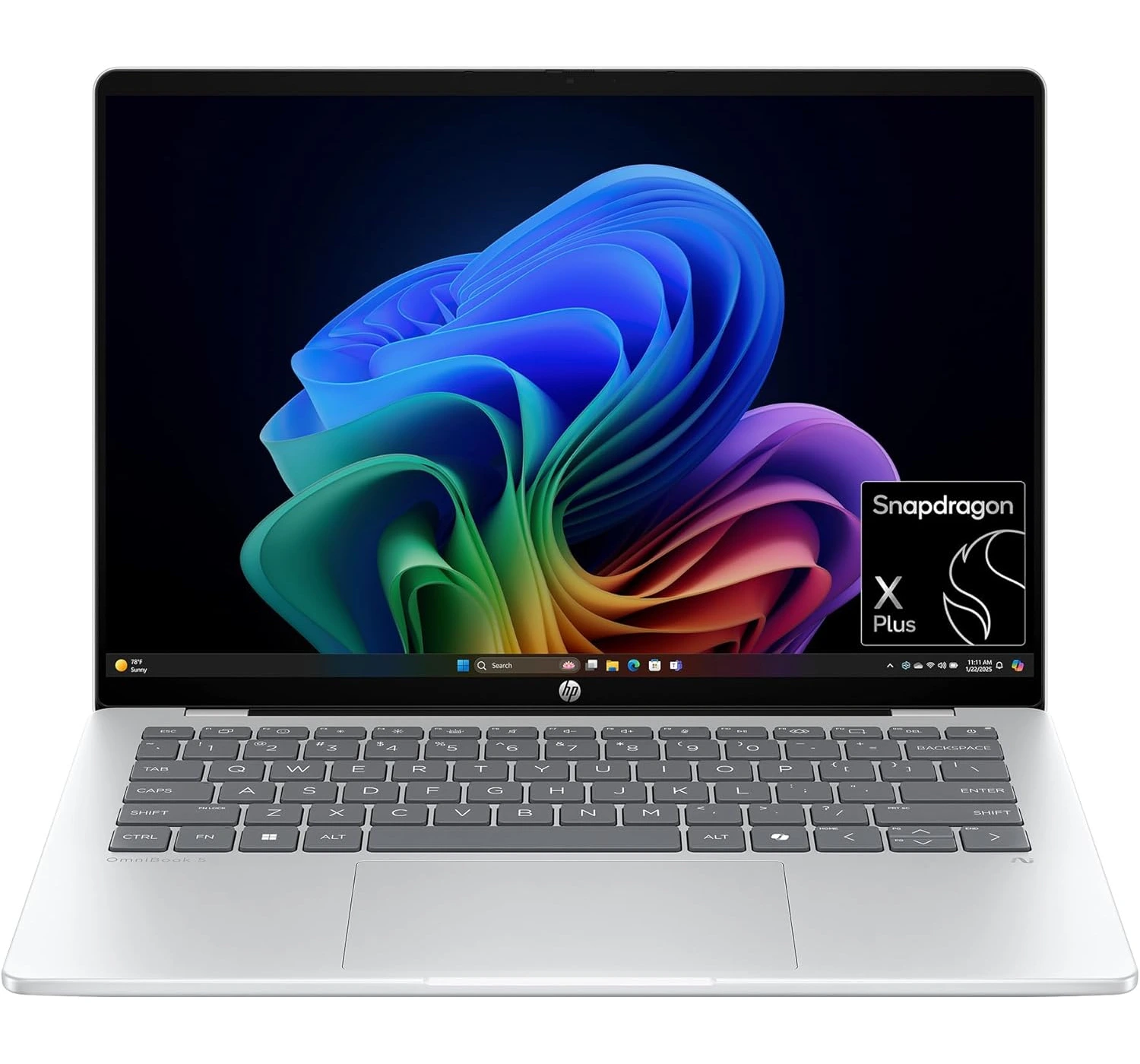
HP OmniBook 5 (14-inch)
Most Popular Windows Laptop
★★★★⯪ 4.5 Amazing
A top-tier Windows contender. It’s praised for its exceptional keyboard, vibrant OLED options, and the new AI-integrated processors that finally rival Mac efficiency.
The best “budget” productivity tool. It offers a rugged build and great performance for web-based tasks. It loses points only when compared to the raw power of the more expensive laptops.
The “people’s MacBook.” It scores high on value and portability, but the A18 Pro chip and 8GB RAM limit it for pro-level work. Great for students and casual users.
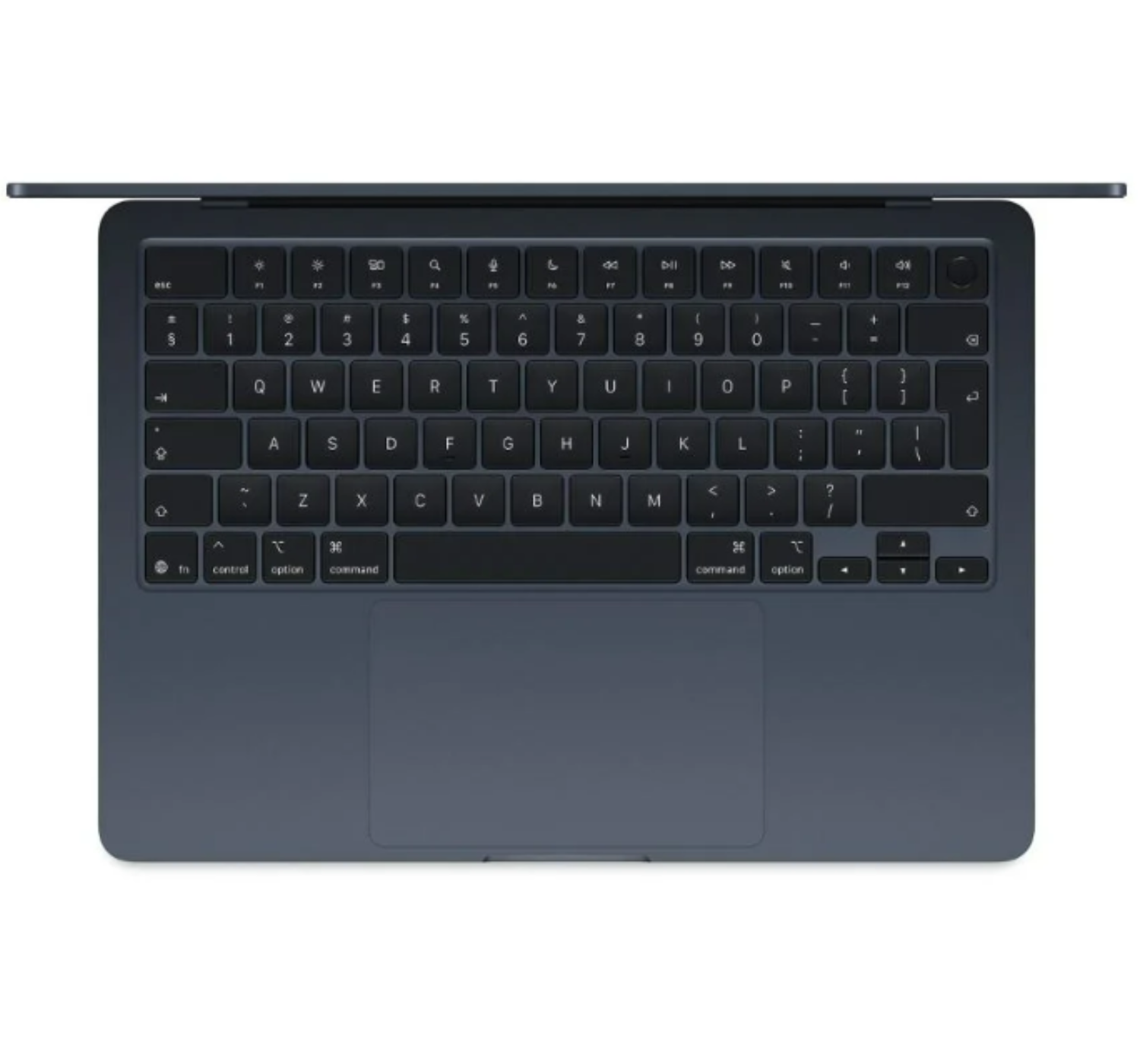
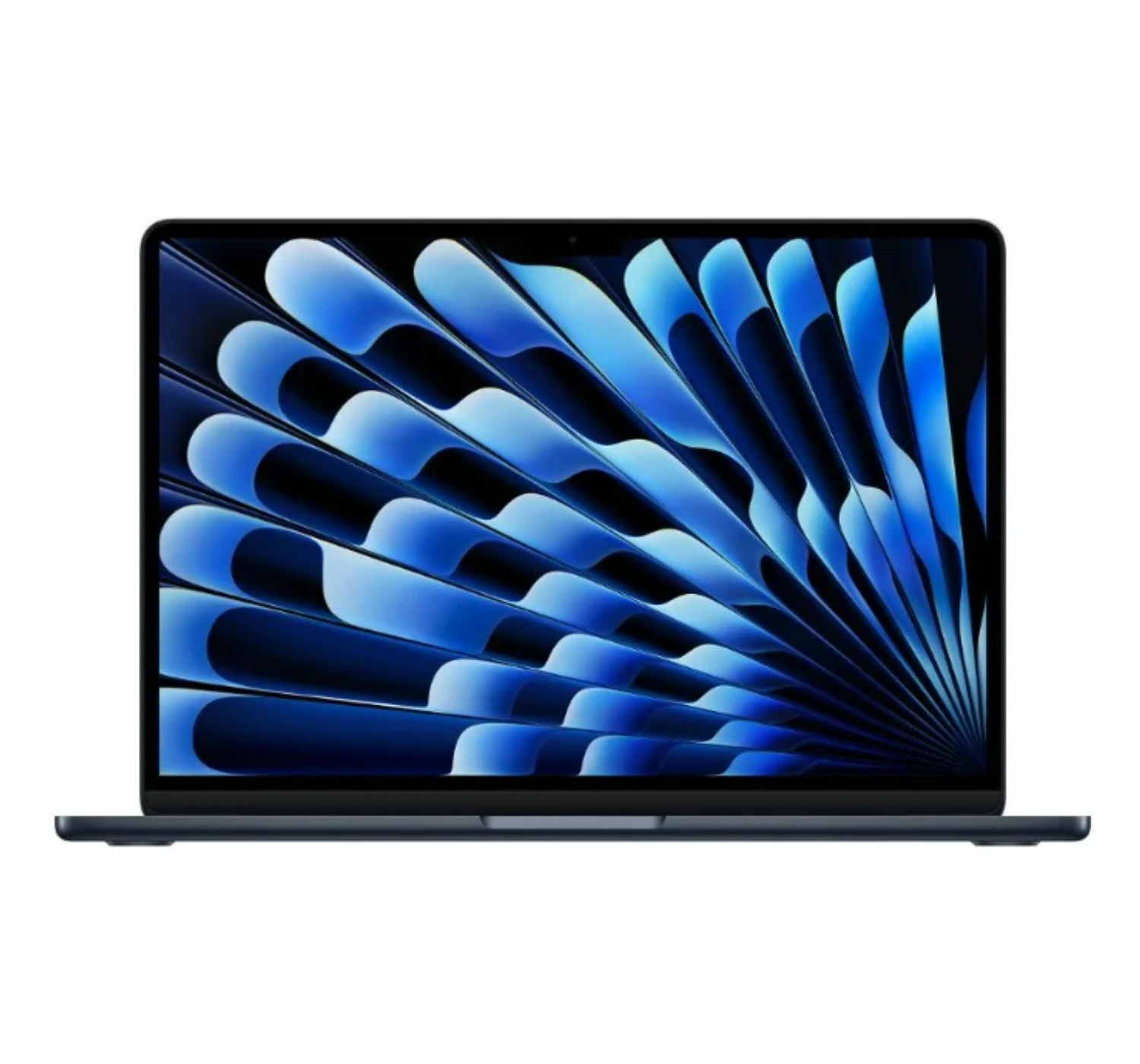
Still the king of ultra-portables, the M5 chip brings massive AI gains and industry-leading battery life. It’s nearly perfect, though the price remains premium.
With its ultralight chassis and the revolutionary intelligence of the Intel Core Ultra processor, the Lenovo ThinkPad X1 Carbon Gen 13 (Aura Edition) makes working on the go a breeze, easily making it one of the best choices you can find in 2026.
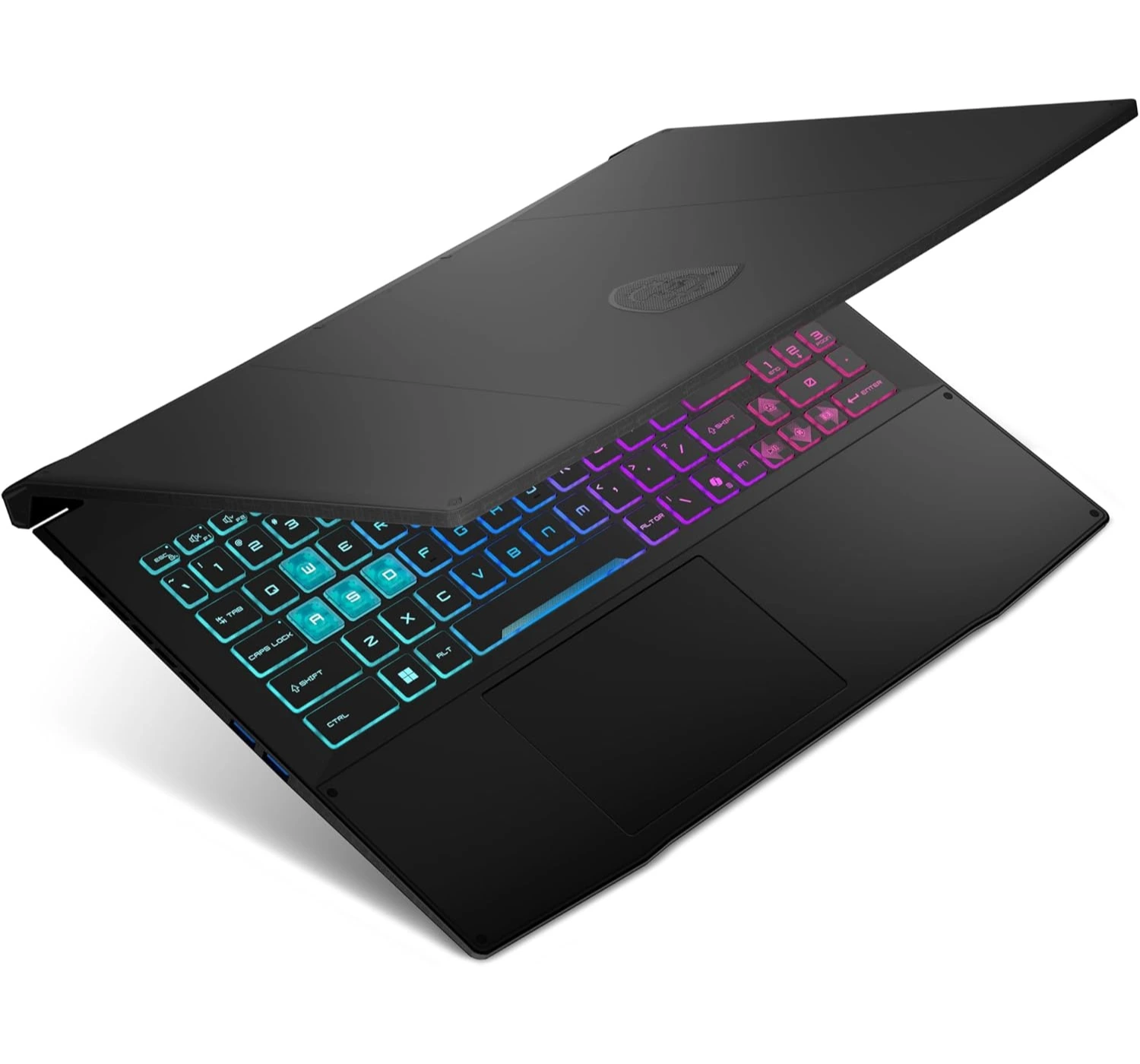
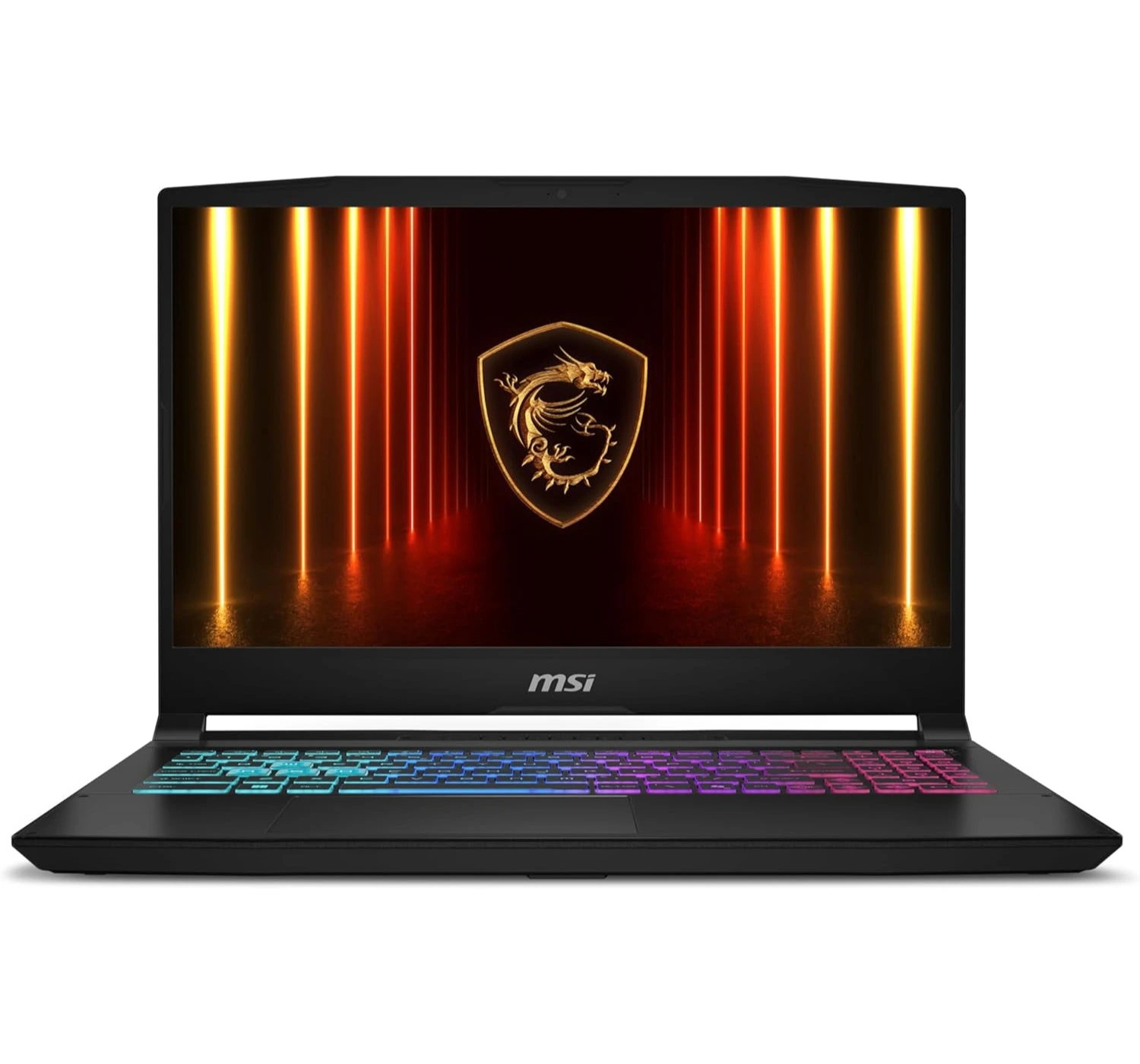
Still one of the best gaming laptops available at a lower price, the MSI Katana 15 HX is a great gaming companion for when the top-tiers are just way out of your reach.
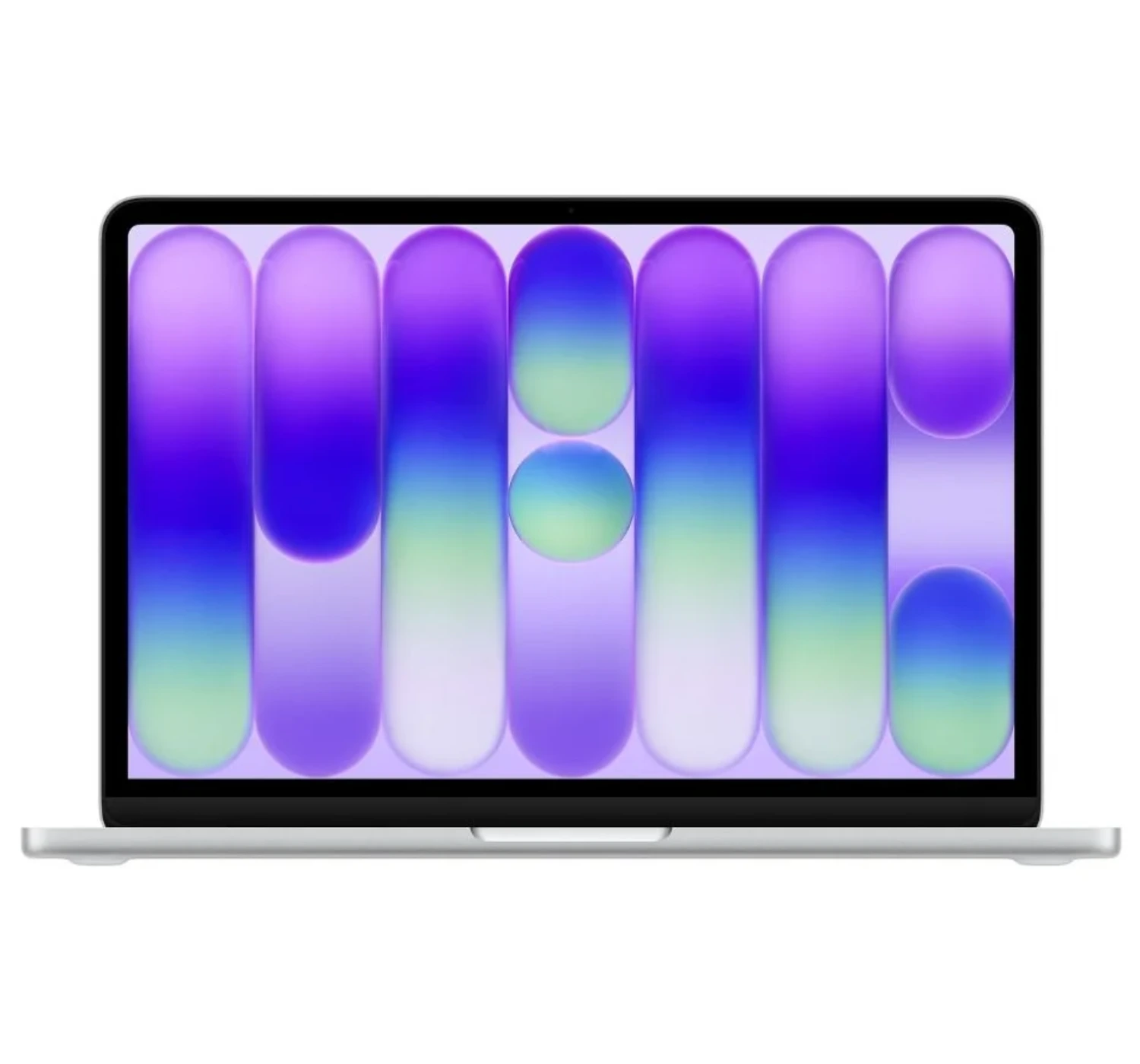
The Apple MacBook Neo is like a stylish, budget-friendly passport into the premium Apple world, proving you don’t have to break the bank to get that classic luxury feel. It’s a total bargain, wrapped a tough, solid aluminum shell around an iPhone-borrowed chip that flies through everyday chores like web surfing and streaming without breaking a sweat. It brings back a clean screen design by throwing away the blocky camera “notch” that sits on the pricier models, and it stays perfectly silent because it doesn’t use any noisy fans.
However, to keep the price tag so low, Apple had to cut a few corners. This laptop acts more like a neighborhood bicycle than a heavy-duty pickup truck—if you try to force it into heavy 4K video editing, it will quickly run out of breath.
It also makes you pay extra if you want the convenience of a Touch ID fingerprint sensor, the keyboard sadly lacks a backlight for typing in the dark, and its two input ports are mismatched, with one port moving at a sluggish turtle pace compared to the other.
In the end, even with the trade-offs, the MacBook Neo is a great laptop to buy. If you’re a college student, a first-time Mac buyer, or someone who just needs a reliable machine for the basics at a lower price, this is probably the best MacBook to choose right now. It’s affordable, but it definitely doesn’t feel “cheap.”
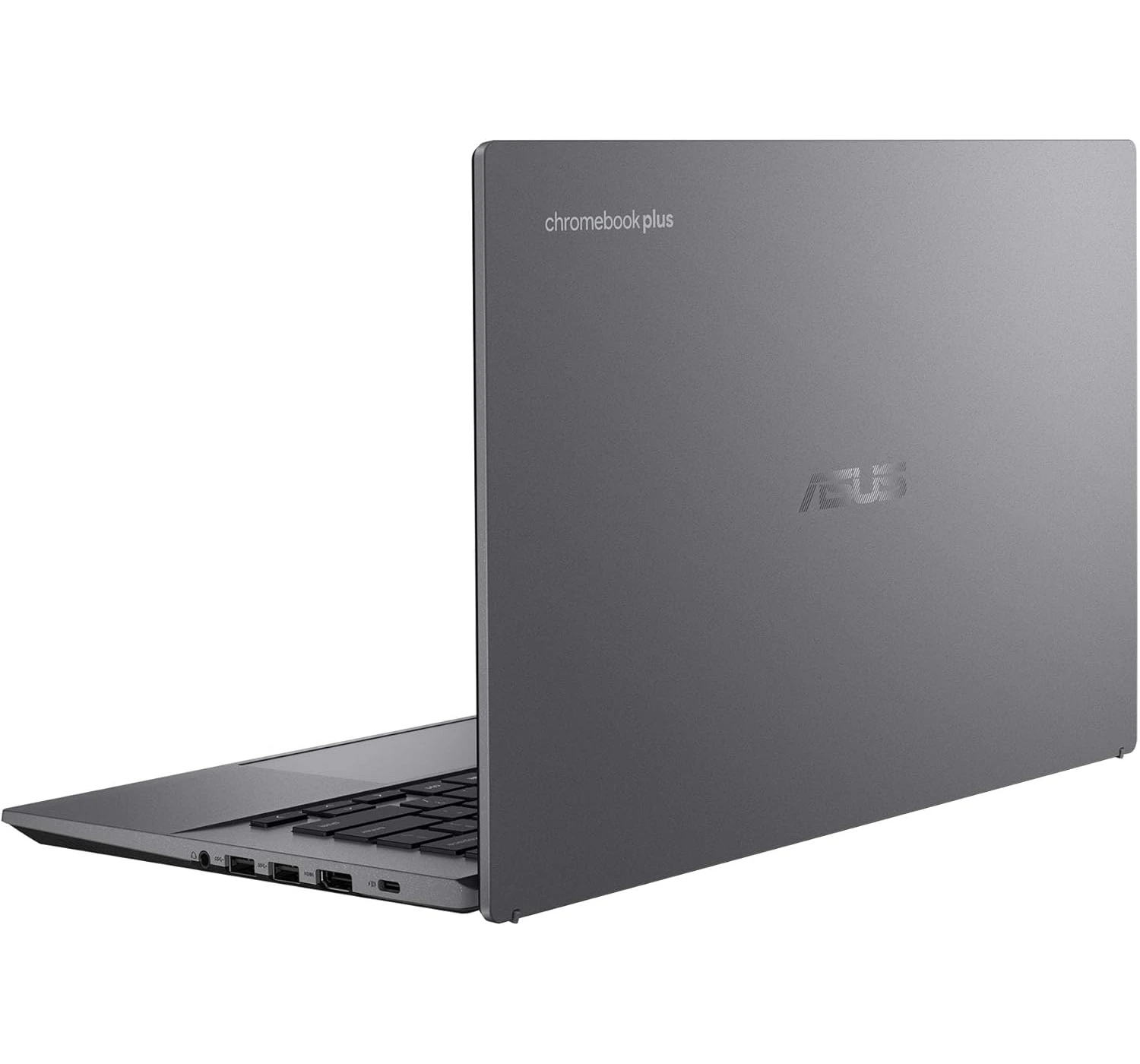
2. Asus Chromebook Plus CX34
The Best Budget Chromebook
★★★★☆ 4.0 Good
SPECS
DISPLAY: 14-inch Full HD 60Hz | touchscreen | 1980 x 1080 pixels
CPU: Intel® Core™ i3 1315U
GRAPHICS: Intel® UHD Graphics
MEMORY: 8GB of RAM
STORAGE: 128GB UFS
OS: ChromeOS
PORTS: 2x USB 3.2 Gen 1 Type-C | 2x USB 3.2 Gen 1 Type-A | 1x HDMI 1.4 | 1x headphone/mic port
OTHER: Backlit keyboard | weighs 1.43kg | Wi-Fi 6E | Bluetooth 5.4
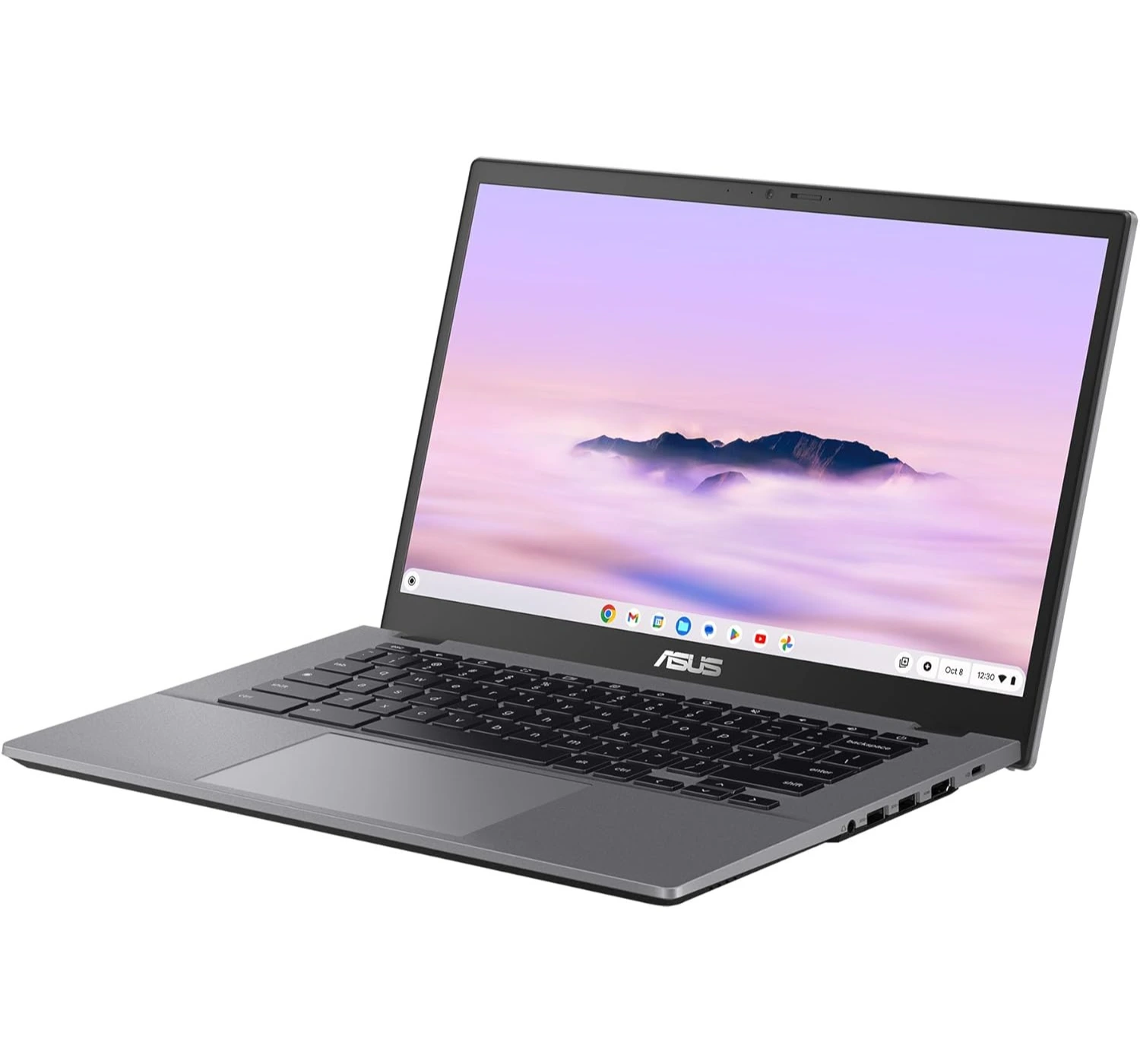
The Asus Chromebook Plus CX34 is like a trusty, rugged pair of school sneakers—it’s cheap, it can take a beating, and it gets you exactly where you need to go without any fuss. We love it because it’s an absolute bargain that punches way above its weight class.
It packs a surprisingly fast Intel CPU that zooms through schoolwork and web browsing like a rocket, and it includes a super-comfy keyboard and tons of input ports for all your gear. It even has special tough armor that lets it survive accidental drops and spills.
However, because it’s built to a budget, it has a few rough edges. The body is made of plastic that can twist and creak like an old wooden door if you squeeze it too hard, and the built-in speakers sound pretty weak and muddy, like they are trapped underwater.
On top of that, its screen can look a little dull and washed out, and the battery acts more like a short-distance runner, only giving you just enough juice to scrape through a standard workday before crying out for a charger.
Overall, the Asus Chromebooks Plus is a good buy because it’s affordable, it’s performance is snappy, and works well. Yet it’s not a luxury laptop, but for a student or anyone who just wants a reliable daily workhorse for web surfing, it gets the job done right.
The HP OmniBook 5 (14-inch) is like a tireless marathon runner dressed in a sharp business suit. Its battery acts like a camel crossing the desert, easily surviving over 24 hours on a single charge so you can leave your power charger at home.
It packs a gorgeous OLED screen that makes colors look as bright and rich as a box of fresh crayons, and it features a wonderfully snappy keyboard that is an absolute dream for typing up long papers. To top it off, it costs way less than most luxury laptops while still feeling slick and stylish.
However, there are a few potholes to watch out for. Because it uses a specialized phone-style processor, it behaves more like a gentle turtle when you try to play heavy video games or run fancy, complex software, and some older apps won’t even open on it. Additionally, while the outer shell looks like fancy metal, the inside area around the keyboard is made of cheaper plastic that can feel a bit hollow and bend if you press down too hard.
Overall. The HP OmniBook5 is indeed a great value laptop for those who just want to get the job done. For a moderately budget laptop with no fancy features, you get an impressive OLED display, and incredible battery life. If you’re interested, click the button above and see what deals are available for you right now.
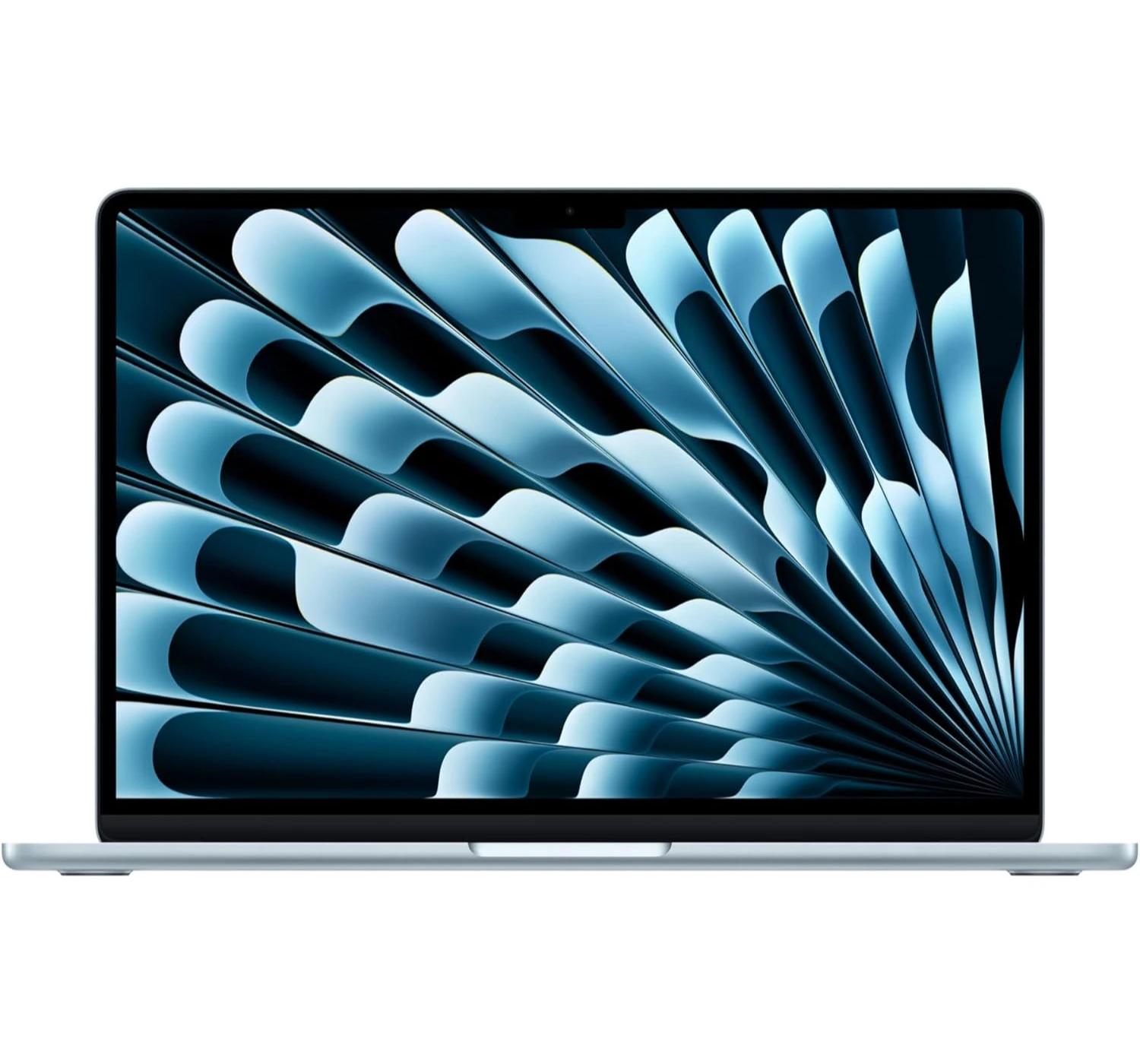
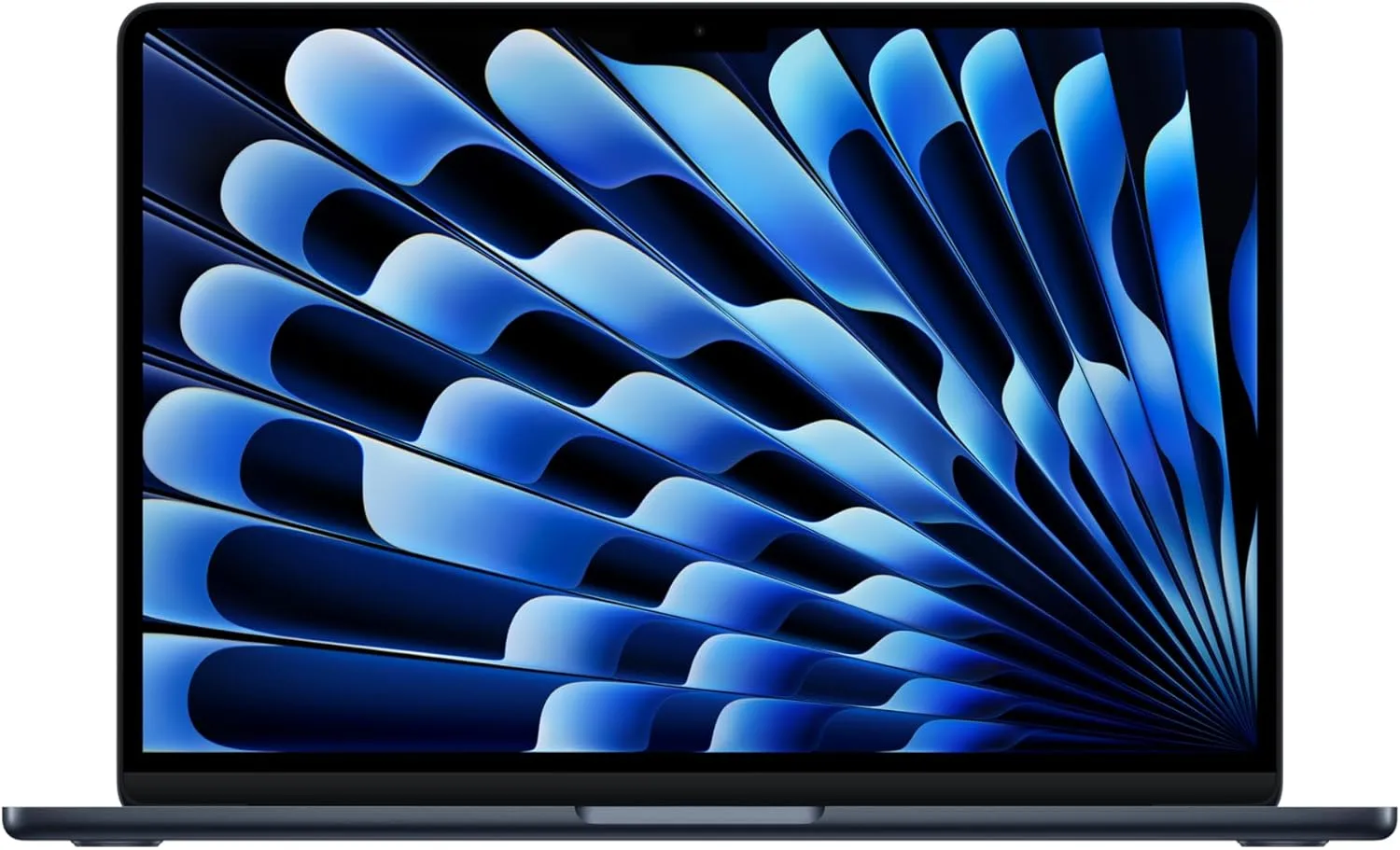
The Apple MacBook Air M5 (2026) is a lot like a high-end sports car trapped in the body of a super-slim skateboard. We love it because it finally stops being stingy, giving you a healthy chunk of storage space and memory right out of the box so you can multitask without the computer choking.
The new M5 chip is a total speed demon for quick tasks, and because it doesn’t use a fan, it stays as quiet as a closed library, while packing an incredible battery that can easily breeze through a full day of work.
However, there are a couple of bumps in the road. Because it lacks those internal fans to cool itself down, the laptop acts like a sprinter rather than a marathon runner—if you try to force it through heavy tasks and video editing, it will definitely slow down to avoid overheating.
Additionally, the screen is stuck with an older, slower refresh rate that lacks the ultra-smooth feel of Apple’s Pro models, and the lack of input ports means you’ll be carrying around a pocketful of adapter cords if you want to connect extra gear.
In the end, this is a great MacBook that’s lighter, faster, and reliable to use anywhere, anytime.
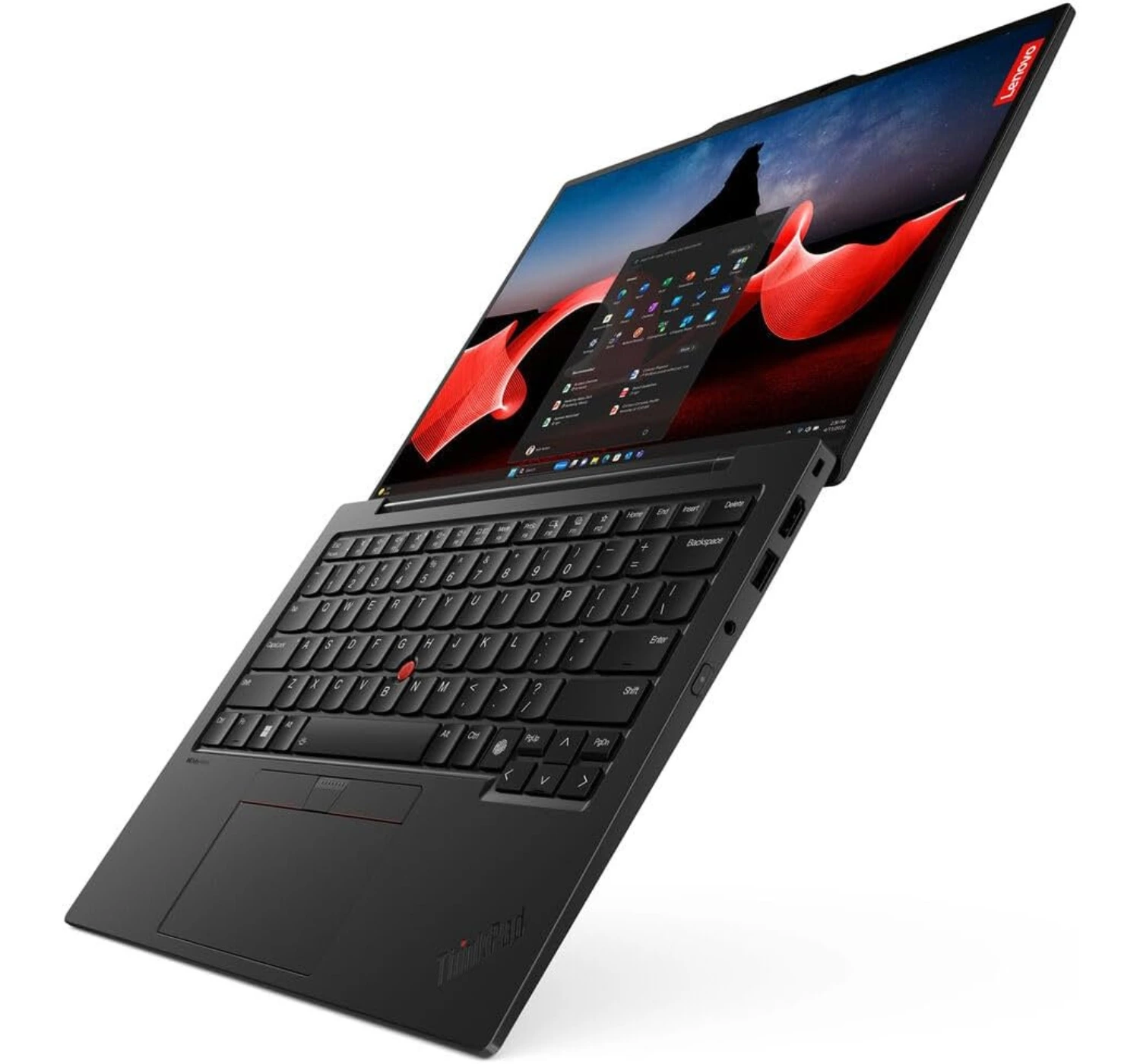
5. Lenovo ThinkPad X1 Carbon Gen 13 (Aura Edition)
Best Business Laptop
SPECS
DISPLAY: 14-inch OLED, 2880 x 1800 screen resolution
CPU: Intel® Core™ Ultra 7 255U
GRAPHICS: Intel Graphics
MEMORY: 16GB/32GB of RAM
STORAGE: 512GB SSD
OS: Windows 11 Pro
PORTS: 2x USB Type-C; 2x USB Type-A; 1x HDMI 2.1; 1x headphone mic jack
OTHER: 1080p FHD webcam; Bluetooth 5.3; Wi-Fi 6E; 986g (2.17 lbs.); Colors Black
The Lenovo ThinkPad X1 Carbon Gen 13 (Aura Edition) is like a luxury briefcase that is somehow light as a feather. We’re so amazed by how it sheds so much weight, making it feel like you’re carrying a thin notebook rather than a serious business machine.
It comes with a gorgeous, matte-finish OLED screen that makes colors pop without turning into a giant mirror, a comfortable keyboard that feels like typing on air, and a treasure chest of input ports so you never have to hunt for adapter cables. Plus, its new Intel CPU keeps it sipping power so slowly that the battery can easily survive a marathon work day.
However, it still has a few splinters. If you’re doing heavy-duty chores like cutting together complex videos, its brain acts more like a steady turtle than a racing rabbit, lagging behind some cheaper rivals in raw muscle power.
The built-in speakers can sound a bit tinny, like a radio playing inside a cardboard box, the webcam looks a little fuzzy for such an expensive machine, and the sleek black paint acts like a magnet for oily fingerprint smudges.
Overall, the Lenovo ThinkPad X1 Carbon is a great laptop recommended for the elite corporate players or for people that just want to do business.
6. MSI Katana 15 HX
Best Budget Gaming Laptop
★★★★☆ 4.0 Good
SPECS
DISPLAY: 15.6-inch, IPS LCD, 144Hz, 1920 x 1080 screen resolution
CPU: Intel® Core™ i7-14650HX
GRAPHICS: Nvidia GeForce RTX 5050 GPU (8GB GDDR7)
MEMORY: 16GB of RAM
STORAGE: 512GB SSD
OS: Windows 11 Home
PORTS: 3x USB Type-A; 1x USB Type-C; 1x HDMI 2.1; 1x Ethernet; 1x 3.5 mm headphone mic jack
OTHER: 720p webcam; 2.7 kg (5.95 lbs.); Bluetooth 5.3; Wi-Fi 6E
The MSI Katana 15 HX is like a muscle car with a plain plastic paint job—it cuts corners on the outside so it can put all its money into a roaring engine underneath the hood. We’re a big fan of this laptop because it’s an absolute bargain for gamers, packing a super-fast Intel processor and a fierce graphics card that can handle heavy modern video games like Cyberpunk 2077 or Kingdom of Deliverance 2.
It also features an upgrade-friendly design that lets you easily open it up, with plenty of input ports, and a ‘clicky’ keyboard with flashy colored RGB lights.
However, to keep that price tag low, MSI had to trim some fat. The built-in screen looks pretty dull and dim, making colorful virtual worlds look a bit washed out, like a painting left in the sun for too long.
Additionally, the small storage drive fills up way too quickly after installing just a couple of big games, the keyboard area can get quite toasty during long gaming sessions, and the battery drains so fast that you’ll constantly be chained to a wall outlet like a puppy on a short leash.
In the end, this is a gaming laptop after all so. Expect some impressive performance, impressive gaming, and impressive usage for daily tasks. It’s a perfect laptop to start your gaming journey, even at a cheaper price than the powerful ones.
Lastly
Choosing the perfect laptop in 2026 is a lot like shopping for shoes—there isn’t one single pair that fits every footprint, but there’s definitely a perfect match for where you’re walking. If you want a lightweight champion that glides silently through your day, Apple’s MacBook Air M5 or the budget-friendly MacBook Neo are fantastic companions.
For business professionals who need a light-as-a-feather luxury briefcase packed with plugs, the Lenovo ThinkPad X1 Carbon Gen 13 is an absolute dream, while the HP OmniBook 5 acts like an unstoppable marathon runner that just refuses to run out of battery.
Finally, if you are working on a tight budget, the rugged Asus Chromebook Plus CX34 serves as a trusty pair of school sneakers, while the roaring MSI Katana 15 HX offers pure muscle-car speed for gamers without a scary price tag. No matter which road you’re traveling this year, one of these tech sidekicks is ready to lace up and help you conquer your daily grind.
So now you’ve got a idea of which laptop to get, especially those that’re rated 2026’s best laptops to buy now thus far. If you’ve got any comments or questions, you can leave them here below at the comments section. And if you’re feeling one of these laptops, go ahead a click on the corresponding red button to find out more of what’s in store for you 😀
The tech world loves to promise the “next big thing,” but Apple’s latest laptop might actually live up to the hype. In this MacBook Neo review, we dive deep into a mobile device that completely changes the game for everyday users and creators alike. It’s sleek, incredibly fast performer, and brings some massive upgrades that you can actually notice in your daily routine. If you’re wondering whether this new MacBook is truly worth your hard-earned cash, you came to the right place. Let’s look past the hype and marketing talk and see how this laptop really performs in the real world.
Overview
The MacBook Neo is basically Apple’s new budget superstar. Starting at just $599/£698/R12000, it gives you a premium aluminum build, an incredibly bright 13-inch screen, and a battery that easily lasts through a full day of school or work.
To hit that low price, Apple used a clever trick: they packed it with the A18 Pro chip, which is the exact processor inside the iPhone 16 Pro.While this means the laptop handles everyday tasks like web browsing, emails, and video streaming like an absolute breeze, it will struggle if you try to edit heavy 4K videos or play massive, modern video games.
Apart from the premium design, the low price, the snappy performance and the long battery life, we also love its choice of fun, new colors and the amazing audio it delivers, yet we also found a few things for you to note. There’s no keyboard backlighting and the MacBook includes fewer but slower USB ports.
Overall, the MacBook Neo is an impressive laptop. It’s amazing, affordable, and a great choice for students and casual users who want the premium Mac experience without digging so deep into their pockets.
OTHER: Wi-Fi 6E, Bluetooth 6.0 | weighs 1.23kg (2.7 lbs.) | 1080p webcam | colors include Blush, Citrus, Indigo, and Silver
What’s To Like
1. The Premium but Colorful Build Design
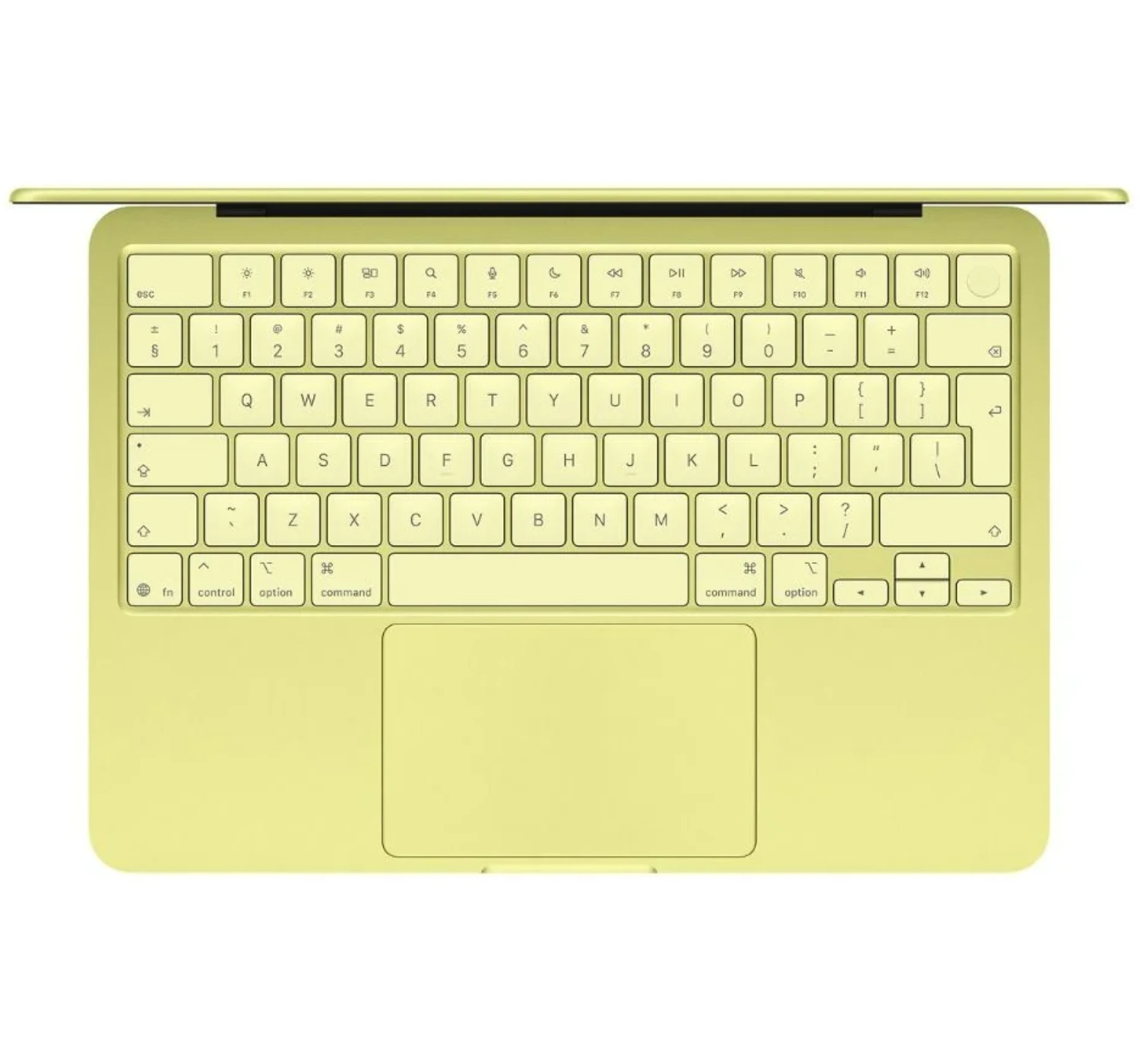
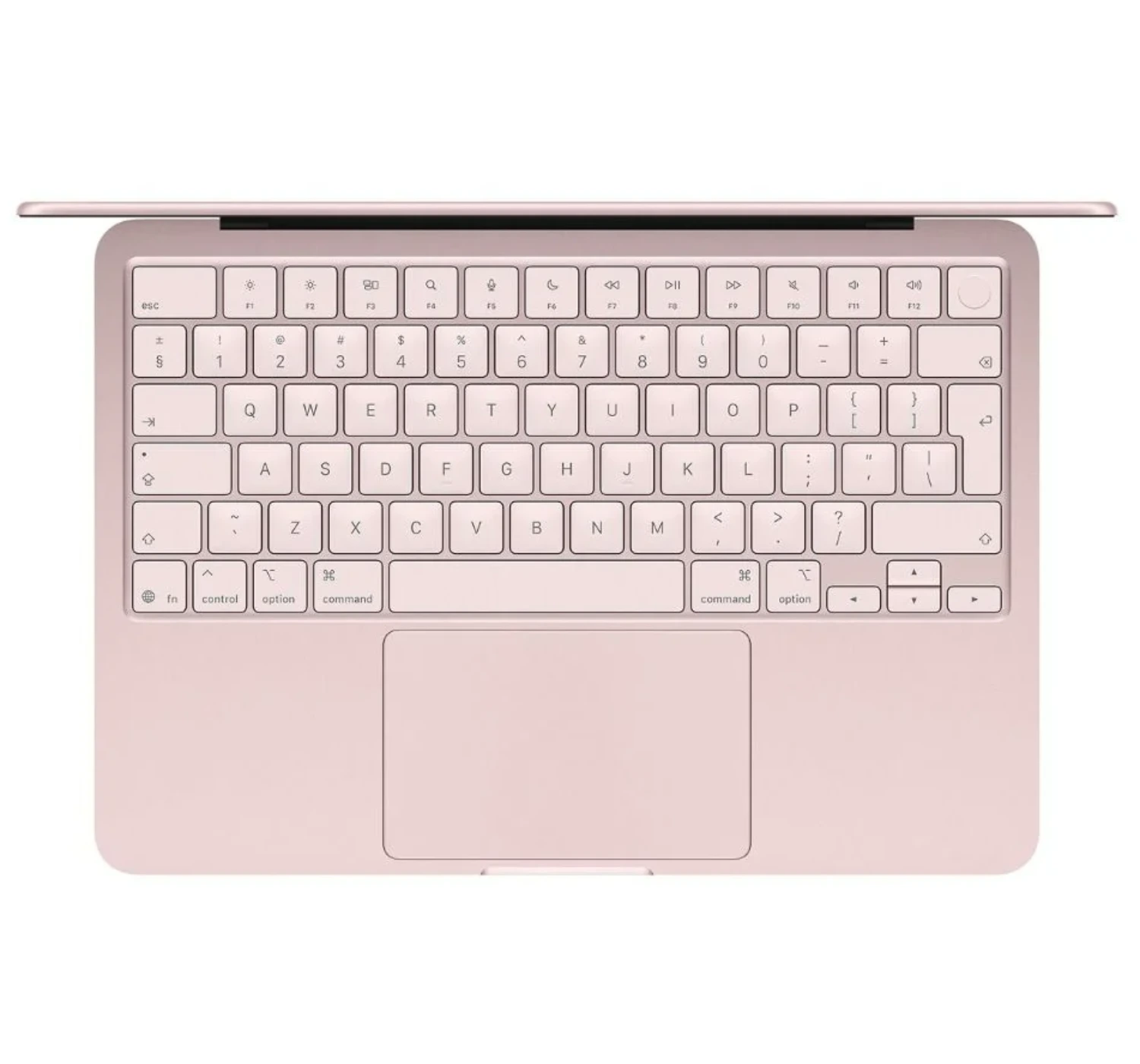
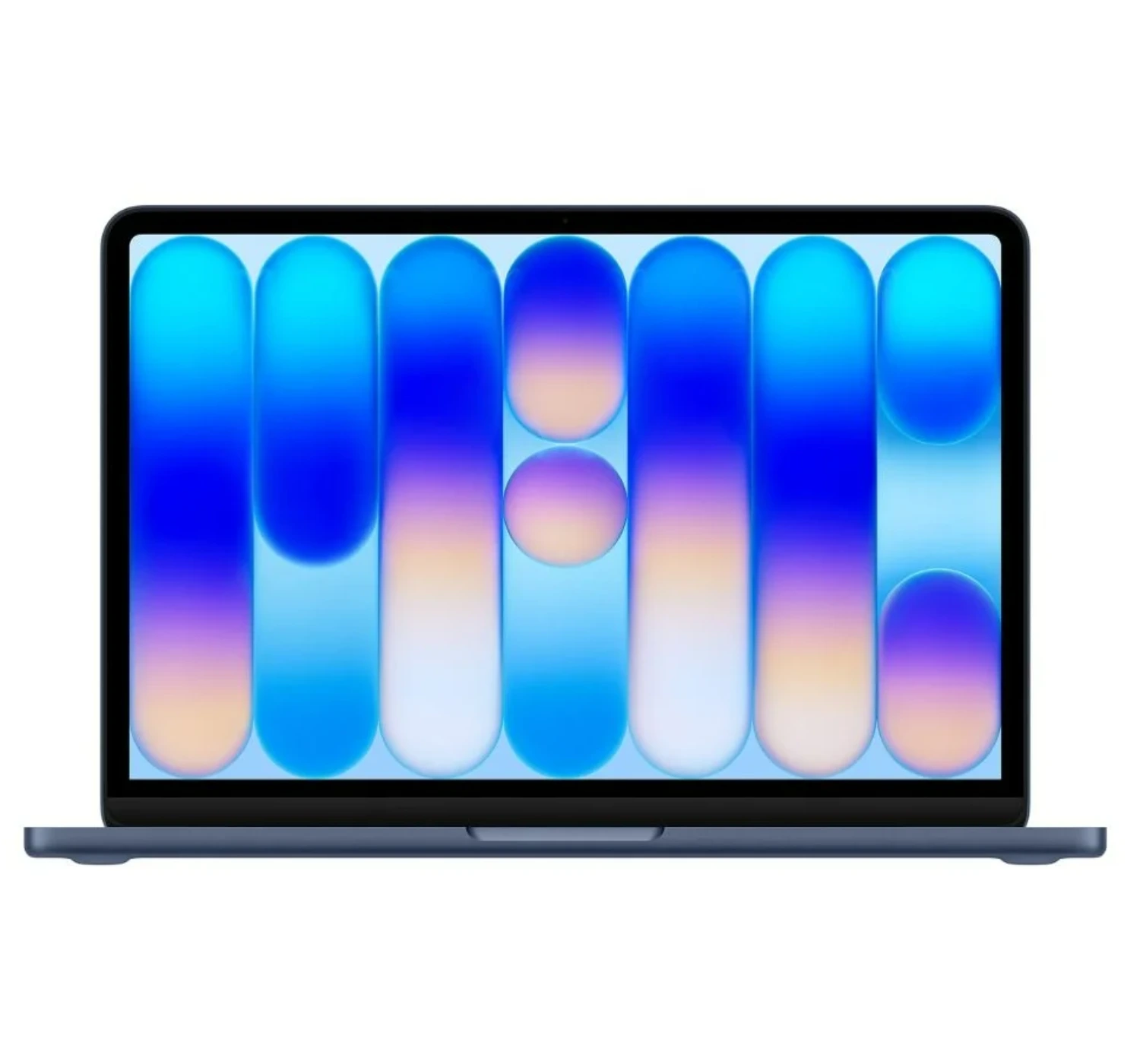
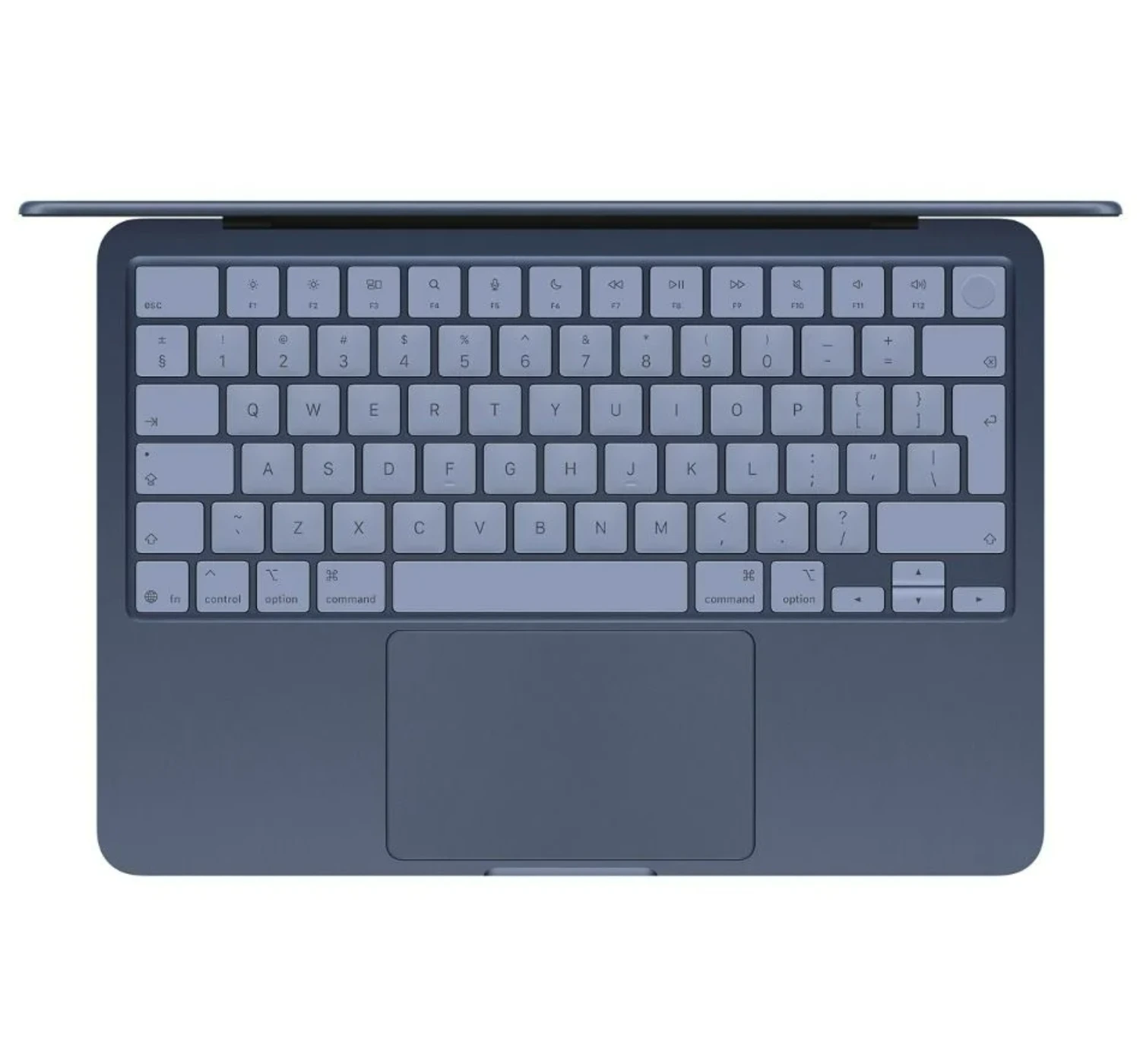
The first thing you will notice about the MacBook Neo is the fun colors. We tested the Indigo model, which looks like a Navy Blueish color. You can also get it in Citrus (a yellow-green), Blush (Pink), or the classic Silver colors. While we wish Apple made the colors as bright and bold as the recent MacBooks, yet we appreciate these colors cos they still look great when the light hits them.
Even with the low price, this laptop feels incredibly premium. It comes with a tough aluminum body that is only half an inch thick. You can easily lift the lid with one finger, and it closes with a soft, satisfying thump. Unlike cheap Windows laptops or Chromebooks, this frame does not bend or bounce at all when you type.
2. The Comfortable Typing & Trackpad Experience
Speaking of typing, the keyboard feels excellent. The keys are just a tiny bit softer than the ones on the MacBook Air, but it is basically the same great layout. If you buy the pricier 512GB model, you even get a Touch ID fingerprint sensor in the top right corner, though the cheaper base model just has a regular power button. Apple also gave the keys a cool tint that matches the laptop’s color. The trackpad looks normal and lets you use all the classic Mac finger swipes, but Apple changed how it works inside to save money. It uses a real mechanical click now, which feels a bit deeper, but the good news is that you can still click anywhere on the pad.
2. The Impressive Laptop Performance
The MacBook Neo shows just how powerful Apple’s smartphone chips have become. Inside this laptop, Apple uses a slightly modified version of the A18 Pro chip—the exact same processor found in the iPhone 16 Pro. Even though Apple turned off one of the graphics cores to save costs, this tiny chip still packs a massive punch. In fact, it beats the basic version of the massive 2019 Mac Pro desktop computer.
When you compare it to older laptops, the Neo easily keeps up with the original M1 MacBook Air. It is much faster when doing single tasks, but the M1 and M2 Air models still win when you ask the laptop to do a lot of heavy lifting all at once. In real life, the Neo feels incredibly snappy. I was happy with the performance when I opened dozens of browser tabs at the same time, and it didn’t stutter or freeze. It also handles basic photo editing, like cropping and color tuning, without any issues. However, it does hit a wall if you try to edit 4K videos with lots of effects, which causes the playback to look choppy.
The main reason for that slowdown is the laptop’s memory and storage speed. Apple only gives you 8GB of RAM, and you cannot upgrade it. While 8GB is plenty for everyday schoolwork and web browsing, the laptop has to borrow space from its internal hard drive (SSD) if you open too many heavy programs. This wouldn’t be a big deal, but the Neo has a much slower storage drive than the MacBook Air. This means transferring huge files will take longer, and the laptop might stutter a bit when you push it past its limits.
Even with those slower speeds, using the Neo still feels great. It never actually made me sit around and wait, and it easily powers through a normal workday. To really slow this machine down, you have to push it way harder than a regular user ever would. If you need that kind of heavy-duty power, you should probably spend more money on a MacBook Air instead.
3. The Impressive Display
The MacBook Neo comes with an awesome 13-inch screen. It’s nice and bright, so you can see everything clearly, and the picture looks just as sharp as any other Apple laptop. When it comes to colors, it looks almost exactly like the pricier MacBook Air. Apple says it does not show quite as many color shades as the Air, but honestly, you would never notice the difference unless you do professional photo or video editing for a living. For everyday users, the colors look rich, vibrant, and beautiful right out of the box.
You will not get the super deep blacks of an expensive OLED screen, and the display refreshes at a standard 60Hz. But don’t worry—the standard MacBook Air has the exact same limits, and so do Apple’s incredibly expensive professional monitors! The Neo still plays high-quality HDR videos perfectly, has great contrast, and everything moves smoothly across the screen.
4. The Impressive Battery Life
The MacBook Neo can handle up to 16 hours of video streaming or up to 11 hours of web browsing on a single charge, according to Apple. Upon testing it as my main work computer—with dozens of internet tabs open, two different browsers running, chat apps open, and some light photo editing—there’s no doubt that the said battery life matched Apple’s promise perfectly. From the crack of of dawn until early dusk, without plugging the battery charger, the battery hit ended up at 5% power left.
Even on the day I tested some light gaming with indie games, the battery did great. I started at full charge at max screen brightness, with an hour of regular work, gaming (which used up about half the battery), and then got another four hours of regular use before the laptop died. That makes total sense, since the harder you push a laptop, the faster the battery drains.
Overall, while the Neo doesn’t last quite as long as the MacBook Air, which can go for up to 15 hours of web browsing, it still gives you plenty of juice for a full day’s work. You might get even more out of it if you keep your screen a little dimmer, easy on the gaming, use it moderately overall.
The Deal Breakers
Now the dealbreakers. Of course, Apple had to cut a few corners to keep the price down. Firstly, the screen is 13 inches, which is slightly smaller than the MacBook Air’s 13.6 inch, and it has thicker borders around the edges. The upside? No annoying notch at the top of the screen! Instead, the border holds a 1080p webcam that works totally fine for online meetings, even if it isn’t as sharp as an iPhone camera.
Secondly, the speakers sit on the sides of the laptop. They actually sound surprisingly good with clear sound and a little bit of bass, which is rare for a cheap laptop. They don’t sound quite as wide or cinematic as the pricier MacBook Air models, but they still blow other budget laptops out of the water.
Thirdly, for input ports, you only get two USB-type C and a headphone jack. Since this is a budget MacBook, the lack of an SD card reader or HDMI port is pretty easy to forgive. Just keep in mind that one port is much faster than the other. The back port lets you plug in a high-quality 4K monitor and transfer files quicker, while the front port is slower. Fortunately, you can use either port to charge the MacBook Neo, especially when it comes with a 20W charger in the box. However, if you can find a 30W charger, it can charge even faster.
In the end, the deal breakers are not as drastic, and are really minor. If the Neo however is not your cup of tea, then consider getting the Air or the Pro models. Just know they’re more expensive.
The MacBook Air M3 makes a fantastic alternative to the MacBook Neo because it gives you a lot of premium features that the Neo leaves out.
On the positive side, the M3 Air comes with a much faster storage drive, a fully backlit keyboard so you can type in the dark, and a slightly larger screen with thinner borders. It also has a more powerful chip that handles heavy multi-tasking and light video editing much better than the Neo’s smartphone chip, and the battery lasts a few hours longer.
On the negative side, the MacBook Air M3 costs a lot more money, which might not be worth it if you only want a laptop for basic schoolwork or web browsing. Plus, the Air has an annoying “notch” cut out of the top of the screen for the webcam, while the Neo keeps a traditional, clean screen layout.
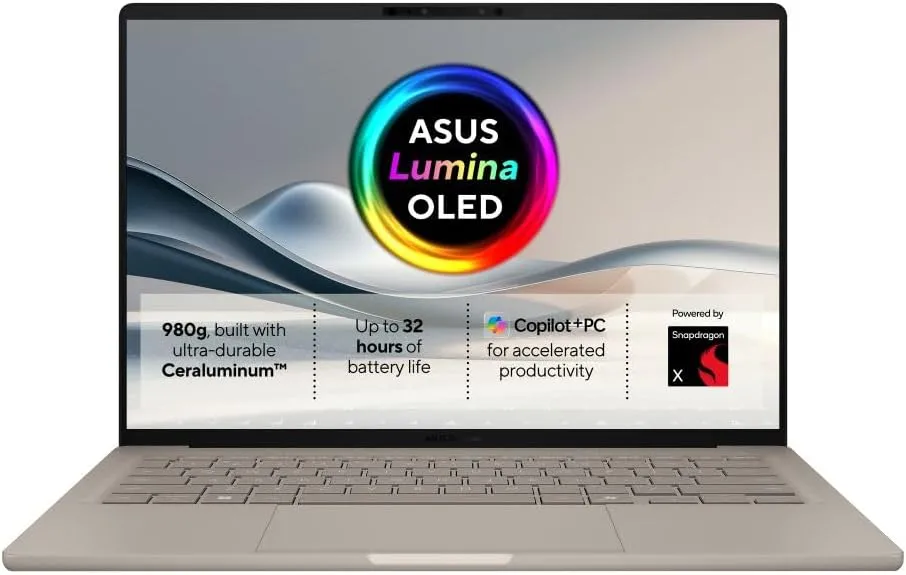
The ASUS Zenbook A14 is another awesome alternative to the MacBook Neo, especially if you prefer using Windows over macOS.
On the plus side, the Zenbook features a gorgeous OLED screen that makes movies and photos look way brighter and more colorful than the Neo’s standard display. It also gives you double the memory and storage for a similar price, a fully backlit keyboard for typing in the dark, and a Snapdragon processor that delivers legendary battery life.
On the negative side, the Zenbook A14 can cost a bit more money, and Windows laptops sometimes struggle to run older apps as smoothly as a Mac does. Plus, while the Zenbook has a great metal design, it still does not feel quite as rock-solid or hold its resale value as well as Apple’s premium aluminum frame.
The Acer Aspire 14 AI stands out as a highly practical alternative to the MacBook Neo, especially if you want the latest AI features without spending a fortune.
On the positive side, this Windows laptop gives you double the memory and storage of the base Neo right out of the box, a fully backlit keyboard, and an incredible selection of plugs—including full-sized HDMI and dual Thunderbolt ports.It also uses Intel’s impressive new Lunar Lake chips, which give the laptop fantastic daily speed, great AI tools, and massive battery life that easily powers through a long workday.
On the negative side, the basic model’s screen can look a bit dull and lacks the rich colors and brightness found on Apple’s display.Plus, the Acer uses a lot of plastic in its frame, meaning it will not feel nearly as premium, rigid, or sleek as the MacBook Neo’s rock-solid aluminum body.
Verdict
So what can we say about the MacBook Neo? It’s without a doubt, the best affordable laptop in the market today, and the lowest-priced MacBook in the series. The sleek design, the powerful performance, and the all-day battery life makes this MacBook the best budget laptop than other brands in the market now. I strongly recommend you consider this one. Don’t pass it or leave it for another person, or you’ll risk getting an even more cheaper laptop with more even more dealbreakers.
So what do you think of the MacBook Neo review? Is it the laptop you’re looking for? Tell me the best features you like? What about one of the alternatives, are they more your speed? Let me know on the comments here below. And if you’re even more curious of what’s in store for you, go ahead and click HERE, to find out more 😀
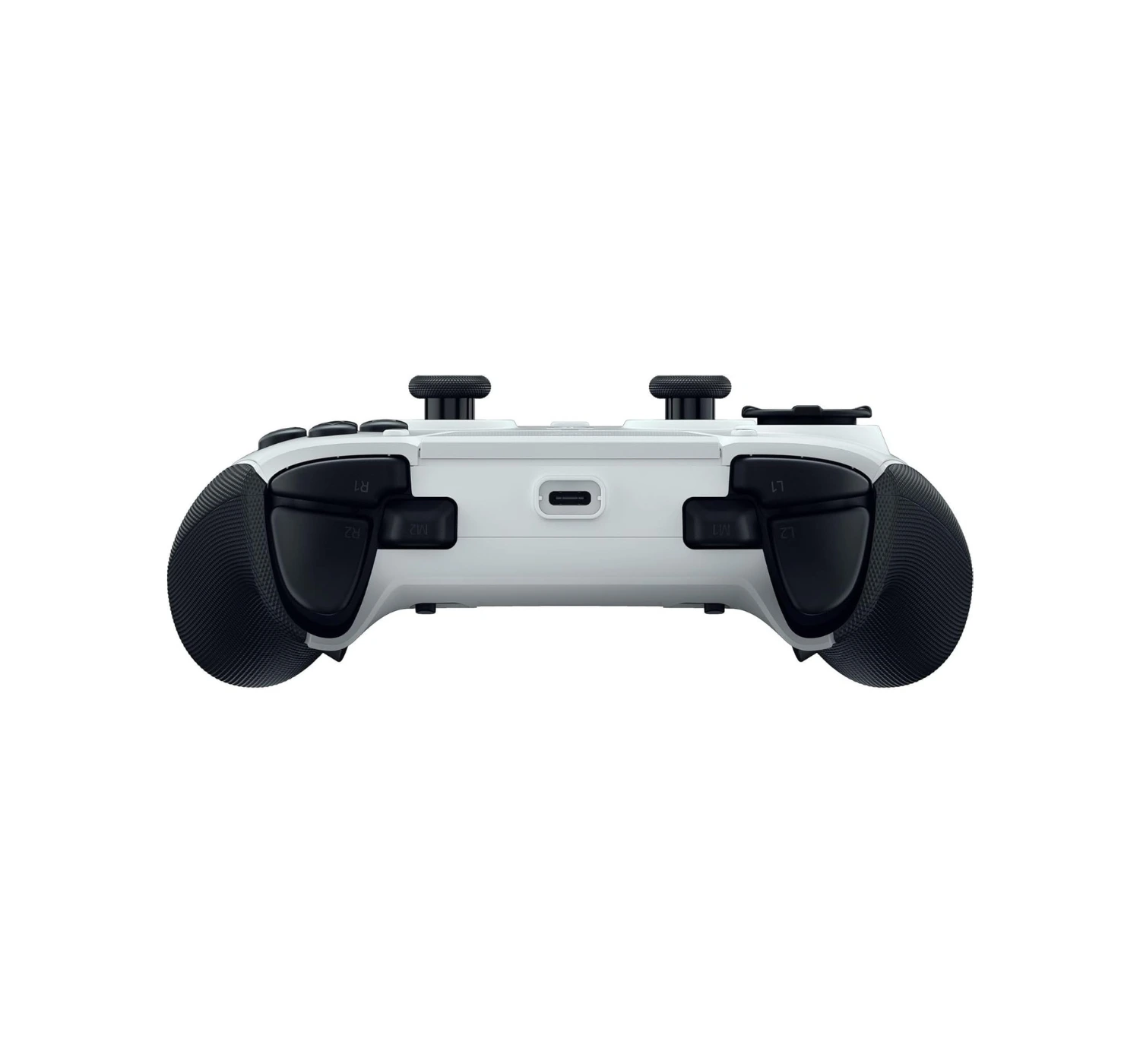
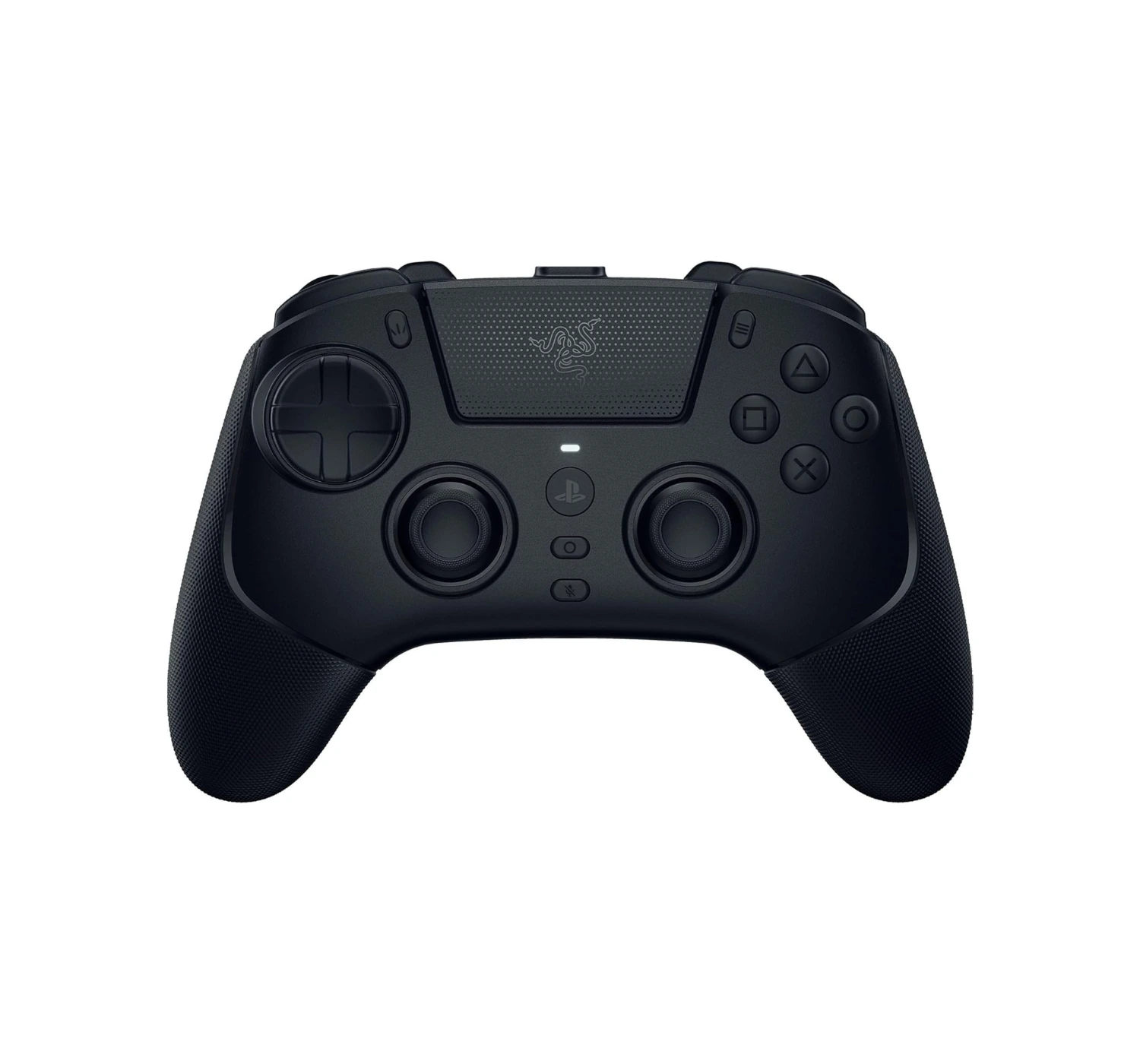
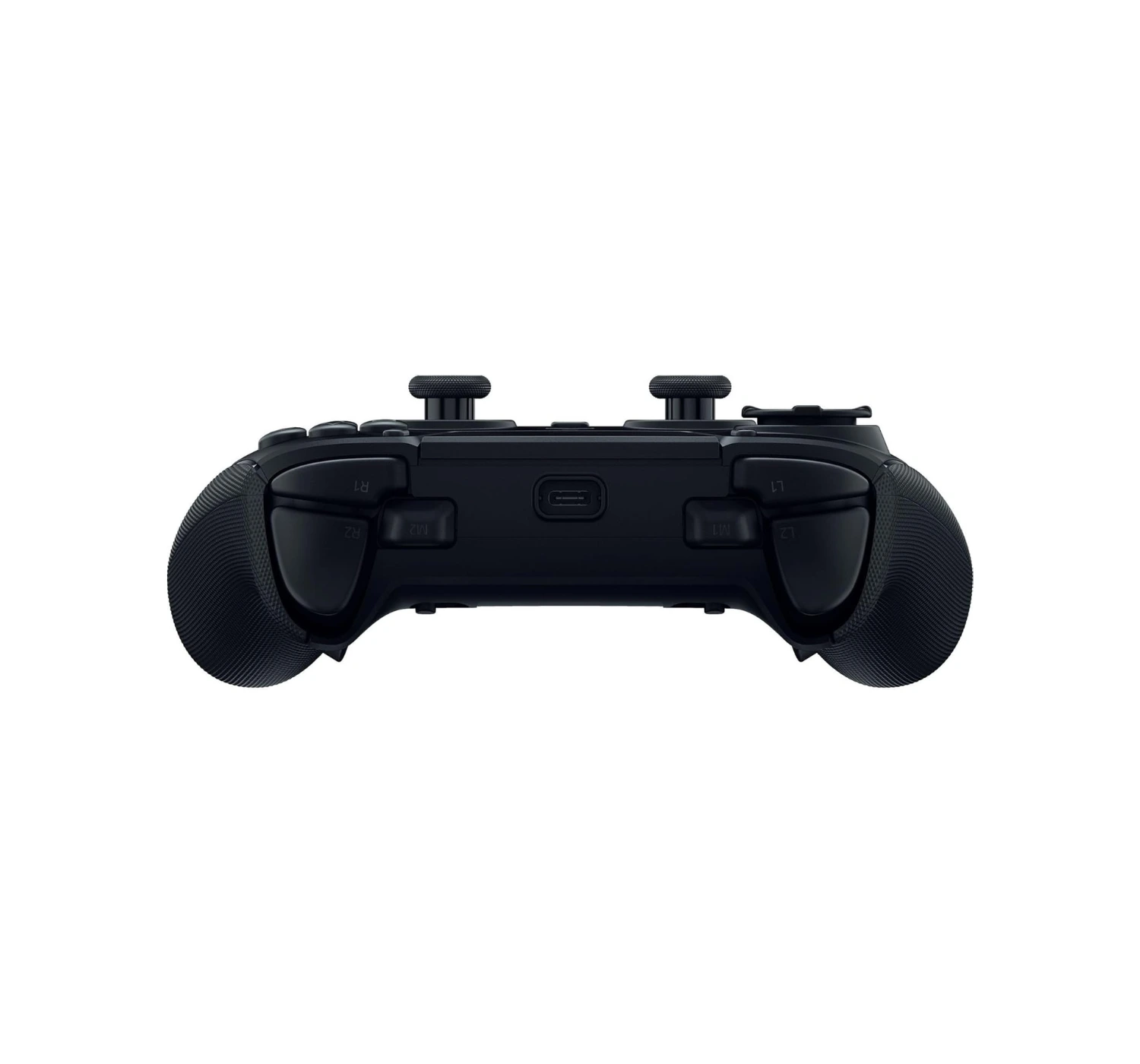
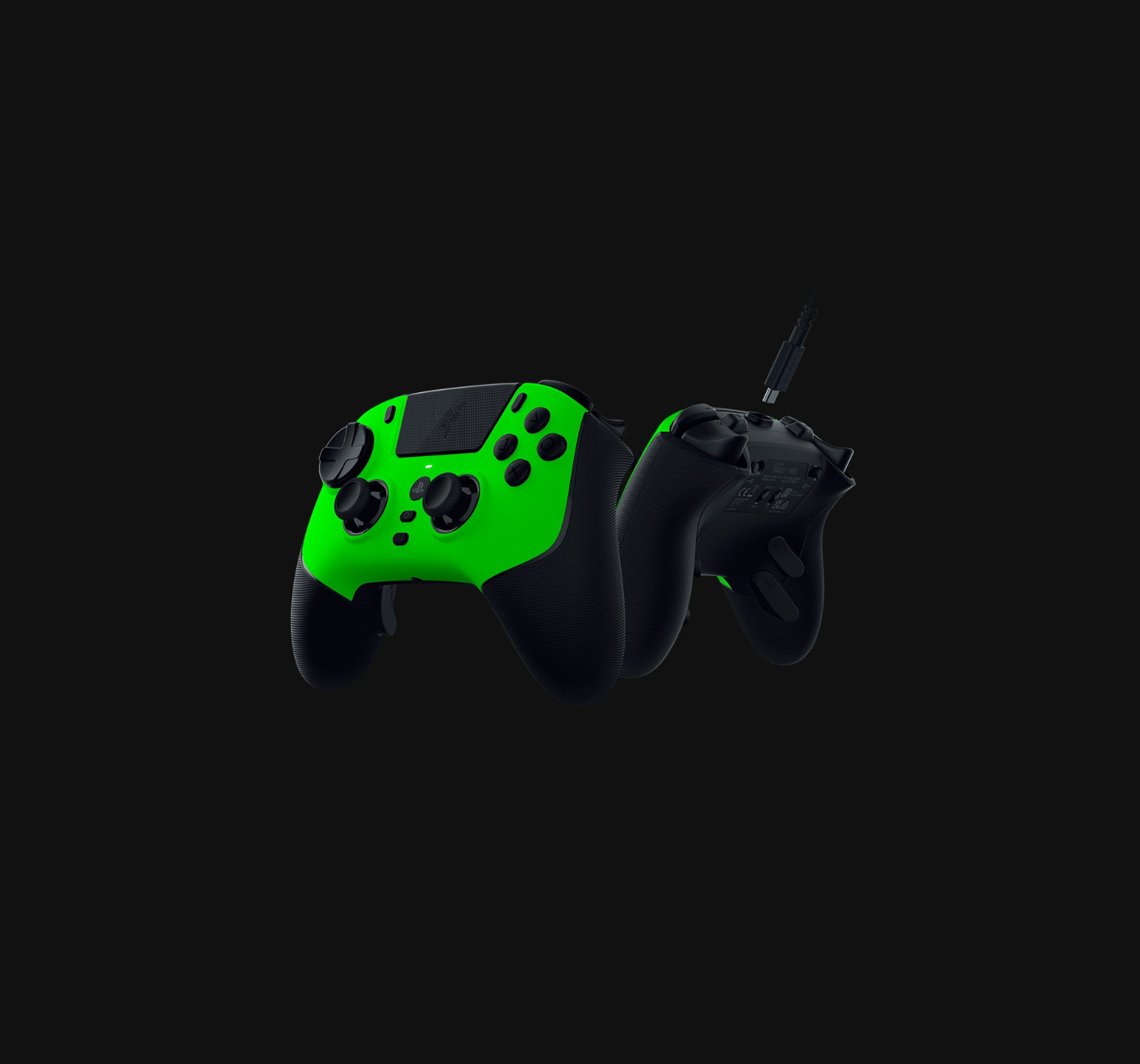
“The Razer Raiju V3 Pro is a luxury sports car with a heavy price tag to match. It’s not a casual purchase for casual gamers; it’s a serious investment for players who want to sharpen their competitive edge.”
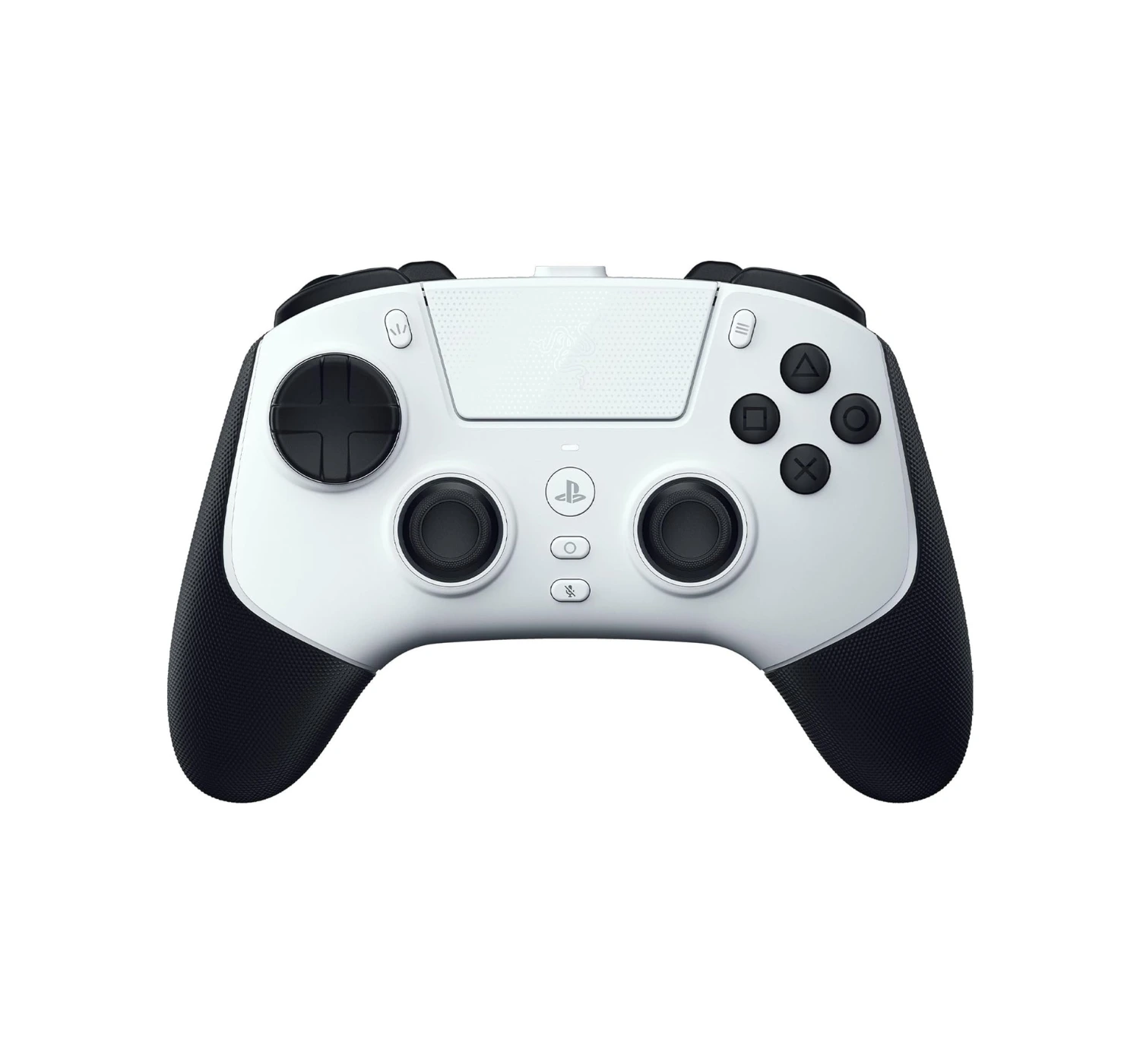
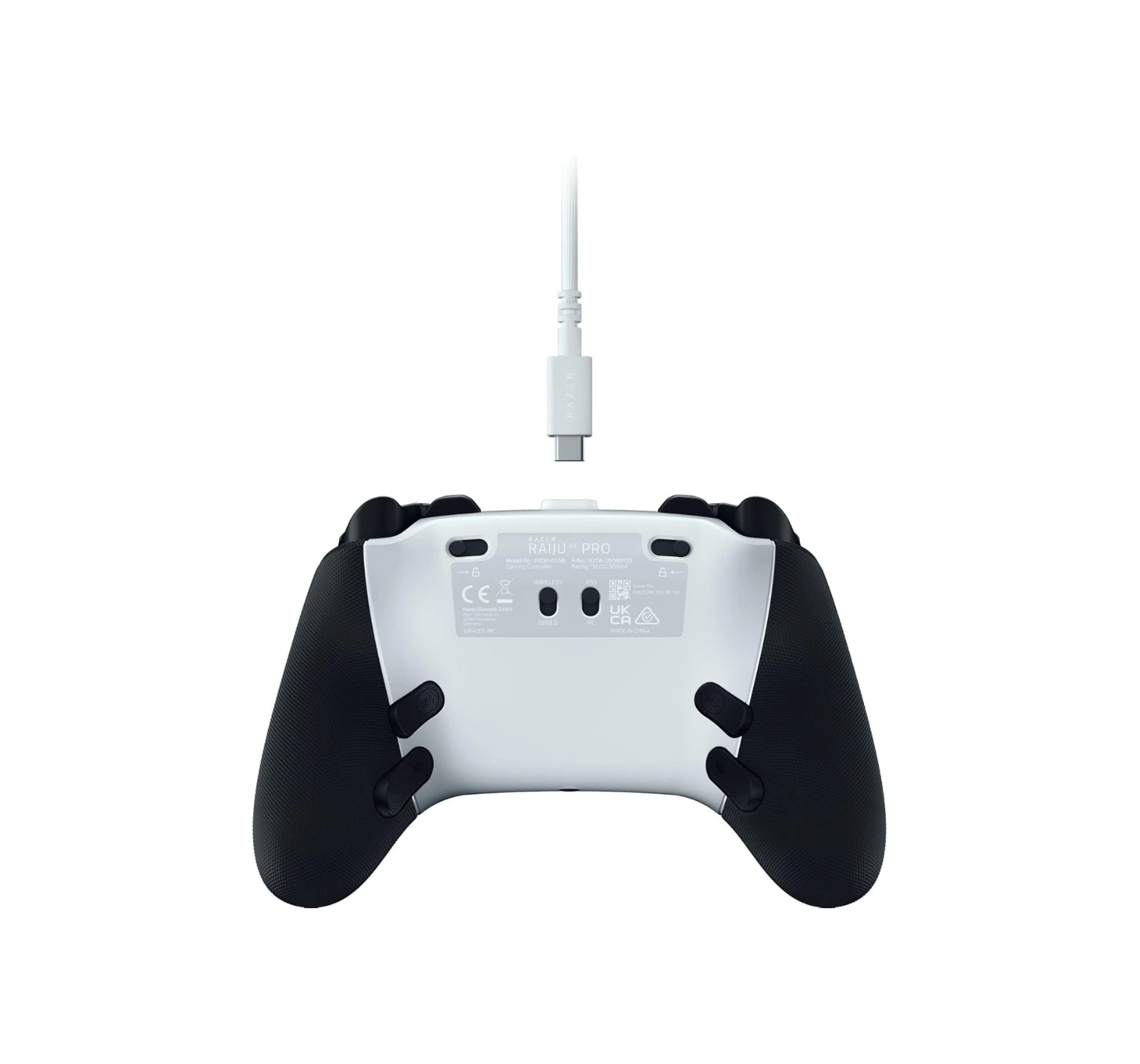
Are your thumbs tired of losing firefights because your old controller decided to drift into a wall, or run out of power after a short gaming session? Meet the Razer Raiju V3 Pro, a premium controller that wants to turn your hands into surgical tools. Razer basically stripped down a high-end gaming mouse, stuffed its ‘clicky’ DNA into a controller body, and gave it magnetic thumb sticks that refuse to drift.
Holding this thing feels like sitting in the cockpit of a spaceship, especially with those rear buttons waiting to execute your next move. If your current gamepad feels like a wet potato, maybe it’s time to upgrade. Without wasting any time, let’s dive into the review and see if this thing actually justifies its heavy price tag.
Overview
At its core, the Razer Raiju V3 Pro is like a sports car for your hands. It connects to your PC or PS5 console and instantly upgrades your entire gaming setup. Razer packed this bad boy with clicky mechanical switches that snap like a crisp potato chip every time you press a button.
It also solves the ultimate gamer nightmare: stick drift. Thanks to its special magnetic sensors, the thumb-sticks stay rock-solid and precise, acting like heat-seeking missiles for your crosshairs.
Add in four extra back buttons that give you the finger-speed of a concert pianist, and you have a massive advantage. While it costs a pretty penny, this controller is worth considering because it acts like armor for your competitive edge, turning frustrating near-misses into easy victories.
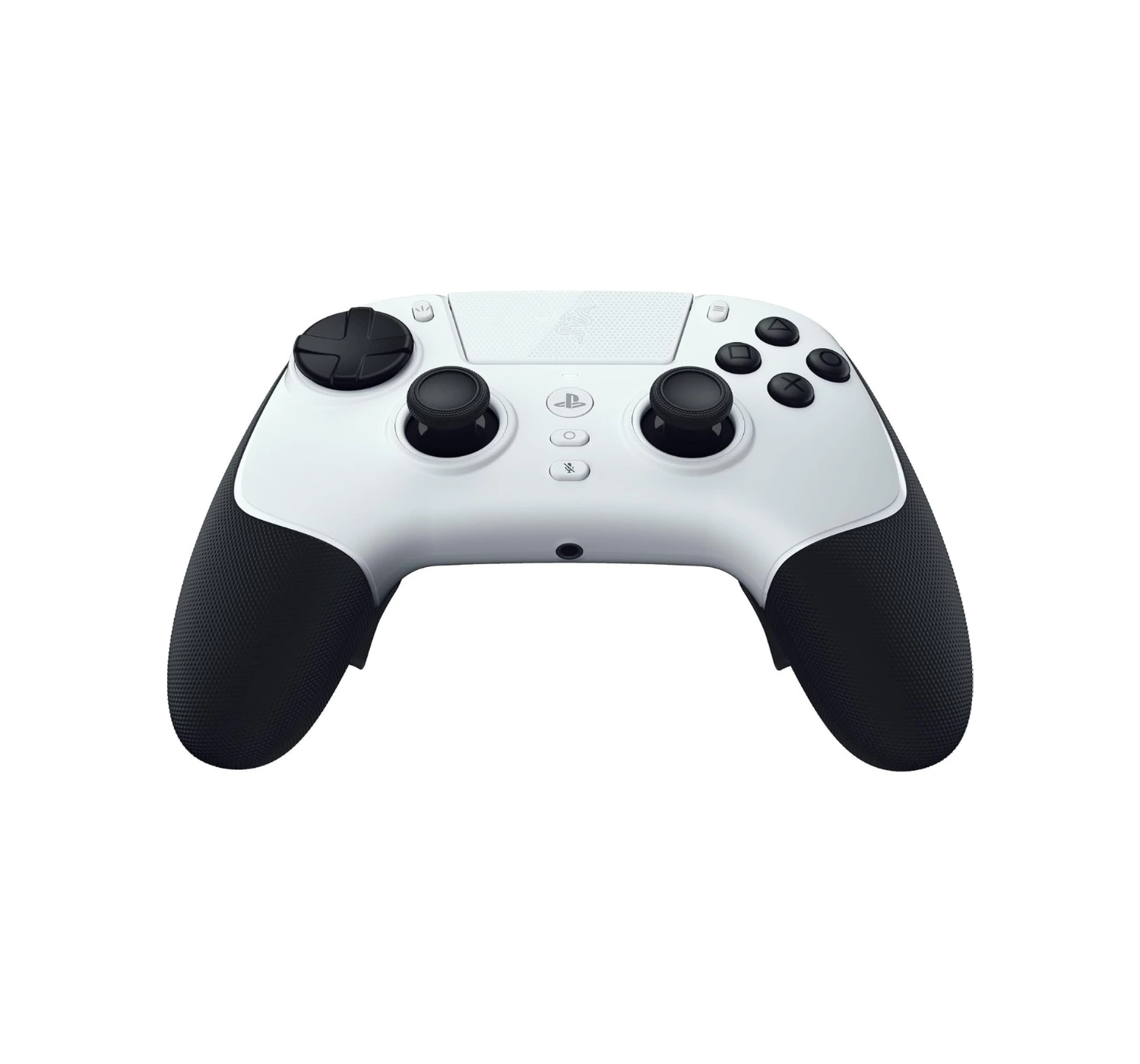
On the upside, we love how fast and responsive this controller functions. The standout feature is definitely the new TMR thumb-sticks.They use special magnets to prevent “stick drift,” which means your controller won’t slowly wear down or move on its own over time.
We also love the controller’s buttons and triggers. They use crisp micro-switches that feels just like the clicking sound from a premium gaming mouse.Even better, you can flip a switch on the back to instantly turn the long triggers into short, rapid-fire mouse clicks.
It also comes with six extra buttons that you can program to do whatever you wish, a very comfortable grip, and a massive battery life for those long gaming sessions. If you love competitive multiplayer games, these features give you a massive advantage.
The Deal Breakers
On the downside, this controller misses out on the features that make PlayStation 5 games feel so immersive. Because it is built strictly for competitive gaming, it does not have the DualSense’s famous haptic feedback rumble or adaptive trigger tension. No internal speaker on the controller as well like PlayStation 5’s DualSense.
We also noted that while it works flawlessly on PC with super-fast response times, the connection speed is slowed down on the PS5 due to console limits.
And finally, the controller is not cheap. In fact, it’s more expensive than the DualSense Edge. For such a high price tag, some gamers will be disappointed by the lack of Bluetooth connection and the hard plastic material doesn’t feel really as heavy or as premium as its Xbox sibling.
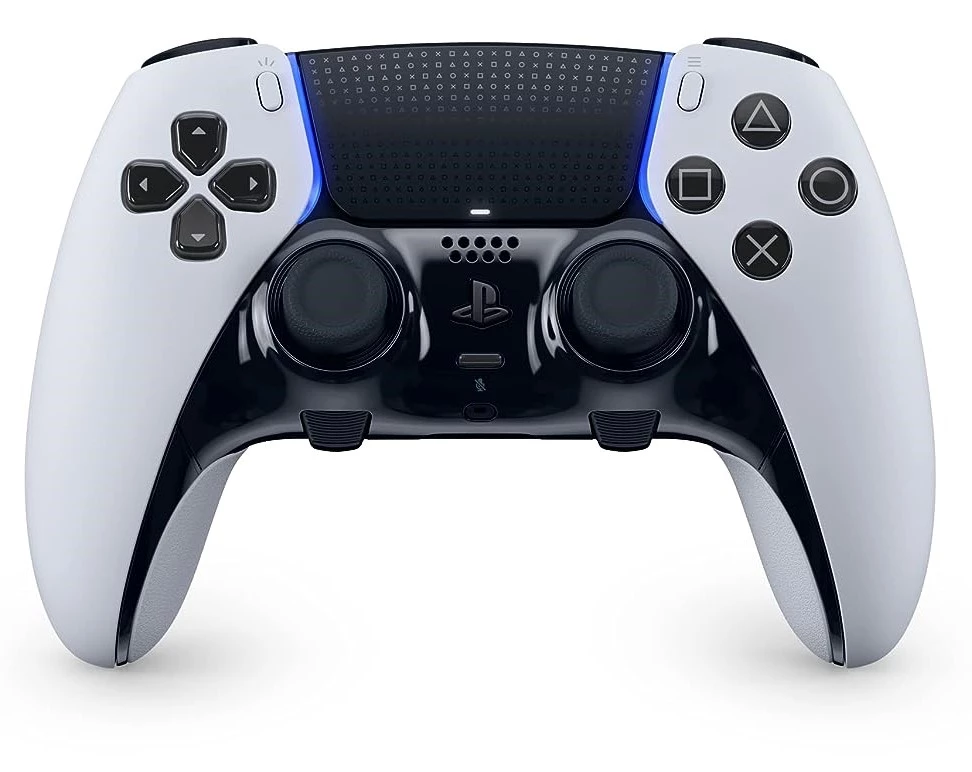
The PlayStation 5 DualSense Edge serves as a much better alternative to the Razer Raiju V3 Pro if you want the ultimate, seamless connection with your PS5. Sony built this controller to fit the console like a glove, meaning you keep the incredible haptic feedback and adaptive triggers that make games feel alive. When a rope snaps or a car skids, the Edge lets you feel it in your bones, whereas the Razer Raiju V3 Pro can sometimes feel like a mute spectator to those cool PlayStation features. Plus, if a thumbstick breaks or drifts, Sony lets you slide the whole joystick module out and pop a new one in, making repairs as easy as changing batteries in a TV remote.
However, the Edge definitely packs a few nasty surprises. The absolute biggest joke is the battery life; it drains juice so fast that it feels like trying to fill a bucket with a massive hole in the bottom, forcing you to play plugged in way too often. Sony also gives you only two extra back buttons instead of the four useful buttons found on the Razer, which cuts your extra firepower right in half. If you want the most immersive, official PlayStation experience, the DualSense Edge wins hands down, but you have to accept a terrible battery that clings to its charging cable like a toddler.
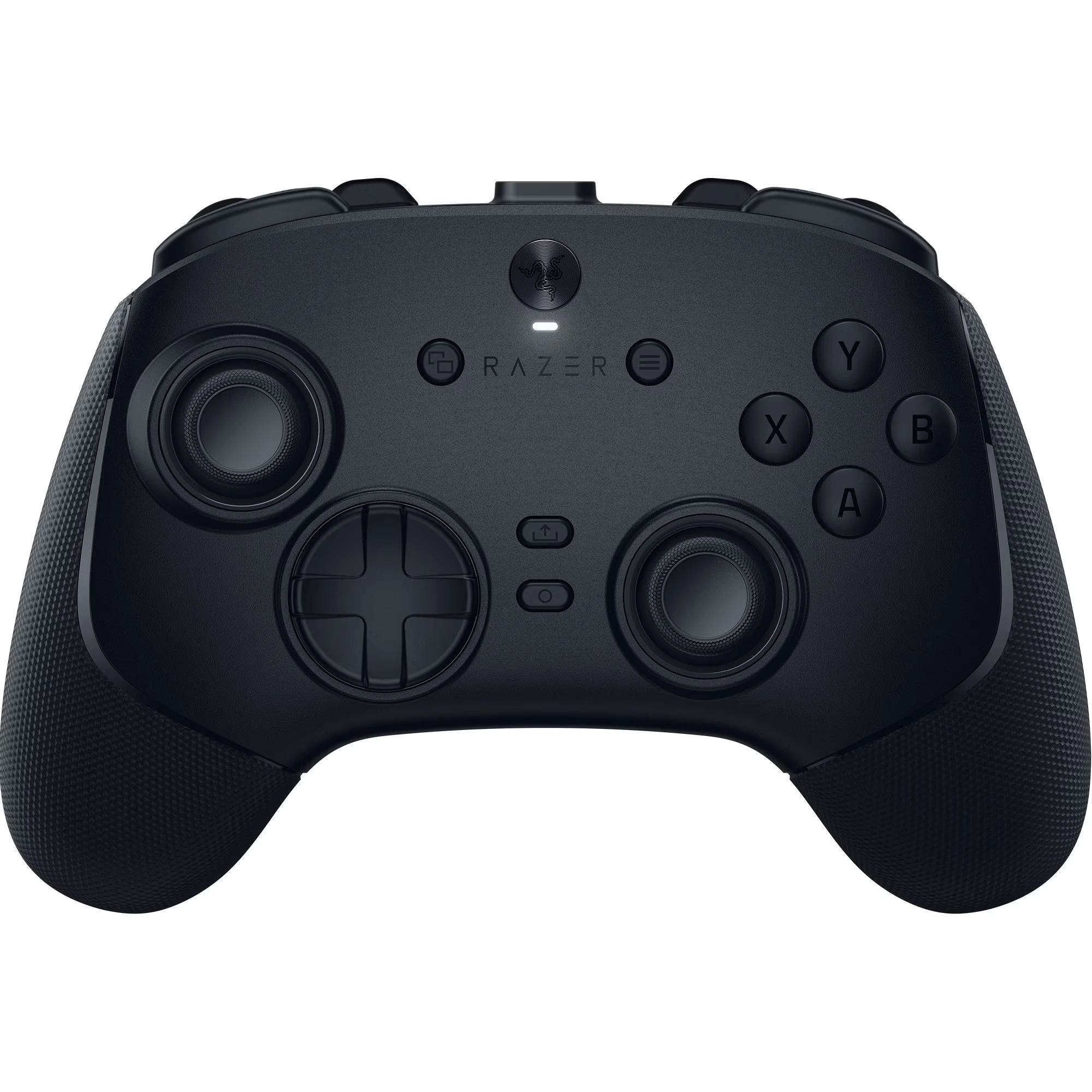
The Razer Wolverine V3 Pro steals the crown here, if you want the absolute fastest speed on PC or Xbox. It feels like upgrading from a fast sports car to a literal fighter jet because it includes a special PC “Tournament Mode” that registers your inputs at a blazing-fast 8,000 Hz. That means your button presses travel to the screen at supersonic speed, leaving standard controllers in the dust. It also reshapes the back paddles into clever mouse-click bumpers that sit exactly where your fingers naturally rest, so you do not have to stretch your hands like an acrobat.
On the flip side, the Wolverine has a few glaring flaws compared to the Razer Raiju V3 Pro. Its biggest crime is that it completely ditches PlayStation players, locking itself strictly into the Xbox and PC family tree. It also swaps the symmetrical, side-by-side thumbstick layout for offset Xbox sticks, which might make your hands feel totally lost if you grew up on a PlayStation diet. If you want maximum speed and play on a PC, the Wolverine is a much better alternative, but you have to accept that it locks you out of the PlayStation kingdom entirely.
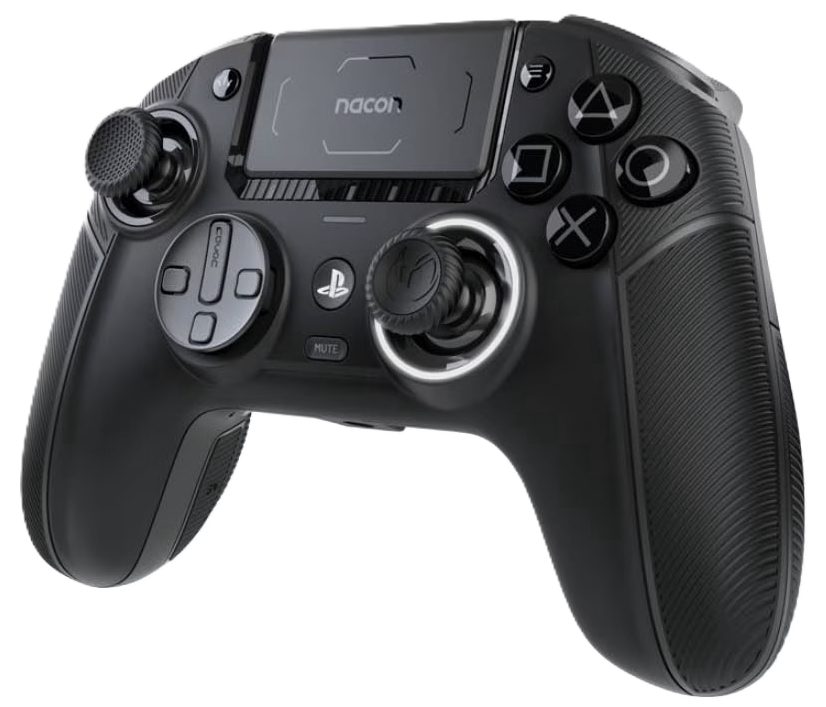
The Nacon Revolution 5 Pro makes a fantastic case for itself as a smarter alternative to the Razer Raiju V3 Pro, mostly because it treats your wallet with a lot more respect. Nacon packs this controller with magnetic Hall Effect sticks that completely destroy stick drift, meaning it will outlast a standard controller by miles. It also lets you tweak the physical weight like a high-tech gym kit, so you can make it feel heavy and solid in your hands.
However, it is not all sunshine and rainbows. Firstly, the Nacon lacks those clicky mouse-switch buttons, so pressing them feels a bit mushy—like stepping on a wet sponge rather than snapping a crisp potato chip. Secondly, if you love playing wirelessly on the PS5, Nacon restricts you to standard audio headset jacks, which feels like buying a spaceship but finding out it only plays cassette tapes. If you want premium magnetic sticks and adjustable weight without selling a kidney, the Nacon is a better alternative, but you do sacrifice some of that ultimate Razer luxury.
Ultimately, the Razer Raiju V3 Pro is a luxury sports car with a heavy price tag to match. It’s not a casual purchase for casual gamers; it’s a serious investment for players who want to sharpen their competitive edge. If you want a controller that feels like an extension of your own hands and gives you an advantage on the digital battlefield, the Raiju V3 Pro delivers.
It acts like a cheat code you can physically hold, turning frustrating near-misses into satisfying victories. Though it’s missing some of the best features that makes the DualSense controller for PS5 great, the Raiju V3 Pro is an impressive controller for both console and PC. If you have the funds, get it. You won’t be disappointed.
So what’s your opinion of the Raiju V3 Pro from Razer? Is it a gaming controller worth considering? Do you think it’s worth the price? What about the other controller alternatives? Let us know what you think on the comments section below. And if you want to find out more, click HEREto see what’s more in store for you 😀
Let’s get this out of the way. These top rated laptops are not for students in college or university (although they can be very useful). They are for those of you who finished their studies and are ready to go out there and conquer the corporate world. And I don’t mean take over the world like the two popular nostalgic lab rats. So if you want a laptop to help you look for a job, find one and climb the corporate ladder, or to just go crazy and create content to make money online, here are the top rated laptops for college students or entry level employees.
The Quick List
Apple MacBook Air M5 (2026)
Best for Modelling and Data Analysis
★★★★☆ 4.0 Impressive
Available in the 13-inch and the 15-inch models, the Apple MacBook Air (M5) takes everything people love about Apple’s ultraportable and packs in some seriously impressive, pro-level upgrades under the hood.It’s incredibly fast, totally silent, and built for life on the move.
The MacBook Neo is Apple’s incredibly popular entry-level laptop. It is essentially designed to be the ultimate everyday Mac for students, writers, and casual users, bringing the premium Mac experience down to a much more accessible price tag.
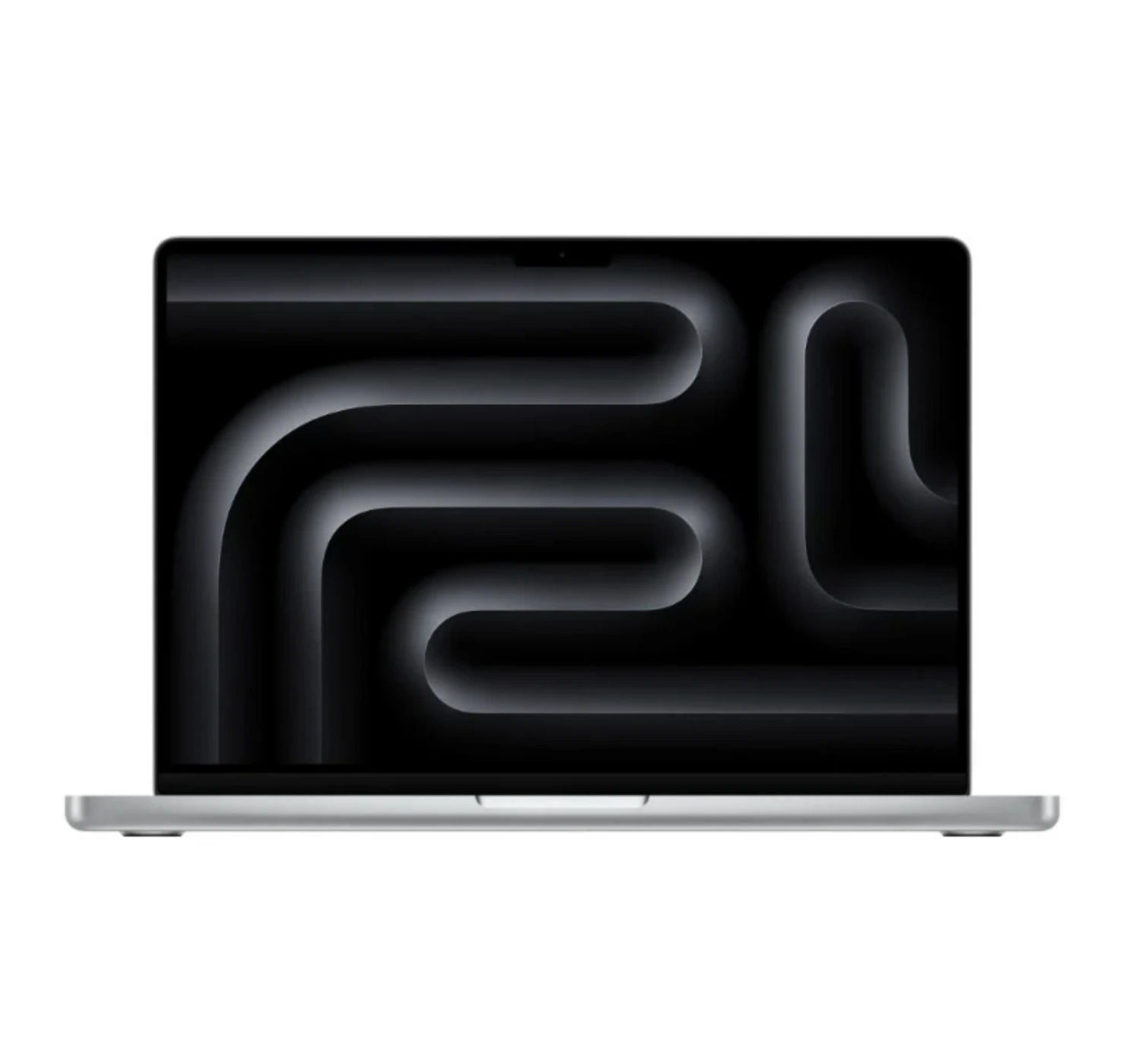
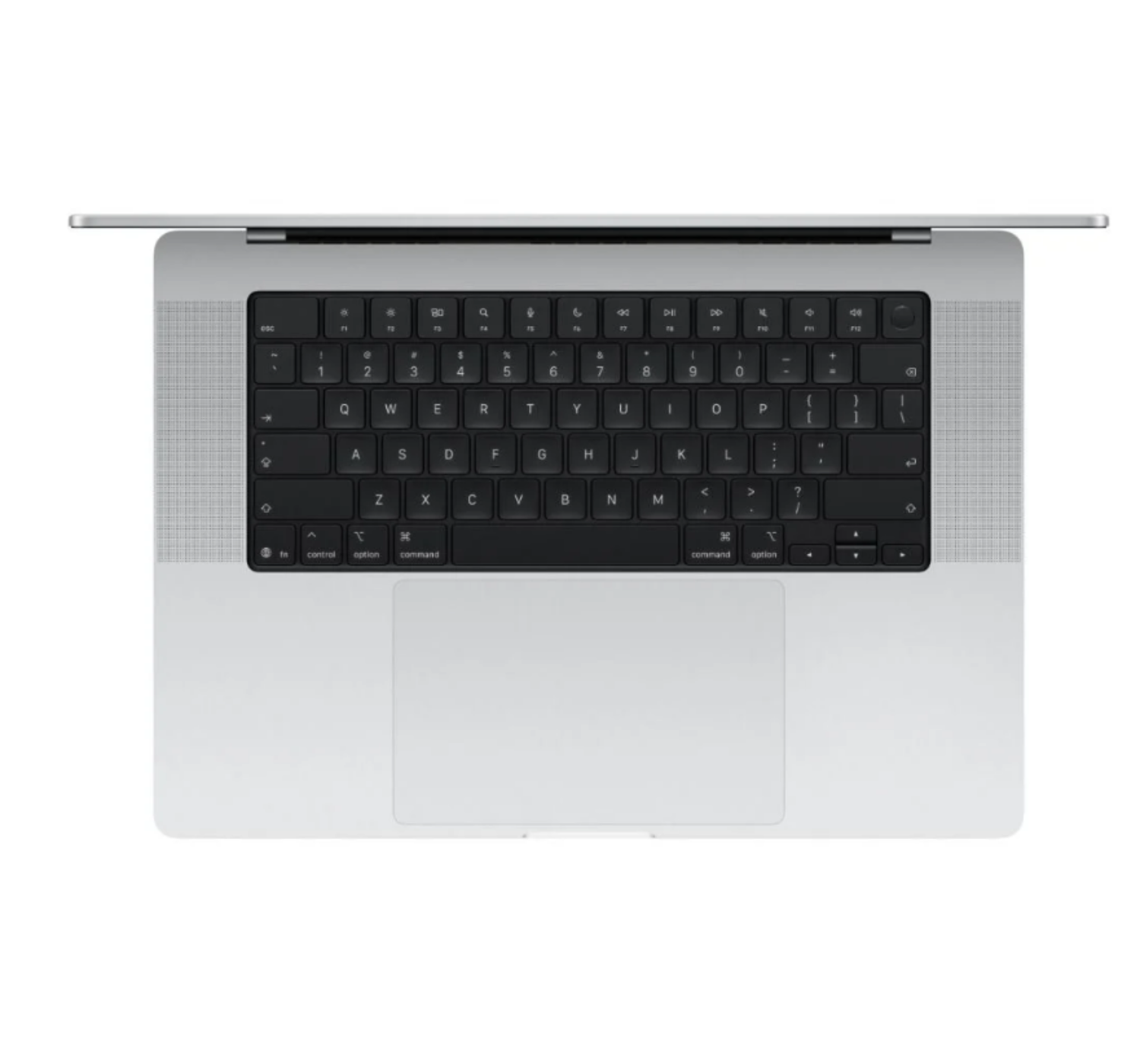
The Apple MacBook Pro lineup is built for anyone who needs a serious mobile workstation that can smash through intense workloads without breaking a sweat. It brings professional-grade features together with phenomenal efficiency.
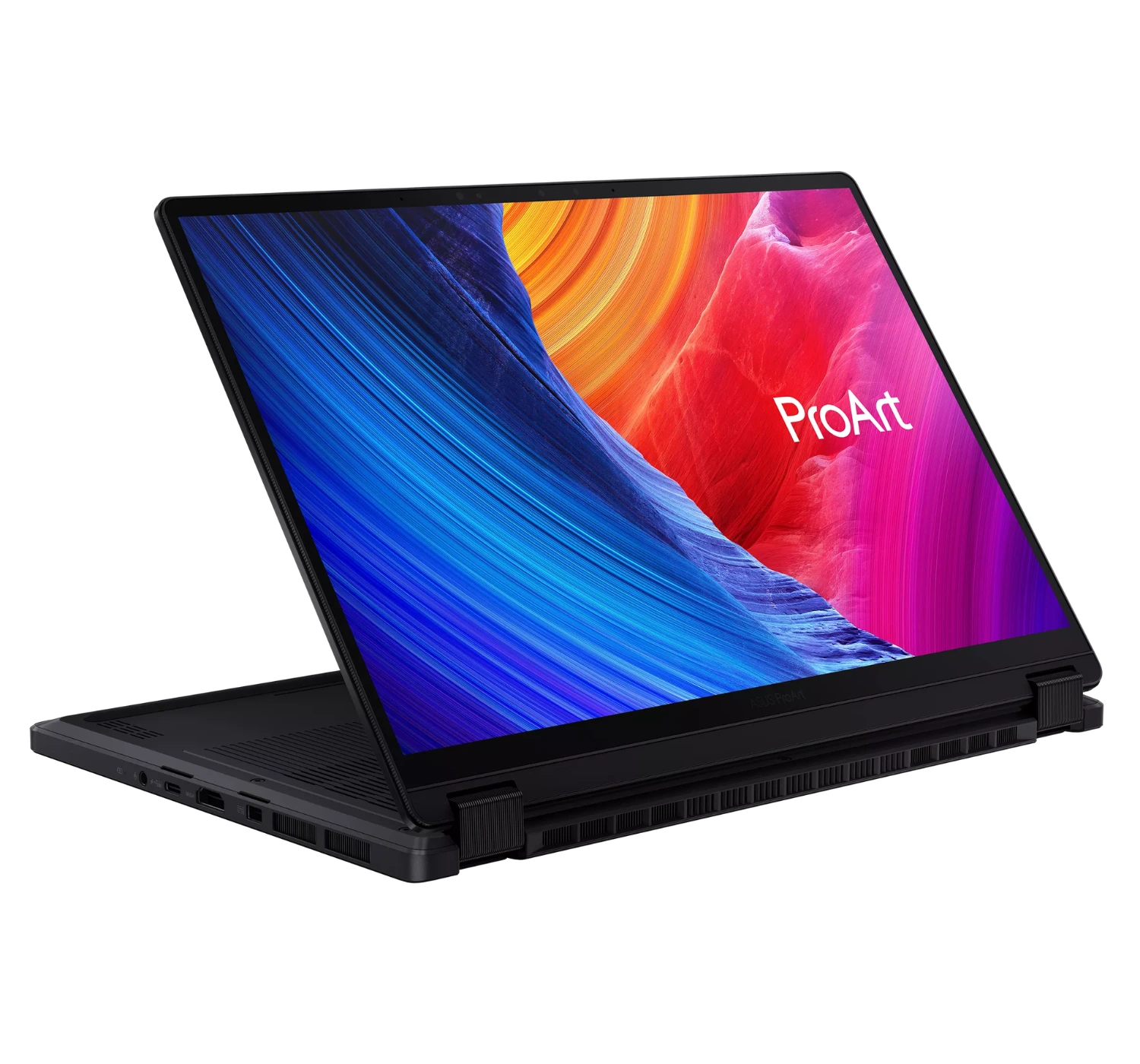
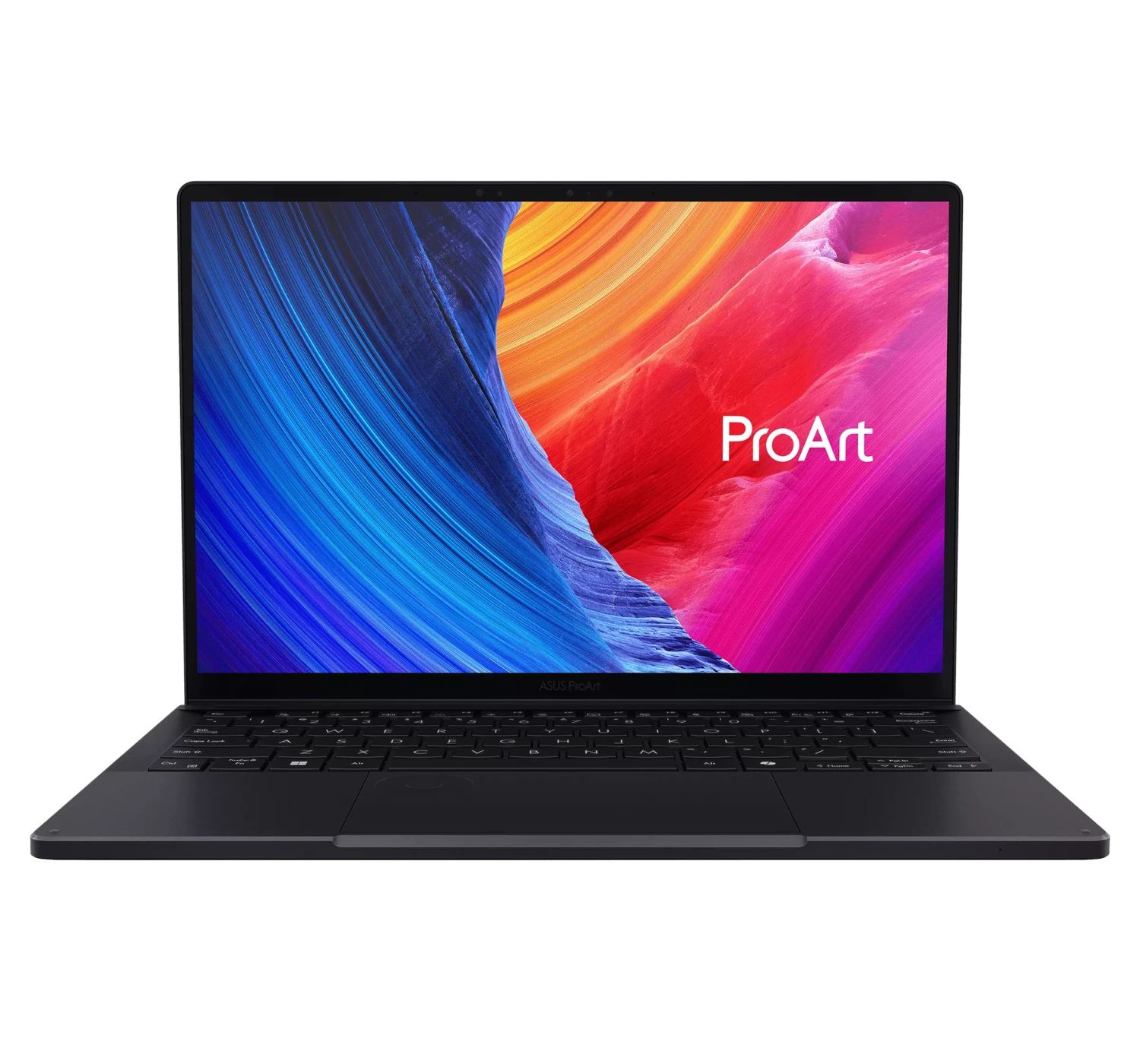
The Asus ProArt PX13 is a dream come true for creators, editors, and designers who need massive desktop-grade power but don’t want to lug around a giant, heavy laptop. It manages to pack an unbelievable amount of performance into a tiny, travel-friendly chassis.
The Lenovo ThinkPad X1 Carbon, Gen 13 (Aura Edition) is an absolute masterpiece for professionals who live out of their backpacks. Lenovo took its most iconic business laptop and somehow made it lighter, smarter, and way more efficient. It feels ultra-premium, built to take a beating, and is incredibly satisfying to use.
OTHER: Wi-Fi 7, Bluetooth 6.0 | weighs 1.23kg (2.7 lbs.) | 1080p webcam | colors include Midnight, Silver, Sky Blue, and Starlight
PROS
Strong laptop performance
Up to 15 hours of battery life
Comfortable trackpad & typing experience
Lightweight & portable
Fan-less design but heat well managed
CONS
Same design as 2022 model
No 1TB storage model
Few input ports
Soldered RAM and storage
Pricey
This lighter-than-air MacBook comes out with fantastic features including serious processing power from one of the best processors now, an all-day battery pack that leaves you wondering why do I need to carry the charger. It’s also slim, lightweight, and offers a comfortable typing experience.
This is by far the better option in the MacBook family to consider, if you can afford the mid-range laptop price tag. The storage is reasonable but you may need to get an external or a cloud storage service when space gets tight. The few input ports has always been a thing for MacBooks as it’s well known just have relevant ports.
Also upgrading is not an option as the RAM and storage a soldered on the motherboard. Overall, if you like to travel a lot, or just need a slim, lightweight laptop, get the MacBook Air.
OTHER: Wi-Fi 6E, Bluetooth 6.0 | weighs 1.23kg (2.7 lbs.) | 1080p webcam | colors include Blush, Citrus, Indigo, and Silver
PROS
Lower price tag
Impressive processing & GPU performance
Sharp, & vibrant display
Premium aluminum build
CONS
Limited selection of ports
No keyboard backlighting
The MacBook Neo effortlessly conquers the daily demands of tertiary learning without draining your student budget. Its A18 Pro chip smoothly drives your heavy multitasking needs, letting you jump between research tabs, lecture notes, and study apps without a single stutter.
A gorgeous 13-inch Liquid Retina display brings your digital textbooks to life with crisp clarity, while the whisper-quiet, fan-less design ensures you won’t disrupt a silent library during intense study sessions.
Best of all, the stellar 16-hour battery life frees you from the constant hunt for campus power outlets, packing elite, all-day productivity into a featherlight 2.7-pound frame that slips easily into your backpack. If you want a cheaper MacBook, with most of the great features from its siblings, get the MacBook Neo.
OTHER: Wi-Fi 6E, Bluetooth 6.0 | weighs 1.55kg (3.4 lbs.) | 1080p webcam | colors include Space black and Silver
PROS
Impressive M5 & GPU performance
Impressive audio quality
Good number of input ports
Impressively bright display
Great battery life
CONS
Mid-range price, yet still expensive
No design changes
The MacBook Pro M5 handles everything tertiary education throws at you and still asks for more. Built for students who tackle intense workloads—like coding complex algorithms, compiling massive datasets, or rendering 4K video projects—its M5 chip uses next-generation Fusion Architecture to breeze through tasks without breaking a sweat.
The bright 14.2-inch Liquid Retina XDR display makes reading dense research papers or editing digital media incredibly easy on your eyes, while the upgraded 12MP Center Stage camera ensures you look completely sharp during online group presentations.
Best of all, a massive 24-hour battery life frees you from carrying a charger to campus altogether, giving you elite, uncompromised power in a durable, sleek aluminum frame. It’s more expensive for a student, but if you get this one, you won’t be disappointed.
DISPLAY: 13.3-inch, 3K OLED, 2880 x 1800 screen resolution
CPU: AMD Ryzen AI MAX+
GPU: AMD Radeon GPU
MEMORY: 32GB/64GB
STORAGE: 1TB SSD
OS: Windows 11 Home
PORTS: 2x USB Type-C, 1x USB Type-A, 1x 3.5mm headphone jack, 1x HDMI 2.1, 1x microSD card reader
OTHER: Wi-Fi 6E, Bluetooth 6.0 | weighs 1.55kg (3.4 lbs.) | 1080p webcam | colors include Nano black
PROS
Sleek & durable design
Impressive overall laptop performance
Stunning OLED display with touch screen features
Good number of input ports
CONS
Nvidia GPU models are more expensive
The Asus ProArt PX13 is the ultimate tool for your college or university projects, especially if you love drawing, photography, or editing videos. This cool 2-in-1 laptop has a screen that flips all the way back, so you can turn it into a tablet and sketch your ideas with a digital pen.
It packs a super-fast AMD Ryzen processor and a powerful graphics card inside, meaning heavy creative software runs smoothly without any lag. The bright touch screen makes colors look amazingly real and sharp, which is perfect for designing art or watching movies. It weighs just three pounds and has a tough, strong shell, so it easily survives getting tossed into your school backpack every single day.
If you want a more powerful ProArt in the series, with better memory and a more powerful GPU from Nvidia, prepare to pay more. But if you’re look for a simple but equally powerful 2-in-1 laptop then consider getting the Asus ProArt PX13. It’s versatile, durable, and can work beyond the normal functions of an average laptop.
5. Lenovo ThinkPad X1 Carbon Gen 14 (Aura Edition)
OTHER: Wi-Fi 7, Bluetooth 5.4 | weighs 984g (2.17 lbs.) | 5MP webcam + IR with Computer Vision | colors include Black
PROS
Good set of ports
Offers an impressive typing experience
Great performance
Lightweight design
Good battery life
Comes with an impressive OLED screen
CONS
Expensive
The Lenovo ThinkPad X1 Carbon Gen 14 (Aura Edition) makes your college life a breeze by giving you top-tier power in a super lightweight frame. Weighing less than two pounds, this featherlight laptop won’t hurt your back when you walk across campus.
Its fast Intel Core Ultra processor handles all your assignments, research, and projects without slowing down.The Aura Edition software automatically helps you focus by blocking distracting websites and apps while you study.
It also has a huge battery that lasts all day, so you can leave your heavy charger at home. Plus, the comfortable trackpad and keyboard lets you type long essays easily, while a tough outer shell protects your computer from accidental drops or bumps in your backpack.
The only major issue I came across with this one was the high price. Yet overall, the Lenovo ThinkPad X1 Carbon is an excellent laptop that will help you get through your studies and even beyond that. Don’t even think about it. Just get it.
Lastly
At the end of the day, you need to choose the right laptop that can make your whole tertiary learning much easier and a whole lot more fun. Whether you want the sleek designed and powerful of a MacBook, the rugged focus of a ThinkPad, or the creative flip-screen of the Asus ProArt, there’s a perfect laptop out there that will cater to your needs. Just consider these as they are the best.
All these top-rated laptops for college students are not easy to recommend. They each come with their own unique features, so it’s up to you (depending on what you want your laptop to do), to choose one that will benefit you.
So which one of these bad boys caught your eye? Are you the creative type that likes to draw on screen, or create content on the go? Are you a numbers guy that works to analyze figures or data, or are you looking for a affordable laptop? Let me hear from you in the comments section here below. I look forward to hearing from you. And if you’re curious about these laptops, do yourself a favor. Click on the red buttons corresponding to find out more of what’s in store 😀
If you’ve just finished high school or college and want to start the next level of your education, you need the best mobile devices to get you started. The tools you may need is a good laptop, a tablet, or even a 2-in-1 laptop tablet. But for now, let’s focus on the best tablets for tertiary education that we tested, ranked, and recommend that you consider for your next buy. They are so good that they will take you through university, and even beyond.
Quick List
Apple iPad (2025)
Popular iPad
★★★★⯪ 4.5Impressive
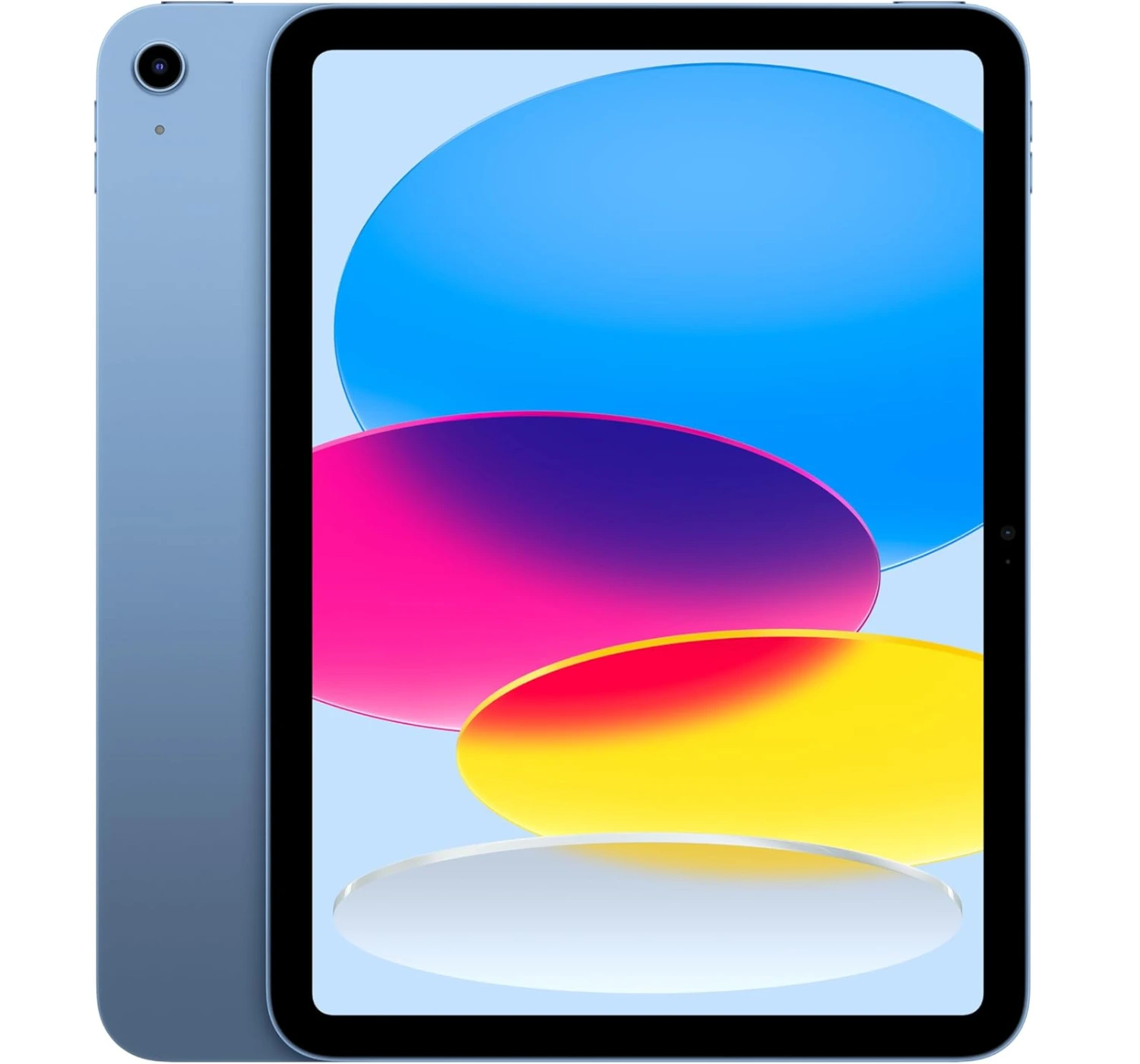
You don’t need to spend a small fortune to get a premium, modern experience. With its all-day battery life, sleek design, and accessible price tag, the iPad (2025) is the undisputed king of value and the best tablet for everyday life.
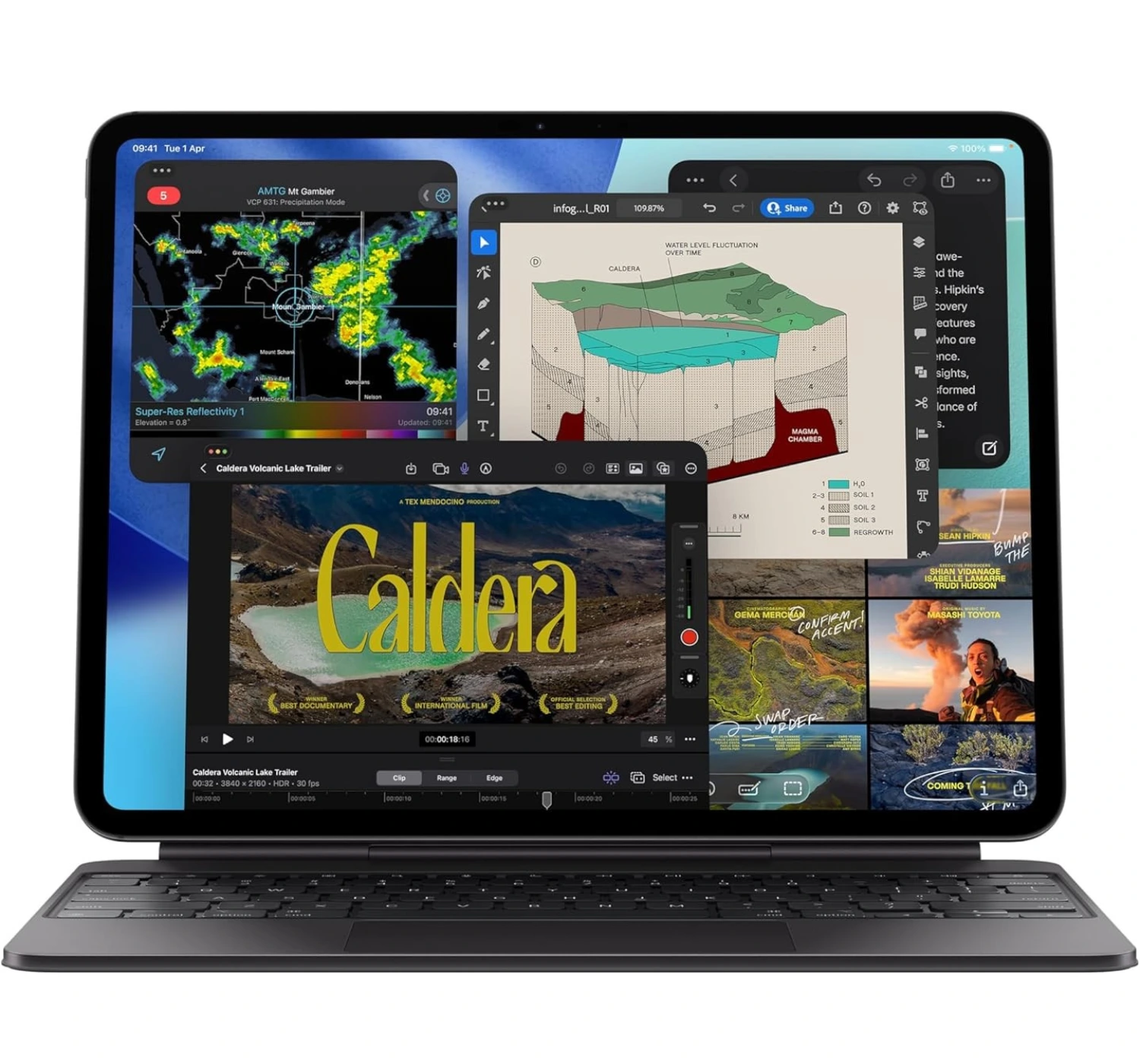
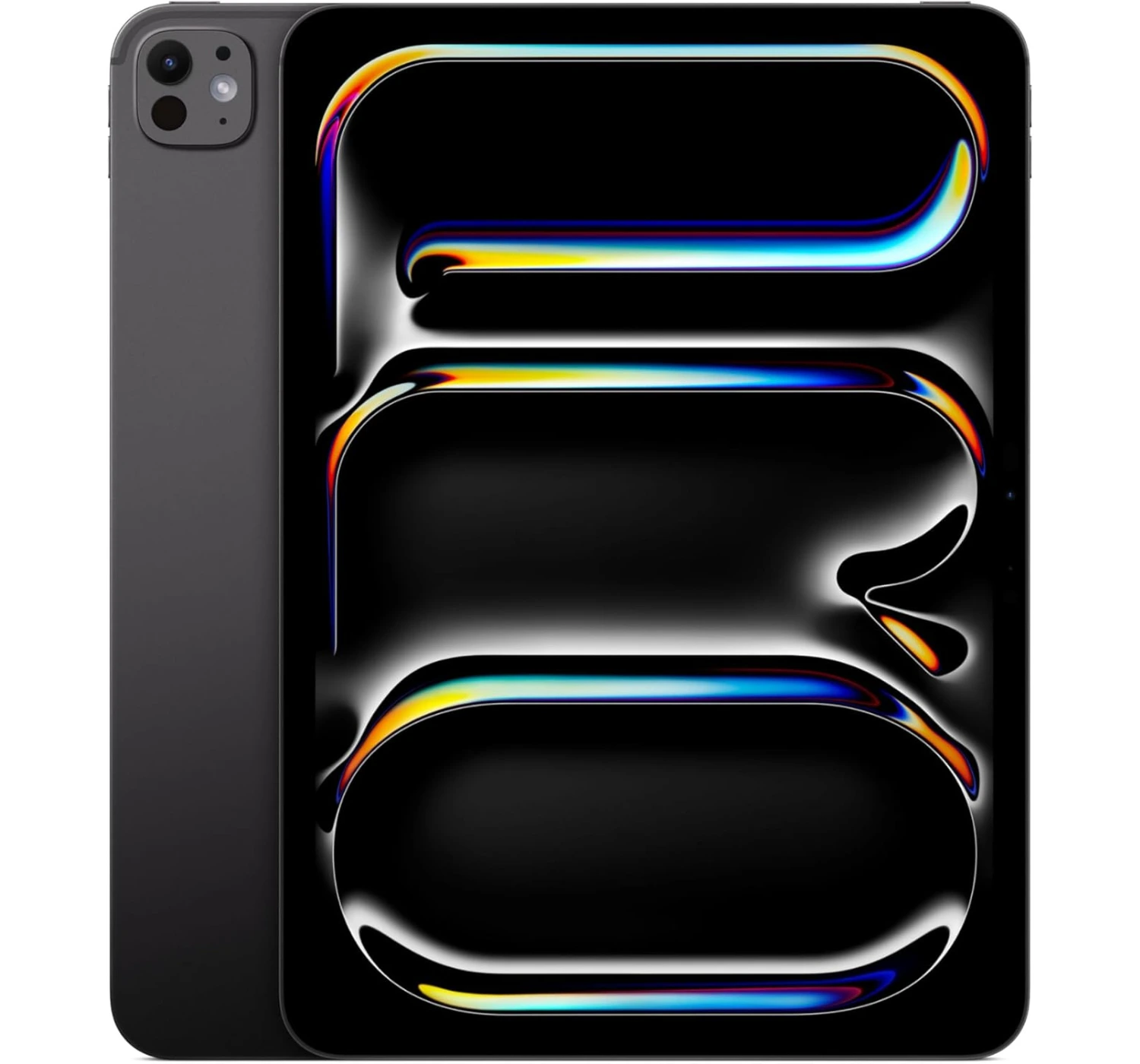
The iPad Pro 11-inch (M5) isn’t just a minor iteration; it’s a massive leap forward. By matching laptop-obliterating processing speeds and unparalleled AI performance with the most advanced OLED screen available, Apple has built a future-proof masterpiece that is an absolute joy to use for work or play.
The iPad Mini (2024) is the ultimate “go-anywhere” device that refuses to sacrifice performance for portability. Packing premium speeds, cutting-edge AI features, and pro-level accessory support into a sleek design, the iPad Mini easily slides right into a jacket pocket or a small sling bag, making it the best tablet for travelling.
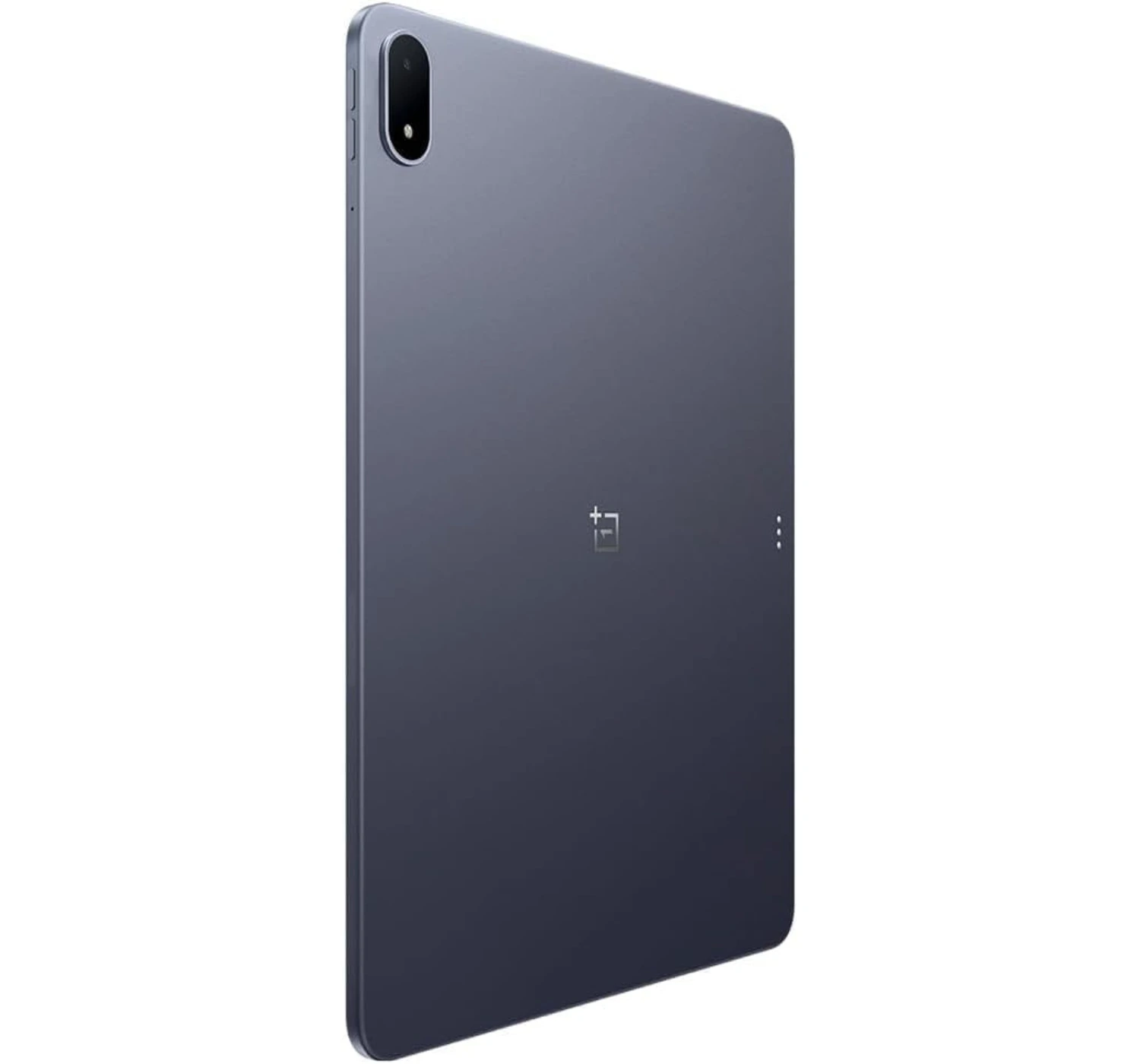
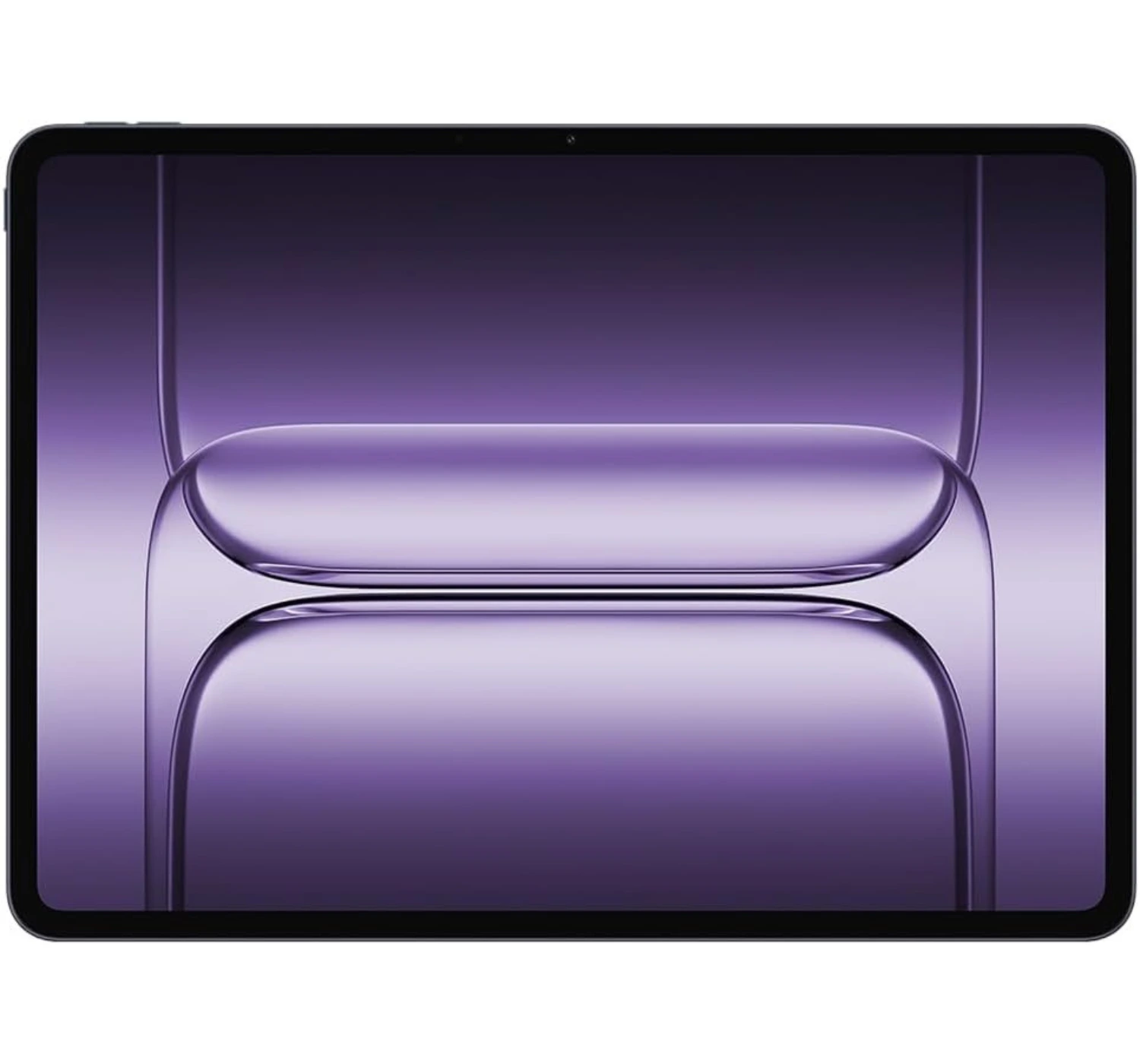
The OnePlus Pad 3 is a masterclass in what a high-end Android tablet should be. By pairing unmatched processing power and an endless battery with a gorgeous, document-friendly display, it offers a premium laptop-like experience that makes it an absolute joy to use every single day.
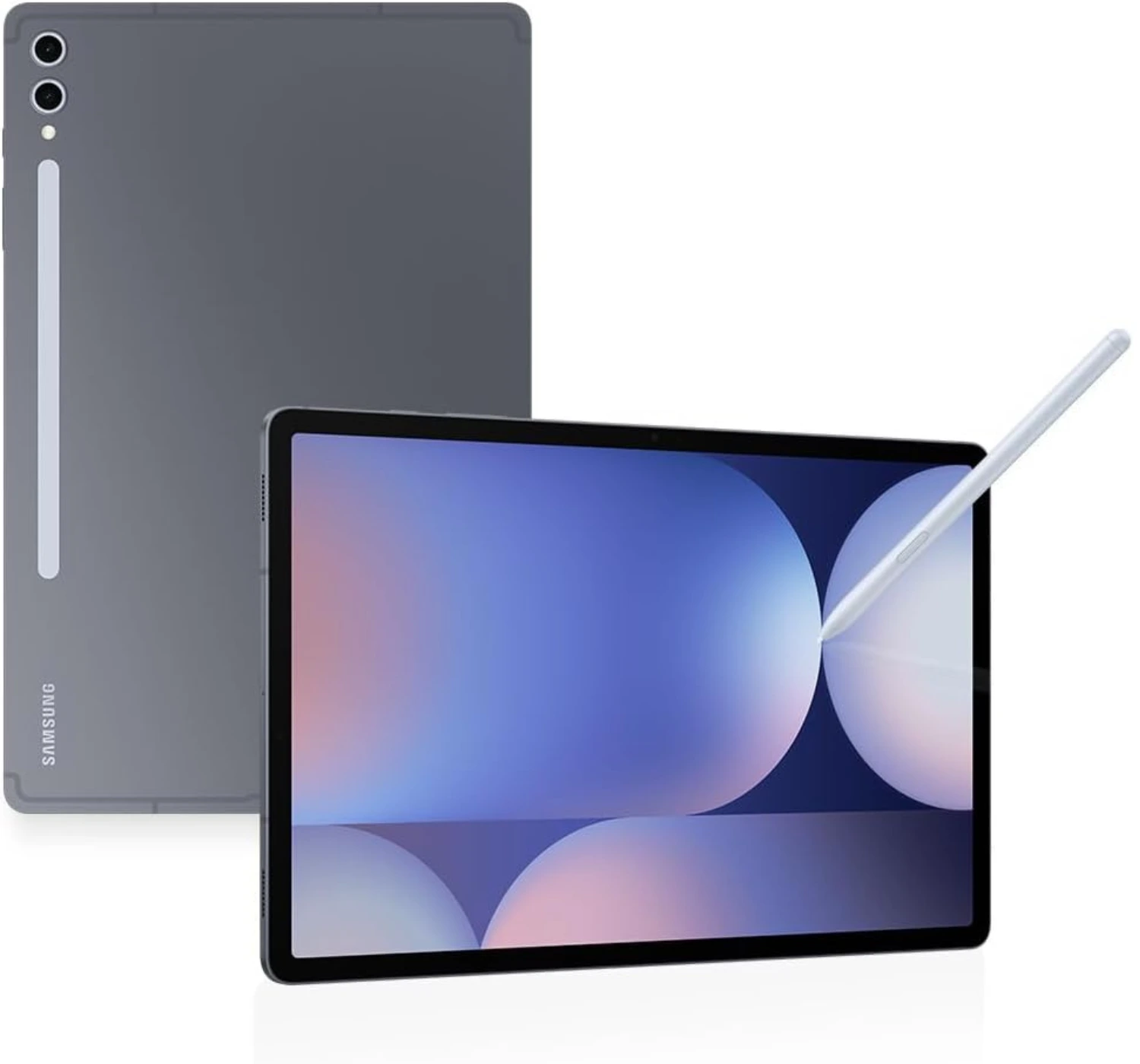
The Galaxy Tab S10 Plus is the ultimate multi-tool of the tablet world. By offering a spectacular anti-reflective display, class-leading multitasking software, and throwing the stylus into the box for free, it provides a premium, heavy-hitting Android experience that is worth every penny.
DISPLAY: 11-inch Liquid Retina IPS LCD (1640 x 2360 pixels)
PROCESSOR: Apple A16 Bionic (5-core), Apple GPU (4-core)
MEMORY: 6GB
STORAGE: 128GB/256GB/512GB
OPERATING SYSTEM: iPadOS 18
CAMERA: 12MP wide (Primary), records 4K videos at 60fps | 12MP ultra-wide (Front), records Full HD videos at 60fps
PORTS: USB Type-C 2.0, DisplayPort; magnetic connector
OTHER: Wi-Fi 6, Bluetooth 5.3 | Colors include Silver, Blue, Pink, and Yellow | Released March 2025 | Weighs 477g (Wi-Fi) and 481g (LTE)
PROS
Good design with trendy color options
Large vibrant display
Fast performance overall
Support for Apple Pencil
Good performing operating system
CONS
Speaker sounds average
Displays looks average
No Apple Intelligence support
Slow charging speed
Better the 256GB model
It’s no surprise that the Apple iPad is such a crowd favorite. It’s a fantastic all-rounder that handles gaming, video streaming, and everyday tasks really well—making it a great device for university work, office or corporate work, or just lounging on the couch. Thanks to the A16 chip and the massive access to apps from the App Store, it can tackle almost anything you throw at it, (and if you ever need serious heavy lifting, there’s always the Air or Pro models to consider).
That being said, Android tablets have seriously stepped up their game lately. If you aren’t completely locked into Apple’s software, it’s definitely worth checking out the latest options from Xiaomi, OnePlus, and Samsung.
But at the end of the day, this iPad is going to fly off the shelves simply because it’s the most affordable mobile device from Apple. Don’t let the lower price fool you, though—it’s really well-made, and powerful too. Sure, the display could be better looking, and the audio speakers were a little louder, but if you aren’t super picky about those details, you’ll love how smooth and reliable it feels to use.
DISPLAY: 11-inch Ultra Retina Tandem OLED 120Hz (1668 x 2420 pixels)
PROCESSOR: Apple M5 (9-core), Apple GPU (10-core)
MEMORY: 12GB
STORAGE: 256GB/512GB
OPERATING SYSTEM: iPadOS 26
CAMERA: 12MP wide (Primary), records 4K videos at 60fps | 12MP ultra-wide (Front), records Full HD videos at 60fps
PORTS: USB Type-C 4 (Thunderbolt 3), DisplayPort, magnetic connector
OTHER: Wi-Fi 7, Bluetooth 6.0 | Colors include Silver and Space Black | Released October 2025 | Weighs 444g (Wi-Fi) and 446g (5G)
PROS
Superb overall performance
Impressive OLED display
Great battery life
CONS
No drastic changes to the design
Not a full desktop experience
Expensive
Accessories such as the Magic Keyboard or Apple Pencil Pro are expensive
If you want the absolute best tablet money can buy right now, the iPad Pro 11 (2025) takes the crown without a shadow of a doubt. It’s an absolute powerhouse packed into a mind-bogglingly thin aluminum frame.
Why it’s so amazing? Firstly, the Ultra Retina Tandem display is hands-down the best looking screen that Apple has included. The colors are incredibly vivid, the contrast is flawless, and it gets bright enough to use comfortably outdoors.
Secondly, the M5 processor is lightning-fast and handles everything from 3D gaming to video editing without breaking a sweat. Combined with much faster storage read/write speeds, the entire interface feels instantly responsive.
Next, Apple finally added fast charge support for the iPad Pro battery, meaning that it will take 35 minutes to charge 50% of the battery using a high but compatible watt charger. And lastly, while the 13-inch model basically tries to be a MacBook, the 11-inch version hits the sweet spot. It’s incredibly portable, lightweight, and perfect to toss in a backpack as a daily note-taking, gaming, and media companion.
Even perfect tablets come with flaws. Here’s reasons why you shouldn’t buy it. One, the iPad Pro is expensive, and the accessories such as the Magic Keyboard or Apple Pencil Pro, are also pricey as well. Two, the iPadOS 26 and Apple Intelligence make multitasking and desktop window management a lot smoother than it used to be, but it’s still not quite offer a full desktop experience. Three, the jump to the M5 from M4 is pretty incremental—if you have the M4 iPad Pro, you definitely don’t need to rush out and upgrade.
In the end, you absolutely do not need this much power just to watch Netflix, browse the web, or play casual games—the iPad Air or the base iPad will do that perfectly for a lot less cash. But if you want a future-proof creative canvas, a killer high-end portable gaming machine, and the most premium tablet experience on the market, you’re going to absolutely love the iPad Pro.
DISPLAY: 13.2-inch IPS LCD 144Hz (2400 x 3392 pixels)
PROCESSOR: Snapdragon 8 Elite, Adreno 830 GPU
MEMORY: 12GB/16GB
STORAGE: 256GB/512GB
OPERATING SYSTEM: Android 15, ColorOS 15
CAMERA: 13MP (Primary), records 4K videos at 30fps | 8MP (Front), records Full HD videos at 30fps
PORTS: USB Type-C 3.2, OTG, accessory connector
OTHER: Wi-Fi 7, Bluetooth 5.4 | Colors include Storm Blue | Released June 2025 | Weighs 675g
PROS
Premium build design quality
High resolution display
Impressive battery life
Top overall performance
Good thermal stability
CONS
No fingerprint reader or biometric options
No LTE or 5G options
Quite heavy
Starting at a mid-range price for the 12GB/256GB model, the OnePlus Pad 3 is a serious bargain. It undercuts its main rivals from Apple and Samsung while still delivering top-tier performance, great build quality, and super smooth software.
The first thing you’ll notice is the massive, gorgeous 13.2-inch screen. Even though it’s an LCD, it gets good brightness and feels incredibly fluid thanks to the high refresh rate of 144Hz. Under the hood, the Snapdragon 8 Elite chip is an absolute beast—offering class-leading performance without getting uncomfortably hot. Plus, OnePlus’s “Open Canvas” feature is easily one of the best multitasking setups we’ve ever used on a tablet.
If you want to get some serious work done, the optional ‘Smart Keyboard’ and ‘Stylo 2’ are fantastic additions that genuinely turn this into a capable little mobile workstation.
Now, tablets still might not fully replace your laptop just yet, but OnePlus has crafted one of the best all-rounders out there. It’s also pretty cool that it plays nice with macOS, even if the “O+ Connect” ecosystem features were a bit hit-or-miss during our testing.
Of course, it isn’t completely perfect. We’d love to see better HDR support on streaming apps, a proper biometric unlock option (like a fingerprint scanner), and a cellular data version down the line. But all things considered? The OnePlus Pad 3 is a massive step up from the last generation, and it’s arguably one of the best Android tablets to get right now.
DISPLAY: 8.3-inch Liquid Retina IPS LCD (1488 x 2266 pixels)
PROCESSOR: Apple A17, Apple GPU (5-core)
MEMORY: 8GB
STORAGE: 128GB/256GB/512GB
OPERATING SYSTEM: iPadOS 18
CAMERA: 12MP wide (Primary), records 4K videos at 60fps | 12MP ultrawide (Front), records Full HD videos at 60fps
PORTS: USB Type-C 3.1 Gen2, DisplayPort
OTHER: Wi-Fi 7, Bluetooth 5.4 | Colors include Space Gray, Blue, Purple, Starlight | Released October 2024 | Weighs 293g (Wi-Fi) and 297g (5G)
PROS
Excellent build, portable and lightweight
Small but impressive display
Support for Apple Pencil Pro
CONS
Multiple apps on screen feels cramped
Expensive for its size
No drastic design changes
Better the 256GB model
If you’re looking for a highly capable tablet that you can actually hold in one hand or toss into a small sling bag, the iPad mini (2024) is pretty much in a league of its own. Apple didn’t reinvent the wheel with this update, but by adding the A17 Pro chip and doubling the base storage to 128GB, they’ve given their tiniest tablet a very welcome boost.
Here’re reasons why you’ll love it. First, at 8.3 inches, it hits the absolute sweet spot between a large smartphone and a bulky laptop-sized tablet. It’s light enough that your hands won’t get tired while reading e-books in bed, and it’s the ultimate companion for mobile gaming—especially for titles like Hades or Balatro where touch controls just feel right at this scale.
Second, the jump to the A17 Pro chip means this little guy is incredibly snappy. It handles photo editing, digital sketching, and daily multitasking without skipping a beat. Plus, it has the 8GB of RAM required to run Apple Intelligence features. Next, if you love digital note-taking or sketching on the go, the addition of Pencil Pro support essentially turns this into the world’s most premium digital notebook.
And lastly, if you heard complaints about the older mini’s screen looking a bit wavy when scrolling through text, you can breathe a sigh of relief. Apple quietly tweaked the display controller here, and the issue is practically gone.
As much as the iPad Mini is a great little tablet, it comes with a few compromises. Let’s look at the trade-offs. Because of the small screen, trying to run multiple apps side-by-side can feel pretty cramped. The display is stuck at 60Hz refresh rate, making it not as smooth for scrolling. And lastly, unlike its larger siblings, Apple left the selfie camera on the shorter top edge. If you use it horizontally for FaceTime or Zoom calls, you’ll still look like you’re peering off to the side.
Overall, if you’ve been searching for a premium, pocketable and powerful tablet for travel, reading, and gaming, the iPad mini remains the undisputed champion of the compact tablet world.
CAMERA: 13MP wide + 8MP ultrawide (Primary), records 4K videos at 30fps | 12MP ultrawide (Front), records 4K videos at 30fps
PORTS: USB Type-C 3.2, magnetic connector
OTHER: Wi-Fi 6e, Bluetooth 5.3 | Colors include Moonstone Gray and Platinum Silver | Released October 2024 | Weighs 571g (Wi-Fi) and 576g (5G)
PROS
Large, impressive display
Superb battery life
Impressive snappy performance
CONS
Really expensive
Cumbersome to hold in portrait mode
Slow charger
If you’re looking for one of the best Android tablets that comes with many features, the Samsung Galaxy Tab S10 Plus is easily a top choice on the market right now. Samsung took a bit of a gamble with this one by swapping out a Snapdragon processor for MediaTek’s flagship Dimensity 9300+ chip. From that move we agree that the gamble completely paid off. The S10 Plus is incredibly fast, brilliantly designed, and ready for serious work.
So why should you consider it? Firstly, the large 12.4-inch Dynamic AMOLED 2X display is absolutely gorgeous, but the real magic is the new anti-reflective coating. Borrowed from Samsung’s flagship phones, it cuts down on annoying glare, making it a joy to use under bright office lights or near a window.
Secondly, the MediaTek processor performs really well. Gaming and complex video editing tasks are no problem for the S10 Plus, and it keeps the tablet feeling incredibly responsive, all while keeping an impressive battery life.
Thirdly, unlike Apple iPads, where you have to pay extra cash for a stylus, Samsung bundles the excellent S Pen stylus right in the box. It feels incredibly natural to write or draw with, making this a fantastic option for digital artists, students, or anyone who loves taking handwritten notes.
Lastly, Samsung’s software remains the gold standard for tablet productivity. DeX Mode transforms the interface into a traditional desktop layout that works incredibly well for multitasking. Plus, the new Galaxy AI tools—like Note Assist for summarizing long documents and Sketch to Image—are genuinely fun and useful.
Not all are features are the best though. Here are reasons why you may not like. The S10 Plus is really expensive. You still need to buy the keyboard cover if you want the full laptop experience. No ground breaking changes to the design. It also charges slow, and it doesn’t feel comfortable to hold in Portrait mode.
If you already own the older S9 Plus, the incremental updates here mean you definitely don’t need to rush out and upgrade to the S10 Plus. But if you want a premium mobile device, with a gorgeous big-screen, a free stylus, unmatched multitasking software, and top performance, the Galaxy Tab S10 Plus is an absolute triumph.
Lastly
At the end of the day, picking one of the best tablets for tertiary education comes down to figuring out what your typical campus day looks like.
If your courses involve multitasking or digital sketching, pouring your budget into a premium powerhouse like the Samsung Galaxy Tab S10 Plus or an iPad Pro will pay off massively over the next few years. On the flip side, if you just need a reliable, lightweight digital notebook to take to lectures, view PDFs, and stream Netflix during breaks, the Apple iPad (2025) or Android value-packed, Androids premium OnePlus Pad 3 will save you a ton of cash without sacrificing real-world performance.
Think about your major, your budget, and whether you prefer writing with a stylus or typing on a detachable keyboard. No matter which mobile device you choose from this list, you’re grabbing a reliable tool that will lighten your backpack and make those long study sessions just a little bit easier.
So there you have it, five of best tablets for tertiary education. Now you know which tablets to consider if you’re looking to upgrade or get a new one. I know that these tablets may have been released last year (and even later), but it goes to show that these mobile devices are powerful and can still do the job well.
So tell me, which one catches your eye? Personally, I recommend the iPad Pro from Apple. It really is an amazing tablet, and performs well overall. That’s all from me. So tell me, which tablet are considering? Are you a regular iPad user or an Android user? Leave your comments and answers for me here at the bottom section of this page. And if you want to know more of what’s in store for you, or wish to make a purchase, then don’t hesitate. Go ahead and click on the red corresponding buttons next to the tablet you desire. All the Best 😀