


MacBook Neo

Pros
- Affordable price
- Impressive processing & graphics performance
- Bright & vibrant display
- Premium aluminum build
- Excellent battery life
Cons
- Few input ports
- No backlit keyboard
MacBook neo review

Apple MacBook Neo
“It’s without a doubt, the best affordable laptop in the market today, and the lowest-priced MacBook in the series.”








The tech world loves to promise the “next big thing,” but Apple’s latest laptop might actually live up to the hype. In this MacBook Neo review, we dive deep into a mobile device that completely changes the game for everyday users and creators alike. It’s sleek, incredibly fast performer, and brings some massive upgrades that you can actually notice in your daily routine. If you’re wondering whether this new MacBook is truly worth your hard-earned cash, you came to the right place. Let’s look past the hype and marketing talk and see how this laptop really performs in the real world.
Overview
The MacBook Neo is basically Apple’s new budget superstar. Starting at just $599/£698/R12000, it gives you a premium aluminum build, an incredibly bright 13-inch screen, and a battery that easily lasts through a full day of school or work. To hit that low price, Apple used a clever trick: they packed it with the A18 Pro chip, which is the exact processor inside the iPhone 16 Pro. While this means the laptop handles everyday tasks like web browsing, emails, and video streaming like an absolute breeze, it will struggle if you try to edit heavy 4K videos or play massive, modern video games.
Apart from the premium design, the low price, the snappy performance and the long battery life, we also love its choice of fun, new colors and the amazing audio it delivers, yet we also found a few things for you to note. There’s no keyboard backlighting and the MacBook includes fewer but slower USB ports. Overall, the MacBook Neo is an impressive laptop. It’s amazing, affordable, and a great choice for students and casual users who want the premium Mac experience without digging so deep into their pockets.
Specs
What’s To Like
1. The Premium but Colorful Build Design
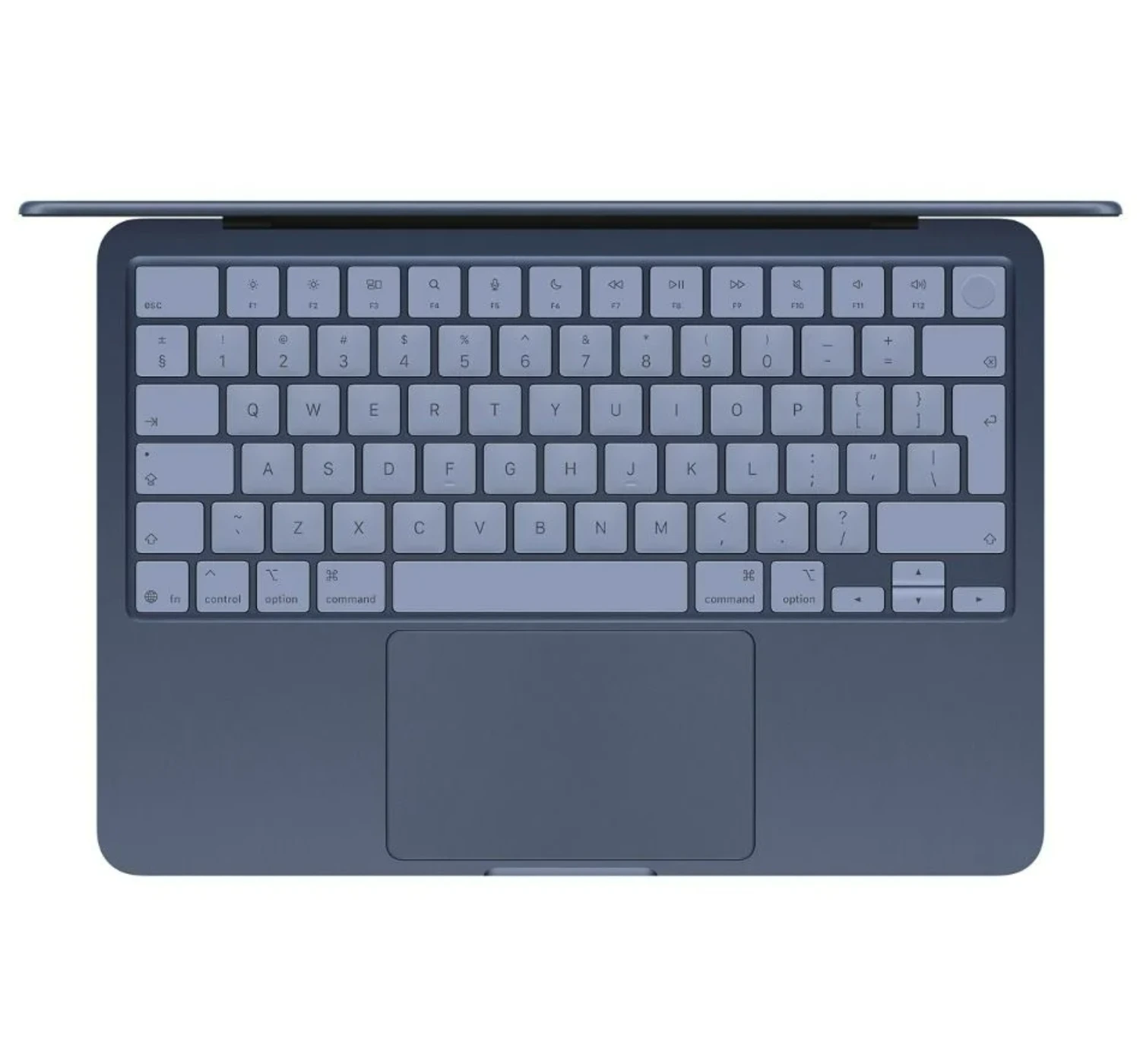
The first thing you will notice about the MacBook Neo is the fun colors. We tested the Indigo model, which looks like a Navy Blueish color. You can also get it in Citrus (a yellow-green), Blush (Pink), or the classic Silver colors. While we wish Apple made the colors as bright and bold as the recent MacBooks, yet we appreciate these colors cos they still look great when the light hits them.
Even with the low price, this laptop feels incredibly premium. It comes with a tough aluminum body that is only half an inch thick. You can easily lift the lid with one finger, and it closes with a soft, satisfying thump. Unlike cheap Windows laptops or Chromebooks, this frame does not bend or bounce at all when you type.
2. The Comfortable Typing & Trackpad Experience
Speaking of typing, the keyboard feels excellent. The keys are just a tiny bit softer than the ones on the MacBook Air, but it is basically the same great layout. If you buy the pricier 512GB model, you even get a Touch ID fingerprint sensor in the top right corner, though the cheaper base model just has a regular power button. Apple also gave the keys a cool tint that matches the laptop’s color. The trackpad looks normal and lets you use all the classic Mac finger swipes, but Apple changed how it works inside to save money. It uses a real mechanical click now, which feels a bit deeper, but the good news is that you can still click anywhere on the pad.
2. The Impressive Laptop Performance
The MacBook Neo shows just how powerful Apple’s smartphone chips have become. Inside this laptop, Apple uses a slightly modified version of the A18 Pro chip—the exact same processor found in the iPhone 16 Pro. Even though Apple turned off one of the graphics cores to save costs, this tiny chip still packs a massive punch. In fact, it beats the basic version of the massive 2019 Mac Pro desktop computer.
When you compare it to older laptops, the Neo easily keeps up with the original M1 MacBook Air. It is much faster when doing single tasks, but the M1 and M2 Air models still win when you ask the laptop to do a lot of heavy lifting all at once. In real life, the Neo feels incredibly snappy. I was happy with the performance when I opened dozens of browser tabs at the same time, and it didn’t stutter or freeze. It also handles basic photo editing, like cropping and color tuning, without any issues. However, it does hit a wall if you try to edit 4K videos with lots of effects, which causes the playback to look choppy.
The main reason for that slowdown is the laptop’s memory and storage speed. Apple only gives you 8GB of RAM, and you cannot upgrade it. While 8GB is plenty for everyday schoolwork and web browsing, the laptop has to borrow space from its internal hard drive (SSD) if you open too many heavy programs. This wouldn’t be a big deal, but the Neo has a much slower storage drive than the MacBook Air. This means transferring huge files will take longer, and the laptop might stutter a bit when you push it past its limits.
Even with those slower speeds, using the Neo still feels great. It never actually made me sit around and wait, and it easily powers through a normal workday. To really slow this machine down, you have to push it way harder than a regular user ever would. If you need that kind of heavy-duty power, you should probably spend more money on a MacBook Air instead.
3. The Impressive Display
The MacBook Neo comes with an awesome 13-inch screen. It’s nice and bright, so you can see everything clearly, and the picture looks just as sharp as any other Apple laptop. When it comes to colors, it looks almost exactly like the pricier MacBook Air. Apple says it does not show quite as many color shades as the Air, but honestly, you would never notice the difference unless you do professional photo or video editing for a living. For everyday users, the colors look rich, vibrant, and beautiful right out of the box.
You will not get the super deep blacks of an expensive OLED screen, and the display refreshes at a standard 60Hz. But don’t worry—the standard MacBook Air has the exact same limits, and so do Apple’s incredibly expensive professional monitors! The Neo still plays high-quality HDR videos perfectly, has great contrast, and everything moves smoothly across the screen.
4. The Impressive Battery Life
The MacBook Neo can handle up to 16 hours of video streaming or up to 11 hours of web browsing on a single charge, according to Apple. Upon testing it as my main work computer—with dozens of internet tabs open, two different browsers running, chat apps open, and some light photo editing—there’s no doubt that the said battery life matched Apple’s promise perfectly. From the crack of of dawn until early dusk, without plugging the battery charger, the battery hit ended up at 5% power left.
Even on the day I tested some light gaming with indie games, the battery did great. I started at full charge at max screen brightness, with an hour of regular work, gaming (which used up about half the battery), and then got another four hours of regular use before the laptop died. That makes total sense, since the harder you push a laptop, the faster the battery drains.
Overall, while the Neo doesn’t last quite as long as the MacBook Air, which can go for up to 15 hours of web browsing, it still gives you plenty of juice for a full day’s work. You might get even more out of it if you keep your screen a little dimmer, easy on the gaming, use it moderately overall.
The Deal Breakers
Now the dealbreakers. Of course, Apple had to cut a few corners to keep the price down. Firstly, the screen is 13 inches, which is slightly smaller than the MacBook Air’s 13.6 inch, and it has thicker borders around the edges. The upside? No annoying notch at the top of the screen! Instead, the border holds a 1080p webcam that works totally fine for online meetings, even if it isn’t as sharp as an iPhone camera.
Secondly, the speakers sit on the sides of the laptop. They actually sound surprisingly good with clear sound and a little bit of bass, which is rare for a cheap laptop. They don’t sound quite as wide or cinematic as the pricier MacBook Air models, but they still blow other budget laptops out of the water.
Thirdly, for input ports, you only get two USB-type C and a headphone jack. Since this is a budget MacBook, the lack of an SD card reader or HDMI port is pretty easy to forgive. Just keep in mind that one port is much faster than the other. The back port lets you plug in a high-quality 4K monitor and transfer files quicker, while the front port is slower. Fortunately, you can use either port to charge the MacBook Neo, especially when it comes with a 20W charger in the box. However, if you can find a 30W charger, it can charge even faster.
In the end, the deal breakers are not as drastic, and are really minor. If the Neo however is not your cup of tea, then consider getting the Air or the Pro models. Just know they’re more expensive.
The Best Alternatives to the MacBook Neo
★★★★★ 5.0 Spectacular
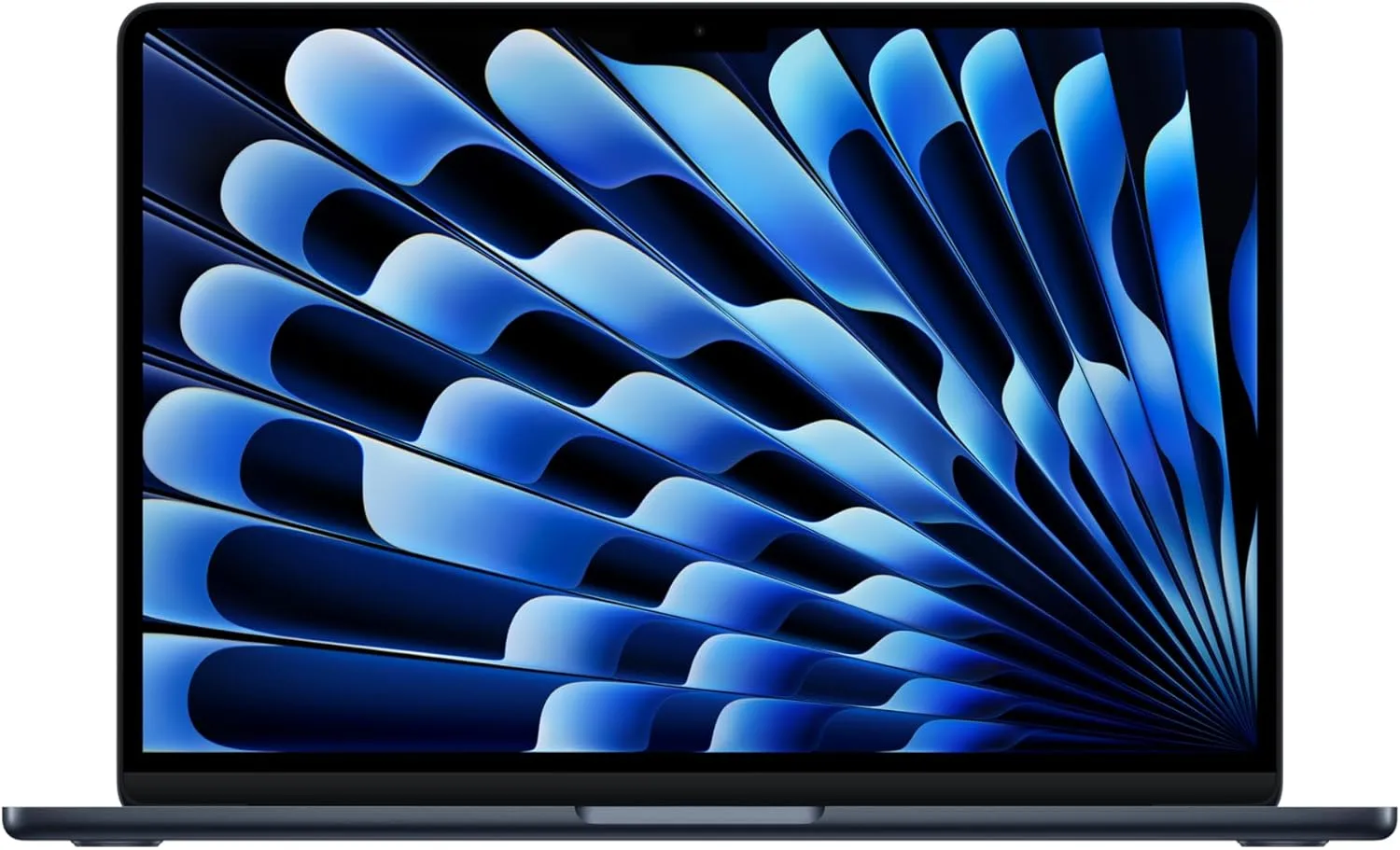
The MacBook Air M3 makes a fantastic alternative to the MacBook Neo because it gives you a lot of premium features that the Neo leaves out. On the positive side, the M3 Air comes with a much faster storage drive, a fully backlit keyboard so you can type in the dark, and a slightly larger screen with thinner borders. It also has a more powerful chip that handles heavy multi-tasking and light video editing much better than the Neo’s smartphone chip, and the battery lasts a few hours longer. On the negative side, the MacBook Air M3 costs a lot more money, which might not be worth it if you only want a laptop for basic schoolwork or web browsing. Plus, the Air has an annoying “notch” cut out of the top of the screen for the webcam, while the Neo keeps a traditional, clean screen layout.1. MacBook Air M3 (2024)
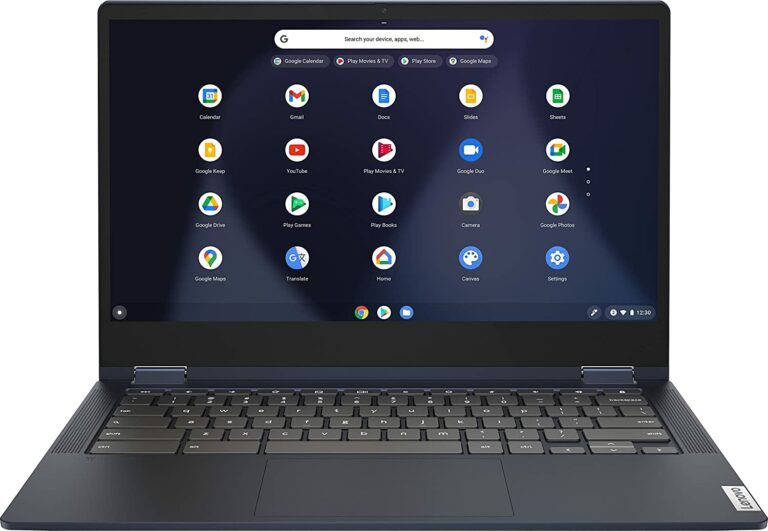
★★★★☆ 4.0 Impressive The ASUS Zenbook A14 is another awesome alternative to the MacBook Neo, especially if you prefer using Windows over macOS. On the plus side, the Zenbook features a gorgeous OLED screen that makes movies and photos look way brighter and more colorful than the Neo’s standard display. It also gives you double the memory and storage for a similar price, a fully backlit keyboard for typing in the dark, and a Snapdragon processor that delivers legendary battery life. On the negative side, the Zenbook A14 can cost a bit more money, and Windows laptops sometimes struggle to run older apps as smoothly as a Mac does. Plus, while the Zenbook has a great metal design, it still does not feel quite as rock-solid or hold its resale value as well as Apple’s premium aluminum frame.2. Asus Zenbook A14

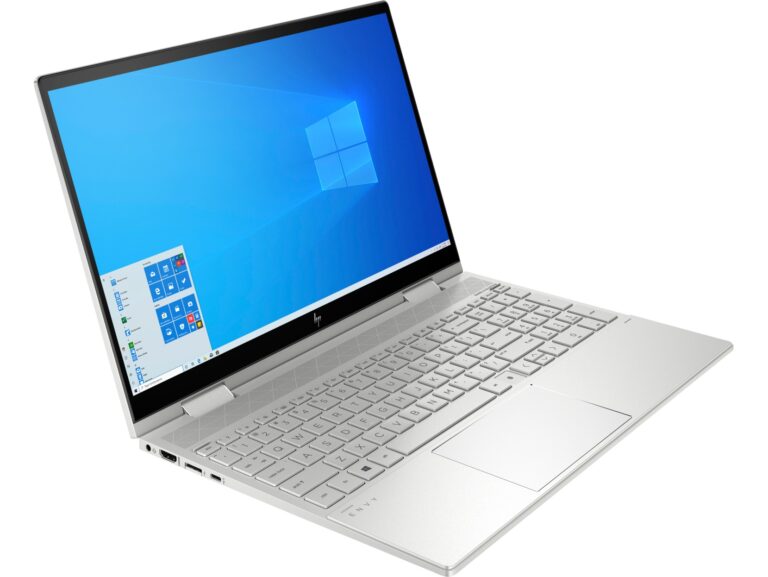
★★★⯪☆ 3.5 Good The Acer Aspire 14 AI stands out as a highly practical alternative to the MacBook Neo, especially if you want the latest AI features without spending a fortune. On the positive side, this Windows laptop gives you double the memory and storage of the base Neo right out of the box, a fully backlit keyboard, and an incredible selection of plugs—including full-sized HDMI and dual Thunderbolt ports. It also uses Intel’s impressive new Lunar Lake chips, which give the laptop fantastic daily speed, great AI tools, and massive battery life that easily powers through a long workday. On the negative side, the basic model’s screen can look a bit dull and lacks the rich colors and brightness found on Apple’s display. Plus, the Acer uses a lot of plastic in its frame, meaning it will not feel nearly as premium, rigid, or sleek as the MacBook Neo’s rock-solid aluminum body.3. Acer Aspire 14 AI

Verdict
So what can we say about the MacBook Neo? It’s without a doubt, the best affordable laptop in the market today, and the lowest-priced MacBook in the series. The sleek design, the powerful performance, and the all-day battery life makes this MacBook the best budget laptop than other brands in the market now. I strongly recommend you consider this one. Don’t pass it or leave it for another person, or you’ll risk getting an even more cheaper laptop with more even more dealbreakers. So what do you think of the MacBook Neo review? Is it the laptop you’re looking for? Tell me the best features you like? What about one of the alternatives, are they more your speed? Let me know on the comments here below. And if you’re even more curious of what’s in store for you, go ahead and click HERE, to find out more 😀


 LGMadyibi





+ There are no comments
Add yours