


best laptops to buy
As great as all these laptops are in the market right now, we often struggle to pick the best laptop for ourselves. Not because we don’t want to, but because of challenging factors such as rising prices, new hardware releasing, and tons of them in the market right now. If you’re one of them, I’ve got news for you. Stop looking and start here. We’ve come with a few of the best laptops to buy. Whether it’s a MacBook, a Chromebook, or a normal Windows laptop, we guarantee there’s one laptop here for you.
Quick Overview
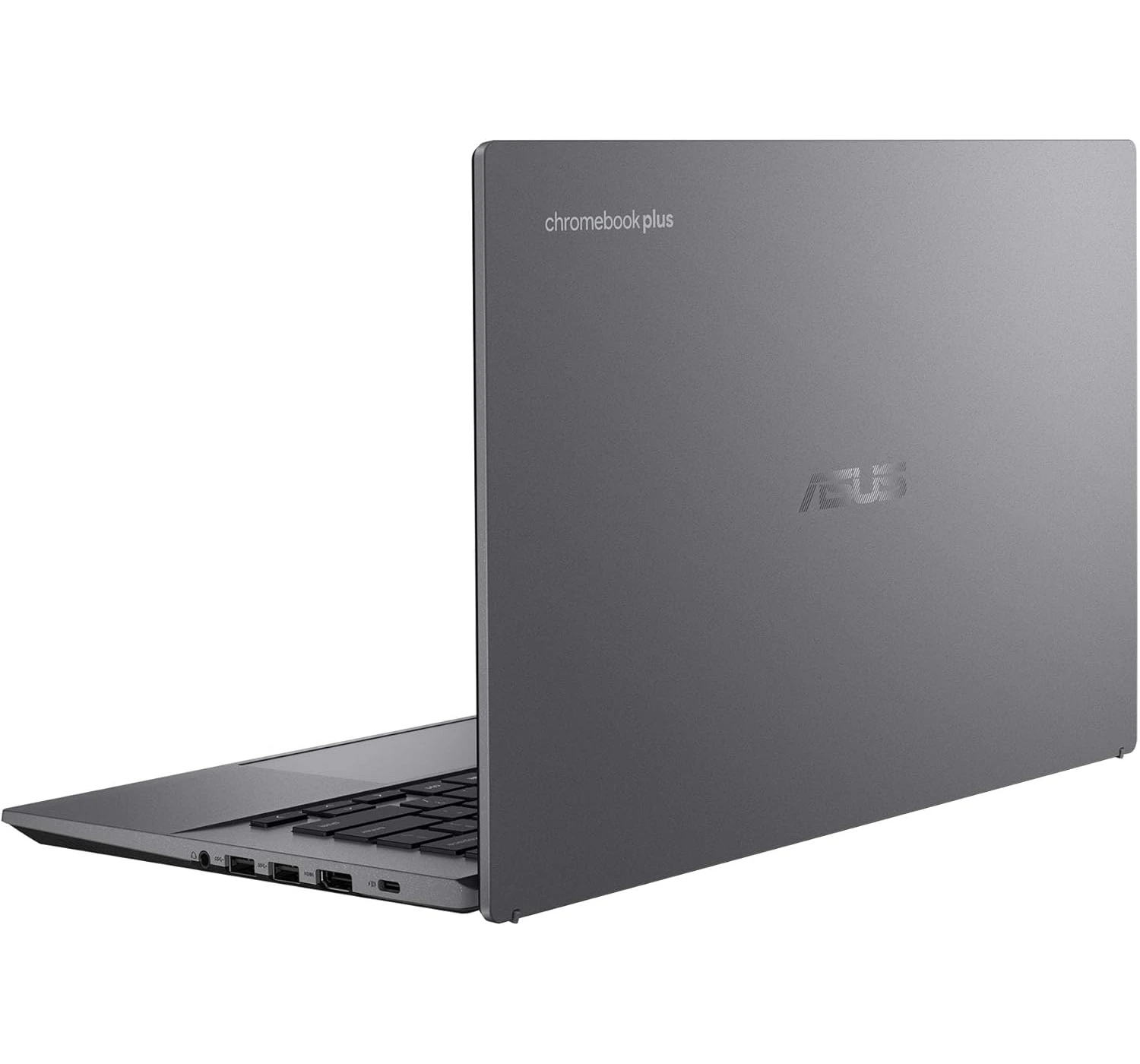
HP OmniBook 5 (14-inch) Most Popular Windows Laptop ★★★★⯪ 4.5 Amazing A top-tier Windows contender. It’s praised for its exceptional keyboard, vibrant OLED options, and the new AI-integrated processors that finally rival Mac efficiency. Asus Chromebook Plus CX34 Best Budget Chromebook ★★★★☆ 4.0 Good The best “budget” productivity tool. It offers a rugged build and great performance for web-based tasks. It loses points only when compared to the raw power of the more expensive laptops. 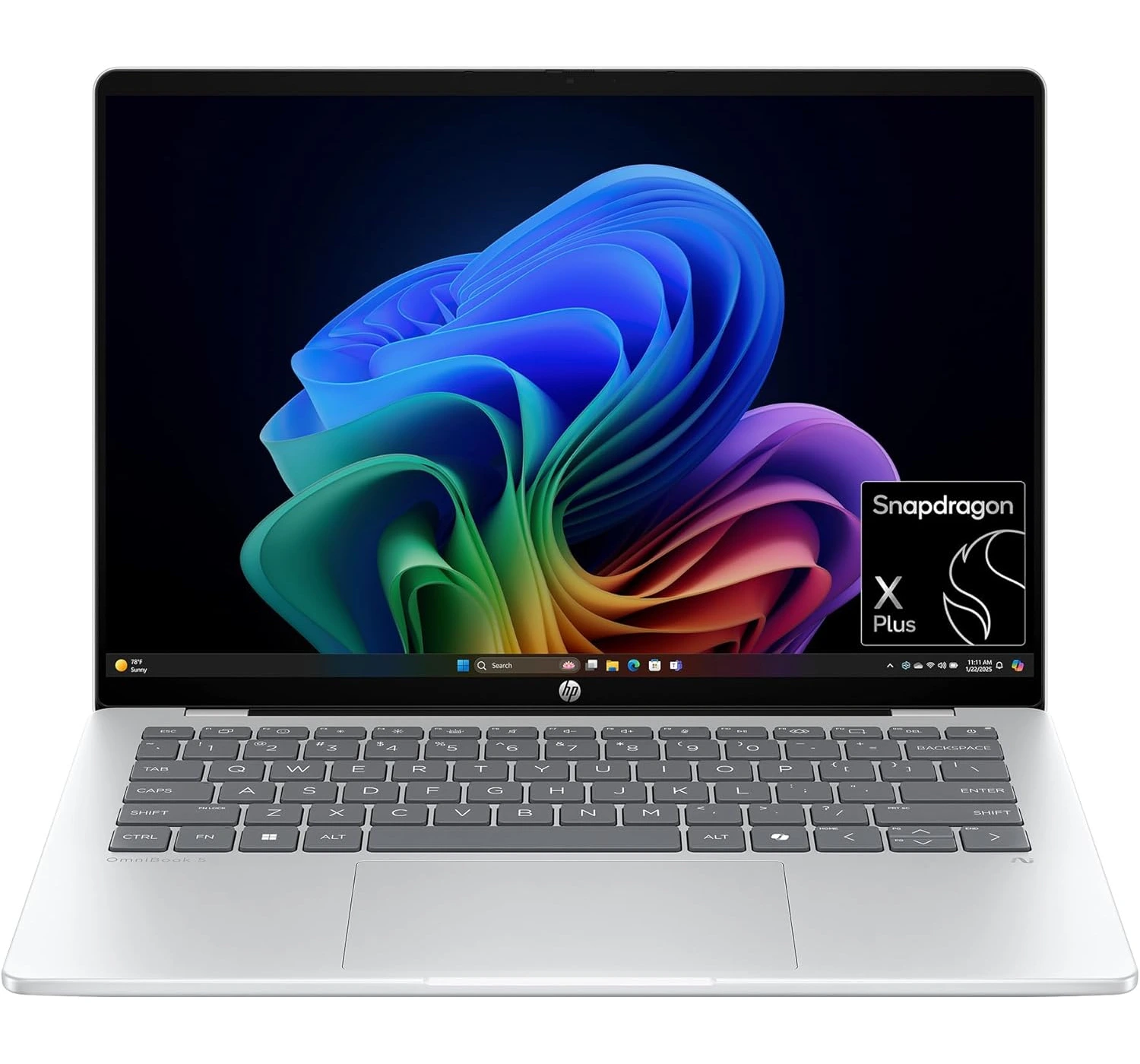
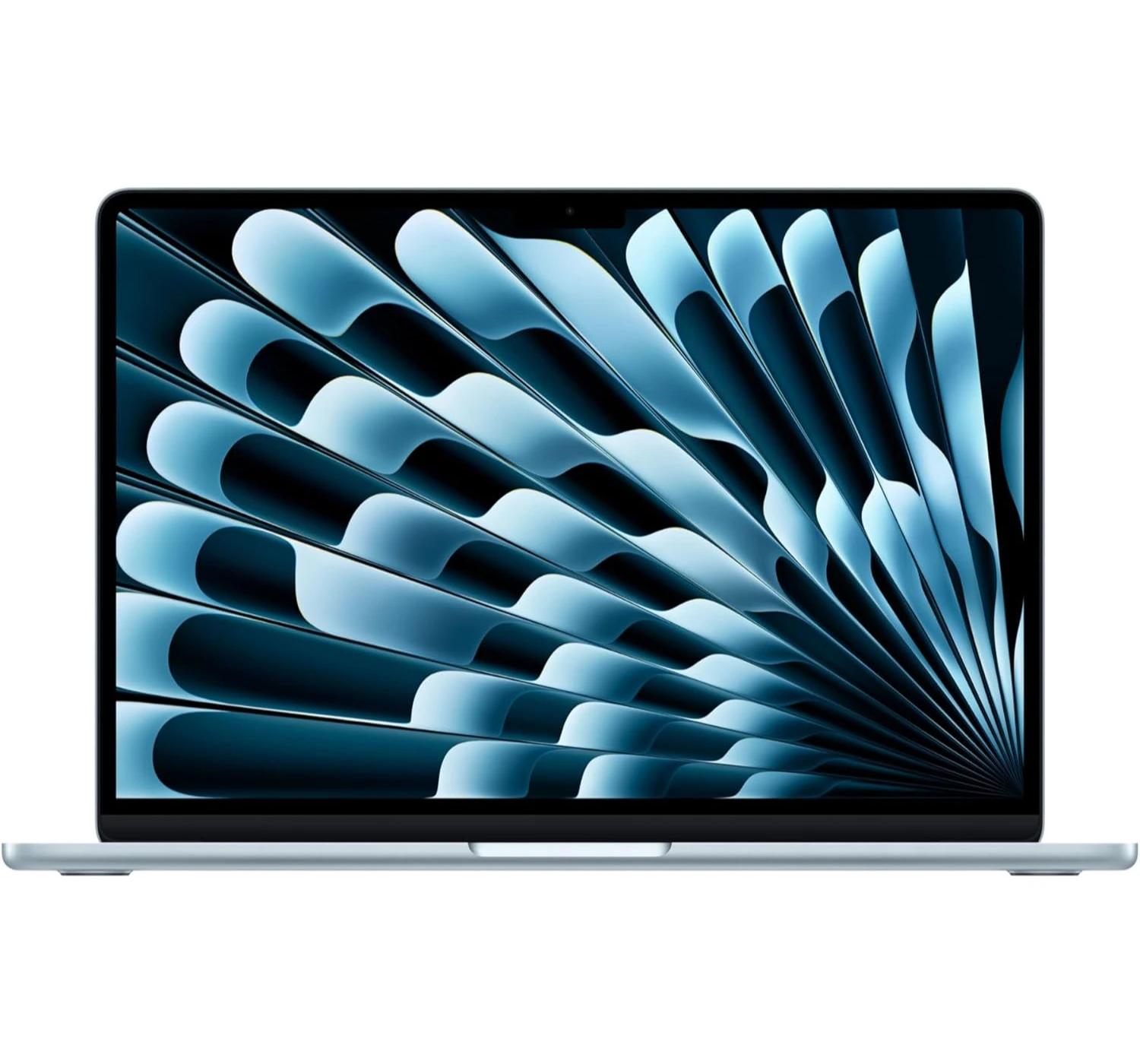
Apple MacBook Neo New Budget MacBook ★★★★⯪ 4.5 Amazing The “people’s MacBook.” It scores high on value and portability, but the A18 Pro chip and 8GB RAM limit it for pro-level work. Great for students and casual users. 2026 Apple MacBook Air (M5) Upgraded MacBook ★★★★⯪ 4.8 Spectacular Still the king of ultra-portables, the M5 chip brings massive AI gains and industry-leading battery life. It’s nearly perfect, though the price remains premium. 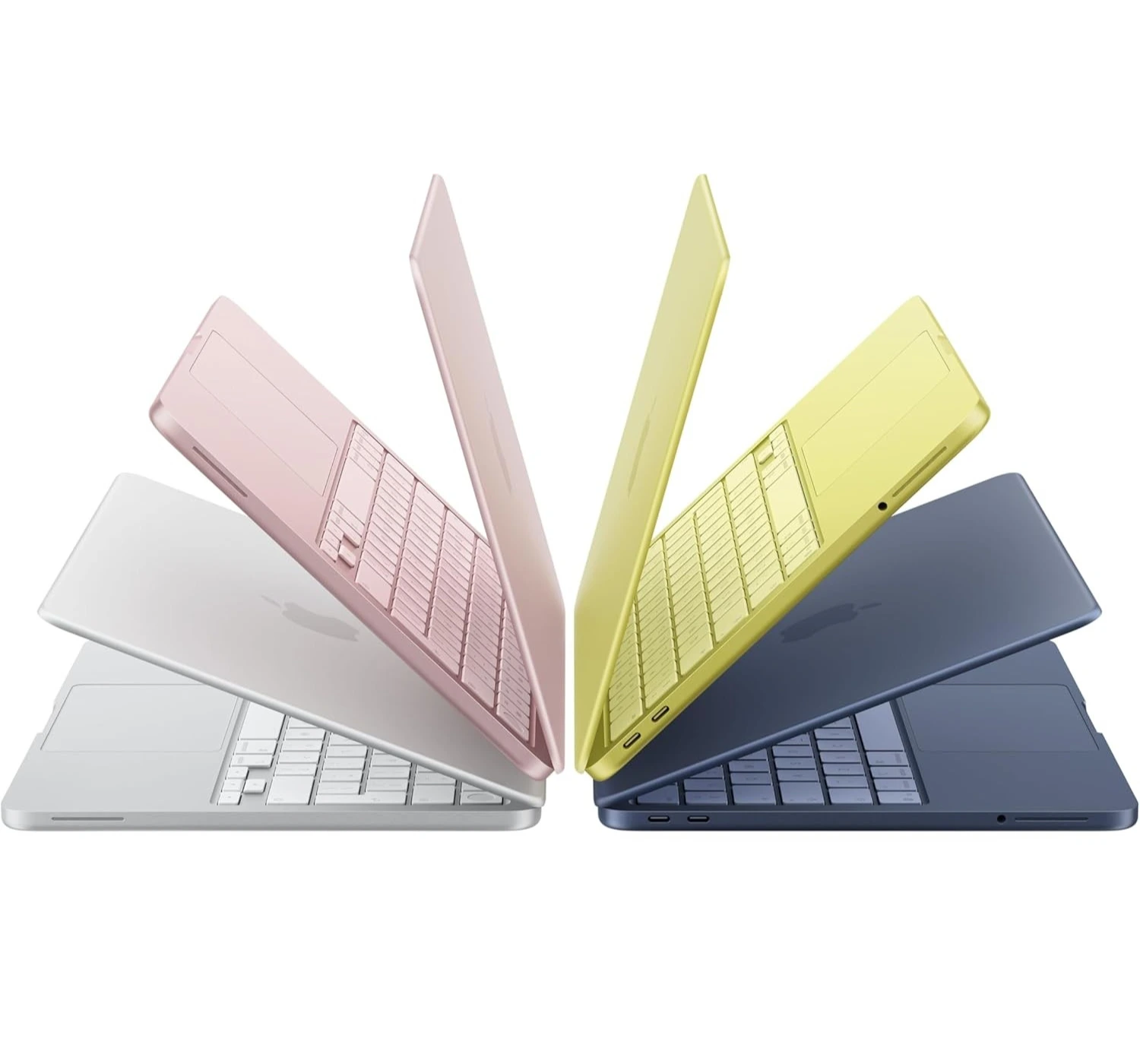
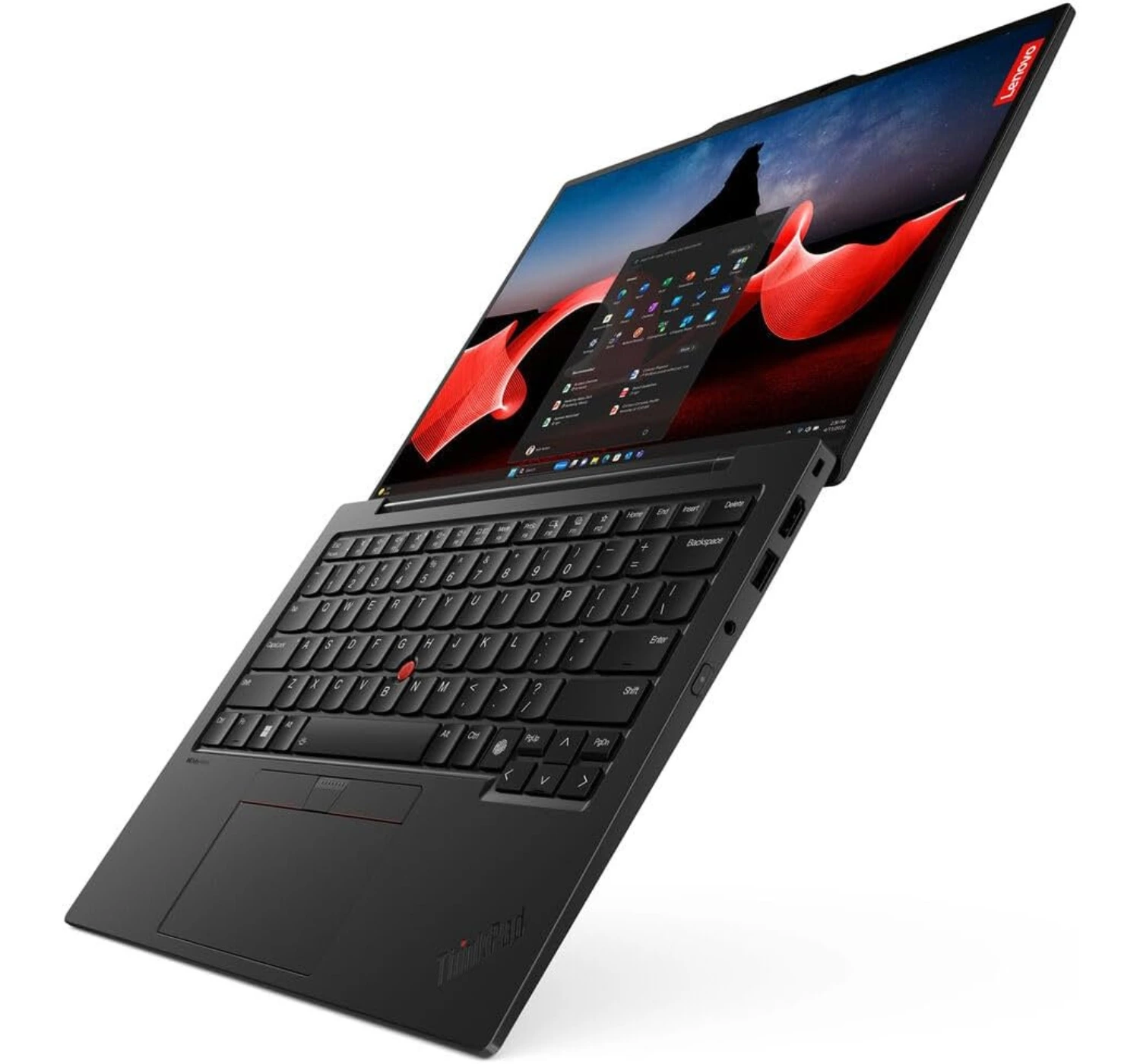
Lenovo ThinkPad X1 Carbon Gen 13 (Aura Edition)
Best Business Laptop
★★★★⯪ 4.5 Amazing
With its ultralight chassis and the revolutionary intelligence of the Intel Core Ultra processor, the Lenovo ThinkPad X1 Carbon Gen 13 (Aura Edition) makes working on the go a breeze, easily making it one of the best choices you can find in 2026.
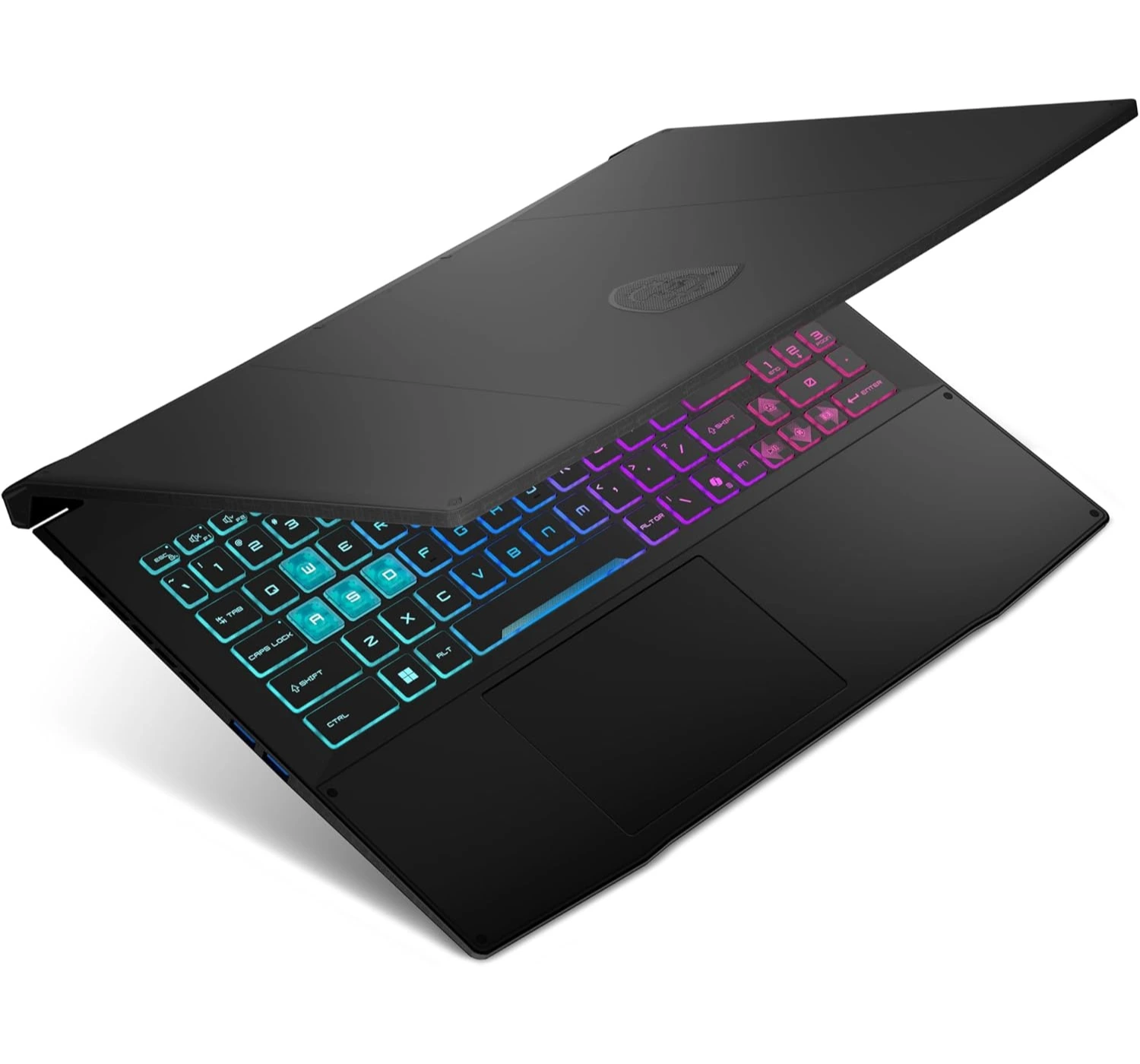
MSI Katana 15 HX
Best Budget Gaming Laptop
★★★★☆ 4.0 Good
Still one of the best gaming laptops available at a lower price, the MSI Katana 15 HX is a great gaming companion for when the top-tiers are just way out of your reach.
The Best Laptops to Buy Now
1. Apple MacBook Neo
The New Budget MacBook

★★★★⯪ 4.5 Amazing
SPECS
- DISPLAY: 13-inch Liquid Retina | 500 nits brightness | 2408 x 1506 pixels
- CPU: Apple A18 Pro (same as iPhone 16 Pro)
- GRAPHICS: Apple GPU (5-core)
- MEMORY: 8GB of RAM
- STORAGE: 256GB/512GB SSD
- OS: MacOS Tahoe
- PORTS: 2x USB Type-C
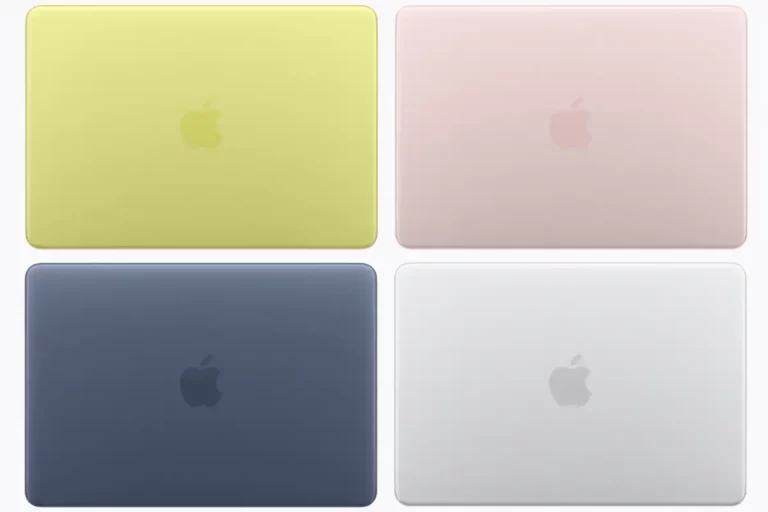
- OTHER: 1080p FaceTime HD webcam | Bluetooth 6.0 | Wi-Fi 6E | 1.79 kg | Colors include Silver, Indigo, Blush, and Citrus
PROS
- Impressive metal build & lightweight
- Impressive display with sharp & accurate colours
- Starts at a lower price
- Comes with a full MacOS experience
- Impressive battery life
- Comfortable typing experience
CONS
- Smaller display
- Average performance
- No backlit keyboard
- No 1TB storage model
- Decent trackpad
The Apple MacBook Neo is like a stylish, budget-friendly passport into the premium Apple world, proving you don’t have to break the bank to get that classic luxury feel. It’s a total bargain, wrapped a tough, solid aluminum shell around an iPhone-borrowed chip that flies through everyday chores like web surfing and streaming without breaking a sweat. It brings back a clean screen design by throwing away the blocky camera “notch” that sits on the pricier models, and it stays perfectly silent because it doesn’t use any noisy fans.
However, to keep the price tag so low, Apple had to cut a few corners. This laptop acts more like a neighborhood bicycle than a heavy-duty pickup truck—if you try to force it into heavy 4K video editing, it will quickly run out of breath.
It also makes you pay extra if you want the convenience of a Touch ID fingerprint sensor, the keyboard sadly lacks a backlight for typing in the dark, and its two input ports are mismatched, with one port moving at a sluggish turtle pace compared to the other.
In the end, even with the trade-offs, the MacBook Neo is a great laptop to buy. If you’re a college student, a first-time Mac buyer, or someone who just needs a reliable machine for the basics at a lower price, this is probably the best MacBook to choose right now. It’s affordable, but it definitely doesn’t feel “cheap.”
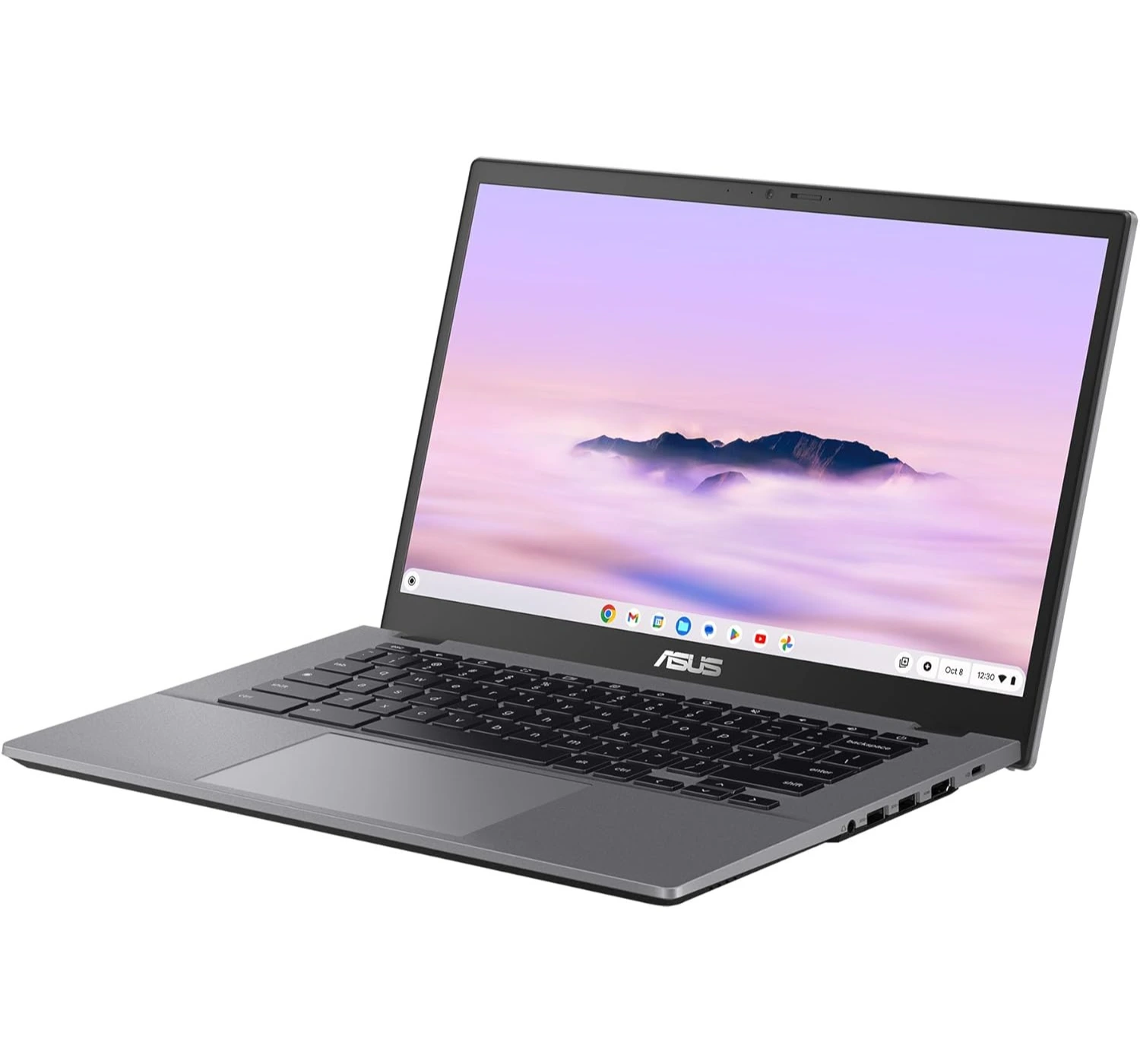
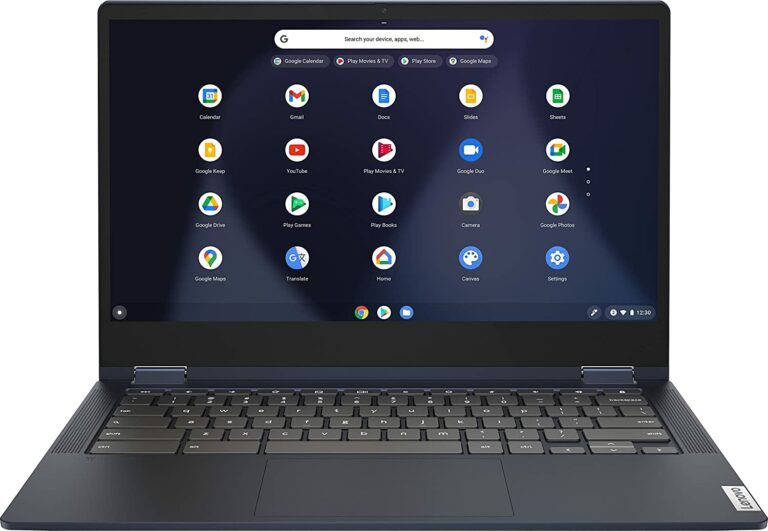
2. Asus Chromebook Plus CX34
The Best Budget Chromebook
★★★★☆ 4.0 Good
SPECS
- DISPLAY: 14-inch Full HD 60Hz | touchscreen | 1980 x 1080 pixels
- CPU: Intel® Core™ i3 1315U
- GRAPHICS: Intel® UHD Graphics
- MEMORY: 8GB of RAM
- STORAGE: 128GB UFS
- OS: ChromeOS
- PORTS: 2x USB 3.2 Gen 1 Type-C | 2x USB 3.2 Gen 1 Type-A | 1x HDMI 1.4 | 1x headphone/mic port
- OTHER: Backlit keyboard | weighs 1.43kg | Wi-Fi 6E | Bluetooth 5.4
PROS
- Affordable price
- Impressive performance
- Comfortable typing experience
- Lightweight
CONS
- Storage too low
- Full HD display is good, but not great
- Sound speakers are good, but not great
The Asus Chromebook Plus CX34 is like a trusty, rugged pair of school sneakers—it’s cheap, it can take a beating, and it gets you exactly where you need to go without any fuss. We love it because it’s an absolute bargain that punches way above its weight class.
It packs a surprisingly fast Intel CPU that zooms through schoolwork and web browsing like a rocket, and it includes a super-comfy keyboard and tons of input ports for all your gear. It even has special tough armor that lets it survive accidental drops and spills.
However, because it’s built to a budget, it has a few rough edges. The body is made of plastic that can twist and creak like an old wooden door if you squeeze it too hard, and the built-in speakers sound pretty weak and muddy, like they are trapped underwater.
On top of that, its screen can look a little dull and washed out, and the battery acts more like a short-distance runner, only giving you just enough juice to scrape through a standard workday before crying out for a charger.
Overall, the Asus Chromebooks Plus is a good buy because it’s affordable, it’s performance is snappy, and works well. Yet it’s not a luxury laptop, but for a student or anyone who just wants a reliable daily workhorse for web surfing, it gets the job done right.
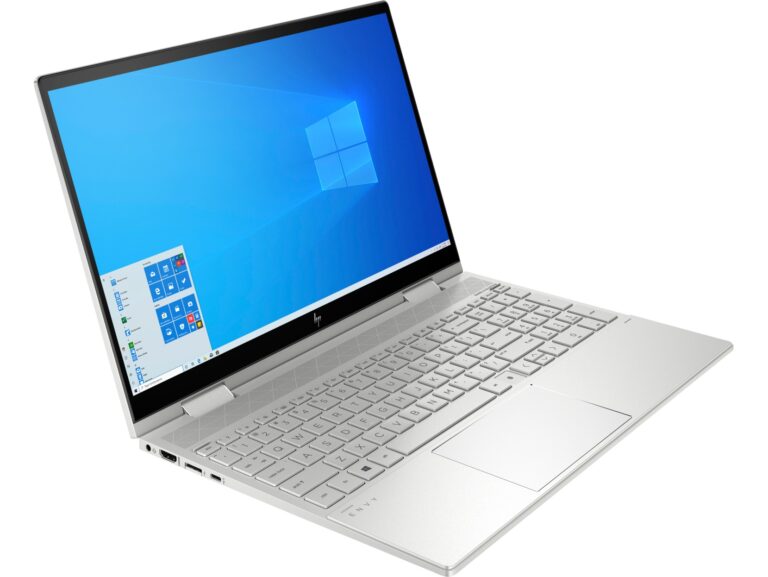
3. HP OmniBook 5 (14-inch)
The Popular laptop for Windows
★★★★⯪ 4.5 Amazing
SPECS
- DISPLAY: 14-inch OLED 2K | 300 nits brightness | 1920 x 1200 pixels
- CPU: Snapdragon X Plus | Qualcomm Hexagon NPU
- GRAPHICS: Adreno GPU
- MEMORY: 16GB of RAM
- STORAGE: 512GB SSD
- OS: Windows 11 Home
- PORTS: 1x USB Type-A | 2x USB Type-C | 1x Headphone/mic port
- OTHER: 1080p webcam | Bluetooth 6.0 | Wi-Fi 6E | 1.79 kg | Colors include Glacial Silver
PROS
- Impressive lightweight design
- Good keyboard and touchpad
- Impressive battery life
- Impressive OLED display
CONS
- Average performance
- Poor for gaming
- Tends to get hot
The HP OmniBook 5 (14-inch) is like a tireless marathon runner dressed in a sharp business suit. Its battery acts like a camel crossing the desert, easily surviving over 24 hours on a single charge so you can leave your power charger at home.
It packs a gorgeous OLED screen that makes colors look as bright and rich as a box of fresh crayons, and it features a wonderfully snappy keyboard that is an absolute dream for typing up long papers. To top it off, it costs way less than most luxury laptops while still feeling slick and stylish.
However, there are a few potholes to watch out for. Because it uses a specialized phone-style processor, it behaves more like a gentle turtle when you try to play heavy video games or run fancy, complex software, and some older apps won’t even open on it. Additionally, while the outer shell looks like fancy metal, the inside area around the keyboard is made of cheaper plastic that can feel a bit hollow and bend if you press down too hard.
Overall. The HP OmniBook5 is indeed a great value laptop for those who just want to get the job done. For a moderately budget laptop with no fancy features, you get an impressive OLED display, and incredible battery life. If you’re interested, click the button above and see what deals are available for you right now.
4. 2026 Apple MacBook Air (M5)
The Better MacBook Now
★★★★⯪ 4.8 Spectacular
SPECS
- DISPLAY: 13.6-inch, Liquid Retina IPS, HDR10+, Dolby Vision, 2560 x 1664 screen resolution
- CPU: Apple M5 (10-core)
- GRAPHICS: Apple GPU (8-core)
- MEMORY: 16GB of RAM
- STORAGE: 512GB SSD
- OS: MacOS Tahoe
- PORTS: 2x USB Type-C; MagSafe 3
- OTHER: 1080p FaceTime HD webcam; Bluetooth 6.0; Wi-Fi 7; 1.23 kg (2.7 lbs.); Colors include Beige
PROS
- Strong performance
- Super slim & lightweight
- Long battery life
- Comfortable keyboard & trackpad
CONS
- Same MacBook design as older models
- Slows down under heavy use
- Display at 60Hz
- Limited input ports
The Apple MacBook Air M5 (2026) is a lot like a high-end sports car trapped in the body of a super-slim skateboard. We love it because it finally stops being stingy, giving you a healthy chunk of storage space and memory right out of the box so you can multitask without the computer choking.
The new M5 chip is a total speed demon for quick tasks, and because it doesn’t use a fan, it stays as quiet as a closed library, while packing an incredible battery that can easily breeze through a full day of work.
However, there are a couple of bumps in the road. Because it lacks those internal fans to cool itself down, the laptop acts like a sprinter rather than a marathon runner—if you try to force it through heavy tasks and video editing, it will definitely slow down to avoid overheating.
Additionally, the screen is stuck with an older, slower refresh rate that lacks the ultra-smooth feel of Apple’s Pro models, and the lack of input ports means you’ll be carrying around a pocketful of adapter cords if you want to connect extra gear.
In the end, this is a great MacBook that’s lighter, faster, and reliable to use anywhere, anytime.
5. Lenovo ThinkPad X1 Carbon Gen 13 (Aura Edition)
Best Business Laptop

SPECS
- DISPLAY: 14-inch OLED, 2880 x 1800 screen resolution
- CPU: Intel® Core™ Ultra 7 255U
- GRAPHICS: Intel Graphics
- MEMORY: 16GB/32GB of RAM
- STORAGE: 512GB SSD
- OS: Windows 11 Pro
- PORTS: 2x USB Type-C; 2x USB Type-A; 1x HDMI 2.1; 1x headphone mic jack
- OTHER: 1080p FHD webcam; Bluetooth 5.3; Wi-Fi 6E; 986g (2.17 lbs.); Colors Black
PROS
- Impressive aluminum build & lightweight
- Strong performance with high memory
- Comfortable keyboard & trackpad
- Plenty of input ports
- Good battery life
CONS
- Average quality sound
- Expensive
The Lenovo ThinkPad X1 Carbon Gen 13 (Aura Edition) is like a luxury briefcase that is somehow light as a feather. We’re so amazed by how it sheds so much weight, making it feel like you’re carrying a thin notebook rather than a serious business machine.
It comes with a gorgeous, matte-finish OLED screen that makes colors pop without turning into a giant mirror, a comfortable keyboard that feels like typing on air, and a treasure chest of input ports so you never have to hunt for adapter cables. Plus, its new Intel CPU keeps it sipping power so slowly that the battery can easily survive a marathon work day.
However, it still has a few splinters. If you’re doing heavy-duty chores like cutting together complex videos, its brain acts more like a steady turtle than a racing rabbit, lagging behind some cheaper rivals in raw muscle power.
The built-in speakers can sound a bit tinny, like a radio playing inside a cardboard box, the webcam looks a little fuzzy for such an expensive machine, and the sleek black paint acts like a magnet for oily fingerprint smudges.
Overall, the Lenovo ThinkPad X1 Carbon is a great laptop recommended for the elite corporate players or for people that just want to do business.
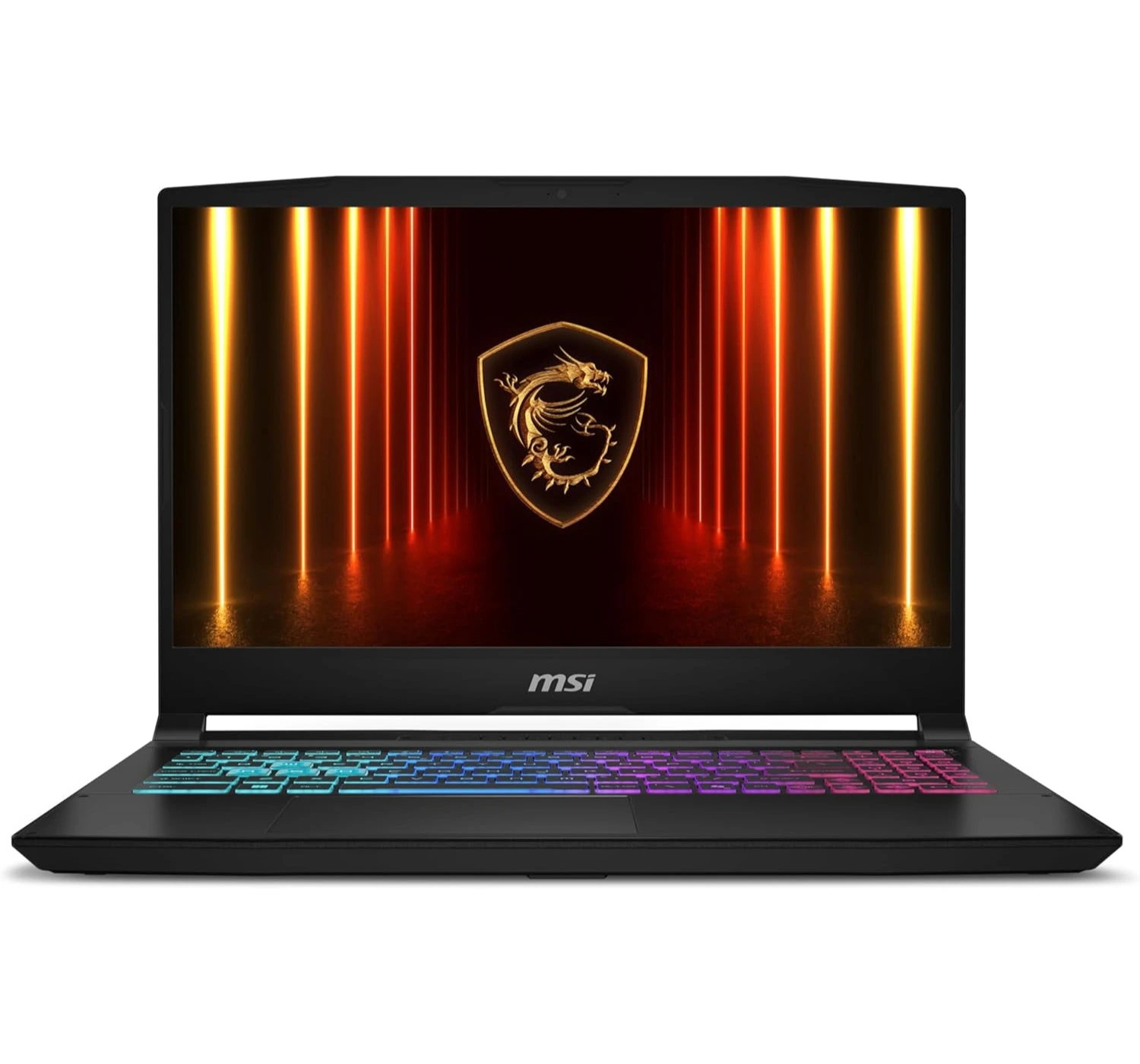
6. MSI Katana 15 HX
Best Budget Gaming Laptop
★★★★☆ 4.0 Good
SPECS
- DISPLAY: 15.6-inch, IPS LCD, 144Hz, 1920 x 1080 screen resolution
- CPU: Intel® Core™ i7-14650HX
- GRAPHICS: Nvidia GeForce RTX 5050 GPU (8GB GDDR7)
- MEMORY: 16GB of RAM
- STORAGE: 512GB SSD
- OS: Windows 11 Home
- PORTS: 3x USB Type-A; 1x USB Type-C; 1x HDMI 2.1; 1x Ethernet; 1x 3.5 mm headphone mic jack
- OTHER: 720p webcam; 2.7 kg (5.95 lbs.); Bluetooth 5.3; Wi-Fi 6E
PROS
- Impressive gaming experience
- Available at a cheaper price
- Colorful RGB keyboard
CONS
- Average looking display
- Short battery life
- Heats up during long gaming sessions
- Weighs close to 3 kg
- Plastic build material
The MSI Katana 15 HX is like a muscle car with a plain plastic paint job—it cuts corners on the outside so it can put all its money into a roaring engine underneath the hood. We’re a big fan of this laptop because it’s an absolute bargain for gamers, packing a super-fast Intel processor and a fierce graphics card that can handle heavy modern video games like Cyberpunk 2077 or Kingdom of Deliverance 2.
It also features an upgrade-friendly design that lets you easily open it up, with plenty of input ports, and a ‘clicky’ keyboard with flashy colored RGB lights.
However, to keep that price tag low, MSI had to trim some fat. The built-in screen looks pretty dull and dim, making colorful virtual worlds look a bit washed out, like a painting left in the sun for too long.
Additionally, the small storage drive fills up way too quickly after installing just a couple of big games, the keyboard area can get quite toasty during long gaming sessions, and the battery drains so fast that you’ll constantly be chained to a wall outlet like a puppy on a short leash.
In the end, this is a gaming laptop after all so. Expect some impressive performance, impressive gaming, and impressive usage for daily tasks. It’s a perfect laptop to start your gaming journey, even at a cheaper price than the powerful ones.
Lastly
Choosing the perfect laptop in 2026 is a lot like shopping for shoes—there isn’t one single pair that fits every footprint, but there’s definitely a perfect match for where you’re walking. If you want a lightweight champion that glides silently through your day, Apple’s MacBook Air M5 or the budget-friendly MacBook Neo are fantastic companions.
For business professionals who need a light-as-a-feather luxury briefcase packed with plugs, the Lenovo ThinkPad X1 Carbon Gen 13 is an absolute dream, while the HP OmniBook 5 acts like an unstoppable marathon runner that just refuses to run out of battery.
Finally, if you are working on a tight budget, the rugged Asus Chromebook Plus CX34 serves as a trusty pair of school sneakers, while the roaring MSI Katana 15 HX offers pure muscle-car speed for gamers without a scary price tag. No matter which road you’re traveling this year, one of these tech sidekicks is ready to lace up and help you conquer your daily grind.
So now you’ve got a idea of which laptop to get, especially those that’re rated 2026’s best laptops to buy now thus far. If you’ve got any comments or questions, you can leave them here below at the comments section. And if you’re feeling one of these laptops, go ahead a click on the corresponding red button to find out more of what’s in store for you 😀


 LGMadyibi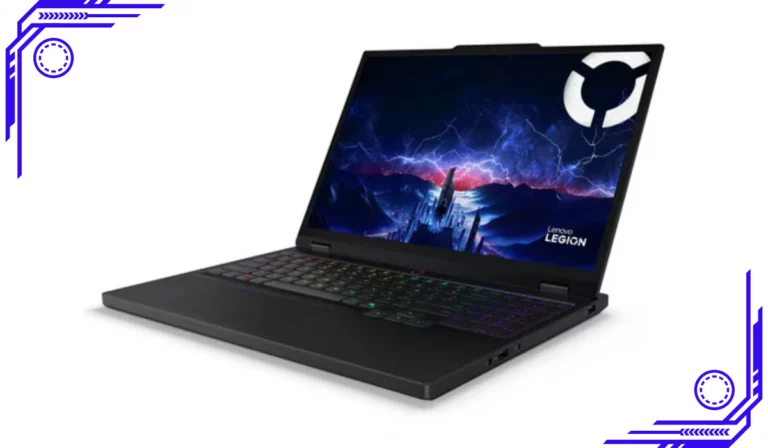




+ There are no comments
Add yours