


best tablets for tertiary education
If you’ve just finished high school or college and want to start the next level of your education, you need the best mobile devices to get you started. The tools you may need is a good laptop, a tablet, or even a 2-in-1 laptop tablet. But for now, let’s focus on the best tablets for tertiary education that we tested, ranked, and recommend that you consider for your next buy. They are so good that they will take you through university, and even beyond.
Quick List
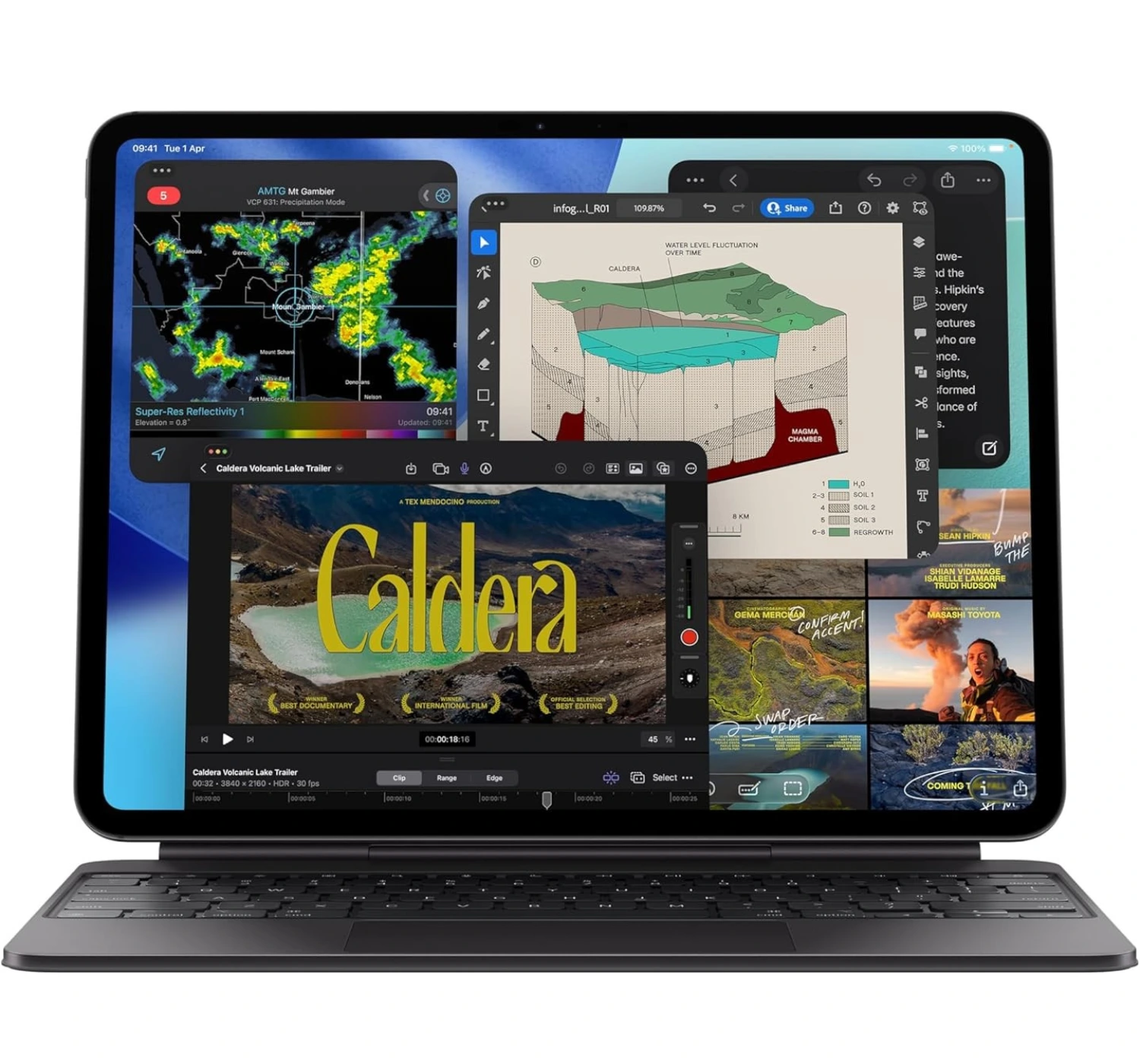
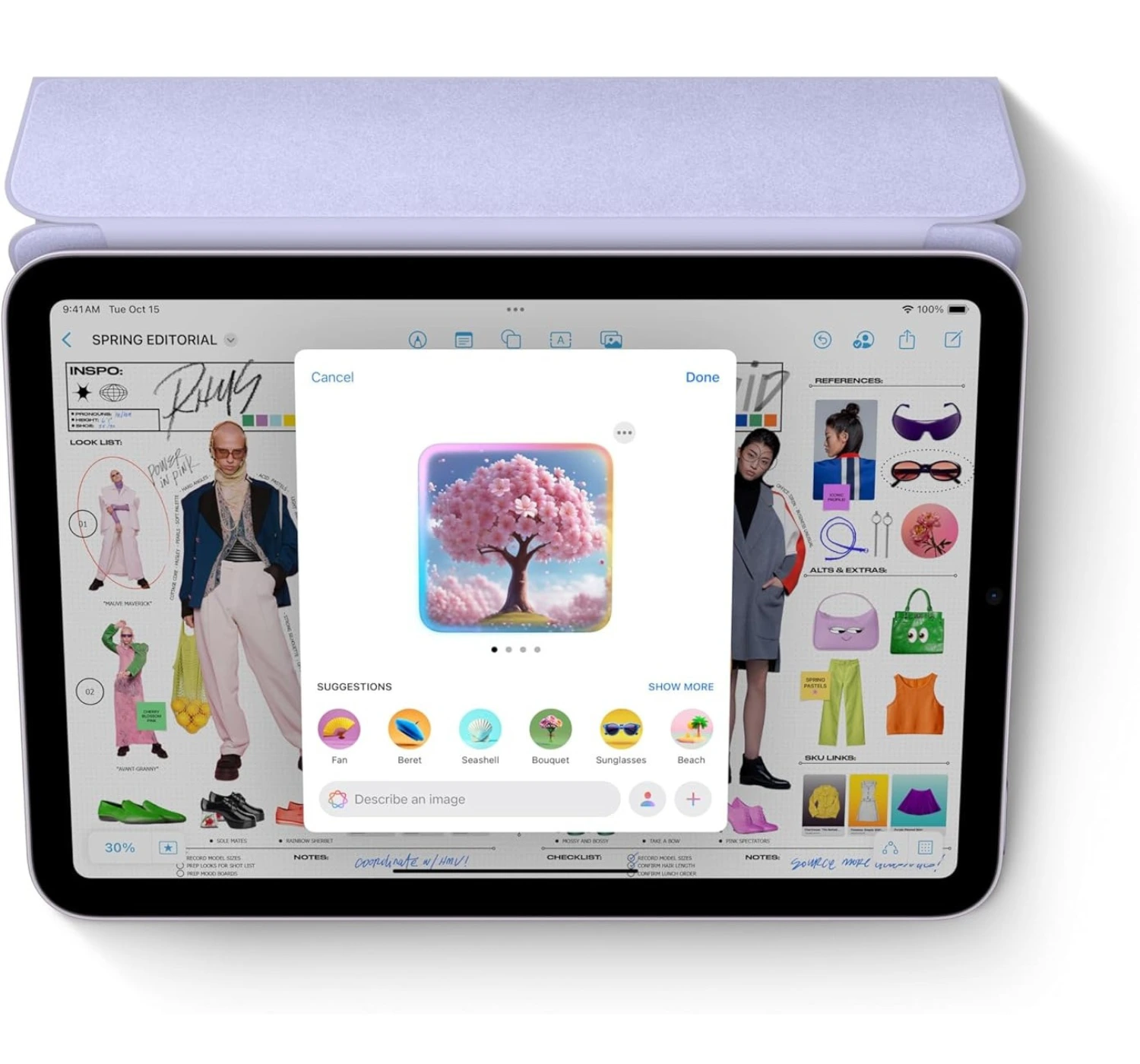
Apple iPad (2025) Popular iPad ★★★★⯪ 4.5 Impressive You don’t need to spend a small fortune to get a premium, modern experience. With its all-day battery life, sleek design, and accessible price tag, the iPad (2025) is the undisputed king of value and the best tablet for everyday life. Apple iPad Pro (M5) Best Premium ★★★★★ 5.0 Superb The iPad Pro 11-inch (M5) isn’t just a minor iteration; it’s a massive leap forward. By matching laptop-obliterating processing speeds and unparalleled AI performance with the most advanced OLED screen available, Apple has built a future-proof masterpiece that is an absolute joy to use for work or play. Apple iPad Mini (2024) Best Compact ★★★★⯪ 4.5 Impressive The iPad Mini (2024) is the ultimate “go-anywhere” device that refuses to sacrifice performance for portability. Packing premium speeds, cutting-edge AI features, and pro-level accessory support into a sleek design, the iPad Mini easily slides right into a jacket pocket or a small sling bag, making it the best tablet for travelling. 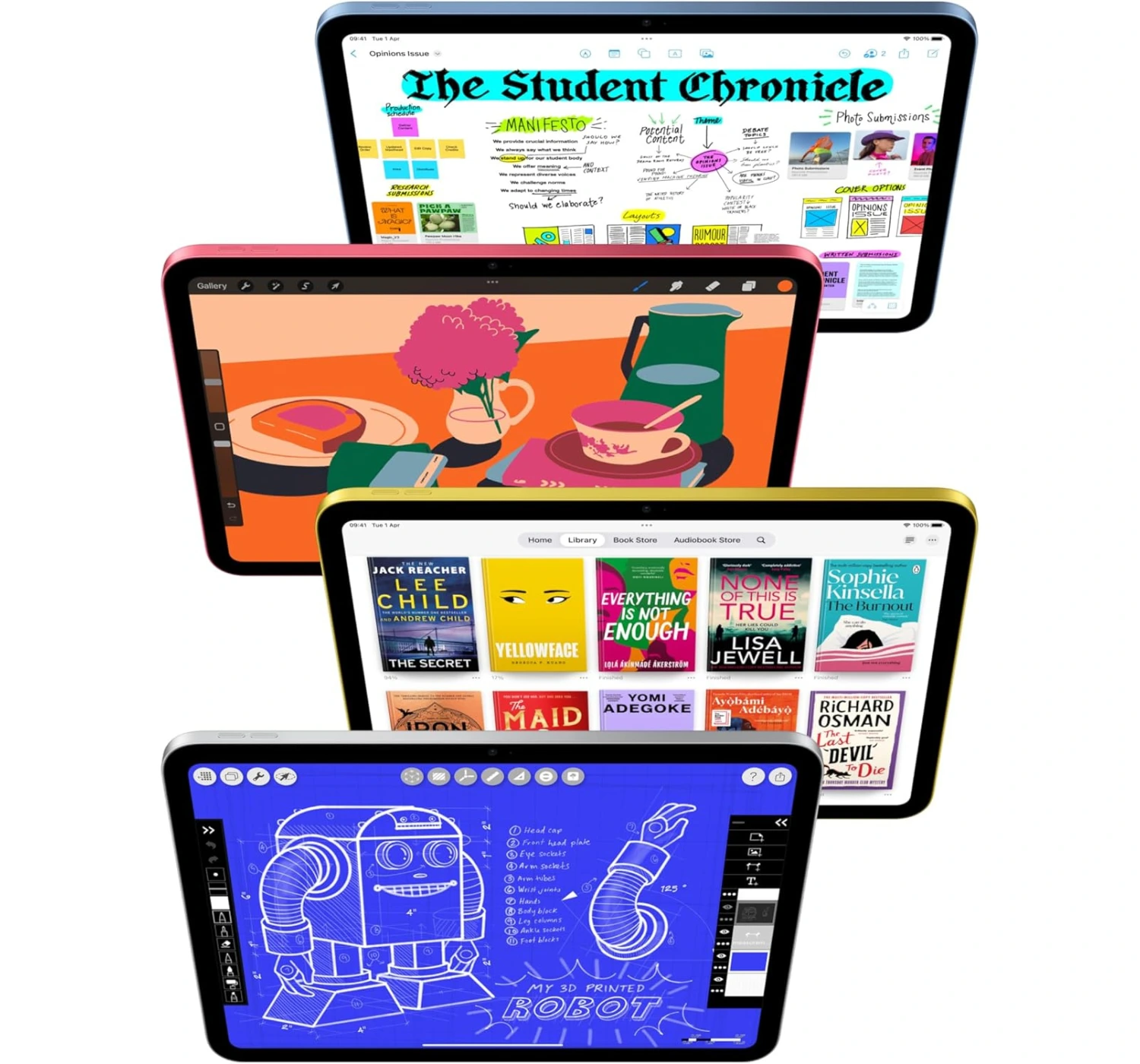
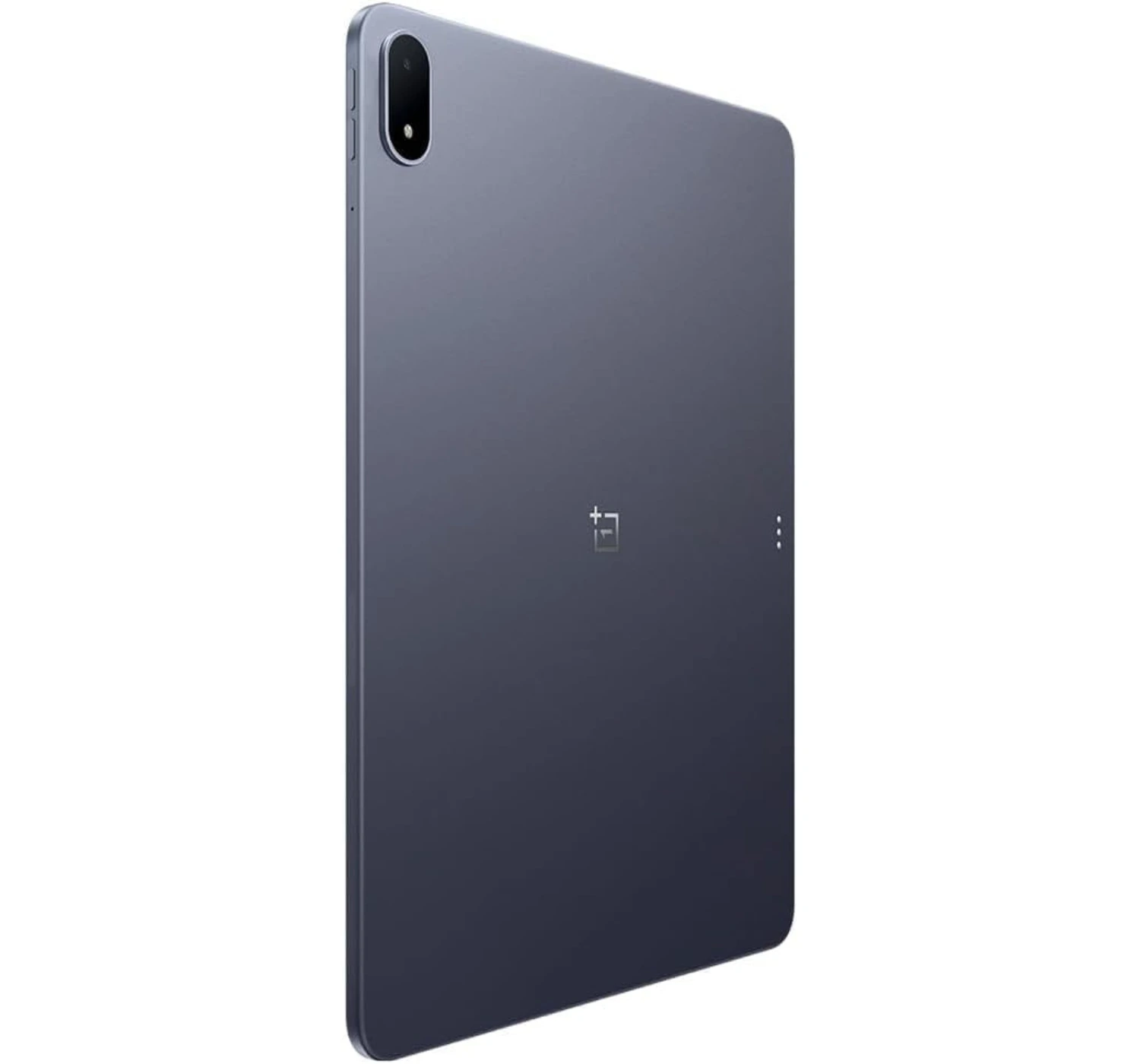
OnePlus Pad 3 Popular Android ★★★★⯪ 4.5 Impressive The OnePlus Pad 3 is a masterclass in what a high-end Android tablet should be. By pairing unmatched processing power and an endless battery with a gorgeous, document-friendly display, it offers a premium laptop-like experience that makes it an absolute joy to use every single day.
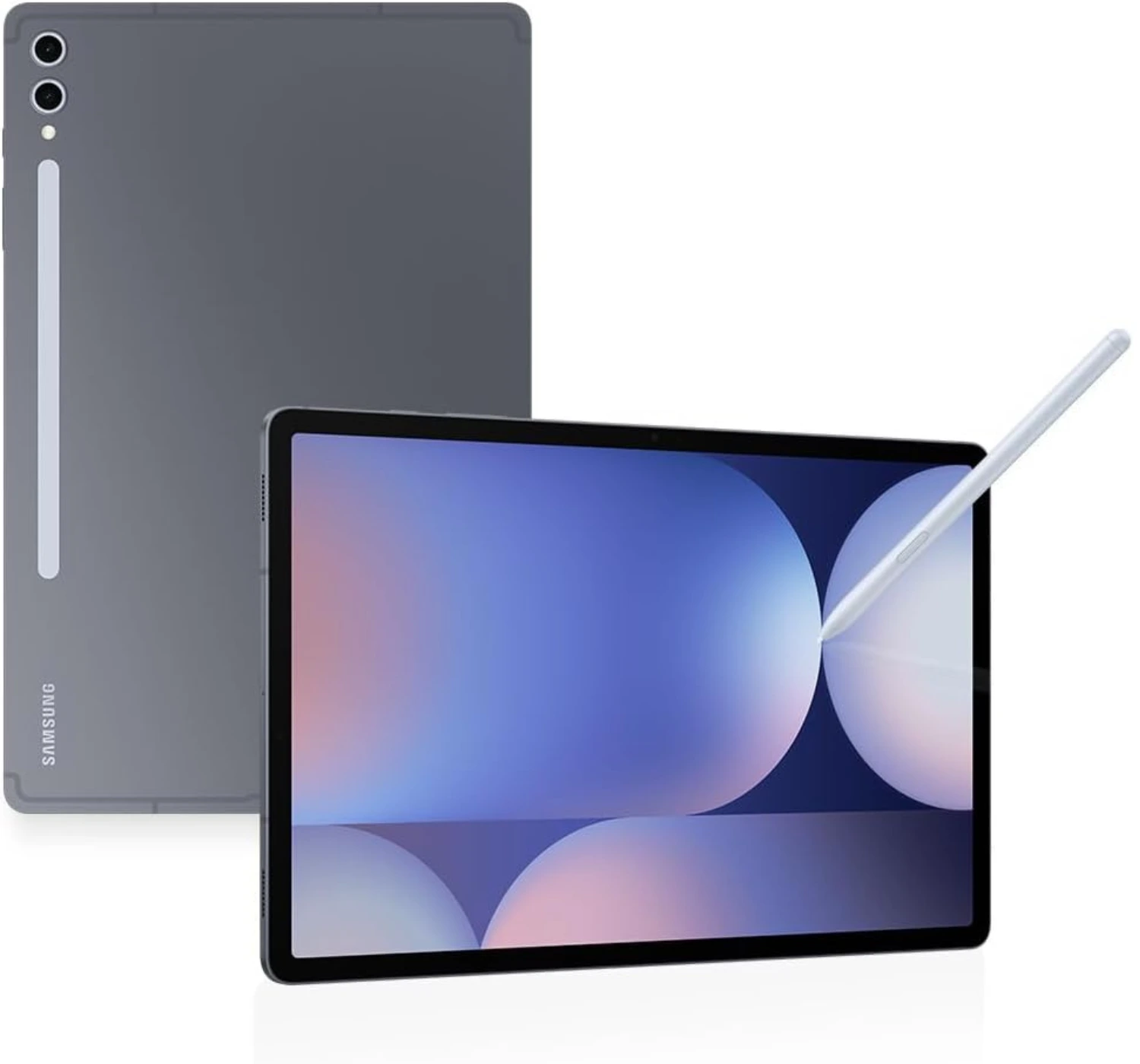
Samsung Galaxy Tab S10 Plus Best Android Premium ★★★★⯪ 4.5 Impressive The Galaxy Tab S10 Plus is the ultimate multi-tool of the tablet world. By offering a spectacular anti-reflective display, class-leading multitasking software, and throwing the stylus into the box for free, it provides a premium, heavy-hitting Android experience that is worth every penny.
Best Tablets for Tertiary Education
1. Apple iPad (2025)
★★★★⯪ 4.5 Impressive
SPECS
PROS CONS
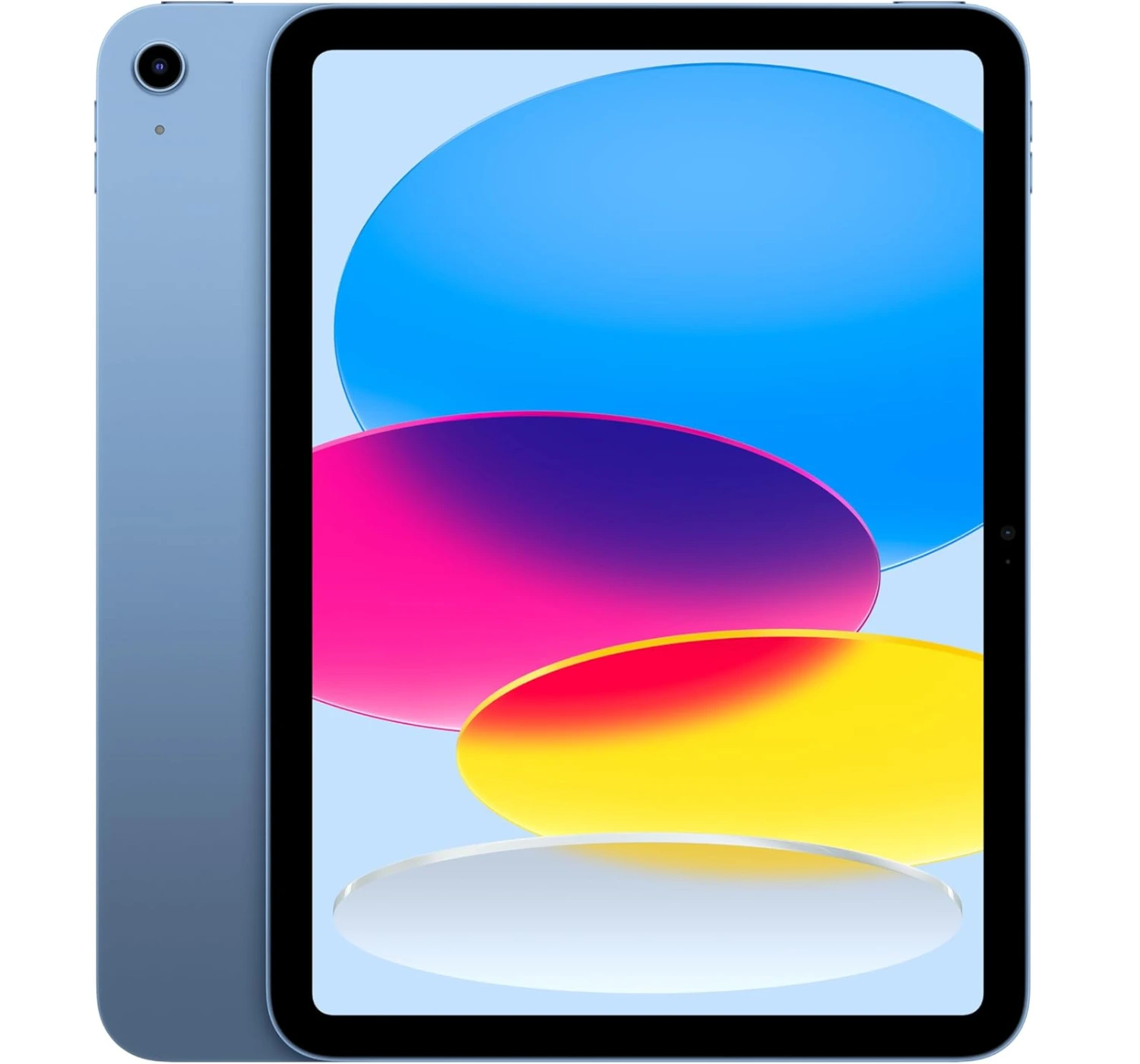
It’s no surprise that the Apple iPad is such a crowd favorite. It’s a fantastic all-rounder that handles gaming, video streaming, and everyday tasks really well—making it a great device for university work, office or corporate work, or just lounging on the couch. Thanks to the A16 chip and the massive access to apps from the App Store, it can tackle almost anything you throw at it, (and if you ever need serious heavy lifting, there’s always the Air or Pro models to consider).
That being said, Android tablets have seriously stepped up their game lately. If you aren’t completely locked into Apple’s software, it’s definitely worth checking out the latest options from Xiaomi, OnePlus, and Samsung.
But at the end of the day, this iPad is going to fly off the shelves simply because it’s the most affordable mobile device from Apple. Don’t let the lower price fool you, though—it’s really well-made, and powerful too. Sure, the display could be better looking, and the audio speakers were a little louder, but if you aren’t super picky about those details, you’ll love how smooth and reliable it feels to use.
2. Apple iPad Pro 11 (2025)
★★★★★ 5.0 Superb
SPECS
PROS CONS
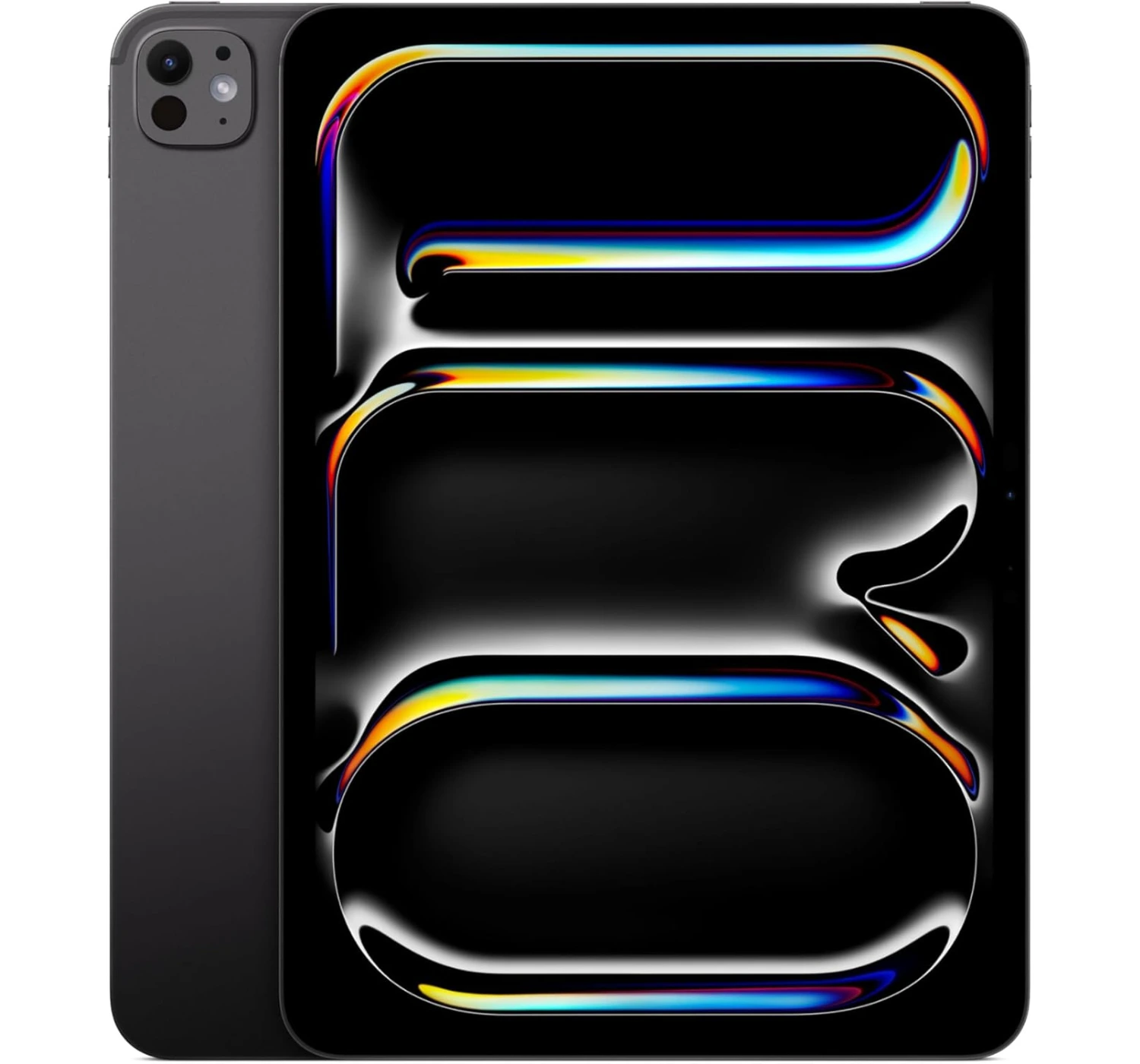
If you want the absolute best tablet money can buy right now, the iPad Pro 11 (2025) takes the crown without a shadow of a doubt. It’s an absolute powerhouse packed into a mind-bogglingly thin aluminum frame.
Why it’s so amazing? Firstly, the Ultra Retina Tandem display is hands-down the best looking screen that Apple has included. The colors are incredibly vivid, the contrast is flawless, and it gets bright enough to use comfortably outdoors.
Secondly, the M5 processor is lightning-fast and handles everything from 3D gaming to video editing without breaking a sweat. Combined with much faster storage read/write speeds, the entire interface feels instantly responsive.
Next, Apple finally added fast charge support for the iPad Pro battery, meaning that it will take 35 minutes to charge 50% of the battery using a high but compatible watt charger. And lastly, while the 13-inch model basically tries to be a MacBook, the 11-inch version hits the sweet spot. It’s incredibly portable, lightweight, and perfect to toss in a backpack as a daily note-taking, gaming, and media companion.
Even perfect tablets come with flaws. Here’s reasons why you shouldn’t buy it. One, the iPad Pro is expensive, and the accessories such as the Magic Keyboard or Apple Pencil Pro, are also pricey as well. Two, the iPadOS 26 and Apple Intelligence make multitasking and desktop window management a lot smoother than it used to be, but it’s still not quite offer a full desktop experience. Three, the jump to the M5 from M4 is pretty incremental—if you have the M4 iPad Pro, you definitely don’t need to rush out and upgrade.
In the end, you absolutely do not need this much power just to watch Netflix, browse the web, or play casual games—the iPad Air or the base iPad will do that perfectly for a lot less cash. But if you want a future-proof creative canvas, a killer high-end portable gaming machine, and the most premium tablet experience on the market, you’re going to absolutely love the iPad Pro.
3. OnePlus Pad 3
★★★★⯪ 4.5 Impressive
SPECS
PROS CONS
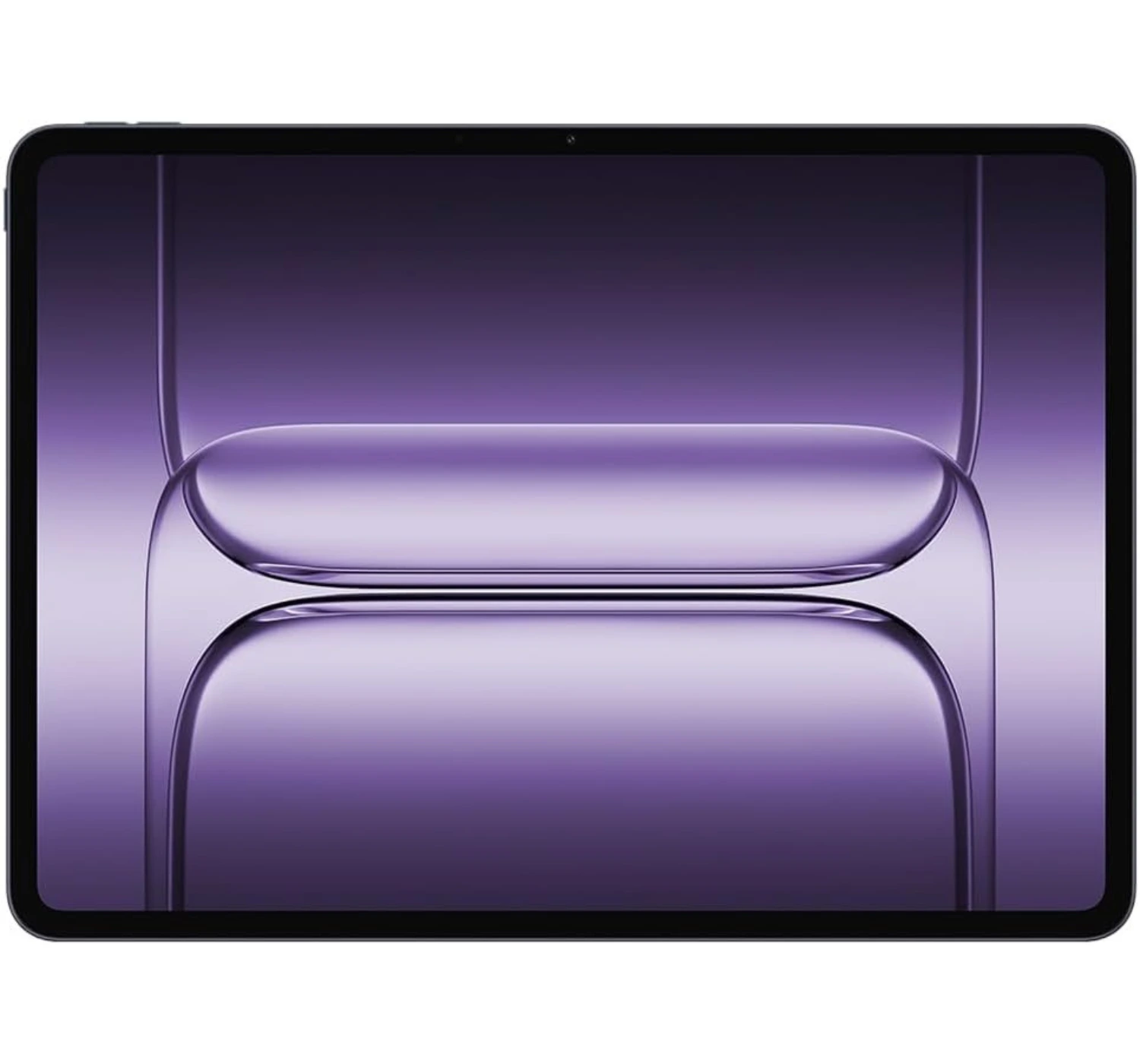
Starting at a mid-range price for the 12GB/256GB model, the OnePlus Pad 3 is a serious bargain. It undercuts its main rivals from Apple and Samsung while still delivering top-tier performance, great build quality, and super smooth software.
The first thing you’ll notice is the massive, gorgeous 13.2-inch screen. Even though it’s an LCD, it gets good brightness and feels incredibly fluid thanks to the high refresh rate of 144Hz. Under the hood, the Snapdragon 8 Elite chip is an absolute beast—offering class-leading performance without getting uncomfortably hot. Plus, OnePlus’s “Open Canvas” feature is easily one of the best multitasking setups we’ve ever used on a tablet.
If you want to get some serious work done, the optional ‘Smart Keyboard’ and ‘Stylo 2’ are fantastic additions that genuinely turn this into a capable little mobile workstation.
Now, tablets still might not fully replace your laptop just yet, but OnePlus has crafted one of the best all-rounders out there. It’s also pretty cool that it plays nice with macOS, even if the “O+ Connect” ecosystem features were a bit hit-or-miss during our testing.
Of course, it isn’t completely perfect. We’d love to see better HDR support on streaming apps, a proper biometric unlock option (like a fingerprint scanner), and a cellular data version down the line. But all things considered? The OnePlus Pad 3 is a massive step up from the last generation, and it’s arguably one of the best Android tablets to get right now.
4. Apple iPad Mini (2024)

★★★★⯪ 4.5 Impressive
SPECS
PROS CONS
If you’re looking for a highly capable tablet that you can actually hold in one hand or toss into a small sling bag, the iPad mini (2024) is pretty much in a league of its own. Apple didn’t reinvent the wheel with this update, but by adding the A17 Pro chip and doubling the base storage to 128GB, they’ve given their tiniest tablet a very welcome boost.
Here’re reasons why you’ll love it. First, at 8.3 inches, it hits the absolute sweet spot between a large smartphone and a bulky laptop-sized tablet. It’s light enough that your hands won’t get tired while reading e-books in bed, and it’s the ultimate companion for mobile gaming—especially for titles like Hades or Balatro where touch controls just feel right at this scale.
Second, the jump to the A17 Pro chip means this little guy is incredibly snappy. It handles photo editing, digital sketching, and daily multitasking without skipping a beat. Plus, it has the 8GB of RAM required to run Apple Intelligence features. Next, if you love digital note-taking or sketching on the go, the addition of Pencil Pro support essentially turns this into the world’s most premium digital notebook.
And lastly, if you heard complaints about the older mini’s screen looking a bit wavy when scrolling through text, you can breathe a sigh of relief. Apple quietly tweaked the display controller here, and the issue is practically gone.
As much as the iPad Mini is a great little tablet, it comes with a few compromises. Let’s look at the trade-offs. Because of the small screen, trying to run multiple apps side-by-side can feel pretty cramped. The display is stuck at 60Hz refresh rate, making it not as smooth for scrolling. And lastly, unlike its larger siblings, Apple left the selfie camera on the shorter top edge. If you use it horizontally for FaceTime or Zoom calls, you’ll still look like you’re peering off to the side.
Overall, if you’ve been searching for a premium, pocketable and powerful tablet for travel, reading, and gaming, the iPad mini remains the undisputed champion of the compact tablet world.
5. Samsung Galaxy Tab S10 Plus

★★★★⯪ 4.5 Impressive
SPECS
PROS CONS
If you’re looking for one of the best Android tablets that comes with many features, the Samsung Galaxy Tab S10 Plus is easily a top choice on the market right now. Samsung took a bit of a gamble with this one by swapping out a Snapdragon processor for MediaTek’s flagship Dimensity 9300+ chip. From that move we agree that the gamble completely paid off. The S10 Plus is incredibly fast, brilliantly designed, and ready for serious work.
So why should you consider it? Firstly, the large 12.4-inch Dynamic AMOLED 2X display is absolutely gorgeous, but the real magic is the new anti-reflective coating. Borrowed from Samsung’s flagship phones, it cuts down on annoying glare, making it a joy to use under bright office lights or near a window.
Secondly, the MediaTek processor performs really well. Gaming and complex video editing tasks are no problem for the S10 Plus, and it keeps the tablet feeling incredibly responsive, all while keeping an impressive battery life.
Thirdly, unlike Apple iPads, where you have to pay extra cash for a stylus, Samsung bundles the excellent S Pen stylus right in the box. It feels incredibly natural to write or draw with, making this a fantastic option for digital artists, students, or anyone who loves taking handwritten notes.
Lastly, Samsung’s software remains the gold standard for tablet productivity. DeX Mode transforms the interface into a traditional desktop layout that works incredibly well for multitasking. Plus, the new Galaxy AI tools—like Note Assist for summarizing long documents and Sketch to Image—are genuinely fun and useful.
Not all are features are the best though. Here are reasons why you may not like. The S10 Plus is really expensive. You still need to buy the keyboard cover if you want the full laptop experience. No ground breaking changes to the design. It also charges slow, and it doesn’t feel comfortable to hold in Portrait mode.
If you already own the older S9 Plus, the incremental updates here mean you definitely don’t need to rush out and upgrade to the S10 Plus. But if you want a premium mobile device, with a gorgeous big-screen, a free stylus, unmatched multitasking software, and top performance, the Galaxy Tab S10 Plus is an absolute triumph.
Lastly
At the end of the day, picking one of the best tablets for tertiary education comes down to figuring out what your typical campus day looks like.
If your courses involve multitasking or digital sketching, pouring your budget into a premium powerhouse like the Samsung Galaxy Tab S10 Plus or an iPad Pro will pay off massively over the next few years. On the flip side, if you just need a reliable, lightweight digital notebook to take to lectures, view PDFs, and stream Netflix during breaks, the Apple iPad (2025) or Android value-packed, Androids premium OnePlus Pad 3 will save you a ton of cash without sacrificing real-world performance.
Think about your major, your budget, and whether you prefer writing with a stylus or typing on a detachable keyboard. No matter which mobile device you choose from this list, you’re grabbing a reliable tool that will lighten your backpack and make those long study sessions just a little bit easier.
So there you have it, five of best tablets for tertiary education. Now you know which tablets to consider if you’re looking to upgrade or get a new one. I know that these tablets may have been released last year (and even later), but it goes to show that these mobile devices are powerful and can still do the job well.
So tell me, which one catches your eye? Personally, I recommend the iPad Pro from Apple. It really is an amazing tablet, and performs well overall. That’s all from me. So tell me, which tablet are considering? Are you a regular iPad user or an Android user? Leave your comments and answers for me here at the bottom section of this page. And if you want to know more of what’s in store for you, or wish to make a purchase, then don’t hesitate. Go ahead and click on the red corresponding buttons next to the tablet you desire. All the Best 😀


 LGMadyibi



Hey,
This article will be very informative to my friends who have a 9 year old son in school.
I will share this with them and encourage them to look read through your article and take action. If they have any questions then I will advise them to get in touch, if that is OK?
Thank you for sharing and keep up the great work.
All the best,
Tom
Thanks, Tom. Please do that. I also enjoy reading your articles. I may also forward them to my fiends as well. If they need to contact me for questions or comments, they can use my email which is available on the “About WildBreakTech / Contacts Us” section of my website. Thank you. All the best. Luvuyo