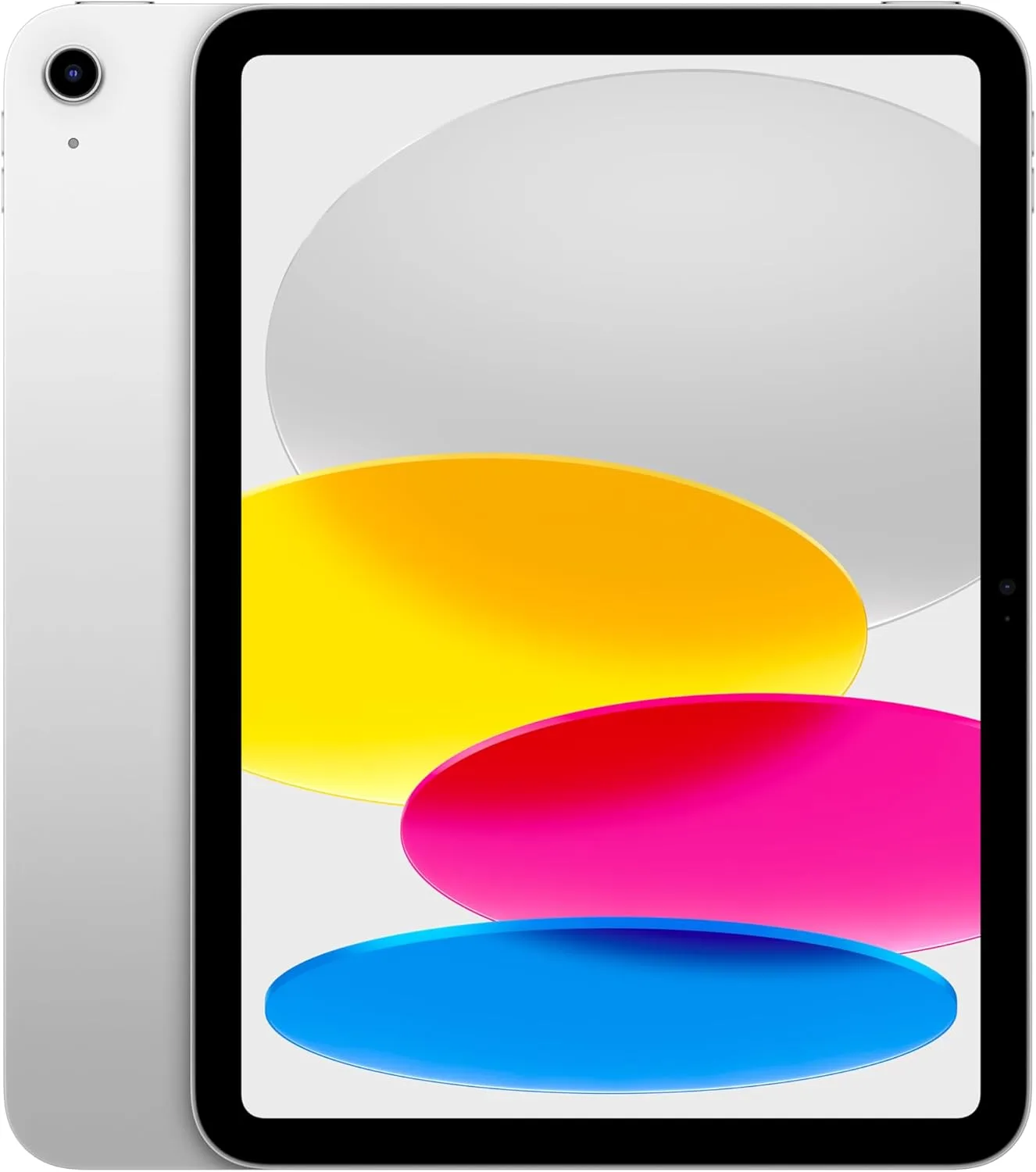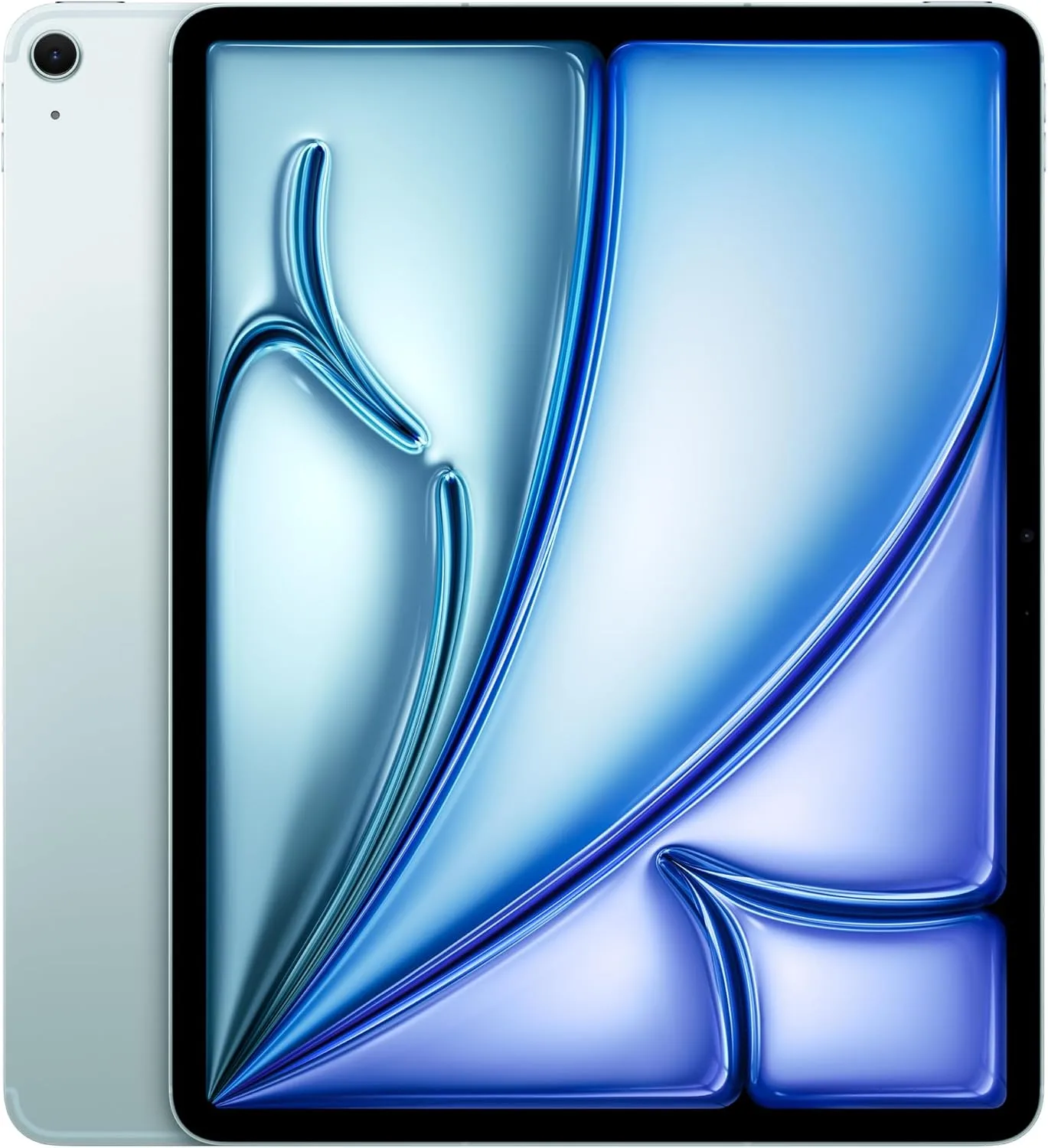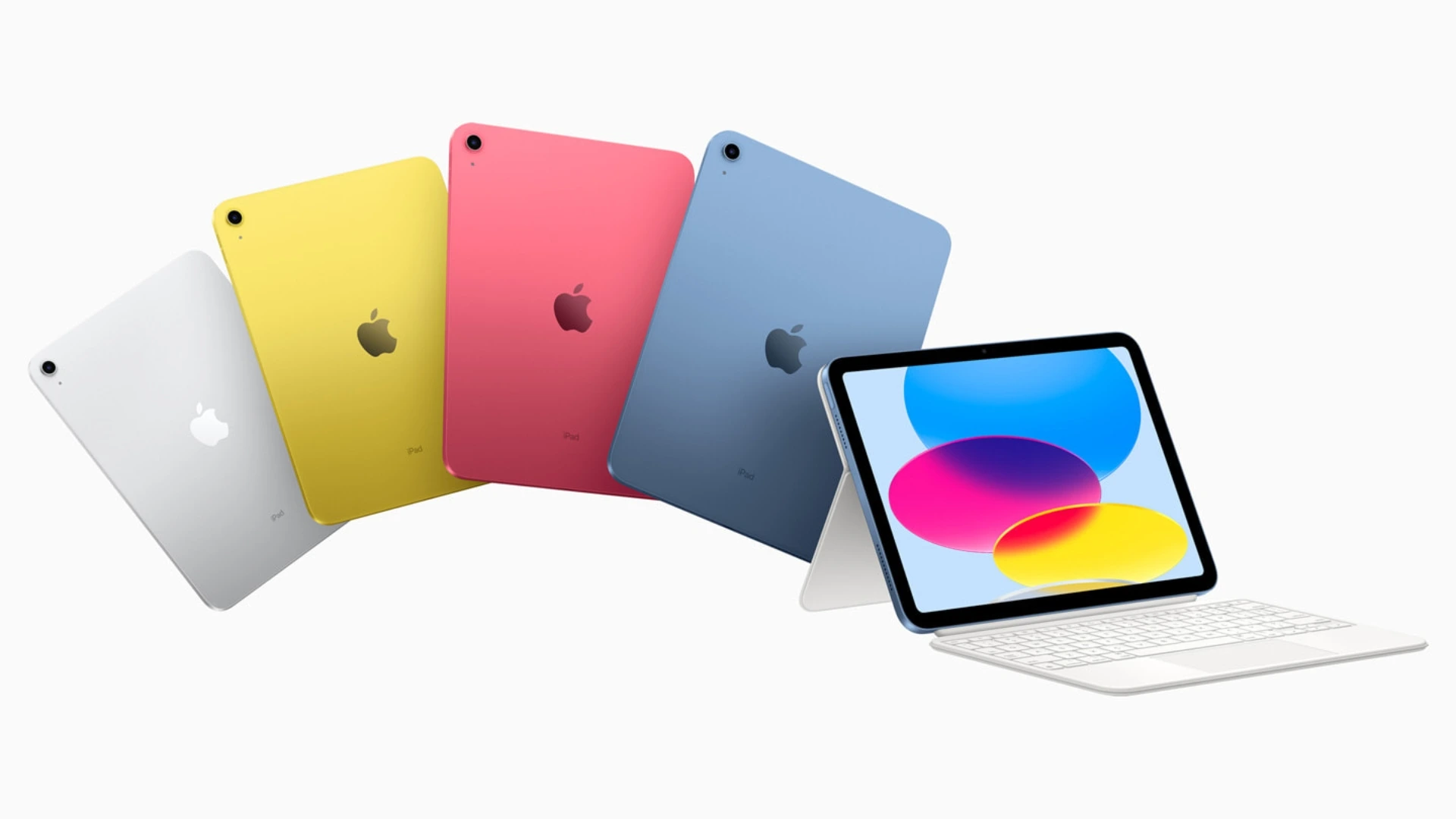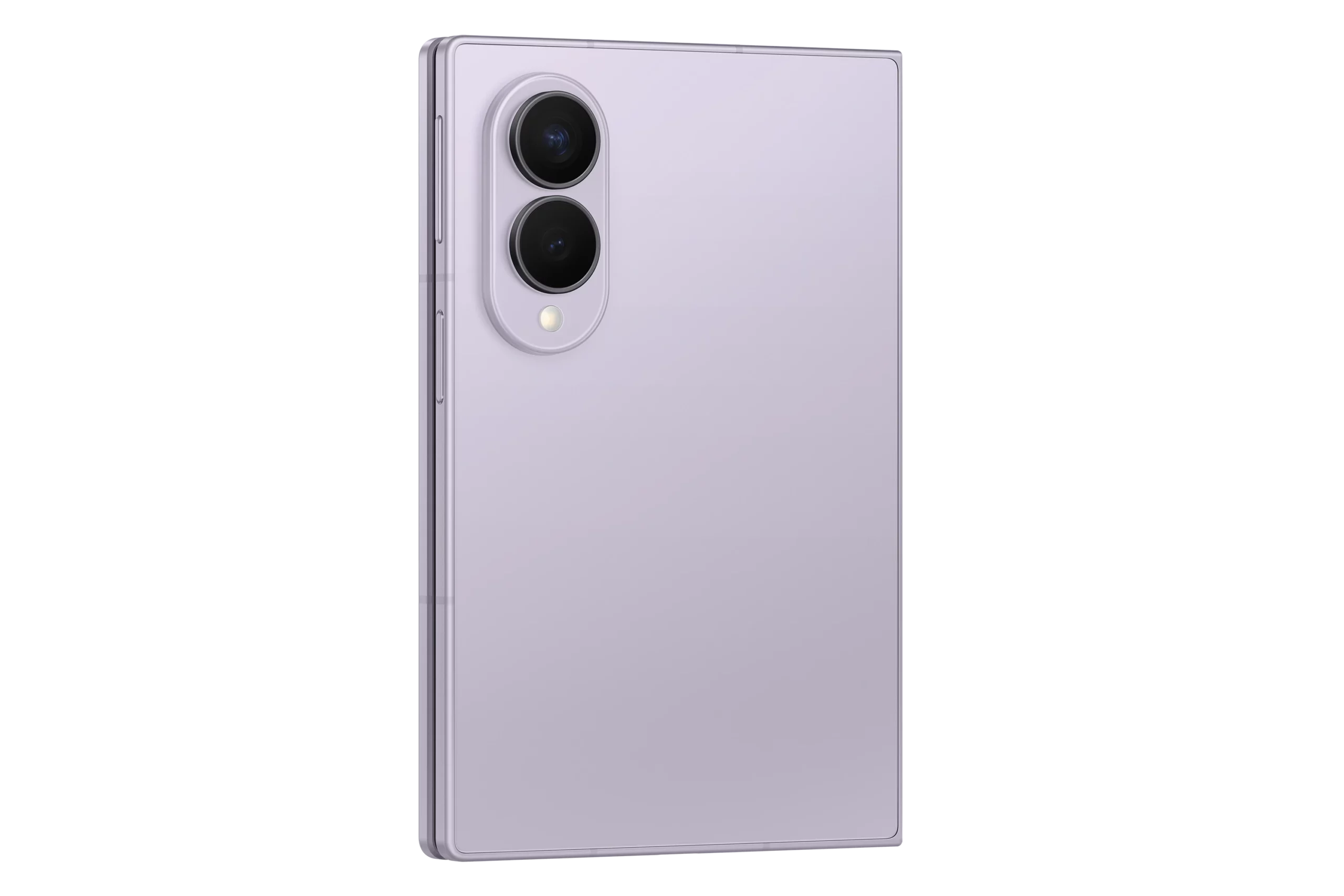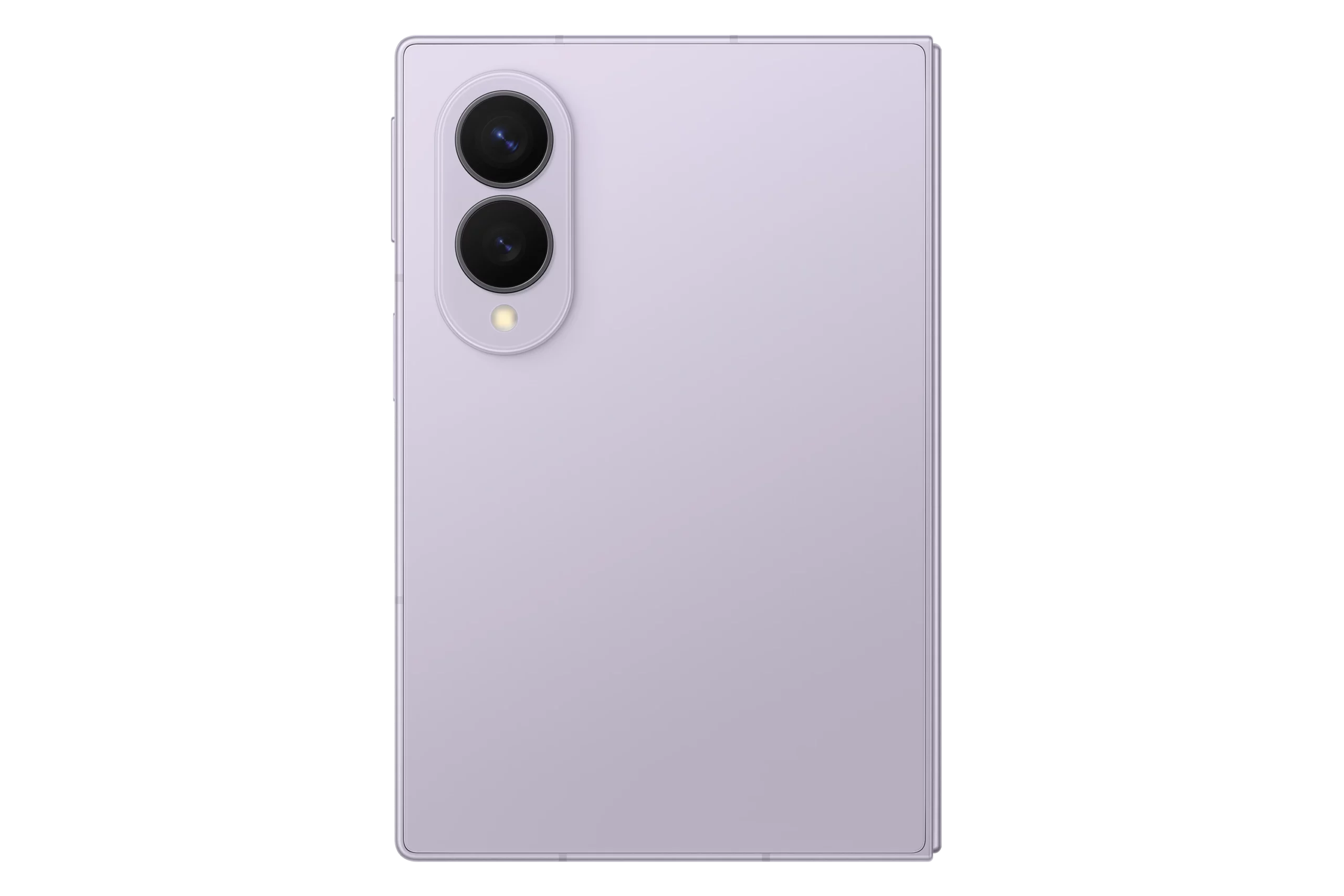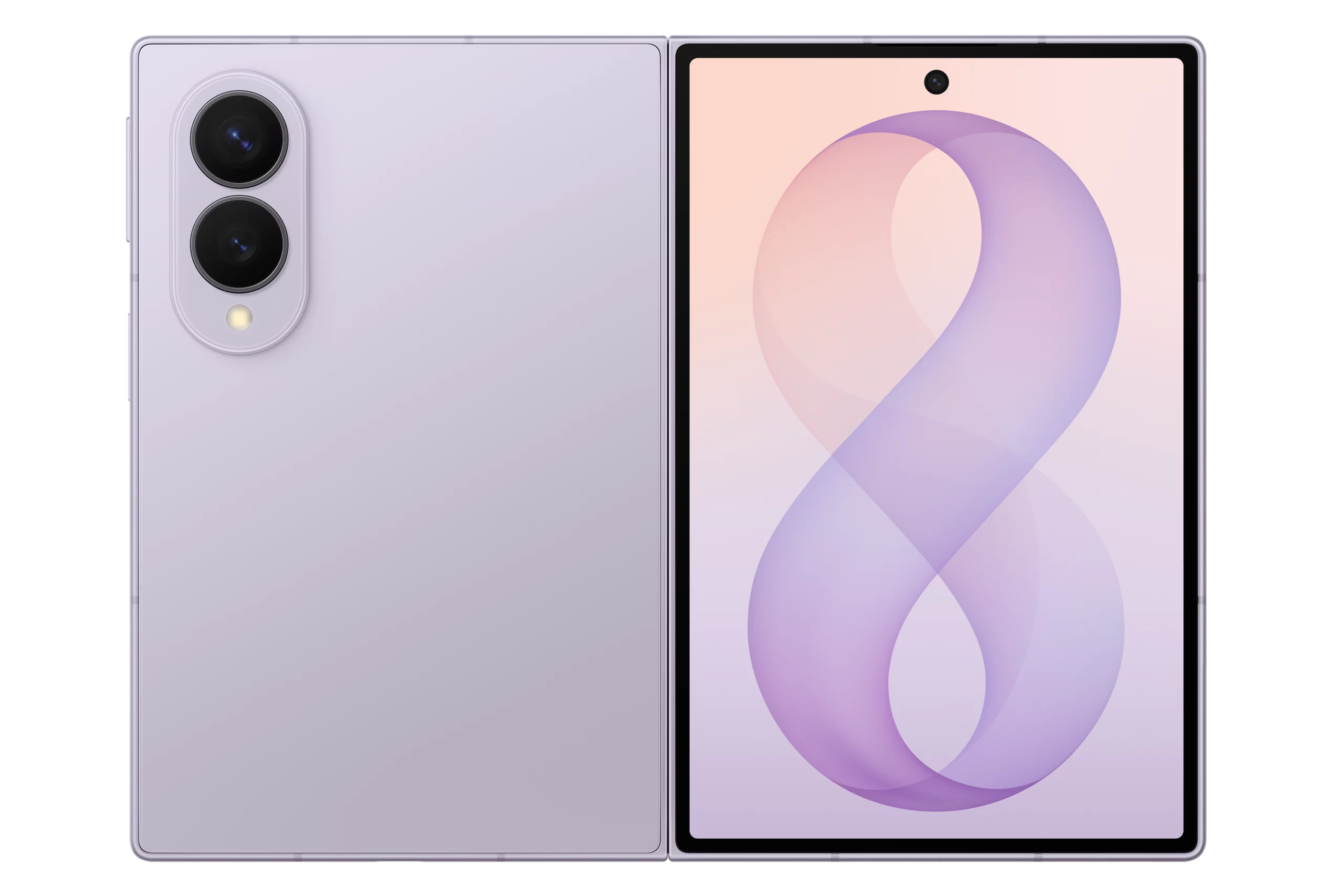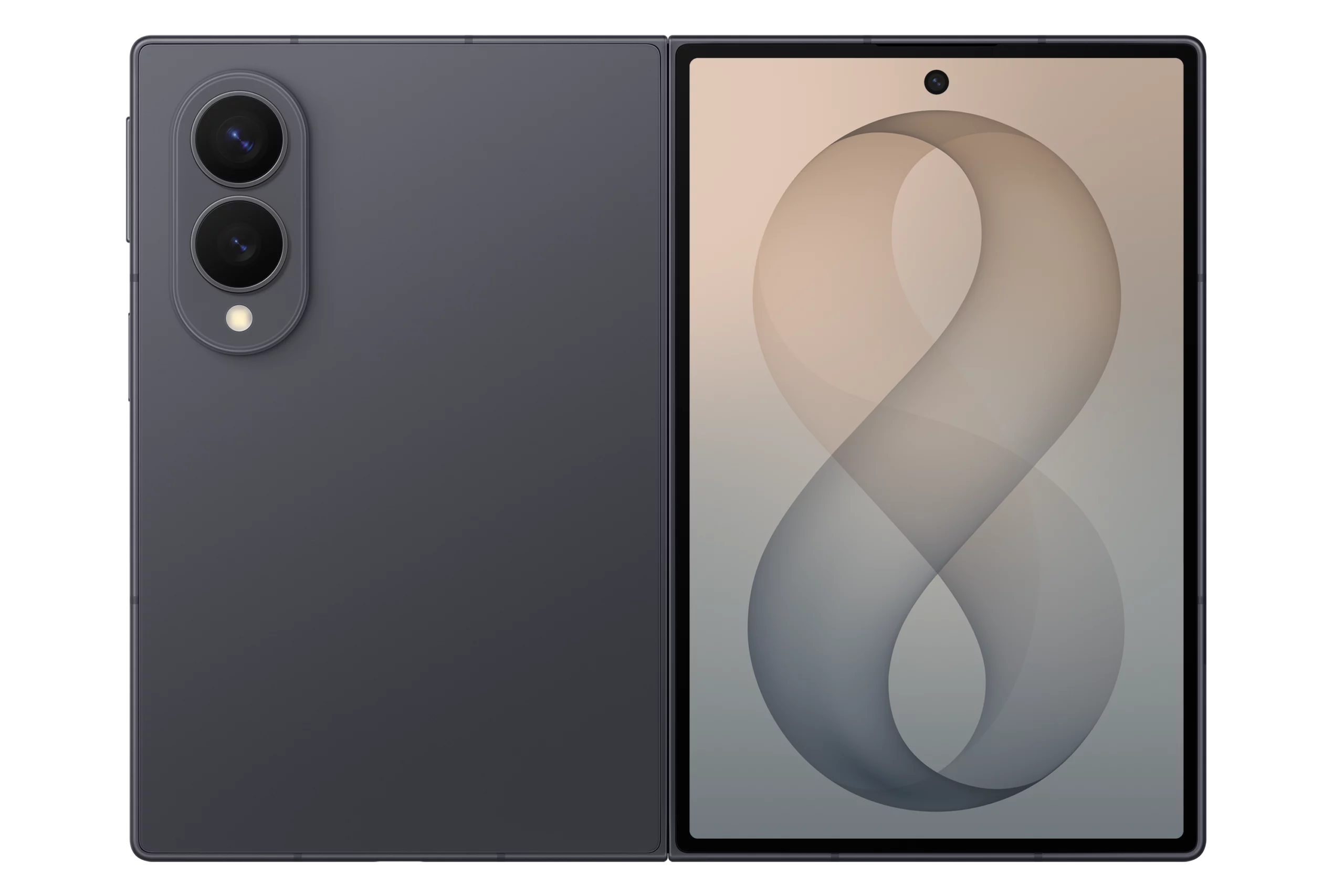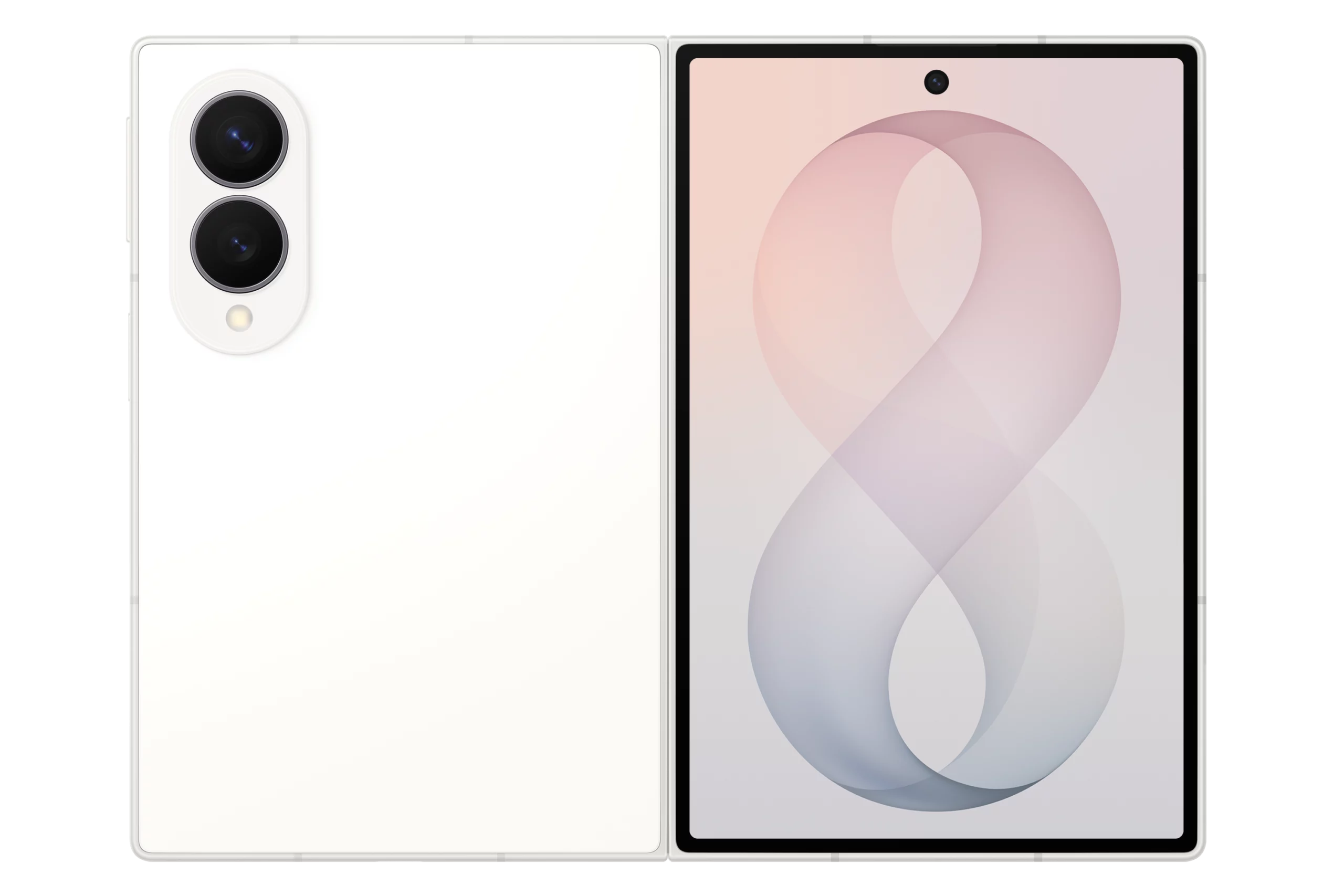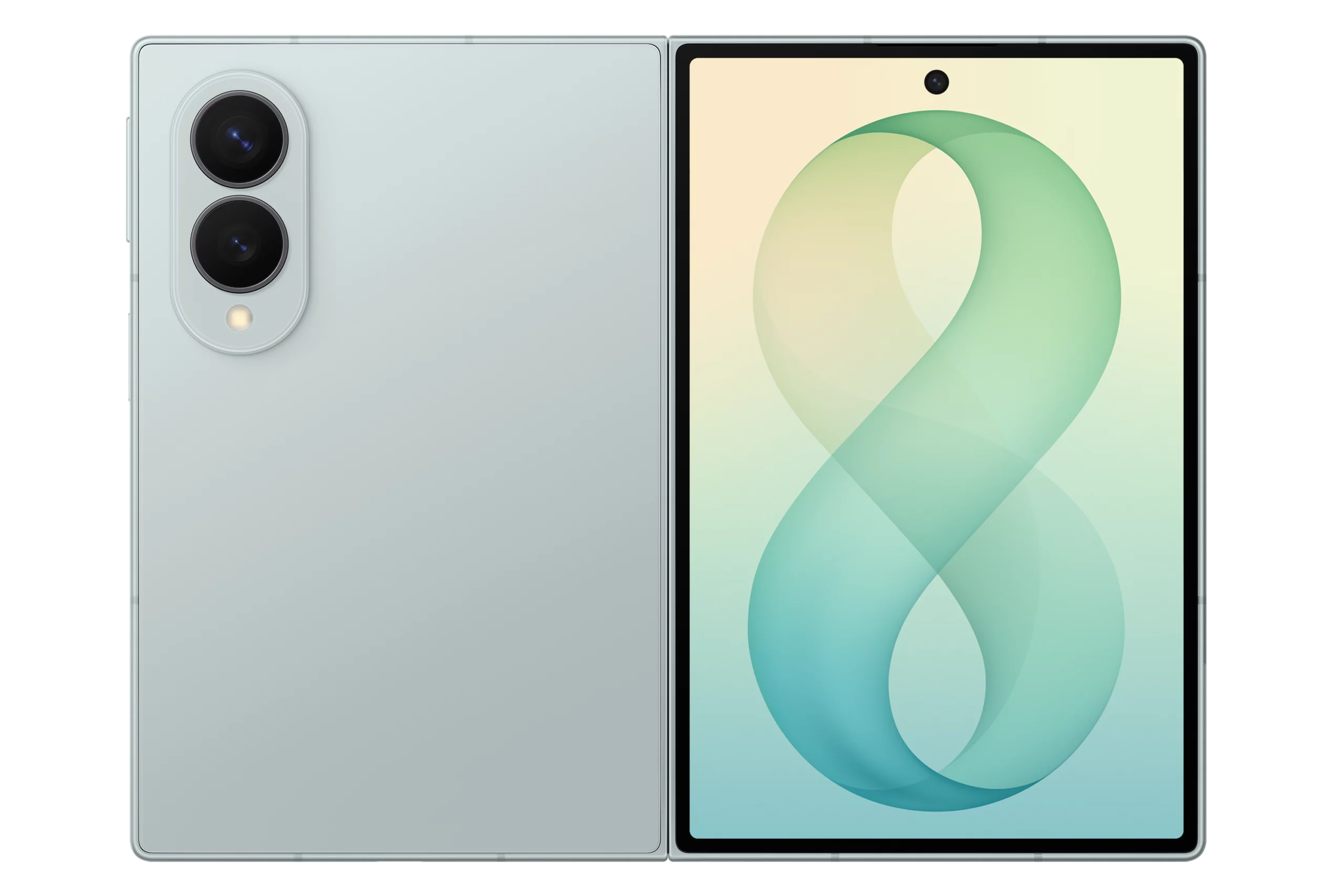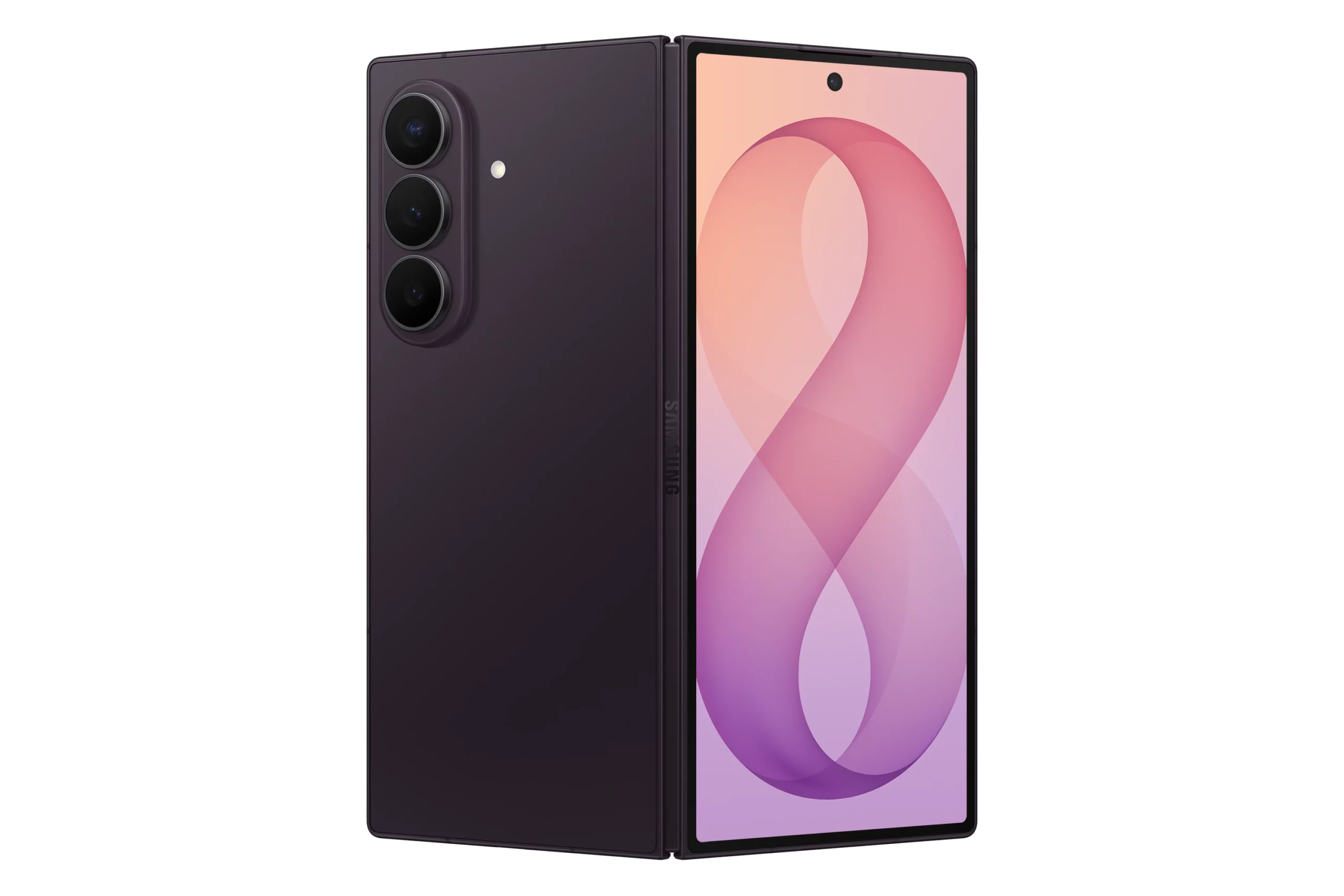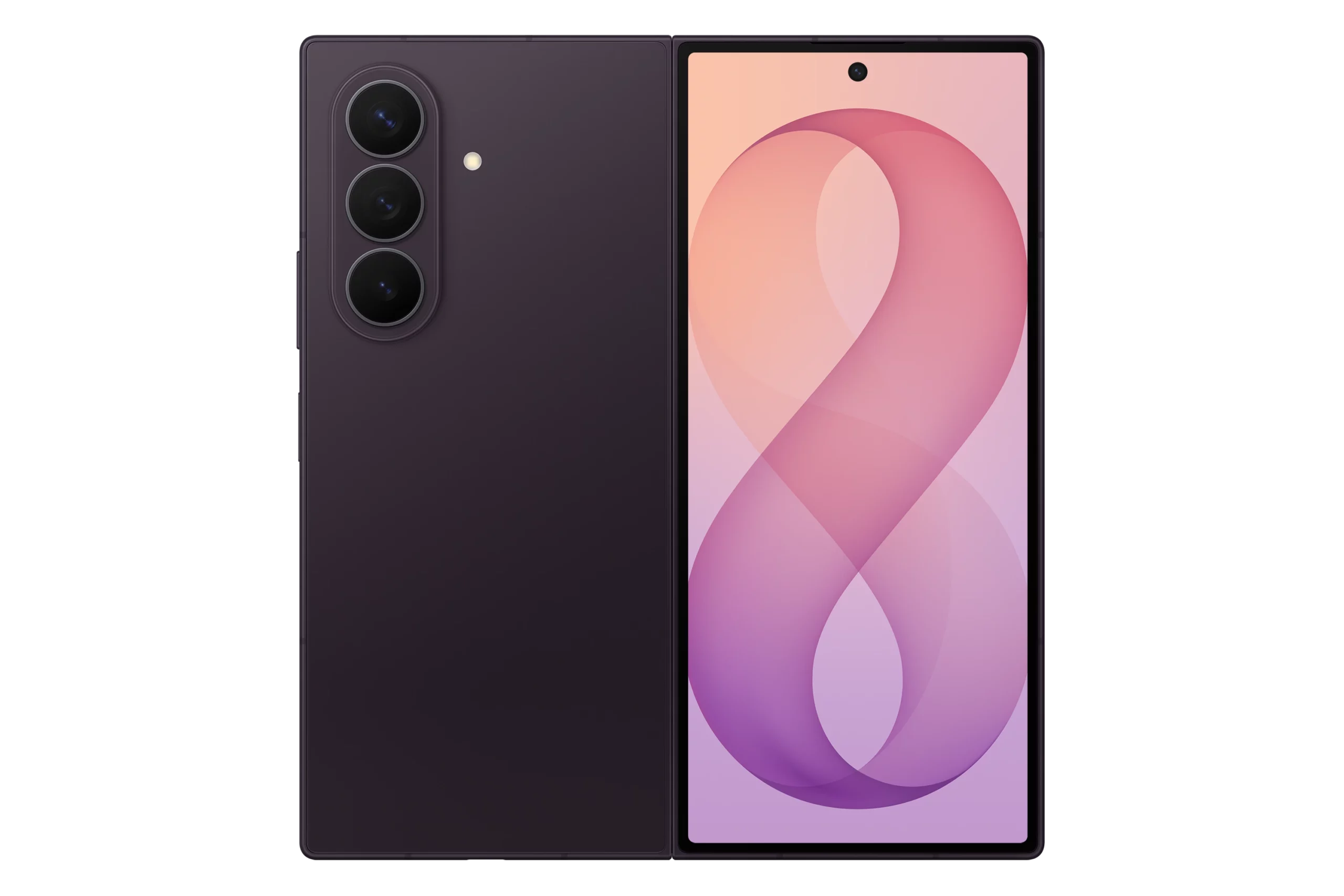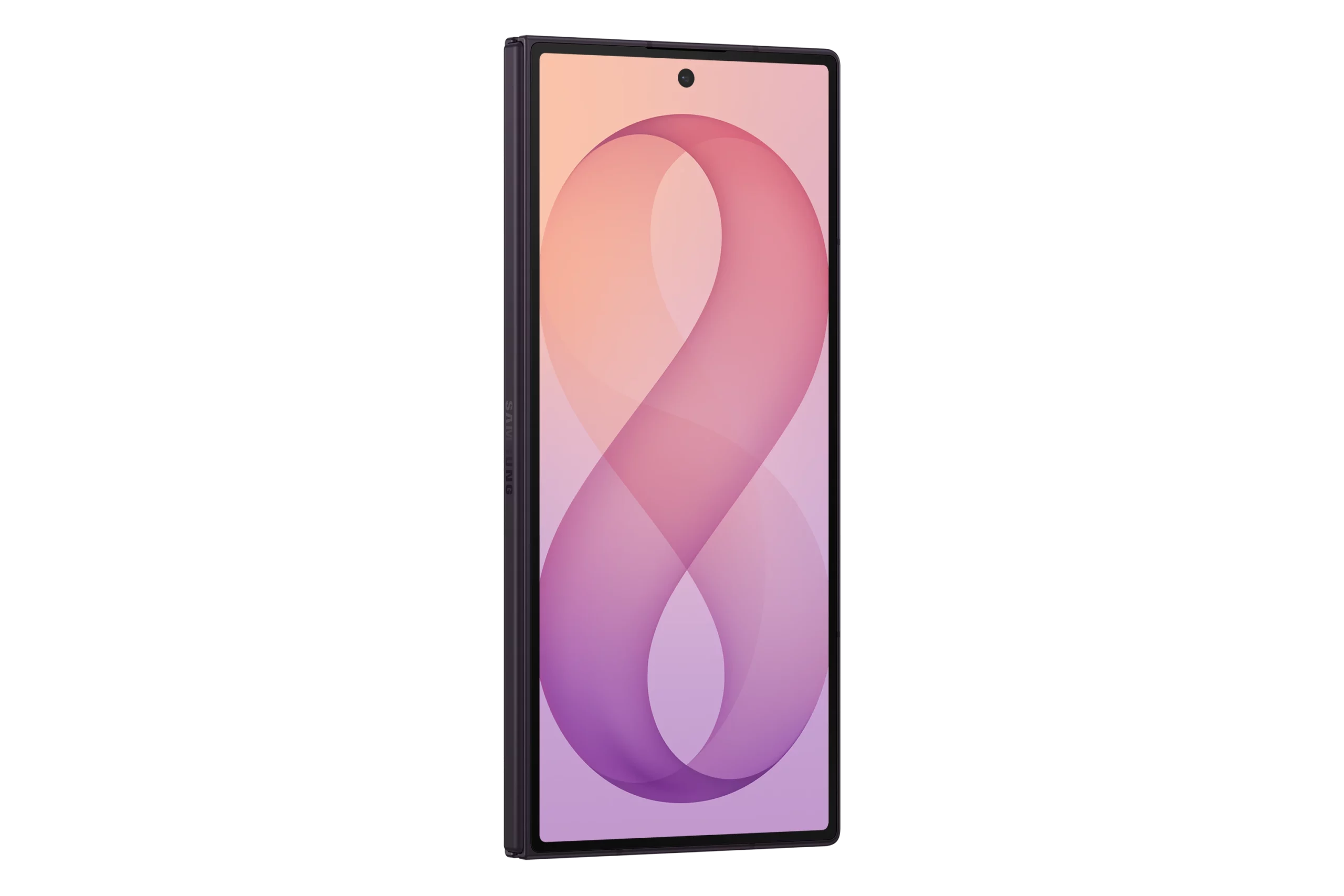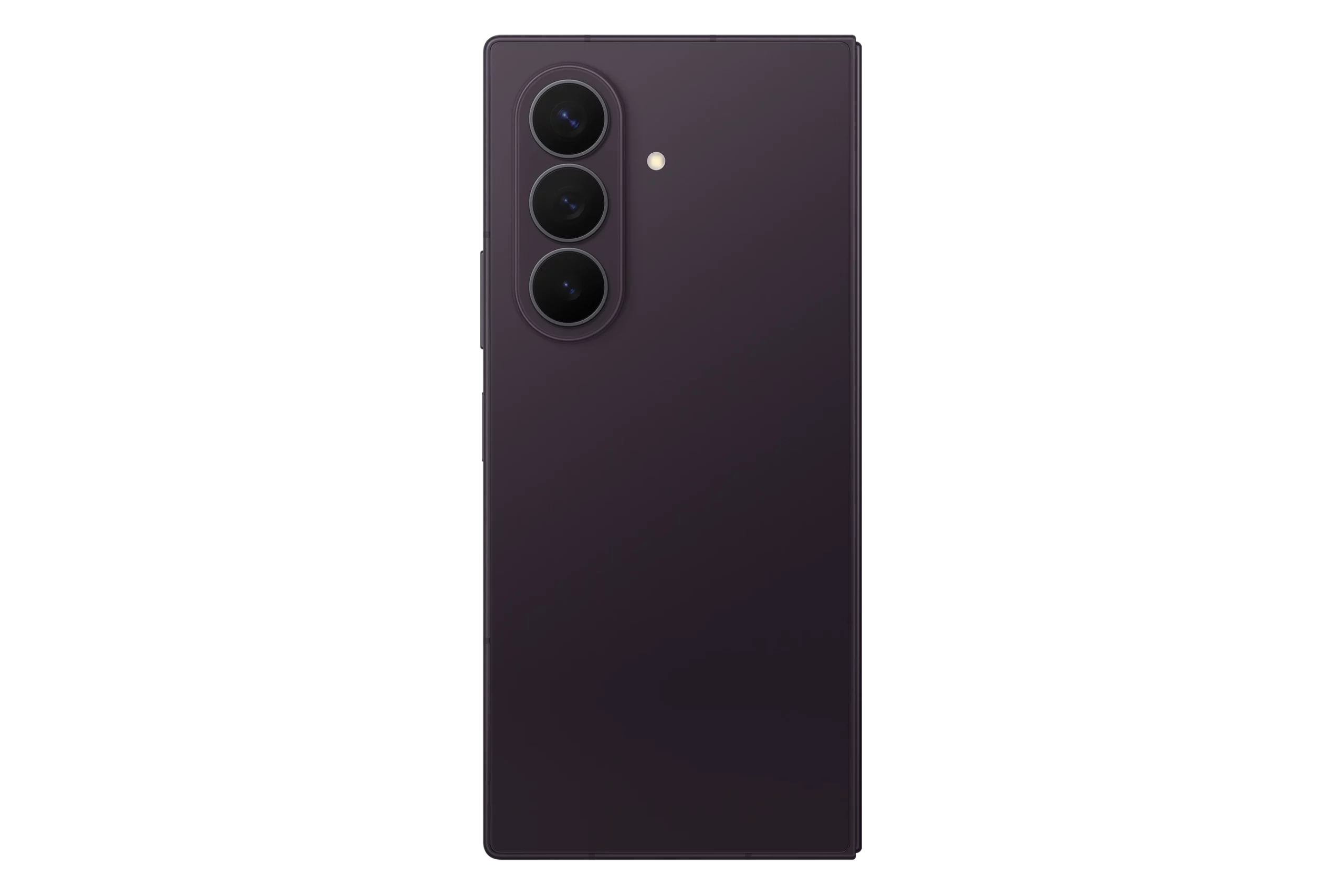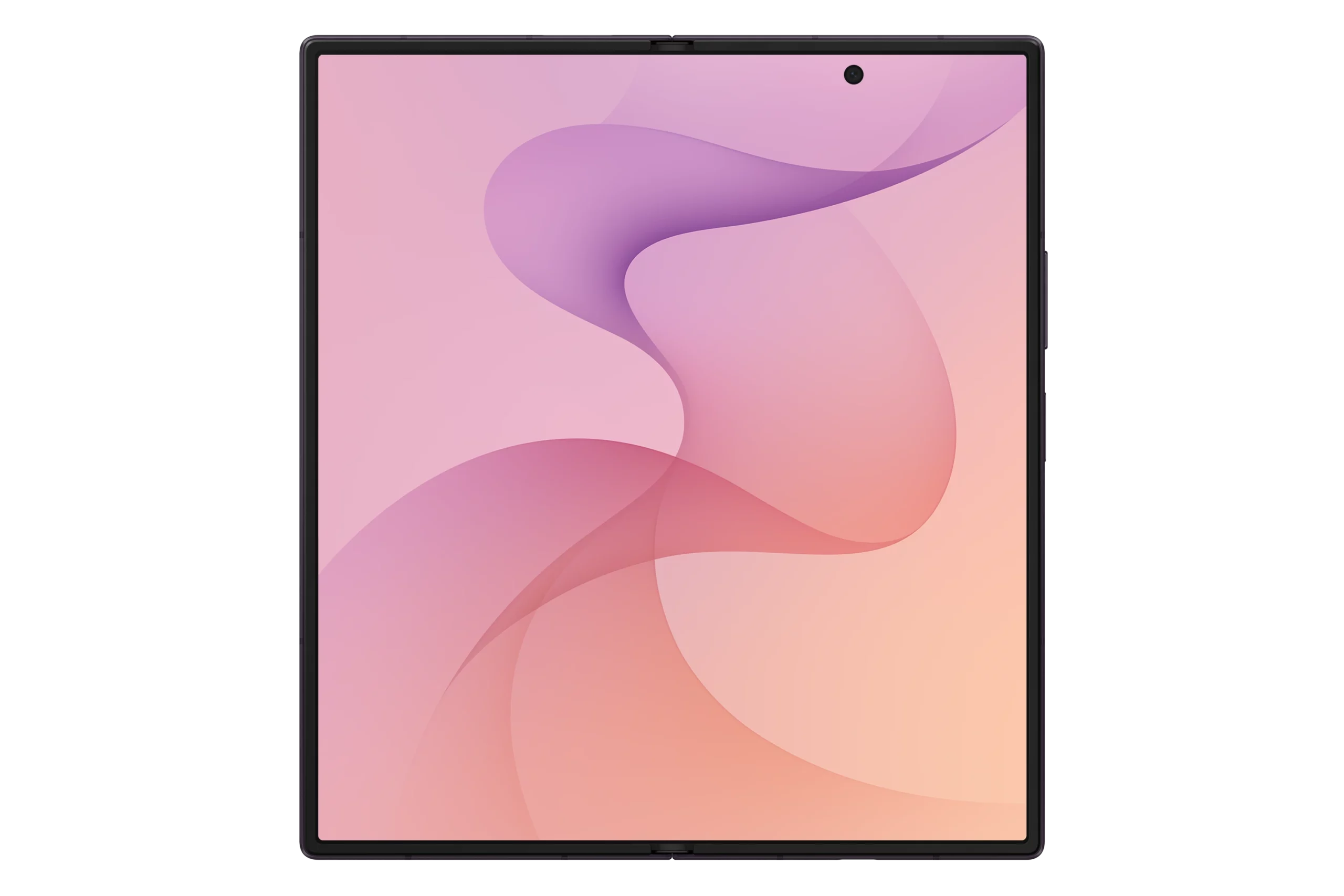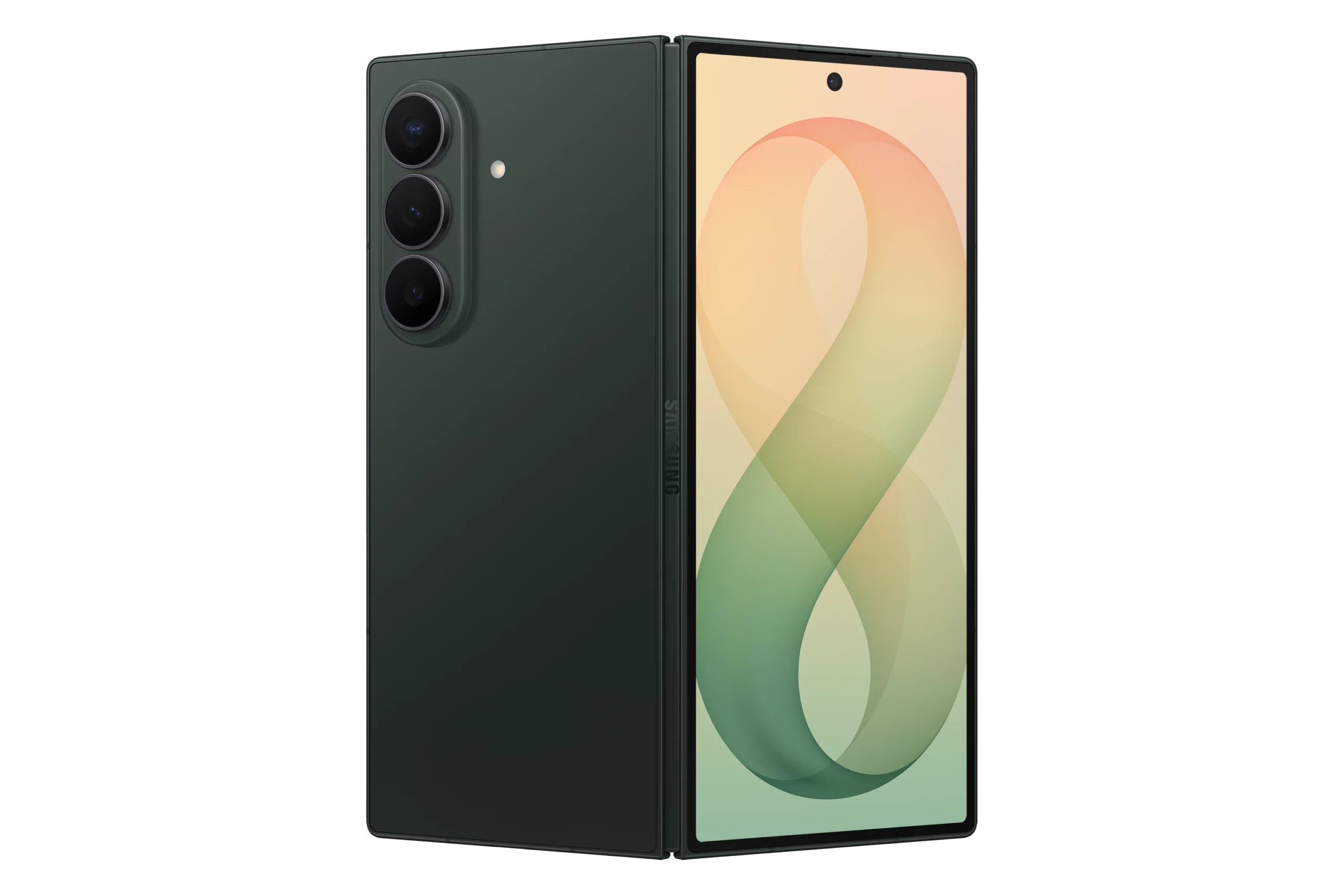
We’ve all been there—staring at the shiny new Apple Store page, credit card in hand, thinking, “Do I really need this?” With the new iPad Pro (M5) released in October 2025, the question is louder than ever. The iPad Pro (M4) from 2024 was already a total stunner—super thin, crazy fast, and rocking that incredible OLED screen. So, does the M5 really bring enough to the table to make you swap, or is it just a tiny update? Let’s dive in to find out what the differences are, the cool new stuff, and the “nice-to-haves” to help you figure out if you should stick with your M4 or treat yourself to the M5. Let the battle begin: iPad Pro (M4) vs iPad Pro (M5)
iPad Pro (M4) vs iPad Pro (M5) – Quick Overview
First off, let’s be real—the iPad Pro (M4) was a huge deal. It brought us the Ultra Retina XDR display (that fancy Tandem OLED), giving us true blacks and amazing brightness on both sizes. Plus, the M4 chip tore through video editing and gaming while being the thinnest Apple gadget ever.
For most of us, the M4 is still more power than we know what to do with! It opens apps in a blink, handles multitasking like a champ, and looks good doing it. We aren’t here to just bore you with numbers; let’s see if the M5 actually fixes anything or adds cool features that the M4 is missing.
Specifications
iPad Pro (M5)
iPad Pro (M4)
11-inch (M5, 2025)
Ultra Retina Tandem OLED, 120Hz, HDR10, 1688 x 2420 pixels
Apple M5 CPU (9-core, 256/512GB) / (10-core, 1/2TB)
This is the big one. Apple’s chips are always fast, but the M5 is focusing on how it uses that speed, especially for AI and gaming. Let’s break it down! With the processing power, the M4 was fast, no doubt. But here’s the cool part: the M5 gives everyone a 10-core CPU, even on the cheapest models! It’s built on newer tech, so it runs cooler and handles multitasking even better. The M4 is great for daily use, but the M5 feels just a bit more snappier when you’re exporting media or handling data.
Next is the graphics. For gamers and content creators/artists, the M5’s graphics are way more efficient at lighting and shadows (ray tracing). We’re talking about games running up to 30% smoother. If you play big-name games or do 3D art on your iPad Pro, the M5 is going to feel a lot more better like a console. And what about AI? This is the M5’s secret weapon. With all the new Apple Intelligence features, the M5 chip is built to handle them way faster—Apple says up to 3.5x faster than the M4! If you use AI tools to edit video or generate images right on your iPad, the M5 is in a league of its own. So overall, the M4 chip is powerful, but with the newer tech, more efficiency and faster processing of AI, the M5 wins this one.
2. Memory and Storage
This is the best “secret” upgrade. The M4 started with 8GB of RAM on the base models. The M5? It kicks things off with 12GB of RAM! That extra 4GB is huge for keeping your apps open in the background so they don’t have to restart when you switch back.
The M5 can move data around faster than the M4. This just means everything from gaming to big work projects will run smoother. While the storage space (256GB to 2TB) is the same, the M5 saves and loads files faster. You’ll mostly notice this if you’re moving huge video files, but hey, every second counts. In the end, the iPad Pro (M5) comes with more system memory, resulting in smoother running, and faster loading of apps. Once again M5 takes this one.
3. Screen, Design, and Extras
If you were hoping for a brand new screen, don’t worry—the M4’s screen was already perfect. So the M5 iPad Pro uses the exact same Tandem OLED tech. You get the same awesome brightness and vibrant colors. However, the sad news is that the glare-free “Nanotexture Glass” is still only for the expensive 1TB and 2TB models. If you want that matte look, you still have to pay up for the bigger storage. If you’re expecting any major change to the design-don’t, because they are totally the same.
The M4 had Wi-Fi 6E, which is great. But the M5 includes and upgraded Wi-Fi 7. If you have a fancy new router, this means less lag and faster speeds—perfect for gaming or streaming super high-quality video. The 5G on the M5 is a little better at holding a signal in tricky spots, but if you live in a city, you probably won’t notice a huge difference from the M4.
The input port is the same Thunderbolt 3 / USB-Type-C setup. But thanks to the M5 chip, plugging into an external monitor works even better. It handles high-res screens smoothly without getting as hot. Overall, no changes to the display. No design changes. No changes to the input ports. But it comes with a upgraded Wi-Fi for better connectivity, which means the M5 wins this one.
Which brings us now to the last question. Is this iPad Pro for you, or better yet, is it worth upgrading to the newer iPad or will you buy the older version? Let’s break it down this way. If you got the iPad Pro (M4) I would honestly say this: Keep it. Unless you use heavy AI tools all day or really, really need that extra RAM, your M4 is still a beast. The screen quality is the same, it looks the same, and it’s still super fast. Enjoy your M4—it’s still one of the best tablets out there!
If you have the Older iPad (M2 or older)? Get the iPad Pro (M5). This is the upgrade you’ve been waiting for! Moving to the M5 is a huge jump. You get the OLED screen (total game-changer), the slim and lightweight design, the landscape camera, and a processing chip that is way faster. It’s going to feel like a massive upgrade. Trust me. If you’re buying Your First iPad Pro, once again, I say: get the M5. The base model gives you a 12GB of RAM and better Wi-Fi 7 connection, meaning that it’ll last you for years to come. It’s the ultimate iPad Pro experience. Now let’s hear from you. Are you going to upgrade to the newer tablet? Do you have the older iPad Pro? What other iPads or tablets are you considering? We would love to hear from you 😀
Let’s be real for a second. We all see those glossy, premium phones on every billboard and think, “Wow, I need that.” But honestly, for 99% of what you actually do—scrolling through feeds, texting your friends, taking decent photos, and watching videos—splurging on a flagship model is kind of like buying a race car just to drive to the grocery store. The tech gap between the top-tier phones and the budget-friendly crew has basically vanished.
So, lemme ask you this: why drain most of your investment for features you’ll never use when you can get an awesome phone that does everything you need for under so much less? You get the same great battery life, bright screens, and speedy performance, but you keep a ton of cash in your pocket. Dive into our list and see our choice of the top budget cell phones you can get right now.
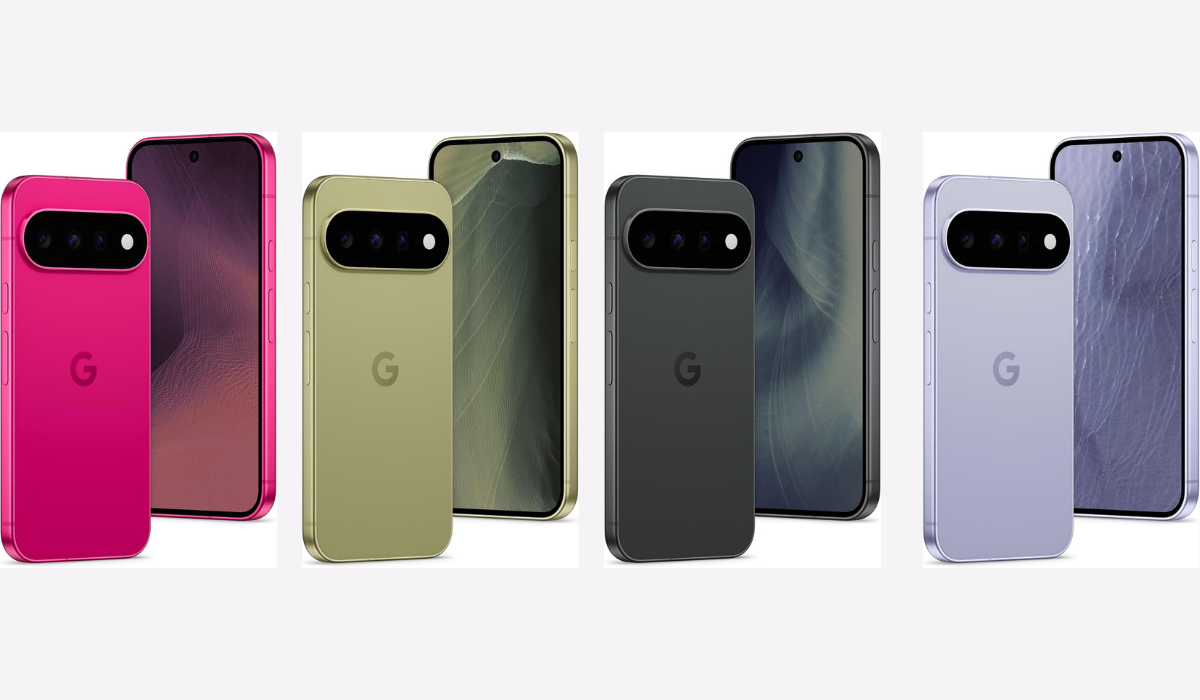
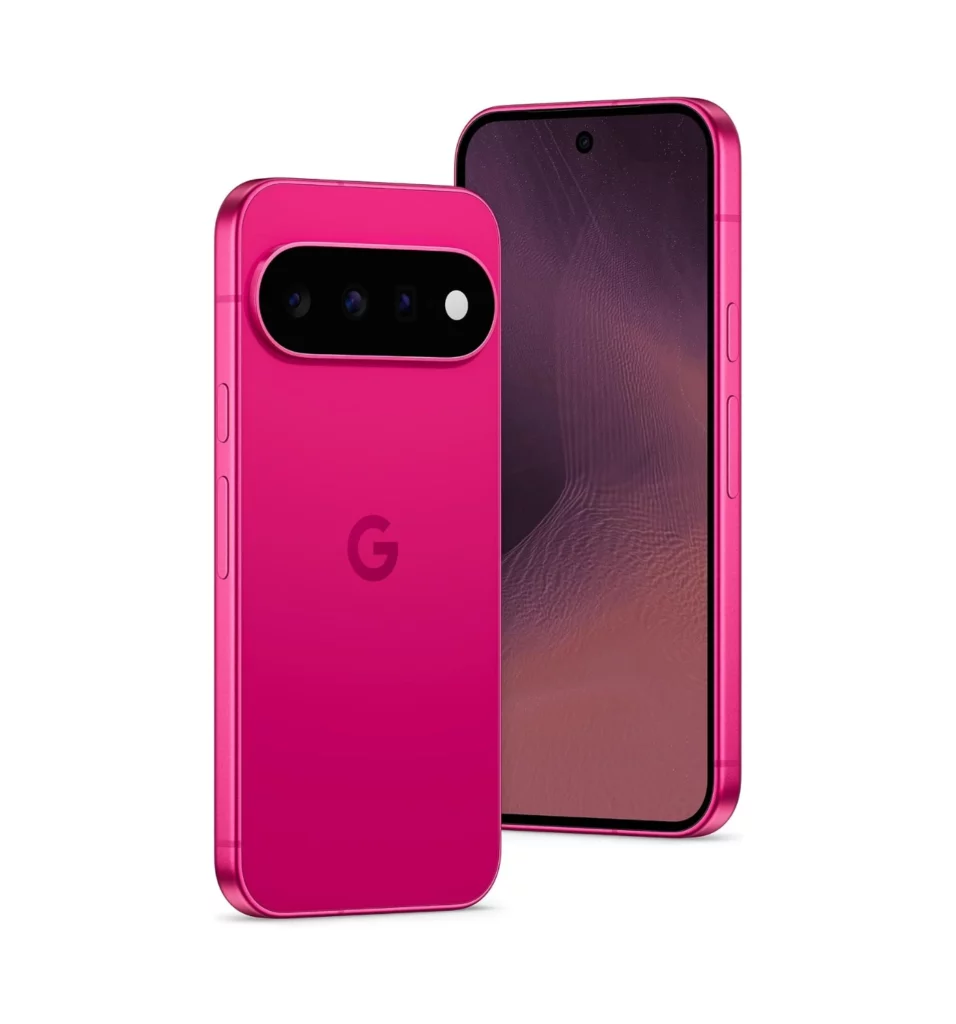
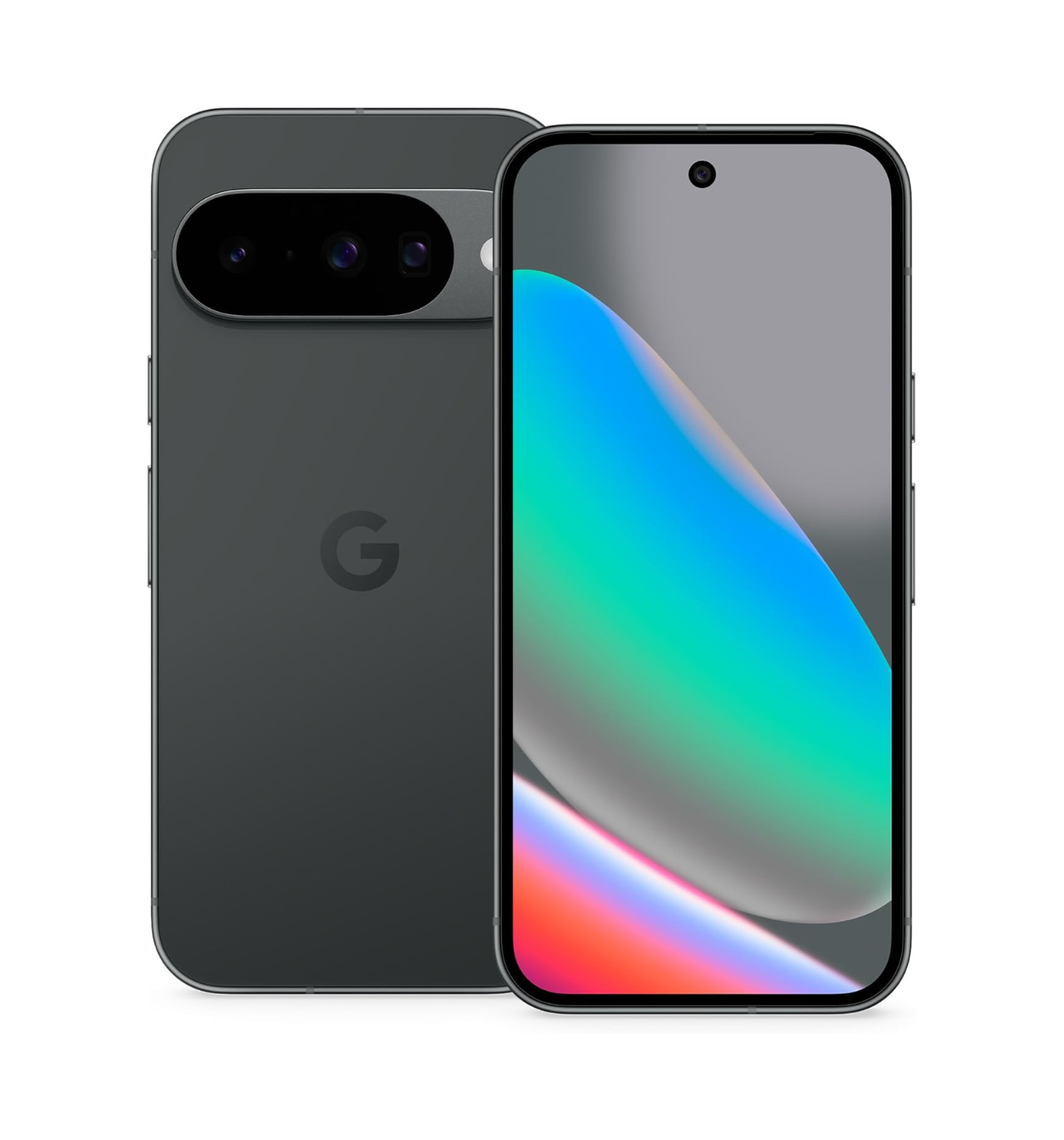
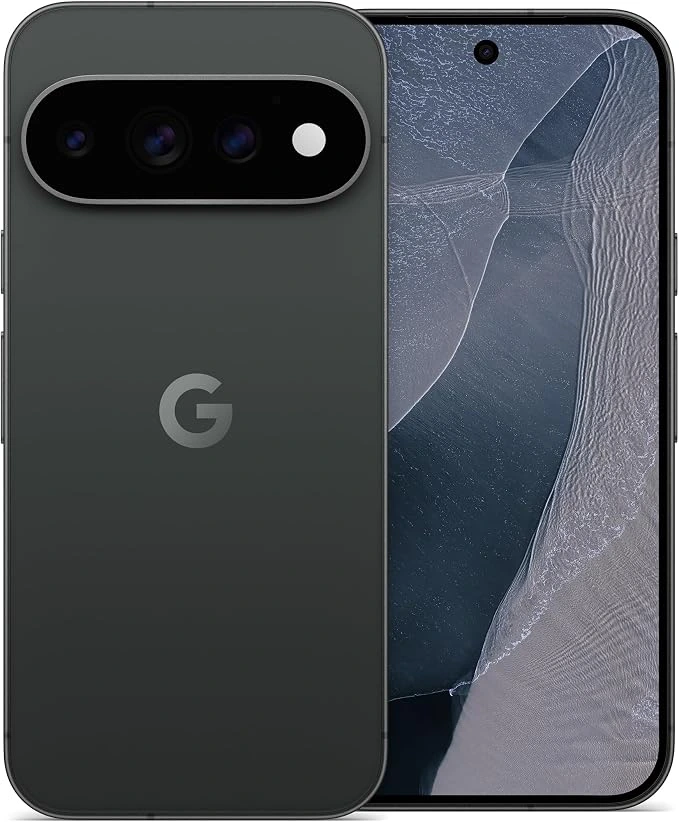
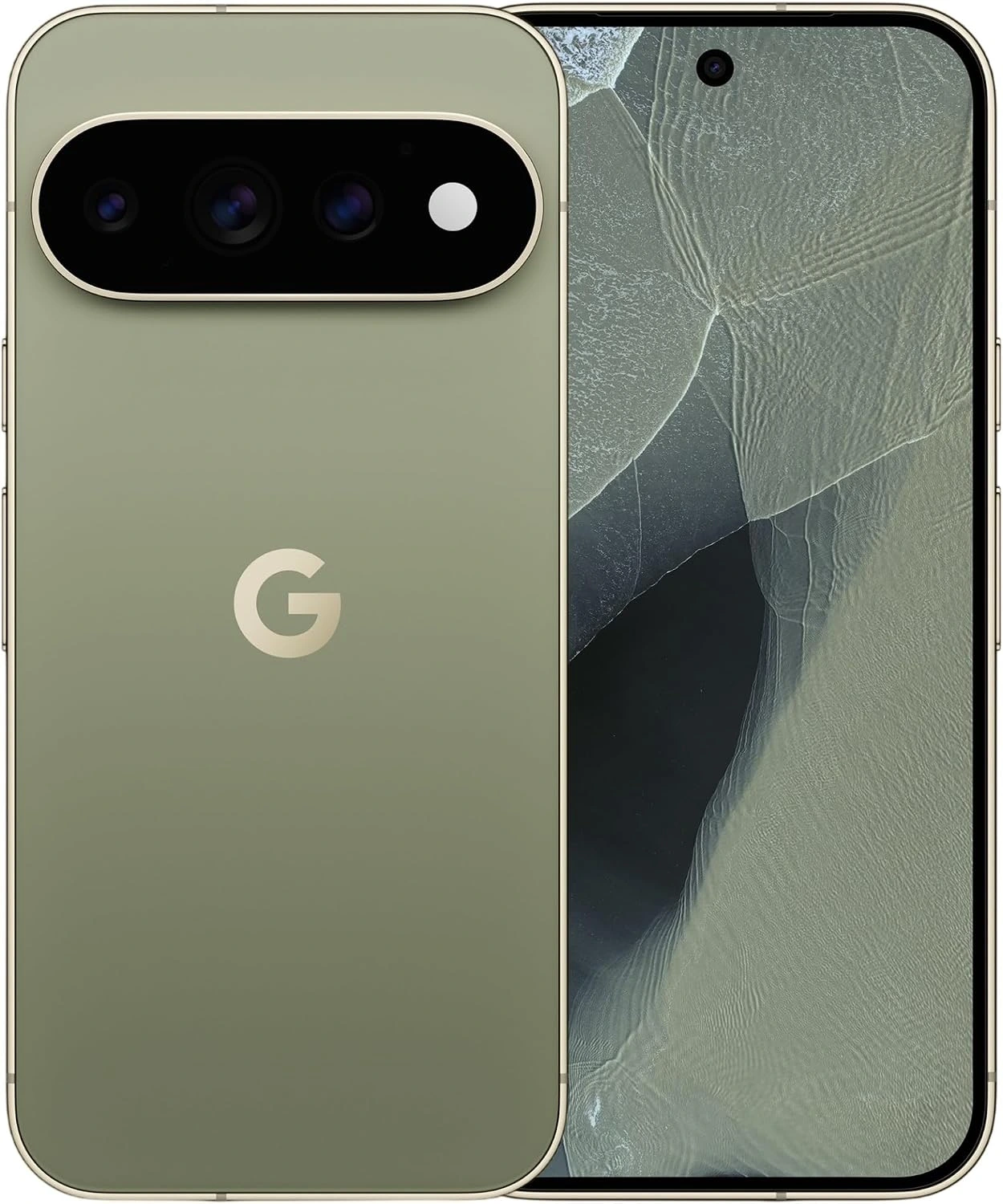
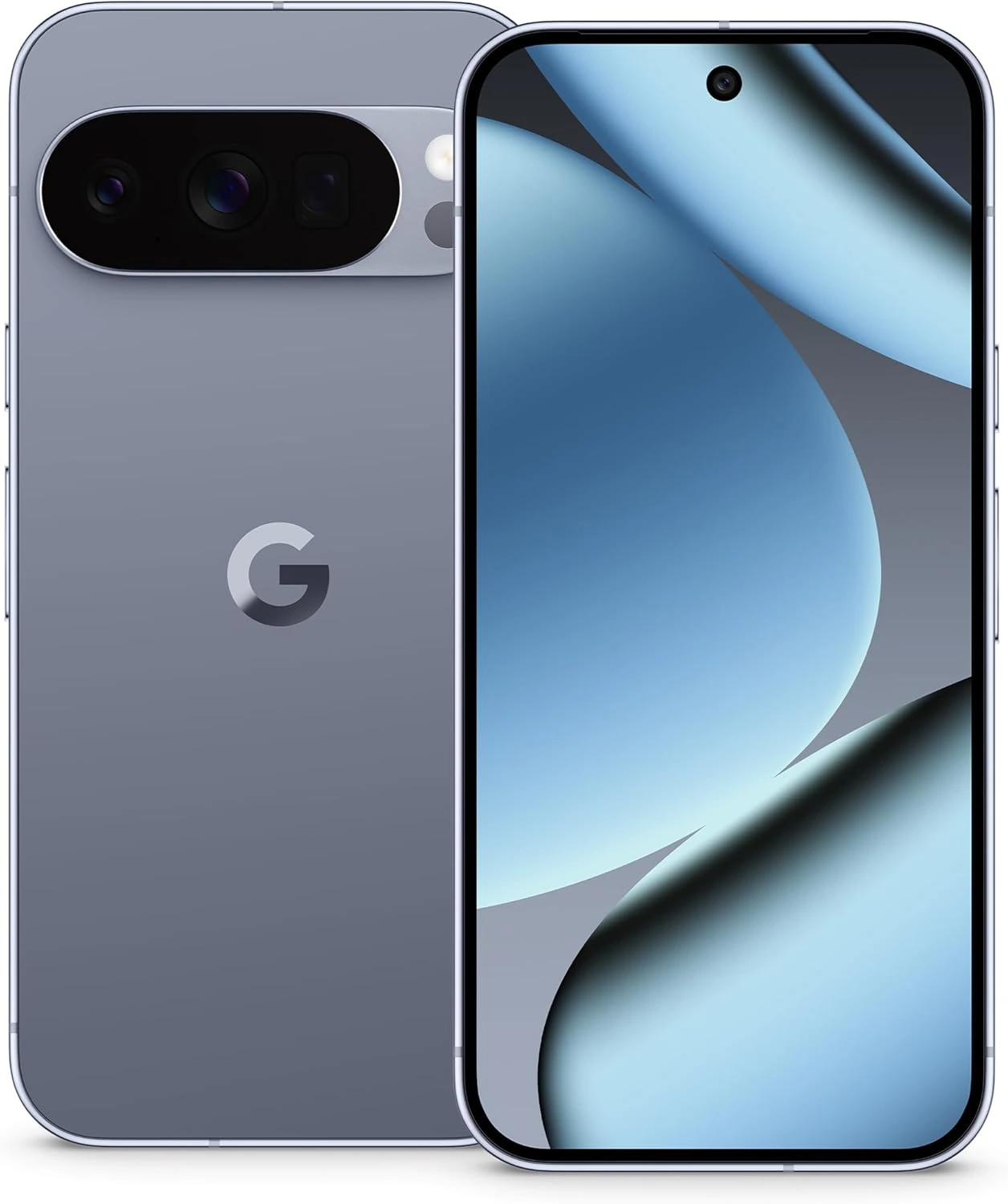
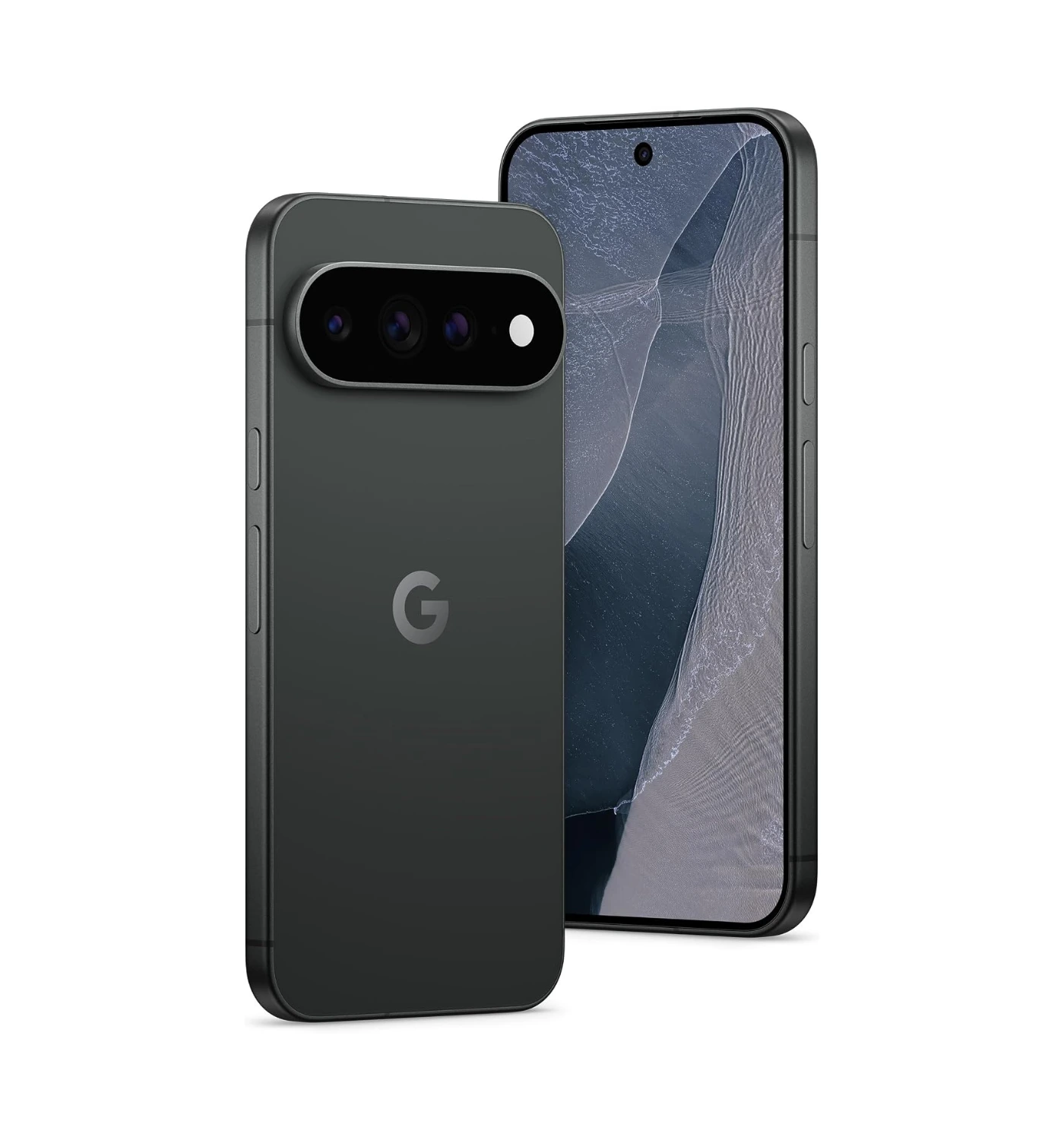
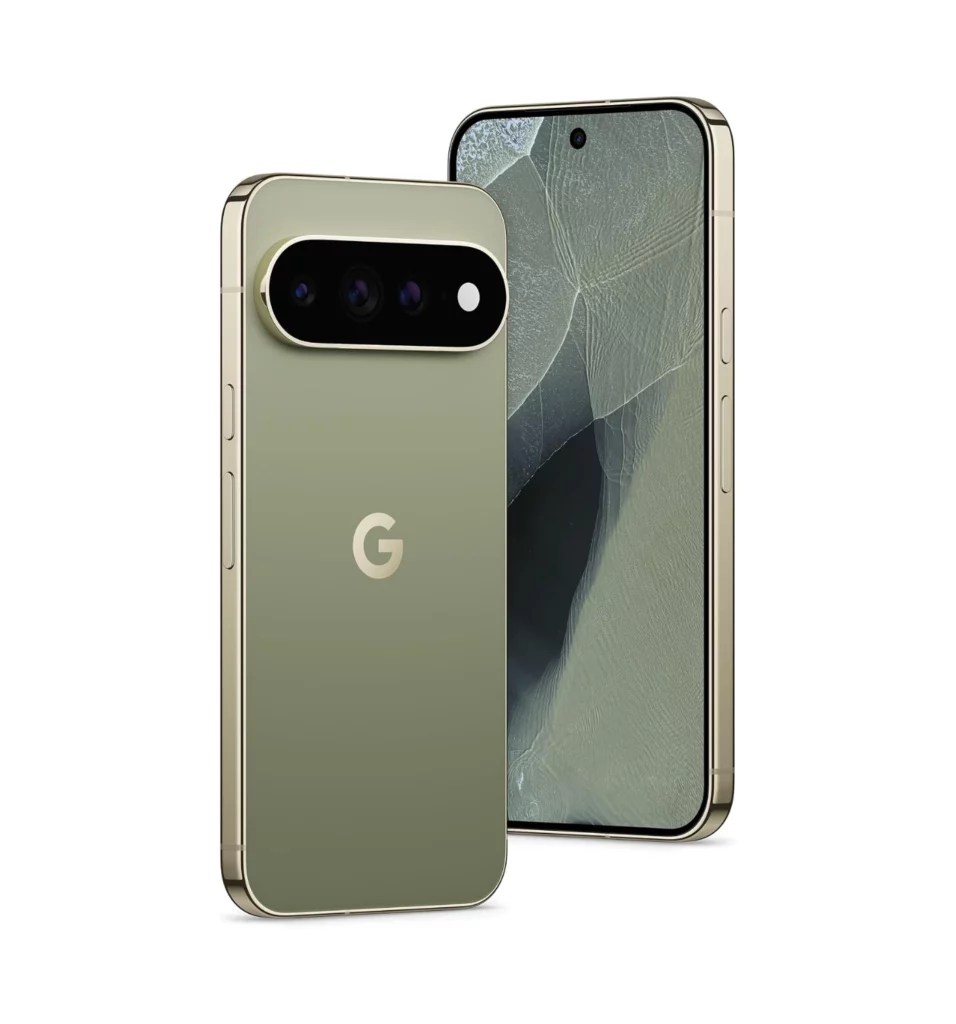
The Pixel 9a comes with Google’s signature software, with the best AI features, excellent camera system, and a durable design with trendy colors. All this available at a lower price.
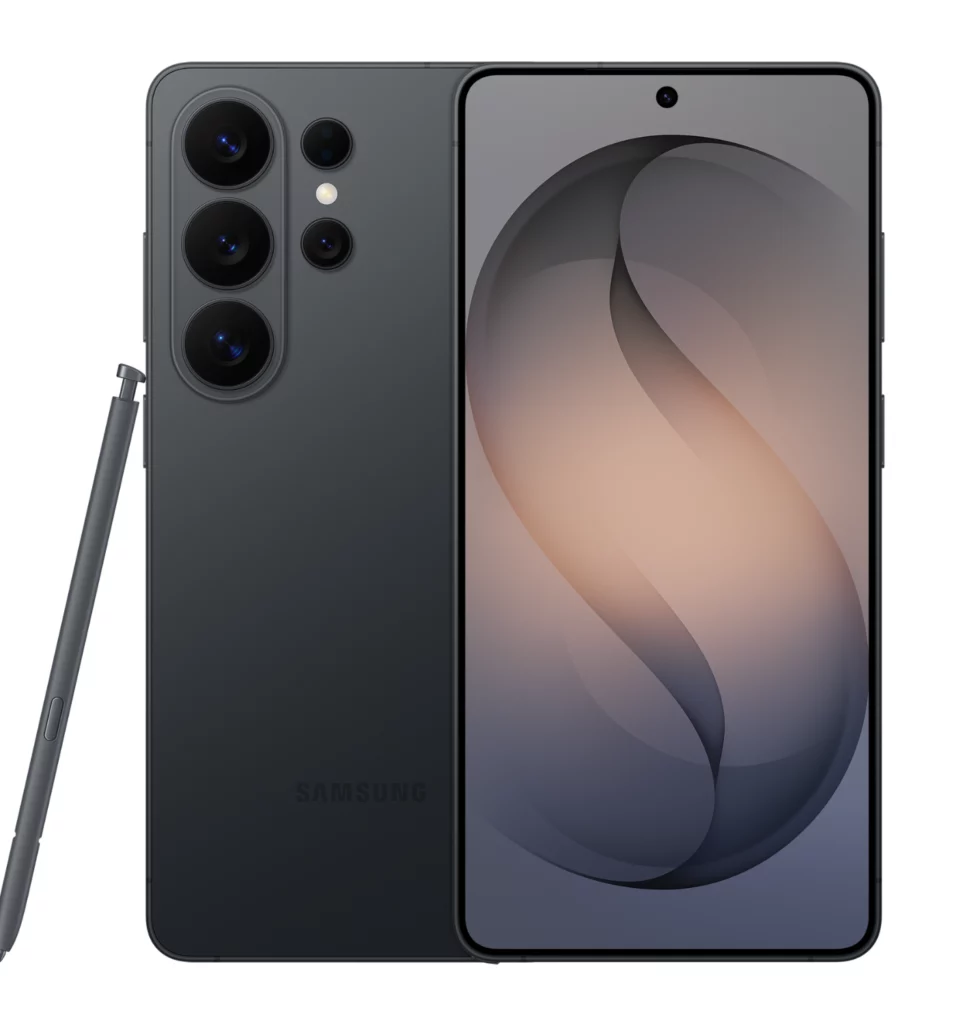
With an excellent display and battery life, the Galaxy A56 is a great and one of the cheapest Android smartphones to get. It also performs exceptionally well for a smartphone within its price range.
The Nord 5 is a strong choice if you prioritize raw performance in the mid-range. It boasts a powerful processor and very fast charging, which often makes it feel snappier than the Samsung or Pixel models in this price bracket.
The OnePlus 13R includes great specs enclosed into a stylish frame, that not only performs well, but has a massive battery for battery life, and a good camera system. With premium looks and features, it’s not a phone to be missed, especially at its price tag.
If you’re tired of the same flagship design from most smartphones that check out the Nothing Phone 3a Pro. With a unique design and features set at a low price, this phone performs far beyond, making it a great alternative to other top phones.
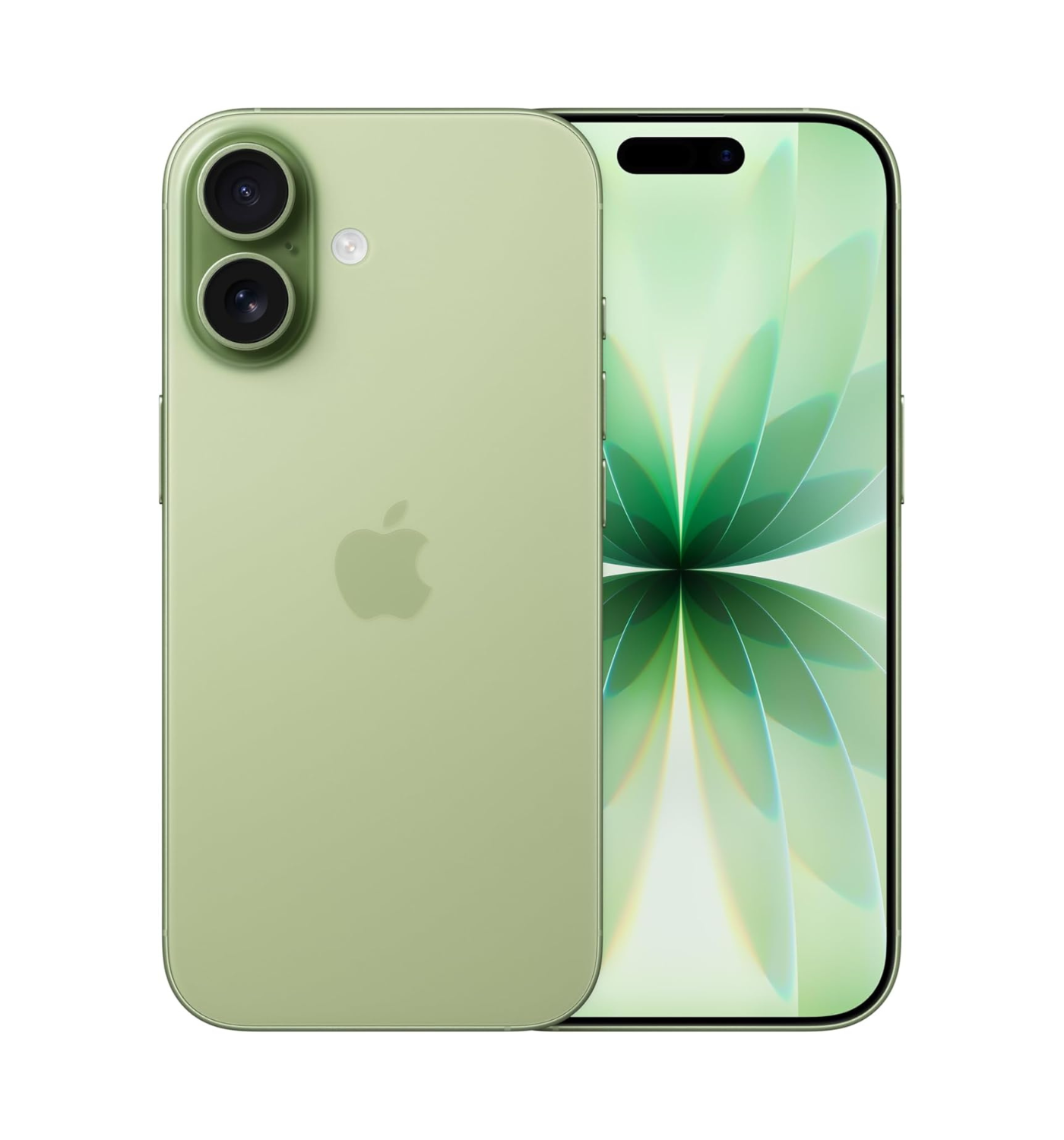
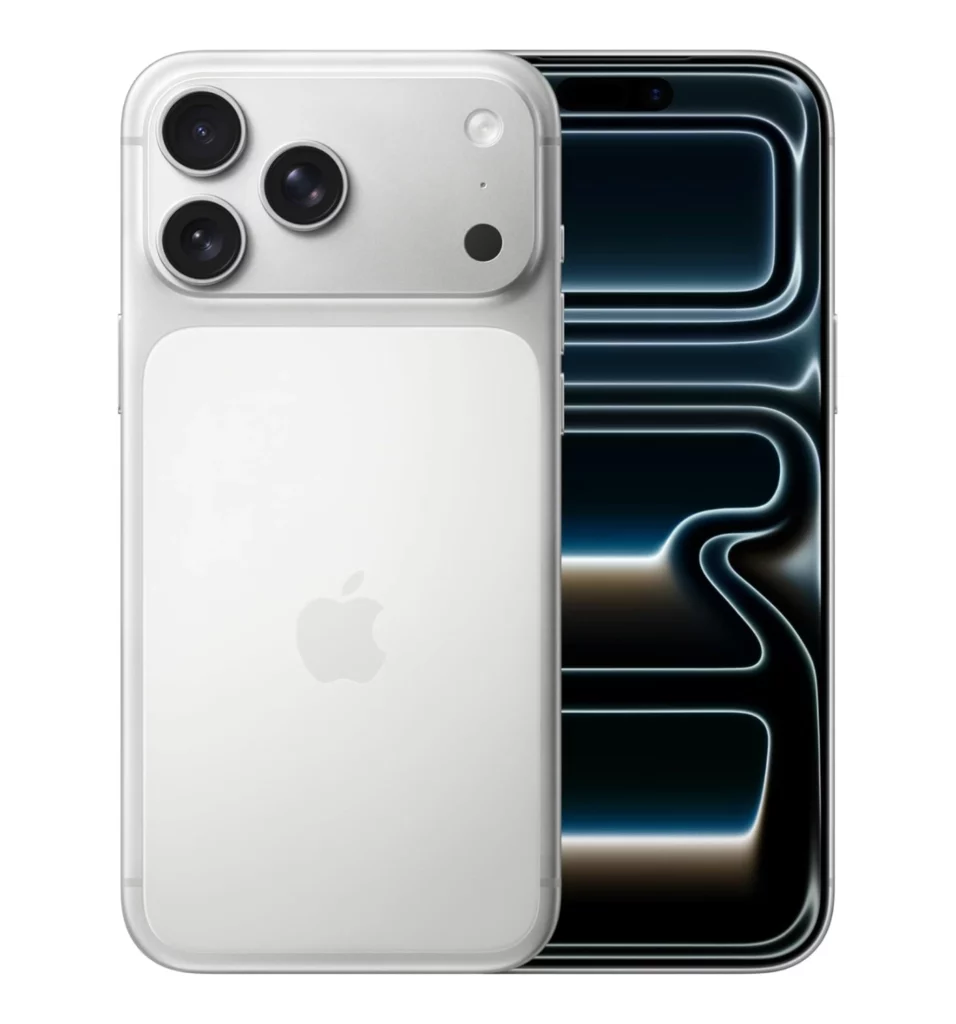
With powerful performance, a good camera system and support for AI features, the iPhone 16e is a better alternative. Although it’s a little more expensive, it’s still the cheapest iPhone you can get right now.
“Google takes the brain of their flagship phone—the Tensor G4 chip and all that phenomenal camera software—and puts it into a body that keeps the price tag as low as possible.“
If you’re budget-conscious but still want a phone that feels genuinely smart and premium, the Google Pixel 9a is the absolute best alternative to those crazy expensive flagships.
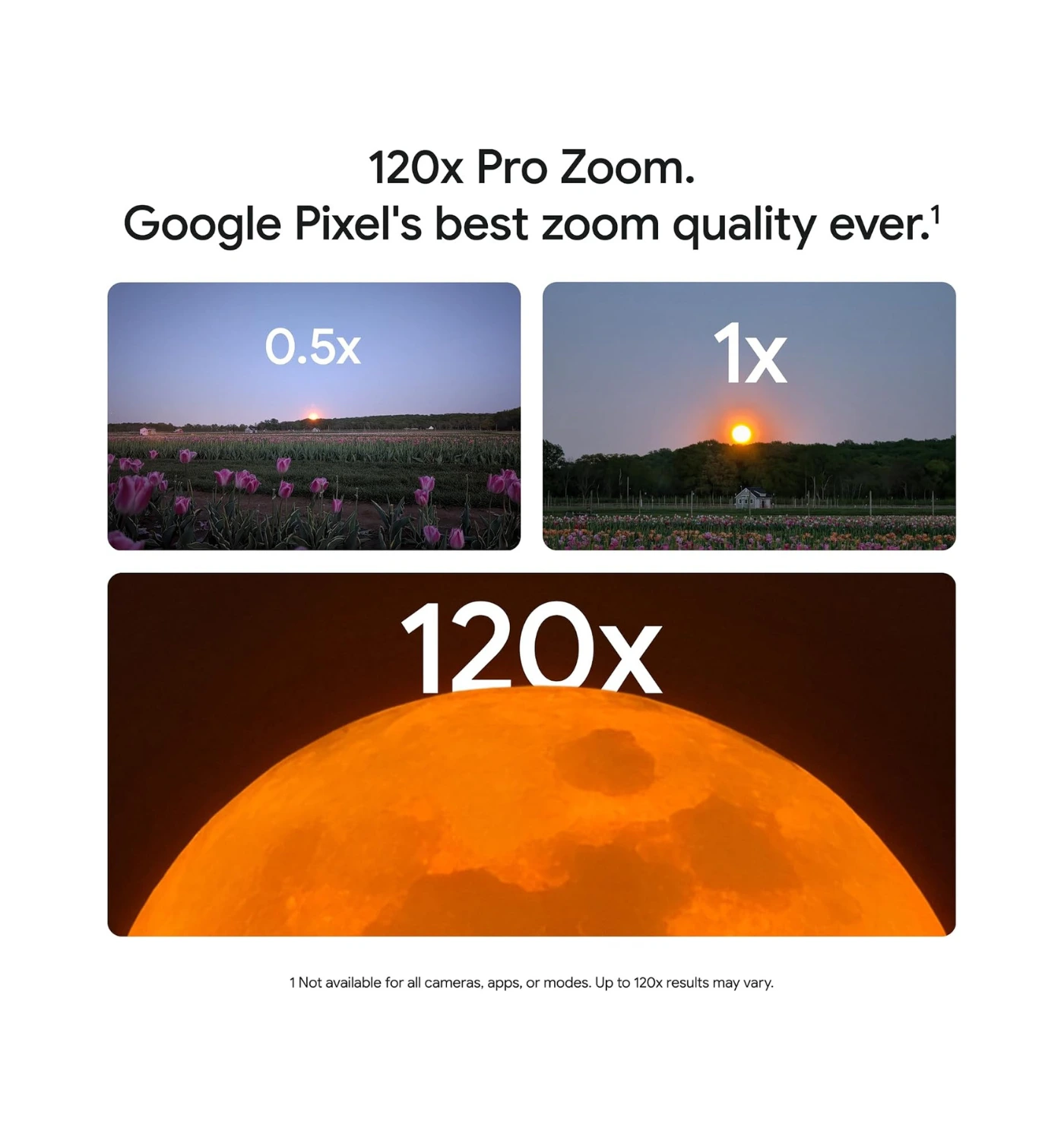
Think of it this way: Google takes the brain of their flagship phone—the Tensor G4 chip and all that phenomenal camera software—and puts it into a body that keeps the price tag as low as possible. You’re essentially getting flagship-level photos and the cleanest, smoothest Android experience, without having to pay for the titanium frame or the super-premium zoom lens you might never use.
The biggest reason to choose the Pixel is the camera. It uses Google’s legendary processing to snap photos that often look better than pictures taken by phones costing twice as much. Plus, you get a massive bonus: Google is promising seven years of software and security updates, which means the Pixel 9a is guaranteed to be up-to-date and secure longer than almost any other phone on the market.
Of course, it’s not perfect. If you’re a serious mobile gamer, the Tensor G4 chip might get a little warm and the graphics performance isn’t as mind-blowing as the chips inside top phones. And here’s the kicker: it’s a pretty slowly charger compared to rivals like the OnePlus Nord 5. You also get slightly thicker screen bezels and a plastic back, which reminds you that you’re holding the ‘A’ model, not the ‘Pro’. But honestly, slap a case on it, and you’ll forget all about those trade-offs as soon as you look at your latest photo.
2. Samsung Galaxy A56 5G
“this is the phone that often gets the crown, especially for those who want a premium feel without the four-figure price tag”
Up to 6-year support on security & software updates
Bright, vibrant OLED display
Premium aluminum build
Includes IP67 water resistance
Good battery life
CONS
Struggles with gaming
No charger included
No telephoto camera & no wireless charging
Slow reaction time for fingerprint sensor
When we talk about getting the absolute most bang for your buck in the budget world, this is the phone that often gets the crown, especially for those who want a premium feel without the four-figure price tag. Think of it this way: the Galaxy A56 is like the “Greatest Hits” version of a flagship phone—it cherry-picks the best parts and leaves out the super-niche, expensive stuff.
What makes it the best budget alternative is how much future-proofing Samsung packs in. You’re getting a gorgeous, super-bright 120Hz Super AMOLED screen, which makes scrolling feel buttery-smooth, and it has a build quality that feels way more expensive than it is, complete with Gorilla Glass and an IP67 water resistance rating. That means a quick splash or a drop in the sink isn’t going to panic you. But the real game-changer is Samsung’s promise of six years of software and security updates. Seriously, you can hold onto this phone for ages, and it will still be secure and up-to-date, making that little price look like a genius long-term investment.
The performance is totally fine for all your day-to-day apps and social media, but if you’re a serious, graphics-heavy gamer, the processor can get a little chuggy compared to the OnePlus phones on our list. Plus, they were a little stingy and didn’t include the charging adapter in the box (a common trend, ugh!), and the fingerprint sensor isn’t lightning-fast. But for the average person who just wants a reliable, good-looking phone that will last until the sun burns out, the A56 is a winner.
3. OnePlus Nord 5
“when you’re playing a graphics-intensive game, juggling a dozen apps, or even editing a video, the Nord 5 feels just as snappy as a phone costing twice as much“
If you’re looking for an alternative to the usual Samsung or Google phones in this price bracket, the OnePlus Nord 5 is seriously worth a look. Think of it as the ultimate choice for anyone who prioritizes speed and power but doesn’t want to pay flagship money.
The reason the Nord 5 stands out is that it cheats a little bit—it takes a genuinely high-end processor, the Snapdragon 8s Gen 3, and puts it in a mid-range phone. This means when you’re playing a graphics-intensive game, juggling a dozen apps, or even editing a video, the Nord 5 feels just as snappy as a phone costing twice as much.
Plus, the charging speed is ridiculous! You get the huge 80W charging, meaning you can plug it in when you walk into the kitchen and be nearly full by the time you walk out. The massive 6,800mAh battery is also a huge win, easily lasting a heavy user through a day and often into a second.
While the main camera is pretty good, especially with its 50MP sensor, the ultra-wide lens is just “okay.” It also doesn’t have the same level of water resistance as a more expensive phone, and some people find the design a bit more generic compared to the unique look of a Google Pixel. But honestly, if you care more about raw speed and not having to worry about battery life than you do about taking a perfect photo of a skyline, the Nord 5 is a fantastic, performance-first budget option.
4. OnePlus 13R
“The 13R is the budget-conscious user’s best friend because it focuses on the two things you interact with most: speed and battery life.”
Because the OnePlus 13R is exactly the kind of phone that makes you wonder why flagship models even exist, think of it as the ultimate “affordable flagship”. It takes all the super-speedy stuff from a top-tier phone and strips away the few expensive gimmicks you probably don’t care about, leaving you with a beast of a device for so much less to spend.
The 13R is the budget-conscious user’s best friend because it focuses on the two things you interact with most: speed and battery life. It packs a Snapdragon 8 Gen 3 processor, which was a top-of-the-line chip in the previous generation of $1,000+ phones. This means your games will run incredibly smoothly, apps open instantly, and you’ll basically never see a stutter.
Pair that with a massive 6,000 mAh battery that genuinely lasts two full days for many people, and includes 80W fast wired charging to get you to 100% in under an hour, and you have a phone that feels like a supercar. It’s truly a performance champion in this price range.
Mostly in the areas that few people notice daily. The camera system is good, but not great—it’s solid for daylight photos and general use, but it won’t beat the computational photography wizardry of the Google Pixel 9a in tricky lighting. Also, while it is splash-resistant (IP65), it lacks the full, waterproof dunking capability (like IP68) of its more expensive siblings. And the biggest deal-breaker for some: no wireless charging. If you rely on dropping your phone on a charging pad at night, this might annoy you, but the included 80W wired charger usually makes up for it.
5. Nothing Phone (3a) Pro
“It’s the best alternative because it focuses on style and a clean user experience that feels premium”
The Nothing Phone (3a) Pro is arguably the most fun and unique phone you can buy on a budget right now. It totally flips the script on what a cheap phone should look like—no boring black slab here!
If you’re budget-conscious but still want a phone that gets compliments and doesn’t blend into the crowd, the 3a Pro is your go-to. It’s the best alternative because it focuses on style and a clean user experience that feels premium, rather than just loading up on raw, unnecessary specs. Think of it as the designer jeans of the smartphone world; you get a fashionable look and great comfort without paying the designer price.
The software, Nothing OS, is incredibly clean and bloat-free, which keeps the phone feeling snappy and fresh for longer, unlike some other budget phones packed with pre-installed junk. Plus, you get that unique Glyph Interface (the lights on the back!) for discreet notifications—a cool gimmick, sure, but a fun one!
The downside? Well, it’s not a powerhouse. You might see a little stuttering or lag if you try to push the latest graphic-intensive games, and if you’re in the US, carrier support can sometimes be a little less seamless than with a big-name brand. But honestly, if your day-to-day involves social media, streaming, and texting, you’ll be perfectly fine and look way cooler doing it.
6. Apple iPhone 16e
“The iPhone 16e is fantastic for people who want the core Apple experience without paying for the Pro features”
Previously rumored to be called the Apple iPhone SE (2025), The iPhone 16e is fantastic for people who want the core Apple experience without paying for the Pro features. Think of it as a reliable family sedan instead of a luxury SUV—it still has the newest engine! It includes the super-powerful A18 chip (just like the more expensive models) and the ability to use Apple Intelligence (AI) features, which means this phone will feel lightning-fast and relevant for years to come.
Plus, its battery life is incredible—it actually outlasts the more expensive standard iPhone 16! You get a durable design, a beautiful OLED screen (finally!), and access to the seamless iOS ecosystem. For anyone already invested in MacBooks, iPads, or AirPods, this is the most affordable entry point to the newest Apple features.
The trade-off is that Apple cuts corners in a few visible spots to hit that lower price. You’re stuck with an older-style notch at the top of the screen instead of the modern Dynamic Island, and you only get a single rear camera lens (though it’s a great one at 48MP). Also, for a $599 phone, the screen refresh rate is still a basic 60Hz, which feels less smooth than the 120Hz screens you can get on cheaper Android rivals like the Pixel 9a.
Final Recommendations
Looking at this list, you really can’t go wrong. We’ve got the camera king (Pixel 9a), the performance speedster (OnePlus Nord 5), the sleek design winner (Nothing Phone (3a) Pro), and even the long-term Apple powerhouse (iPhone 16e).
So, here’s the bottom line: Don’t let the price tags on the flagship phones trick you into spending hundreds more than you need to. Every phone on this list is a champion in its own right and gives you 90% of the premium experience for half the cash. Whether you click the button on the Pixel 9a to grab a camera phone that takes excellent quality photos, or you jump on the OnePlus 13R because you hate waiting for your battery to charge, you’re making a smart financial investment.
Ready to stop scrolling and start buying? Click the “Buy Now” button next to your favorite pick! And hey, once you’ve made your choice, come back and let us know what you picked and why! Did the Nothing Phone’s cool lights win you over? Are you all-in on that Samsung AMOLED screen? Drop a comment below and tell us which budget beast you chose and how it’s holding up—we would love to hear from you 😀
Ready to dive into the absolute madness that was 2025? It’s been a totally wild year for new releases, and honestly, trying to keep track of all the must-play titles that dropped feels like an extra boss fight. From massive, jaw-dropping open-world sagas to unexpected indie gems that stole our hearts (and our weekends), the sheer quality has been off the charts. We’ve played through the biggest sequels, dissected the next-gen visuals, and battled countless foes to bring you the definitive list of the top-rated video games of 2025. If you’re looking for your next obsession—or maybe just need to argue about which game truly deserves the Game of the Year crown—you’ve come to the right place. Let’s get into the rankings.
Top-rated Video Games of 2025 to Buy Now
11. Shinobi: Art of Vengeance
(Images credit: Sega)
Shinobi: Art of Vengeance
“The hand-drawn art is stunning, and when you’re flowing through enemies with that buttery-smooth combat, you feel like an unstoppable ninja god”
★★★★⯪ 4.5 / 5
RELEASED: August 2025
GENRE: Action platformer
DEVELOPER/S: Lizardcude
PUBLISHER/S: Sega
PLATFORM/S: Nintendo Switch, PlayStation 4, PlayStation 5, Windows, Xbox One, Xbox Series X/S
You know how some games just look so good you want to frame them? Shinobi: Art of Vengeance is absolutely that game. To be honest, it might be the most gorgeous thing I’ve played all year. The hand-drawn art is stunning, and when you’re flowing through enemies with that buttery-smooth combat, you feel like an unstoppable ninja god. It’s easily a contender for the best action revival of 2025 just for how satisfying the movement feels.
But… we need to talk about the level design. There are moments where it feels like the game is actively trolling you with blind jumps and cheap enemy traps that you can’t possibly see coming. It’s a weird mix where the gameplay is 10/10 with “Game of the Year” material, but those frustration spikes make you want to throw your controller across the room, arguably earning it a spot on the “most rage-inducing” list, too.
10. Monster Hunter Wilds
(Images credit: Capcom)
Monster Hunter Wilds
“it’s an absolute masterpiece; the combat feels smoother than ever, the seamless open world is gorgeous, and being able to switch weapons on the fly”
★★★★☆ 4.0 / 5
RELEASED: February 2025
GENRE: Action role-playing, Adventure
DEVELOPER: Capcom
PUBLISHER: Capcom
PLATFORMS: PlayStation 5, Windows, Xbox Series X/S
Look, Monster Hunter Wilds is easily the most confusing entry on my list because it manages to be the best and the worst experience of 2025 all at once. On one hand, it’s an absolute masterpiece; the combat feels smoother than ever, the seamless open world is gorgeous, and being able to switch weapons on the fly while riding your Seikret is a total game-changer.
But on the other hand? The performance issues on launch were rough enough to make grown gamers cry, with frame rate drops that turned epic hunts into slideshows. Plus, while I love how accessible it is, some hardcore veterans are heartbroken that it feels a bit too easy compared to the grueling grind of older titles. Basically, if you can run it, it’s the best action RPG of the year—if you can’t, it’s just a beautiful heartbreak.
9. Metal Gear Solid Delta: Snake Eater
(images credit: Konami)
Metal Gear Solid Delta: Snake Eater
“it is easily one of the most gorgeous games of 2025; seeing the jungle come to life in Unreal Engine 5 is breathtaking”
★★★★⯪ 4.5 / 5
RELEASED: August 2025
GENRE: Stealth, Action-adventure
DEVELOPER: Konami Digital Entertainment
PUBLISHER: Konami
PLATFORMS: PlayStation 5, Windows, Xbox Series X/S
Metal Gear Solid Delta: Snake Eater is arguably the most divisive title of the year because it manages to be both a masterpiece and a letdown at the same time. On the “Best” side, it is easily one of the most gorgeous games of 2025; seeing the jungle come to life in Unreal Engine 5 is breathtaking, and the new modern control scheme finally makes playing as Snake feel smooth rather than a struggle against your controller.
However, it lands on the “Worst” list for being almost too faithful—underneath those shiny new graphics, you are still dealing with 2004-era level design, tiny rooms separated by loading screens, and enemy AI that feels ancient by today’s standards. It’s a perfect nostalgia trip for fans, but if you were expecting a game that actually plays like a 2025 title, it might feel like a pretty coat of paint on a rusty engine.
8. Hades 2
(Images credit: Supergiant Games)
Hades 2
“a guaranteed Game of the Year contender—and honestly, it deserves that hype for being the best”
★★★★★ 5.0 / 5
RELEASED: September 2025
GENRE: Action role-playing, roguelike
DEVELOPER: Supergiant Games
PUBLISHER: Supergiant Games
PLATFORMS: Nintendo Switch, Nintendo Switch 2, Windows
You can’t write about 2025 without talking about Hades 2, which is basically a guaranteed Game of the Year contender—and honestly, it deserves that hype for being the best because Supergiant Games somehow made the combat even smoother and the characters even more captivating than the first game. The new witchcraft mechanics and the dual paths (down to Tartarus and up to Olympus!) give the loop a massive replay ability boost, making every run feel fresh.
The only real argument for it being the worst is that it followed up a nearly perfect game, and for some players, the new protagonist, Melinoë, doesn’t quite have the same sarcastic charm as Zagreus, plus the new Magick system makes it feel less like pure, uninhibited button-mashing fun until you unlock a ton of late-game upgrades. Basically, its only major flaw is that it has to compete with its own legendary predecessor!
7. Elden Ring Nightreign
(Images credit: Bandai Namco)
Elden Ring Nightreign
“those 45-minute runs where you’re desperately trying to kill a Nightlord with two friends are pure, addictive adrenaline, and the new character classes are fantastic”
You hit on a fun one! The truth is, Elden Ring Nightreign is a total genius move, which is why it’s also so polarizing. It definitely earns the title of Best Game because FromSoftware took the absolute best combat in the business and turbo-charged it into a frantic, roguelike co-op frenzy—those 45-minute runs where you’re desperately trying to kill a Nightlord with two friends are pure, addictive adrenaline, and the new character classes are fantastic.
However, for a lot of veteran fans, it feels like the Worst Game because that high-octane speed completely strips away the original Elden Ring’s best qualities: the quiet, methodical exploration, the slow-burn mystery, and the freedom of an open world. So, it’s either a brilliant, tight, multiplayer spin-off or a betrayal of the Souls formula, depending on who you ask!
6. Hollow Knight: Silksong
(Images credit: Team Cherry)
Hollow Knight: Silksong
“it’s everything fans dreamed of and a true masterpiece of the Metroidvania genre”
Ah, Hollow Knight: Silksong. It’s the game that has been talked about for a thousand years, and now that it’s finally here, the conversation is even louder! On one hand, it’s easily the best game because it absolutely nails the sequel brief: the movement as Hornet is faster, the combat is more complex and acrobatic, and the world of Pharloom is just as gorgeous and massive as Hallownest, backed by another stunning soundtrack—it’s everything fans dreamed of and a true masterpiece of the Metroidvania genre.
However, for many, it’s also not the best game of 2025 because Team Cherry really ramped up the difficulty; between enemies that hit twice as hard and aggressive new boss AI, it feels designed only for the most hardcore players, making the early hours a frustrating, almost punishing experience that sadly turned off some fans who just wanted a cozy return to that beautiful bug world.
5. Clair Obscur: Expedition 33
(Images credit: Sandfall Interactive)
Clair Obscur: Expedition 33
“Visual style is absolutely jaw-dropping—think painting-meets-Belle-Époque-fantasy—and the story is so emotionally deep and unique”
★★★★⯪ 4.5 / 5
RELEASED: April 2025
GENRE: Role-playing, single-player
DEVELOPER: Sandfall Interactive
PUBLISHER: Kepler Interactive
PLATFORMS: PlayStation 5, Windows, Xbox Series X/S
Clair Obscur: Expedition 33 has sparked some huge debates this year! On one hand, it’s arguably the best game of 2025 because its visual style is absolutely jaw-dropping—think painting-meets-Belle-Époque-fantasy—and the story is so emotionally deep and unique that it completely hooks you. Plus, the voice acting is top-tier, making you genuinely care about the characters.
But here’s the flip side: it can also feel like the worst game of 2025 for some players because of its unique active turn-based combat. You have to nail those perfect parries and dodges with strict, almost action-game timing, and if you miss, you get punished hard. For people who just want a chill, purely strategic RPG experience, that demanding rhythm can feel more frustrating than fun, making some folks feel like the gameplay gets in the way of the gorgeous story.
4. Mario Kart World
(Image credit: Nintendo)
Mario Kart World
“it’s pure, polished Nintendo fun that has completely raised the bar for online multiplayer”
When it comes to Mario Kart World, it’s one of those games that simultaneously makes the “Best” and “Worst” lists for completely different reasons. On the one hand, it’s easily the best racing experience of the year thanks to the huge 24-player matches, the gorgeous next-gen visuals, and the totally chaotic, but brilliant, new “Knockout Tour” elimination mode—it’s pure, polished Nintendo fun that has completely raised the bar for online multiplayer.
On the flip side, what drags it down is that ambitious open-world element; the “Free Roam” mode, which was supposed to be a game-changer, sadly feels pretty empty and lacks compelling things to do, making the intermissions between the fantastic structured races feel a little tedious. It’s an all-time classic when you’re on the track, but a bit of a snooze fest when you’re taking the scenic route.
3. Split Fiction
(Images credit: Hazelight Studios)
Split Fiction
“one minute you’re a sci-fi ninja platforming across a dystopian city, and the next you’re a fairy riding a dragon through a fantasy realm—it never runs out of ideas”
★★★★★ 5.0 / 5
RELEASED: June 2025
GENRE: Action-adventure, platformer, multiplayer
DEVELOPER: Hazelight Studios
PUBLISHER: Electronic Arts
PLATFORMS: Nintendo Switch 2, PlayStation 5, Windows, Xbox Series X/S
That brings us to Split Fiction, the co-op adventure that has been everywhere this year, and it’s genuinely the perfect example of a game that’s both incredible and kind of exhausting. The reason it’s the best game of 2025 is the sheer, non-stop creative genius: one minute you’re a sci-fi ninja platforming across a dystopian city, and the next you’re a fairy riding a dragon through a fantasy realm—it never runs out of ideas, and the co-op teamwork is absolutely flawless.
However, this non-stop variety is also why some critics (and maybe your friend who plays it once a month) feel it’s the worst game: the mechanics change so fast that the moment you finally master a cool new ability, the game snatches it away and throws you into a hot dog simulator level. It’s like having twenty amazing little games duct-taped together—brilliant, but sometimes you just want one thing to settle down for a minute.
2. Arc Raiders
(Images credit: Embark Studios)
Arc Raiders
“it absolutely nails the tension of an extraction shooter while making it feel genuinely accessible—you get all the high-stakes thrills without the super-punishing barrier to entry”
★★★★☆ 4.0 / 5
RELEASED: October 2025
GENRE: 3rd-person shooter, multiplayer
DEVELOPER: Embark Studios
PUBLISHER: Embark Studios
PLATFORMS: PlayStation 5, Windows, Xbox Series X/S
You know, picking the ‘best’ and ‘worst’ for Arc Raiders is tough because it’s such a rollercoaster! On one hand, it’s easily one of the best multiplayer experiences of 2025 because it absolutely nails the tension of an extraction shooter while making it feel genuinely accessible—you get all the high-stakes thrills without the super-punishing barrier to entry. The graphics are stunning, the robot AI is smart enough to be terrifying, and the emergent player stories, where you choose to team up or betray others, are totally legendary.
But here’s the rub: for some people, all that accessibility comes at the cost of long-term excitement. Critics point out that the core loop of looting and extracting can start to feel a little too repetitive once the initial novelty wears off, and the gear system, while balanced, lacks the crazy, game-changing variety that keeps players hooked on similar, but more hardcore, shooters. Basically, it’s the best for making the genre fun for everyone, and the worst for those who crave a grind that never ends.
1. Ghost of Yōtei
(Images credit: Sony Interactive Entertainment)
Ghost of Yōtei
“It perfectly refines that samurai revenge fantasy we all crave”
Ghost of Yotei is the game that everyone loves to love and loves to nitpick all at the same time. On the one hand, it’s easily one of the best experiences of 2025 because of the sheer artistic mastery—I mean, the way the wind carries individual flower petals across the snowy peaks of Ezo is just jaw-dropping, and the expanded, brutal combat system with new weapons feels slicker than ever. It perfectly refines that samurai revenge fantasy we all crave.
But here’s the rub: for a lot of players, it’s also the worst game because it played things way too safe. The core structure is basically identical to the first game, and some critics felt the “revenge story” plot was predictable and failed to innovate in a year where other open-world games totally flipped the script. It’s a gorgeous, must-play spectacle, sure, but if you wanted a revolution, you only got a highly polished evolution.
Final Recommendations and In Closing
2025 truly delivered on its promises, giving us endless hours of unforgettable gaming moments. From those massive, heartbreaking story campaigns to the competitive multiplayer titles that stole our weekends, there was absolutely something for everyone. Seriously, my backlog is officially out of control, but in the best way possible! Now that we’ve laid out the definitive list, the tough part is over.
But the discussion doesn’t end here! We want to hear from you. Did your personal Game of the Year make our top-rated list? Which one are you downloading first, or which game do you think we totally missed the mark on? Jump down to the comments section and let the debates begin! When you’re ready to jump into the action, remember to click the links or buttons near your favorite game and start playing your next obsession today. That’s all from me. Take care. Until next time 🙂
Is your current phone battery dying by noon, or are you just tired of staring at that cracked screen? I feel you—it’s definitely time for an upgrade. But with so many new releases dropping left and right, trying to pick a winner can feel totally overwhelming. Don’t worry, though, because I’ve done the heavy lifting for you. In this guide, we’re going to cut through the hype and look at the best new cell phones (2025) has to offer, so you can find the perfect match for your life (and your budget).
Quick Summary
Apple iPhone 17 Pro Max
Best Overall Performance
★★★★⯪
Released in September 2025, it features the powerful A19 Pro chip, larger battery, a major physical redesign with vapor chamber cooling, and top-tier photo and video capture capabilities.
Released in February 2025, the ultimate utility phone. Offers a versatile quad-camera system, the built-in S Pen, and the most comprehensive suite of integrated Galaxy AI features.
Introduced in August 2025, it leverages the Tensor G5 chip for unparalleled local AI features, including advanced photo editing and seamless Google Assistant/Gemini integration. It also excels at image processing.
Provides flagship-level performance and a great camera experience at a lower price than the top two. Known for its huge battery and ultra-fast wired charging.
Introduced into the shelves in July 2025, it delivers the best large-screen foldable experience, achieving a thinner, lighter design than previous models. Ideal for power users who need a tablet-sized screen for multitasking.
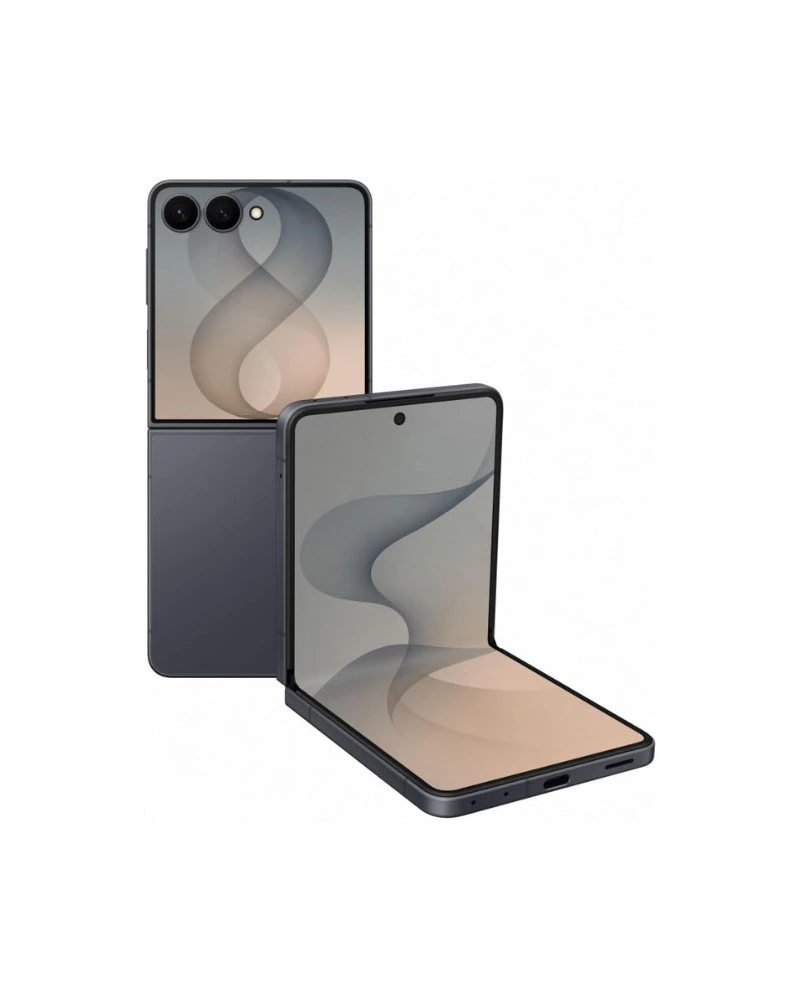
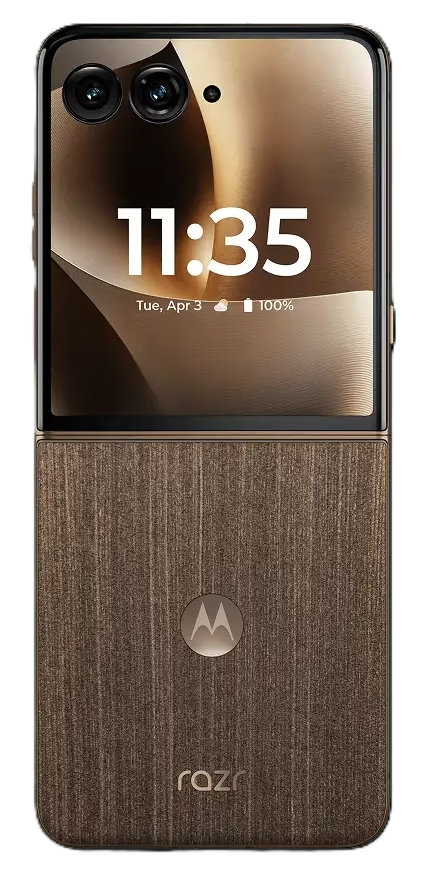
Released on April 2025, it’s highly rated for its large, capable cover screen, stylish design (often Pantone-matched colors), and clean, simple Android software. A strong contender in the compact foldable market.
Released in November 2024, it’s optimized for mobile gamers with features like extreme performance, massive cooling, customizable controls, and a very high refresh rate display.
DISPLAY: 6.9-inch, Super Retina XDR OLED, 120Hz ‘Promotion’ (1320 x 2868)
CPU: Apple A19 Pro | Apple GPU 6-core
MEMORY: 12GB RAM
STORAGE: 256GB/512GB/1TB/2TB
BATTERY: 4832 mAh (Nano SIM) | 5088 mAh (eSIM) | supports wired, wireless, & reverse wireless charging
CAMERA: 48MP wide + 48MP ultrawide + 48MP telephoto | Up to 4K video capture at 120fps
SELFIE: 18MP wide | Up to 4K video capture at 60fps
OS: iOS 26
Pros
Excellent performance
Incredible camera system
Stunning display
Better cooling features
All-day battery life
Cons
Very expensive
Chunky design
Downgrade material
AI features not groundbreaking
The iPhone 17 Pro Max definitely stands out as one of the top phones of 2025, especially if you’re looking for a beast of a device. It’s packed with a stunning, massive 6.9-inch Super Retina XDR display that gets incredibly bright—perfect for using outside—and the new A19 Pro chip is an absolute powerhouse, making everything from daily scrolling to intense gaming feel super fluid, thanks in part to the vapor chamber cooling that keeps things running smoothly.Plus, the camera system is impressive, featuring a triple 48MP setup that captures fantastic detail, and the improved 8x optical zoom is a game-changer for getting those distant shots.
However, it’s not all sunshine and rainbows; the Pro Max is pretty expensive, and it’s also a thicker and heavier phone than its predecessor, so it might feel a bit chunky in your pocket. The switch from titanium to an aluminum frame has also been a little controversial for some people who preferred the more premium feel and scratch resistance of the older material, and some users feel that the promised Apple Intelligence features still aren’t quite as revolutionary as competitors’ AI.
DISPLAY: 6.78-inch, LTPO AMOLED, 185Hz (1080 x 2400)
CPU: Snapdragon 8 Elite | Adreno 830 GPU
MEMORY: 16GB / 24GB RAM
STORAGE: 512GB / 1TB
BATTERY: 5800mAh | supports 65W, wireless and reverse wireless
MAIN CAMERA: 50MP wide + 32MP telephoto + 13MP ultrawide | Up to 8K video at 20fps
SELFIE CAMERA: 32MP wide | Up to 1080p at 30fps
OS: Android 15
Pros
Excellent gaming performance
Includes AirTriggers for gaming control
Includes high refresh rate display
Massive battery life
Excellent cooling system
Includes dual charging ports
Cons
Camera system not that great
Limited software support
Large & heavy
Expensive price
Aggressive design
If you’re a serious mobile gamer, the Asus ROG Phone 9 Pro is absolutely a top-tier choice for 2025. This phone is a complete performance monster, rocking the super-fast Snapdragon 8 Elite chip and up to a ridiculous 24GB of RAM, making sure every game runs buttery smooth, especially on its lightning-fast 185Hz AMOLED display. Plus, it comes with dedicated gaming features like the customizable AirTriggers (which feel like console buttons!), a huge 5,800mAh battery that can handle marathon sessions, and dual USB-C ports, so you can charge easily even while gaming.
However, this powerhouse has a couple of drawbacks: its advanced camera system, while good, generally can’t quite keep up with mainstream flagships in terms of overall image quality, and Asus only promises a somewhat limited software support window (typically two major Android updates), which is a bit of a bummer for such an expensive phone. It’s also a big, heavy phone, and its gaming aesthetic might be too intense for some people’s everyday style.
MAIN CAMERA: 50MP wide + 48MP telephoto + 48MP ultrawide | Up to 8K video capture at 30fps
SELFIE CAMERA: 42MP ultrawide | Up to 4K video capture at 60fps
OS: Android 16
Pros
Best AI experience
Excellent image quality
Includes 7-years of OS & security updates
Includes wireless charging
Cons
Short battery life
Slow charging speed
eSIM only (in some regions)
If you’re looking for the smartest phone of 2025, the Google Pixel 10 Pro is definitely up there, mainly because of how Google weaves its AI, powered by the new Tensor G5 chip and Gemini, into practically everything you do.You get an unparalleled, clean Android experience right out of the box, fantastic, reliable photos thanks to those top-tier 50MP cameras and legendary processing, and you can’t beat Google’s commitment to the future with a whopping seven years of OS and security updates!Plus, the addition of Qi2 magnetic charging is super convenient for accessories.
However, it’s not perfect: the raw performance of the Tensor G5 still lags behind the latest Snapdragon and Apple chips, especially for intense gaming, and the battery life is noticeably shorter than its main competitors.Charging is also not as fast as other high-end Android phones, and some users in the US might be annoyed that the phone is eSIM-only (no physical SIM tray).
The Motorola Razr Ultra (2025) truly stands out in 2025, especially if you’re into foldable phones that combine style with substance. This phone is all about that amazing external 4-inch OLED display that lets you do so much without even flipping it open—it’s super functional! When it’s open, you get a gorgeous, creaseless 6.9-inch foldable OLED screen that’s a joy to use, and Motorola has really nailed the design with the slimmest profile yet for a foldable. Plus, the new Snapdragon 8 Gen 4 for Galaxy chip inside gives it snappy performance for daily tasks and even decent gaming, and the improved 50MP main camera now takes truly competitive photos.
However, it’s not without its quirks: the battery life, while better, still isn’t fantastic compared to slab phones, and the Razr Ultra (2025) is still pretty pricey. While the main camera is great, the ultrawide and telephoto lenses are still a bit weak, and Motorola’s software update policy isn’t as long as some competitors, typically offering only 3 years of OS updates.
CAMERA: 50MP wide + 50MP periscope telephoto + 50MP ultrawide | Up to 8K video capture at 30fps
SELFIE CAMERA: 32MP wide | Up to 4K video capture at 60fps
OS: Android 15
Pros
Excellent battery life
Elite performance
Excellent photo quality
Superb display
Exceptional durability
Fairly priced
Cons
Large & heavy
Shorter software support
Telephoto camera limitations
No charger in box
The OnePlus 13 is undeniably one of the best Android phones of 2025 because it completely crushes the “fundamentals” while offering a compelling price tag. You get insane, all-day-and-then-some battery life from the huge 6,000mAh silicon-carbon battery paired with blazing-fast 100W wired and 50W wireless charging—say goodbye to battery anxiety. It’s a powerhouse, thanks to the top-tier Snapdragon 8 Elite chip, which makes gaming feel effortless on the gorgeous QHD+ 120Hz display. Plus, the camera system is incredibly solid, featuring three great 50MP lenses that deliver consistent, high-quality Hasselblad-tuned photos.
However, it’s not without compromises: while the camera is good, its telephoto lens lacks the macro (close-focus) capability of some rivals, and the software update promise, while better than before at 4 years of OS updates, still falls short of Google and Samsung’s seven-year commitment. Also, some regional models are missing the charger in the box, which is annoying for a premium phone.
MAIN CAMERA: 200MP wide + 10MP telephoto + 50MP periscope telephoto + 50MP ultrawide | Up to 8K video capture at 30fps
SELFIE CAMERA: 12MP wide | Up to 4K video capture at 60fps
OS: Android 15
Pros
Includes built-in S Pen
Unmatched camera versatility
Longest support window
Best-in-class display
Elite performance
Premium titanium build & durability
Cons
Very expensive
Slow wired charger
No charging in box
Gets warm upon prolong use
The Samsung Galaxy S25 Ultra is easily one of the best all-around flagships of 2025 because it just does everything at an elite level. It’s got a gorgeous, massive 6.9-inch QHD+ display with the new Gorilla Armor 2 that virtually eliminates reflections outdoors, making it the best screen you can buy. Performance is rock-solid and future-proofed with the powerful Snapdragon 8 Elite for Galaxy chip, and Samsung matches Google’s long-term commitment with an amazing seven years of OS and security updates! The camera system is phenomenal, featuring a new 50MP ultrawide and the signature 10x/5x zoom combo for unmatched versatility, plus you still get the built-in S Pen for productivity.
However, this powerhouse comes with a few trade-offs: the 45W charging speed feels slow compared to competitors like OnePlus, and for such a pricey phone, Samsung still doesn’t include the charger in the box. Plus, despite having a slightly larger vapor chamber, some users still report that the phone can run noticeably warm during intense gaming or charging sessions.
MAIN CAMERA: 200MP wide + 10MP telephoto + 12MP ultrawide | Up to 8K video at 30fps
SELFIE CAMERA: 10MP ultrawide + 10MP wide cover camera | Up to 4K at 60fps
OS: Android 16, One UI 8
Pros
Crease-less main internal display
Wider & more conventional external display
Top-notch performance
Long software & security support
Cons
Very expensive
Still bulky & heavy
Average battery life
Slow charging
Camera system good but not great
The Samsung Galaxy Z Fold 7 is definitely one of 2025’s most innovative phones, especially if you’re looking for the ultimate device for productivity and media consumption. It brings a stunning, truly crease-less 7.8-inch main display that’s perfect for multitasking with the improved S Pen experience, and the outer display is now wider and feels much more like a regular smartphone. Powered by the Snapdragon 8 Elite for Galaxy, it handles anything you throw at it, and the under-display camera on the main screen is finally good enough for video calls. Plus, Samsung matches Google with a fantastic seven years of software support.
However, all that innovation comes at a cost: it’s still super expensive, and while the camera system is good, it can’t quite match the dedicated zoom capabilities of the S25 Ultra. It’s also still a bulky and heavy device when folded, and the battery life, though improved, can still be a bit tight for heavy users, especially given its advanced charging capabilities are still limited to 45W.
It’s not easier to recommend a smartphone especially from this list of the best top-rated smartphones of 2025. One thing I can say is this: they are all similar in fast performance, great-looking design and have gorgeous screens. Yet if I can be honest with you, I recommend the Galaxy S25 Ultra as the all-round best smartphone for Android users. They rest are all superb smartphones but excel because of their unique quality features.
Choosing a new phone is a big commitment, right? It’s something you carry around every single day, so you want to get it right. Hopefully, this breakdown helped clear up the confusion and pointed you toward a winner. Honestly, whether you go for the camera beast or the battery champion, you really can’t go wrong with any of these top picks.
So let’s hear from you. Which cell phone feature matters most to you this year? Is it the zoom feature or that all-day battery life? Drop us a comment below and let’s chat about it! And if you’ve made up your mind, go ahead and click the buttons above to find out more or to grab your new smartphone and start enjoying that upgrade today. Take care now. Until next time 🙂
Ready to upgrade your digital life? In 2025, tablets are more powerful and versatile than ever, blurring the lines between a simple entertainment device and a genuine laptop replacement. Whether you’re a student who needs a stellar note-taker, a digital artist looking for a gorgeous screen, or just someone who wants a super-portable way to binge-watch a new series, the sheer number of options can be overwhelming. That’s where we come in. We’ve waded through the latest and greatest from Apple, Samsung, and more to bring you a friendly, no-fluff guide to the best tablets (2025) to buy now. We want to assure you that with what we have found, you will find the perfect tablet that fits your budget and, most importantly, your life.
The Best Tablets (2025) Quick List
In a hurry to check out the best tablets? Here’s a brief overview of them on this list below, along with quick links that will let you jump straight down to a short review of whichever tablet caches your eye.
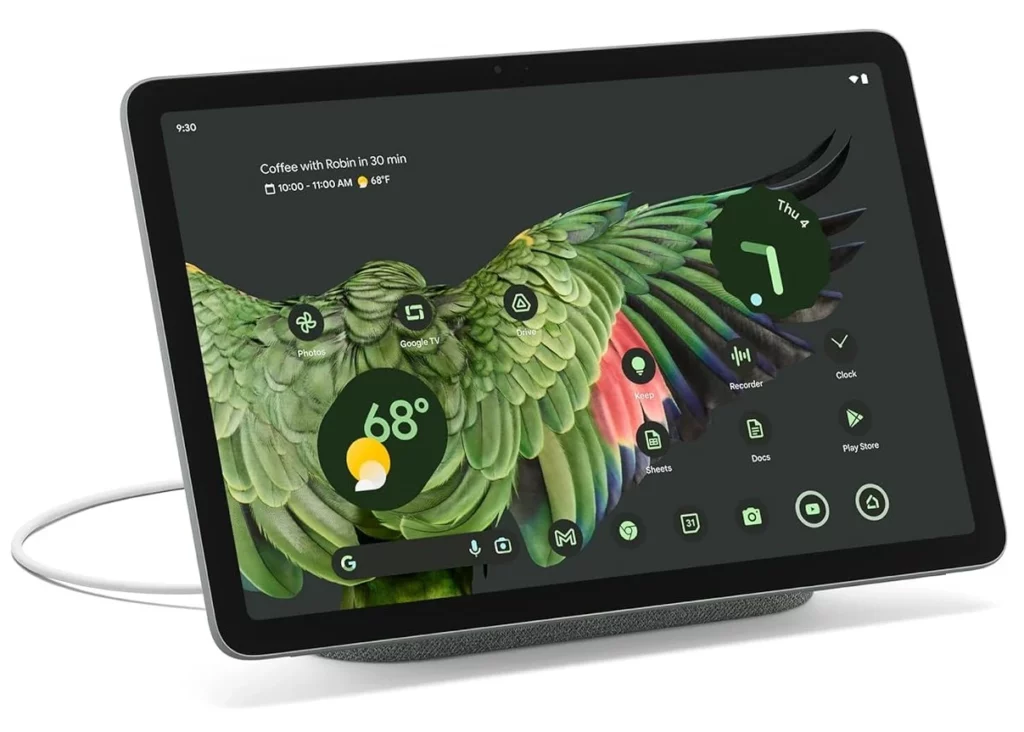
Released in October 2025, the only problem with this new iPad Pro is the high price tag. Either than that, overall, this is the most powerful iPad release right now. Thanks to the new Apple M5 processing chip this one is an even better performer.
Packed with a 14-inch 120Hz OLED display, this is huge tablet, and one of the best performing Android tablets right now. With a fast MediaTek processing chip, smooth scrolling is guaranteed, and with Samsung’s Galaxy Tab S11 Ultra, this is one tablet you cannot miss.
With a powerful Apple M3 processor inside, the iPad Air is the perfect tablet not only for daily use but also for gaming. With a fantastic display, long battery life, and amazing portability, you can practically use it anywhere on the go and be amazed at how much battery power left.
The OnePlus Pad 2 is an interesting tablet because it effectively offers flagship performance at a mid-range price, while introducing software features that actually make Android multitasking useful.
Though the latest iPad 11th generation iPad hasn’t broken any grounds since not much has change from it’s last model, it’s still the simple, most reliable iPad to use tablet today. With good performance, good battery life and a bright display, this iPad is good enough to run your favorite apps for years to come.
The Tab S10 FE Plus from Samsung is a surprisingly good tablet that challenges even the iPad Air (M3). Well-known for its superb battery life, it’s not as powerful as the iPad Air, yet it offers so much more features, such as water resistance, a premium design, multitasking capabilities, and an S Pen in the box. If you haven’t considered it, you really should.
The Legion Tab Gen 3 from Lenovo is an 8.8-inch Android gaming tablet that is slightly larger than the iPad Mini, however, it’s in the same price range. For that price, you a get strong performance tablet, with a solid build and an excellent set of features, which makes it worth considering.
If you’re a Windows user, get the Surface Pro from Microsoft. It’s touch-friendly, solid build, premium design, and it’s recommended for the new Windows 11 operating system. It’s a solid tablet that works well enough for getting things done. Just know that you need to get the detachable keyboard to fully enjoy the experience.
If size is not a problem for you, get the iPad Mini. It’s the most compact iPad today and it works very well for its size. It’s more powerful than the base model iPad, and even though the latest update are underwhelming, this is still a great iPad, especially if you like them small.
If you’re looking for the absolute best value tablet of 2025, the Samsung Galaxy Tab S10 FE+ is the one to beat. It’s essentially the “student special” perfected—you get a massive 13.1-inch canvas that is water-resistant (IP68), which is something even the expensive iPads don’t offer, and it comes with the excellent S Pen right in the box so you don’t have to shell out extra cash just to take notes. It’s fantastic for anyone who wants that premium, large-screen experience for drawing or watching movies without paying the scary flagship prices, plus Samsung’s DeX mode turns it into a surprisingly capable laptop replacement for getting actual work done.
But, to keep it real with you, it’s definitely not the “best” if you care about raw specs. The screen is a standard LCD rather than the stunning, deep-black AMOLED panels you find on the more expensive Tab S10+ or Ultra, and it tops out at a 90Hz refresh rate, so it doesn’t feel quite as fluid as the 120Hz screens on flagship rivals. Also, the Exynos processor inside is decent for everyday stuff, but if you try to run heavy games like Genshin Impact at max settings, you’re definitely going to feel it struggle compared to an iPad Air or the regular Tab S10.
If you just want a reliable tablet that “just works” without draining your bank account, the iPad 11th Gen (2025) is hands down the best value pick of the year. Apple finally listened and bumped the base storage to 128GB, so you aren’t constantly deleting apps to make room for updates, and the A16 Bionic chip (the same one from the iPhone 15) is plenty snappy for streaming, schoolwork, and casual gaming. It’s the perfect “everyman” tablet—great battery life, that modern all-screen design, and a price tag that is actually reasonable for the quality you get.
However, it is definitely not the “best” if you want to future-proof your gear; the biggest letdown is that it does not support Apple Intelligence, so you miss out on all the cool new AI writing and Siri features that the iPad Air and Mini 7 have.Plus, the screen is still unlaminated (there’s a tiny air gap between the glass and the display) and stuck at 60Hz, which looks a bit dated and “floaty” compared to the crisp, laminated screens on almost every other Apple device.
CAMERA: 13MP (wide) main camera | 8MP (wide) selfie camera
VIDEO: Up to 4K video capture at 30fps
WEIGHT: 584g (1.29 lbs)
Reasons to Buy
Bright & Vivid HDR display with high refresh rate
Impressive performance
Strong battery Life with fast recharge
Unique tablet design
Loud speakers
The Dealbreakers
Poor main camera quality
Look, if you want the most bang for your buck in 2025, the OnePlus Pad 2 is arguably the best tablet you can grab. It’s running the Snapdragon 8 Gen 3 chip, which is still an absolute beast for gaming and multitasking, especially with that 144Hz refresh rate that makes everything feel incredibly snappy.The real game-changer, though, is the “Open Canvas” feature—it handles split-screen multitasking way better than the iPad, letting you keep three apps open and “nudged” off-screen without shrinking them down to useless tiny windows.
That said, it’s not perfect. If you’re a screen snob, you might be bummed that it’s using an LCD panel instead of the rich, deep-black OLED screens you get on the Samsung Galaxy Tab S series. Also, the Android tablet app ecosystem still feels a bit like a blown-up phone interface compared to the polished, tablet-first apps on iPadOS, and the lack of a secure fingerprint scanner (it only uses face unlock) can be a minor annoyance for banking apps.
CAMERA: Main 12 MP (wide) | Selfie 12 MP (ultrawide)
VIDEO: Up to 4K video capture at 60fps
PORTS: USB Type-C
WEIGHT: 293g (Wi-Fi) / 297g (Wi-Fi + eSIM)
REASON TO BUY
Lightweight & portable
Impressive performance
Supports Apple Intelligence
Stylus support
Improved base storage
THE DEALBREAKERS
LCD display not OLED
Low refresh rate
No official Magic Keyboard
Slow charging
No FaceID
Awkward camera placement
The iPad Mini (2024) is arguably the best tablet of the year if you prioritize pure portability and power—it’s basically the “Goldilocks” device that fits in a jacket pocket yet packs the serious punch of the A17 Pro chip (the same one in the iPhone 15 Pro), making it an absolute beast for handheld gaming and smooth multitasking with the new Apple Intelligence features. It’s fantastic for reading, taking notes with the new Apple Pencil Pro, or just lounging on the couch without the wrist fatigue you get from holding a massive 13-inch slate.
However, I wouldn’t call it the “best” if you’re a screen snob or a productivity power user; the display is still stuck at a 60Hz refresh rate (so you miss out on that buttery smooth ProMotion scrolling found on the Pro models), and the screen is just too cramped to be a true laptop replacement. Plus, the lack of an official Magic Keyboard case and the awkward portrait-oriented selfie camera make it a tough sell if you plan to use it for a lot of typing or Zoom calls.
The Microsoft Surface Pro 11th Edition is the best 2-in-1 laptop yet, even though it includes some unfinished AI features and pricey accessories. It’s got a sleek design and a super-fast Snapdragon X Elite chip that contributes to the excellent performance. No lag or freezing of apps on this one. And the new ‘Flex’ keyboard, although expensive, it’s a big upgrade from the last model.
The 13-inch OLED display looks bright and gorgeous too. Not as good as other OLED panels, yet better looking than the Surface Pro with IPS LCD screens. The battery life is not as impressive either as other iPads or MacBooks have created a new standard, yet on moderate use, you’re looking at a good day’s power to keep it going.
If you love Windows and want a device that’s both a laptop and a tablet, the Surface Pro 11 is a top choice. But if you’re not a Windows fan, the iPad Pro with the M4 chip is a great, cheaper alternative. If you’re willing to splurge on the whole package, the Surface Pro is a powerful, long-lasting computer perfect for taking on the go.
DISPLAY: 8.8-inch IPS LCD (1600 x 2569) 165Hz refresh rate
PROCESSOR: Snapdragon 8 Gen 3 | Adreno 750 GPU
MEMORY: 12GB / 16GB RAM
STORAGE: 256GB / 512GB
BATTERY: 6550mAh
CAMERA: 13MP (wide) main camera | 8MP selfie camera
VIDEO: Up to 1080p video at 30fps
PORTS: USB Type-C
WEIGHT: 350g (12.35 oz)
PROS
Fast performance
Strong battery life
Includes useful apps
Fairly priced
Compact sleek design
CONS
Dim display
Mediocre camera quality
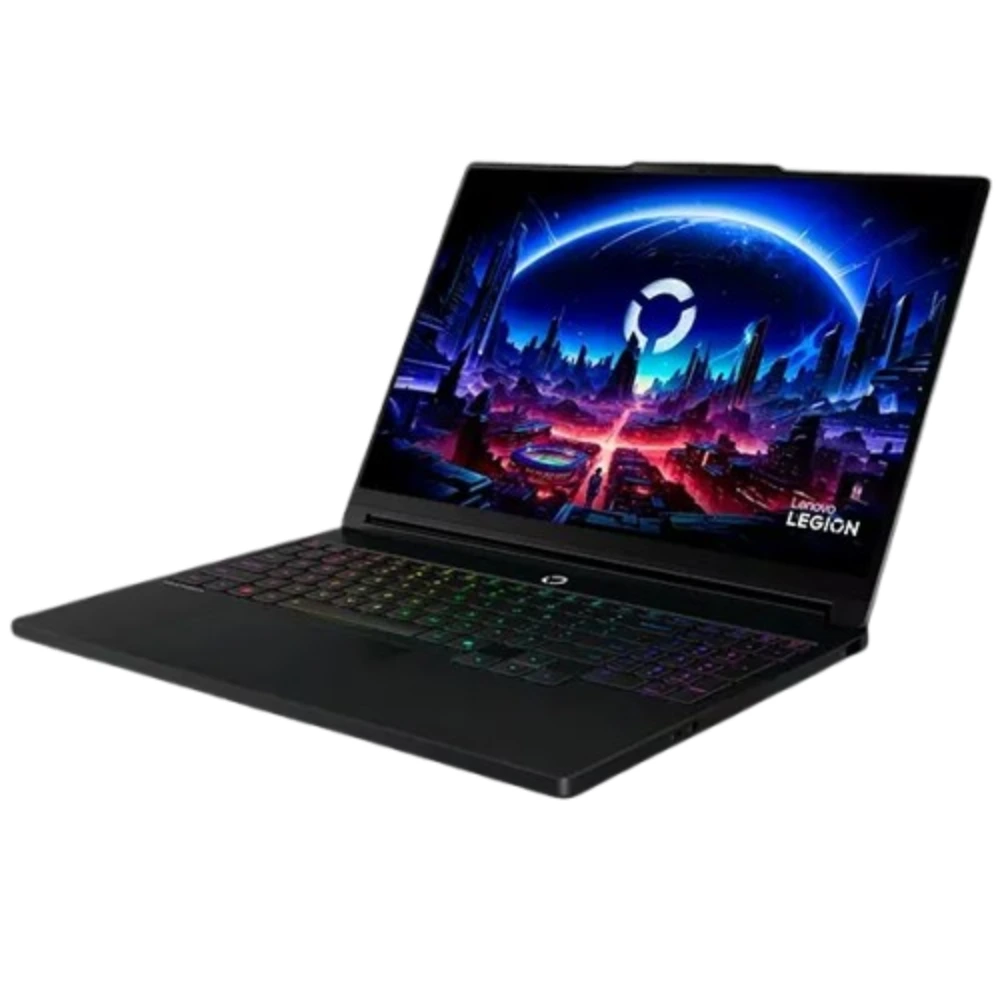
Alright, if you’re a gamer who wants to dominate on the go, the Lenovo Legion Tab Gen 3 is hands-down the best tablet of 2025. This thing is an absolute beast for mobile gaming—it’s got the latest Snapdragon 8 Gen 3 chip, a super-fast 165Hz LCD display that makes every frame look buttery smooth, and a dedicated vapor chamber cooling system that actually keeps the chip from throttling during intense sessions.
Plus, the built-in haptics are surprisingly good, making games feel more immersive, and its relatively compact size makes it perfect for tossing in a backpack and bringing to a friend’s house for some multiplayer action.
However, let’s be real, it’s definitely not the “best” tablet for everyone. While amazing for games, the software experience outside of gaming feels a bit… unpolished compared to an iPad or even a Samsung tablet.
The camera quality is pretty mediocre, so don’t expect to take great photos with it, and the battery life, while decent, will drain quickly if you’re constantly pushing that high refresh rate and powerful chip. It’s truly a gaming-first device, so if you’re looking for something for productivity, creative work, or just general browsing, you might find its priorities a little skewed.
DISPLAY: 11-inch Liquid Retina IPS LCD (1640 x 2360)
PROCESSOR: Apple M3
MEMORY: 8GB RAM
STORAGE: 128GB / 256GB / 512GB / 1TB
BATTERY: 7606mAh
CAMERA: 12MP (wide) | 12MP (ultrawide)
VIDEO: Up to 4K video capture at 60fps
WEIGHT: 460g (1.01 lbs.)
PROS
Excellent M3 performance
Bright & vibrant screen
Strong battery life
Loud audio speakers
CONS
No major changes from the previous model
Refresh rate not as good as ‘ProMotion’
If you’re hunting for the tablet that hits the perfect balance of power and price in 2025, the iPad Air 11-inch (M3) is arguably the best tablet for 95% of people. It’s a huge win because it packs the insanely fast M3 chip—the same next-gen power that runs the newest MacBooks—meaning it absolutely flies through pro tasks like video editing and heavy multitasking, and crucially, it fully supports all the amazing new Apple Intelligence features.
Plus, it finally supports the awesome Apple Pencil Pro and comes in fun colors, all for a starting price that is hundreds less than the Pro model.
However, it definitely cuts a few corners to keep that price down, which is why it’s not the ultimate “best.” The biggest miss is the display, which is a great laminated LCD (Liquid Retina), but it’s still stuck at a standard 60Hz refresh rate.
This means scrolling and animations just aren’t as silky smooth as the 120Hz ProMotion screen you get on the much more expensive iPad Pro. Also, you’re limited to the slower USB 3 port instead of the faster Thunderbolt port on the Pro, which can slow down things if you regularly work with massive external hard drives
DISPLAY: 14.6-inch Dynamic AMOLED (1848 x 2960) 120 refresh rate
PROCESSOR: Mediatek Dimensity 9400+
MEMORY: 12GB / 16GB RAM
STORAGE: 128GB / 256GB
BATTERY: 11600mAh
CAMERA: 13MP (wide) main camera | 8MP (ultrawide)
VIDEO: Up to 4K video capture at 30fps
WEIGHT: 695g (1.53 lbs.)
PROS
All metal body design
Lightweight & portable
Superb large AMOLED screen with good brightness
Good battery life
Impressive performance
Includes S Pen stylus in box
Impressive quality audio
IP68-rated for water resistance
CONS
No charger included
Expensive
Performance chip not as great as Apple M4
Need both hands to hold, too heavy for one hand
Keypad not included
Fairly slow charger
Hey! If you think “bigger is better” and you need a serious hybrid workstation, the Samsung Galaxy Tab S11 Ultra is definitely the best tablet of 2025. It’s a monster, rocking a gorgeous 14.6-inch Dynamic AMOLED screen that’s amazing for movies and multitasking, and it comes packed with the powerful Dimensity 9400+ chip, 16GB of RAM, and all the cool new Galaxy AI features.
Plus, the S Pen is still included for free, it’s super thin, and it’s even IP68 water-resistant—try taking your iPad Pro near the pool! With DeX mode, you get a real desktop experience that makes it a genuinely versatile laptop replacement.
That being said, it has some major downsides that stop it from being universally the “best.” First off, it’s absolutely gigantic—it’s too heavy and awkward to hold one-handed for long periods, making it more of a desk accessory than a casual couch companion.
While the chip is great, it’s not quite the raw powerhouse that the Apple M4 is, so the iPad Pro still holds the crown for ultimate benchmark performance. Lastly, you have to buy the keyboard separately, which is annoying for such an expensive tablet, and charging that massive 11,600 mAh battery is surprisingly slow, even with 45W charging
DISPLAY: 11-inch (1668 x 2420) / 13-inch (2064 x 2752) Ultra Retina Tandem OLED, 120Hz, HDR10, Dolby Vision
PROCESSOR: Apple M5 | Apple GPU (10-core)
MEMORY: 12GB / 16GB
STORAGE: 256GB / 512GB / 1TB / 2TB
BATTERY: 10290mAh
CAMERA: Main camera 12 MP (wide) | Selfie camera 12 MP (ultrawide)
VIDEO: Up to 4K video at 60fps
PORTS: USB Type-C, DisplayPort
MISC: 444 g (Wi-Fi), 446 g (5G)
PROS
Faster processing chip than M4
Excellent OLED quality display with incredible brightness
Lowest latency for Apple Pencil Pro2
Better GPU performance
Fast internal storage & data transfer
Fast charging
CONS
Very expensive (13-inch even more expensive)
Okay, if you’re asking for the absolute pinnacle of tablet technology in 2025, the Apple iPad Pro 11 (M5) is undeniably the best tablet you can get, hands down. It’s an absolute beast, running the ridiculously powerful M5 chip that leaves every other tablet (and most laptops!) in the dust, especially for video editing, 3D rendering, and intense creative work.
That stunning tandem OLED display is just gorgeous, with perfect blacks and incredible brightness for HDR content, and the new Apple Pencil Pro 2 (or whatever they call it) with even lower latency makes drawing feel like you’re working on real paper. Plus, with the advanced camera system and LiDAR scanner, it’s a dream for AR and professional photography workflows.
However, let’s be real—it’s definitely not the “best” for everyone. The price tag is absolutely insane, especially once you add the Magic Keyboard and Apple Pencil, pushing it into serious laptop territory.
iPadOS, while fantastic, still has some frustrating limitations compared to a full desktop OS like macOS or Windows, so certain professional applications might feel a bit constrained. And honestly, for most everyday tasks like browsing, streaming, or even light gaming, the M5 chip is pure overkill; you’re paying a huge premium for power you might never fully utilize.
Final Recommendations
Ultimately, 2025 has been a fantastic year for tablets, but your final choice really boils down to your budget and what you plan to use your tablet for. If you need the absolute, no-compromise best for heavy-duty professional tasks like 4K editing and 3D work, the iPad Pro (M5) is the clear winner.
For those who prioritize a massive, immersive display for entertainment and flexible desktop multitasking with the included stylus, the Samsung Galaxy Tab S11 Ultra is the ultimate Android machine. However, for most people, the iPad Air 11-inch (2025) hits the sweet spot perfectly, offering the M3 chip power and full Apple Intelligence features without the Pro’s astronomical price tag.
Whichever one of these beasts you choose, you’ll be getting a phenomenal upgrade, so don’t wait—upgrade your digital life today and experience 2025’s tech revolution! We’ve given you our top picks, but we want to hear yours: Did we miss your favorite contender, or which one did you end up buying? Drop a comment below and let us know 😀
The latest notebook designed to amplify your creativity
“if your work demands the very best performance, the ProArt P16 will definitely pay for itself by speeding up your workflow. It truly cements its spot as a top-notch tool for turning ideas into reality”
The world of powerful laptops for aspiring and pro creators turned upside down when Asus released the new ProArt P16 (2025). This isn’t just some small upgrade; it’s a massive deal. As this laptop is built to go head-to-head with the fanciest, most powerful desktop workstations (let’s not forget other powerful laptops!) out there, and it’s even giving Apple’s high-end Pro line some real competition.
Asus completely gets that today’s creative artists, content creators and video editors, need more than just a great graphics card. They need perfect color accuracy, tailored tools, and the freedom to do what they do well easily while traveling or at home. The 2025 model, with the latest AMD Ryzen AI chips and NVIDIA’s RTX 50-series graphics, is definitely gunning to be the best mobile studio you can buy right now.
Specs
DISPLAY: 16-inch, 4K Lumina OLED touchscreen 60Hz (3840 x 2400), stylus support
PROCESSOR: AMD Ryzen™ AI 9 HX 370 CPU; AMD XDNA™ NPU up to 50TOPS NPU
The ProArt P16 delivers the most impressive performance thanks to one of the fastest processors, the AMD Ryzen AI 9 CPU, and one of the fastest graphics card bundle, which is the one of the following GeForce RTX (4070/5060/5070) GPU. Let’s not forget the 32GB (or 64GB) of memory (RAM), and 2-terabytes solid state drive (SSD) for storage of apps, and media. The top-range ProArt P16 model includes the same AMD chip, but with a better RTX 5090 GPU, 64GB of memory, and up to 4-terabytes of SSD storage. That’s insane.
2. Sleek Design
This laptop doesn’t just work well, it looks awesome while doing it! It’s totally matte black everywhere—inside and out—giving it this super sleek, low-key vibe. The hinge is really clever; they call it a “stealth hinge” because it just disappears into the back. It looks totally modern, with only a tiny Asus logo in the corner as the only real flash. Plus, it doesn’t attract smudges and fingerprints which is an excellent bonus.
When you open it up, the keyboard feels great and the backlighting is fantastic. We do wish the arrow keys were bigger, though—they’re just those tiny half-size ones. A numeric keypad would’ve been handy too, but let’s be fair, adding that would have made the whole thing feel way too cramped.
3. Impressive OLED display
With the ProArt P16 you’re getting a stunning 16-inch OLED touchscreen that comes with an outstanding 3840 x 2400 screen resolution. Let’s not forget the screen supports stylus inputs as well. The Asus ‘Lumina’ display panel is gorgeous with its perfect detailed, accurate colors, and 1600 nits of brightness. If you can find us a better OLED display, let me know cos we love how stunning this one looks.
4. Lightweight & Portable & Durable
Get yourself a 16-inch backpack (or use your existing one) cos Asus has managed to keep the weight of the laptop down to 1.85 kgs (4.08 lbs.), which is not that heavy. And it has military-grade durability rating, so yeah, it’s tough, and can take the accidental knock off your table or whatever life throws at it.
5. Includes Asus ‘DialPad’ Feature
The touchpad here is big—like, seriously spacious, which is great for tracking, even if it feels a little too large sometimes. But the real star is that little dial sitting in the top-left corner. That’s the ASUS DialPad, and it’s built right into it.
It’s a total game-changer for creative apps. You just spin the dial to make quick tweaks and adjustments in programs like photo and video editors. For instance, in CapCut (which already comes installed!), you can zoom in and out or step through your video clip frame-by-frame super fast. It also plays nicely with all the Adobe apps.
The best part? You can easily customize what the dial does in the ProArt Creator Hub settings. And get this: even when you’re not in an app, it lets you quickly adjust your system volume and screen brightness without lifting your hand off the pad. Sweet!
Now, about the software that comes with it. You get a bunch of cool stuff like CapCut, Nvidia Studio Suite, plus the Asus file manager (StoryCube) and a creative assistant (MuseTree). Oh, and since it’s a Copilot+ PC, you also get access to all those new Microsoft AI tools. I gave all of these a test run, and they’re definitely helpful additions—they make things easier, even if they aren’t totally mind-blowing.
6. Excellent Heat Management
When it comes to the ProArt P16’s cooling sytem, it’s a bit of a mixed bag. Asus loaded it up with a pretty serious three-fan system and lots of vents to handle the power. When you’re just kicking back and doing some light browsing or writing, it’s super quiet and cool—you can barely hear the “Whisper Mode” running. But, when you fire up those heavy-duty tasks like 3D rendering or some serious gaming, those powerful components really heat up.
The fans definitely have to kick into high gear to keep up, and they get pretty loud—like, definitely noticeable loud. It does the job to keep the chips from frying (with the CPU often hitting the 80-95°C range under max load), but don’t expect silent operation when you’re pushing it hard.
The Deal Breakers
1. Top-range Way Overpriced
Basically, the P16 is a seriously premium machine, and the price reflects that high-end creator status.The configurations start around $1,999 to $2,200 for the entry-level models, which typically include the AMD Ryzen AI 9 processor, 32GB of RAM, and an NVIDIA GeForce RTX 4060 or 4070 GPU. However, once you start beefing it up with more powerful graphics like the RTX 5070 or the top-tier RTX 5090, and double the RAM to 64GB, the price quickly jumps into the $2,700 to $4,000 range and beyond.
This means the ProArt P16 sits squarely in the most expensive bracket, putting it in direct competition with rivals like the fully-loaded Razer Blade 16 and the Apple MacBook Pro. While it offers incredible performance and a gorgeous 4K OLED screen for that price, many reviewers agree that it’s definitely an expensive laptop, and you really need to be a dedicated creator to justify the cost over a slightly more affordable (but less specialized) option.
2. Cooling Fans Get Loud on Heavy Use
When you’re doing light tasks, like just browsing or editing documents, the laptop is actually quite quiet, especially in “Whisper Mode” where noise levels stay around 35 dBA. That’s great. However, the moment you launch those intensive creative applications—like rendering a complex 3D scene, compiling a massive project, or doing some high-end gaming—the cooling fans switch into a much more aggressive profile to handle the heat.
In these demanding scenarios, the fan noise can jump to over 50 dBA and sometimes even higher in Full Performance mode. In short, the cooling fan system does its job keeping the powerful CPU and GPU from overheating, but it trades that performance stability for a significant and often intrusive amount of noise.
3. Short battery life
While it packs a large 90Wh battery, you need to manage your expectations based on what you’re doing. Here’s the breakdown: If you’re just cruising the internet, working on documents, and doing low-power tasks, you can generally expect to see a solid 9 to 10 hours before it gives up. That’s a decent amount of time to be unplugged. For creative work and gaming, this is where it drops fast.
Once you engage that powerful NVIDIA GPU for heavy tasks like editing multiple 4K video streams or intense rendering, the battery life plummets. In real-world testing, people often find they get only 3 to 5 hours of dedicated creative work. So, while it can hang in there for a full day of light work, if you need that maximum creative power, you’ll definitely want to keep that laptop charger handy.
The Other Players: Meet the Alternatives
So, who else is playing in this super-creative-high-power league? If the P16 isn’t quite your jam, or you just want to check out the competition, you’ve got a few heavy hitters to look at:
If you’re not really feeling the ProArt P16, and like using MacBooks, then check out the Apple MacBook Pro 16-inch (M4). It’s usually the better choice, especially if you’re a creative type. Why is it you ask? The battery life is better. Yep. You can literally ditch the laptop charger because as the battery lasts longer than the ProArt P16. No more worrying about the short battery or having to find a power outlet at your nearest cafe. Plus, the whole M4 chip/macOS combo is just so smooth and optimized for stuff like Photoshop and Final Cut; it just works right away. You won’t have to tinker with drivers or settings much, and it stays super cool and quiet even when you’re pushing it hard. The only issue is that the MacBook Pro is more expensive than the ProArt P16, but hey if you can afford it then you’ll reap the benefits.
If you’re not a full-time professional creator who needs every ounce of GPU power, the Microsoft Surface Laptop (7th Edition) is an awesome, super-friendly choice! It’s way lighter and more portable than the big Asus ProArt P16, making it perfect for carrying around all day.
More importantly, thanks to its super-efficient Snapdragon chip, the Surface offers absolutely legendary, all-day battery life—you can seriously leave the power brick at home.Plus, you get that premium, clean Microsoft design and a fantastic, snappy keyboard/haptic trackpad combo that just feels great for everyday work and chilling out.
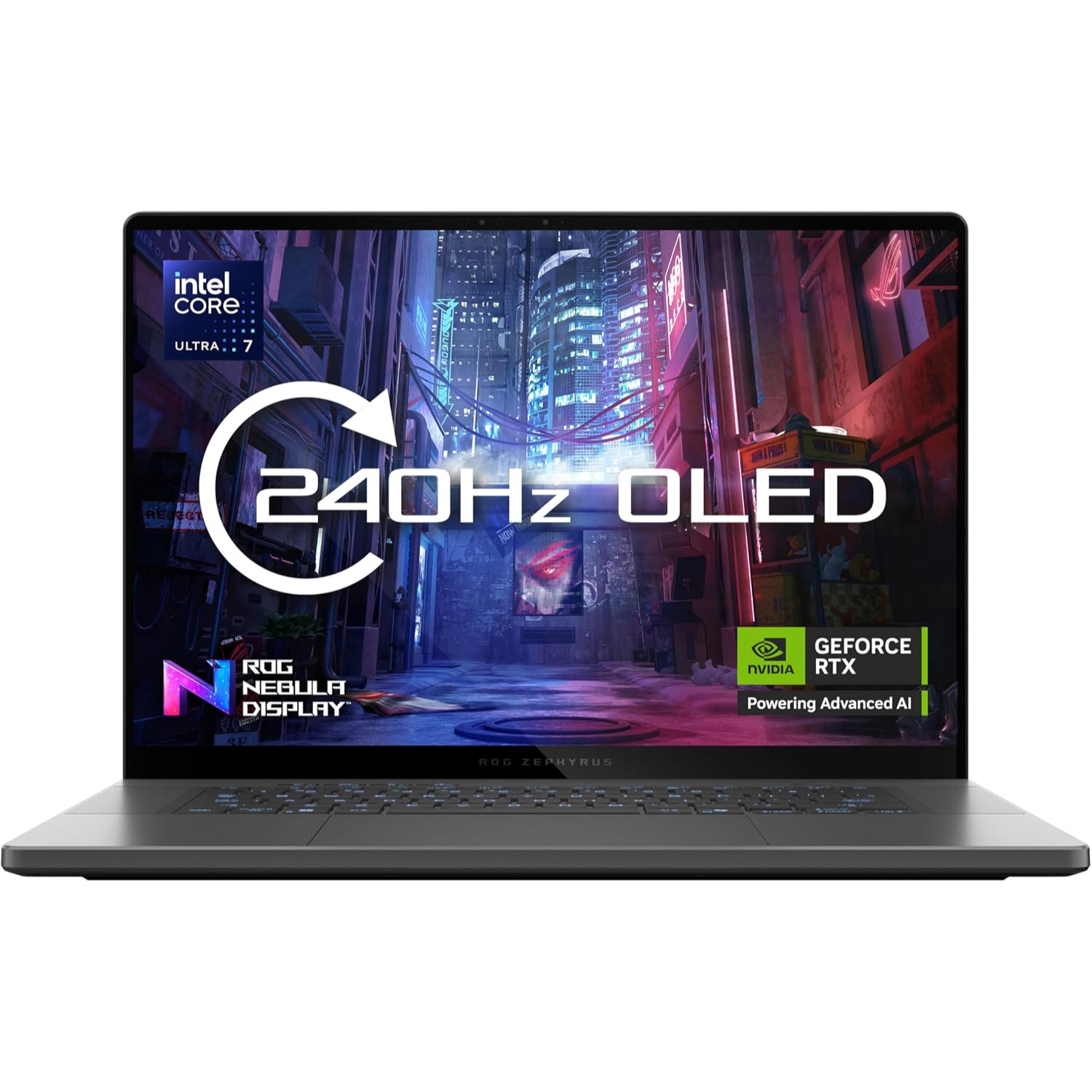
If you’re leaning toward the Asus ROG Zephyrus G16, it’s a solid move, especially if you want a machine that’s more of an all-star performer. The ProArt P16 is seriously powerful, but the G16 is designed to be faster for everything you see. It packs a lightning-quick 240Hz screen and includes vital features like GSync and a MUX switch, which the ProArt lacks.
That basically means the Zephyrus G16 is engineered to give you smoother frame rates and peak GPU performance for gaming or anything that needs a super-responsive display, making it a better, faster pick for a fun mix of work and play.
If you’re deciding between the Razer Blade 16 and the ProArt P16, the Blade 16 really shines if you want that extra edge in performance and a more polished overall feel. For one, the Blade 16 is a champion for gaming, rocking a 240Hz QHD+ OLED display along with MUX and GSync support, which gives you super-smooth, tear-free visuals—something the ProArt’s 120Hz 4K screen is lacking.
Plus, the Blade 16 lets its GPU run at a higher power limit for better raw performance when you need it. On top of that, the Blade 16 just feels more premium and intentional; it has those little quality-of-life wins like a sturdier screen hinge, a better-designed power plug, and a superior per-key RGB keyboard lighting for maximum customization and flair. It’s simply built to perform and feel good while doing it.
If you’re eyeing both the Dell XPS 16 and the Asus ProArt P16, you might find that the XPS 16 simply offers a more polished, premium experience that feels fantastic in your hands. A lot of people feel the Dell has a much superior and sturdier build quality that just oozes high-end design, right down to the super-smooth haptic touchpad and integrated, minimalist keyboard.
Beyond the sleek look, you might also find that the XPS 16 is a better partner for all-day use, as some folks have reported seriously impeccable battery life for non-heavy work, making it an excellent companion when you’re away from an outlet. It’s the laptop you choose when a reliable, beautifully constructed machine that looks and feels top-tier is your absolute top priority.
Final Verdict
So, is the ProArt P16 worth the mountain of cash? If you’re a professional designer, 3D artist, or video editor who absolutely needs desktop power but has to work on the go, then yes, it’s a no-brainer. This machine is built specifically for you. The combination of its raw processing power, the groundbreaking AI chip, and that stunning, color-accurate OLED screen makes it one of the most compelling portable workstations ever built.
It’s a big investment and pricey (especially the top range model), but if your work demands the very best performance, the ProArt P16 will definitely pay for itself by speeding up your workflow. It truly cements its spot as a top-notch tool for turning ideas into reality. Ready to upgrade your workflow? Stop thinking and seriously just grab this laptop—it’s the best tool your creativity can ask for.
Thank you very much for checking out the Asus ProArt P16 (2025) review. We’d love for you to express yourself and to hear what you think. Have you tried the P16 or one of the alternatives? Drop your thoughts and questions in the comments section below 😀
When you hear “gaming laptop,” you probably picture a machine with a four or five-figure price tag that could double as a down payment on a car. It’s tough to get into PC gaming without feeling like you have to empty your wallet. But guess what? We’re here to tell you that high-performance gaming doesn’t have to mean bankruptcy. The world of tech has finally caught up, and now, killer rigs with dedicated graphics cards, fast screens, and serious processors are slipping into the budget-friendly price bracket.
In this post, we’ve done the heavy lifting and crunched the numbers to find the best machines that deliver a fantastic gaming experience for your hard-earned cash. We’ll start with a quick breakdown of the core components you need to look for (and what you can skip) and then dive straight into our top 5 picks for great budget gaming laptops this year. Ready to snag a machine that can crush the latest titles without crushing your savings? Let’s jump in.
Excellent value thanks to aggressive component mixing (often a strong GPU/CPU combo). Good, minimal design that blends in anywhere. Often features user-upgradeable RAM and storage.
Features the sleekest, most non-aggressive aesthetic in the budget segment. Surprisingly long battery life (for a gaming laptop) on certain configurations, making it great for hybrid use.
A common choice for aggressively-priced sales. The Nitro series often features a high refresh rate screen and a powerful GPU (like an RTX 4050/4060) at a very low price, prioritizing FPS per dollar.
MSI often focuses on powerful core components like high-core Intel HX processors, giving it a lead in CPU-intensive tasks and multitasking. Typically features a 4-zone RGB keyboard and a more traditional “gamer” look.
Moving into the thin-and-light territory. Offers a compact 14-inch form factor with MIL-STD-810H durability. Great thermal design for its size, but generally a higher starting price than the 15-inch “true budget” options.
Price range: $1,200 – $1,700
What Actually Makes a Gaming Laptop ‘Budget-Friendly’?
Before we dive into the specific gaming laptop models, let’s talk about what you should look out for when shopping. Buying a budget gaming laptop is all about making smart trade-offs. You need to know where you absolutely cannot compromise (like the GPU) and where you can save a some extra (like the external design). Think of this as your cheat sheet for spotting a genuinely good deal.
1. The Graphics Card (GPU): The Most Important Piece of the Puzzle
If a laptop has “Gaming” in the name, but no dedicated Graphics Processing Unit (GPU), walk away. Seriously. The GPU is the engine that renders the beautiful, chaotic worlds of your favorite games.
In the budget realm, we are looking for entry-level dedicated GPUs. Think along the lines of the NVIDIA GeForce RTX series or an AMD Radeon series equivalent. These cards are the absolute sweet spot because they can handle most modern titles at high settings, delivering a smooth 60 frames per second (FPS) at 1080p resolution. That’s enough power for fun, competitive, and beautiful gaming.
Here’s a casual tip to look out for to meet the minimum specs for gaming: (1) Look for at least 4GB of dedicated VRAM (Video Random Access Memory). Less than that and you’ll hit a wall on modern textures. (2) If you see an NVIDIA RTX 3050 or RTX 4050 in a good sale, that’s your target. They offer the best bang-for-your-buck performance right now.
2. CPU, RAM, and Storage: The Supporting Cast
While the GPU handles the graphics, the CPU (Central Processing Unit), RAM, and storage keep everything running smoothly. Think of them as the perfect supporting cast that ensures your game loads fast and doesn’t stutter when things get hectic.
With the CPU, you don’t need the most expensive Intel Core i9 or AMD Ryzen 9. A modern Intel Core i5 or AMD Ryzen 5 (usually a quad-core or hexa-core processor) is perfectly capable of keeping up with that budget GPU. Aim for a recent generation for the best efficiency.
With RAM (Memory), this is often a great place to save money initially, but here’s a pro tip: 8GB is the minimum, but 16GB is the dream. If you buy an 8GB laptop, make sure it’s easily upgradeable later. Seriously, 16GB of RAM is often the easiest and cheapest upgrade to make a huge difference in performance.
Forget hard disk drives (HDDs). A solid-state drive (SSD) is non-negotiable. It makes Windows boot instantly and games load lightning-fast. To keep the cost down, you might only get a 512GB SSD. That’s fine. You can always manage your game library or purchase a cheap external HDD for older games and media.
3. The Display: Don’t Skip on Hertz
This is an area where budget manufacturers sometimes try to cut corners. A powerful GPU is useless if your screen can’t display the frames it’s pumping out. For a budget gaming laptop, your screen should absolutely be 1080p (Full HD).
Why? Because the GPUs we discussed are optimized for this resolution. Sticking to 1080p allows the budget GPU to work efficiently, giving you that smooth, fast 120Hz or 144Hz gaming experience. This is far more important for competitive and enjoyable gameplay than pure resolution.
The most important spec is the refresh rate, measured in Hertz (Hz). You must aim for 120Hz or 144Hz. This means the screen refreshes 120 or 144 times every second, resulting in a much smoother, crisper, and more responsive gaming experience compared to a standard 60Hz screen. Trust us, once you experience gaming at 120Hz, you won’t look back.
Top 5 Great Budget Gaming Laptops
1. MSI Katana 15 HX (2025)
A Popular Budget Gaming Laptop for Budget-Conscious Gamers
Display: 15.6-inch, FHD IPS (1920 x 1080), 144Hz refresh rate
CPU: Intel Core i7-14650HX
Graphics: NVIDIA GeForce RTX 5050 (8GB GDDR7)
Memory: 8GB / 16GB DDR5 of RAM
Storage: 512GB SSD NVMe
Other: Windows 11 OS | weighs 4.96 lbs. (2.25kg) | Wi-Fi 6E, Bluetooth 5.3
Pros
Impressive overall performance
Comfortable RGB keyboard
Able to run AAA games with DLSS 4
Good connectivity features
Decent weight
Cons
512GB too small for storing games
Chunky 15-inch build
Fairly dim display
Think of the MSI Katana 15 HX as the gold medalist in the budget gaming Olympics. In a world where gaming gear keeps getting pricier, this gaming laptop proudly sticks to the $900 – $1300 price range, and it truly earns its reputation. What makes it stand out? It hits new performance peaks for a budget machine, thanks to its powerful combination of an Intel Core i7-14650HX processor and an Nvidia GeForce RTX 5050 graphics card. If you’re playing a graphically demanding game that supports it, you can push those frame rates even higher using DLSS 4 technology.
Let’s be clear: this isn’t a super-powered, wallet-busting beast for hardcore enthusiasts. Instead, it’s a wonderfully capable workhorse that can comfortably deliver 60fps across a wide variety of popular games. While you might find a laptop that is technically cheaper, the Katana offers the best blend of price and performance for the largest number of shoppers. It’s the fully capable, future-ready package that sets a new standard for gaming on a tight budget.
Display: 15.6-inch, FHD IPS (1920 x 1080), 144Hz refresh rate
CPU: AMD Ryzen™ AI 5 – 340
Graphics: NVIDIA® GeForce RTX™ 5050 (8GB)
Memory: 16GB DDR5 of RAM
Storage: 512GB SSD
Other: Windows 11 Home OS | weighs 5 lbs. (2.29 kg) | Wi-Fi 6, Bluetooth 5.4
Pros
Great price
Good overall performance
Looks more like a work laptop
Cons
Battery life is not so great
Design is just plain
Looking for a gaming laptop that won’t totally empty your wallet? Well, look no further. This one starts at just a sweet $750 for the base model and top-range, you’re looking at a paying only $1,100. It’s tough to find a cheaper entry into PC gaming. No matter your budget, there’s a version of this machine just waiting for you. This isn’t just a gaming machine. Sure, it runs most games nicely, but it’s a solid all-rounder, too. It has all the ports and features you need for things like binging movies, video chatting with friends, or just crushing your everyday tasks.
If you care about Mother Earth, then listen to this: a bunch of the laptop’s parts are made from recycled and sustainable materials. You get to game while feeling a little better about your footprint. Okay, real talk about the battery: if you need to game or work far away from an outlet, this one might disappoint. It gets about up to 4 hours of battery life at most, so you’ll want to stay pretty close to a plug. Don’t plan on an all-day coffee shop session without your charger.
Heads up, this laptop keeps things very simple on the outside. The design is a little… dull. We’re talking basic colors on a plain body and a keyboard that won’t turn any heads. It’s built for function and sustainability, not for winning beauty contests. If you need a stylish laptop, this probably isn’t the one. Overall, the HP Victus 15 is one of the most affordable gaming laptops to get right now. Not the best gaming laptop, but it gets the job done.
Display: 15.6-inch, FHD IPS (1920 x 1080), 165Hz refresh rate
CPU: Intel® Core™ i5-13420H
Graphics: NVIDIA® GeForce RTX™ 5050
Memory: 16GB RAM
Storage: 1TB SSD
Other: 720p webcam | Windows 11 Home | weighs 2.11 kg (4.65 lbs.) | Wi-Fi 6 | Bluetooth 5.1
Pros
Impressive overall performance
Comfortable RGB keyboard
Well built
Includes 2 SSD slots
Decent connectivity & weight
Cons
Loud cooling fans
Average webcam
Low color display
Average sound speakers
The Acer Nitro V is a solid pick if you’re trying to save some cash for your gaming rig, though it does have a couple of quirks you should know about. Here’s what we like about it. The overall performance is great for the price. This laptop packs a punch with its Core i7 processor and RTX 4050 graphics card. It delivers totally satisfying frame rates for gaming at 1080p resolution. It looks pretty good too. The design is flashy but still tasteful—it looks like a gaming laptop without being over the top. You also get a set of good ports and connectivity. It’s easy to upgrade later, and the battery life is surprisingly decent for a budget gaming machine.
Here’s the not so good parts. The biggest downside is that the cooling fans are seriously noisy. You’ll definitely want a good pair of closed headphones to tune them out. The screen looks good but it’s not the best. The display looks below average, and the colors are not that great, even for budget laptops. We also wish the webcam was sharper and the speakers sounded a bit better. Overall, if your budget is totally maxed out, the Nitro V 15 is still a very decent entry-level choice for gaming
Other: 1080p webcam | Windows 11 Home | weighs 1.46 kg (3.22 lbs.) | Wi-Fi 6 | Bluetooth 5.3
Pros
Impressive performance
Comfortable keyboard & trackpad
Portable & lightweight
Good design
Impressive battery life
Impressive display
Cons
Average quality speakers
Even though Asus usually keeps its TUF Gaming brand focused on budget options, this new Asus TUF Gaming A14 laptop feels totally premium. Its sleek, simple design seems to take cues from the fancier Zephyrus line. Despite having a powerful RTX 4060 graphics card, the TUF A14 is shockingly light and thin, clocking in at just 3.22 pounds (1.46 kg) and 0.78 inches thick. That puts it right alongside regular ultra-books for portability!
When we weren’t busy gaming, it switched to integrated graphics using Nvidia’s ‘Advanced Optimus’. That’s one way it manages to squeeze out an impressive 10 hours of battery life, just by web browsing, music and video streaming. We did notice the speakers are a bit quiet, but overall, we absolutely loved how travel-friendly the design is. Sure, the RTX 4060 GPU may means you might need to use moderate settings for demanding games, but if you’re looking for an awesome gaming machine to take on the go, the A14 is a brilliant choice. Look out for the RTX 5060 instead.
Other: Wi-Fi 6 | Bluetooth 5.2 | Windows 11 Home | weighs 2.4 kg (5.3 lbs.)
Pros
Impressive Full HD performance
Comfortable RGB keyboard
Quiet cooling fans
Fairly price
Decent battery on moderate use
Cons
Plastic build
Fairly dim display
Bulky and heavy in weight
Average 720p webcam
The Lenovo LOQ 15 is one of those gaming laptops that’s both exactly what you expect and a total surprise. For better or worse, it nails the budget gaming vibe. If you’re aiming for smooth 1080p gaming at decent settings, this system, armed with the RTX 4050, is a fantastic choice.
The screen refresh rate easily keeps up with the action, the thermals are actually better managed than many other laptops in the same price range, and the keyboard is surprisingly enjoyable to type on. That last part, especially, means this laptop is great for tackling both work and play.
However, it’s hard to ignore the cheap feel—you’ll hear it in the creaking hinges, for instance. If you can forgive that, along with the fuzzy webcam and its general bulkiness, you’re getting pure value-for-money here. It’s a solid, low-cost option if performance is your main goal.
Frequently Asked Questions (FAQs)
1. What is the absolute cheapest gaming laptop I can buy that runs modern games?
Answer: The cheapest gaming laptop you can get right now is either the Lenovo LOQ 15 or the HP Victus (2025). The LOQ 15 is a more balanced performer, an all-rounder, and better value gaming laptop, with better cooling fan features, and fairly priced. The HP Victus (2025) is more flashy, more sleek, more better designed but compromise on dimmer displays compared to other gaming laptops. The Acer Nitro V is also a cheaper option as well, as it comes with better graphics, but compromises with factors such as chassis quality, and loud cooling fans compared to the Lenovo or HP equivalents.
2. Is a budget gaming laptop better than a budget gaming desktop?
Answer: A budget gaming desktop is generally better in terms of pure performance and long-term value, but a budget gaming laptop is a better overall package due to its portability and inclusion of essential components.
If you choose the budget gaming laptop, it’s only if:
Portability is mandatory. You are a student, travel frequently, or need to use it in different rooms/locations.
You need an all-in-one package. You don’t want to research and buy a separate monitor, keyboard, mouse, etc. The true out-of-the-box cost is lower.
Space is limited. You don’t have room for a full tower and a separate 24-27 inch monitor.
Yet if you choose the budget gaming desktop, it’s only if:
Raw Performance is the Priority. You want the absolute highest FPS and graphical quality for your dollar.
You want long-term value. The ability to upgrade the GPU in 2-3 years means the desktop will last much longer than a laptop before needing a full replacement.
You only game in one location. It will be a permanent fixture in your office or room.
In the purest sense of gaming value, the gaming desktop wins. But once you factor in the cost of a monitor and other accessories, the total initial cost quickly approaches, and sometimes exceeds, the cost of the all-inclusive gaming laptop. The choice really depends on how much you value portability versus raw power and future-proofing.
3. What is the best budget gaming laptop brand?
Answer: Unlike the high-end gaming segment (where brands like Asus TUF/ROG, Alienware/Dell, and Razer compete for the top performance crown), the budget category is much more of a moving target based on current sales and specific model configurations.
However, based on overall reputation, price-to-performance ratio, and current product lines, there are three brands that consistently dominate the budget gaming laptop space: Lenovo, HP, and Acer. Asus TUF and MSI are also great brands and great options for a budget range but they are bit more expensive.
Conclusion & Final Recommendations
So. We’ve covered a lot of ground here, haven’t we? It’s clear that the world of budget gaming laptops in 2025 is more exciting and accessible than ever before. You no longer need to rob the bank to dive into your favorite virtual worlds, enjoy crisp 1080p graphics, and experience those buttery-smooth high refresh rates. Brands like Lenovo, HP, and Acer are absolutely crushing it, offering incredible value that makes serious gaming a reality for everyone.
Remember, the “best” budget laptop really boils down to your priorities. Are you a student needing something sleek for class and powerful for late-night gaming sessions? The HP Victus might be calling your name. Or maybe you’re all about maximizing those frames per second without emptying your wallet, in which case a well-configured Lenovo LOQ or an Acer Nitro V could be your perfect match. Don’t forget to keep an eye on those RAM, display quality, and GPU specs – they’re the secret sauce to finding a truly great deal.
So, what are you waiting for? The perfect entry point into PC gaming is right here, ready for you to grab. Whether you’re building empires, killing swarms of enemies or conquering battlefields, or exploring distant galaxies, a budget gaming laptop is your ticket to endless fun and adventure.
Seriously, go get one!
You won’t regret it. And hey, we’d love to hear from you! What are your thoughts on the great budget gaming laptops of 2025? Have you snagged an amazing deal, or do you have a personal favorite we didn’t mention? Drop your comments and experiences below. Let’s keep the conversation going and help even more gamers find their ideal gaming laptop 🙂
If you wanna start gaming but don’t have the budget for a powerful gaming PC or laptop, then this might be the answer you’re looking for. Introducing NVIDIA’s GeForce Now, the next stage in gaming without having to buy a powerful gaming PC or laptop. In essence, GeForce Now is a cloud gaming subscription service that let’s you stream PC games you own from their powerful RTX-equipped virtual machines, to virtually any device such as laptops, smartphones, or tablets. Even iPhone, MacBook and iPad users can use this service. It comes complete with features like ray tracing and DLSS, which help to enhance your gaming experience. It literally transforms your laptop, phone, or tablet into a powerful gaming device, using your existing game collection. If this is the solution you’ve been looking for, let’s review it and see if it’s worth your time.
Overview
Tired of expensive PC upgrades? Wish you could play the latest AAA games at max settings on your old laptop or even your phone? That’s the dream NVIDIA’s GeForce Now makes a reality. The subscription service allows you to use your existing digital game libraries (like Steam, Epic Games, Ubisoft Connect, and Xbox/PC Game Pass) and stream them instantly from NVIDIA’s powerful remote servers directly to your screen.
Essentially, the heavy lifting is done in the cloud by systems equipped with the latest GeForce RTX GPUs. Unlike competitors that offer a curated catalog of games you don’t own, GeForce Now is a “Bring Your Own Game” (BYOG) model. If you own the game on a supported platform, you can play it immediately, making it uniquely focused on leveraging your existing library.
GeForce Now: Things to Like
GeForce Now excels in several key areas, making it a compelling choice for many gamers.
1. High-End Performance Without the High Price Tag
This is, by far, the biggest draw. Building a gaming PC with a top-tier GPU like an RTX 4080 (or even the newer RTX 5080 equivalents offered on the Ultimate tier) can cost thousands of dollars. With a GeForce Now Ultimate membership, you get access to that same caliber of processing power for a fraction of the cost per month. This means you can run demanding titles like Cyberpunk 2077 or Alan Wake 2 with full ray tracing and high frame rates (up to 4K at 120 FPS or 1080p at 240 FPS) on hardware that would otherwise choke on the loading screen.
2. Leverage Your Existing Game Library
You don’t need to repurchase games. If you already own a supported title on Steam, Epic, or other linked stores, you can play it. This is a crucial distinction from services that require you to buy games within their proprietary ecosystem. GeForce Now connects to well over 2,000 “Ready-to-Play” titles, with the ability to install and play thousands more from Steam via the “Install-to-Play” feature on premium tiers, bringing the total library access up to 4,000+ games.
3. Ultimate Cross-Platform Flexibility and Portability
Imagine playing a massive PC game on your Android phone, tablet, Mac, or even a low-spec laptop during your lunch break. GeForce Now is incredibly versatile, extending your gaming setup to virtually any device with a decent internet connection. This level of portability is perfect for travelers, students, or anyone who wants to game in different rooms of the house without moving heavy hardware.
4. No Downloads. No Patches. No Storage Worries
Say goodbye to those agonizing 100GB+ downloads and day-one patches. Because the games are housed on NVIDIA’s cloud servers, they are always patched, updated, and ready to launch instantly. This saves you significant time and precious local storage space, letting you jump straight into the action.
5. Extremely Low Latency (Input Lag)
For cloud gaming, latency is the Achilles’ heel. NVIDIA has invested heavily in low-latency technology, including support for NVIDIA Reflex and G-Sync on the Ultimate tier. For gamers with a strong, wired internet connection, the input lag is often negligible, approaching a near-native PC experience. This makes even competitive, fast-paced games like Apex Legends or Fortnite genuinely playable, which is a massive win for a streaming service.
GeForce Now: The Disadvantages
While GeForce Now is a stellar service, it is not without its limitations, many of which are inherent to the nature of cloud gaming.
1. Requires a Strong, Stable Internet Connection
This is the biggest hurdle. To achieve the best experience (1440p or 4K/120FPS), you need a very fast connection (35 Mbps to 45 Mbps minimum) and, more importantly, a stable one. If your connection suffers from frequent jitter or drops, the visual quality will immediately degrade, turning into a pixelated mess, or input lag will spike. For competitive gaming, an Ethernet cable or a top-tier 5GHz Wi-Fi connection is almost mandatory. If your home internet is slow or unreliable, the service will be frustrating.
2. The Game Library is Still Limited
Although the library is massive and growing, it’s not comprehensive. Due to licensing issues, some major publishers and fan-favorite franchises are missing. You won’t find certain titles from companies like Sony, Rockstar (e.g., Grand Theft Auto), or occasionally some of the latest blockbuster releases that haven’t been licensed yet. While you may have a huge Steam library, only the supported games can be streamed. Always check the current list of supported games before subscribing.
3. Session Time Limits
To manage server demand and keep pricing consistent, NVIDIA has implemented session limits. While free-tier users get a short 1-hour session (requiring a queue restart after), even Ultimate and Performance members face session caps (typically 6-8 hours). For marathon gamers or those who leave games paused indefinitely, this can be an annoying interruption, forcing you to save, log out, and log back in to refresh your session. Furthermore, new subscribers face a monthly playtime limit (currently 100 hours for Performance and Ultimate tiers), though existing members may be exempt for a period.
4. Potential Setup Annoyances
Because you’re accessing a virtual machine, games that require heavy modifications or complex setup steps (like installing a massive mod list) can be a pain. If your session times out, you might have to spend time reinstalling those mods and settings every time you start a new session, which completely defeats the convenience factor.
5. The Not-So-Free Service
Although GeForce Now includes a free gaming service subscription, it’s not recommended to even try it, in fact you’ll end up not really enjoying it at all. What you’ll get are the least best options under the subscription, such as viewing adverts while you wait in the queue, access to the least powerful gaming servers, and only an hour of play time. Rather choose the ‘Priority’ subscription for a start, where the options are much better.
Pricing for GeForce Now
GeForce Now currently offers three main tiers to suit different budgets and gaming habits: Free, Performance, and Ultimate.
Free
Priority
Ultimate
Best for:
Testing of service
Casual gaming
Competitive/serious gaming
Graphics equivalent:
Standard gaming rig
Premium rig, RTX on
GeForce 4080/5080 rig, RTX on
Priority access:
Standard access/wait in queue
Priority access to GeForce RTX gaming servers
Exclusive access to GeForce RTX 4080 servers
Max resolution:
Up to 1080p at 60fps
Up to 1440p at 60fps
Up to 4K at 240fps
Session length:
1 hour
6 hours
8 hours
Cost per month:
$0
$5 – $10
$10 – $20
Alternatives to GeForce Now
The cloud gaming market is vibrant, but GeForce Now stands out because of its BYOG model. Its main competitors generally fall into two categories:
1. Platform-Based Services (Competitors to Game Pass):
Xbox Cloud Gaming (xCloud)
The primary competitor. While performance isn’t usually as high as GeForce Now‘s Ultimate tier, it offers a crucial advantage: it includes a rotating library of games (hundreds of titles) as part of the monthly Xbox Game Pass subscription. You don’t have to own the game to play it.
These services give you access to a persistent, full Windows virtual desktop. This is more expensive but grants you total freedom to install any game, mod, or application you want, bypassing GeForce Now‘s limited game library issue. This is for the ultimate power user who needs maximum flexibility.
Another growing cloud gaming service that offers a direct experience similar to GeForce Now, often praised for its simplicity and game library selection, though its maximum performance specs may not yet reach the heights of the Ultimate tier.
So, is GeForce Now right for you? If you are a PC gamer who already owns a substantial library of games on Steam or Epic Games, but your physical hardware is aging, or you simply want the flexibility to play anywhere, the answer is a resounding yes. GeForce Now is the most robust and technologically advanced cloud gaming service on the market today. The Ultimate tier offers genuinely breathtaking performance that can rival high-end local gaming PCs, complete with ray tracing and ultra-low latency, as long as your internet connection is strong and up to the task.
It successfully eliminates the frustrating points of PC gaming (huge downloads, continuous updates, and expensive hardware cycles) and replaces them with instant, high-fidelity streaming. The main considerations are the missing games (always check the list!) and ensuring your internet quality is sufficient. For what it offers, which is top-class near-RTX 4080/5080 performance on a subscription basis, GeForce Now is an incredible value gaming streaming service and has truly revolutionized access for gamers to enjoy top-quality PC gaming. It’s the future of gaming, and is available today.
Let us know what you think of this awesome review, and tell us your overall impressions of this service. You can use the comments section here below to add your inputs. If you want to find out more about GeForce Now, then click on the red button above. Thank you for checking out the review. Stay safe, till next time 🙂
“the iPhone Air is a deliberate attempt to attract a different kind of customer to the iPhone world. It’s for people who are willing to deal with a few missing features (like a versatile camera) in exchange for a one-of-a-kind device that no one else has”
Say hello to the new iPhone Air. It’s the brand-new model that has everyone talking, and it’s Apple’s answer to those who love a stunning, high-end phone but crave a super-slim, easy-to-handle design. From its powerful A19 Pro chip, and gorgeous ProMotion display to its ultra-slim body and stylish titanium frame, the Air is definitely turning heads. But with a smaller battery and a single rear camera, did Apple cut too many corners to achieve this breakthrough design? We spent some quality time with this unique iPhone to find out if it’s really the “future” everyone’s been waiting for, or if it’s just a stylish compromise.
Overview
The new Apple iPhone Air is finally here, and it’s a huge deal. Apple even skipped the “17” in the name to mark the occasion. After the ‘Mini’ and ‘Plus’ models didn’t quite hit the mark, Apple is trying something new to make its flagship phones appeal to more people. Can the Air—a model that puts design front and center—be the one? The iPhone Air is priced like the old Plus but it’s a totally different beast. It’s got more in common with the Pro phones, boasting a high-end ‘Pro-motion’ display and the powerful A19 Pro chipset, plus a titanium frame. It even looks a little sleeker than the current Pro duo.
However, it cuts corners in a couple of places. Firstly, the camera setup is more basic (similar to the iPhone 16e); and secondly, the battery is the smallest in the whole iPhone family. Clearly, this phone is meant for a specific crowd. The iPhone Air also offers a 6.5-inch screen—a new size that sits right between the 17 Pro and 17 Pro Max. This gives you one more option for screen size. But the real star of the show is how unbelievably thin and light it is. In fact, it’s a mere 5.6 mm thin, and it weighs just 165g. That makes it a tiny bit thinner and only two grams heavier than Samsung’s super-slim S25 Edge competitor.
The phone only has a single rear camera, which is a disappointment for photo enthusiasts, but Apple thinks it’ll be fine for people who don’t demand much from their phone’s camera. On the flip side, the 18 MP selfie camera has a cool, new sensor, which might actually be a bigger deal to some users. Finally, there’s the battery. With just 3,149 mAh, it’s a bit worrying, even though Apple usually works its optimization magic to make even small batteries last. But enough talk. Let’s crack open the box and see if the iPhone Air is truly as good from as the hype and if Apple’s really on to a winner here.
Chipset: Apple A19 Pro | Apple GPU (5-core graphics)
Memory: 12GB RAM
Storage: 256GB / 512GB / 1TB
OS: iOS 26
Rear camera: 48 MP (wide) | video capture up to 4K at 60fps | Dolby Vision HDR
Front camera: 18 MP (wide) multi-aspect | video capture up to 4K at 60fps
Battery: 3149mAh | supports Wired, wireless MagSafe/Qi2 and reverse wireless
Connectivity: 5G | eSIM | Wi-Fi 7 | Bluetooth 6.0
Misc.: Colors: Space Black, Cloud White, Light Gold, Sky Blue | weighs 165 g / 5.82 oz
What’s to Like
1. Slim and lightweight design
The whole “slim phone comeback” actually started the second we heard rumors about Apple working on a 5.6mm phone that weighs just 165 grams. Samsung technically beat them to the punch with the Galaxy S25 Edge (which is two grams lighter). But the Air is still the one that feels thinner in your hand. Why? Probably because of its slightly curved edges, which make it super comfortable, while the S25 Edge is more blocky. Plus, the Air’s screen is smaller, which makes the whole phone feel more compact.
Apple really pushed their engineers to make this phone so thin while keeping it tough. The frame is made of high-quality recycled grade 5 titanium (even the Pro models didn’t get this). It also comes with the new Ceramic Shield Gen 2 on the front, which is pretty impressive engineering.
Now for the weird part: actually holding the Air is a little puzzling. We couldn’t quite figure it out, but the finish on the side frame feels a bit… cheap, almost plastic-like. And those tiny little gaps where the side frame meets the glass? They just don’t belong on a phone that’s supposed to be a design masterpiece. Oh, and that glossy bit on the camera bump? It looks and feels totally out of place.
But, it’s not all bad! The frosted back glass feels amazing, and the Sky Blue color we tested looks really sharp and doesn’t pick up smudges easily. You can also grab it in Light Gold, Cloud White, and Space Black.
Overall, the engineering is seriously cool, and it is the thinnest iPhone ever (if you ignore that camera bump). But the actual design decisions are a bit hit-or-miss. The materials are great, but the final assembly and feel don’t scream “premium” the way you’d expect from Apple. Still, if you’re looking for a lightweight flagship phone right now, there aren’t many other options out there, and that alone might make the Air a winner.
So the first thing to know about the display of the new iPhone Air is that it’s a beauty. It clocks in at 6.5 inches and uses that fancy Super Retina XDR OLED tech. Basically, it has the same excellent quality display as the high-end 17 Pro and 17 Pro Max models—it just sits perfectly in between them in terms of physical size. It also has ProMotion, which is Apple’s cool name for the variable 120Hz refresh rate. This is what makes scrolling and animations look super smooth, but it also saves battery when you’re just reading static text.
The screen resolution is nice and sharp at 1260 x 2736 pixels, and you get all the color goodies like HDR10 and Dolby Vision support. The True Tone feature is there too, of course, to make sure the colors always look natural based on your environment. Apple actually toned down the overall brightness numbers a bit this year, but don’t worry—in real life, the sunlight visibility is still amazing.
Here’s the quick brightness scoop:
Manual Mode: If you crank the brightness slider, it hits a strong 780 nits.
Auto Mode: If you let the phone decide, it jumps up to nearly 998, which is really bright for a sunny day.
Now, about Apple’s crazy claim of nearly 3,000 nits? We managed to see that peak brightness, but it only happens for a very short moment, and only when a tiny part of the screen is lit up. So, technically, they’re right, but it’s not something you’ll experience constantly. The good news? The new anti-reflective coating is the real MVP here. It helps a ton with cutting glare, which is why the screen is so easy to see in bright light, even if the high brightness peaks only last a second or two.
It seems the display could run brighter for longer, but the system is programmed to dial it back, probably to keep things cool. Regardless, you’re getting an impressive display, with good brightness and tech that is set to provide you with top-tier viewing experience.
3. Impressive performance… almost
The iPhone Air is run by the brand-new Apple A19 Pro processing chip, which is similar to the one included in the 17 Pro and the 17 Pro Max models. But this is where it gets confusing. As much as the chip is similar, it’s not really the same.
Let’s break it down: Firstly, both the Air and the Pro/Pro Max versions have a 6-core CPU (the part that handles general tasks) and they run at the same speeds. So, for everyday things, they’re identical. And lastly, the key difference is the graphics. The powerful Pro/Pro Max models get a 6-core GPU, but the Air only gets a 5-core GPU. You’ll only notice this if you’re doing intense gaming or video editing, but it’s important to know the Air has a slightly dialed-back graphics engine.
The rest of the top-range hardware specs include: 12GB of memory (RAM), which helps with multitasking; The storage base model starts at a generous 256GB, with model options from 512GB or 1TB, which will cost you extra; and the N1 networking chip for to improve connectivity. This is for things like Wi-Fi 7, Bluetooth 6.0, and the latest Ultra Wideband features for precise location tracking.
So how fast is it really? Well, compared to last years chip, the A19 Pro in the Air shows a 15% boost multi-core tasks. And for graphics, it was barely ahead of last year’s A18 Pro, and actually fell behind even the non-Pro iPhone 16 chip on another. Bottomline. The iPhone Air is super fast for launching apps and general use, but its GPU performance is lacking as it perform inconsistent for high-end gaming compared to the true Pro models.
4. Good overall camera system
The first thing you need to know is that the thin design meant Apple had to make a tough choice: only a single smaller camera lens on the back. The Main Camera is a 48 MP wide sensor, which is similar to the standard iPhone 17 model, but not the bigger, newer sensors from the Pro/Pro Max models. It’s a great camera, but it’s clearly a step down from the absolute best that Apple offers.
Next is the Front Camera, which is actually the more interesting piece of tech. It has a brand-new 18 MP sensor that’s shaped like an octagon (weird). It features Center Stage, which is great because it keeps you perfectly in the frame even if you move around during video calls. It also has Optical Image Stabilization (OIS), which is super rare for a front camera and means your selfies and videos will be much steadier. Plus, the shape of the sensor lets you easily take full 4:3 photos whether you hold the phone normally or sideways, without having to mess with the settings.
Here’s the classic Apple issue: the full camera settings are still a mess. Even with the new UI, if you want to change basic things like switching between the 12 MP and 24 MP resolution options, you can’t do it easily. You have to go deep into the main Settings app, then find the Camera menu, and then toggle an option just to enable some quick controls in the app. It’s a mix of intuitive new controls right on the screen and the old, disorganized settings being buried way out of sight.
5. Good battery life
So, on paper, the battery in the iPhone Air looks a little tiny—it’s only 3,149 mAh. That number might make you think you’ll be constantly hunting for a power source. But here’s the cool part: thanks to the super-efficient ProMotion screen and that slightly toned-down A19 Pro chip, this phone performs way better than its battery size suggests.
From tests done, the iPhone Air reached almost 13 hours of battery life on moderate use. Not as good as other top-range smartphones but it’s a great result. In fact, for things like streaming videos and gaming, it actually outlasts some of the top Android phones that have massive batteries, like 5,000 mAh and higher. That really shows how efficient Apple has made the whole system.
Now, we noticed the scores for regular calls and web browsing aren’t exactly mind-blowing, but honestly, this phone isn’t designed to be a marathon runner. Apple’s goal with the Air was simple: make sure you don’t have to charge it multiple times a day. And it definitely achieves that. In the end. Sure, you can find other iPhones that last longer, but the Air’s job isn’t to beat its siblings. It’s to offer that super-slim design without giving you battery anxiety. And it seems to pull that off.
6. Impressive Sustained Performance under Pressure
Considering how incredibly thin the iPhone Air is, Apple’s engineers actually did a decent job managing the heat from the powerful processing chip. Here’s the breakdown of what happens to the iPhone Air when it’s pushed to the limit (due to long gaming sessions or other intensive tasks):
The graphics (GPU) stays pretty stable, holding around 61% of its top speed without completely dropping off. The main processor (CPU) slows down a bit more, settling at 76% of its max speed. This is what we call “throttling,” and it’s basically the phone trying to prevent overheating. The good news is the actual body of the phone maintains a reasonable temperature. The only part that feels genuinely hot is the small area right around the camera bump, where the chip sits. Even the metal frame stayed cool to the touch.
Overall, the sustained performance and heat management is alright. It’s not the absolute best, but we have to remember that Apple made the slim design it’s top priority here. They managed to deliver a very slim phone that still gives you decent, sustained power without heating your hand.
7. New iOS 26
The new iOS 26 is probably one of the biggest changes Apple has made to its phone software in a long time. They’ve introduced this new look they call “Liquid Design,” and honestly, it really makes the whole operating system feel fresh and modern. It’s a nice visual update that was definitely needed. Beyond just the look, they packed in a ton of great new features across the board. We’re really happy to see things like:
Smarter Photos: The new Visual Intelligence makes things like recognizing text and objects in pictures even better
Goodbye Spam: The Call Screening feature is a huge win for cutting down on annoying spam calls
Gaming Boosts: They added improved Game services to make playing on your phone smoother
Personal Touch: The home and lock screens are now way more customizable, which is always fun
Better Camera App
Basically, it’s not just a new coat of paint—it feels like a complete refresh that makes the experience of using the iPhone Air really great.
What’s Not to Like
1. Slow charging
When it comes to charging speed, here’s the honest truth: the iPhone Air is a bit behind the times. Apple says the phone hits its fastest speeds with a standard 20W Power Delivery (PD) charger. Crucially, that means it doesn’t support the fancy new 42W PD charger that the other new iPhone 17 smartphones are using. From using an 18W PD charger, even with a relatively small battery, it takes a while compared to the competition. Here’s what we found: In 30 minutes, the phone is close to 50% charged, and for 100% full charge it takes up to 90 minutes.
To put that in perspective, that speed is similar to last year’s iPhone 16 Pro, but it’s noticeably slower than the rest of the new iPhone 17 family. You might find it frustrating since most competitors—even ones with bigger batteries—can charge up much faster. Overall, the iPhone Air charges slower than the other iPhone 17 phones in the series.
2. Slower file transfers
The iPhone Air includes a slower USB-C 2.0 port, where as the Pro/Pro Max models get the super-fast USB-C 3.2 Gen 2 port, which can transfer up to 10Gbps. You’ll definitely notice the difference when you’re transferring large files to and from your computer—the Air will be significantly slower.
3. Buggy iOS
While the new “Liquid Design” definitely feels fresh, we’re not sure Apple totally nailed the landing. To be honest, it brings a sort of retro vibe that can look a bit messy in places, and some elements feel chaotic.
What used to be known for its clean, symmetrical look now feels like an animated jumble. Apple definitely needs to go back and polish a lot of these rough edges, especially rethinking where some buttons and elements are placed. The bigger disappointment is that iOS 26 is still missing some core features that Android has had for years.
File Management is a Nightmare: It’s still incredibly frustrating to manage your files, whether you’re doing it on the phone or connecting to a computer. This really hasn’t improved at all.
A Blast from the Past: I mean, the big new feature is that you can finally set an MP3 file as your ringtone (if it’s under 30 seconds). Seriously? That feels like something we should have been able to do back in 2015.
Falling Behind in AI: Apple is also clearly lagging in the AI race. They’re investing a lot, but we haven’t seen any meaningful, user-facing improvements yet.
The bottom line, if you’ve been using iOS for years and are used to its limitations, you probably won’t find much wrong with iOS 26. It’s a very stable operating system, but when it comes to modern features, it’s starting to feel pretty dated.
iPhone Air Alternatives
1. iPhone 17
If you’re looking at the two new iPhones, and the Air’s super-thin design isn’t your absolute priority, the standard iPhone 17 is simply the smarter, better-value choice for most people. While the Air is focused on being slim, the iPhone 17 delivers the essential features without compromise: it boasts a versatile dual-camera system with a much-needed 48 MP ultra-wide lens, a huge upgrade over the Air’s single rear camera.
Crucially, it offers significantly better stamina, clocking in with a superior 15 hours of active moderate use time compared to the Air’s 13 hour active use. With a longer battery life, a more capable camera, and a lower starting price, the iPhone 17 is clearly the practical winner that gives you more bang for your buck.
2. Pixel 10 Pro
While the iPhone Air’s design is impressive, the Google Pixel 10 Pro is the far superior alternative for anyone who prioritizes performance and versatility over extreme thinness. The Pixel completely dominates the photography segment with its triple camera system, which features a versatile 5x optical zoom periscope telephoto lens and a larger main sensor—a setup that easily outclasses the iPhone Air’s simpler dual-camera array.
Furthermore, the Pixel 10 Pro is designed for serious endurance, boasting a significantly larger 4870 mAh battery (compared to the Air’s 3149 mAh) and supporting faster 30Wwired charging. This combination of a comprehensive camera suite and superior battery capacity, along with the added benefit of 16GB RAM options, makes the Pixel 10 Pro a much more robust and functional flagship than a device focused only on cutting-edge slimness.
3. S25 Edge
When considering a flagship alternative to the iPhone Air, the Samsung Galaxy S25 Edge provides a dramatically better overall package, especially in core hardware areas, and comes at a significantly lower price. The Galaxy S25 Edge features a superior display, offering a larger 6.7-inch OLED panel with a sharper 1440 x 3120 pixel screen resolution and higher peak brightness than the Air’s screen.
Furthermore, the camera system is vastly more capable. It includes a massive 200 MP wide sensor, alongside a dedicated 12 MP ultrawide lens, whereas the Air is limited to a single 48 MP camera. Finally, while both phones prioritize a slim build, the Galaxy S25 Edge offers a larger 3900 mAh battery (compared to the Air’s 3149 mAh) and supports faster 25W wired charging. All of these advantages come at a much lower starting price, making the Galaxy S25 Edge a clearly superior choice for consumers seeking high-end performance and features.
4. iPhone 16 Pro
If you are deciding between the ultra-slim iPhone Air and a more feature-rich but older model, iPhone 16 Pro is the superior alternative that justifies its “Pro” moniker by avoiding the compromises made for the Air’s thinness. The 16 Pro offers a vastly more powerful and versatile camera system, including atriple camera setup with a 5x optical zoom periscope telephoto lens, and a dedicated 48 MP ultra-wide lens.
These features entirely missing from the Air’s basic single-rear-camera approach. Beyond photography, the 16 Pro also delivers superior endurance with an average battery life of 14 hours (compared to the Air’s 12 hour) and features much faster USB Type-C connectivity for data transfer, making it the better choice for any power user.
Verdict
All in all, the iPhone Air tries to do things differently in an attempt to bring in new crowds under the iOS banner. The kind of people that will take a one-of-a-kind device even with significant drawbacks instead of heading to the arena of flagships fighting over a few extra pixels. There’s certainly no shortage of such customers, but it remains to be seen how many of them are willing to pay the premium price of the Air.
Here’s the thing that’s a little worrying: we thought the build quality felt kind of cheap, even though it uses premium materials. That’s a highly subjective feeling, though, so please don’t just take our word for it. If you feel the same way, that’s probably a deal-breaker for a phone that’s supposed to be all about design. Even if you pass on it, you have to admit the Air is an impressive achievement from an engineering perspective—with great performance and decent battery into a package this thin is amazing.
Ultimately, the iPhone Air is a deliberate attempt to attract a different kind of customer to the iPhone world. It’s for people who are willing to deal with a few missing features (like a versatile camera) in exchange for a one-of-a-kind device that no one else has. There are definitely people out there who value style over a few extra pixels, but let’s to wait and see if enough of them are willing to pay a premium price for it.
Thanks for checking out this review. Now it’s your turn. What are you impressions the new iPhone Air? Are you someone who usually prefers a thinner phone, or do you always go for the model with the biggest battery and best camera? If you have comments, I would appreciate it so much if you left them here below. And if you wanna purchase the new iPhone Air, then click HERE. That’s all from me. Stay safe. Until next time 😀
The iPhone 17 Pro Max is officially here, and yeah, it’s still enormous. This year, Apple decided to stop being subtle, giving us a bold aluminum frame and a massive camera ‘plateau’ that looks less like a camera bump and more like a tiny, high-tech landing pad. But don’t let the sheer size fool you; this tank of a phone is packed with an absurdly long-lasting battery (you might actually forget where your charger is) and a game-changing 4x optical zoom. To find out more, let’s check out the review of the new iPhone 17 Pro Max to see if it’s truly the king of the castle, or just the heaviest thing in your pocket.
Overview
It’s time for the new best iPhone ever, the Apple iPhone 17 Pro Max to take the platform. Apple finally decided to shake things up this year. They ditched the old ‘Plus’ model for the super-slim iPhone ‘Air’, and finally gave every new iPhone 17 phone a ProMotion screen. Like, it was about time, right?
The new Pro Max has a sleek, brand-new aluminum body, which helps keep the weight down and stops it from getting too hot while gaming or binge-watch. Internally, you get the latest Apple A19 Pro chip, faster charging, and a bigger battery. Storage-wise, the whole line-up starts at 256GB, and if you’re a media hoarder, the Pro Max now has a crazy 2TB option. This thing is also the perfect home for the new iOS 26 with that cool Liquid Glass interface.
The camera also got an upgrade, too. You’re getting a brand-new 18MP selfie camera with Center Stage and a new 48MP telephoto lens with 4x optical zoom. And for the video nerds, you can now shoot up to 4K video with Dolby Vision. Oh, and the new signature color is a vibrant Cosmic Orange. The one thing that didn’t change is the Dynamic Island—looks like we’ll have to wait a little longer for a smaller notch! Overall, it’s a huge update that really changes the game, for better or worse!
Apple iPhone 17 Pro Max – Specs
Display: 6.9-inch, Super Retina XDR OLED, 120Hz ‘Promotion’ (1320 x 2868p)
Processor: Apple A19 Pro, Apple GPU 6-core
Memory: 12GB RAM
Storage: 256GB / 512GB / 1TB / 2TB
Operating system: iOS 26
Battery: 4832 mAh (Nano SIM) / 5088 mAh (eSIM); supports 20W wired charging, 25W wireless and 4.5W reverse wireless
Main camera: 48MP wide; 48MP ultra-wide; 48MP telephoto (periscope) with 4x optical zoom; up to 4K video capture at 120 fps
Selfie camera: 18MP wide, up to 4K video capture at 60 fps
Other: weighs 233g; 3 colors including Cosmic, Silver, and Deep Blue; IP68 water and dust resistant; USB-C 2.0
What’s to Like
1. Large impressive display
So, the new iPhone 17 Pro Max’s display is huge— like 6.9-inches huge. But to be honestly, it’s pretty similar to last year’s model— same sharp screen resolution and even the same pill-shaped camera cutout. But here’s the cool part: they upgraded the protection with a stronger glass called Ceramic Shield Glass 2. It also has a new anti-reflective coating, which basically means it’s much easier to see outside in bright sunlight. You’ll definitely notice the difference.
The screen uses that ProMotion tech, which is just Apple’s fancy way of saying the refresh rate is super smooth (like up to 120Hz smooth), but it can drop all the way down to 1Hz to save battery when you’re just looking at a static picture or using the “always-on” mode. In terms of brightness, it has plenty. It gets incredibly bright when you’re outdoors (up to 3,000 nits in peak moments) and can also get super dim at low light, which is great for your eyes.
And with media, Apple’s claims that it’s an excellent, bright display that handles content like HDR movies (Dolby Vision) flawlessly. Oh, and one final thing: the vibration feedback (the “haptics”) when you tap or press things is still fantastic.
So in the end, you get a large display, with smooth scrolling, better glass protection, and good brightness in any situation.
2. Impressive battery life with fast charging
They gave the battery a tiny little boost in size—not a massive jump from last year, but hey, we’ll take it. If you get the physical SIM card slot version, the battery’s slightly smaller than the eSIM-only model, but the difference isn’t that much. The important thing is, this phone’s battery lasts pretty well. On average use you get up to 18 hours of battery life, which is actually amazing. So, you’re not going to worry about hunting for a power outlet halfway through the day.
Apple is finally trying to speed things up. They’re now using a charging standard that lets the phone charge much faster. Apple has a new 40W charger that they claim will charge the phone to 50% in 20 minutes, and a full charge from almost dead to 100% took us just 1 hour and 12 minutes. If you get a different charger it won’t be as fast but at least it will charge. The good news is, we found that a bunch of other third-party, high-powered chargers could hit these same fast speeds, too. You don’t necessarily have to buy the Apple-branded one.
Wireless charging is included, and it also gotten faster, too. If you use a MagSafe or a new Qi2 charger, you can get the phone to 50% charge in just 30 minutes. The 17 Pro Max includes smart settings to keep the battery healthy for longer. It can learn when you usually unplug and stop charging at 100% until just before that time. Plus, you can manually set it to stop charging at 80% to preserve the battery lifespan, and you can always check your battery health in the settings.
So you get the iPhone 17 Pro Max with a full day’s battery life, that chargers faster, either using wired or wireless charging. It also comes with settings you can control to help keep the battery going.
3. Impressive performance
So what’s under the hood? This new iPhone 17 Pro Max comes with the newest, faster performance chip called the A19 Pro. Same chipset in the iPhone 17 Pro. Think of it as the super-smart engine that makes everything run. Performance is noticeably better than last year’s model. In simple terms, things load 10% faster and when you’re doing a lot at once, it’s about 20% faster overall. If you’re upgrading from a two-year-old phone, you’ll feel a huge difference. The graphics part of the chip is a step up, especially with something called Ray Tracing, which makes shadows and reflections in games look way more realistic.
Apple finally added a special cooling system (a vapor chamber) inside. This means when you’re pushing the phone really hard for a long time (like a huge gaming session), it won’t overheat and slow down. They say this makes performance 40% better under stress.
There’s even more things to know. Firstly, you get a nice memory increase of 12 GB of RAM (that’s the short-term memory that keeps your apps running smoothly), which is a welcome increase. Next is the base storage, which is now a larger 256 GB. No more worry about storage space. And if you need a ton more room, the Pro Max even has an exclusive 2 TB option. Lastly, the bottom USB-C port is super quick, meaning transferring big files (like 4K videos) to your PC or external hard drive happens way faster than before.
Basically, the iPhone 17 Pro Max is an impressive performer. It comes with Apple’s top-of-the-line fast processor, with more memory, more storage, and faster speed transfer. It’s really know for its speed and can handle anything you throw at it.
4. Camera upgrades
Let’s talk about the cameras on the new iPhone 17 Pro Max. Apple usually doesn’t change much year-to-year, but this time, they made some improvements, namely: the telephoto (zoom) lens and the front (selfie) camera.
The telephoto camera gets a higher-resolution sensor at 48 MP instead of 12 MP from last year’s model. The zoom feature is a little less—with now at 4x optical zoom now, down from 5x, however, by sacrificing a tiny bit of reach, the new sensor takes much better, cleaner photos when you use the 4x zoom and even the digital zoom. The quality is simply higher.
The selfie camera comes with a completely new, high-res sensor (which is 18 MP) that’s designed to take full advantage of the space in the cutout. It’s “smart” and can take photos in different sizes (like 4:3 or 1:1 square) without losing its wide field of view, which is pretty clever.
The primary wide and the ultrawide cameras have the same hardware as last year, yet there’s no need for an upgrade as they already had impressive camera sensors great. Now, all three rear cameras can take super detailed 24-megapixel photos, which used to be only for the Main lens. All the rear cameras can also shoot at full 48-megapixel resolution if you want the absolute highest detail.
Overall, the camera upgrades has improved it seems like a solid upgrade that brings better clarity and resolution across the board.
5. Includes new iOS
The iPhone 17 Pro Max is running Apple iOS 26 right out of the box. Yes, they totally skipped a bunch of numbers to match the year and unify their whole operating system lineup, which is actually a pretty smart move for simplicity. But the real star of the show is the software itself. The biggest, most beautiful upgrade is something called Liquid Glass—this is Apple’s gorgeous new design language, and it’s a total game-changer. Clearly inspired by visionOS, Apple says it makes digital things feel “natural and alive.” And honestly, it does look stunning. Think crystal-clear, liquid-like elements all over the UI with an incredibly dynamic and responsive feel when you interact with the screen.
Plus, the customization options are awesome. You can play around with new fonts, animations, and colors to really make the phone your own. Best of all, they didn’t forget the details—tons of core apps like Photos, Messages, Safari, Maps, and even features like Apple Intelligence and CarPlay got a fresh new look and cool updates! It’s a massive software refresh that makes the entire experience feel brand new and super advanced.
What’s Not to Like
1. Controversial Design
Apple has officially brought back the aluminum frame. They totally dumped the super-tough titanium and steel from the Pro models this time. It really feels like Apple took a major step back here, which feels a lot less premium, less fancy, less exclusive. That’s a shame.
That’s not all. The whole back design changed dramatically, and it’s causing some drama. You’ve got this enormous, rectangular camera section, the aluminum, and then a separate glass piece just for wireless charging. Honestly, all that mixing and matching of parts makes the design look messy, not like the smooth, seamless Apple products we’re used to. To make matters worse, you can actually see little, uneven gaps where the glass meets the metal. Not a good look.
Now with the soft aluminum frame and the giant camera bump creates a huge headache for durability, because scratches and dents are practically guaranteed. One unlucky drop could easily bend the frame, totally messing up your water resistance. If you risk carrying the 17 Pro Max without a case, that huge camera area is going to look scuffed up super fast. Since this aluminum is way softer than the titanium or steel we had before, you absolutely must case up if you want to keep your phone looking nice.
2. Improved Telephoto Camera not such a great upgrade
Alright, let’s talk about that new telephoto camera. Honestly, after all the hype, it’s a bit of a letdown. We expected more. The 24MP zoom shots are fine, but they’re certainly not what you’d call razor-sharp. If you drop down to the 12MP version of the 4x shots, they might look a tiny bit sharper up close, but the detail still feels artificial, not organic. And don’t even bother with the 48MP mode. Those images are soft and kind of grainy, meaning it’s only worth it if you plan to spend ages fixing them up yourself later.
The new camera doesn’t even look better than the old iPhone 16 Pro. The 17 Pro Max’s 24MP photos look softer when you compare them closely. And if you switch to the 12MP mode? They’re just as good as the 16 Pro’s, not actually better. That’s a major bummer. When you zoom in on people at 4x, the situation doesn’t magically improve. You still get that overdone facial smoothing and highlight fixing, which gives skin tones that extra warm, slightly fake glow. And even the 8x zoom shots are just “alright”—nothing to write home about. In fact, the iPhone 16 Pro might actually produce slightly sharper 8x photos (even if they have a little more grain). So far? No real advantage coming from this “new” telephoto.
3. Limited availability and charger not included
The “special” 40W charger for the iPhone 17 Pro Max is promising a lot according to Apple. It says that the new charger promises to charge the Pro Max to 50% in 20 minutes. That’s all well and good, but the problem is that the “special” charger is not bundled with the iPhone on purchase. You’re gonna need to buy it separately. And the other thing is that, This new charger is only available in the US. For the rest of us, we’re gonna have to find a good 40W charger, hoping that it will match the charging speed as advertised.
iPhone 17 Pro Max Alternatives
The new iPhone 17 Pro Max is probably one of the most expensive smartphones in 2025. So if you can’t afford it, I don’t blame you. But don’t give up yet. If you want a cheaper premium option, let’s take a look at some great alternatives to the iPhone 17 Pro Max.
If you’re eyeing the shiny new iPhone 17 Pro Max but your budget is not on your side, the iPhone 16 Pro Max is an absolutely fantastic alternative. You’re still getting a powerful phone in your pocket with the Apple A18 Pro chip, which is lightning-fast and handles everything you throw at it. While the 17 Pro Max brings small updates, the 16 Pro Max actually holds a few surprising wins, like an incredibly bright screen that performed exceptionally well outdoors. Plus, it gives you a bit more reach with a 5x optical zoom on its telephoto camera, which some photographers might even prefer. Simply put, for a significantly lower price, you get an experience that is virtually identical for most daily tasks, making the 16 Pro Max a top-tier option that saves you some serious cash without sacrificing flagship performance.
Deciding between the iPhone 17 Pro Max and the standard iPhone 17 Pro is all about size, not performance! If you’re looking to save some cash and want something easier to handle, the iPhone 17 Pro is the perfect alternative. You don’t have to compromise on the essentials because both phones are powered by the incredibly fast Apple A19 Pro chip and feature the exact same cutting-edge camera system, including the awesome 48 MP main and 4x optical zoom telephoto lenses. What you’re trading for the lower price and lighter, more pocketable design (it’s significantly smaller and 27g lighter) is mainly the extra screen real estate and the Pro Max’s superior battery life. If you can live with a slightly smaller display and charging a bit sooner, the 17 Pro gives you the full flagship experience without the ‘Max’ price or bulk.
If you’re looking for a phone that packs in more features for a much better price, the Samsung Galaxy S25 Ultra is a fantastic alternative to the iPhone 17 Pro Max. Why? The S25 Ultra completely dominates the spec sheet with a ridiculously powerful camera system, boasting a massive 200 MP main sensor and a versatile dual-telephoto lens setup, offering better photographic flexibility than the iPhone’s single zoom. Beyond the superior camera hardware, the S25 Ultra gives you a slightly sharper, brighter display and includes the iconic S Pen Stylus right out of the box—an invaluable tool for productivity and creativity that the iPhone can’t match. Essentially, for power users and those who love maximum features and Android customization, the S25 Ultra is the more feature-rich, powerhouse champion, often coming in at a much more appealing price than the iPhone.
If you’re looking for a phone experience that’s less about the closed-off ecosystem and more about pure Google smarts, the Google Pixel 10 Pro XL is a fantastic alternative to the iPhone 17 Pro Max. Why switch teams? Well, the Pixel 10 Pro XL really shines with its massive 5200 mAh battery and a super-bright display, peaking at an eye-searing 3300 nits, making it much easier to see outdoors than the iPhone. Plus, the Pixel comes standard with an impressive 16GB of RAM and runs the latest, pure Android OS, which means you get Google’s exclusive, industry-leading AI camera features right out of the box—like Best Take and Zoom Enhance—making it a perfect choice for those who prioritize computational photography and Google integration over raw performance. And let’s not forget the price tag: the Pixel usually offers all this cutting-edge tech for a significantly lower price.
Verdict
You know how the new iPhone 17 Pro Max is supposed to be the best? Well, there’s a lot to like but also a lot not to like. For instance. First off, they made a risky move by switching the body to aluminum. Sure, it keeps the weight down and helps with the phone’s performance overtime, but it makes the phone way more prone to scratches. The mix of materials and those new colors on the back apparently don’t look as sharp as previous models either. It’s just… less lovable.
And the screen? Yeah, it’s amazing and now has a cool anti-glare finish, but the camera cutout (Dynamic Island) is still exactly the same, which is a bit disappointing. We’ve seen this great screen before. We definitely need to give props for the better battery life and faster charging speeds, even if the new charger needed to make it happen has a ridiculous name and protocol.
The camera updates for selfies and zoom photography are nice, no doubt. But here’s the kicker: the upgrade isn’t the giant leap Apple wanted us to believe. Even with all that Apple processing power, the photos are still only “very good to great,” and frankly, some of those Chinese ‘Ultra’ phones are already ahead of the curve in 2025. However, where the 17 Pro Max is absolutely unbeatable is video. Seriously, no matter which lens you use or what conditions you’re shooting in, this iPhone crushes it. Apple’s camera app is also genius for making pro features easy for mainstream users.
Overall, the iPhone 17 Pro Max is definitely the most capable iPhone to date, but it’s shaping up to be one of the less popular ones. Between the questionable new design direction and the fact that iOS 26 is still a little buggy and unpolished (especially that ‘Liquid Glass’ interface), many people will buy it, but maybe not as many will be genuinely hyped. It feels like the improved battery and the new zoom camera have the tough job of carrying this expensive phone all on their own. Hopefully, Apple quickly irons out those software wrinkles soon.
So what’s your take on this new iPhone 17 Pro Max? Is it the ideal smartphone you’ve been looking for? Which one of the features do you like or dislike? And what about the alternatives listed, are you more likely to consider them if the 17 Pro Max doesn’t meet your expectations? If you have anything to say or have to add, you are more than welcome to please add them below. And if you wish to buy it, then click HEREto see you options. That’s all from me. Take care. Until next time 😀
“The iPhone 17 Pro is full of contradictions: you get something new, but it comes with a but. Things are improved, but maybe not as much as they should be.”
If you’re hanging on to your older iPhone 16 Pro, good for you. But after reading this review, you might thing twice. Yep. The new iPhone 17 Pro is here and it looks better than last year’s model. There are other impressive improvements too, but I’m not going to spoil it for you. Beside, it’s just better for you see them for yourself. So, without wasting any time, let’s check out the review of the Apple iPhone 17 Pro, and see if it’s worth ditching for the new or keeping the older model.
Overview
When last did you see the iPhone Pro look this good, this fresh, this unique? For me, it has been a while. Well, it looks like this year Apple is doing something different to the new iPhone 17 Pro. No more titanium frame. Now it’s the aluminum frame design. It’s not just a facelift, this new model genuinely looks exciting and the upgrade may actually be worth it. Besides the cool new aluminum look, Apple’s added a bunch of other goodies to the iPhone 17 Pro. Firstly, they’ve thrown in a vapor cooling system to help get rid of heat generated from the processing chip. This should keep the brand-new Apple 19 Pro chipset running smoothly, especially when it’s powering the slick new Liquid Glass interface and animations in iOS 26.
Next is the camera. The selfie camera is not an 18MP square sensor (kind of) with a wide lens that lets you snap landscape selfies even while holding the phone straight up. Then the telephoto camera has also been improved, too. It’s now 4x optical zoom with a much bigger 48MP sensor, which means better zoom quality. Thirdly, get ready for a better day-to-day experience because the battery capacity has seen a significant jump—the biggest increase for iPhone this year. This is even true for the models that still have a physical Nano SIM slot or the eSIM model, which is the only version that gets a bigger battery. Plus, there’s a new charging standard.
But hey, it’s Apple, so some things are sticking around. You’ll still see that pill-shaped front camera cutout—no change there. And yeah, it looks like we’re still waiting for a fingerprint reader to make a comeback. Overall, though, the iPhone 17 Pro seems like a major step forward that brings a lot of genuinely useful improvements. What do you think about the aluminum body returning?
Apple iPhone 17 Pro – Specs
Display: 6.3-inch, Super Retina XDR OLED, 120Hz ‘Promotion’, (1206 x 2622p)
Processor: Apple A19 Pro, Apple GPU 6-core
Memory: 12GB RAM
Storage: 256GB / 512GB / 1TB
Operating system: iOS 26
Battery: 3988 mAh (Nano SIM) / 4252 mAh (eSIM); supports 20W wired charging, 25W wireless and 4.5W reverse wireless
Main camera: 48MP wide; 48MP ultra-wide; 48MP telephoto (periscope) with 4x optical zoom; up to 4K video capture at 120 fps
Selfie camera: 18MP wide, up to 4K video capture at 60 fps
Other: weighs 206g; 3 colors including Cosmic, Silver, and Deep Blue; IP68 water and dust resistant; USB-C 2.0
What’s to Like
1. Excellent Performance
Let’s look at the performance of the iPhone 17 Pro. Under the hood, the Pro is rocking the new Apple A19 Pro chip. Think of it as the better A19 chip version. It’s faster than the standard A19 in the regular iPhone 17 and even slightly more capable than the A19 Pro in the iPhone Air. This specific A19 Pro packs a punch with a 6-core CPU, which is super-fast performance and helps to save battery-power, and a 6-core GPU. Plus, a 16-core Neural Engine makes those “Apple Intelligence” features fly. Apple has finally addressed the heat issue. They’ve given the 17 Pro a new vapor chamber and a different aluminum frame body (ditching the older Titanium). This will improve the cooling of the phone significantly, that is said to delivers 40% better performance when you’re gaming or really pushing the phone for a long time.
And then there’s the improved memory of 12GB of RAM which will make your iPhone less likely to freeze. Then there’s the storage capacity starting from 256GB up to 1TB. And now there’s this new N1 networking chip, bringing Wi-Fi 7, Bluetooth 6.0, and a blazing-fast USB-C 3.2 Gen 2 port.
Long story short: it’s seriously fast. Compared to the previous 16 Pro, you’ll see about a 14% to 20% performance boost in performance. If you’re upgrading from an older iPhone 15 Pro, the difference is even more massive—like a massive 30-55% overall speed boost. It’s truly a beast, keeping pace with the top Android phones even in intense tests like ray-tracing graphics. Overall, excellent performance.
2. Impressive OLED Display
Next, let’s dive into the iPhone 17 Pro’s screen. Did I mention that it’s seriously impressive. When you open the box, you’re looking at a sharp, vibrant 6.3-inch Super Retina XDR OLED display. It still features ProMotion, which is Apple’s way of saying it has a super-smooth variable refresh rate (up to 120Hz) that drops all the way down to 1Hz when you’re just looking at a static screen or using the Always-On mode. This keeps everything feeling fluid while saving battery.
The biggest physical upgrade is the new Ceramic Shield Glass 2. It’s not just tougher; it has a new anti-reflective coating that really helps with legibility outdoors. Speaking of outdoors, Apple claims this screen can hit an insane 3,000 nits peak brightness in bright sunlight. Now, the screen is smart. The phone manages that extreme brightness automatically, meaning it’s harder to manually force it to max brightness than on older models. But don’t worry—when the conditions call for it (like standing under the noon sun), it pumps up the nits beautifully, giving you excellent sunlight visibility.
To top it off, you get premium features like HDR10 and Dolby Vision support, and Apple’s famous Taptic Engine ensures the physical feedback (haptics) feels responsive and satisfying. This is a gorgeous screen that focuses on being perfectly readable no matter where you are.
3. Excellent battery life with Fast Charging
Let’s talk about the one thing everyone actually cares about: the battery life. The good news is, all the phones in the entire iPhone 17 series all got bigger batteries, but the iPhone 17 Pro is the most impressive. The battery size is noticeably bigger—about 12% larger than the iPhone 16 Pro. It does stop there. If you’re getting the eSIM-only model, that battery is even 20% bigger than the old model.
That’s a huge, welcome change. The bigger battery delivered a significant boost, especially when you’re doing things like watching videos and gaming. While web browsing and call time stayed about the same, the overall usage is way up.
Fast charging is insane. If you can get yourself a 35W charger, you can charge your iPhone 17 Pro up to 70% in half an hour, and to full charge will take you just over an hour. The bottom line? The iPhone 17 Pro lasts an insane crushes it with an average Active Use Score of 15 hours and 23 minutes! That puts it way ahead of rivals like the Pixel 10 Pro and the Galaxy S25. You can finally relax a bit more about finding an outlet!
4. High-quality Photos & Videos
The iPhone 17 Pro got a pretty significant camera upgrade overall this year, with major improvements to hardware on both the rear and the front cameras. Let’s start with the telephoto camera. First, it’s been upgraded to a 48 MP camera, with a lower 4x optical zoom, which is actually better for taking portrait-style shots and mid-range photos.
Secondly, all three rear cameras shoot in high quality instead of only the main camera, with the main and ultra-wide camera still having the same 48 MP camera, and all the cameras uses image stabilization to keep your shots steady.
Next is the selfie camera. It’s been boosted to 18 MP from 12 MP. It can also take photos in both portrait and landscape without losing any of the scene on the side. You don’t even have to rotate your phone to get a wider group shot.
Next is the video quality. No changes here. It still captures impressive quality videos with awesome contrast, bright colors, and great detail. With videos you can capture up to 4K video quality using the rear cameras at 120 frames per second (fps) and with the front camera, video quality is similar at up to 4K video but at 60 fps. Once again video stabilization is available making walking shots look smooth.
The only downside is that, at night, if there are bright lights, you still get those noticeable internal reflections (little light dots/streaks) from the lenses, especially when you zoom in. Overall, it’s a huge step up for both the zoom lens and the selfie camera, making the iPhone 17 Pro a video and photo powerhouse—just be ready to learn a few new tricks in the camera app.
5. Excellent Durability
So, Apple ditched the fancy-sounding titanium this year and went back to aluminum as the main frame for the new iPhone Pros. While aluminum might not sound as “posh,” it’s probably better overall, even if it might scratch a little easier than the older Pro models.
They call it an aluminum unibody, but since they needed to allow for wireless charging, there’s a glass panel in the back. Honestly, the way they cut the glass into the metal looks a little jarring and not as perfectly “seamless” as you usually expect from Apple—it almost feels like an afterthought!
Because aluminum is softer, your iPhone 17 Pro might pick up nicks and scratches more easily. While the tough finish will handle light stuff, that sharp edge around the camera seems especially prone to chipping. Basically, be careful which pocket you place your iPhone if you keep it with your keys and coins.
The display is protected by the latest Ceramic Shield 2, and now it even has an anti-reflective coating. This is a small, subtle change, but it makes the screen easier to read when you’re outside in bright sunlight.
The iPhone 17 Pro is the “smaller” of the two Pro models and it feels really good in your hand. Even though it’s kind of heavy for its size, the smooth, rounded aluminum edges make it comfortable to hold. It might have lost a little of that super-premium titanium feel, but it’s still a nice piece of hardware that’s tough too. With the familiar water resistance rating (IP68), it can survive being submerged in water for a good amount of time.
In the end, the iPhone 17 Pro has gone back to having the softer aluminum frame, however, it includes a tougher front glass display with anti-reflective coating. It’s still water resistant and feels good to hold on your hand.
What’s Not to Like
1. Expensive
The new iPhone 17 Pro is the compact version of the Pro Max, which means it has all the Pro Max features but smaller. With that being said, it’s no surprise that it’s so expensive. But, if you don’t like the big brother, or can’t afford the Pro Max, then the Pro version will have to suffice as the better alternative. There are other alternatives, which we will explore them later.
2. Telephoto camera not that impressive
As much as the telephoto camera has been upgraded, it’s not really as impressive as the other two lenses. For starters, the pictures look good overall thanks to the detail and excellent color shots, but lacks the sharpness compared to other lenses.
3. Heat issues from gaming
If you’re worried about this iPhone getting too hot or slowing down when you’re playing demanding games for a long time, here’s the good news: it handles the heat pretty well! The best part is how cool it stays on the outside. Even when pushing it hard for a long time, the hottest spot on the phone barely got above 45 degrees.
In simple terms? It won’t be scalding hot in your hand after a marathon gaming session. So, while the internal speed is similar to the last generation, the cooling seems to be doing a good job of keeping the phone comfortable.
The Samsung Galaxy S25 Edge is here to save the day (and your wallet!) Compared to the iPhone 17 Pro, the S25 Edge is the clear winner if you love getting more bang for your buck, since it’s relatively more affordable. But the value doesn’t stop there.
You get a phone that is light weight (163g vs 206g) and comes with a 200 MP main camera—blowing the iPhone’s 48 MP out of the water. Let’s not forget. Its larger screen is brighter, and sharper (thanks to the higher pixel density). It’s the ultimate combination of high-end specs and a friendly price.
If you’re eyeing these two phones, the iPhone 16 Pro actually looks like the surprisingly smart choice, and here’s why. First and foremost, your bank account will be much happier, as the iPhone 16 Pro is significantly cheaper—it’s hundreds of dollars less than the iPhone 17 Pro’s starting price. But it’s not just about saving cash; the 16 Pro actually wins in some key areas, too.
You get a much brighter screen (1764 nits vs. 1012 nits measured) which is great for seeing things on the phone outdoors. It also features a sturdier titanium frame, giving it a premium, durable feel that the 17 Pro’s aluminum alloy might lack. Plus, the loudspeaker sounds better with the iPhone 16 Pro. It really looks like a solid deal that gives you premium features without the latest premium price tag.
If you’re looking for a delightful alternative to the bulky iPhone 17 Pro, let me introduce you to the charming Apple iPhone Air. The biggest win here is that the iPhone Air is much friendlier to budget consumers, thanks to the significantly lower price tag. But what really makes it shine is its body: the “Air” lives up to its name by being much lighter (165g vs. 206g) and incredibly thinner (5.6 mm vs. 8.8 mm), making it a true featherweight champion that feels amazing in your hand.
And despite the smaller size, you still get a larger display at 6.5 inches and a premium titanium frame, giving you that top-tier Apple look and feel without paying the “Pro” price. It’s the perfect pick for portability and value.
You wanna know why the Xiaomi 15T Pro is the cool kid on the block compared to the iPhone 17 Pro? Get ready, because this Android powerhouse brings some serious heat. For starters, it packs a much bigger battery (a huge 5500 mAh vs. the iPhone’s max 4252 mAh) that translates to better endurance—it even scored over an hour more in active use tests.
When it runs low, no sweat: the Xiaomi 15T Pro offers blazingly fast 90W wired charging, getting you to 100% in a shocking 36 minutes, which absolutely crushes the iPhone’s slower speeds. On top of that, you get a bigger, faster display with a 6.83-inch screen and a smoother 144Hz refresh rate (compared to the iPhone’s 120Hz), a slightly better performance chip, and—get this—it still comes in at a significantly lower price! It’s the ultimate combination of speed, power, screen size, and value.
Verdict
So what can I say about the iPhone 17 Pro? It’s definitely a mixture of big improvements, and things that are basically the same as last year’s model. With the design, it finally got a fresh new look—which was honestly overdue. The new design, with its aluminum frame, is noticeable and has some practical benefits, even if it’s not everyone’s favorite style.
The internal cooling seems to help manage the heat, which is good. That said, it’s not a miracle worker, and the performance still slows down a bit under heavy use. But hey, at least it’s faster overall. And battery charging speeds are quicker now, which is a welcome change.
The upgraded telephoto camera is all well and good, but not groundbreaking. And while the new selfie camera is also better, because you can take wider shots without having to rotate the iPhone, yet it’s solving a very minor problem. The upgraded zoom camera is also fine, but not a dramatic improvement. The new software looks fancier, but it’s really not any easier or more intuitive to use. It’s all flash and less substance on the user-friendly front.
The iPhone 17 Pro is full of contradictions: you get something new, but it comes with a but. Things are improved, but maybe not as much as they should be. It’s a gorgeous, premium phone that’s going to sell like crazy, but personally, it just doesn’t feel like a must-have upgrade this year.
So what do you think of the iPhone 17 Pro? Is it the iPhone you was expecting? What features do you think would be better for this iPhone 17 Pro? What do you think of these alternatives, are you more likely to get one of them? Let me know at the comments below. And if you feel the iPhone 17 Pro caters to all your needs, then it’s either you hit the red “BUY NOW” button on the top, or Click Here to find out more. That’s all from me. Until next time, stay safe 😀
“The HP Omen Max is one of the best gaming laptops to get this year. It’s fun. It delivers an impressive gaming experience with a beautiful display. It’s full of impressive hardware specs and features as well. Just use it as a desktop gaming machine and you’ll be fine.”
If you’re planning to get yourself a gaming laptop and want the best gaming experience, then I have great news for you. You found it! The Omen Max from HP is here, and it’s been rated as one of the best gaming laptops this year. With that being said, is it really the gaming laptop you’re looking for? Let’s dive into the HP Omen Max review, and see what’s in store for you once you get your hands on this premium gaming laptop.
Overview
So what can you expect from the Omen Max from HP? Well, it is a gaming laptop so expect gaming in its most exquisite level. No joke. The Omen Max is one of the best gaming laptops that I got a hold of (and yes it was the entry model). Starting at $2500, you get a gaming machine with an RTX 50-series mobile GPU, and wow, this is an amazing gaming laptop.
Honestly, this thing has pretty much everything you’d want in one of the best gaming laptops out there. The model used for the review was the Nvidia RTX 5070 GPU with 16GB of RAM. And get this, it absolutely crushed the most demanding AAA games out now, running them at high graphic settings and reach high refresh rates—especially with DLSS turned on.
And get this: any game you play looks incredible on the vibrant 16-inch 165Hz display (I’m sure it would look even better on the top-range Omen Max that include an OLED 240Hz display).
But it’s not just for gaming! That insane RTX 50-series power means you can tackle work without any hiccups, too. With the RGB keyboard with its thick keys, you have a comfortable gaming and typing experience. Plus, you’ve got a ton of ports to plug in all your essential gear like your favorite gaming mouse or keyboard.
You’ll also like the sleek design. If you turn off the RGB lights, it’s so subtle that you’d never guess it’s a gaming beast, which is awesome if you want to keep a low profile when you’re out and about. But, I’m sure that’s something you won’t be doing with this one. Why do I say that? Well, this is one heavy laptop.
I wish it were a little lighter and cheaper, but honestly, all the amazing stuff it does completely outweighs those minor drawbacks. After all that’s said, let’s check out the review and see all the details.
Specs – HP Omen Max
Display: 16-inch, 165Hz, IPS, (1920 x 1200) / 240Hz, OLED, (2560 x 1600)
Graphics: NVIDIA® GeForce RTX™ 5070 / 5070 Ti / 5090
Memory: 16 GB / 32 GB / 64 GB DDR5 RAM
Storage: 512 GB / 1 TB / 2 TB PCle Gen4 NVME SSD
OS: Windows 11 Home
Ports: 2x USB Type-A; 1x AC smart pin; 1x HDMI 2.1; 1x headphone/microphone combo; 1x RJ-45; 2x USB Type-C (USB Power Delivery 3.1, DisplayPort™ 2.1, HP Sleep and Charge)
Weight: 5.9lbs (2.7kg)
Colors: Shadow Black; Ceramic White
What’s to Like
1. Excellent Performance
Alright, let’s jump right into the good stuff: the gaming performance. The performance is excellent. The entry model may be less expensive yet it still packs in the performance department. You’re looking at specs such as an RTX 5070 GPU, an Intel Core Ultra 7 CPU, and 16GB of RAM. I had an absolute blast running games on high or max graphic settings and still getting well over 60 frames per second, thanks also to the DLSS feature turn on.
Games like Cyberpunk 2077 at 1440p with ray tracing, and with DLSS 4 enabled, can easily cruise between 65 and 70 FPS. Even The new Assassins Creed: Shadows game ran comfortably at a 60 fps (and that’s without the DLSS). It goes to show that the Omen Max is for serious players that want a seriously good gaming experience.
The big takeaway from all this testing is pretty clear: DLSS 4 is an absolute game-changer for getting maximum performance. But even if you turn it off, you’re generally still going to get super smooth frame rates. In the end: This is one of the best gaming laptops you can get. All you need to ask yourself is: What game do I wanna play first?
2. Vibrant 16-inch Display
You know how sometimes games look amazing but run terribly, or vice versa? Well, this thing manages to make games look fantastic and run super smoothly, and that’s all thanks to the 16-inch IPS display (even better on a 16-inch OLED screen). Sure, going with OLED screen makes it more expensive, but honestly, your eyes will be so happy you won’t care. Seriously, it’s a jaw-dropper.
Playing Cyberpunk 2077 was a joy. The screen looked amazing. The deep blacks and bright lights had an incredible pop. The colors are a bit on the vibrant side, which makes all those neon signs and holograms look super realistic and cool. But it’s not just for super-colorful games. Indiana Jones and the Great Circle, which has more natural colors, looked stunning too.
The colors are rich and vibrant. While they aren’t perfectly accurate compared to some other laptops, it’s really not a big deal. It gets bright enough, no problem, but if you put it next to something like a MacBook, those screens can get way brighter. For me, though, the brightness on the HP Omen is just bright enough to make things pop without making you squint.
Plus, games feel incredibly fluid because of the 165Hz refresh rate. And since the response time is super-fast, I didn’t notice any delays between when I hit a button and when the action happened on screen. That high refresh rate is a huge bonus, especially since some games are fast enough to almost match it. Overall, impressive display with bright and accurate colors, and a high refresh rate.
3. Reliable Gaming Hub
The Omen Gaming Hub is like your laptop’s command center. It lets you tweak and optimize performance (so your games run better), customize the cool RGB keyboard lighting, and keeps your whole game library organized. The best part? It’s super easy to use. The layout is intuitive, so you can quickly get everything set up exactly how you like it without digging through complicated menus.
Another great feature is that it can connect and control other Omen gear. If you have an Omen headset or monitor, you can manage their settings—like turning on or changing the monitor’s light effects—all from this one central spot.
Compared to a lot of other PC gaming launchers out there, the Omen Gaming Hub is a winner because it’s so user-friendly and gives you plenty of powerful customization options. It’s a useful piece of software.
4. Good Quiet Thermals
You know how most gaming laptops sound like a jet engine and feel hot enough to cook an egg when you’re really pushing them? Well, get this: the Omen Max 16 is surprisingly quiet and stays cool under pressure! It’s one of the best I’ve tested on both fronts.
I won’t bore you with all the tech details about how they managed to keep it cool, but the important thing is you won’t feel like you have a loud, blazing-hot machine sitting on your desk. You’ll still hear the fans working—it’s a powerful gaming laptop after all—but they are way less noticeable than what we’re used to. Basically, it handles the heat and noise like a champ, which is a huge win for a powerful laptop! Anything else about it you’re curious about?
5. Sleek Design
Okay, let’s be real: at 16-inches and the weight of 6 lbs. (2.7kg), the HP Omen Max 16—is definitely a big, heavy machine. You’re not exactly going to be throwing this into a slim backpack and forgetting it’s there. Either than that, it’s undeniably a beautiful premium gaming laptop.
The design is actually pretty low-key for a gaming laptop, which I like. It’s got this sleek, “Shadow Black” look with just a glossy Omen logo and some small text—not a bunch of flashy vents and aggressive angles. It’s built super solid, too. The aluminum top and bottom make it feel sturdy; you can’t easily bend or flex it, which is great. The lid is firm but opens and closes smoothly—I love that I can just use one thumb to pop it open.
Since I’ve got pretty big hands, I really appreciate the roomy keyboard deck. It gives you a ton of space to rest your wrists and move around. The keys themselves are nice. They are thick and bouncy, which is surprisingly good. Plus, it has a full number pad. You don’t see those often anymore, and it’s a nice bonus even if you don’t use it all the time. The touchpad is also large and very responsive.
Like I said, the look and design is subtle, so it doesn’t scream “GAMER” when you’re just using it normally. But if you want to spice things up, you can turn on the RGB lighting. When the colors are glowing and spilling over the keyboard, it looks absolutely stunning and reminds you that this machine can party.
Just a little warning, though: the lid picks up fingerprints and smudges way too easily. So if you want to keep that cool, pristine look, you’ll definitely want to keep a little cleaning cloth handy. Overall, it’s a big, beautiful beast that’s built like a tank. Does that sound like a trade-off you could live with?
What’s Not to Like
1. Poor Battery Life
Since the Omen Max 16 is a heavy-duty gaming rig, you already know the battery life isn’t going to be amazing. When we put it through the test, it tapped out in less than 90 minutes—just enough time for one focused match! Even when I was just browsing the web, it only lasted around three and a half hours. I personally threw on a game like Cyberpunk 2077, and the low-battery warning popped up after barely an hour. It handled YouTube better, but honestly, it was still draining faster than I was comfortable with.
The good news is, if you’re seriously gaming, you’ll need it plugged in anyway to get the best performance. But if you were planning on taking this machine to your favorite outdoor spot for gaming or to get some work done, you need to bring your charger. Seriously. Don’t forget it, or you’ll be looking for the nearest power outlet.
2. Very Expensive
Okay, so here’s the lowdown: Games look absolutely stunning and run incredibly smooth on the Omen Max 16. It’s a killer experience, but prepare yourself for the price tag, because it’s steep. Seriously, this thing is not cheap.
It starts at a whopping $2,499 for the most basic model. And if you want the fully-specced one, you’re looking at paying a ridiculous $4,299. Bottom line: this is a premium experience, and you’re definitely paying a premium price.
3. Heavyweight
If you need weights to put into your backpack for your exercises, use the Omen Max instead. Why? Because this gaming laptop is a total tank. I know there are bigger, and heavier, gaming laptops out there, like the Razer Blade 18, but trust me, lugging this thing around is no fun.
Every time I travel with it, I feel it’s weight on my back. This thing weighs close to 3kgs (6 pounds), so moving around feels like a workout. In the end, this is a heavy gaming laptop. If you’re strong enough to handle it, that’s great. But others might feel it and will end up considering it as a gaming desktop.
Omen Max Alternatives
If you don’t like the short battery life, the fact you have to carry a heavy gaming laptop, or the high price tag, then here’s a list of other alternative gaming laptops for you to consider.
They’re both 16-inch laptops with gorgeous displays. They both have powerful hardware and delivers an impressive gaming experience. They’re both look flashy and well-designed. But are also expensive and heavy to hold. So why is Alienware’s Area 51 gaming laptop the better choice?
Well, firstly, it has more battery life than the Omen Max. With this one you’re looking at 4 hours on normal use and about 2 hours for just gaming on battery. It may not be groundbreaking, but the extra battery power may go a long way.
Secondly, another reason to consider it is because of the price. Whilst it’s also an expensive gaming laptop the starting price for the entry model is close to $2000 instead of about $2500 for the Omen Max. It’s a small difference but you’ll save some money.
So if you want a less expensive option, with a bit more battery life, than the Omen Max, check out the Area 51 gaming laptop from Alienware.
The G14 Zephyrus is a 14-inch gaming laptop that is well known for its solid build, plenty of input ports, excellent RGB keyboard, impressive OLED display, and of course, gaming performance. As much as the Omen Max has the same qualities, the only difference here is that the G14 is smaller and lightweight, which makes it better to carry around. With the G14 Zephyrus from Asus ROG, it weighs 1.5 kg (3.5 lbs.) compared to the Omen Max which weighs 2.7 kgs (6 lbs.).
The next thing is the battery life. Yes, it’s also a gaming laptop so expect the same similar short battery life here as well for gaming. The only difference is that you’re looking at up to 6 hours on normal use.
So, if you’re looking for a gaming laptop that you can carry around and game anywhere, then the G14 Zephyrus from Asus ROG is one to consider. Just remember to keep your charger with as you travel.
The HP Omen Max is one of the best gaming laptops to get this year. It’s fun. It delivers an impressive gaming experience with a beautiful display. It’s full of impressive hardware specs and features. Just use it as a desktop gaming machine and you’ll be fine.
If price is a factor to you, look at the alternative gaming laptops here and see which one suits you. But if you’re looking for a great gaming experience, and can afford this one, then get ready for a ride of a lifetime only a few can experience.
So what’s your take on this gaming laptop. Is it the gaming laptop you’re looking for? What features do you like most on gaming laptops? What of the alternatives, is there one that’s the apple of your eye? Let me here on the comments below.
And if you wanna find out more, or wanna buy it, then click on the red button on top. That’s all from me, folks. Check out some more gaming laptops, or any other tech goodies right here on wildbreaktech. Stay safe. Until next time 😀
Remember back in the day? Gaming laptops were pretty simple: they were powerful, but they were also really thick and clunky. Think of carrying around a small cinder block, for instance. Well, those days are over. Now you’ve got tons of options. You’ve got the ones that are still all about performance—raw power no matter what the cost. But then you have others that focus on being slimmer, easier on your wallet, or just looking really cool. I mean now they even make gaming tablets and those 2-in-1 gaming laptops.
All those choices are awesome, but they also make picking a new gaming laptop in 2025 way harder than it used to be. Sure, grabbing something from a “Best Of” list is a solid start, but you might still end up with something that’s not perfect for you. No need to sweat. Here’s a guide to help you pick the best gaming laptop that really suites you. Don’t worry. Let’s take this walk together until you are fully aware on how to choose a gaming laptop.
How to Choose a Gaming Laptop: Ultimate Guide (2025)
Size Matters (14-inch vs. 16-inch vs. 18-inch)
Let’s start about the physical “size” of the laptop, which is almost always the diagonal measurement of the screen. In 2025, you’ll mainly see three main display sizes across all the big brands: 14-inch, 16-inch, and 18-inch. Each one is built for a totally different lifestyle.
1. The 16-inch – The Common Size
A 16-inch gaming laptop has basically become the new standard, replacing the old 15.6-inch models. Why is it so popular? This size offers the perfect amount of physical space for powerful components. Better space means better cooling, which means your GPU and CPU can run faster for longer without overheating. Most 16-inch models use the modern 16:10 aspect ratio, giving you a little extra vertical screen space compared to the old 16:9 format. You can find these in relatively thin and sleek designs (like the Razer Blade 16 or Asus ROG Zephyrus G16) or chunky, powerful desktop replacements (like the Lenovo Legion Pro 5 or Asus ROG Strix G16). It truly is the happy medium.
2. The 14-inch – The Compact Size
These are the newest kids on the block, and they’re built for people who are always moving. Think of this as the “Ultrabook” of gaming laptops. They are super light, compact, and fit easily into small backpacks. You sacrifice a little bit of power and thermal performance for portability, meaning a 14-inch laptop with an RTX 5070 might not perform quite as well as a 16-inch laptop with the exact same GPU. The main standouts are the Razer Blade 14 and the Asus ROG Zephyrus G14, but keep an eye out for models like the HP Omen Transcend 14 and Acer Nitro 14. These are perfect if you prioritize travel.
3. The 18-inch – The Desktop Replacement
The 18-inch gaming laptops are the complete opposite of the 14-inch ones. These are basically portable desktops. They’re often thick, heavy, and a pain to lug around—definitely not meant for daily travel. If you plan to leave your laptop at your desk most of the time and you don’t use an external monitor, the massive 18-inch display is awesome. Plus, they usually have the most headroom for extreme cooling and the absolute fastest flagship components. Look for beasts like the Asus ROG Strix Scar 18 or the MSI Titan 18 HX AI. These are for gamers who want zero performance compromises.
The Real Engines: GPU, TGP, and CPU
Okay, let’s dive into one of the most important things of gaming laptops, and that’s the performance. When you’re talking about pure gaming horsepower, you’re talking about the Graphics Card (GPU) and the little-known secret spec that controls it.
1. GPU – Your Graphics Card is the Star
When you want to run 3D games, you absolutely need a discrete GPU (meaning a separate, dedicated chip, not the one built into the CPU). In 2025, that almost always means choosing an NVIDIA card, specifically from the newest RTX 50-series lineup. These range from the RTX 5090 (the absolute best) down to the RTX 5050 (the budget champion), with many models in between (5080, 5070 Ti, 5070, 5060). As you move up the numbers, the performance and the price climb step-by-step—which is what you’d expect.
This is the most important thing to know! VRAM is the dedicated memory just for the graphics card. For serious gaming in 2025, more VRAM is better. The top-tier cards (5090 with 24GB, 5080 with 16GB, and 5070 Ti with 12GB) all got nice VRAM bumps over the previous generation. But here’s the kicker: the popular cards like the 5070, 5060, and 5050 are often still limited to 8GB of VRAM. This means the performance difference between a 5070 and a 5070 Ti can be bigger in some games than the jump from a 5060 to a 5070! If you play huge, texture-heavy open-world games, that extra VRAM can be a game-changer. Remember that a laptop GPU is not the same as the desktop version, even if it has the same name. They’re built differently for power efficiency.
2. TGP – The Secret Sauce You Must Check
This is the most critical and often hidden spec. TGP (Total Graphics Power) is the amount of electrical power (measured in watts) that the laptop is feeding your GPU. Think of it this way. You could have two different laptops that both advertise an RTX 5060. But if one feeds it the maximum 115 watts (like a Lenovo Legion 7i Gen 10), and the other only feeds it 85 watts (like a Gigabyte Aero X16), the 115W laptop will be significantly faster—even though they have the exact same GPU name. Because retailers don’t always list this clearly, you have to do some digging. Always check the manufacturer’s specs or a detailed review to find the maximum TGP rating before you buy. Don’t waste money on a laptop that chokes the power to your GPU.
3. CPU – The Brain of the Operation
While the GPU handles the graphics, the CPU (Central Processing Unit) handles everything else—like game logic, physics, and pushing those high frame rates in competitive games. Both Intel and AMD have awesome options:
Intel’s latest and newest Intel Core Ultra Series 2 H or HX chips.
AMD’s latest has its third-gen Ryzen AI chips, like the Ryzen AI 9 365 or Ryzen AI 9 HX 375.
The “HX” stands for “Higher Wattage.” These are the beast CPUs, running up to 55 watts, and they offer the best raw performance for gaming and multitasking.
If you want the absolute fastest gaming performance right now, some high-end machines are using the ‘AMD Ryzen 9 9955HX3D’.
Intel’s non-HX chips tend to give you slightly better battery life when you’re just doing normal tasks, while AMD’s chips are often favored for pure gaming speed.
4. What About Older Laptops?
You might find a great deal on a discounted older machine, but be careful. I generally wouldn’t recommend buying anything older than the RTX 40-series GPU. These cards came out in 2023, so if you’re buying a 30-series or earlier, you’re getting hardware that’s quickly aging out of being able to handle modern games well. If you find a ridiculously good discount on a 2024 high-end model, go for it—but if the discount isn’t huge, stick with the new 50-series cards.
Memory – New Standards and Exceptions
You’ll be happy to know that 16 GB of RAM is pretty much the bare minimum for new gaming laptops now—even the cheaper ones! We’re past the days of struggling with 8 GB. Honestly, a lot of companies are even jumping up to 32 GB because modern games just love to hog on memory. There’s one weird little exception I found, though: the HP Victus 15. That one starts with only 8 GB of RAM paired with an RTX 5050, since it’s their budget model.
And the price to upgrade? Depends on the brand really. For instance, gaming laptops from ‘Razer’ will charge you US$ 300 to upgrade from 16GB to 32GB. Whereas, ‘Dell’ will only charge you US$100 which is a better offer, even ‘Best Buy’ retail outlets charges the same price to upgrade gaming laptops.
Is it some thing you can do? This is a tricky one. Newer gaming laptops nowadays are soldered onto the motherboard which makes it impossible for you to upgrade. That’s usually the case with the lightweight gaming laptops from brands such as ‘Razer’. However, not all is lost. Many still let you swap out the RAM, which is awesome. The ROG Strix G16, Alienware 16 Aurora, and MSI Titan 18 HX are a few examples. If you can do it yourself, you can snag faster RAM cheaper and install it—way better than paying the company’s price upfront.
Storage – Big Games Need Big Space
When it comes to storage, 512 GB is still the standard size you’ll see on most models. But some of the more premium laptops are starting to use 1 terabyte (TB) as the baseline (Razer, for example, started doing this a while ago). Listen, nowadays modern AAA games are absolutely massive, so while you’ll definitely end up using an external drive eventually for your collection, having that 1 TB inside from the start is super handy.
Good news, though: most gaming laptops make it easy to upgrade the storage yourself! They often even come with a second empty M.2 slot for another SSD. Just like with RAM, buying your own storage later is almost always way cheaper than adding it when you configure your laptop. So, the takeaway is: If a laptop lets you upgrade, go for the cheaper base option and do the RAM/storage yourself later to save a bunch of cash.
Display – The Window to a Gaming Experience
You shouldn’t skimp on your gaming laptop’s display. Seriously, unless you’re planning to only plug it into a separate external monitor (if that’s the case, get a desktop gaming PC), that display is your window into all your awesome games. Besides the size, which we already talked about, there are three main things to think about for a gaming laptop display: screen resolution, refresh rate, and the screen type.
1. Screen resolution – Sharpness VS Speed
These days, gaming laptops usually rock screens that are 1920 × 1200, 2560 × 1600, or even 3840 × 2400, which is pretty detailed and sharp. You might occasionally see an old-school 1920×1080 screen too, which is Full-HD. More pixels means a much sharper image, which is a big deal in games. But here’s the catch: more pixels also means your gaming laptop has to work way harder to give you those high frame rates. Sure, you can lower the in-game resolution to boost your frame rate, but then you’re paying for those extra pixels you aren’t even using.
2. Refresh Rate – Smoothness is Key
The refresh rate is just as important, if not more! The good news is that all modern gaming laptops blow past the standard 60 Hz mark, which are common in nongaming laptops. The new standard nowadays is usually 120 Hz or 144 Hz, and for the faster top-range gaming laptop options, they come with 240 Hz, or 360 Hz, or even 500 Hz. Laptop makers are generally pretty good about matching the screen’s resolution and refresh rate to the laptop’s power, but sometimes you’ll have to choose: do you want a higher resolution or a higher refresh rate?
3. Screen Type – Getting to the Good Stuff
The last one is the panel or screen type, and this is where things get really exciting! While IPS screens are still the norm, the higher-end laptops are starting to use Mini-LED or OLED.
Why is this awesome? Firstly, these panels have better colors and are more vivid. Secondly, they deliver way better HDR performance. Many of them, even the OLEDs, can hit over 1,000 nits of peak HDR brightness. This really makes the lighting in games look incredible and lifelike. If you haven’t gamed in HDR on a laptop yet, you’re in for a treat! The best part is that, unlike something like ray tracing, it doesn’t slow down your performance at all. And lastly, OLED screens also give you much faster response times, which makes for super responsive gaming. So, which feature matters the most to your gaming style: a super-sharp picture, buttery-smooth frame rates, or those vibrant, next-level colors?
Choose Your Brand
Getting excited? Good. Now let’s check on which brands to look out for when getting a gaming laptop. From Asus to Lenovo, to even Dell, if you want a great gaming that suits your needs, then the following brands will.
1. Asus ROG or TUF
Let’s start with the Asus brand. On the surface, it looks like they only have two main groups: ROG (Republic of Gamers) and TUF. But trust me, ROG is huge! It actually has three whole families of laptops nested inside it: ROG Zephyrus, ROG Flow, and ROG Strix. Let’s check them out!
1. ROG Zephyrus: Thin and Mighty
This is the flagship line for Asus. They’ve actually focused their attention lately on just the super popular ROG Zephyrus G14 and G16. These are some of the thinnest gaming laptops you can buy, but don’t let the size fool you—they pack serious power which means serious performance! You can get them with high-end features like OLED screens and GPUs all the way up to an RTX 5090. They also have a very clean, simple, and minimalist design (maybe a little inspiration from Razer?), which makes them perfect if you need one machine for both school/work and serious gaming.
2. ROG Strix: Pure Performance
This ROG Strix is all about raw power. This is where you’ll find Asus’s more traditional, slightly thicker gaming laptops. The prices can vary a lot here. For example, you can grab an affordable option like the ROG Strix G16 with an RTX 5050 starting around $1,300. These are the workhorses built to maximize performance.
3. TUF – The Budget-Friendly Option
TUF Gaming is the line for people just getting into PC gaming, their entry-level brand. They used to be some of the cheapest gaming laptops around, but the prices have gone up a bit over the last few years. Right now, you won’t find any brand-new Asus gaming laptops with the latest RTX 50-series GPUs for under $1,000. But hey, if you look around on places like Amazon or Best Buy, you can usually find some older models for less cash. So, which group sounds more like your style: the slim and sleek Zephyrus or the power-focused Strix?
2. Lenovo
Legion – The Premium
Let’s move on to Lenovo gaming laptops. It wasn’t that long ago that Lenovo wasn’t really a player in the gaming scene. But everything changed back in 2016 when they launched the ‘Lenovo Legion’ brand. They’ve really picked up speed since then and are now on their tenth generation of some of these machines across the standard ‘Legion’ and ‘Legion Pro’ series. You can grab them with either Intel or AMD processors, and the prices cover a huge range—from around US$1,340 all the way up to over US$4,500.
What’s cool about Legion laptops is that while they might not always be the flashiest or thinnest designs, they give you decent performance for your money. And because they don’t obsess over being ultra-thin, they usually have great thermals, which means they stay cooler when you’re pushing them hard—that’s really important for long gaming sessions.
LOQ – The Budget-Friendly
And the budget gaming market, Lenovo recently launched the ‘LOQ’ series (it’s pronounced “Lock”) in 2023, replacing their older “IdeaPad Gaming” line. For now, LOQ laptops stick to more entry-level GPUs, like the RTX 4050, 4060, 5050, and 5060.
They have one little quirk, though: they still use the older 16:9 aspect ratio screens, which means you get a little less vertical screen space and a larger bezel (the frame) at the bottom compared to most competitors. But they’re one of the few brands right now offering those very latest RTX 50-series GPUs in gaming laptops that cost less than $1,000—which is a great deal.
For me, I recommend starting with a budget-friendly option, something like the Lenovo LOQ 15 gaming laptop, if you’re new to gaming. If you want something more powerful, or extreme, then I recommend the Lenovo Legion Pro 7 gaming laptop.
Alright, let’s talk about Dell’s gaming laptops. Honestly, their lineup is pretty streamlined these days. Everything falls under the Alienware brand, which Dell actually bought way back in 2006. Alienware has changed its look and feel a bunch of times over the years, but right now (in 2025), they’re keeping things simple with just four laptops in the main stack: the Alienware 16 Aurora, the 16X Aurora, the 18-inch Area-51, and the 16-inch Area-51.
I actually like this new, simple approach. It focuses on what Alienware has always been known for: that bold, unapologetic gamer style and high-end performance. These aren’t machines that try to blend into an office. Now, if you’re looking for their more budget-friendly option, that would be the Alienware 16 Aurora. They’re trying to reach a wider audience with this one, and you can grab a version with an RTX 5050 starting at just $1,100 right now. So, are you a fan of that classic, aggressive Alienware design, or do you prefer a cleaner look?
4. HP
HP Omen – The Premium
The Omen brand has been around for ages—over ten years now—but it really feels like HP has been hitting its stride and gaining a lot of traction with it recently. What’s cool is how they organize their options: they basically break them down by how thick they are and, consequently, how much power they can cram inside. Here are the most recognizable models:
Omen Max – This is the absolute unit, the chunkiest one at almost an inch thick. It’s built for power, supporting GPUs all the way up to an RTX 5080.
Omen 16 – This is the solid middle ground. It’s less thick than the Max, and its power tops out with the RTX 5070.
Omen Transcend – This is the slim model, bringing the thickness down to just 0.7 inches! It still manages to support up to an RTX 5070, and you can even get it in a smaller 14-inch model.
While you can find 16-inch options across all three sub-brands, none of them are quite as razor-thin as some of the competitors out there.
HP Victus – The Budget Brand
Victus Apart from Omen, HP also has the Victus sub-brand, which they launched back in 2021. This is their go-to for budget-friendly options. Right now, they only have a few configurations available for the HP Victus 15 and Victus 16. So, if you were shopping for an HP, would you go Max power, or Transcend slimness?
5. Other Brands
Acer
The Acer gaming laptop series covers popular names like Nitro, Predator Helios, and Predator Triton. The Predator Helios series includes high-end gaming laptops that are performance-driven with many size models starting from 14-inch, to 16-inch, and to the massive 18-inch. The Nitro series are the budget-friendly models which include entry-level gaming hardware. And the Predator Triton are the thin lightweight gaming laptop models.
MSI
They’ve seriously made a huge splash in the gaming world, especially with their ridiculously powerful, high-performance monster laptops—the kind that are built for pure speed, like the MSI Titan HX. But here’s where it gets a little crazy: beyond that top-tier Titan, MSI has a ton of other options. You’ll find laptops in their lineup called the Raider, Stealth, Vector, Katana, Sword, and even their more budget-friendly Cyborg series. Honestly, they have a mind-boggling amount of choices! You could spend a week just trying to sort through them all. Have you ever looked at their lineup before? It’s intense!
Razer
Unlike most of the other companies we’ve talked about, Razer is totally dedicated to PC gaming—that’s all they do. Their ‘Razer Blade’ gaming laptops have become seriously famous in the gaming industry, mostly because of their iconic look and dark design, and rock this amazing clean, minimalist aesthetic that really stands out. Razer keeps the lineup simple: you’ve got the Blade 14, Blade 16, and Blade 18. They all share the exact same design, but you step up in size and power as you go from the 14-inch to the 18-inch. They’re basically the luxury sports car of the gaming laptop world.
Just because there’s a huge world of dedicated gaming laptops out there, it doesn’t mean those are your only options for playing games. You can often play games perfectly well on high-end laptops that have a dedicated graphics card, even if they’re actually marketed toward creative professionals (the people who need better graphics for video editing and design apps). We’re talking about laptops like the Dell 14 Premium, Acer Swift X 14, and the Asus ProArt P16.
However, if your main reason for buying a laptop is gaming, I’d probably steer clear of these. Why? They generally don’t support the crazy high-end GPUs like the RTX 5080 or 5090, and you usually won’t get refresh rates faster than 120 Hz. But if you’re a casual gamer who just wants a premium laptop that can seriously do everything—work, school, and some solid gaming—these are fantastic. They’re especially great if you can’t stand that flashy “gamer” look and prefer something more subtle and sleek.
Cloud Gaming – The Future on Gaming
If you don’t like the ideal of getting a powerful yet expensive gaming laptop, there’s a better alternative called ‘Cloud Gaming’. It’s basically the Netflix of video games. Instead of your laptop doing all the heavy lifting, the video game actually runs on a super-powerful computer somewhere else (in the “cloud”), and it just streams the video to your screen. This means you can play heavy-demanding, top-tier titles like Cyberpunk 2077 on a super-thin, non-gaming laptop or even a tablet, as long as you have a solid, fast internet connection. Services like ‘Xbox Cloud Gaming’ or ‘GeForce Now’ by NVIDIA handle all the performance, which is a total game-changer for people who don’t want to shell out big bucks for the latest, fastest gaming rig.
Alright, let’s talk about where you should actually buy your perfect gaming laptop and how to snag the best deal. Buying directly from the manufacturer (like Asus, Dell, Lenovo, etc.) is always the safest bet—you know exactly what you’re getting. But let’s be real, you want to find the best deals, am I right? So you need to check out third-party stores.
First option is Best Buy. They have the best selection of gaming laptops, hands down. Plus, they do a good job filtering out junk from random brands, and they often have some seriously good sales. This is a great starting point.
Next is Amazon. You can find deals here, but you need to be a little more careful. Seriously, searching “gaming laptops” can bring up some super-cheap machines that are total garbage and not worth your money. Stick to the name brands we mentioned, such as Legion, ROG, Alienware, etc.
Also, watch out for the “Renewed” label, as that means it’s a refurbished machine. And always, always check the seller to make sure you’re buying from the actual manufacturer’s official store on Amazon, not some random third party.
I’d also recommend peeking at Newegg and Walmart; they sometimes have some surprisingly good deals. Just know that Walmart has the same issue as Amazon with really cheap, misleading listings. Even Newegg leaves some questionable “gaming” laptops up there, so just be smart about what you click on.
If you’re lucky enough to have a computer outlet nearby (or a similar electronics store), you absolutely need to go! It’s the best place to actually get your hands on the latest gaming laptops, mess around with them, and get a proper feel before you drop a massive chunk of cash. And if you unsure, you can always ask them on their recommendations. You need to know if that keyboard feels right or if the screen looks as good in person as it does online.
So there you have, your free complete guide on how to choose a gaming laptop. Whether you’re a budget conscious starter gamer or a pro gamer, there’s always a gaming laptop waiting out there for you. All you need to do is choose the one that suits you, according to your budget, and you can start gaming. It’s as easy as that.
If you like this guide, please leave your comments below. Any questions you have, please leave them below as well and I’ll make sure I get back to you with an answer. It’s really great to hear from you. Thanks for your time and. Now go out there, and find your gaming laptop. With this guide you’re that much closer to finding your ideal gaming laptop. Stay safe. Until next time 🙂
“The Xiaomi 15T Pro is by far one of the best premium smartphones that is easy for me to recommend to you. It has it all: impressive performance, a large impressive display, a big battery with impressive battery life, and an impressive camera system.“
Guess what?! The new Xiaomi 15T series just dropped! They’re calling these the “flagship killers” because they seriously pack some great features. Think awesome vibrant displays, super-fast performance, impressive cameras, and huge batteries, all in a classic-looking design. With those few words, let’s explore the new Xiaomi 15T Pro smartphone, see what you’re getting yourself into, and see if it’s worth your time.
Overview
Oh man, so I was looking at the new Xiaomi 15T Pro! Get this: it’s built super tough—like, glass front and back with an aluminum frame, and you can even dunk it in up to 3 meters in water and it still works! The screen looks insane, too: it’s a huge 6.83-inch AMOLED that’s super smooth with a 144Hz refresh rate, and the bezels on the screen are really tiny. Protection-wise, it’s got Gorilla Glass 7i on top.
Under the hood, it’s running on a powerful Dimensity 9400+ chip, which is crazy fast. The Leica camera included got a serious upgrade, especially with the 50 MP main primary lens, and the new 50 MP telephoto lens with 5x optical zoom! The ultrawide lens is just okay, but even the selfie camera is better now with a wider lens. It’s got a solid 5,500mAh battery with 90W wired and 50W wireless charging. But here’s the best part: it starts at under £700 / US$ 900 / €800! That’s way cheaper than most other top phones, and honestly, the specs barely seem to have any compromises.
Specs – Xiaomi 15T Pro
Display: 6.83″ AMOLED, 144Hz, Dolby Vision, HDR10+ (1280 x 2772)
Processor: Mediatek Dimensity 9400+
Memory: 12GB RAM
Operating System: Android 15, HyperOS 2
Storage: 256GB, 512GB, 1TB
Battery: 5500mAh; 90W wired, 50W wireless
Main Camera: 50 MP wide + 50 MP telephoto with 5x optical zoom + 12 MP ultra wide
Selfie Camera: 32 MP wide
Video: Main camera up to 8K at 30fps and selfie camera up to 4K at 30fps
We need to talk about the screen of the Xiaomi 15T Pro! It’s a huge 6.83-inch AMOLED that’s super sharp and silky smooth thanks to that 144Hz refresh rate. It even supports Dolby Vision for seriously gorgeous media streaming, and it’s protected by Gorilla Glass 7i, too. It’s slightly bigger than the old model, and while the absolute brightest number is lower, it still gets plenty bright! In auto-mode, it hits a great 1,419 nits, which is better than the last one. In the end, you get a smartphone with a large display, that is vibrant, bright, and detailed, and is less likely to shatter upon accidental drops.
2. Impressive Main Camera Performance
Okay, so what is the camera situation on the Xiaomi 15T Pro? Well is a mix! The main camera is still excellent at 50MP from last year’s model, no complaints there. The ultrawide is pretty much still the same, pretty basic 13MP one. However, the only upgrade here is the telephoto camera. It’s still at 50 MP but the zoom has been improved from 2.6x to 5x zooming capabilities. It still maintains the ‘Leica’ lens which includes ultra HDR quality photos and videos take captures up to 8K video quality. The selfie camera is not that great, which I’ll touch on later. So, to end off: same impressive camera features to the 14T Pro, but with an improved zooming capabilities.
3. Superb battery Life with Fast Charging
So the phone’s powered by a large 5500mAh battery which is larger than the previous model. The battery supports not only wired charging, but also wireless charging as well. On average, if you use the 15T Pro for taking and answering calls, internet browsing, and media streaming you’re looking at an average of over 16 hours of battery life, which is phenomenal. For gaming and other intensive apps, it drops to 10 hours of battery life. This phone has one of the longest battery life this year, and it’s even better than the top premium Galaxy S25 Ultra. This phone will definitely last you the whole day, and even the next day, depends on how you use it.
As for charging, there’s a slight decrease from the 14T Pro but it’s not a train smash. Using a 90W charger, you’re looking at 0% to 0ver 80% charge in 30 minutes. And for full charge, you’re looking at under 40 minutes. That is just impressive! But because you don’t get a 90W charger in box, you’ll need to get one for your 15T Pro to maximize on these charging benefits.
Other charging features include disabling the fast charging mode, or limiting the charge to a certain percentage. These are good options as they extend the battery’s overall lifespan. In the end, you get a smartphone with a huge battery, a long and impressive battery life, with fast charging, and options to help keep the battery running for long, long time.
4. Premium Design & Durable
Did I mention that this phone is super tough? Okay, so the new Xiaomi 15T Pro looks pretty similar to the last couple of versions, but they tweaked it this time. The design is much flatter now, and the square camera hump looks slightly different. It’s built like a tank. It comes with an aluminum frame, for better drop protection on the glass front and back, and they even reinforced the frame to make it super rigid. Plus, it can survive being underwater up to 3 meters for 30 minutes.
I love that the frame and back have a matte finish that won’t show all your fingerprints. They ditched the camera rings, too—the lenses are now flush with the hump, which looks super clean and premium. I hope they made those lenses tough, though. It comes in 3 colors: Black, Gray, or the cool Mocha Gold. I already mentioned the huge OLED screen with the smooth refresh rate and the tiny bezels. Oh, and the common fingerprint scanner on the lower part of the screen.
The camera area on the back bump is a square with four black circles for the main, ultrawide, and the zoom lens. The phone feels great in your hand, but heads up: the matte back is kind of slippery, so you’ll probably want to use the case it comes with. Overall, great premium design with impressive durable features, and comes with 3 nice colors to choose from.
5. Impressive Overall Performance
The 15T Pro comes with an 8-core ‘Dimensity 9400+’ processor from MediaTek, and a graphics chip called ‘Immortalis-G925’. You also get 12GB of RAM, and storage models from 256GB to 1TB. There’s plenty of memory for apps on standby, and even more storage options to store media in the phone.
With performance, the chip is not as impressive as the powerful Snapdragon 8 Elite found in the Galaxy S25 Ultra, yet it still performs better than the previous model. In fact, statistics say that it’s out performs the 14T Pro it by 12%. And with the graphics performance, it’s pretty close to the ‘Adreno 830’ graphics found in the Galaxy S25 Ultra smartphone.
So, overall you can expect fast phone performance and impressive graphics that not that far from leading Galaxy S25 Ultra smartphone, yet better than the 14T Pro. If the Galaxy S25 Ultra is not in your budget, then the 15T Pro may be the better alternative.
6. Affordable Premium
If you’re looking for a premium smartphone that will not cost you that much then the 15T Pro is it. It’s still expensive but not as expensive as the other premium phones such as the Galaxy S25 series or the Apple iPhone 17 series. The entry model starts at a price of £649 / US$ 841 / €749. That is fair price which makes it a better alternative to the more expensive brands, and the features it has are mostly premium which makes it a much more valuable option.
7. 5-year OS Support
The 15T Pro comes installed with the HyperOS 2.0 operating system. The next 3.0 update should be available this month with a further 5 more major updates as well as security updates in the future. This is a great feature because as the next phone models releases in future, there will be updates for the 15T Pro which means my smartphone will still be relevant. Other brands like Samsung say say 7-years software support for their phones, but let’s not lose focus, okay?
8. Impressive Sounding Speakers
If you like listening to beats on your phone, I’m pleased to say this but this two-speaker stereo hybrid delivers an overall well balanced and impressive sound. They’re both supported by ‘Dolby Atmos’ which is a sound enhancer feature that is on by default. And it’s pretty loud too. Overall, impressive audio quality by the 15T Pro.
What’s Not to Like
1. No Battery Charger in box
As I said before, the 15T Pro doesn’t come with it’s own 90W brick charger in box or any other charger for that matter. You’ll have to get it separately. You can use your existing brick charger just make sure it’s less that 90W or less. But less is not better because the charging won’t be as fast unless you have a 90W charger.
2. Mediocre Selfie Camera
To those who love taking selfies, don’t do it with this phone, or even the 14T Pro for that matter. They are similar and both produce the same picture quality and videos, which lack contrast, color accuracy and vibrance, and are just plain dull. What’s weird is that all the other Xiaomi smartphones, even their top range models uses the same selfie camera features which is really sad.
3. Heat Issues
As much as the performance of the 15T Pro is amazing, if you like gaming just note that the phone will develop some heat… a lot of heat. In fact, if you game for too long its going to get hot. Luckily, the performance will drop down to 60% but will go back to normal upon normal usage. Honestly speaking, the 15T Pro is a total beast when it comes to performance, especially gaming. It has legit flagship performance, it can handle any game you throw at it, and it won’t even stutter. The only thing is, if you’re gaming for hours, it’s not be the most comfortable phone to hold.
4. Gimmicky Refresh Rate
The refresh rate settings are a bit weird, though. The ‘Auto’ and ‘Custom 144Hz’ modes mostly stick to 120Hz for most stuff like scrolling and apps, and only hits the full 144Hz in a few games. If you want faster refresh rates in specific apps like YouTube, you might have to dig into the settings. But if you like watching or streaming media from Netflix and other popular streaming services, then the 15T Pro is the best.
Alternatives
So. You can’t afford this one because you lack the budget, or you’re not happy that it takes bad selfies. That’s too bad. Before you give up, let’s look at some great alternatives that will put a smile on your face.
1. Samsung S25 FE
The Samsung Galaxy S25 FE is a great smartphone and one of the best alternatives to get. It comes with a sleek and solid build, an impressive display, good performance and an all-round impressive camera system, especially the primary and selfie cameras. With a better selfie camera, you’ll enjoy taking selfies as the selfie camera is not very good with the 15T Pro. With Samsung you also get a 7-year OS support, which is an impressive package. The only issues are the shorter battery life, and slow charging speed compared to the 15T Pro, but both phones are on the same price range. So, if you like taking selfies, consider the Galaxy S25 FE alternative.
Another alternative is the Xiaomi 15T, which is the entry model in the Xiaomi 15 series that doesn’t have all the ‘Pro’ features. Everything is the same compared to the 15T Pro such as the screen specs, camera, and battery specs. The exception is that its got an older processing chip, a plastic frame instead of aluminum, a telephoto camera with 2x optical zoom, no wireless and a slower charging. Even the selfie camera isn’t great but that’s the same with all of them in the series. However, the performance is still great, it’s durable with water protection, battery life is excellent, and is more affordable than the 15T Pro. And let’s not forget the four major OS updates. If you can live without wireless charging, the 15T is one of the most balanced, feature-packed phones out there for the money. It’s worth you checking it out.
Next is the Poco F7 from Xiaomi, with key features such as excellent gaming performance and great battery life. Compared to the 15T Pro, it includes a slightly less performing processor but similar screen specs, and durability (water resistance), but the Poco F7 comes with a larger battery, an aluminum frame, a dual lens camera, and supports reverse wireless charging. The phone’s price is also lower making it an affordable alternative. Did I mention that it comes with a charger? But, the camera is not so great, not as good as the Leica found in the 15T Pro. The main wide lens is fine in good light, but the ultrawide and selfie cameras are just average.Honestly though, if you want sheer speed, a gorgeous screen, and insane battery life on a budget, this is it.
The Xiaomi 15T Pro is by far one of the best premium smartphones that is easy for me to recommend to you. It has it all: impressive performance, a large impressive display, a big battery with impressive battery life, and an impressive camera system. Yes, the selfie camera is not great, and other minor compromises, but if think about it, the pros outweigh the cons. If price though is an issue, which may be because it’s not far from other top range phones, then it’s a good idea to wait for the price to drop, or you can look at getting one of these awesome alternatives.
So what do you think of the awesome Xiaomi 15T Pro smartphone? Is it an impressive smartphone? Why are you best qualities and dealbreakers are you look out for? If you can spare some time off your busy schedule, it would be so great if you can leave a comment and express your views on the Xiaomi 15T Pro. And if you’re interested, CLICK HERE to find out more, and buying options. Well, that’s all from me. Take care. Until next time 🙂
“The new Galaxy S25 FE is a pretty solid smartphone packed with impressive features. If you’re already a big Samsung fan or you live in the US, it’s a great option to consider.”
The Fan Edition (FE) is here once more in 2025. Are you excited? I hope so because you’re going to be blown away with the new features on this years Galaxy S25 FE smartphone. You may be asking, what’s new with the new Galaxy S25 FE? Is it better than last year’s model? All these questions and more will be answered at this year’s review of the Samsung Galaxy S24 FE. Let’s not waste any more time. Let’s dive in and see what’s in store.
Overview
Samsung’s new Fan Edition (FE) phone is out, and it’s basically the more budget-friendly version of the Galaxy S25 series. This year’s model, the Galaxy S25 FE, is a big step up from the last one. It’s got the same powerful Exynos 2400 chip as the regular S25, a bigger battery that charges fast, a new selfie camera, and a tougher aluminum frame. It still has the awesome display, triple camera setup, and that classic Samsung look we all know. Honestly, this phone closely resembles the Galaxy S25+ —they share a ton of the same specs, like the screen, cameras, and battery. However, the S25+ is slightly faster and has a slightly better camera, but for anyone who wants a premium phone without the high flagship price tag, this is a great choice. Of course, you should also check out other phones in this price range if you’re not totally set on a Samsung.
Samsung Galaxy S25 FE Specs
Display: 6.7-inch Dynamic AMOLED 2X, 120Hz, 1080 x 2340p
When you first look at it, you’ll think it’s the exact same phone as last year’s model, and it’s also a dead ringer for the regular Galaxy S25+. It’s got that classic, super clean Samsung look that fans love—no crazy bumps or weird designs here. Even though it looks familiar, the S25 FE comes with some improvements: the aluminum frame is now improved, making it tougher and lighter than regular aluminum. The phone still comes with an IP68 rating, which means it can handle dust and water. It also has the Gorilla Glass Victus+ on the front to keep the screen safe.
In your hand, the phone feels great. The flat edges give you a secure grip, though it does make the phone feel a little bigger than it is. It comes in four colors—IcyBlue, Jetblack, Navy, and White—all borrowed from the Galaxy S25 series. No matter which color you pick, the frame is always a cool, silvery aluminum that gives it a nice two-tone look and helps it stand out from the other S25 models.
All in all, the S25 FE is more durable, has a solid design with top-notch materials that feel just as premium as a flagship phone. The look might be a bit repetitive, but honestly, that’s kind of the point.
Impressive Quality Display
The screen is still the same size as the previous model at 6.7 inches, and it’s a seriously great display. It’s a gorgeous AMOLED panel with a crisp 1080p screen resolution and a smooth 120Hz refresh rate. It even acts like the fancier LTPO screens, so it can change its refresh rate to save battery, dropping down to as low as 1Hz when you’re just looking at a static image. It’s also bright enough to use comfortably outside. When it comes to video, you’re all set. The screen supports HDR10+, so your movies and tv shows from streaming services like Netflix will look fantastic.
While it doesn’t have Dolby Vision, that’s pretty standard for Samsung phones. It also supports Android Ultra HDR, which means photos will look more vibrant in your gallery. The display settings give you two options: Adaptive and Standard. Both are actually adaptive, but the “Standard” one just caps things at a maximum of 60Hz. The “Adaptive” mode is what you’ll want for that super smooth 120Hz experience, and it’s smart enough to slow down to save battery when you’re not doing anything demanding. Overall, the display looks impressive.
Improved Camera System
The S25 FE comes a triple camera system starting with a 50MP wide camera, an 8MP telephoto camera which includes a 3x optical zoom, and a 12MP ultra-wide camera. The front-facing camera for taking selfies has now come with a 12MP wide camera, which is an improvement from last years model with 10MP. The rest of the camera functions are the same compared to the S24 FE.
Impressive Software Support
The S25 FE actually has its claim to fame: it’s the first in the whole S25 lineup to ship with the finished version of One UI 8 (which is based on Android 16). The other S25 models are still using a beta version, so that’s a nice perk. Even though this is the more affordable option, it still gets the same awesome support as the flagship phones, with 7 years of major OS upgrades. That means you’ll be set for a long, long time.
When it comes to the look and feel, not much has changed since the last version, but all the Galaxy AI features from the other S25 phones are here. The AI is smarter now, especially with Gemini Live, which can understand natural voice commands and even what’s on your screen or camera. You can also use Circle to Search right in the middle of a game to get a little help. Overall, the operating system feels super smooth and everything runs great. And the 7-year software support will keep the S25 FE running for long time.
Improved Battery
As for the battery life, the S25 FE comes with a 4900mAh battery which is slightly bigger than the previous model which was 4700mAh. However, there is no significant change to the battery life as they both average up to 12 hours, which is not bad. Yet compared to other top range smartphones, like the Galaxy S25+ (which averages up to 14 hours of battery life), the S25 FE is rated as one of the least smartphones to have the best battery life. It goes to show that even though the battery size has is bigger, doesn’t always mean better battery life.
Impressive Performance
The new Galaxy S25 FE has a powerful new chip, called the Exynos 2400. It’s a noticeable step up from the one in last year’s S24 FE. This new chip is super advanced and has a bunch of different cores that act like mini-brains for different tasks. For graphics, the phone uses an AMD-based GPU, which is a high-tech part that makes games and videos look great.
As for storage, the phone comes with 8GB of memory and a choice of 128GB, 256GB, or 512GB of storage. The 256GB and 512GB models have super-fast storage, while the 128GB version might be a bit slower. Even though this chip came out last year, it’s still a top-tier performer, especially for tasks that rely on the main processor.
What’s Not to Like
Slow Charging Speed
So, get this—the new Galaxy S25 FE is supposed to have faster charging speed, going from 25W to 45W. But here’s the weird part: when I tested it, it didn’t charge any faster. The difference was so tiny it didn’t really make any sense. We even used the official Samsung 45W charger with the cable. But no matter what I did, the S25 FE never charged faster than 28W. So, even though Samsung says it’s super fast, it charges just as slow as the old S24 FE.
Least Battery Life
When comparing the battery life to other premium smartphones, I came to realize that the S25 FE has the shorter battery life. Not that it’s bad. 12 hours of battery life is good, but it’s lost the race in this area. Trailing behind him is the previous S24 FE but it doesn’t really matter as they have relatively the same battery life.
Sustained Performance Lacks Overtime
The overall phone performance is impressive, but not for graphics performance (for things like gaming). The new S25 FE has a 10% bigger cooling system to help keep the phone from getting too hot when you’re using it heavily. Yet, even with that, the phone’s performance drops pretty quickly when it’s under heavy use. So, if you’re doing something intense like gaming, you might notice the phone slowing down after just 10 minutes or so. It’s better to use it for common tasks either than gaming.
Premium Price
They say the Galaxy S25 FE is the more ‘affordable’ smartphone. Well, I have news for you. It’s true. But here’s the thing – but it’s not a budget smartphone. By comparing the other prices of the other smartphones in the Galaxy S25 series: the S25 Ultra is still the most expensive at £1399 ($1889); next is the S25 Plus at £999 ($1349); then the S25 at £699 ($944), and now it’s the S25 FE which comes down to £649 ($876). Let’s not forget the recent new S25 Edge which costs £899 ($1214). It’s safe to say that the Galaxy S25 FE is still a premium phone, and costs a whole lot more to categories it in the budget range. For our budget-conscious friends, the S25 FE is not an option, causing them to look elsewhere. But if you have the budget for it, then go for it.
Verdict
The new Galaxy S25 FE is a pretty solid smartphone packed with impressive features. If you’re already a big Samsung fan or you live in the US, it’s a great option to consider. It feels comfortable on your hand. It has a nice and premium look. It has a fantastic screen, and performs well for everyday use. Plus, the main and selfie cameras take some really good pictures. One of the best parts is that Samsung is promising a 7 major software support, so the Galaxy S25 FE will stay up-to-date for a long time.
However, it’s not perfect. The battery life and charging speed aren’t the best. There are other phones out there with more powerful specs and has a better camera system. What’s worse is that a lot of the rival phone brands are also a lot cheaper. So, if you’re not really loyal to Samsung and you live somewhere instead of the US, you might find a better deal with one of the competitors. But if you’re upgrading from an older Samsung or you’re in the US, the Galaxy S25 FE is definitely worth a look.
That’s the end of the review of the Galaxy S25 FE. What are your thoughts, is it a smartphone worth considering? What other smartphones are you considering? Let me know here below at the comments, and if you have any questions you can also let me know and I’ll answer ASAP. And if the Galaxy S25 FE peaks your interests, then click HEREto find out more. That’s all from me. Stay safe. Until next time 😀