Fenix Taking on the Horde. (image credit: The Coalition)
Gears of War: E-Day
Verdict Summary
With Unreal Engine 5 bringing horrifying detail to every encounter and a modernized movement system that feels silky smooth, E-Day stands out as one of the best action titles of the year. It’s a thrilling monster-slaying campaign that hits all the right nostalgic notes while pushing the franchise forward with modern gameplay design. Although it comes with minor pacing issues aside, AI glitches, and multiplayer imbalances, it’s an essential play for long-time fans and an absolute must-download for PC gamers and Xbox Game Pass subscribers.
Game Overview
Gears of War: E-Day takes you all the way back to the chaotic origin of humanity’s ultimate struggle for survival. Positioned as a direct prequel set 14 years before the events of the original 2006 game, the campaign throws you into the immediate aftermath of Emergence Day—the terrifying moment when the subterranean Locust Horde broke through the Earth’s crust to destroy civilization.
Instead of controlling hardened, legendary war veterans who already know how to defeat this threat, you step into the boots of a younger Marcus Fenix alongside his trusted brother-in-arms, Dom Santiago. Coming straight out of human military conflict in the Pendulum Wars, neither Marcus nor Dom is prepared for the monstrous creatures suddenly tearing through their world.
While recent chapters in the series leaned heavily into high-octane blockbuster action, E-Day deliberately strips that back to focus on tension, fear, and raw survival. You’re no longer playing as an unstoppable powerhouse; you’re playing as a vulnerable soldier fighting for your life against a terrifying unknown enemy.
The story centers around the deep emotional bond between Marcus and Dom, showing how their legendary brotherhood was forged. Every dark alleyway, crumbling building, and underground tunnel builds immense atmospheric tension, turning every single encounter with a Locust Drone into a frantic, personal fight for survival.
A moment with Dom and Marcus. (image credit: The Coalition)
Set in the once-thriving city of Kalona, the game serves as a stunning showcase for Unreal Engine 5. The environment reacts realistically to the brutal combat, featuring cover that splinters, concrete pillars that crumble under heavy fire, and dynamic lighting that casts haunting shadows across the rubble. Thick volumetric smoke and fiery debris fill the air during major firefights, creating an immersive, chaotic battlefield that draws you directly into the disaster.
From the moment you start playing, E-Day leaves a strong impression by making the world feel heavy, hostile, and utterly relentless. Moving away from overly futuristic gadgetry and refocusing on ground-level military horror gives the franchise a renewed sense of purpose. The gameplay balances intense, heart-pounding firefights with quiet, eerie moments of exploration that let the true scale of the devastation sink in. It feels like a masterclass in modernizing a classic formula while honoring the dark tone that made fans fall in love with the series in the first place.
Gears of War: E-Day
Release date: October 6th, 2026
Genres: Third-person shooter, Action adventure
Developers: The Coalition, People Can Fly
Platforms: Xbox Series X/S, Microsoft Windows
Publisher: Xbox Games Studios
Rated: Mature 17+, Blood and Gore, Intense Violence, Strong Language
“From the moment you start playing, E-Day leaves a strong impression by making the world feel heavy, hostile, and utterly relentless”
If you thought Gears was strictly about sticking to low walls and chest-high barriers like glue, prepare to have your expectations completely shattered. Gears of War: E-Day takes the iconic cover-based combat you know and completely modernizes it with a far more dynamic, fluid movement system.
You can now transition seamlessly from a full sprint into a fast slide across cover, vault over obstacles on the fly, or climb up ledges without needing to lock yourself onto a wall first. This added verticality and freedom of movement fundamentally changes how you approach firefights. You’re no longer trapped in static duck-and-cover routines; instead, you can flank enemies, escape tight squeezes, and maneuver through crumbling environments with effortless grace.
2) Better Combat Systems & Strategy
Beyond movement, the gunplay and ballistics have undergone a massive tune-up that makes every shot feel weightless and lethal. Physical bullet travel times, realistic scope sway, and the ability to swap shoulders while aiming down sights give you far more precision during chaotic encounters.
Combat encounters also make clever use of small environment details, allowing you to shoot through narrow wall cracks or broken vehicle windows to hit Locust soldiers hiding behind heavy cover. When enemies close the distance, the brutal execution mechanics and close-quarters melee combat deliver a heavy, tactile crunch that constantly reminds you of the sheer physical power of both humanity and the Locust.
Fenix on the streets of Kalona. (image credit: The Coalition)
3) Multiplayer/Co-op Mode
Co-op fans also get a massive upgrade with the introduction of Horde Siege Mode. This new take on the classic survival mode ditches simple wave defense in favor of objective-driven, class-based operations. Joining up with three other players, you can select specialized roles like Assault, Marksman, Medic, or Breacher, combining unique abilities and tactical gear to hold off massive, unpredictable Locust assaults across sprawling maps.
Overall Impressions
The additions to movement and combat make E-Day feel remarkably fast, reactive, and modern without losing the satisfying weight that defines the franchise. The new traversal tools give you total freedom to improvise on the fly, while Horde Siege mode adds incredible replay value that keeps you coming back with friends long after the campaign credits roll. It strikes a fantastic balance between classic combat roots and modern shooter mechanics.
The Deal Breakers
No matter how thrilling the return to Emergence Day is, a few frustrating design flaws keep this heavy-hitting prequel from achieving pure perfection.
1) Slow Level Pacing
The most noticeable issue you’ll encounter during the campaign comes down to level pacing and map design. In an effort to make the city of Kalona feel vast and open, certain chapters push you into large, semi-open environments that slow the story to a crawl. While exploring ruined city streets can be atmospheric, walking across empty stretches of wasteland between firefights undercuts the oppressive, claustrophobic tension that makes the tight corridor fights so effective. These wider areas can make the action feel padded, dragging out the momentum right when the story should be driving you forward at breakneck speed.
2) AI Glitches
When you drop into combat, your squad mates can occasionally break the immersion as well. Playing solo relies heavily on friendly AI to watch your back. However, your AI companions frequently suffer from pathfinding glitches during frantic battles. It’s immensely frustrating to be downed by a Locust Drone only to watch Dom or a squad mate walk back and forth behind a piece of cover, completely oblivious to your cries for help. These squad AI stumbles force you to play far more conservatively than you might want to, purely out of fear that your teammates won’t respond in a clutch moment.
One of the many enemies you will encounter on Gears of War: E-day. (image credit: The Coalition)
3) Multiplayer imbalances
Multiplayer enthusiasts will also notice a few rough edges at launch. While the core gunplay feels crisp, initial PvP competitive playlists suffer from noticeable netcode inconsistencies and weapon balancing issues, with the standard Lancer rifle dominating engagements at almost any distance. Combined with a relatively slim map selection at release, the competitive suite feels like it needs a few patch updates before it reaches the polish of the single-player campaign.
Overall Impressions
While none of these drawbacks completely ruin the experience, they do serve as minor speedbumps during an otherwise incredible ride. The open-area pacing hiccups and occasionally clueless friendly AI can pull you out of the horror, and the launch multiplayer needs some fine-tuning. Fortunately, these are issues that future balance patches and content updates can easily fix over time.
Final Verdict
When all is said and done, Gears of War: E-Day succeeds precisely where it needed to: reigniting the dark, terrifying roots of a legendary franchise while boldly modernizing its gameplay.
By stepping back in time, E-day is one of the most compelling, grounded, and emotionally charged campaigns in recent memory. Striping away futuristic gadgetry in favor of claustrophobic survival horror gives Marcus Fenix and Dom Santiago’s origin story a genuine, desperate weight. Even with minor pacing stumbles in larger maps and a few squad AI hiccups, the breathtaking Unreal Engine 5 visuals, silky-smooth movement mechanics, and thrilling Horde Siege mode make this a standout third-person shooter.
Whether you are a veteran gear who remembers picking up the original game back in 2006 or a newcomer looking for a dark, cinematic action title, E-Day captures the raw power and horror of war against an unstoppable threat. It proves that the Gears franchise still holds a powerful, heavy-hitting crown in modern gaming. If you’ve been waiting for a reason to jump back into this universe, this is your sign. Gears of War: E-Day is an absolute must-play that belongs in every action fan’s collection.
Ready to survive the fall of humanity? Don’t wait—grab your copy of Gears of War: E-Day today on Xbox Series X|S or PC, or jump straight into the action on Xbox Game Pass. Once you’ve revved up your Lancer and survived your first encounters with the Locust Horde, we want to hear from you. Drop a comment down below and let us know your thoughts on the game! What’s your favorite campaign moment so far, and how are you enjoying the new Horde Siege mode? Let’s talk Gears 😎
“Apple has done it again, pushing the boundaries of what a smartphone can do and making everyday tasks feel faster, smoother, and more fun.“
Quick Verdict
The iPhone 18 Pro delivers one of the most substantial generation-over-generation upgrades to the Pro line in years. Highlighted by a 6-blade variable aperture main lens and the hyper-efficient 2nm A20 Pro chip, this device bridges the gap between consumer smartphone and professional filmmaking tool. Add in a redesigned vapor chamber cooling system that eliminates thermal throttling during heavy gaming or AI processing, and you have an absolute speed demon with class-leading battery endurance. It isn’t cheap, and casual users might not fully leverage its manual camera controls or high-end workflow additions like ProRes RAW. But for power users, creators, and mobile gamers, the iPhone 18 Pro sets a new benchmark for what a flagship phone can do.
Quick Summary
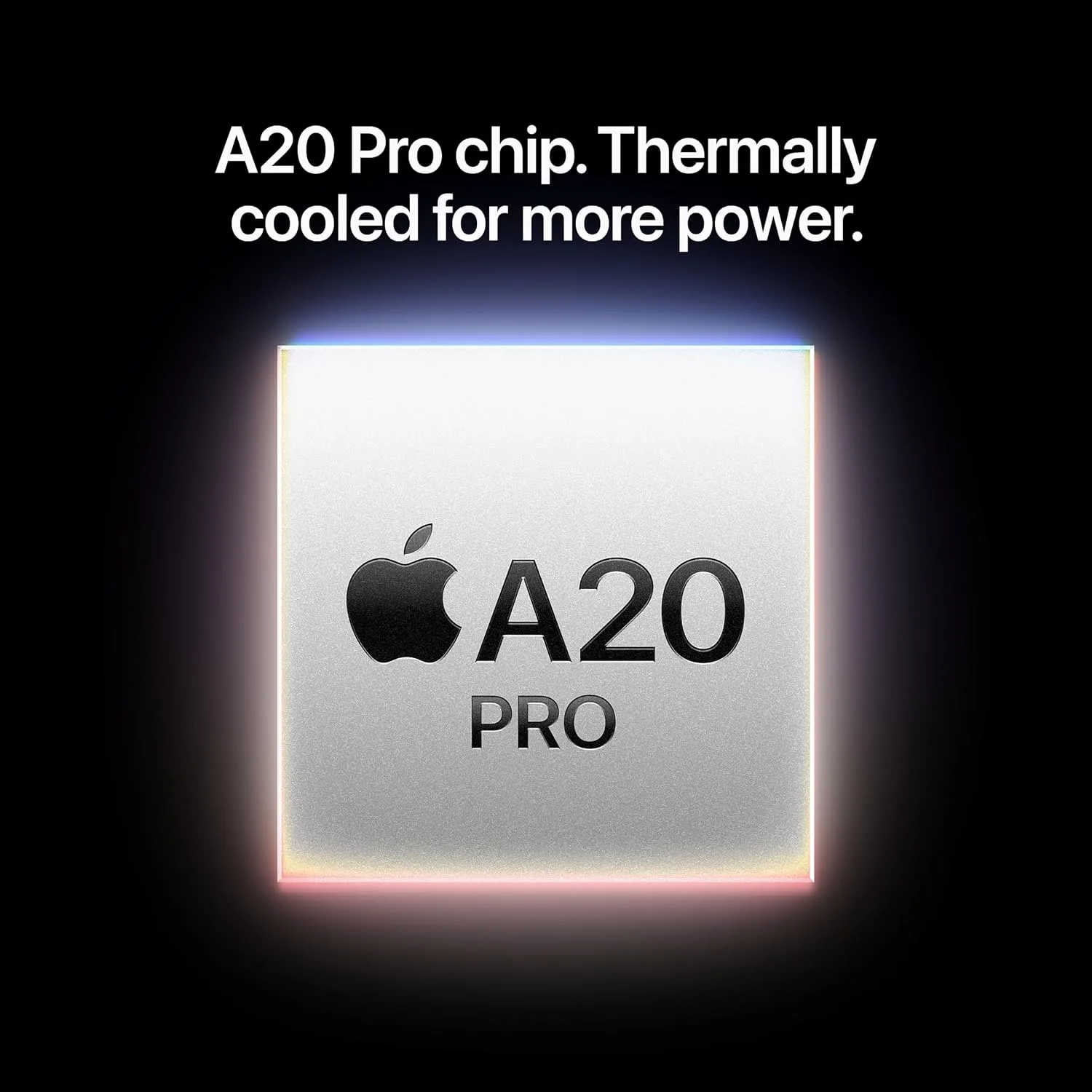
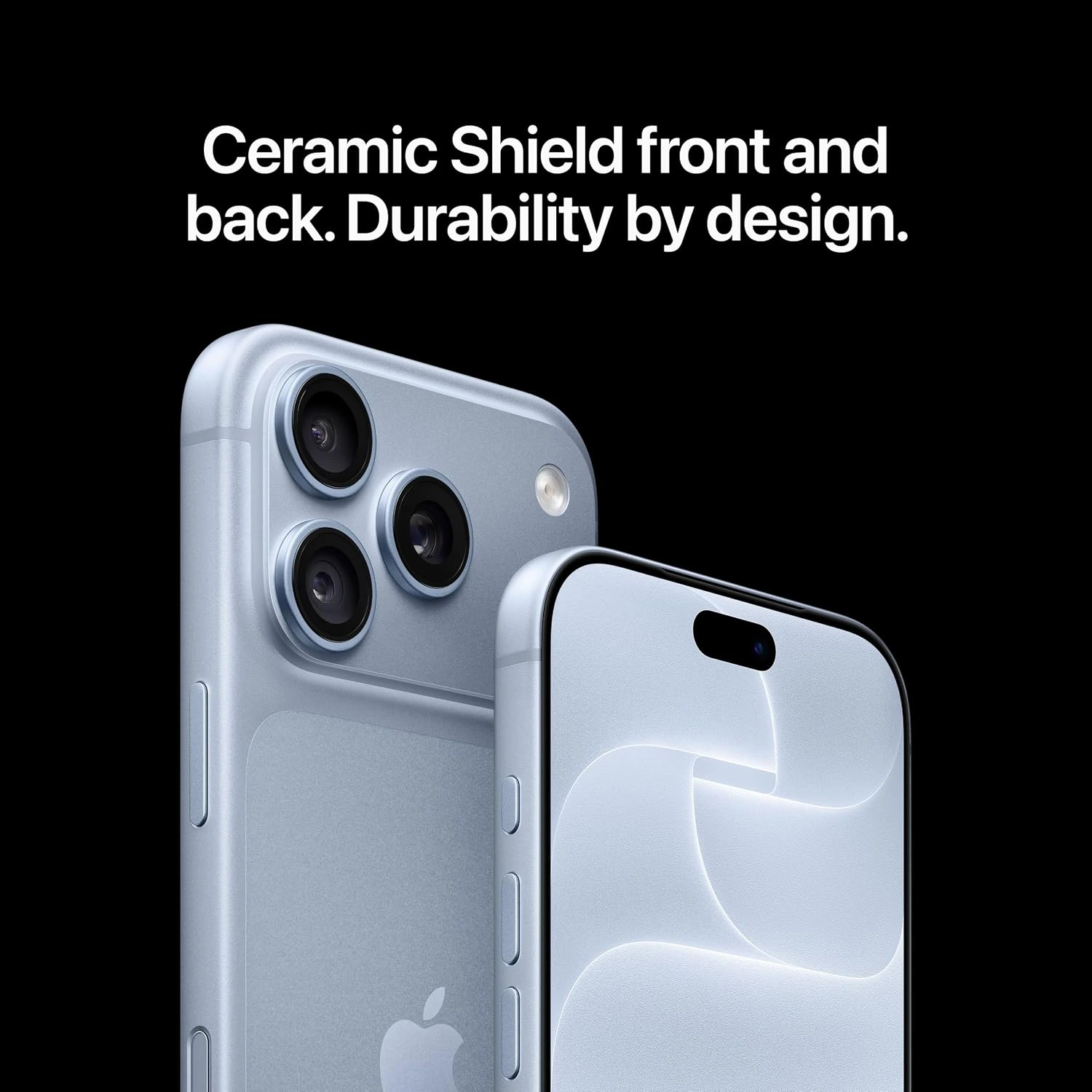
Apple has done it again, pushing the boundaries of what a smartphone can do and making everyday tasks feel faster, smoother, and more fun. Released in September 2026, the iPhone 18 Pro is Apple’s latest top-tier compact flagship smartphone designed for people who want the best speed, build quality, and the best camera performance available.
Compared to last year’s iPhone 17 Pro, this new model introduces a refined design with even thinner display borders, the blazing-fast new A20 Pro chip built for heavier AI workloads, and major upgrades to the camera system—including an improved telephoto lens for sharper zoomed-in photos and better low-light shooting. You also get longer battery life and faster charging speeds, making it easier to power through a busy day without hunting for a power outlet.
Overall, the iPhone 18 Pro feels noticeably sleeker in hand, and the new display enhancements make everything look instantly brighter and more vivid. Read on for our full review to see if these upgrades make it worth buying!
iPhone 18 Pro – Specs
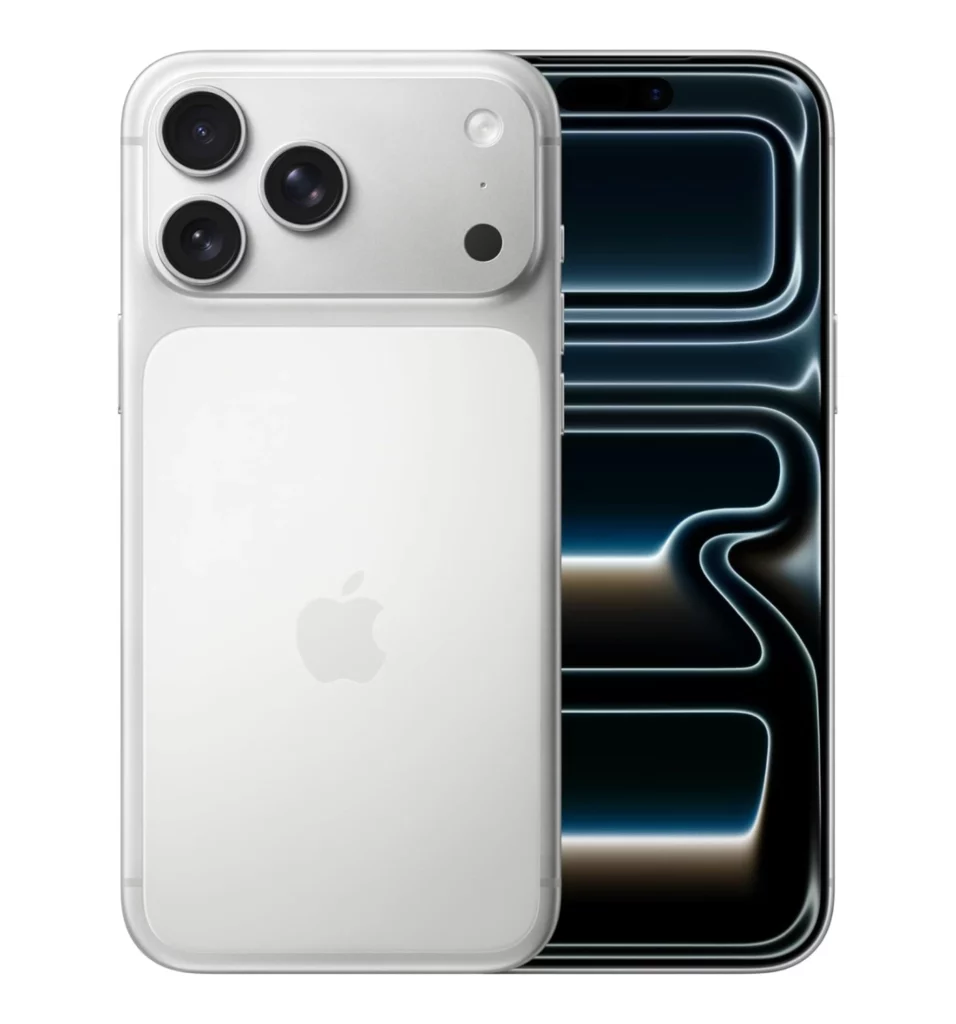
Display: 6.3-inch, LTPO Super Retina XDR OLED, 120Hz, HDR10, Dolby Vision (1206 x 2622 pixel resolution)
Chip: Apple A20 Pro; Apple GPU (7-core)
Memory: 12GB
Storage: 256GB / 512GB / 1TB / 2TB
System: iOS 27
Main Camera: 48 MP wide + 48 MP telephoto (4x optical zoom) + 48 MP ultra wide; Up to 4K video capture at 120fps
Selfie Camera: 18 MP wide; Up to 4K video capture at 60fps
Battery: 4056mAh (Nano-SIM) / 4288mAh (eSIM); Up to 25W wireless (MagSafe/Qi2) + 4.5W reverse wired charging
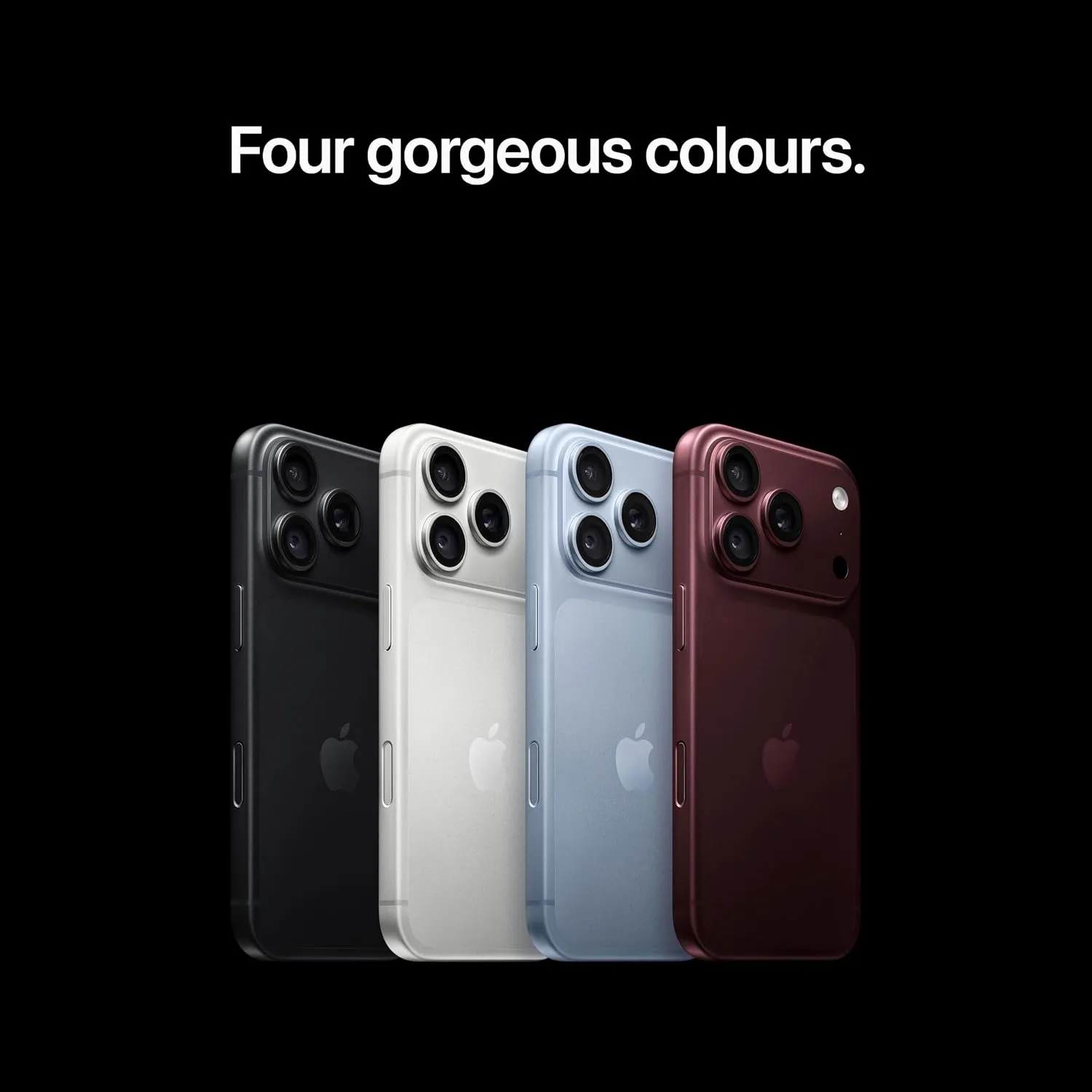
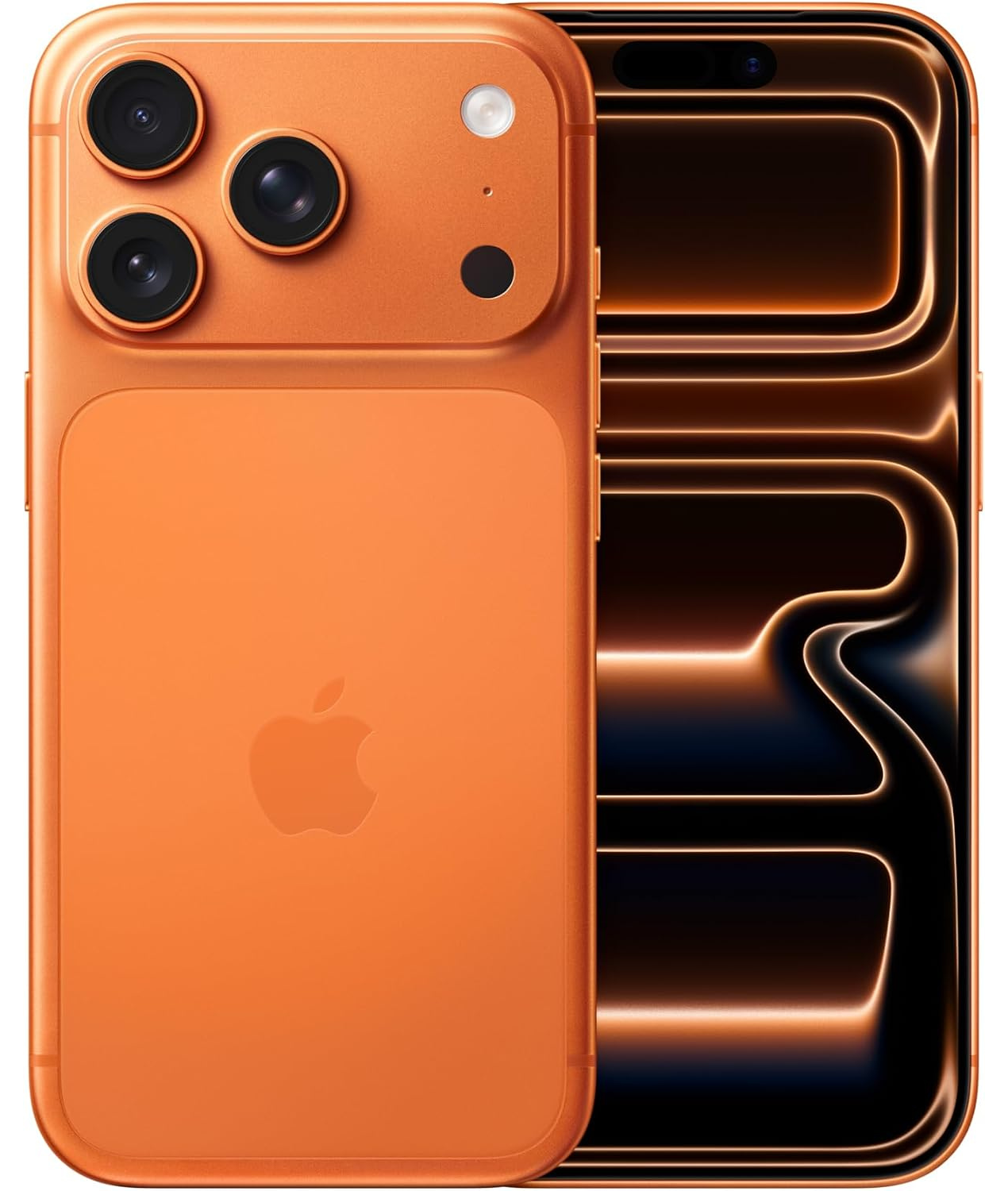
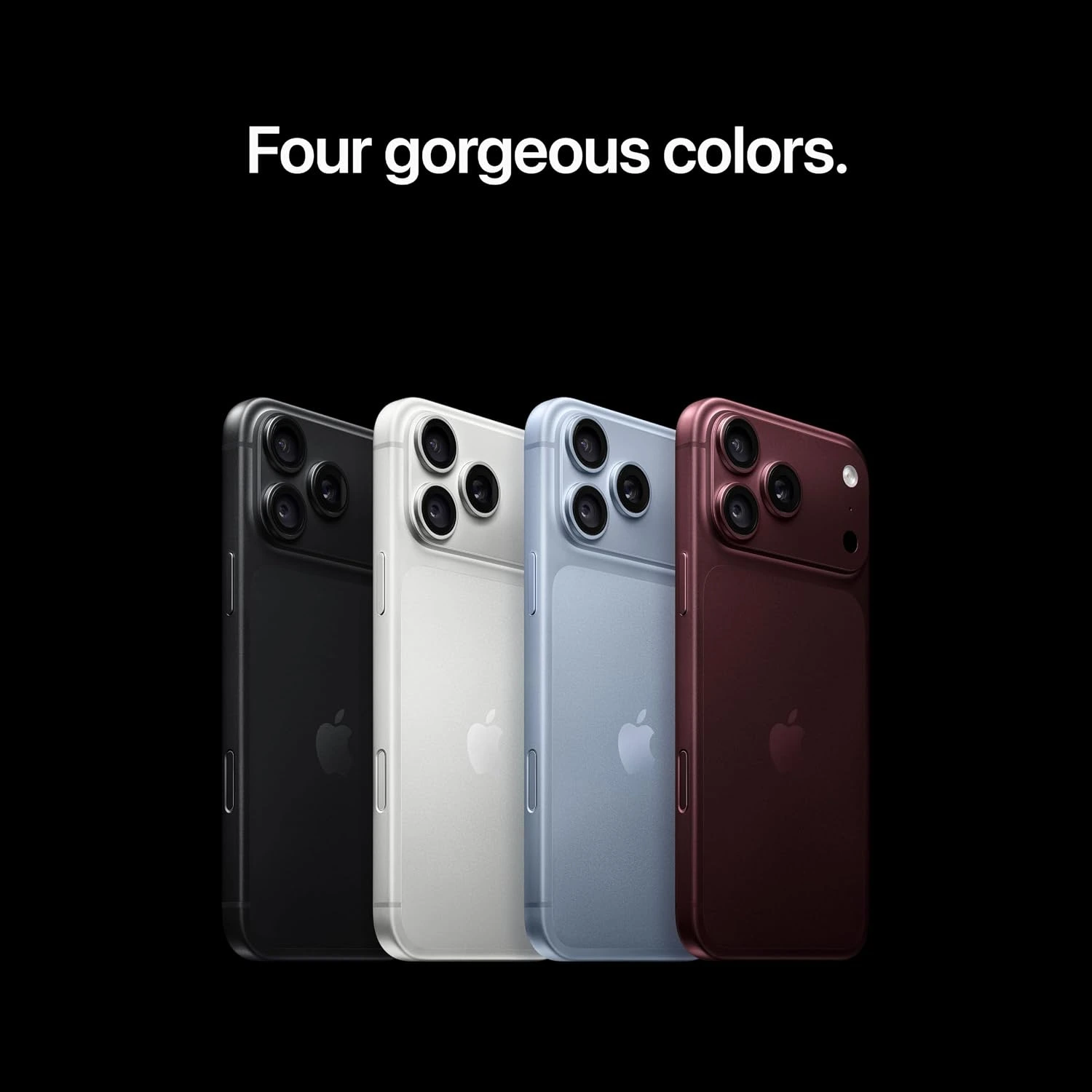
Other: Wi-Fi 7, Bluetooth 6.0; Colors include Black, Silver, Glacier, Burgundy; weighs 211 g (7.44 oz); IP68 water & dust resistant; eSIM, Nano-SIM
Everything you view on this screen simply pops with clarity and color. The 6.3-inch Super Retina XDR OLED display now features a brand-new anti-reflective coating that slashes glare when you’re standing outside under bright sunshine. Paired with a blistering peak outdoor brightness of up to 3,000 nits and Apple’s smooth 120Hz ‘ProMotion’ technology, scrolling through social feeds and reading articles outdoors feels effortless. How it benefits you: You no longer have to squint or search for shade just to read a text message, check a map, or snap a photo on a bright sunny day.
Impressive Battery Life & Fast Charging
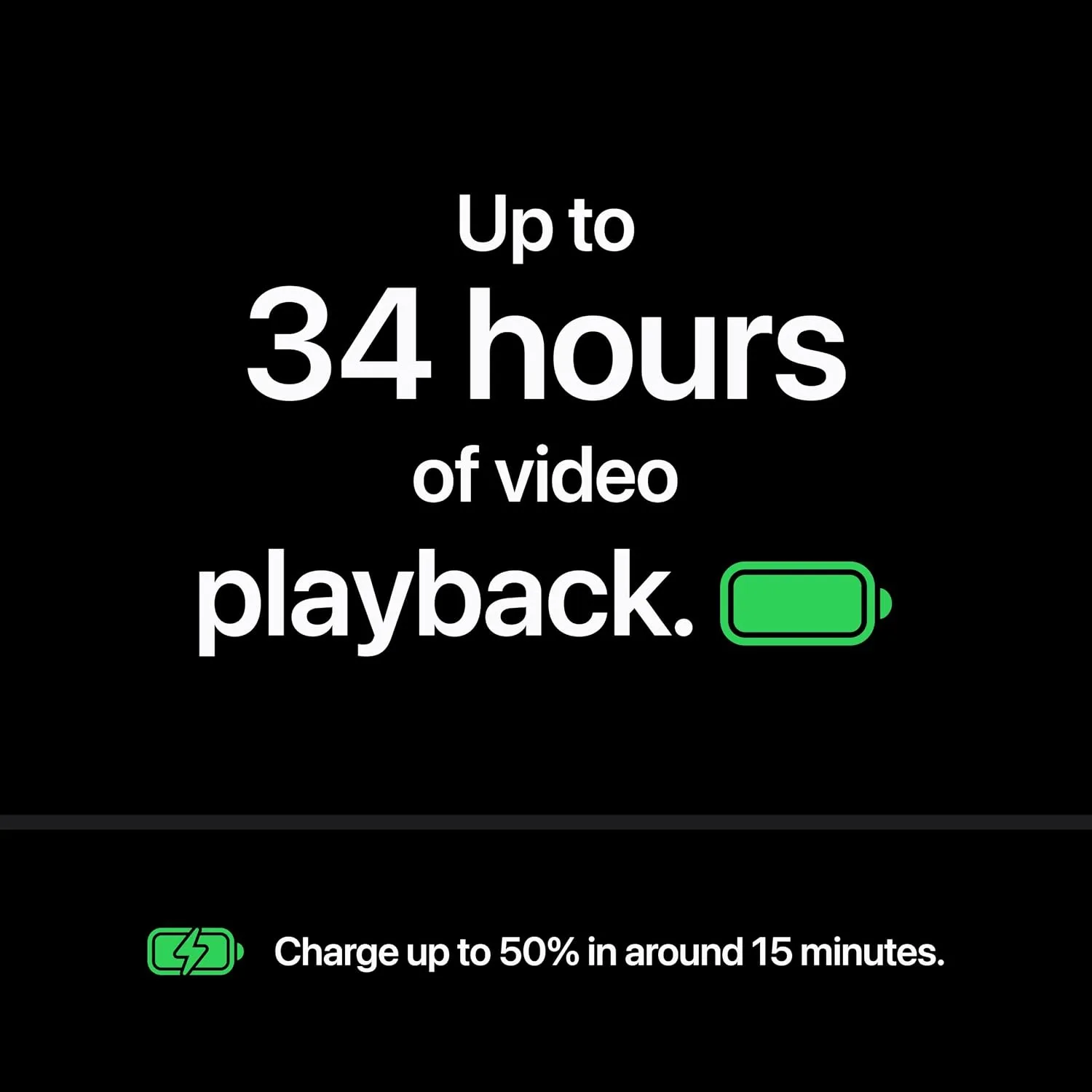
Say goodbye to mid-day battery anxiety for good. The 18 Pro comes in two variants: either a 4056 mAh (Nano-SIM) or a 4228 mAh (eSIM). Thanks to the efficient new internal design, the iPhone 18 Pro delivers up to 16 hours of typical active use on a single charge. In hands-on testing, tech outlets report moderate use stretches battery life easily into a second day of normal use.
When you do need to plug in, improved fast-charging gets you from 0% to 42% charge in just about 15 minutes, and from 0 to full charge in about an 1hour. All this if you get yourself a 45W charger. How it benefits you: You get true peace of mind—you can travel, work, and stream all day without carrying a power bank or constantly looking for an open wall outlet.
Excellent Audio Speakers
Your portable movies and music sessions just got a massive upgrade. The built-in stereo speakers on the iPhone 18 Pro produce rich, deep audio with crisp highs and surprisingly strong bass response. Whether you’re listening to a podcast while making breakfast or watching a video in a noisy room, vocals come through balanced and loud without distortion at high volumes. How it benefits you: You get an immersive, room-filling sound experience for movies, games, and hands-free calls without needing to pair external Bluetooth speakers or headphones every time.
Excellent Performance
This phone is an absolute speed demon that handles anything you throw at it. Driven by the new 2-nanometer A20 Pro chip, early benchmark reviews show massive performance leaps. On Geekbench 6, the iPhone 18 Pro pulls in staggering scores—around 3,800+ in single-core and over 11,400+ in multi-core tests—putting it well ahead of the competition.
Graphics tests are equally impressive, showing up to a 40% jump in GPU performance for heavy console-quality gaming. How it benefits you: Apps open instantly, heavy video editing flies, and demanding 3D games run super smoothly without your phone lagging or overheating.
Excellent Photos & Videos
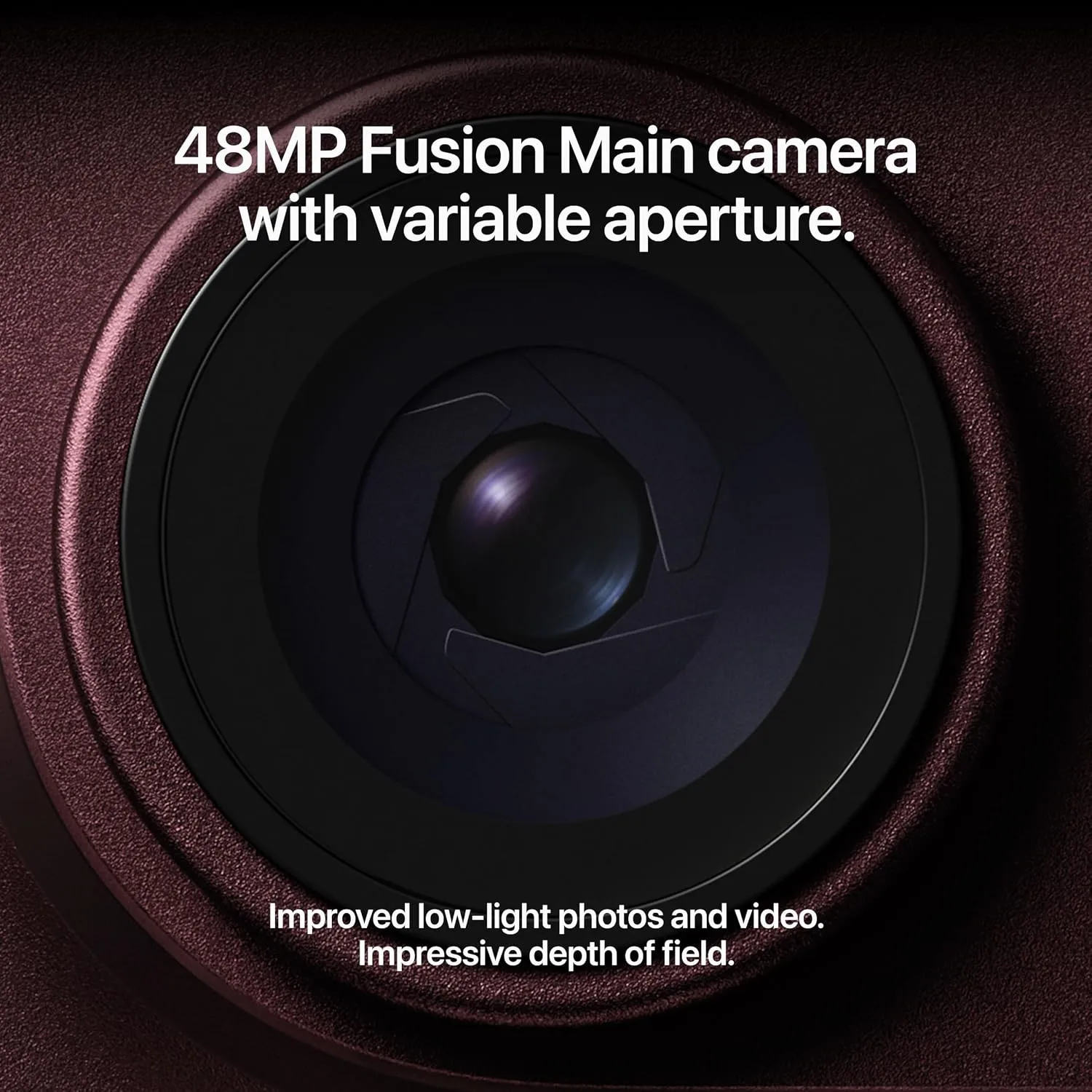
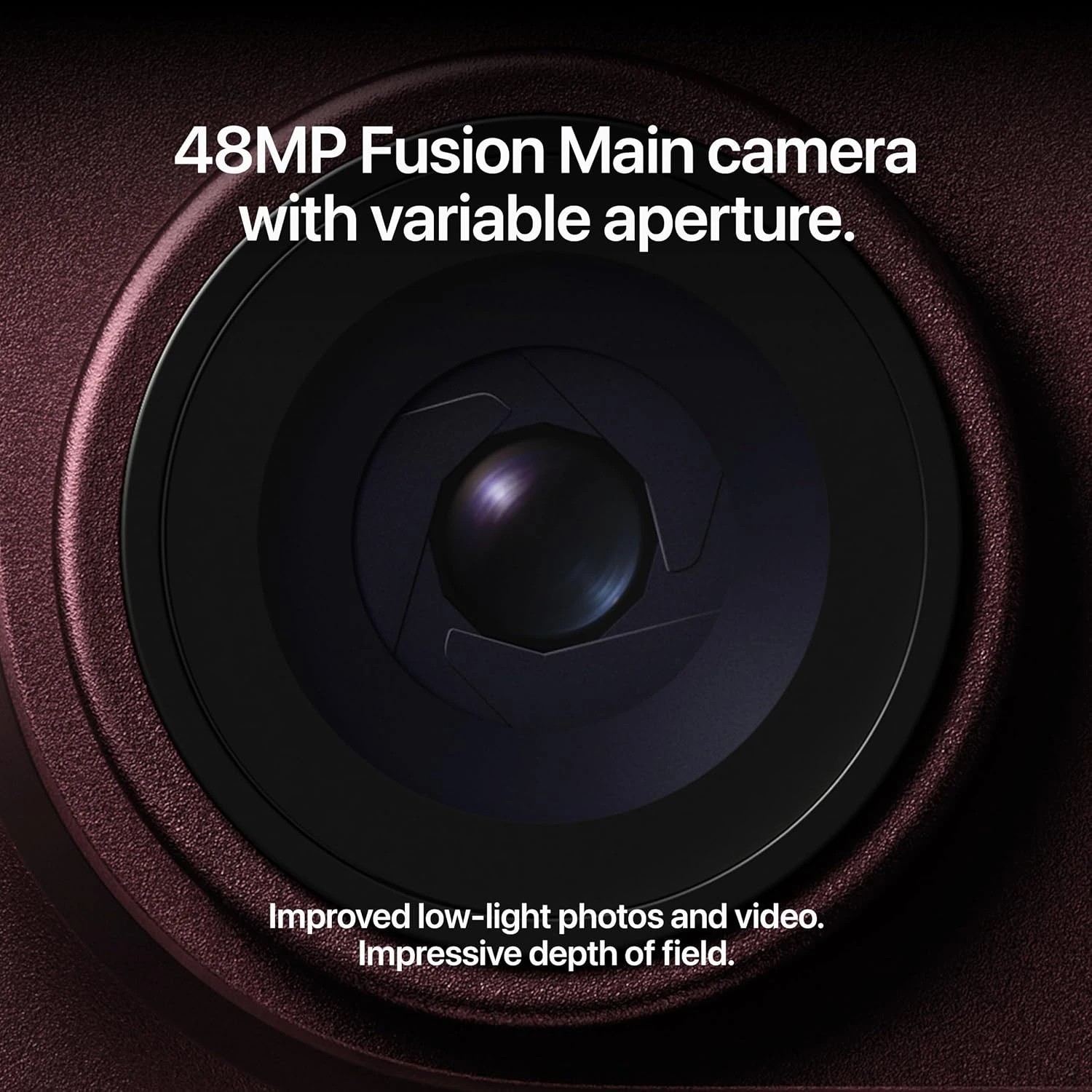
Taking professional-looking photos and videos has never been easier. The 18 Pro comes with a triple camera system, with a 48MP wide lens, a 48 MP periscope telephoto lens, and a 48 MP ultrawide lens. If you like taking selfies, the front camera on display comes with an 18 MP wide lens. The star of the show is the upgraded main camera featuring a physical variable aperture (f/1.5 to f/4.0). This lets the lens physically adjust how much light enters, giving you natural, blurry backgrounds for portraits and incredibly crisp, detailed shots in dark conditions.
Combined with a upgraded ultra-wide lens and a sharp periscope telephoto lens, this camera setup excels in virtually any lighting scenario. How it benefits you: You get stunning, clear photos of friends, family, and low-light night outings without needing tricky manual settings or photo-editing skills.
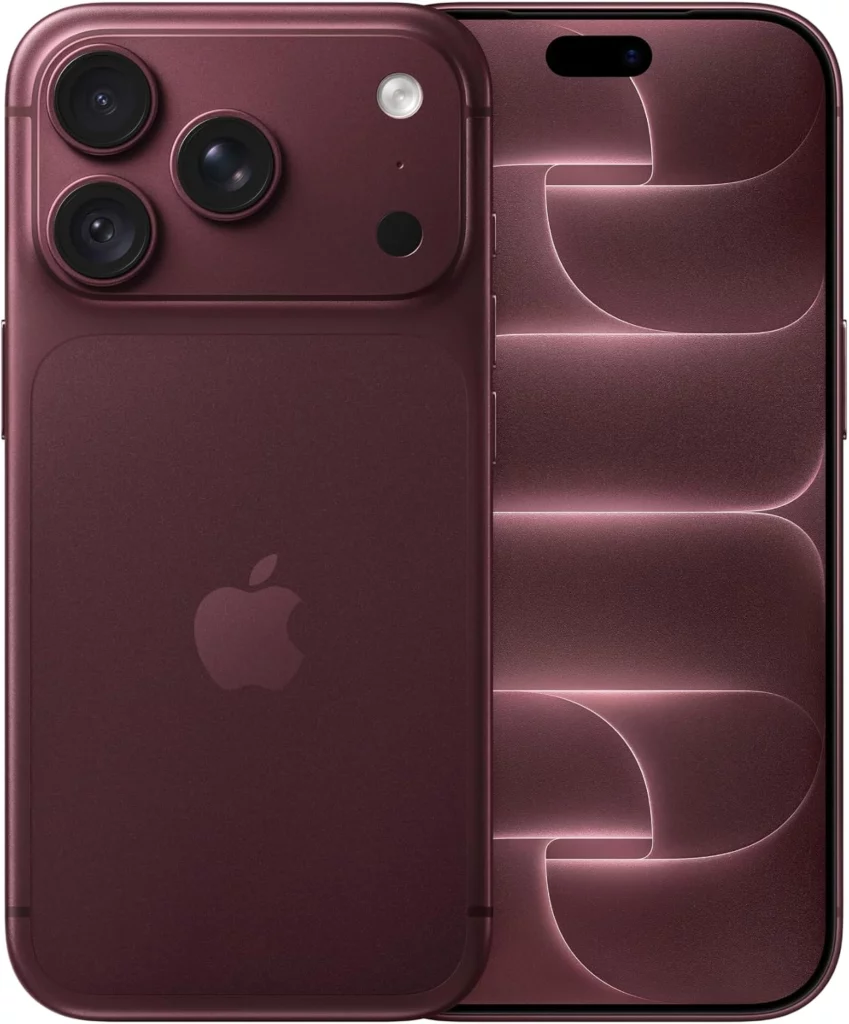
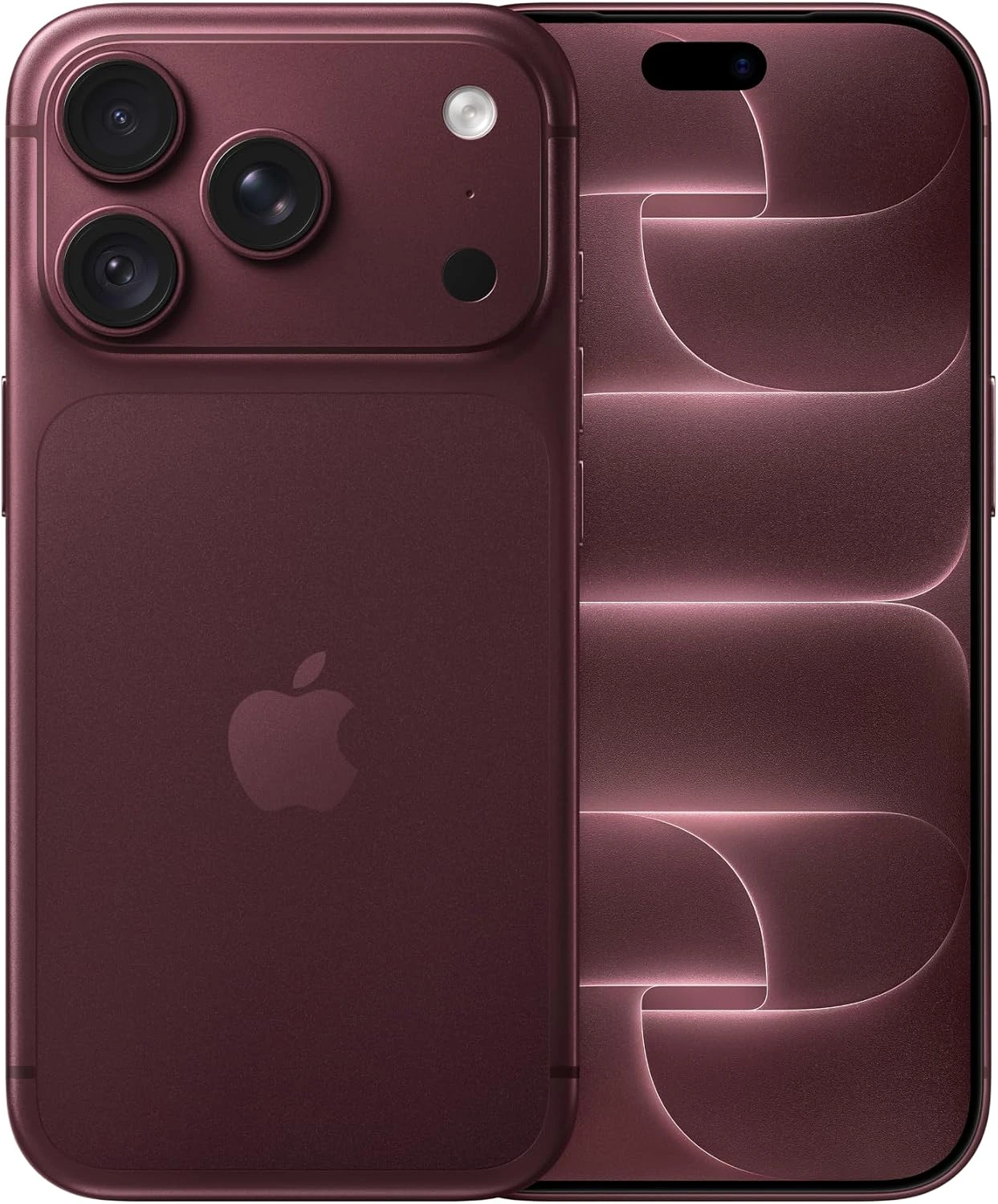
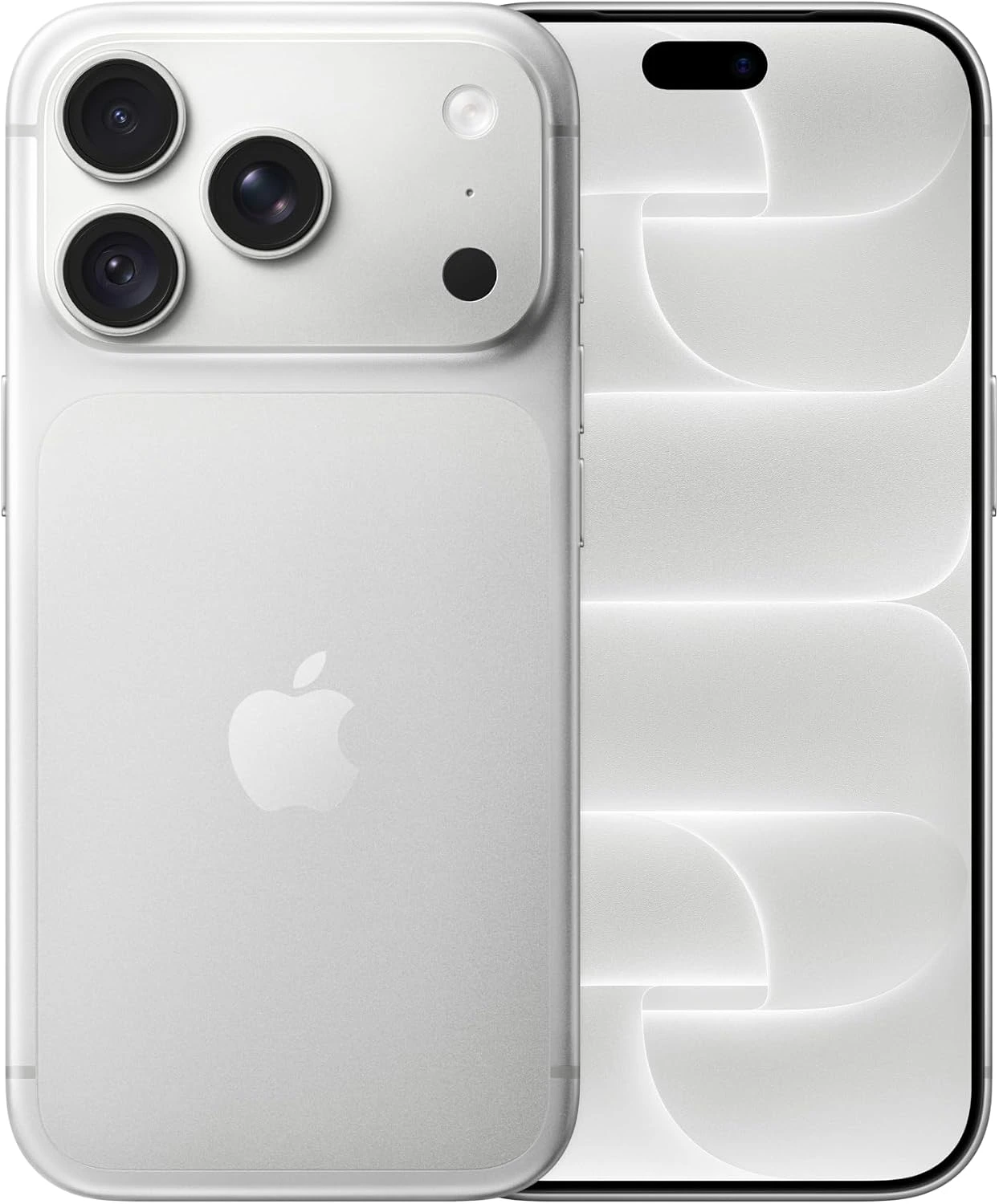
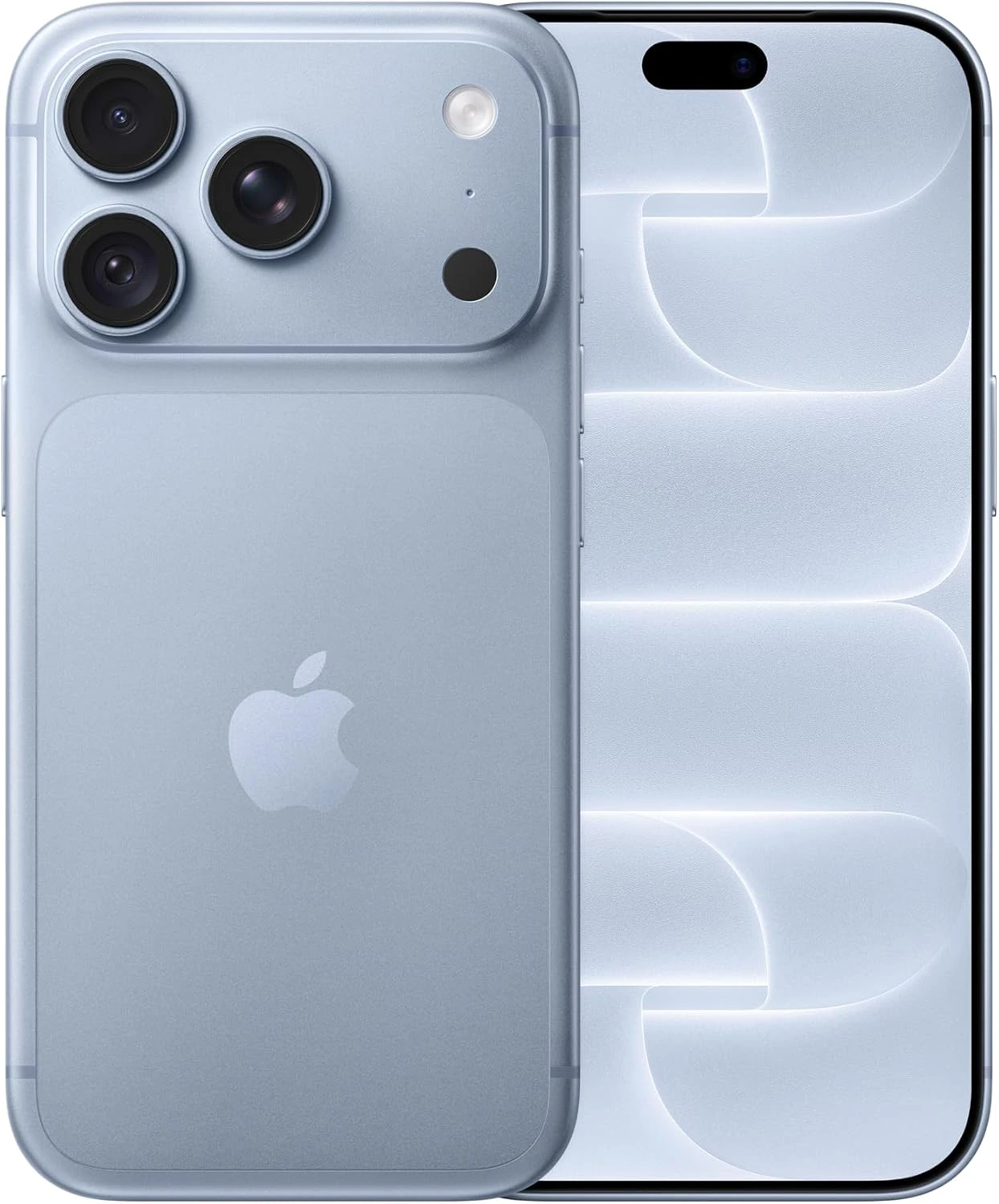
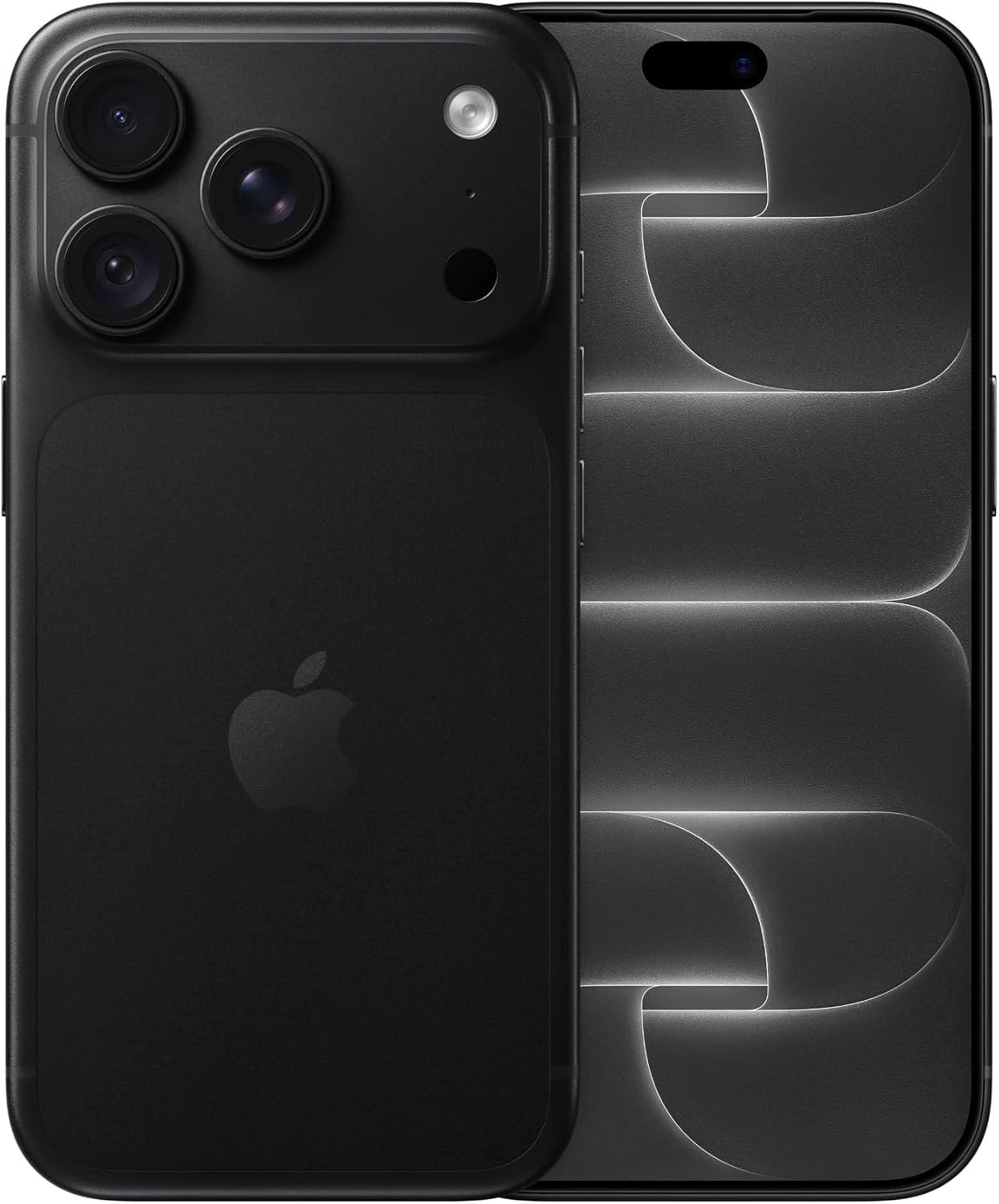
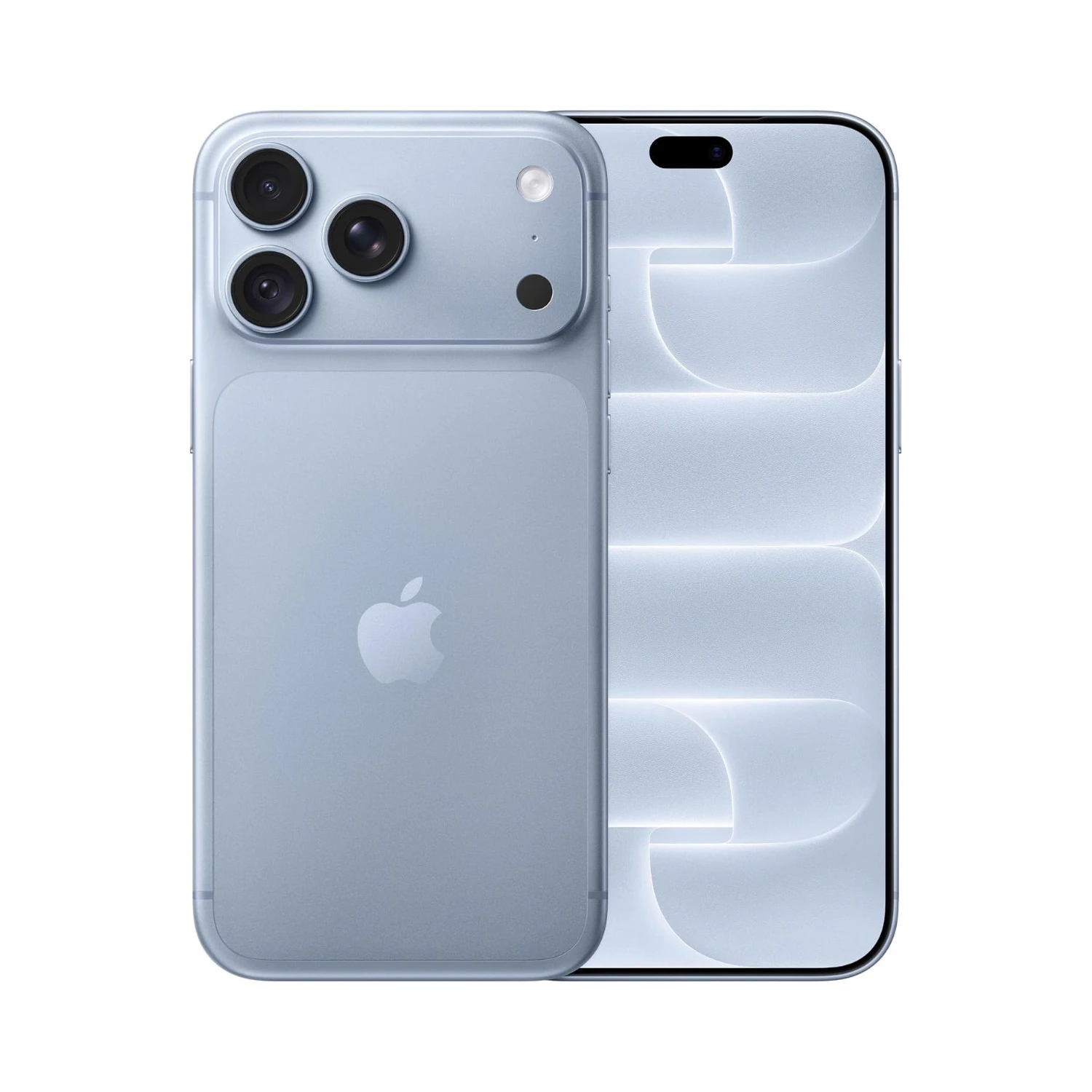
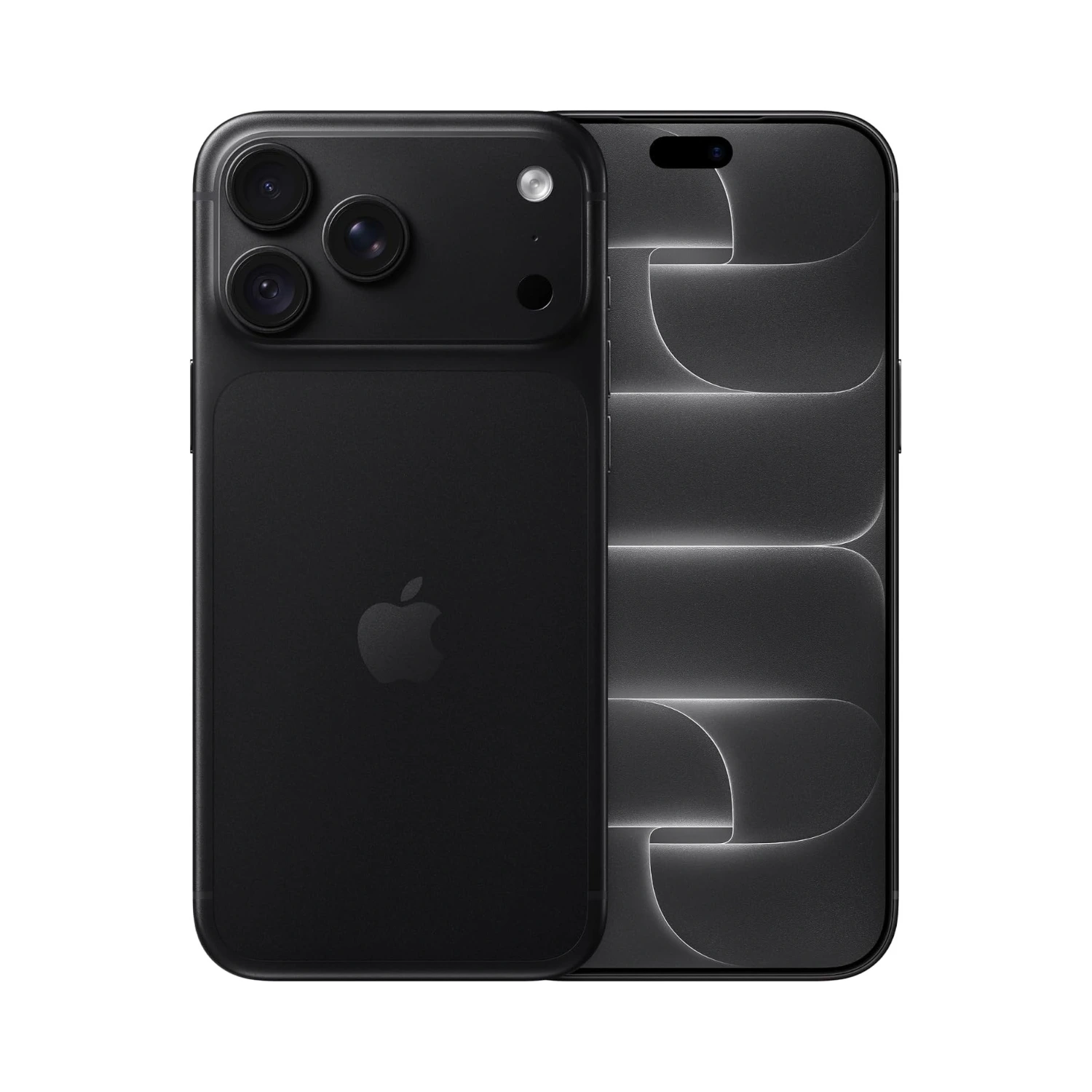
All four iPhone 18 Pro phones (image credit: Apple)
Deal Breakers
Expensive Starting Price
Buying this phone requires a deep dive into your savings account for very incremental gains. Expect to pay a heavy €1449 / £1199 / R28500. The cost has crept up again, placing it far out of reach for anyone looking for a simple tech upgrade without financial strain. If you already own a recent smartphone, dropping this much cash on tiny speed bumps and slightly brighter screen pixels simply yields terrible value for your hard-earned money.
Weight & Bulk
Holding this phone for long stretches quickly turns into a workout. Apple packed more heavy tech into the frame this year, making the device feel noticeably dense and awkward in smaller hands or shallow pockets. If you love light, effortless devices that disappear in your hand while browsing in bed, this extra heft will constantly pull at your wrist and make daily use feel like a chore.
Slow Charging Speed
Plugging in when you’re in a rush still feels like waiting for paint to dry. While rival phones top up from empty to full in under twenty minutes, Apple still throttles charging power to protect long-term battery health, leaving you tied to a wall outlet when you need a quick boost before heading out. If your lifestyle keeps you on the move and reliant on quick top-ups during brief breaks, this slow charging standard will constantly leave you anxious about battery levels.
Unforgiving Repair Costs
One accidental drop onto concrete can cost as much to fix as a decent mid-range phone. The complex sandwich of specialized glass and custom internal components means third-party shops struggle to fix it, forcing you into expensive official repair channels or costly insurance plans. If you prefer using your phone without a bulky, heavy case, the constant fear of a high repair bill will ruin the joy of using the device naturally.
You don’t need to spend a fortune on the latest release to get a top-tier smartphone experience. The Apple iPhone 17 Pro gives you virtually all the speed, battery life, and high-end camera tricks of the newer model, but at a much friendlier price. It shares the exact same smooth display screen, a sharp camera system that captures clear photos in any light, and a fast chip that handles daily tasks without skipping a beat.
Unless you absolutely require bleeding-edge changes, buying the previous version keeps extra money in your pocket while delivering an nearly identical daily performance. In the end, choosing the iPhone 17 Pro proves that newer does not always mean better for your wallet. It hits the exact sweet spot between premium performance and long-term value, making it the far more practical choice for most buyers.
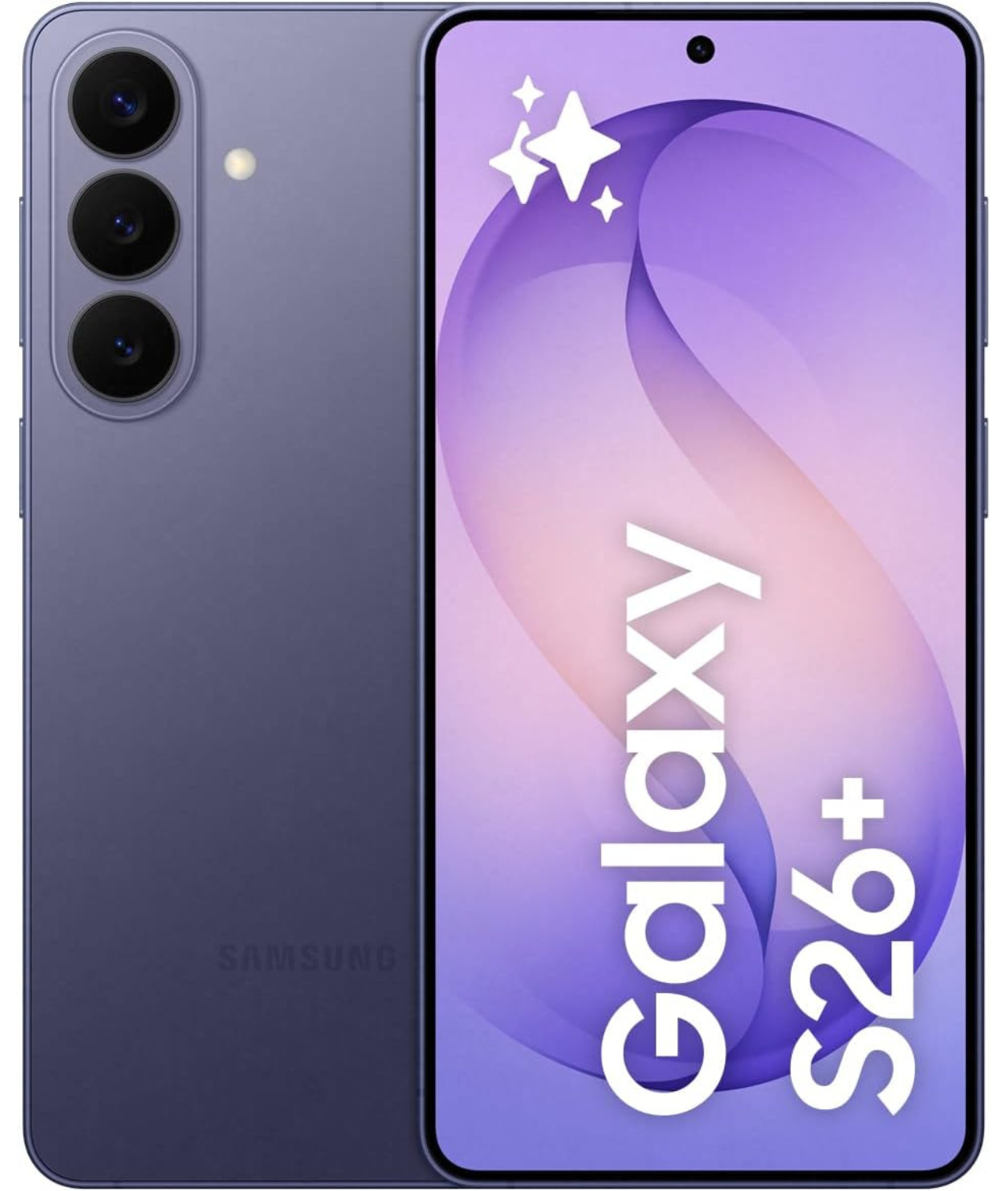
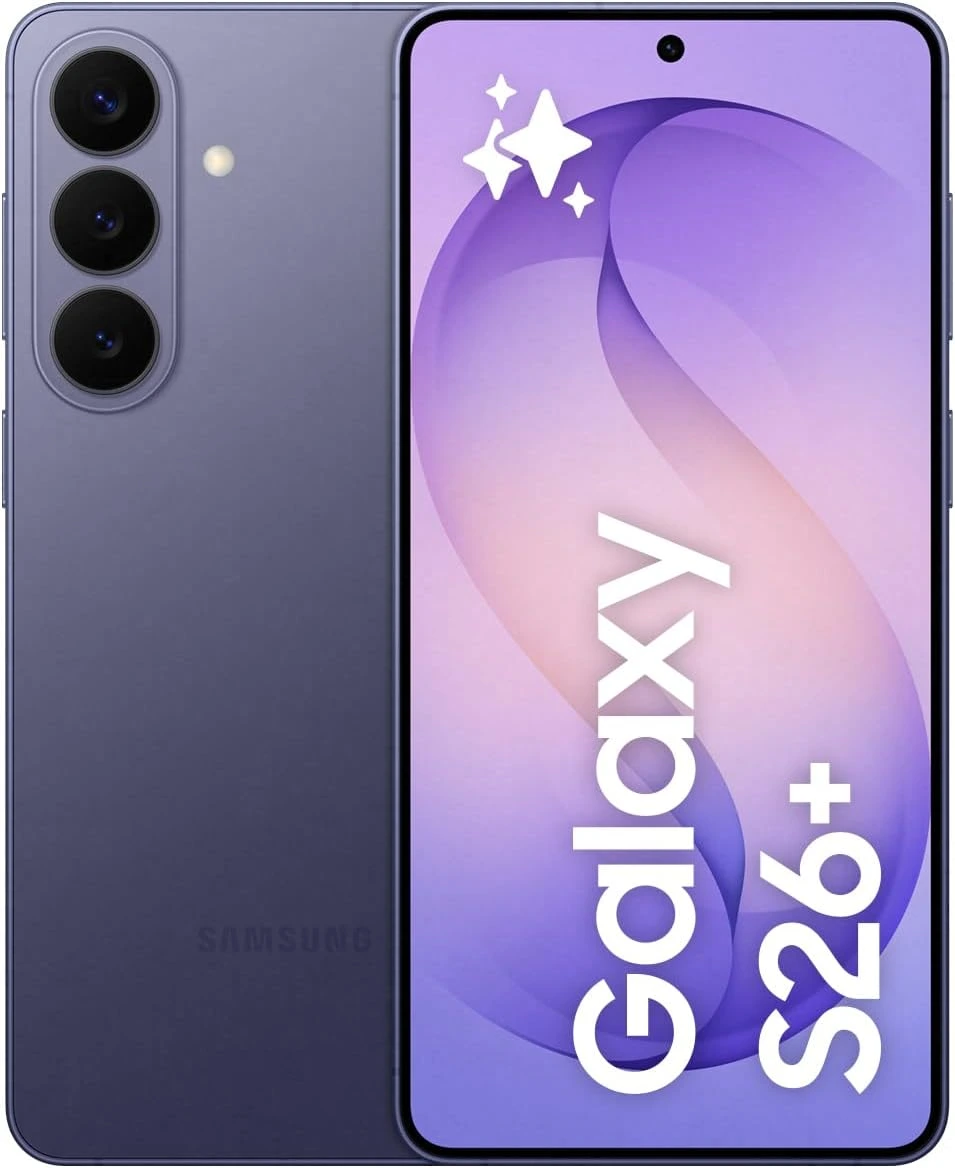
Switching away from Apple’s rigid rules gives you back control over how your phone actually works. The Samsung Galaxy S26+ gives you a larger, sharper display screen, faster charging speeds, and a lightweight frame that feels far more comfortable to hold all day long. You get much more freedom to personalize your home screen, run apps side by side, and transfer files without jumping through software hoops.
It powers up rapidly using widely available chargers, avoiding the artificial limitations and heavy design choices that make Apple’s flagship feel restive and overly bulky in comparison. Overall, choosing the Samsung Galaxy S26+ offers a far more flexible everyday experience. It combines a roomier screen and practical real-world convenience without forcing you into an expensive, restricted ecosystem.
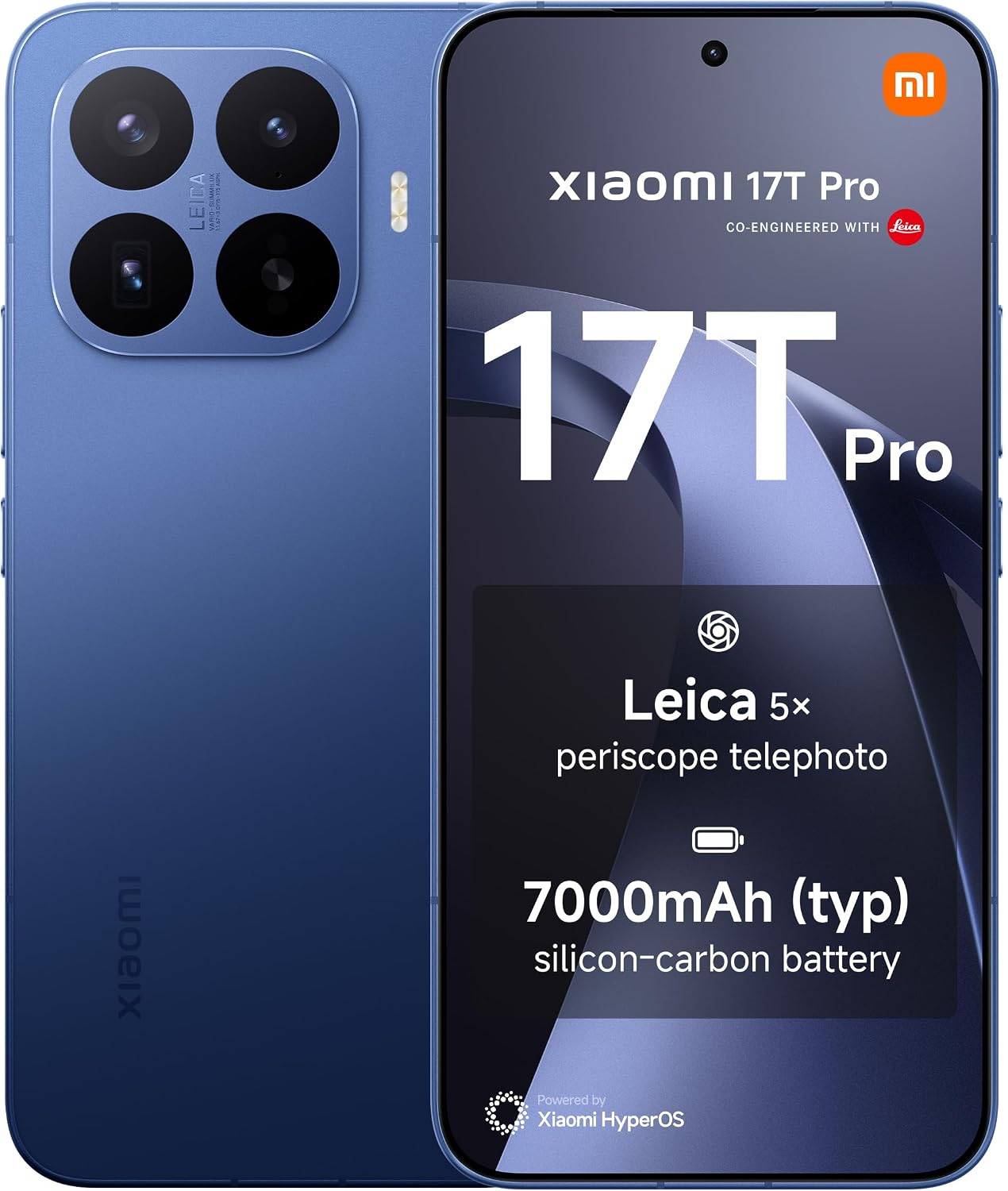
You don’t need to pay top-tier pricing just to experience peak mobile performance. The Xiaomi 17T Pro includes cutting-edge specs, delivering ultra-fast charging, and includes a massive battery that easily outperforms Apple’s flagship, all while saving you a significant chunk of change. It features a smooth display, impressive cameras, and fast charging speeds. This phone gives you superior value for your money. The daily experience centers on sheer efficiency and endurance. Powered by a 7,000 mAh battery paired with 100W ‘HyperCharge’, you can completely fill up the battery in under forty-five minutes.
Its large AMOLED screen renders motion fluidly, making scrolling and mobile gaming feel faster than the standard refresh rates on competing phones. Thanks to the high-performing processor easily handles heavy multitasking and gaming without stuttering or overheating. Overall, choosing the Xiaomi 17T Pro means choosing speed, battery freedom, and real practical power. It gives you top-end hardware and lightning-fast charging at a price that actually makes sense.
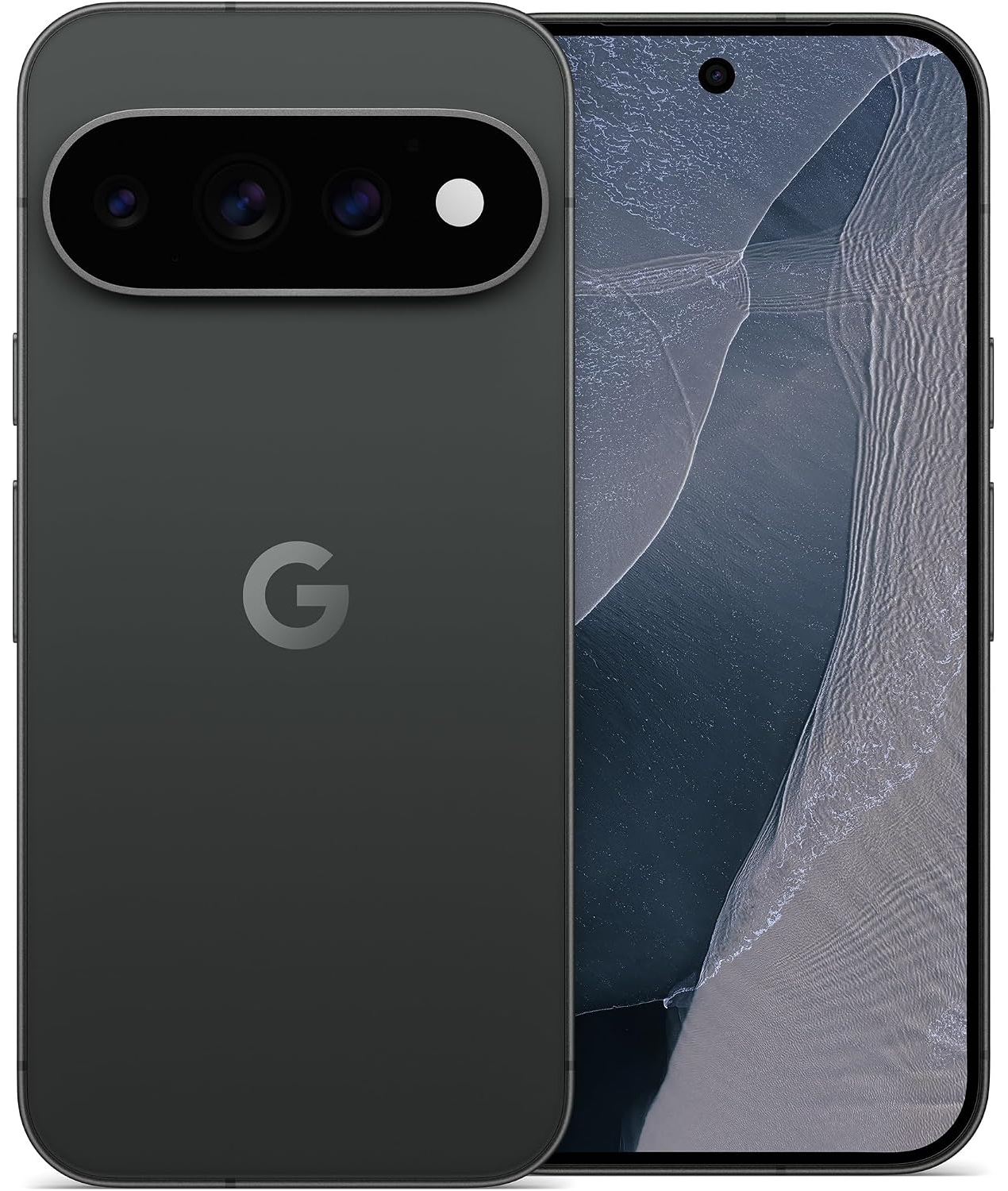
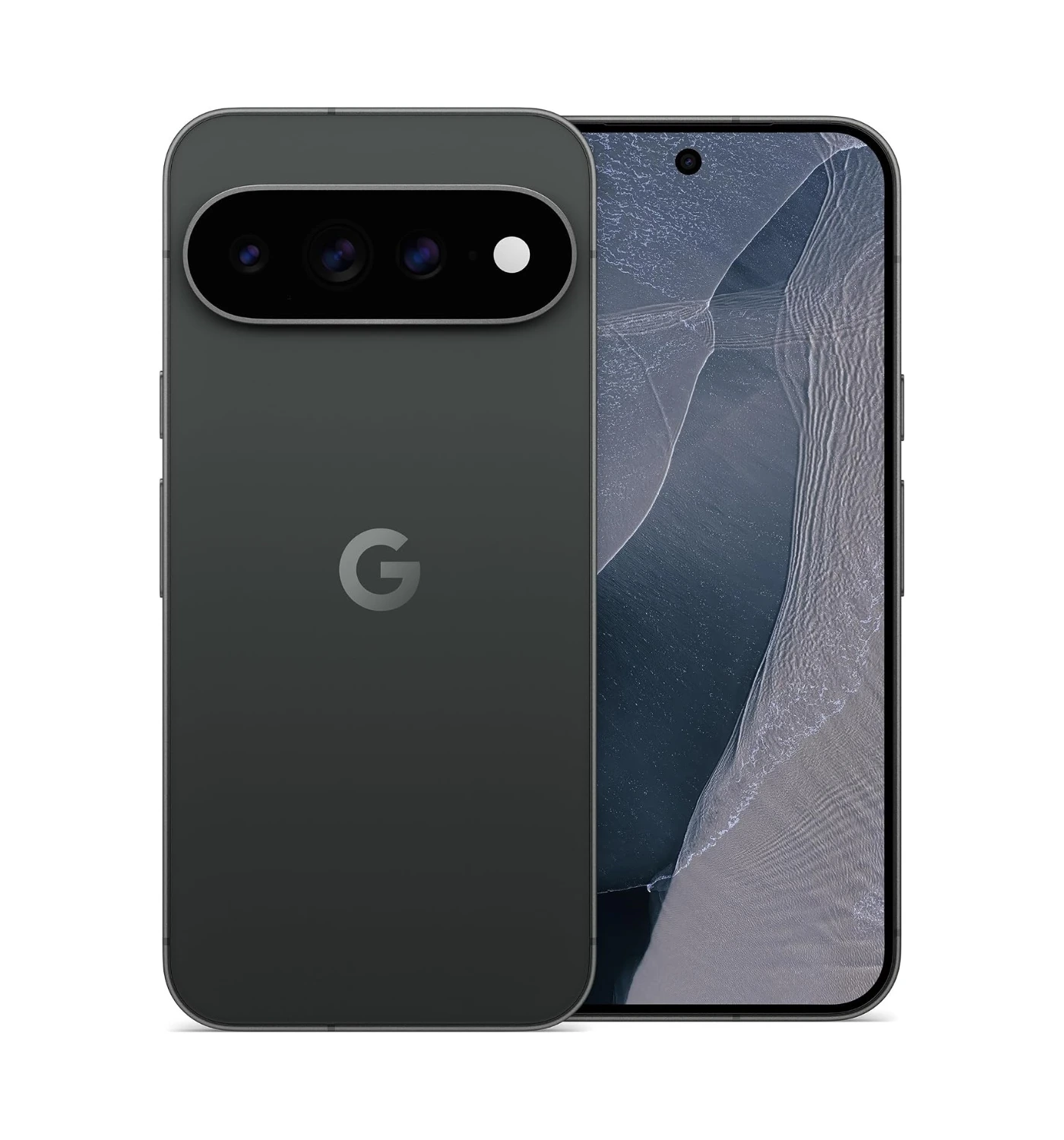
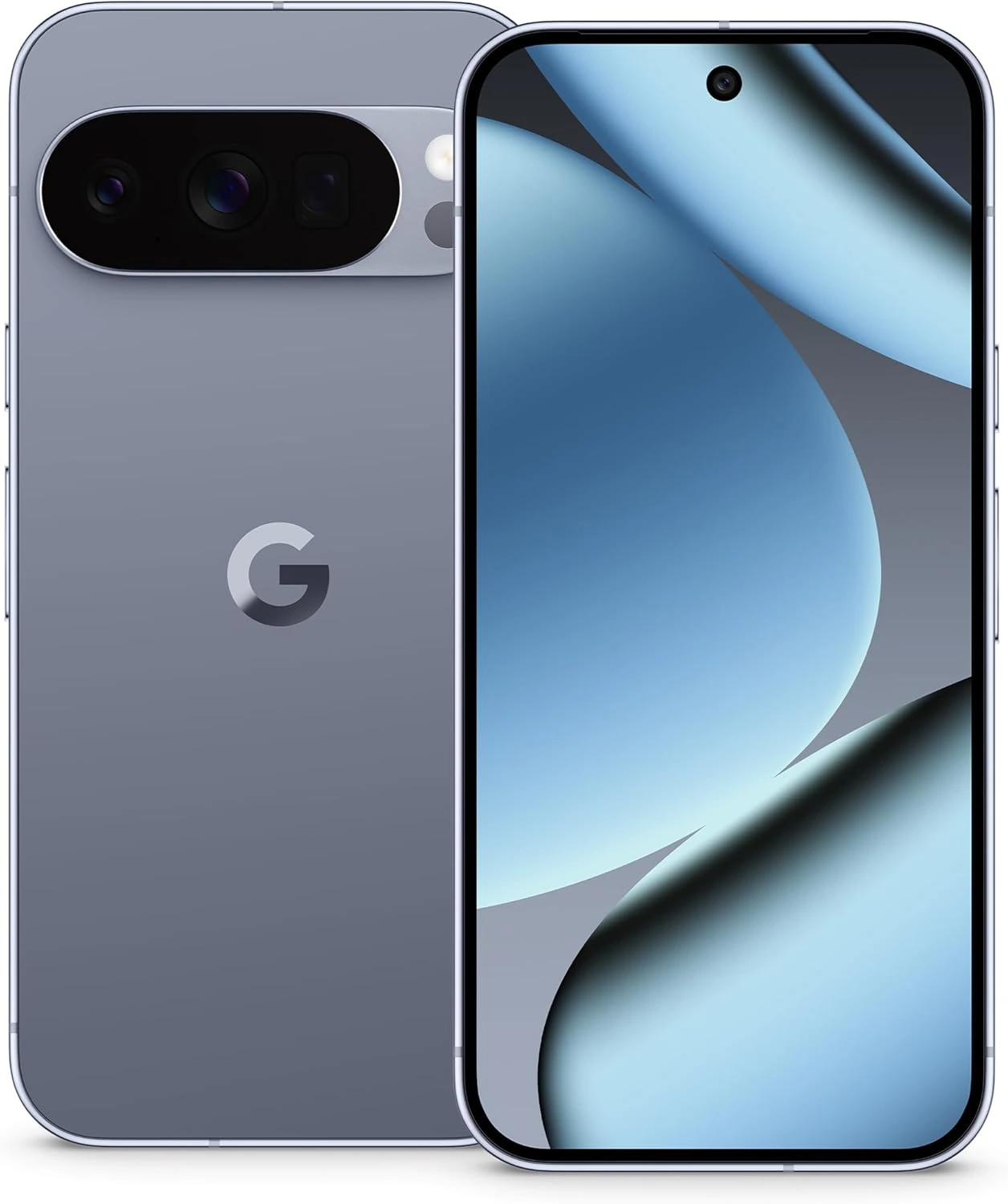
If you want a phone that feels like a genuinely helpful assistant rather than just a shiny tool, Google has built the answer. The Google Pixel 11 Pro strips away complex menus and setup steps, giving you clean software, incredible cameras, and smart tools that make everyday tasks feel completely effortless.Where Apple leans heavily on high costs and rigid system limits, Google focuses on real-world practical tools that actually save you time and hassle every single day. The biggest advantage comes down to how AI is built into the phone.
Google’s custom Tensor G6 chip handles heavy AI tasks right on the device, allowing screening of unwanted calls, organizing of your messages, and translation of live conversations seamlessly.Photo editing on iPhones can feel tedious, but Google lets you fix lighting, move objects, or adjust zoom details using prompts. On top of that, the camera system delivers natural colors without making photos look artificial or over-processed. Choosing the Google Pixel 11 Pro gives you a phone that works for you instead of making you work for it. It combines useful, time-saving software with standout camera performance, making it the smarter, far more practical overall pick.
Final Verdict
The iPhone 18 Pro is undeniably a monster of a phone, but it pushes power over everyday practicality. While the blistering A20 Pro chip, the sharp display, and the camera system sets a high technical bar, the added weight and slow charging speed make it a tough sell for the average user. However, it stands as a brilliant showcase of raw performance, and for many buyers, the steep price simply outweighs the minor year-over-year gains.
Buy It If:
You want top-tier mobile power for heavy gaming and 4K video editing
You’re upgrading from an older model like an iPhone 13 or older
You want professional-grade photo controls
Don’t Buy It If:
You already own an iPhone 17 or iPhone 17 Pro
You want a light, easy-to-hold device
Fast charging speeds are a top priority for your lifestyle
Ready to make your decision? Click HERE to grab your iPhone 18 Pro at the best available price online. Now, I want to hear your thoughts on the iPhone 18 Pro hands-on review! Is the new camera system enough to make you upgrade, or are you sticking with your current phone for another year? Leave a comments below and join the conversation 😎
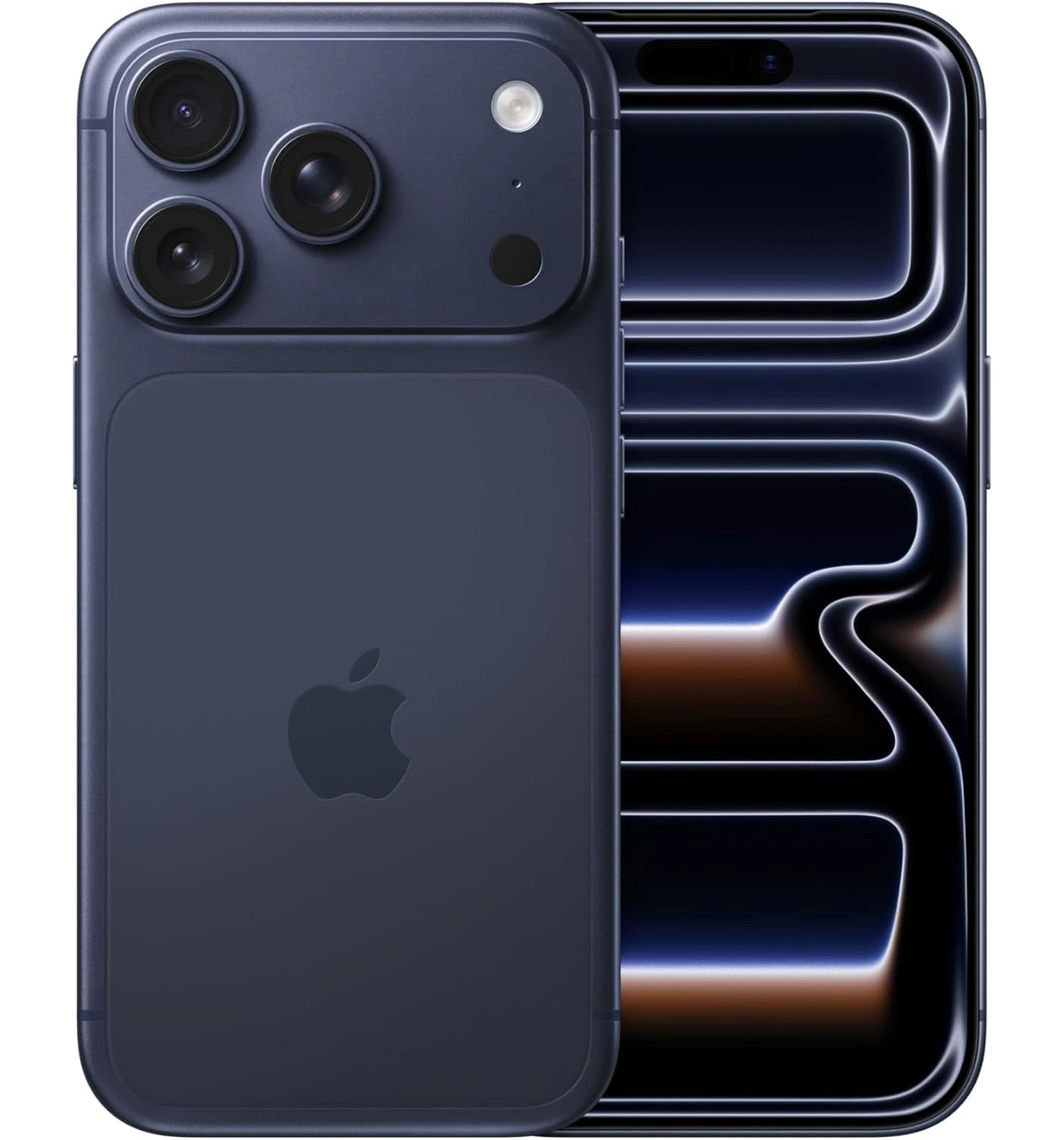
“The new iPhone 18 Pro Max from Apple stands out as the new beast in the smartphone jungle, offering unmatched power, up to two days of long battery life, and delivers incredible photo and video capture.”
Quick Verdict
If you want the most powerful and reliable smartphone from Apple right now, the iPhone 18 Pro Max easily takes the crown.You get incredible battery life that easily lasts two full days on moderate use, blistering processing power, and a massive 6.9-inch display with a smaller Dynamic Island that gives you more screen space than ever before.The new camera setup gives you serious creative control, including flexible sensors that automatically adjusts to shoot sharper pictures in low light.
However, all of that high-end performance comes with clear trade-offs. You’ll notice the added weight right away, as it’s noticeably heavy in the hand and tricky to use with just one hand.It’s also expensive, and the design is very similar to last year’s model.You should buy it if you want long battery life, top-tier cameras, and the best performance available, but you may want to look elsewhere if you prefer a lighter device that fits easily in your pocket.
Quick Summary
If you thought giant smartphones had hit a ceiling, Apple’s newest flagship is here to change your mind. Released on September 18, 2026, the iPhone 18 Pro Max stands as the absolute top tier of Apple’s smartphone lineup.It’s built for power users, mobile photographers, and anyone who wants maximum battery life alongside a massive 6.9-inch display.
While it looks nearly identical to last year’s model at a glance, the real upgrades sit right under the glass.The headline feature is a brand-new main camera system with a physical variable aperture that automatically shifts to take sharper, clearer photos in dark settings.Up front on screen, you’ll find a noticeably smaller Dynamic Island cutout that opens up more screen area.Under the hood, the new A20 Pro chip delivers blazing speeds while stretching your battery life further than any iPhone before it.
At first glance, this phone feels like an absolute tank in every sense. It’s heavy, super fast, and packed with pro-grade gear. And much more. Read on as we dive deeper to know more about its incredible features to see if this massive new upgrade is worth your hard-earned money.
Apple iPhone 18 Pro Max – Specs
Release: 18 September 2026
Display: 6.9-inch, LTPO Super Retina XDR OLED, 120Hz, HDR10, Dolby Vision (1320 x 2868 pixels resolution)
Chip: Apple A20 Pro; Apple GPU (7-core);
Memory: 12GB RAM
Storage: 256GB / 512GB / 1TB / 2TB
System: iOS 27
Cameras (Rear): 48 MP wide + 48 MP telephoto with 4x optical zoom + 48 MP ultrawide, Up to 4K video capture at 120fps
Cameras (Selfie): 18 MP wide, Up to 4K video capture at 60fps
I guarantee that your eyes will instantly fall in love with this screen the second you wake it up. The 18 Pro Max comes with a 6.9 inch OLED display, with a high 1320 x 2826 resolution, 120Hz refresh rate, with HDR10 and Dolby Vision support. I spent hours streaming high-definition videos and browsing full-page web content on this massive screen, and every single pixel on screen looked vibrant, razor-sharp, and remarkably bright.
Apple also shrunk the Dynamic Island cutout front and center, which means I got to enjoy noticeably more open screen space when playing games or watching movies. The ProMotion refresh rate makes every swipe feel smooth like butter under your fingertip, while the outdoor brightness easily beats direct, harsh sunlight. Overall, I was thoroughly impressed by how much more immersive this larger, cleaner screen feels in everyday use.
2. Long Battery Life & Fast Charging
I have used dozens of flagship phones over the years, but I have never experienced a battery that refuses to die quite like this one. The new Pro Max is powered either by a 5391mAh battery (nano-SIM model) or a 5567mAh battery (eSIM model). During my testing, I put this phone through a brutal day of heavy photo shooting, non-stop GPS navigation, and video streaming, and I still went to bed with nearly half of my battery power remaining. As a result, on moderate use you’ll get up to an average of up to 19 hours of total battery life. From 31 hours of call time, to 26 hours of video streaming, you’ll be satisfied with the phone’s battery life.
When it finally comes time to charge, the upgraded charging speed gets you from completely dead to full charge in less time than the previous model. If you can get your hands on a 54W charger, you can get a good fast charge. Using the said charger, in 3o minutes the new Pro Max is about 80% charged, and then full charge is done in less than an hour. It completely eliminates any trace of mid-day battery anxiety, leaving me confident that I can step out for a long weekend without constantly looking for a wall outlet.
3. Great Audio Quality
I was genuinely blown away by how loud, rich, and full-bodied the built-in stereo speakers sound on a device this thin. When I played my favorite acoustic playlists and action movie trailers without headphones, the audio delivered deep bass notes and crisp, clear vocals that never distorted even at maximum volume. It easily fills a quiet bedroom or office with room-shaking sound, making video calls sound completely natural without needing an external speaker. I left my testing session convinced that this is easily one of the best-sounding smartphones I have ever held.
4. Excellent Phone Performance
I pushed the new Pro Max to its absolute limits with heavy multi-tasking and graphics-heavy 3D games, and it didn’t stutter for even a single second. Driven by the new A20 Pro chip from Apple (and 12GB of memory), it crushed the competition in benchmark tests, setting a high bar with an incredible Geekbench 6 single-core score of 4,719 and a multi-core score of 12,804.
In real-world terms, complex video edits render in the blink of an eye, and heavy games run smoothly at maximum graphic settings without the back of the phone getting uncomfortably hot. In the end, I was completely sold on this level of raw power, knowing it will handle any demanding app you throw at it for years to come.
5. Excellent Photo and Video Quality
I felt like I was holding a professional cinema camera in my pocket every time I opened the camera app. The 18 Pro Max includes a rear triple camera sensor system. This includes a 48 MP wide sensor, a 48 MP periscope telephoto sensor which includes 4x optical zoom, and a 48 MP ultrawide sensor. The on screen camera comes with a single 18 MP ultrawide sensor for those memorable selfie moments. The main sensor features a new physical variable aperture that automatically adjusts to bring in more light, allowing you to take amazingly clear night photos with natural background blur and zero ugly noise.
Video capture remains completely unmatched. It gave me buttery-smooth 4K video footage at 120 frames per second. The video footage also produced incredible color range and video stabilization that makes handheld walking shots look like they were filmed on a motorized gimbal. Overall, the camera system from the 18 Pro Max produces excellent quality photos and videos. I walked away feeling like a seasoned photographer, knowing that almost every photo or video clip I snapped came out looking ready for a magazine cover.
The Deal Breakers
1. Weight of the Phone
I knew the 18 Pro Max was going to be massive, but the sheer heaviness still caught me off guard the moment I picked it up. At 249 g (8.78 ounces), holding this thick phone for an extended period of time, texting sessions or phone calls quickly began to strain my wrist and fingers. Slipping it into a pair of light shorts or pants pockets causes an annoying drag, and operating the giant screen single-handed feels like an athletic balancing act. I walked away thoroughly frustrated by how uncomfortable and cumbersome this phone feels during casual, everyday use.
2. Very Expensive
I almost choked when I saw the final total at checkout for this top flagship model. Starting at a high $1,549/€1,599/£1,299 for the entry-level tier, it demands a massive financial commitment that’s exceedingly hard to justify for most average users. If you want to bump up the storage to hold large video files or heavy games, you quickly enter astronomical price territory that rivals top-of-the-line laptops. I’m left with a very bitter taste in my mouth knowing how much extra cash you have to hand over just to get Apple’s top smartphone.
3. Minor Design and Camera Upgrades
This is a minor thing but worth noting. As much as the 18 Pro Max comes with 4 new design colors, I was somewhat disappointed when I lined this device up next to last year’s model and realized they look virtually identical. Apple reused the exact same aluminum body frame, button layouts, and lens cluster look, making it completely impossible to tell which is the newer version.
Beyond the addition of the variable main aperture, the core ultra-wide and telephoto camera hardware remains largely unchanged from before, relying mostly on soft software tweaks rather than groundbreaking physical lens upgrades. The camera system still works very well, but I felt they should’ve done more to improve the overall camera system. It left me with a underwhelming sense of Deja-vu instead of a fresh, exciting piece of tech.
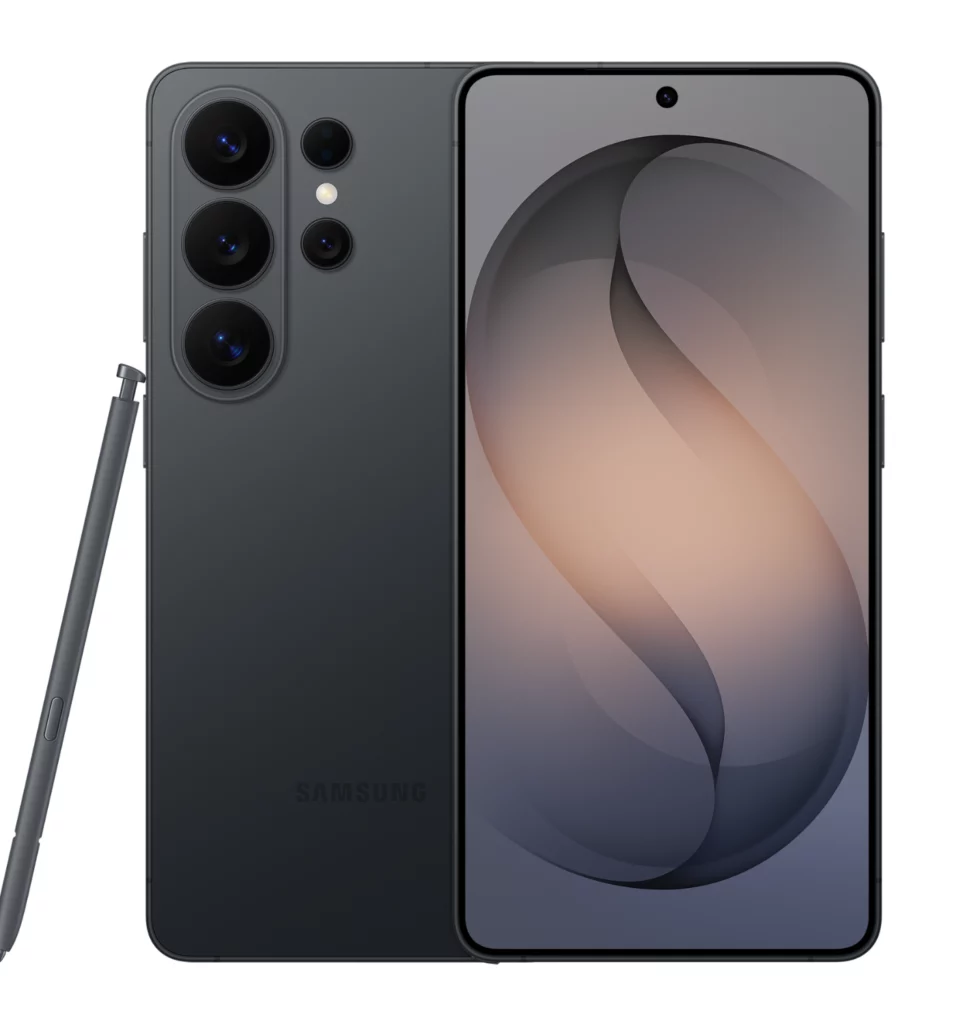
If you love the idea of a massive, top-tier phone but feel let down by the heavier, higher price, and familiar design of Apple’s newest flagship, Samsung’s Galaxy S26 Ultra presents a compelling alternative. Samsung tackles the biggest usability issue head-on by making its flagship noticeably lighter and slimmer, using rounded ergonomic edges that feel far more comfortable in your hand during long daily sessions. Beyond physical comfort, the S26 Ultra gives you extra value for your money by including its iconic built-in S Pen stylus directly inside the phone body, turning the massive screen into a real digital notepad for quick sketches, precise document signing, and easy photo editing on the go. You also get access to the world’s first built-in Privacy Display technology, letting you hide your screen content from curious eyes in crowded spaces with a simple toggle in your settings.
When it comes to photography, Samsung gives you far more reach and versatility than Apple’s triple-lens setup. The massive 200MP main camera pairs with an impressive 100x Space Zoom system, allowing you to capture clear shots of far-off subjects that the iPhone simply cannot reach.The display experience is equally superior thanks to a specialized anti-reflective screen coating that cuts glare dramatically in bright sunlight, making content much easier to read outdoors.Combined with faster 60W wired charging and a more flexible software environment, the Galaxy S26 Ultra delivers a total package that feels more innovative, useful, and versatile for power users.
If you want top-tier Apple performance without paying maximum price or carrying an extra heavy frame, last year’s iPhone 17 Pro Max stands out as a much smarter purchase. For starters, you save a significant amount of money right out of the gate. Retailers routinely discount previous-generation flagships, giving you premium Apple hardware at a price that feels far more reasonable. Despite costing less, it gives you almost the exact same everyday experience. You get the same expansive 6.9-inch OLED display with a buttery-smooth 120Hz refresh rate, meaning web browsing, video watching, and gaming look virtually identical to the newer model.It’s also noticeably lighter in the hand at 233 grams, making it easier and comfortable to hold.
Performance remains another huge selling point. The built-in A19 Pro chip easily handles heavy multitasking, 4K video editing, and demanding games without breaking a sweat.The triple 48 MP camera setup still delivers breathtaking daylight photos, sharp 4K video recording, and excellent battery life that easily gets you through a full day of heavy use. Unless you absolutely need the slight low-light improvements of a variable lens aperture, the iPhone 17 Pro Max gives you ninety-five percent of the features for a far better value.
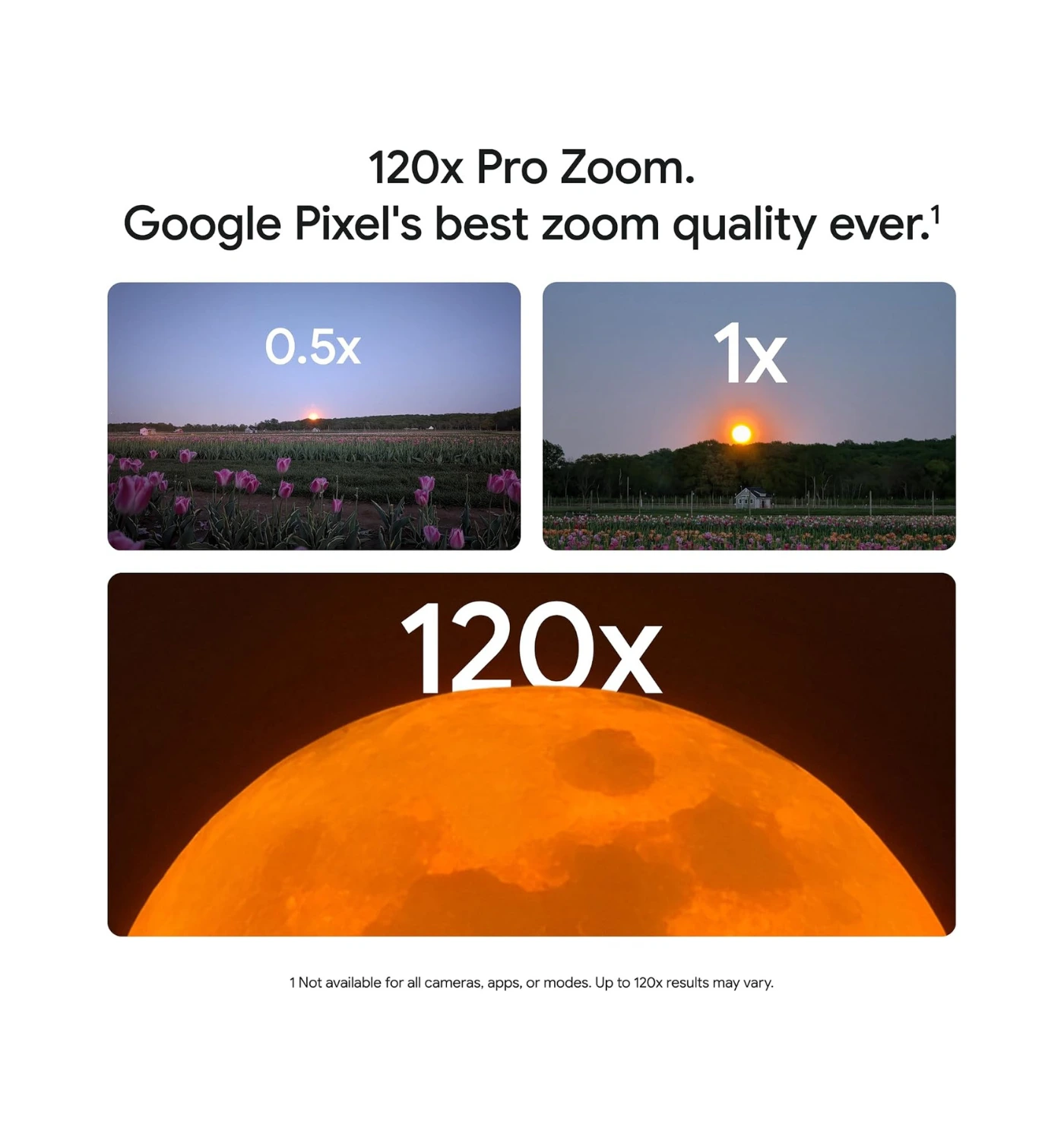
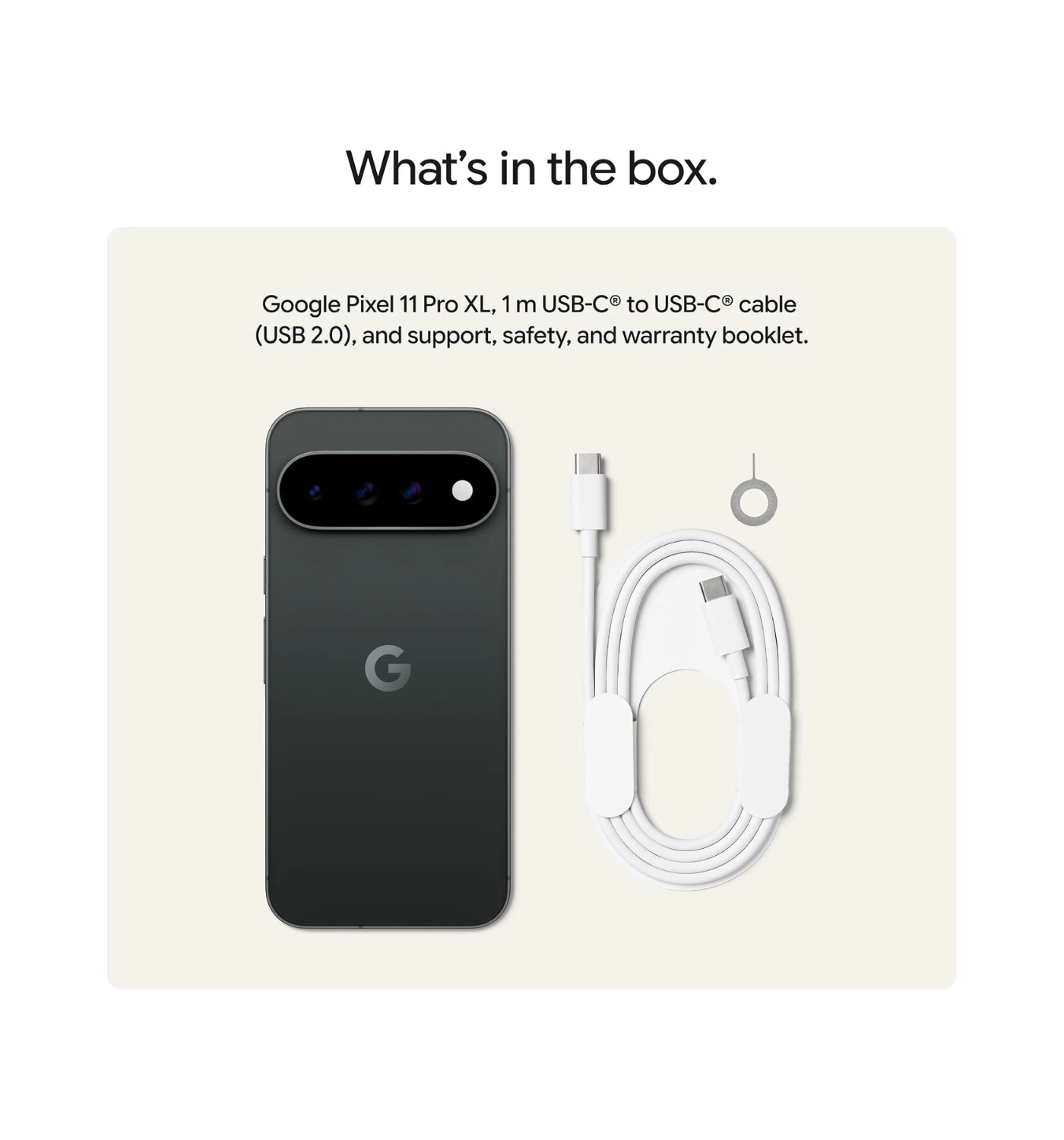
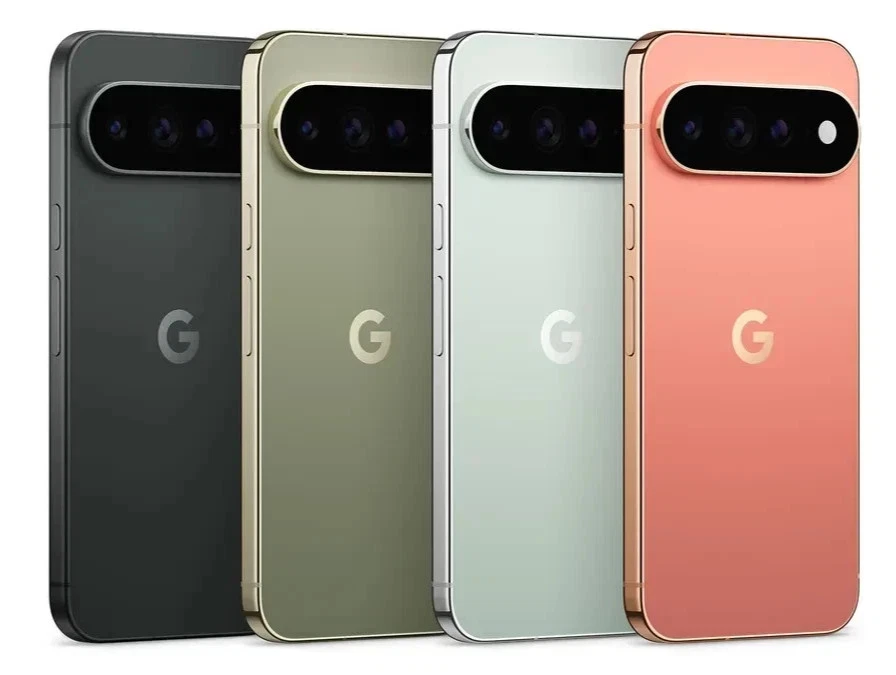
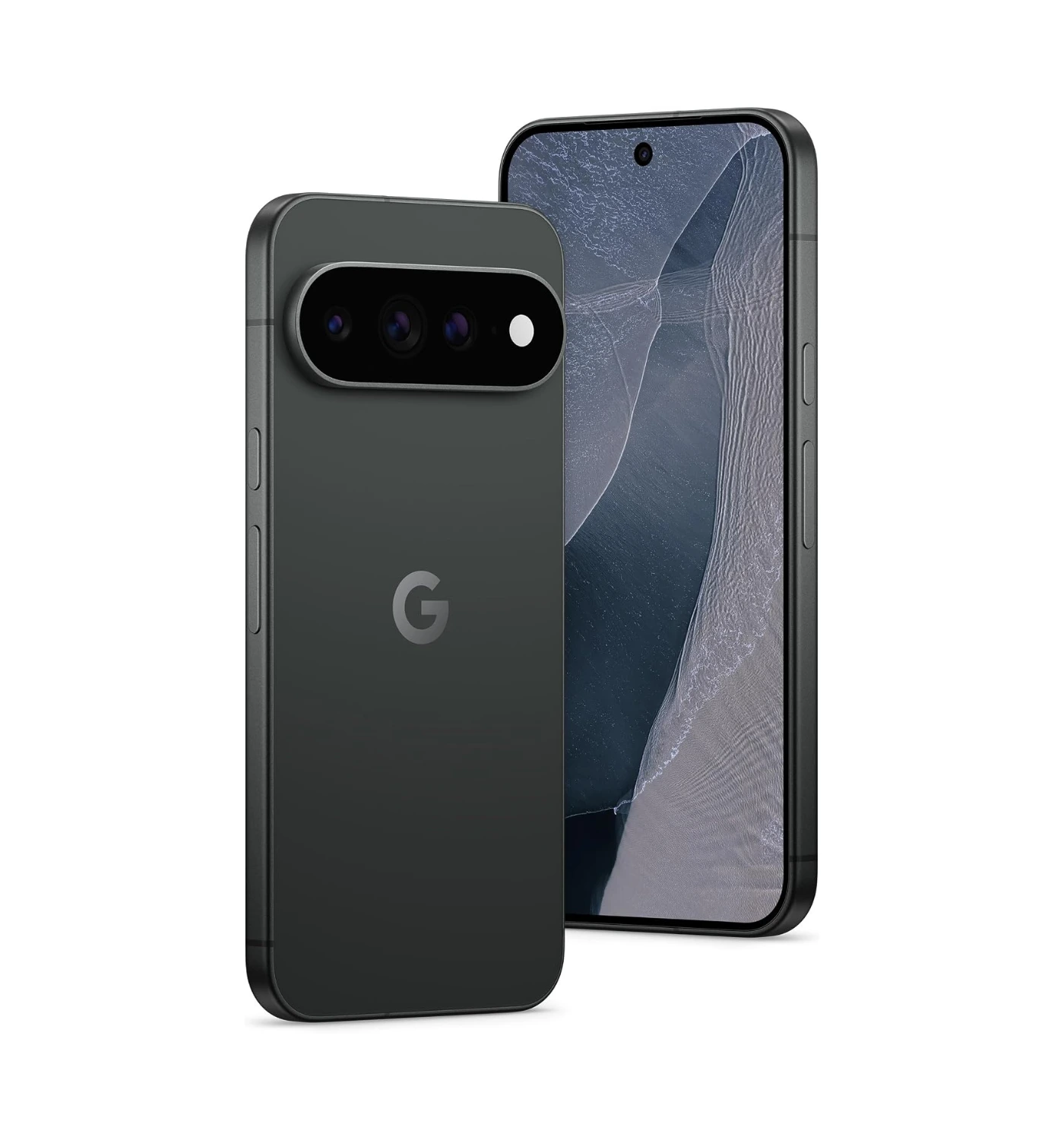
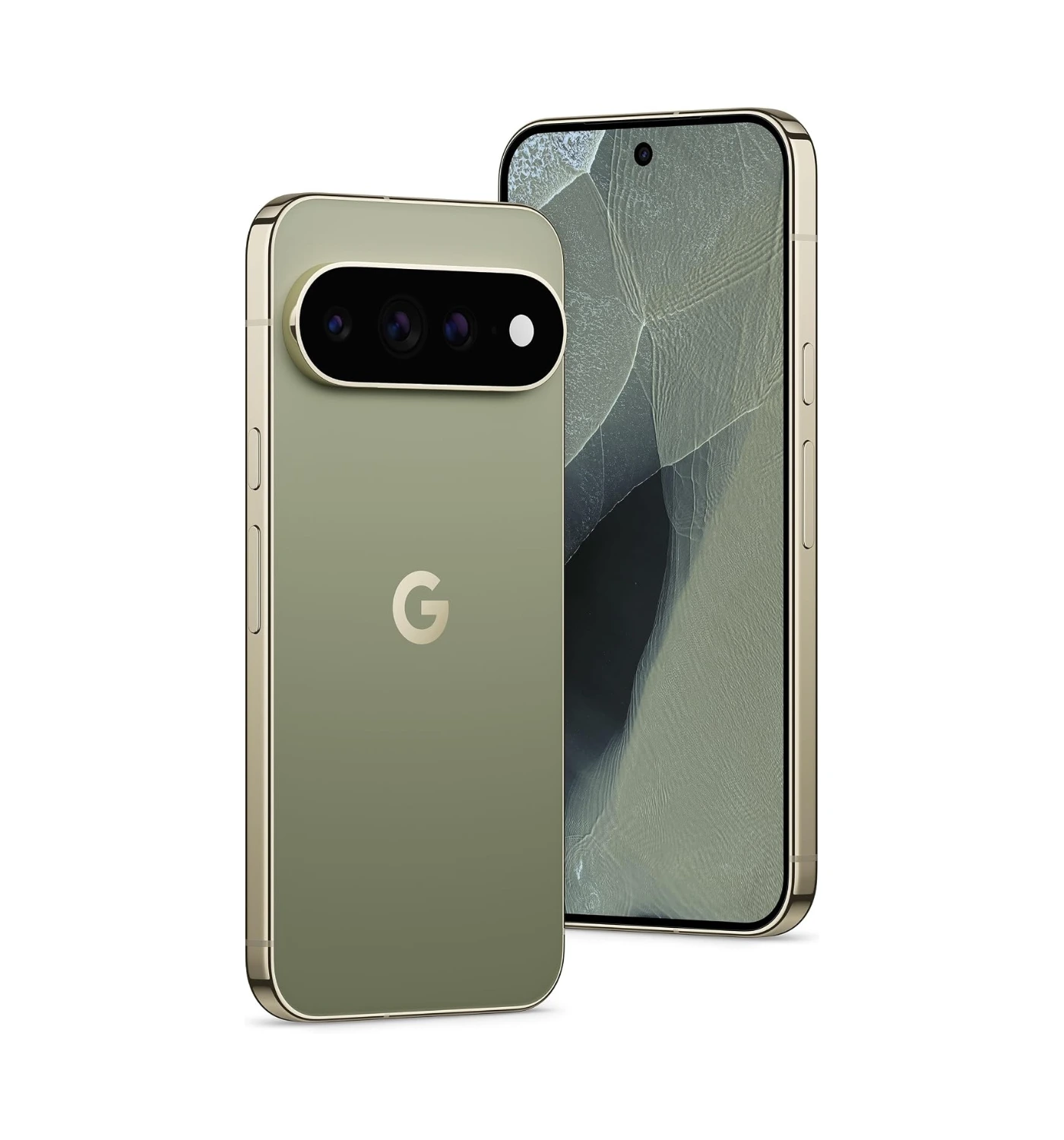
If you want a smarter, more helpful smartphone experience without dealing with the massive weight and rigid software of Apple’s newest flagship, then Google’s Pixel 11 Pro XL offers a far better package. Google focuses heavily on real-world comfort and everyday usability. The Pixel 11 Pro XL feels much better balanced in your hand, featuring rounded corners and a sleek camera bar that keeps the device from rocking back and forth when placed flat on a table.Aside from a comfortable design, Google powers the phone with its deeply integrated Gemini AI features. Tools like real-time call screening, automatic call holding, and instant photo editing give you practical daily tools that make managing your digital life effortless.
When taking photos, Google’s smart camera processing continues to lead the industry in skin tones, color accuracy, and low-light photography. You get vibrant, true-to-life pictures on the first try without adjusting complicated lens settings. Add in a bright, beautiful screen, clean Android software with zero clutter, and long-term software updates, and the Pixel 11 Pro XL delivers a friendlier, more intuitive alternative to the heavy iPhone 18 Pro Max.
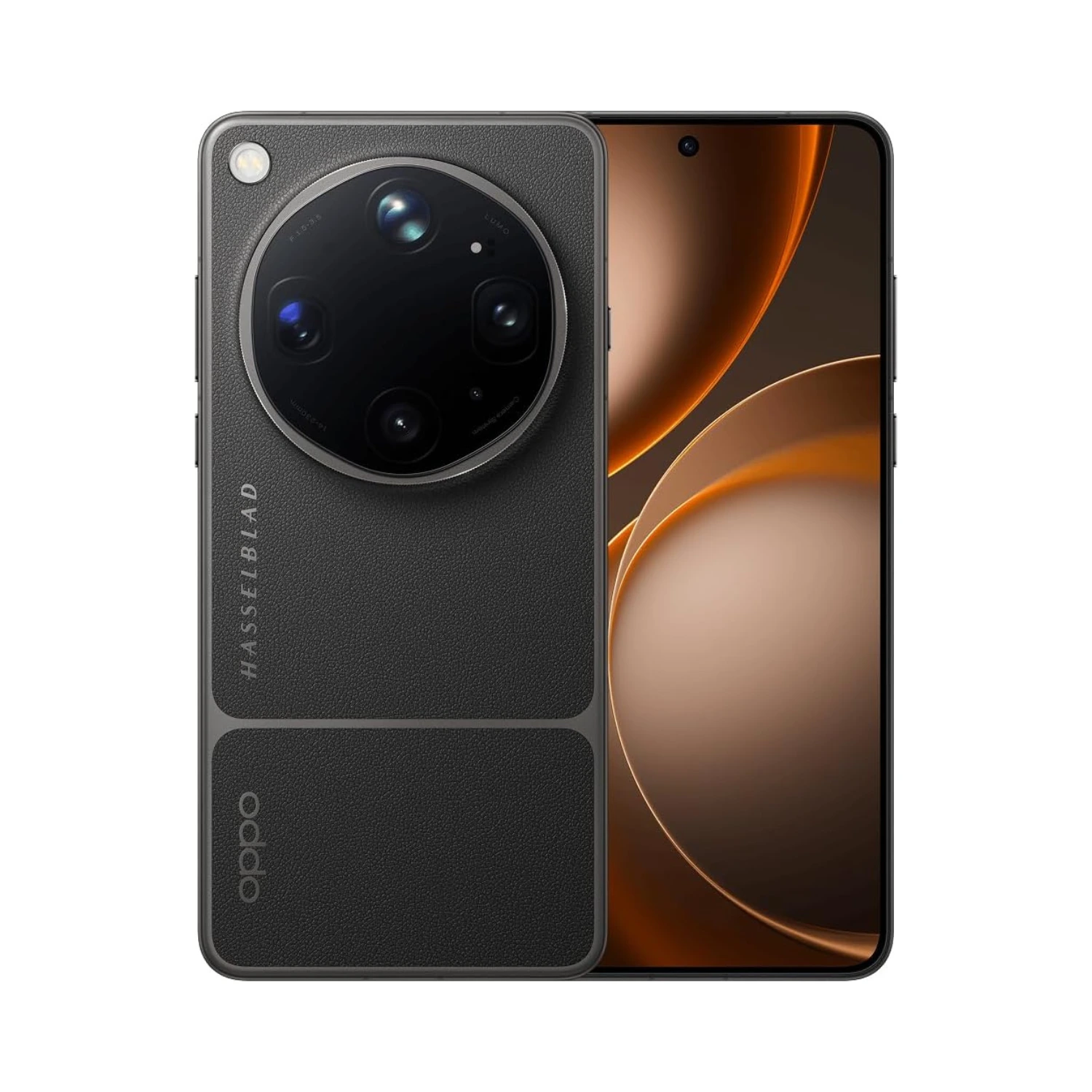
If you want a mobile camera experience that completely outclasses traditional smartphones, the Oppo Find X9 Ultra stands out as a far more versatile option than Apple’s flagship. It completely redefines mobile photography by packing dual 200MP sensors alongside two dedicated periscope zoom lenses tuned with Hasselblad color processing. This unique dual-telephoto setup lets you shoot incredible close-up portraits at 3x magnification and crisp, detailed long-range shots at 10x optical zoom without losing image quality or suffering from digital grain.Thanks to a massive main sensor that draws in vast amounts of light, night shots come out bright, detailed, and naturally balanced without looking over-processed.
Beyond its industry-leading camera system, the Find X9 Ultra delivers a superior charging experience. Armed with 100W super-fast wired charging and 50W wireless charging, you can completely top off the massive battery in under half an hour, leaving Apple’s slower charging speeds far behind. When you combine lightning-fast power replenishment with a stunning QHD+ display and a comfortable, curved body design, the Oppo Find X9 Ultra offers a far more exciting and creative smartphone experience for power users.
The Final Verdict
The new iPhone 18 Pro Max from Apple stands out as the new beast in the smartphone jungle, offering unmatched power, up to two days of long battery life, and delivers incredible photo and video capture. However, its hefty weight, premium price, with minimal visual and camera system updates mean it’s not an essential buy for everyone. So the questions I leave to you to answer are:
Should I buy the new iPhone 18 Pro Max? – If you want a massive 6.9-inch screen and refuse to compromise on battery performance or raw processing power. Content creators and mobile photographers who can take full advantage of the new variable aperture main camera and high-bitrate 4K video recording will get immense value out of this device. It also serves as a massive, transformative upgrade for anyone holding onto an iPhone 15 Pro or older.
Should I avoid the new iPhone 18 Pro Max – If you prefer a lightweight device that fits comfortably in your one hand or in your pocket. Anyone currently using an iPhone 17 Pro Max will find too few daily differences to justify paying the steep starting price again. Furthermore, power users who prefer a built-in stylus, ultra-fast wired charging, or an open software experience should look toward Android flagships instead.
If you want the ultimate smartphone experience, now is the time to take action. Head over HEREtoday to check out current trade-in deals, compare color options, and secure your own iPhone 18 Pro Max. And if it doesn’t suit your tastes then check out the latest deals on the alternatives above.
Now that you have read our complete Apple iPhone 18 Pro Max review, we want to hear from you! Would you buy the new iPhone 18 Pro Max despite its heavy design and high price tag, or do you think the Samsung Galaxy S26 Ultra is the better choice this year? Let us know your thoughts in the comments section below 😎
“The Lenovo Legion 5i (Gen 11) solidifies its place as one of the best overall laptops in its class.”
Quick Verdict
The Lenovo Legion 5i (Gen 11) is one of the easiest mid-range gaming laptops to recommend this year. You get powerful RTX 50-Series graphics, a lightning-fast Intel Core Ultra processor, and a gorgeous OLED screen that makes every AAA game pop off the screen. It runs cool, feels sturdy, and avoids looking like a flashy toy. Unless you need all-day battery life, this gaming laptop gives you top-tier gaming power.
Quick Summary
Finding a mid-range gaming laptop that balances raw performance, sleek design, and true visual quality is rare, but Lenovo consistently manages to hit that sweet spot. The Lenovo Legion 5i (Gen 11) is a 15.3-inch gaming laptop built for players who want top-tier performance without crossing into extravagant flagship prices. Unveiled in early 2026 and rolling out to market in April 2026, this machine takes the popular Legion lineup a step forward.
Compared to the previous Gen 10 version, the Gen 11 update brings meaningful internal and external upgrades. Under the hood, it steps up to Intel Core Ultra Panther Lake processors paired with NVIDIA GeForce RTX 50-Series graphics. The display receives a major glow-up with a standard 165Hz PureSight OLED panel featuring DisplayHDR True Black 1000, replacing older IPS options with deeper blacks and vibrant colors. Lenovo also refined the chassis, making it slightly thinner and lighter at 1.87 kg (4.12 lbs), introduced an improved thermal system dubbed Legion Coldfront: Hyper, and upgraded the webcam to an optional 5MP module with a physical e-shutter.
At first glance, you immediately notice how refined this laptop feels compared to typical gaming rigs. The sleek Eclipse Black finish looks clean in any environment, while the vibrant OLED display draws you in the moment you open the lid. The keys offer that satisfying tactical click Lenovo is known for, making you eager to start testing games right away. Stick around as we dive deeper into the design, real-world frame rates, thermal efficiency, and battery life to see if this is the right upgrade for your gaming setup.
Lenovo Legion 5i – Specs
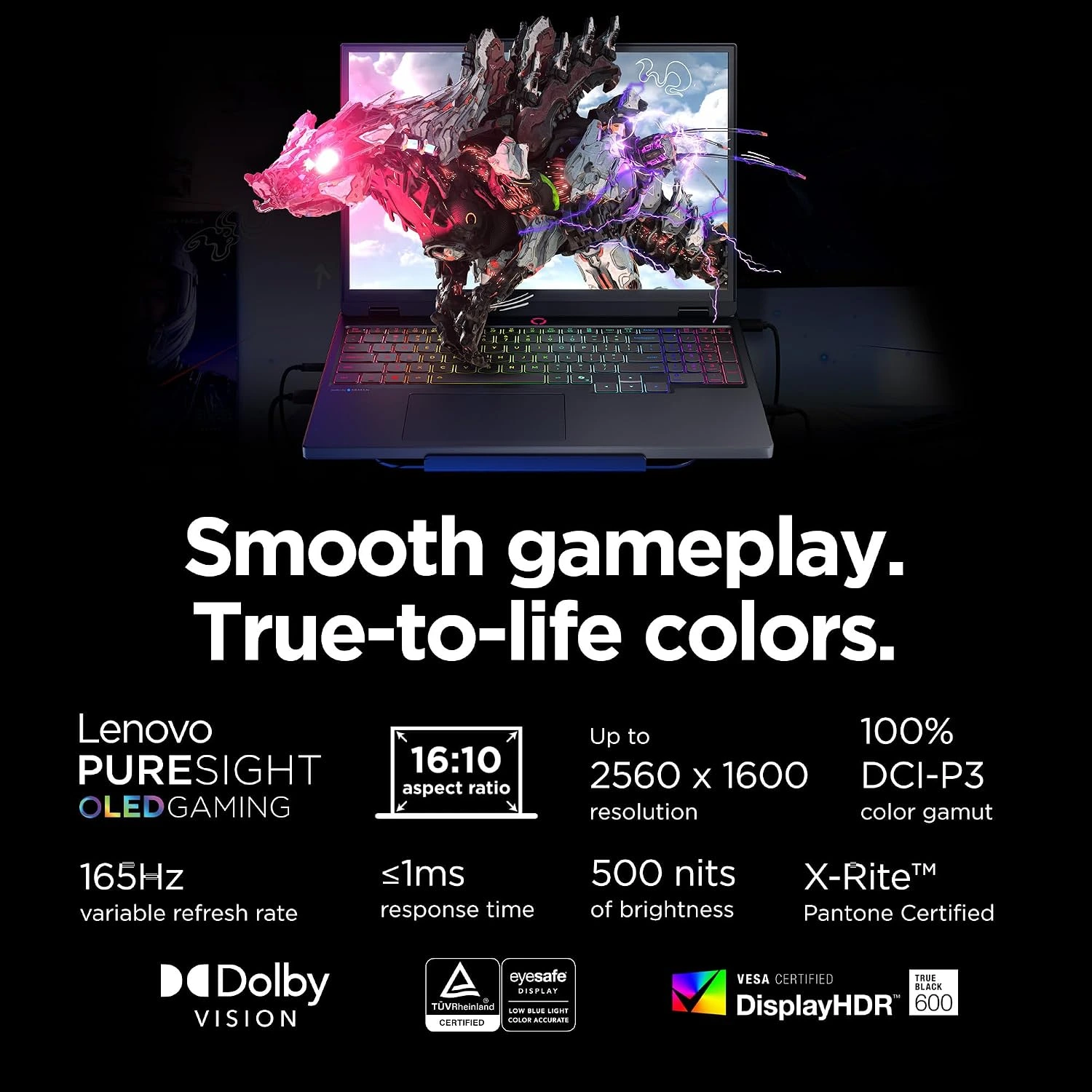
Display: 15.3-inch, WXGA OLED, 165Hz, 2560 x 1600 resolution
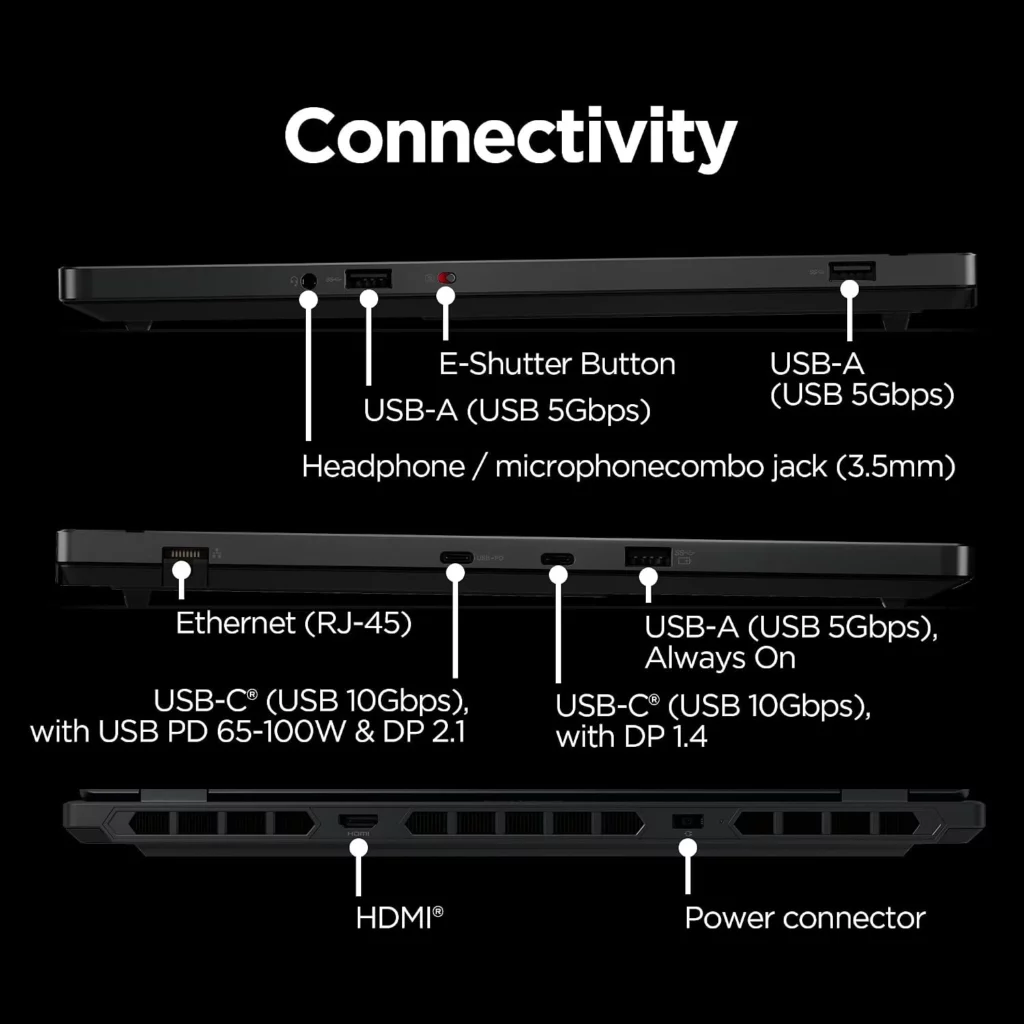
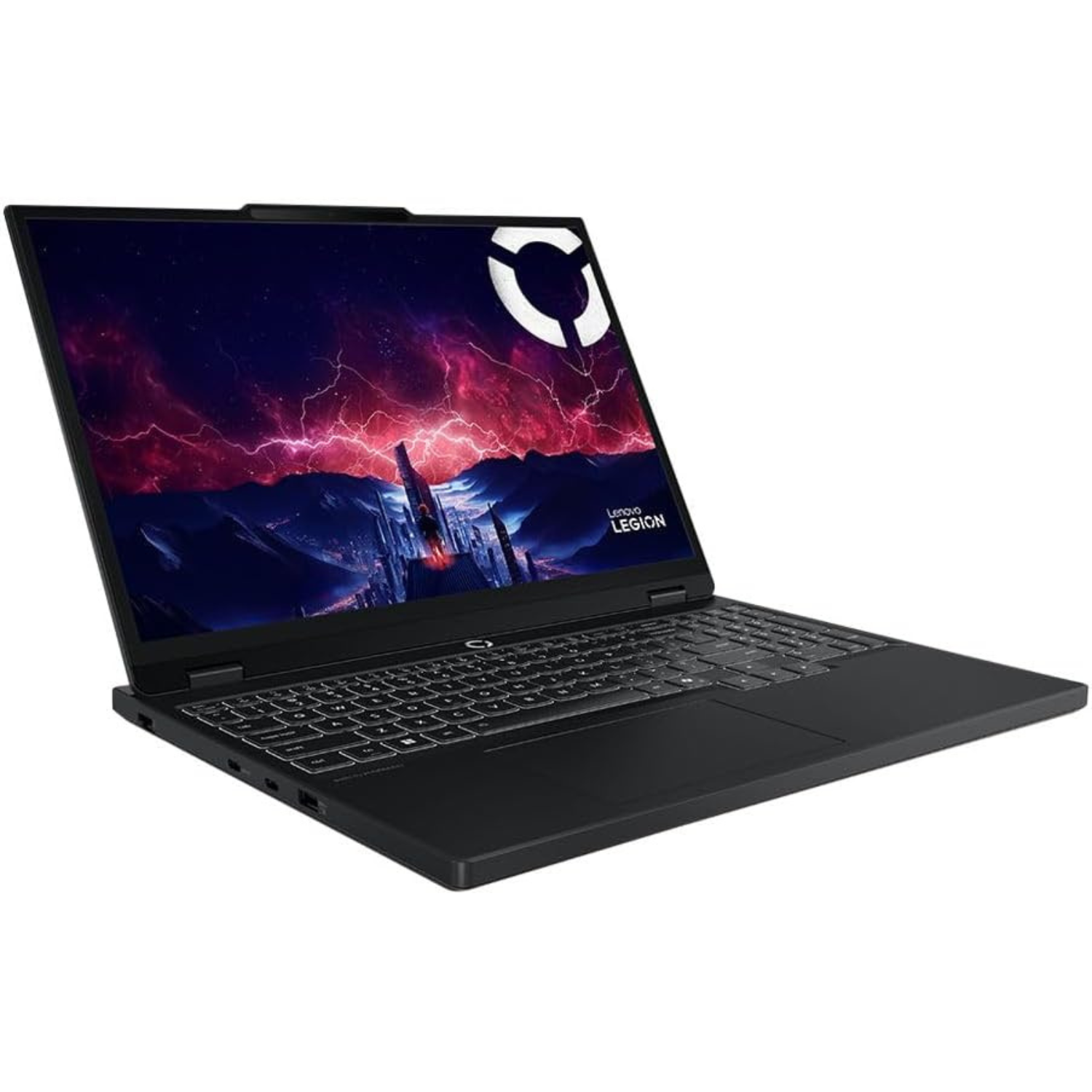
A gaming laptop shouldn’t have to look like a glowing spaceship to demand respect. The Lenovo Legion 5i (Gen 11) hits a perfect balance between subtle professional aesthetics and gamer utility. Encased in a refined Eclipse Black chassis, it shuns aggressive gamer angles in favor of clean lines and an anodized aluminum lid that fits right into a coffee shop or board meeting. Lenovo trimmed down the profile to just under 20mm and brought the weight to roughly 1.87 kg (4.12 lbs.), making it noticeably easier to slip into a backpack than older generations.
The signature rear port hub returns, keeping main power and display cables organized behind the screen rather than cluttering your mouse space. Overall, it leaves a fantastic impression—you get a rigid, durable machine that feels premium without drawing unwanted attention.
Comfortable Keyboard Experience
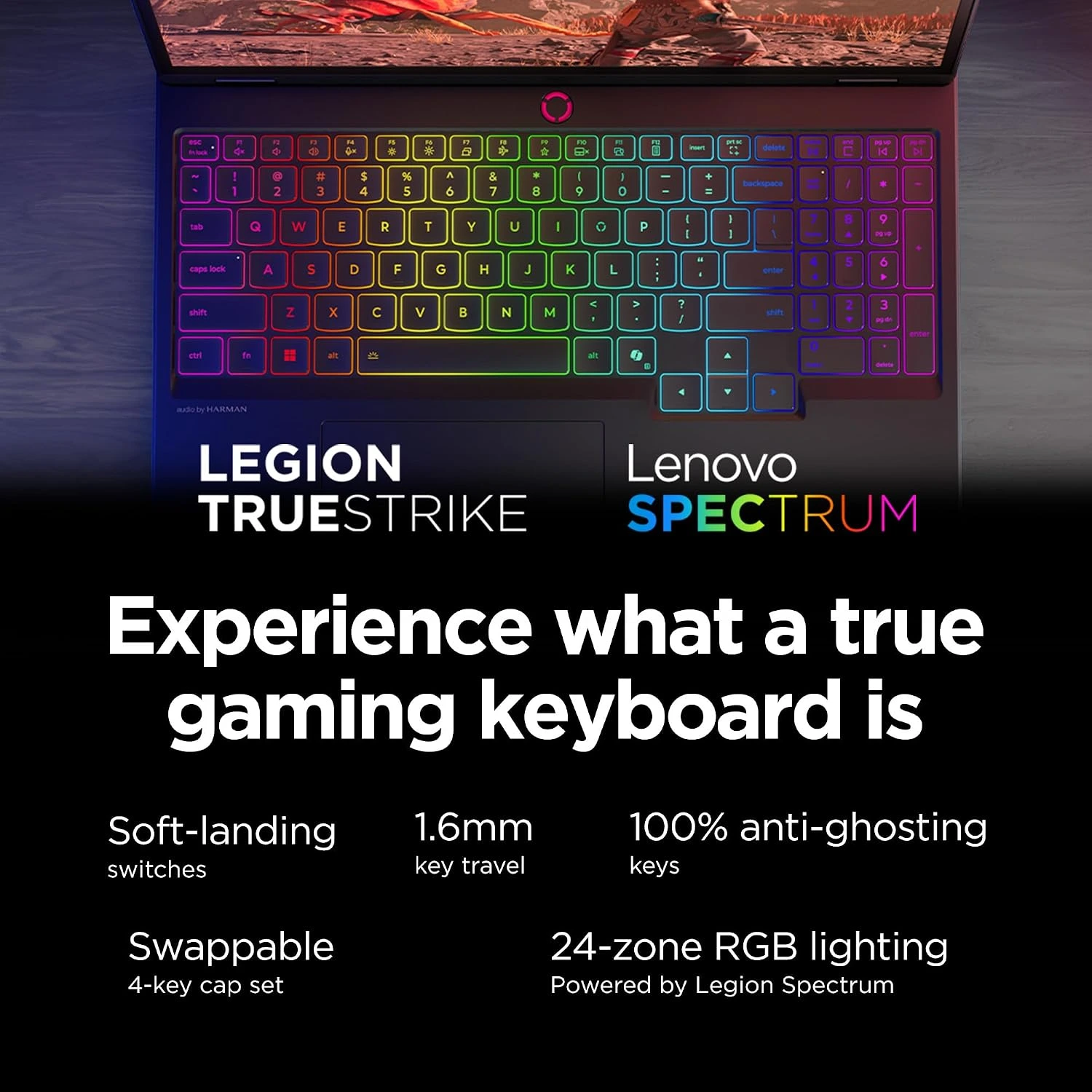
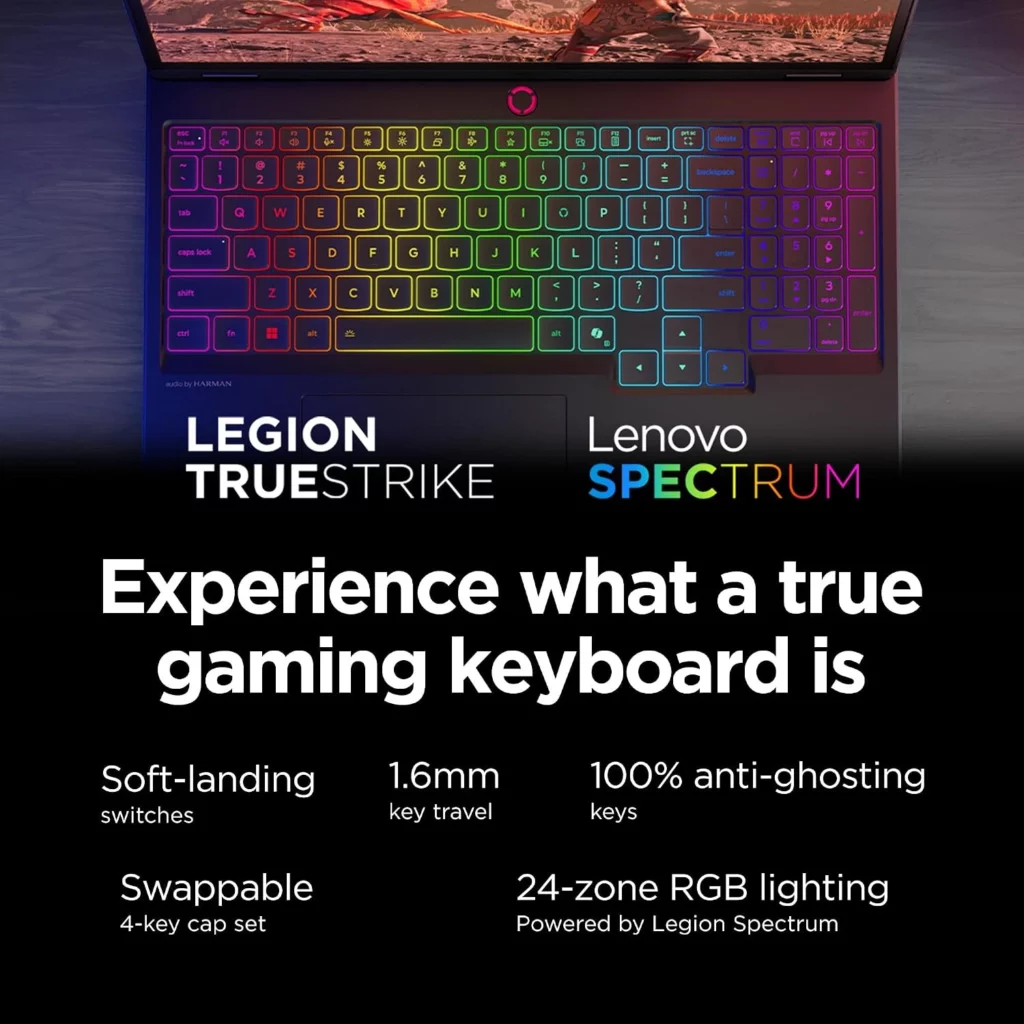
Lenovo continues to set the standard for what a laptop keyboard should feel like. The Legion TrueStrike keyboard returns with 1.5mm key travel, anti-ghosting, and soft-landing switches that give every keystroke a snappy, tactile response. Whether you’re typing up long articles or executing rapid key combos in fast-paced shooters, the layout feels spacious, complete with full-sized arrow keys and a dedicated number pad.
You also get 4-zone RGB backlighting customizable through Lenovo Vantage, allowing for personal flair without feeling overwhelming. In the end, it’s easily one of the best typing and gaming experiences available on any mid-range gaming laptop today.
Impressive OLED Display
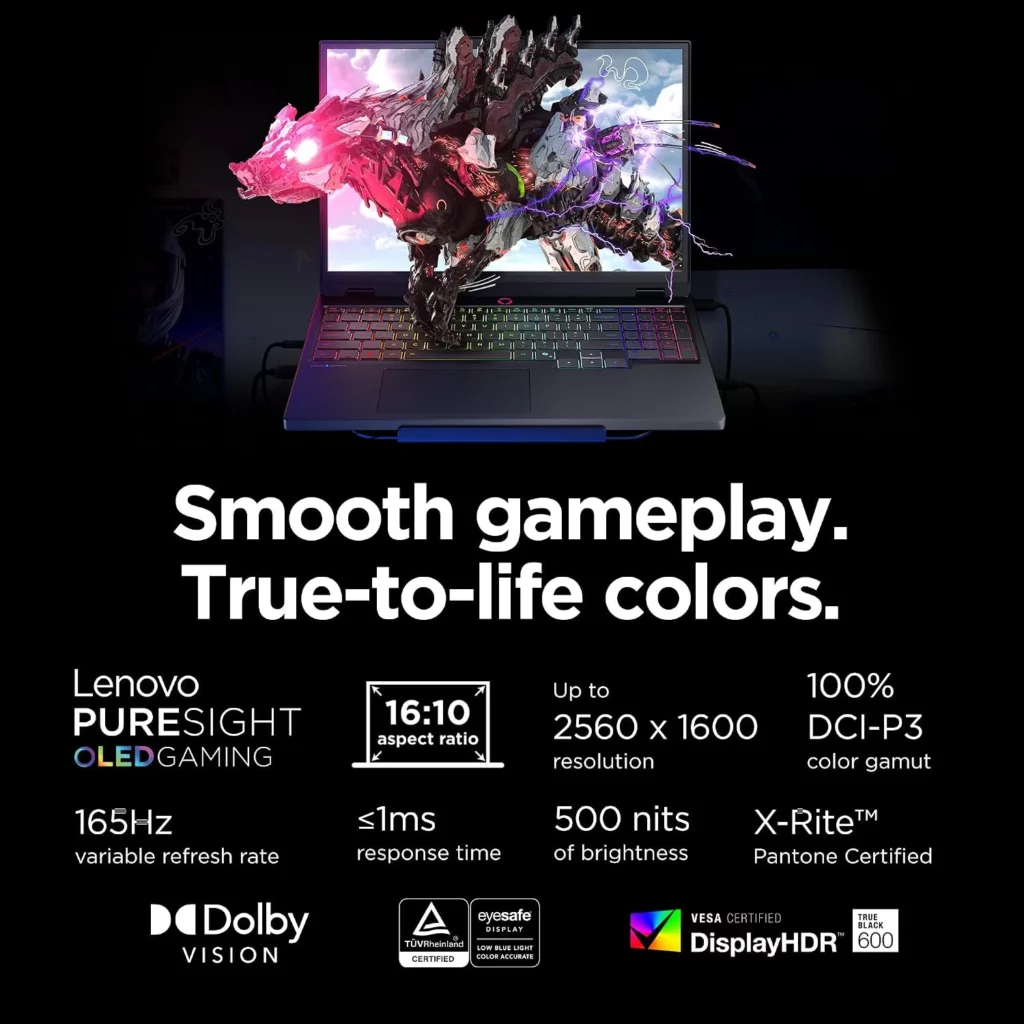
Once you play games on an OLED screen, going back to standard LCD feels like a compromise. The highlight of the Gen 11 upgrade is its 15.3-inch 165Hz PureSight OLED panel. Featuring Display-HDR True Black 1000 and 100% DCI-P3 color coverage, the screen delivers infinite contrast ratios, razor-sharp detail, and colors that jump off the glass.
Near-instant pixel response times eliminate ghosting in fast action scenes, making motion look effortlessly fluid. The visual quality is breathtaking, offering deep blacks and vibrant contrast that pull you directly into your favorite game worlds.
Smooth Gaming Performance
Raw frame rates meet intelligent cooling to deliver desktop-class gaming power. Powered by Intel Core Ultra processors and NVIDIA GeForce RTX 50-Series graphics, the Legion 5i handles modern AAA games at maximum settings without breaking a sweat. High-framerate 1440p gaming is smooth and consistent, with DLSS 4 frame generation pushing fluid visuals in ray-traced titles.
Upgraded thermal hardware—the Legion Coldfront: Hyper system—uses dual fans and enlarged heat pipes to keep internal temperatures well within safe limits without sounding like a jet engine. You walk away thoroughly impressed by how cool and quiet it runs, even during extended gaming sessions.
Good Battery Life
High-performance gaming laptops rarely last long off the charger, but smarter efficiency helps soften the blow. While you still need the power adapter plugged in to unleash full GPU power, the 80Wh battery delivers respectable endurance for daily productivity tasks. Thanks to the power efficiency of the Intel Core Ultra architecture, light web browsing, document editing, and video streaming push close to 5 to 6 hours when running in Hybrid graphics mode.
Additionally, Lenovo’s Super Rapid Charge tech gets you back to 70% capacity in about 30 minutes. Overall, for a dedicated gaming machine, it offers solid everyday battery utility when you need to get work done on the go.
Good Heat Management
Nothing ruins a gaming session faster than thermal throttling or a scorching palm rest, but Lenovo’s thermal engineering keeps temperatures strictly under control. The updated Legion Coldfront: Hyper cooling architecture uses dual fans, enlarged heat pipes, and clever airflow channels that vent hot air out the back away from your mouse hand.
Even during prolonged gaming marathons, the WASD key area stays comfortably cool to the touch while fan noise remains at a tolerable hum. Playing demanding games without dealing with annoying heat spikes confirms that this laptop is built for serious gaming sessions.
The Deal Breakers
Average Audio Speakers
A breathtaking OLED display deserves cinema-grade sound, but the built-in speakers fail to keep up with the visual feast. The bottom-firing stereo setup struggles with flat, tinny audio that lacks lower-end punch and bass, leaving dramatic explosions and deep orchestral soundtracks feeling hollow.
Even with Nahimic audio processing software enabled to boost clarity, the physical speaker hardware simply cannot overcome its small drivers. Plugging in a dedicated gaming headset or external desktop speakers is practically mandatory if you want an immersive audio experience to match the screen.
High Price
Getting access to bleeding-edge silicon and premium panel technology comes at a steep cost that might make budget-conscious gamers hesitate. While lower-tier configurations start at an approachable tier, speccing out the Gen 11 model with top-end RTX 50-Series graphics, high-capacity storage, and the flagship OLED display pushes the final checkout price squarely into luxury territory.
Lenovo’s official web store pricing can also fluctuate wildly, meaning you have to hunt for sales to avoid overpaying. Investing this heavily in a mid-range chassis feels like a tough pill to swallow when nearby flagship models offer all-metal builds for just a few hundred dollars more.
While shiny new tech always grabs headlines, the previous-generation Lenovo Legion 5 (Gen 10) still holds some huge advantages that make it a better deal for many gamers.
The biggest reason to consider the Gen 10 comes down to price and value. Newer models like the Gen 11 enter the market at top dollar, but the Gen 10 frequently goes on heavy discount. You get nearly identical core specs, including support for modern RTX graphics and fast 165Hz displays, without paying a massive early-adopter markup.
If you prefer AMD processors over Intel, the Gen 10 gives you access to high-efficiency Ryzen chips that offer incredible power management and lower running temperatures during long sessions. AMD models tend to generate less overall system heat, keeping fan noise much quieter under load. Furthermore, the Gen 10 features a slightly thicker, classic chassis with an established thermal layout that many users consider more rigid and durable than the newer, slimmed-down frame.
If you want to stretch your budget further, the Lenovo Legion 5 Gen 10 offers almost the same gaming speeds for hundreds of dollars less. Unless you absolutely need the newest badge, choosing the proven Gen 10 delivers superior bang for your buck without sacrificing real-world frame rates.
If you want the absolute most power for your hard-earned money, the Acer Predator Helios Neo 16S emerges as a thrilling rival to the Lenovo Legion 5i Gen 11.
The primary edge Acer holds lies in raw specs-to-price ratio. While Lenovo caps the Legion 5i in the mid-range GPU bracket, the Helios Neo 16S lets you step up to higher-tier graphics configurations—like higher-wattage RTX GPUs and faster Intel HX-series processors—at a price point that undercuts most competitors.It also features a larger 16-inch screen with a taller 16:10 aspect ratio and a blistering 240Hz refresh rate option, giving competitive eSports players a slight edge in motion smoothness over standard 165Hz panels.Beyond display speed, Acer equips the Helios Neo 16S with robust connectivity, including high-speed 2.5G Ethernet and dual Thunderbolt ports, alongside liquid metal cooling that allows the hardware to run at maximum wattage without dipping frame rates during long gaming sessions.
If maximum frame rates, a larger high-refresh screen, and top-tier internal specs matter more to you than ultra-sleek design, the Acer Predator Helios Neo 16S gives you noticeably more horsepower for every dollar spent. It stands as the ultimate performance-first option for gamers who refuse to compromise on speed.
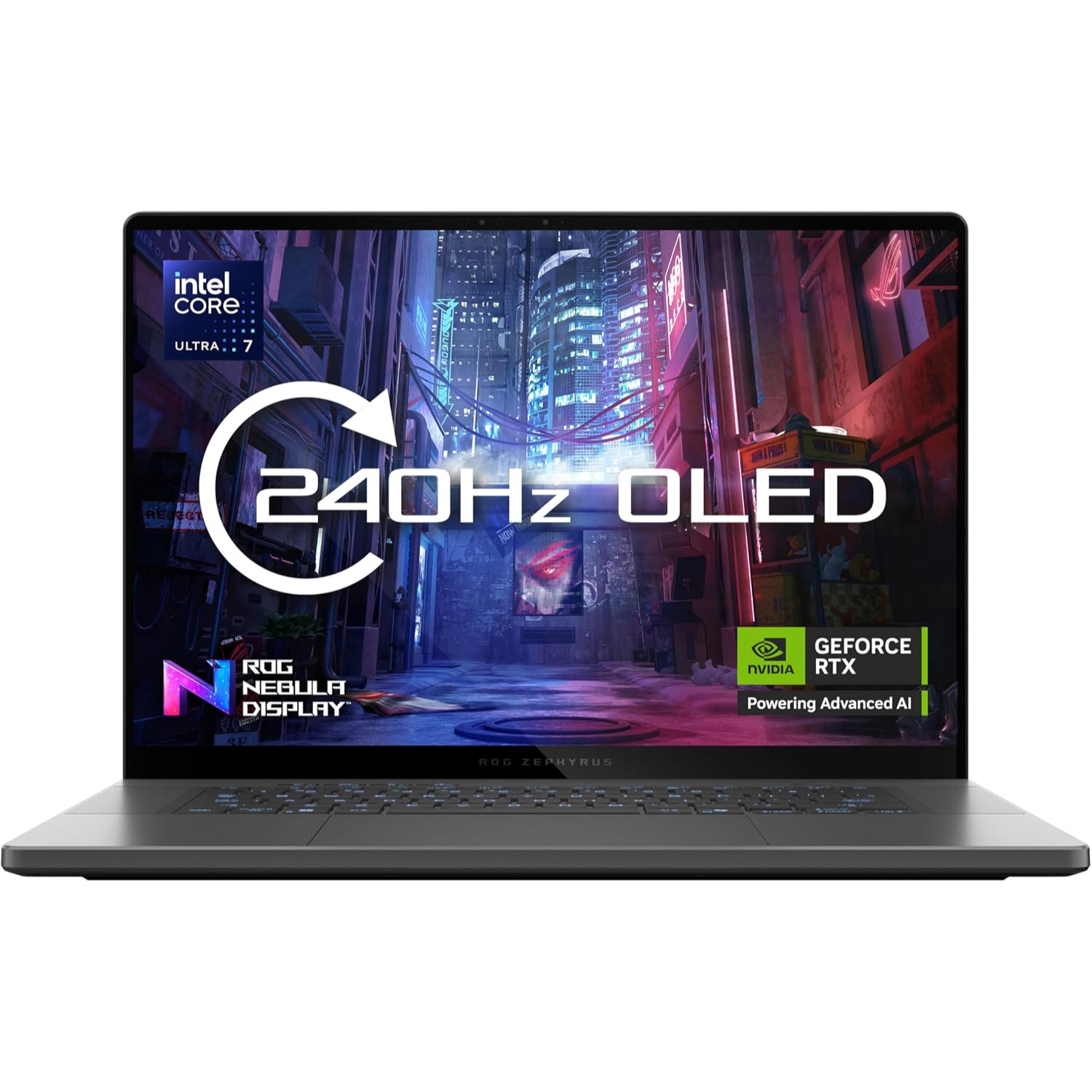
If you want a machine that blurs the line between a high-end gaming rig and an ultra-sleek MacBook rival, the Asus ROG Zephyrus G16 (2026) stands in a league of its own.
The main advantage of the Zephyrus G16 comes down to extreme portability, premium build quality, and superior display tech.Crafted from a solid block of CNC-machined aluminum, it feels much thinner and more luxurious than the composite chassis of the Legion 5i.The 16-inch ROG Nebula OLED panel pushes performance further with a blistering 240Hz refresh rate and up to 1,100 nits of peak brightness, offering smoother motion and punchier HDR highlights than the Legion’s 165Hz screen.
On top of that, Asus fits a massive 90Wh battery into this slim frame, giving you drastically longer battery life for daily work and streaming away from a wall outlet. You also get an incredible six-speaker sound system with deep bass that destroys the weak speakers found on most mid-range gaming laptops.
If you care about luxury design, a faster screen, cinema-quality speakers, and all-day battery life, the Asus ROG Zephyrus G16 is easily worth the higher price tag.It is the ultimate pick for gamers who want top-tier performance packed into a thin, stylish frame.
If you care more about raw frame rates, high-powered graphics, and intense thermal performance than understated style, the Asus ROG Strix G16 (2026) stands as a fierce rival to the Lenovo Legion 5i.
The main strength of the ROG Strix G16 comes down to maximum power limits and aggressive heat dissipation.While the Legion 5i keeps things slim and versatile, the Strix G16 is engineered as a pure desktop replacement. It lets higher-tier graphics cards run at higher total wattage levels, driving more frames out of demanding AAA games and competitive shooters. Asus pairs that power with an advanced cooling system featuring liquid metal on the processor, extra intake fans, and massive rear vents that keep sustained speeds rock-solid during long gaming sessions. You also get access to an ultra-fast 240Hz screen option and bold RGB lightbar styling that leaves no doubt about its gaming DNA.
If you want an uncompromised gaming rig designed to squeeze out every single frame possible, the Asus ROG Strix G16 is the clear winner. It gives performance-hungry players the extra power, faster display speeds, and extreme cooling necessary to dominate competitive games.
The Final Verdict
When you tally up the fast OLED display, stealthy design, and outstanding gaming power, the Lenovo Legion 5i (Gen 11) solidifies its place as one of the best overall laptops in its class.
Lenovo has perfected the art of crafting a machine that balances work and play without forcing major sacrifices. The razor-sharp 165Hz PureSight OLED screen completely redefines what games look like in this price bracket, while the Intel Core Ultra processor and RTX 50-Series GPU deliver smooth frame rates across the latest titles.
Paired with a tactile keyboard and thermals that stay quiet under pressure, it nails nearly every essential detail that gamers care about most. While weak audio speakers and average battery endurance keep it from absolute perfection, these flaws are easy to forgive when the core gaming experience is this strong.
Buy It If:
You want a stunning 165Hz OLED screen with deep contrast and vibrant colors.
You need a clean, professional design that looks great in an office or a gaming room.
You prioritize comfortable keyboard typing and quiet, effective thermal cooling.
You want reliable high-frame-rate performance at 1080p and 1440p settings.
Don’t Buy It If:
You plan to game away from a power outlet for hours at a time.
You demand booming, high-quality audio without wearing a headset.
You are on a strict budget and want maximum raw hardware specs per dollar.
If you’re ready to upgrade your setup with a versatile rig that delivers exceptional visuals and dependable performance, head over HEREfind out the latest price on offer and to pick up the Lenovo Legion 5i Gen 11 today.
What’re your thoughts on the new Gen 11 redesign? Would you choose this OLED model over its competitors, or are you sticking with the previous generation? Drop your thoughts, questions, and feedback in the comments section below—we would love to hear from you 😎
“By adding an in-depth world and deeper combat systems, the game sets up a huge sandbox that will keep you hooked“
Taking a small game and making it much larger can often backfire, so I went into this game feeling very unsure about its massive scope. I was a huge fan of the first game because it kept things tight and simple. When I heard the team decided to grow this new title into a full-scale action game, I got worried that bigger might not mean better. Luckily, my fears disappeared fast once I jumped in. The core idea is still here: I play as a strange creature that can jump into the bodies of dead fighters to use their skills. This sequel feels much more ambitious right from the start, proving that growing larger can actually work if done right and done well. So check out my Mortal Shell 2 review and see for yourself if this games worth the buy.
Overview
If you loved swapping bodies from warriors to survive tough fights, this expanded journey takes that system to a whole new level. Mortal Shell 2 is an action role-playing game set in a dark fantasy universe, released in August 2026. In this game, you control a strange, pale humanoid creature that travels through a ruined world by possessing the bodies of dead warriors to fight enemies, monsters and nightmare bosses.
Compared to the older 2020 title, this sequel brings a massive open-world map instead of narrow paths, doubles the number of playable bodies, removes stamina management completely, adds unique active powers for every shell, and gives your character eight melee weapons paired with eight ranged sidearms. By adding an in-depth world and deeper combat systems, the game sets up a huge sandbox that will keep you hooked for the entire 25 to 30 hour playthrough.
What I like most is how different each shell feels in combat. Every body now comes with active combat powers alongside passive skill trees. I could turn invisible as Tiel to sneak behind monsters for a backstab, or slam into groups as Eredrim using a heavy shoulder charge.
On top of that, replacing stamina with a ‘Resolve’ meter encouraged me to stay aggressive, while defensive options like the stone-hardening power allowed me to block hits mid-swing and keep attacking without fear.
Customization and Weapon Variety
The weapon options give me incredible room to experiment. Paired with eight main melee weapons, the eight ranged sidearms add wild variety, including a returning giant launcher and a creepy caged baby skeleton that radiates evil magic.
Slotting dynamic Tarstones into my gear added elemental effects and special attacks like sword spins. Best of all, I love that I can refund and reallocate my skill points for free whenever I want to build a whole new play style.
World Exploration and Map Design
The expanded world is packed with dark charm and rewarding side paths. Navigating the large open landscape led me to bite-sized dungeon encounters, mysterious mini-gauntlets, and rotting beacon checkpoints that act like safe zones. The world is filled with eerie visual touches, like spiders with human faces and dog-sized beasts made of bearded skulls, making every new corner an exciting discovery.
The Deal Breakers
Technical Performance and Controls
My main issue with the game comes down to lingering controls and technical bugs. Actions mapped to clicking the thumbsticks, like running or locking onto enemies, feel sticky and unresponsive in the heat of battle. I frequently found myself missing attacks for no clear reason, especially when using distance-closing moves like Tiel’s Shadow Stab, where my character would inexplicably whiff right past a targeted enemy.
Navigation and Map Usability
While the world is huge, getting around it can be confusing and frustrating. Landmarks often look too similar, making early exploration feel disorienting until you memorize every path. Even though there is an in-game map this time, it lacks basic features like custom map pins or note markers. Because the world constantly tempts you with multiple side paths, I frequently lost track of interesting points I meant to visit later.
Game Balance and Progression
The late-game difficulty scaling leaves a lot to be desired. Because you can reallocate points for free and grind for gold and materials to max out specific resistances—like fireproof armor for fire-based enemies—later boss fights become trivially easy. Overpowering these bosses invalidates their strengths, taking away the tense challenge that made the early encounters so rewarding. Additionally, losing spent gold during weapon refunds penalizes late-game weapon experimentation.
The Final Verdict
At the end of my journey, I can safely say that this sequel overcomes its missteps to deliver a great action-adventure and role-playing experience. My time spent on Mortal Shell 2 showed me a game that can step up to the plate, and end becoming one of the best video games of this year. I did run into a few technical glitches, and the bugs from the first game are also here as well. One issue is how easy it is to get lost in the dark world, or how simple it is to becomes so powerful that you can overpower the final challenges without trying hard.
However, I loved almost every new feature introduced here, particularly the active powers for each body you take over. The bigger world constantly pulled me in, making me want to chase down every secret path I could find. The expanded combat gives so much life to the strange warriors whose forms and skills I steal along the way. To top it off, the whole adventure is wrapped in a fantastic dark world filled with some of the creepiest monsters and coolest visuals I have ever seen. If you enjoy tough dark fantasy games with strange worlds to explore, this is a trip well worth taking.
Now let’s hear from you. What’re your thoughts on Mortal Shell 2? Is it one of the best action-adventure game you’re looking for? Leave us a comment here below.
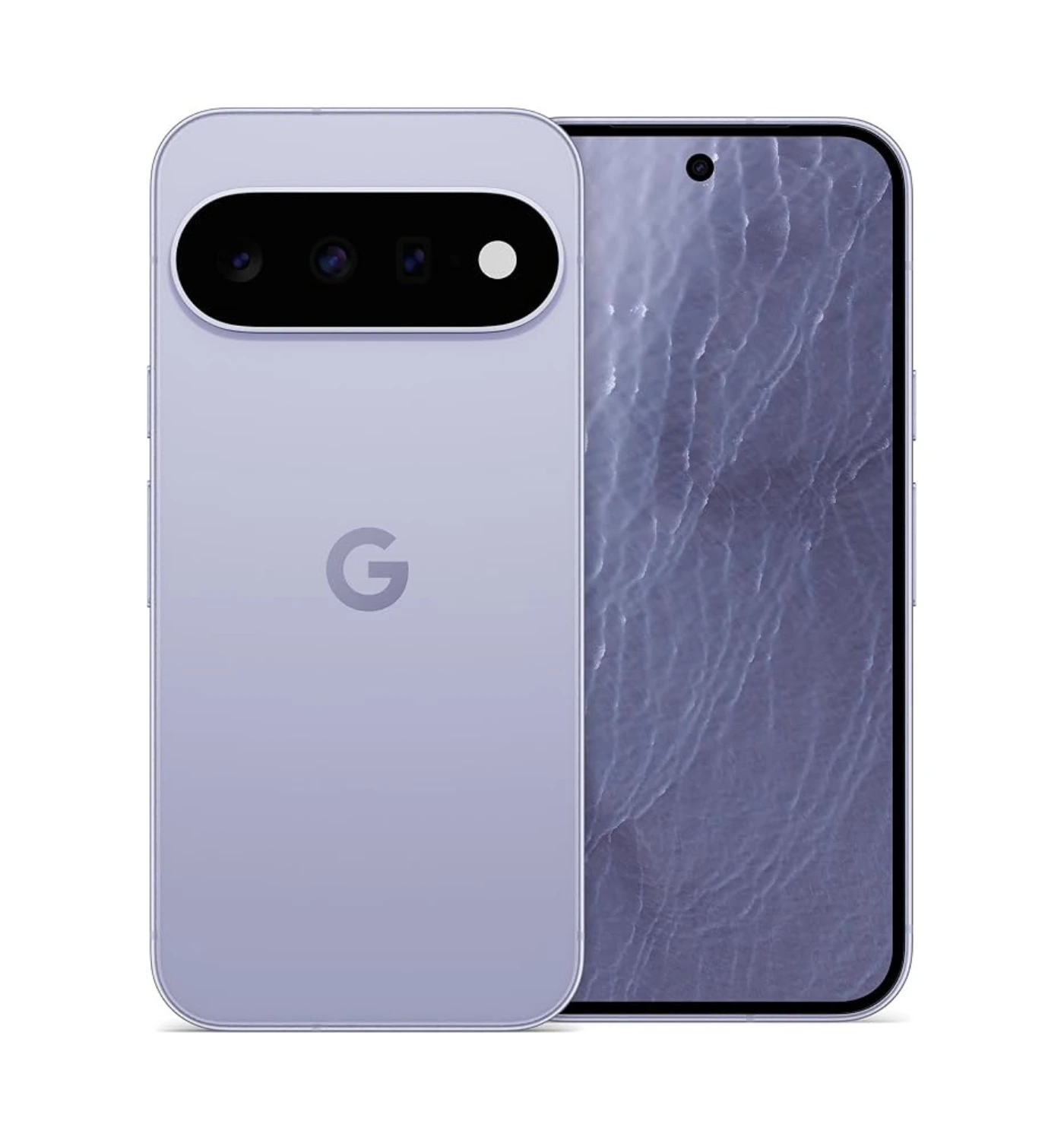
“If you want a modern smartphone that balances daily performance, smart software features, and long-term security without an outrageous price tag, the Pixel 11 hits the absolute sweet spot”
Wild Break Tech Quick Verdict
For maximum value in Google’s flagship lineup, the base Pixel 11 is your best bet. It packs essential Pro-level features—including the newer Google Tensor G6 chip found in the Pro an Pro XL, a brighter primary camera, excellent battery life that lasts all day, and seven years of software support alongside the usual Gemini AI perks. Unless you specifically require Ultra-Wideband support or extended zoom, saving your money and choosing the standard Pixel 11 is a smart long-term choice.
The Quick Summary: Google Pixel 11
What if your smartphone didn’t just store your information, but actively managed your day-to-day tasks for you—silently, seamlessly, and instantly? The Google Pixel 11 is the newest flagship smartphone designed and created by Google.Built to deliver the pure Android experience, it brings together fast hardware, sleek design, and helpful artificial intelligence.Following its official announcement in early August, the Pixel 11 hit stores on August 20, 2026.
Underneath the glass and metal shell, the phone runs on the new Tensor G6 processor, which helps apps open faster, makes web browsing smooth, and uses less power.The device comes with a bright display that stays clear even under harsh sunlight, along with a larger main camera sensor that takes rich photos in low light.It also runs on Android 17 and includes smart Gemini AI features that help draft messages, organize tasks, and edit photos easily. To top it off, Google promises seven full years of security and software updates, ensuring the phone stays fresh for years to come.
When compared to the older Pixel 10 model, the Pixel 11 brings some welcome upgrades.The body is slightly thinner, lighter, and easier to hold, featuring a revised camera bar design.The new Tensor chip is noticeably faster and runs much cooler than the previous chip.The main camera now captures more light and detail than the older model, and the battery lasts longer thanks to a more efficient processor.
At first touch, the Pixel 11 feels like a solid, polished, and dependable phone that fixes almost every minor flaw of its predecessor.It offers incredible value while keeping pace with far more expensive devices. Read on to discover how its camera performs in daily use, how long the battery really lasts, and whether this is the right upgrade for you.
The Specs
Release date: 20 August 2026
Display: 6.3-inches, OLED, 120Hz, HDR10+, 1080 x 2424 pixels resolution
Chipset: Google Tensor G6
Memory: 12GB RAM
Storage: 256GB / 512GB
OS: Android 17
Battery: 4985 mAh, support 30W wired, 15W wireless (magnetic) Qi2.2
Camera (Main): 48 MP wide + 10.8 MP telephoto with 5x optical zoom + 13 MP ultrawide | up to 4K videos at 60fps
Camera (Selfie): 10.5 MP wide | up to 4K videos at 60fps
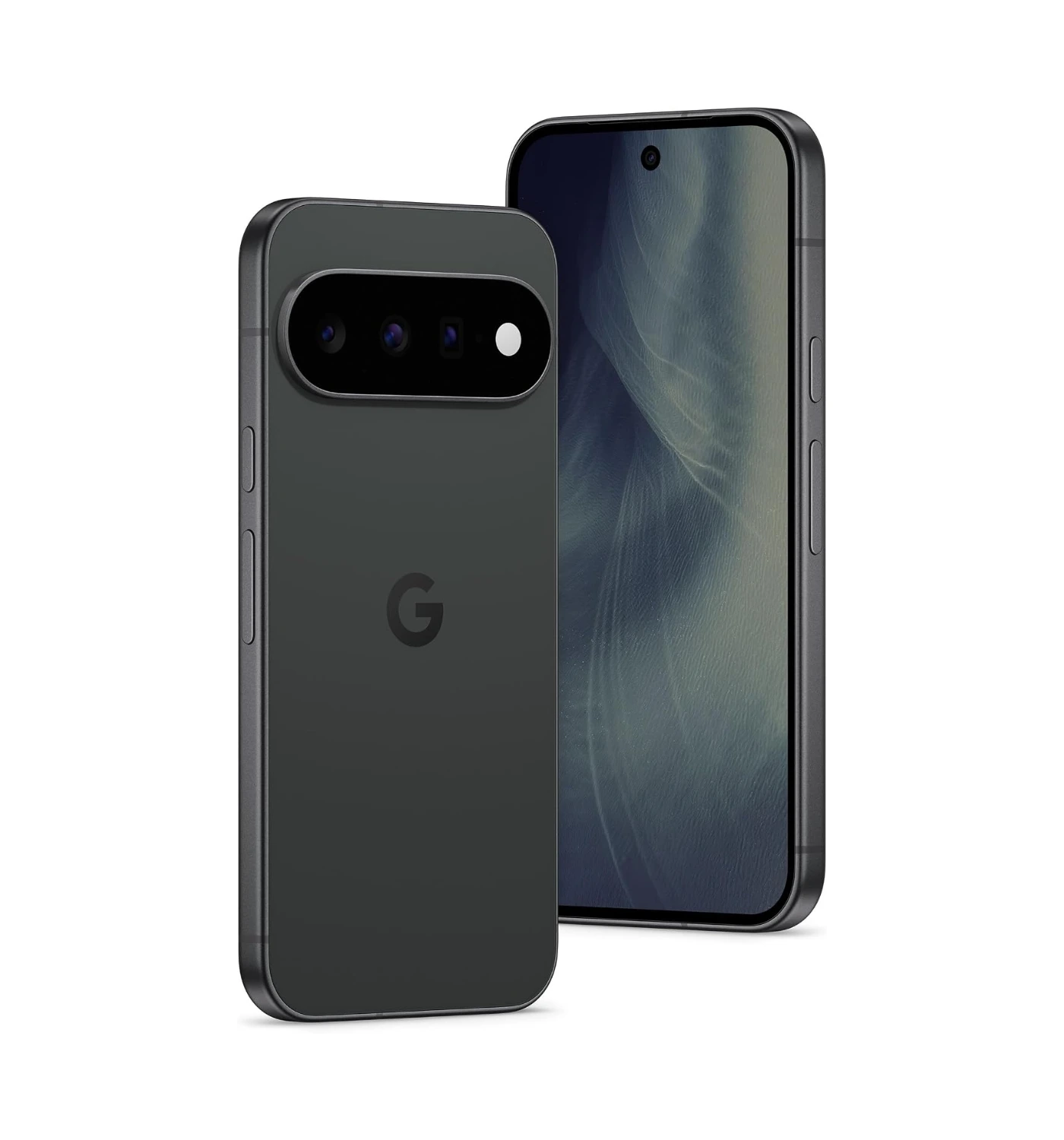
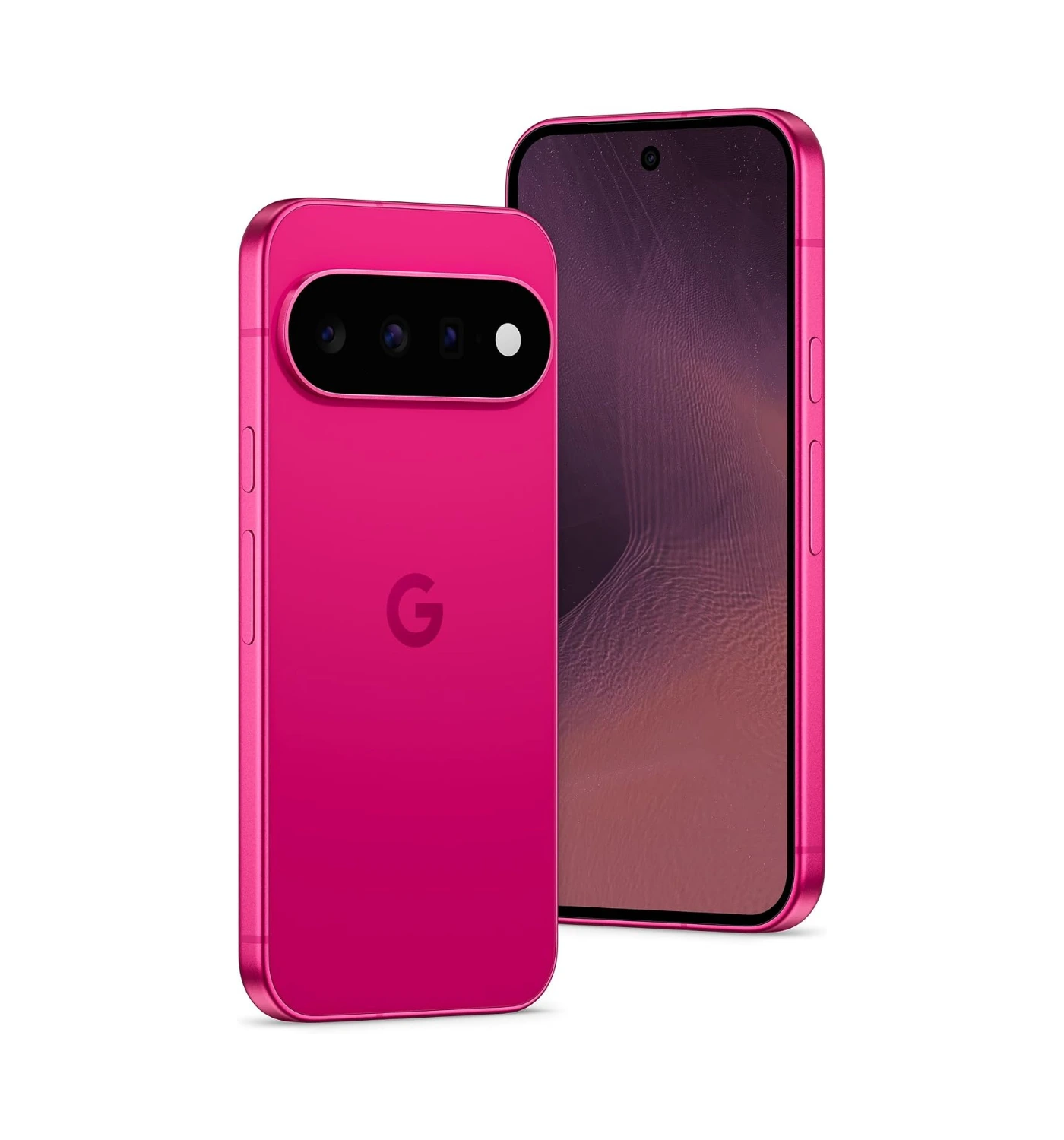
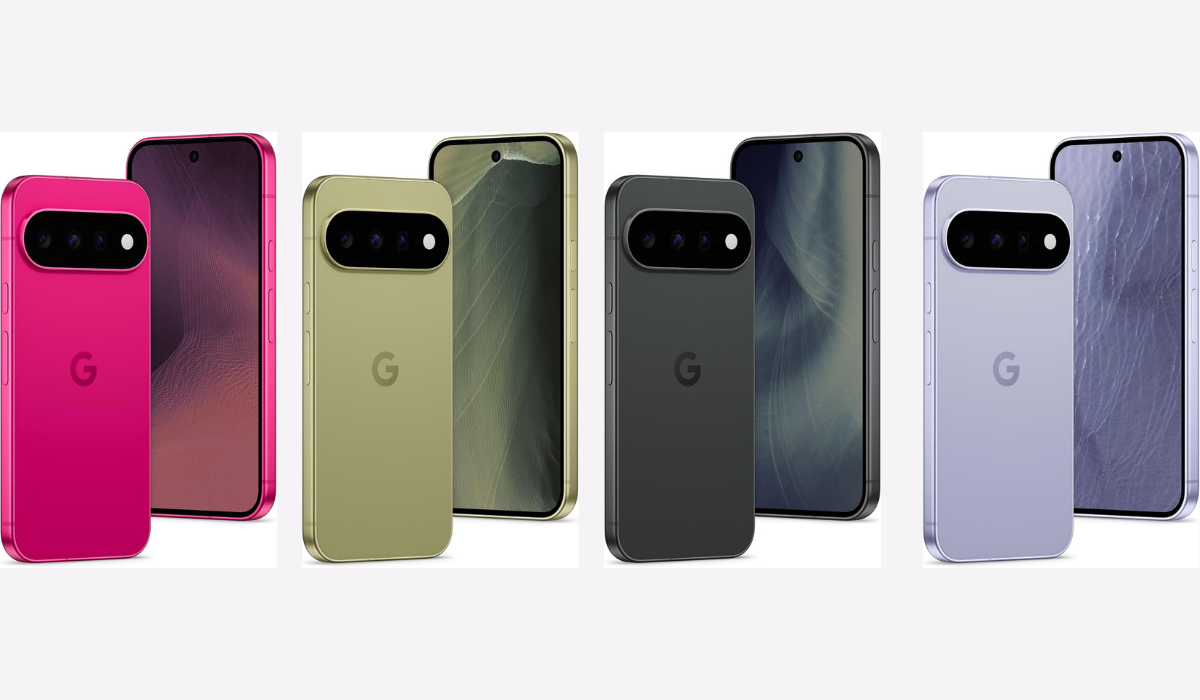
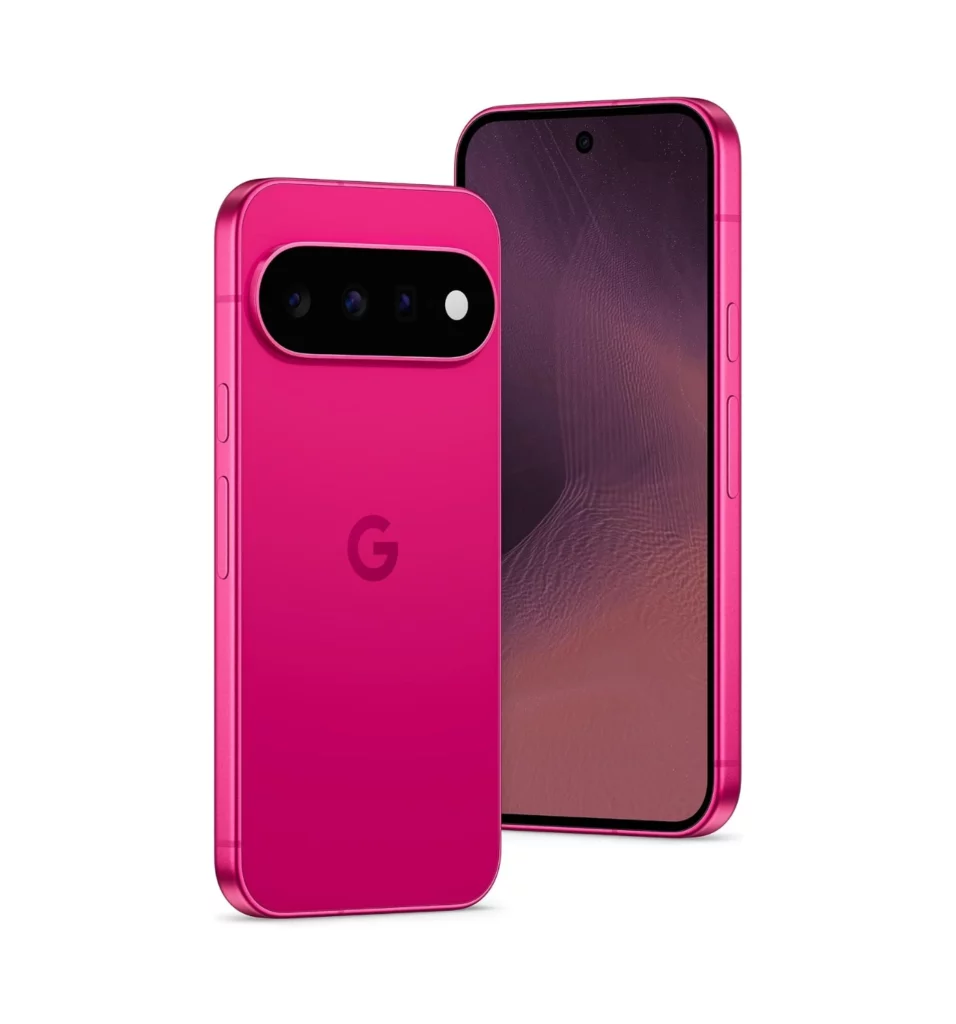
Other: Wi-Fi 6e, Bluetooth 6.0 | 5G network, Nano-SIM + eSIM | USB Type-C 3.2 charging port | Colors: Frost, Pistachio, Hibiscus, Obsidian | IP68 dust & water resistant | weighs 197 g (6.95 oz)
A screen so vibrant and bright, it makes every scroll a visual treat. The Google Pixel 11 features an upgraded Actua 6.3 inch OLED display that comfortably pushes brightness levels higher than ever before. Outdoor visibility is exceptional, allowing you to easily read messages, view photos, or stream video even under the harsh glare of direct sunlight.
The panel uses dynamic refresh rate technology that smoothly ramps up to 120Hz for fluid scrolling and gaming, then scales down when viewing static content to save power. Colors appear vibrant without looking overly saturated, and deep blacks make text stand out crisply. Overall, the display delivers a top-tier visual experience that rivals much more expensive smartphones, making everyday viewing effortless and enjoyable.
Comfortable Design
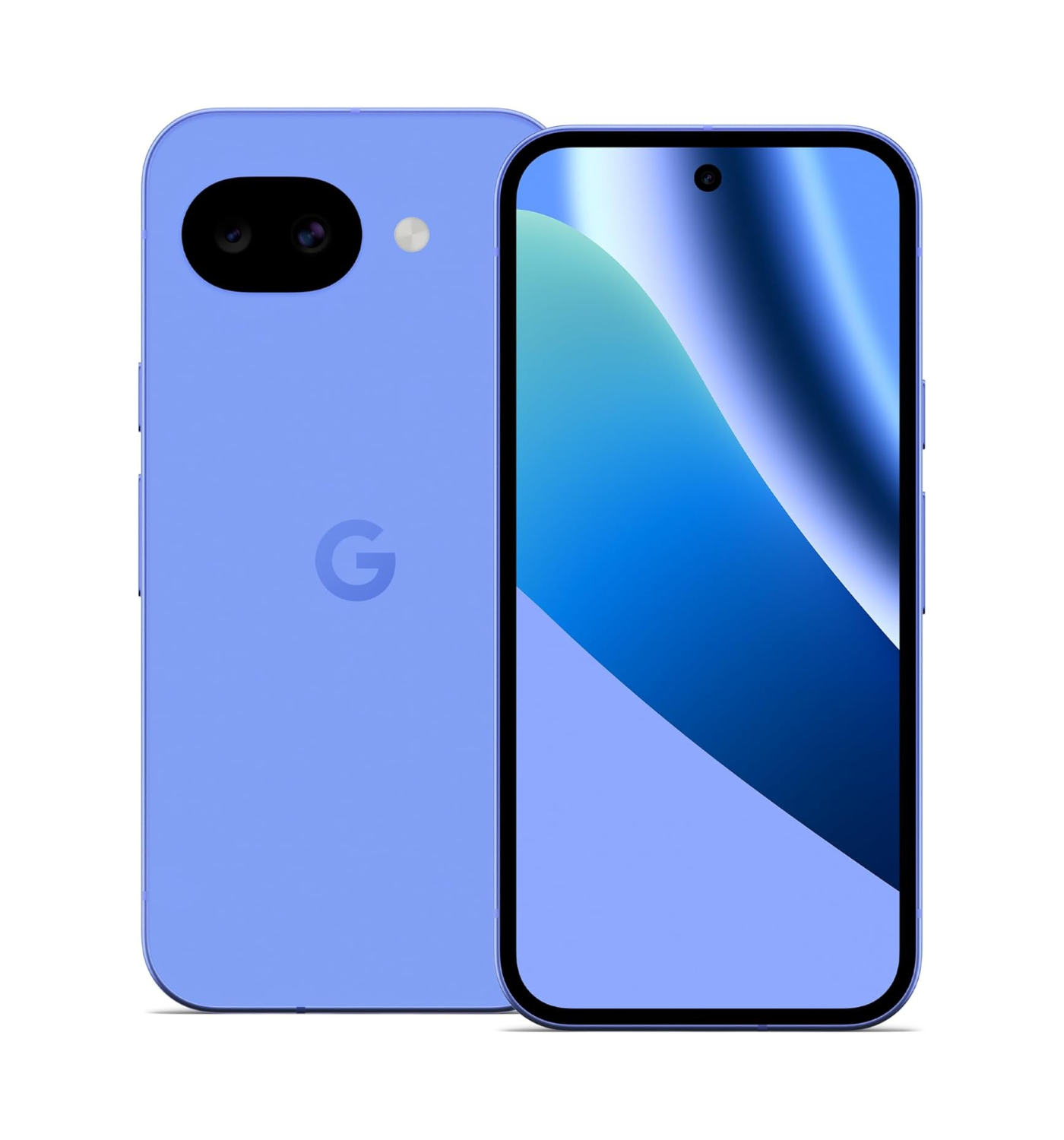
Refined, comfortable, and striking, this is Google’s cleanest hardware aesthetic yet. Building on the iconic Pixel look, the Pixel 11 presents a sleek profile with rounded edges and a lighter frame that sits naturally in your hand. The familiar camera bar has been streamlined to integrate more into the glass back, giving the device a balanced, modern feel.
High-grade materials and a satin-finish frame resist fingerprints, while strong protective glass and IP68 water resistance keep it safe from daily accidents. Overall, the design strikes a perfect balance between eye-catching style and everyday comfort, making it a joy to look at and hold.
Top Value
Getting a true flagship experience no longer requires paying a fortune. The Pixel 11 sets a high benchmark for value by packing Google’s top-tier hardware and software into a price tag that sits comfortably below most competitor flagships. You receive the exact same Tensor G6 processor and long-term software support found in the higher-tier Pro models, without being forced to pay for niche extras you might not need.
Combined with a guaranteed seven years of operating system and security updates, the phone offers exceptional longevity. Overall, it represents one of the smartest purchases on the market, giving you high-end tech that keeps its worth for years.
All-day Battery Life
Power that reliably outlasts your longest days on the go. Thanks to a larger 4985 mAh battery capacity and the impressive energy efficiency of the Tensor G6 chip, the Pixel 11 easily powers through a full day of heavy use with plenty of juice left to spare. Whether you’re streaming media, navigating with GPS, or taking photos throughout the day, the phone manages power smartly behind the scenes, lasting a good 19 hours of battery life.
When it’s time to recharge, fast wired and wireless magnetic charging get you back up to speed quickly, with just 90 minutes to full charge but a fast 50% charge in half an hour. Extreme Charging Mode is available which helps the phone charge even faster. Overall, the battery life provides true peace of mind, freeing you from constant battery anxiety and frequent trips to the charger.
Bigger, Better Camera
Capture stunning, life-like photos with just a simple tap of the shutter. Equipped with a larger 48 MP wide main sensor (with a 13 MP ultrawide and a 10.8 MP telephoto), and improved low-light processing, the Pixel 11 camera captures incredible detail and true-to-life colors in almost any lighting condition. Night shots look brighter with less noise, while portrait mode creates clean, professional-looking background blur around your subjects.
Advanced software features make editing simple, letting you clean up photo distractions or adjust lighting in seconds after taking the shot. Overall, the camera system continues Google’s tradition of photo excellence, consistently delivering sharp, beautiful photos with zero hassle.
Impressive Performance
Speed meets intelligence to create an effortless daily experience. At the heart of the Pixel 11 is the custom Tensor G6 processor, engineered to handle heavy multitasking, mobile gaming, and smart AI features without breaking a sweat. The baseline model starts with a 12GB of RAM and the 256GB model. According to Geekbench scores with ‘2742’ for the single core, and ‘7498’ for the multi-core, app launches feel instantaneous, navigation is smooth, and the device handles heat far better than previous generations, remaining cool even during demanding tasks.
The chip also powers Google’s Gemini features, enabling instant voice translations, smart photo tools, and helpful AI assistant capabilities right on the device. Overall, the performance feels fast, reliable, and uniquely intelligent, giving you a smooth smartphone experience every single day.
The Deal Breakers
Tinny & Harsh Loud Speakers
Prepare for disappointment if you enjoy filling a room with clear, punchy sound. While the speakers on the Pixel 11 get reasonably loud on paper, the overall audio performance lacks depth and balance. At higher volumes, sound quickly becomes tinny and harsh, with higher frequencies overwhelming the thin bass profile.
Vocal clarity in videos or podcasts can sound muffled, and cranked-up audio often introduces subtle distortion. Overall, the speakers feel like a clear compromise, delivering flat, uninspiring sound that fails to match the premium experience offered by the rest of the device.
Digital Zoom Feature
Attempting to zoom past standard distances quickly turns crisp photos into muddy art projects. With a lower sensor dedicated physical telephoto lens, the base Pixel 11 relies entirely on digital cropping and AI processing to magnify distant subjects. While 2x shots look decent enough, pushing the digital zoom out to 5x or higher causes image quality to collapse rapidly.
Fine details blur into smudgy, painterly artifacts, edge sharpness disappears, and digital noise becomes heavy in moderate lighting. Overall, the digital zoom feature feels unreliable and severely restricted, serving as a harsh reminder of what you miss out on by skipping the Pro model.
Physical Flaws
Despite subtle refinements, some persistent physical flaws keep this chassis from greatness. While the updated look keeps things modern, the design still harbors some frustrating trade-offs. The prominent rear camera bar remains a notorious dust magnet, constantly trapping lint in the surrounding edges every time it slides into a pocket.
The back glass finish can feel surprisingly slippery without a protective case, and the physical weight distribution leaves the phone feeling top-heavy during one-handed use. Overall, the design compromises on practical ergonomics, proving that sleek aesthetics do not always translate into a comfortable or low-maintenance daily build.
The Google Pixel 10 stands out as the smarter, more practical choice over the Pixel 11 because it offers nearly identical everyday performance at a much lower price. Both phones feature vibrant displays, reliable battery life, and outstanding cameras that take sharp, clear photos in almost any light.
While the Pixel 11 introduces modest internal upgrades, the core day-to-day experience—from smooth app browsing to clean software updates—remains virtually unchanged from its predecessor. Choosing the Pixel 10 lets you enjoy Google’s top-tier phone features and long-term software support without paying a premium for minor generation-over-generation tweaks.
The Samsung Galaxy S26 proves to be a better option than the Pixel 11 for anyone who values a more versatile design, higher gaming performance, and extra features.Samsung equips the S26 with a dedicated 3x telephoto zoom lens, allowing you to take crisp long-distance photos without relying entirely on digital cropping. It is also noticeably lighter and slimmer in the hand, making it much more comfortable for daily use.
Under the hood, the Galaxy S26 delivers faster processing power and smoother graphics performance, which helps heavy apps and intensive games run seamlessly. You also get useful built-in productivity tools like Samsung DeX, which lets you connect the phone to a display and use it like a desktop computer.Combined with vibrant screen technology and generous base storage, the Galaxy S26 offers a more complete package for your money.
The Apple iPhone 17 stands out as a stronger alternative to the Pixel 11 for users who want faster overall performance, longer-lasting build quality, and superior video recording.Powered by Apple’s A19 chip, the iPhone 17 handles demanding apps and heavy games with less stutter and better energy efficiency.Its smooth 120Hz ProMotion display delivers an ultra-fluid scrolling experience, while the upgraded front and rear cameras produce exceptionally crisp photos and smooth, steady 4K video.
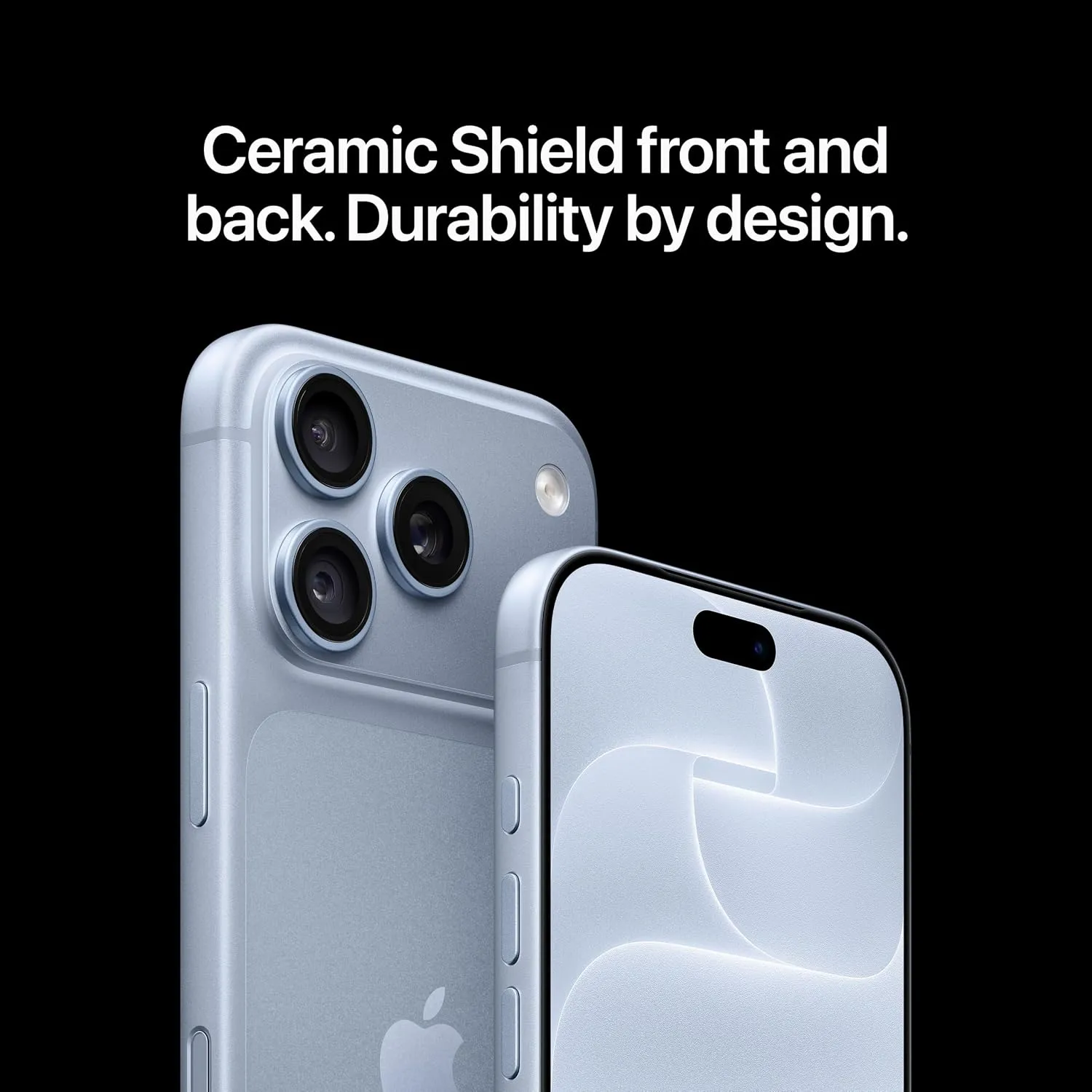
Additionally, Apple’s tough Ceramic Shield front glass provides better drop and scratch protection, and the phone benefits from years of reliable software updates that keep it running quickly for the long haul. Combined with a massive library of polished iOS apps and seamless integration with other Apple devices, the iPhone 17 offers a more refined, durable everyday package.
The Google Pixel 10a emerges as a much smarter alternative to the Pixel 11 for anyone who wants exceptional Google features without overspending.It costs significantly less while giving you the exact same clean software experience, helpful Gemini AI tools, and a reliable camera that takes stunning, true-to-life photos in any lighting.
You still get smooth everyday performance for social media and browsing, long battery life that comfortably lasts all day, and seven full years of guaranteed software updates to keep the device feeling fresh.While the flagship Pixel 11 packs extra power and minor hardware tweaks, the Pixel 10a delivers nearly ninety percent of that same everyday smartphone experience at a fraction of the cost.
The Final Verdict
If you want a modern smartphone that balances daily performance, smart software features, and long-term security without an outrageous price tag, the Pixel 11 hits the absolute sweet spot. By taking the core strengths of the Pro model—such as the Tensor G6 processor, a brighter main camera, and full-day battery life—and packing them into a more accessible package, the Pixel 11 proves that you do not need to spend top dollar for a flagship experience. While it makes a few sacrifices in audio punch and long-distance digital zoom, it delivers where it matters most for everyday use.
Buy it if you:
Want a smooth, reliable phone backed by seven full years of guaranteed updates.
Love clean Android software paired with helpful, built-in Gemini AI features.
Want top-tier performance and a great camera experience without paying extra for Pro-tier extras.
Don’t buy it if you:
Rely heavily on high-magnification telephoto zoom for long-distance photography.
Expect room-filling, bass-heavy audio directly from your smartphone speakers.
Already own a Pixel 10 and want a massive leap in day-to-day speed or design.
Ready to upgrade your daily driver? Pick up the Google Pixel 11 today and experience Google’s smartest phone experience yet. What are your thoughts on the new Pixel 11? Are the upgrades worth it for you, or are you sticking with your current device? Drop your thoughts and join the conversation in the comments section below 😎
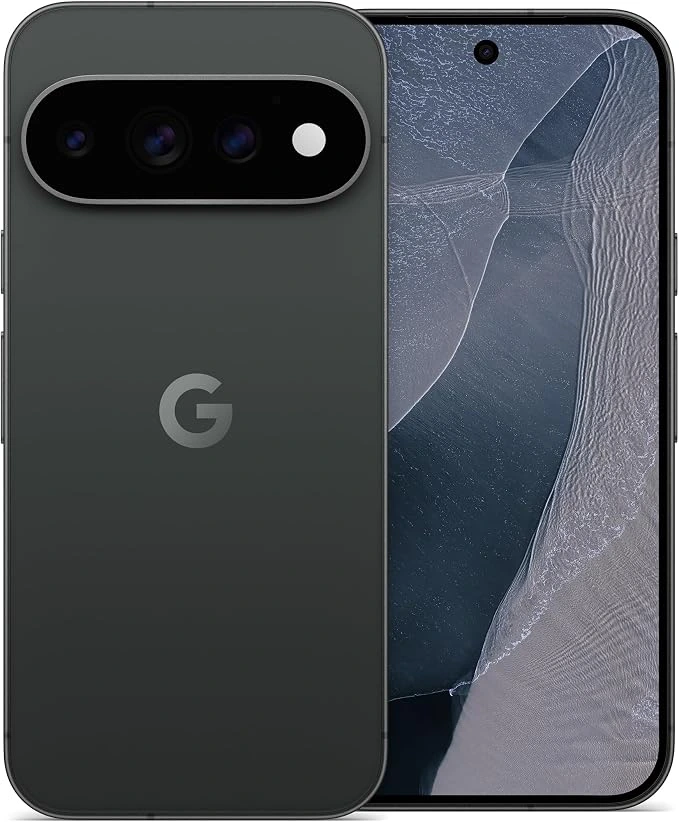
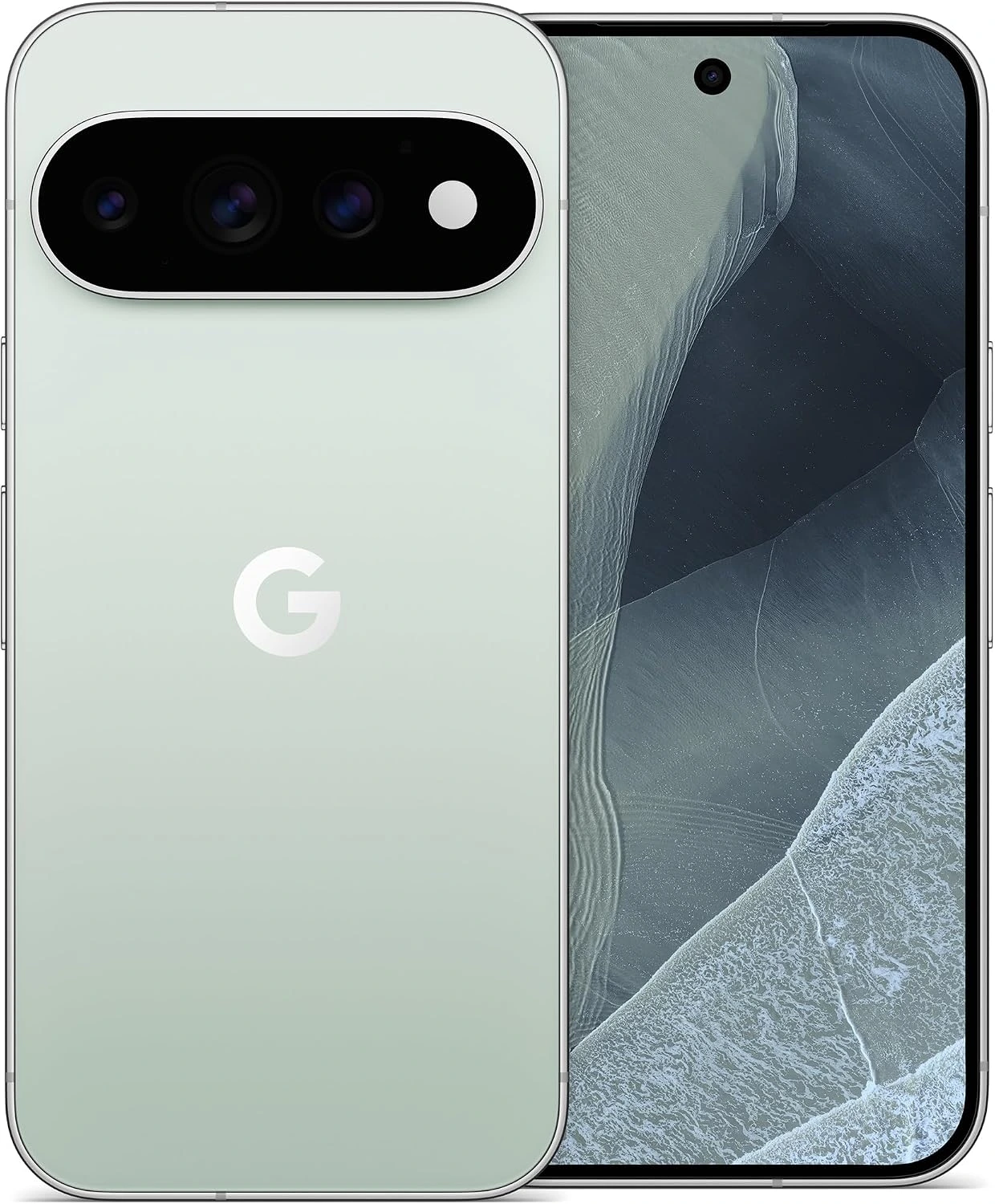
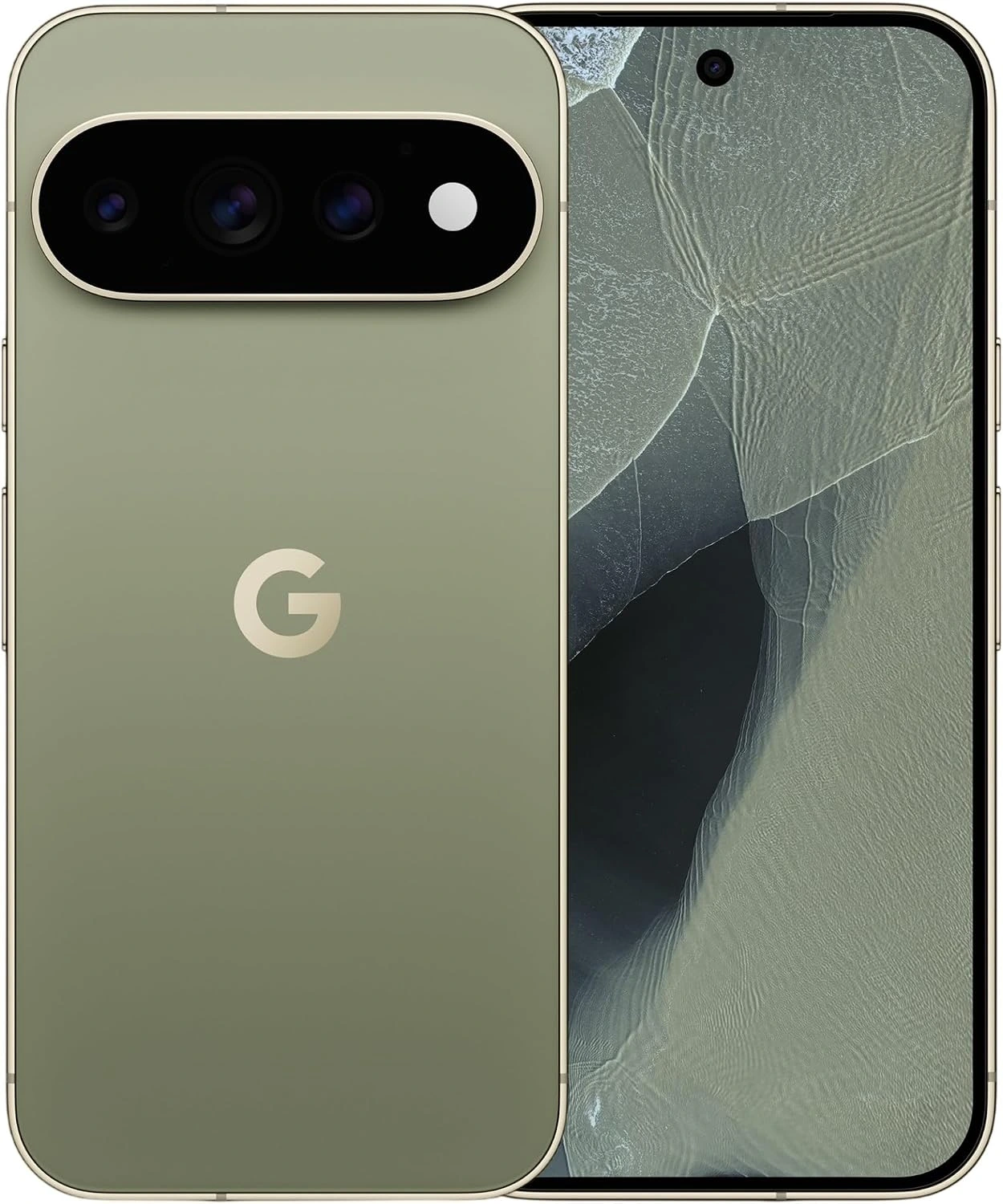
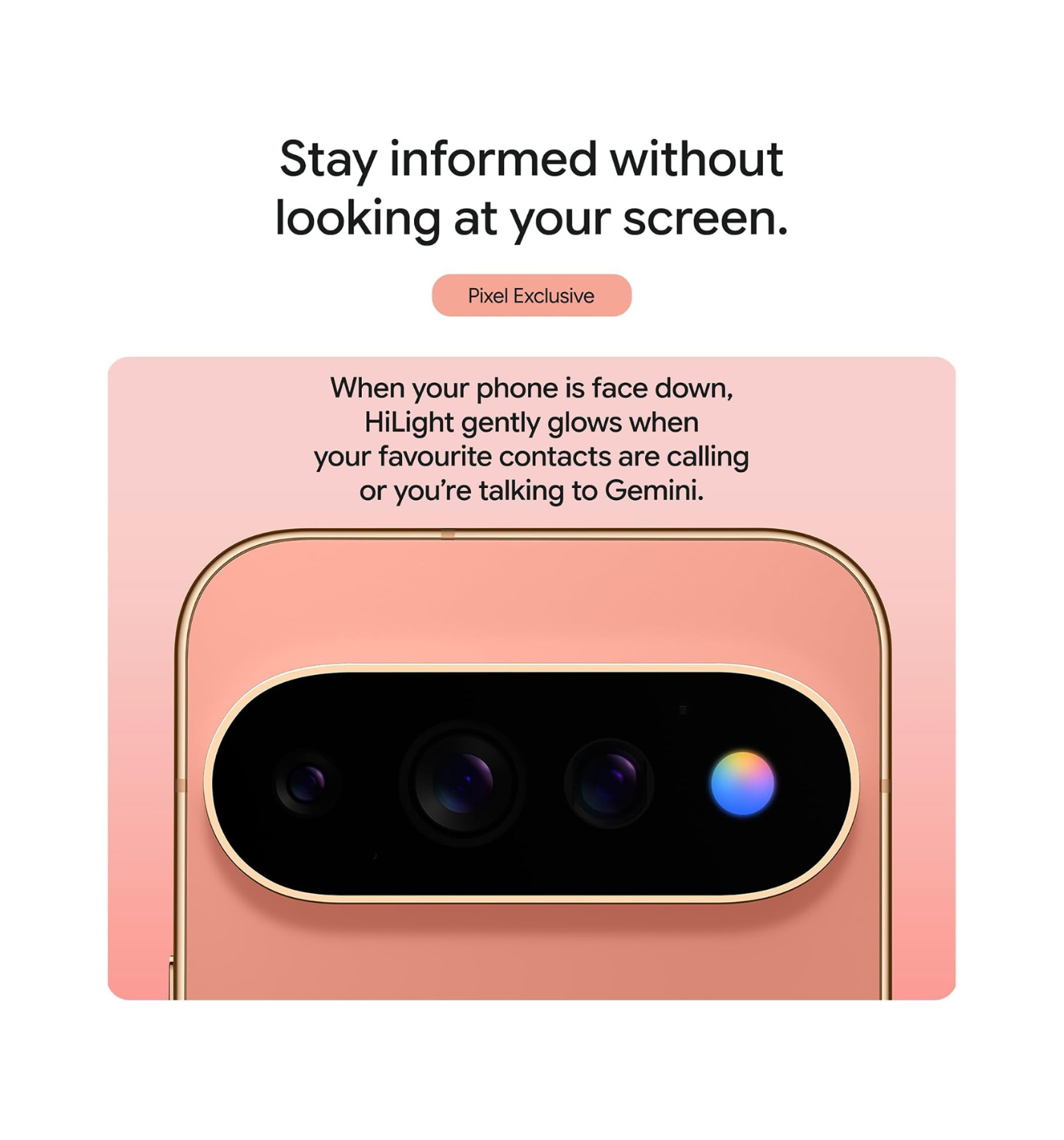
“Google has crafted a handset that feels less like a piece of cold hardware and more like a dependable companion.“
Wild Break Verdict
If you want a phone that feels like a personal assistant in your pocket, the Google Pixel 11 Pro is the best device you can buy today. You get incredible cameras that take stunning photos in any lighting condition, a bright display that is easy to read outside, and software features that genuinely save you time every single day.
The battery easily lasts a full day, and the sleek design feels premium in your hand. While hardcore mobile gamers might want a bit more raw graphics power, almost everyone else will find this to be the most refined and complete smartphone experience on the market.
Quick Summary: Google Pixel 11 Pro
Smartphone innovation has hit a plateau of incremental updates in recent years, but the Google Pixel 11 Pro breaks that mold by rethinking what a phone should actually do for you. Officially launched in late 2026 as Google’s marquee flagship, the Pixel 11 Pro takes the foundation of its predecessor and elevates it with meaningful, practical upgrades.
Compared to last year’s Pixel 10 Pro, this new generation introduces the next-generation Tensor G5 chip built on an improved manufacturing process, delivering better thermal management and smoother efficiency. You also get an upgraded display with higher peak brightness, faster charging speeds, and an upgraded camera setup featuring enhanced telephoto capabilities and faster image processing. Beyond hardware, the real leap lies in its deeper, on-device AI (Artificial Intelligence) that makes daily tasks faster and more natural.
Google designed the Pixel 11 Pro specifically for tech enthusiasts, mobile photography creators, and busy professionals who value a seamless software experience over raw synthetic benchmarks. If you want a phone that actively lightens your daily workload rather than just running apps, this device is tailored for you.
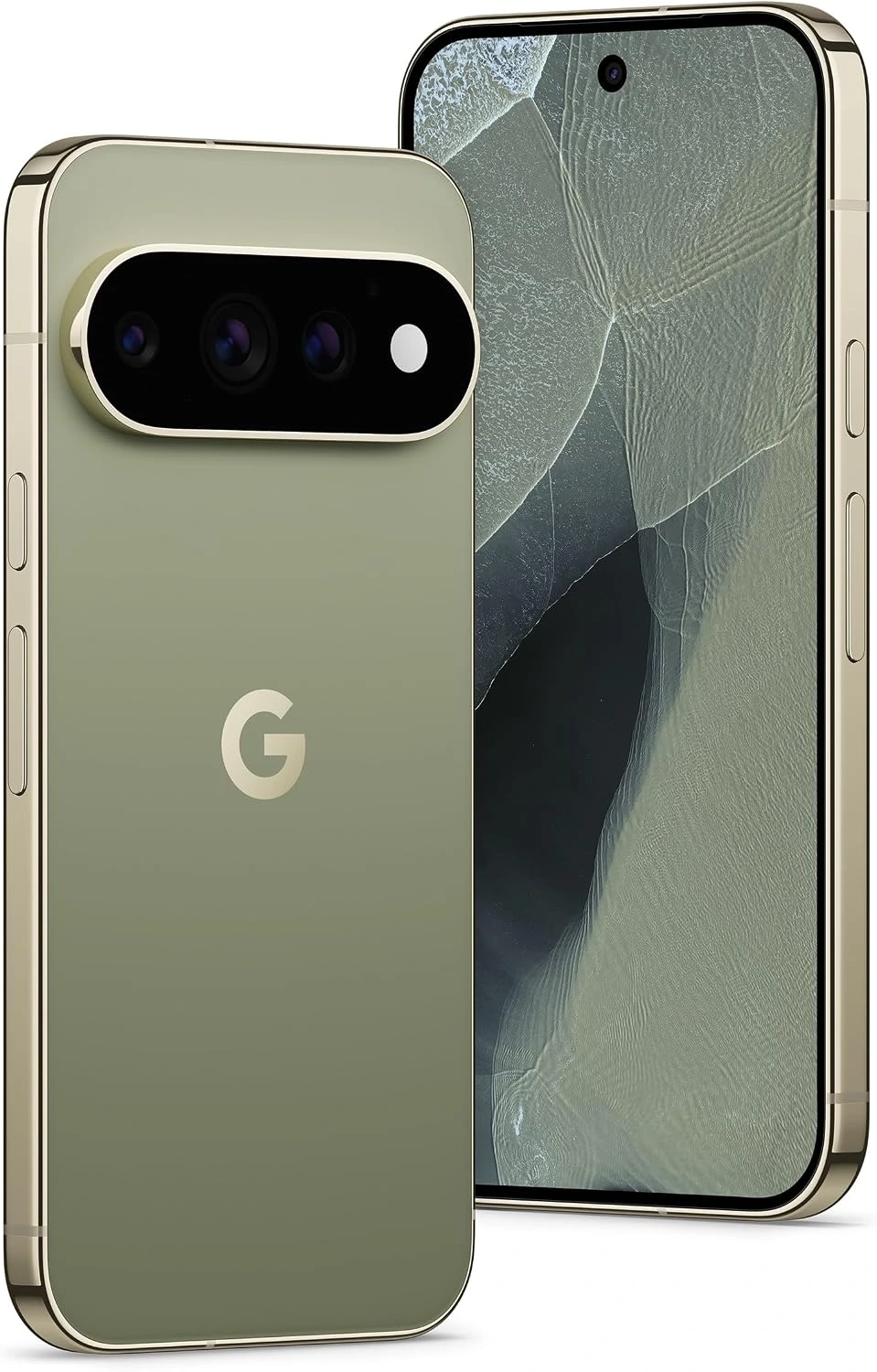
From the moment you hold the Pixel 11 Pro, it feels like a refined, high-end piece of technology. The matte finish feels silky in hand, the display is jaw-droppingly bright, and the signature camera bar gives it an unmistakable look that stands out in a sea of generic glass slabs. But does it hold up under real-world usage beyond the initial excitement? Keep reading below as we break down every aspect of the Google Pixel 11 Pro, from real-world battery stress tests and camera samples to performance breakdowns and buying advice.
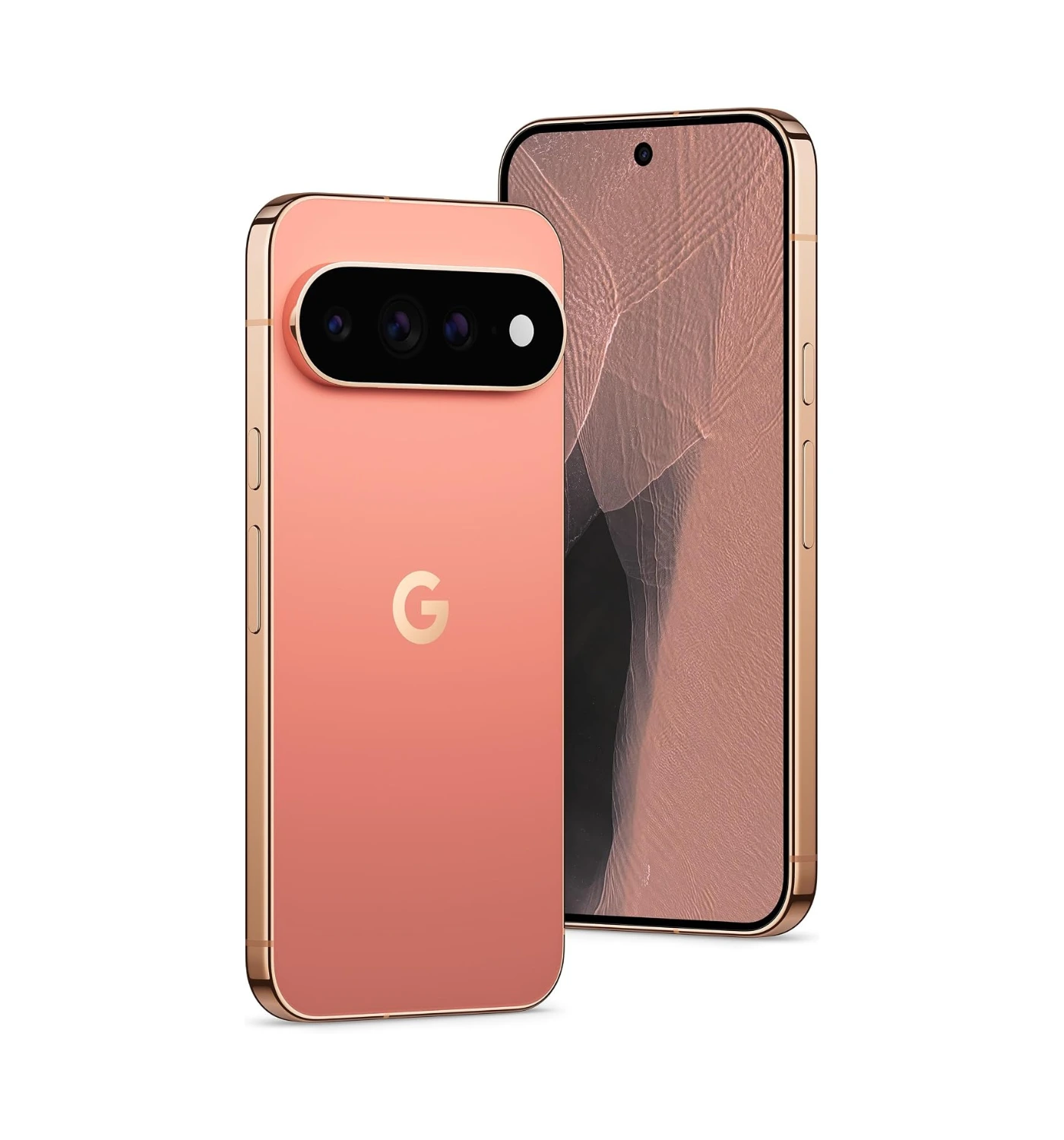
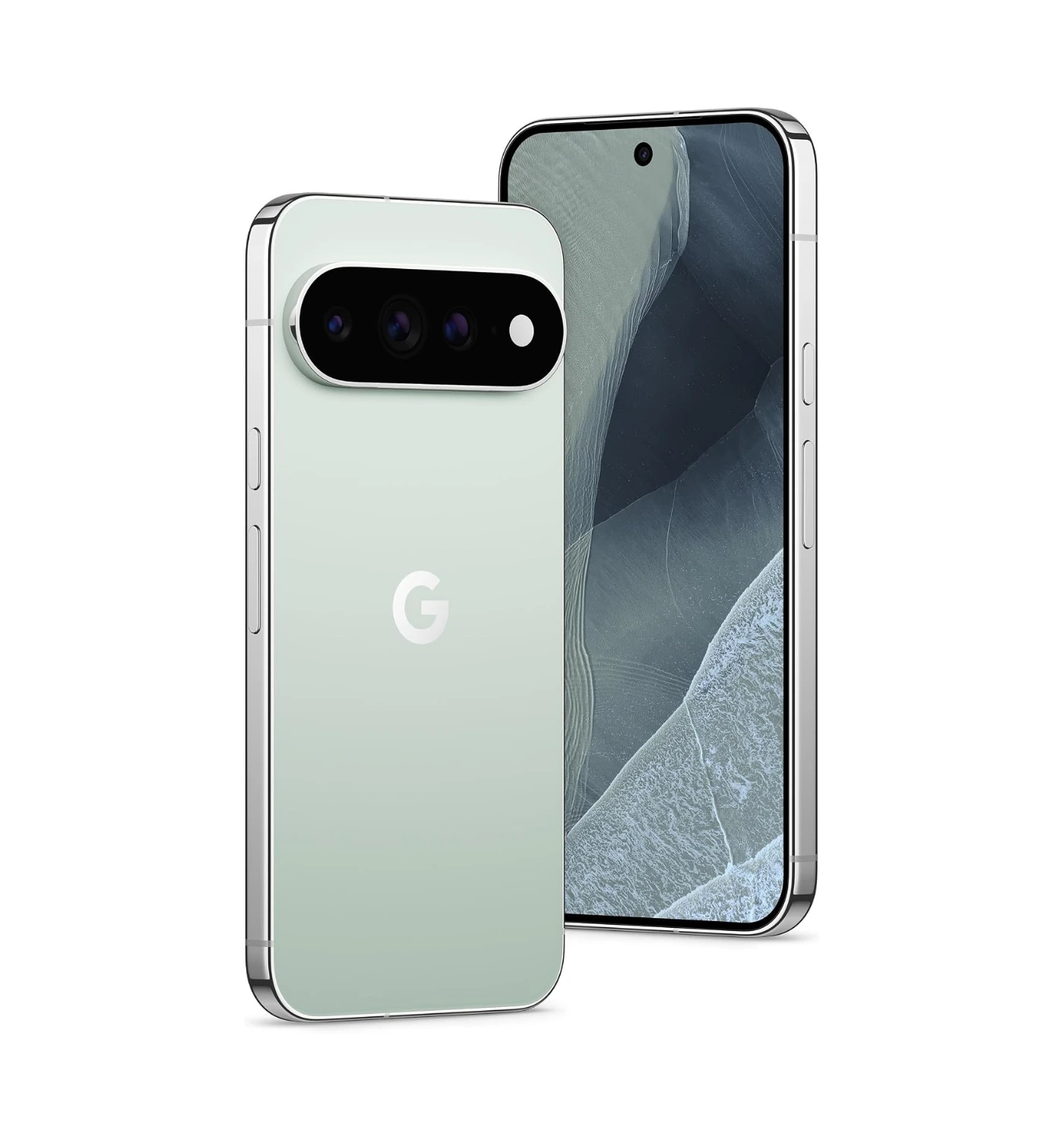
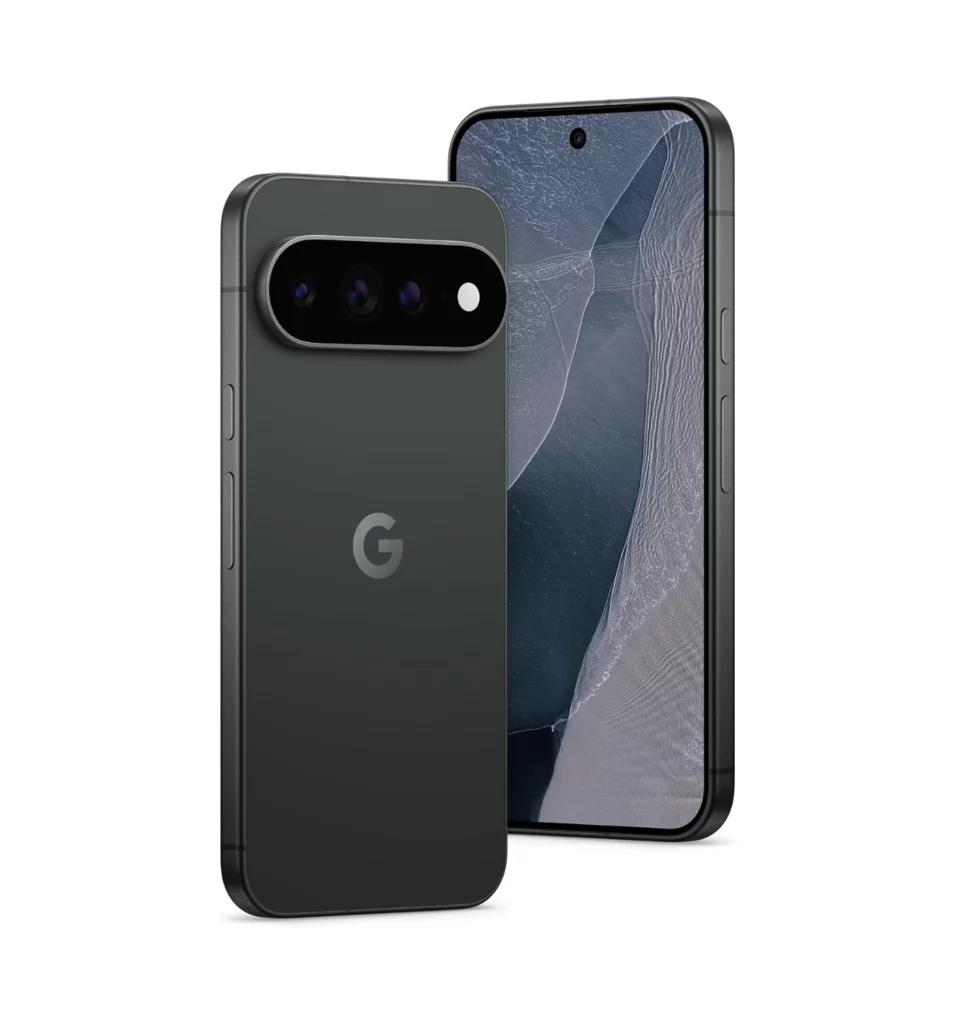
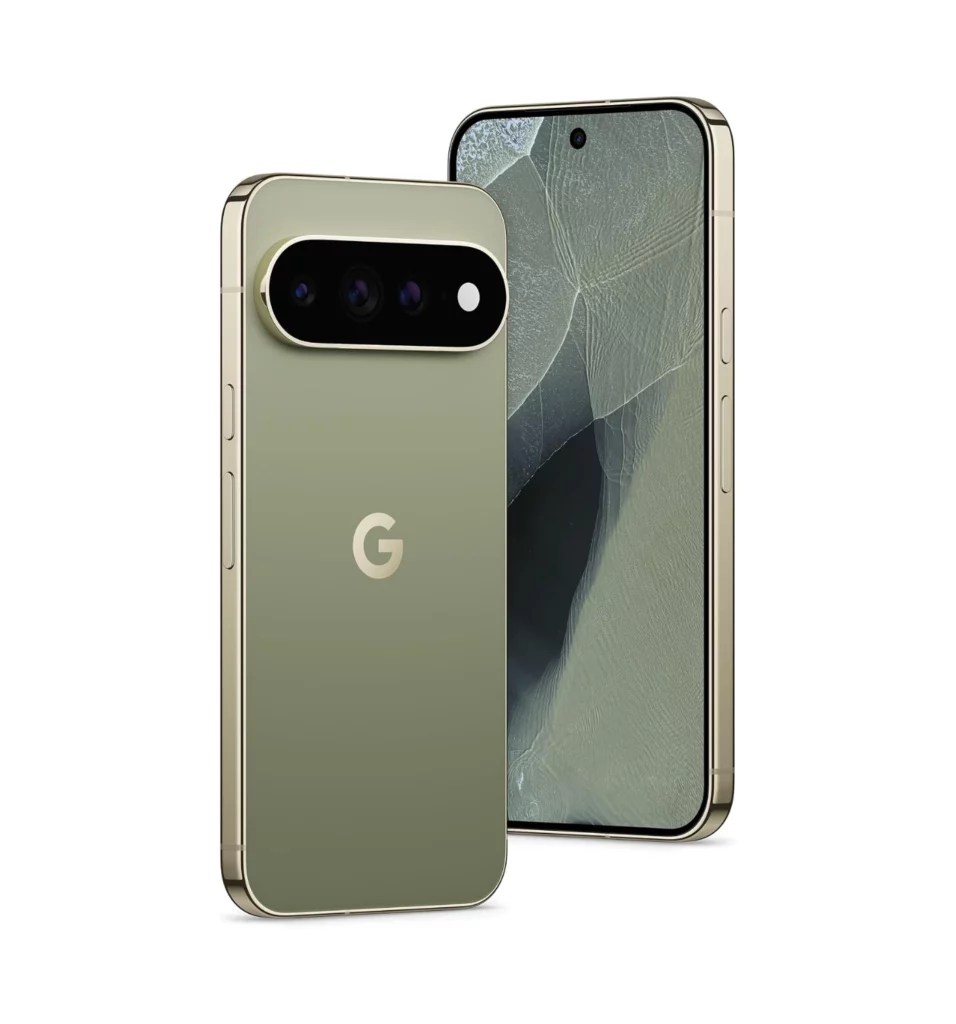
Other: Ultra Wideband (UWB) support | Satellite SOS service | Colors include Canyon, Olive, Fog, Obsidian | weighs 204 g (7.20 oz) | 5G network, Nano-SIM + eSIM | IP68 dust and water resistant | Wi-Fi 7, Bluetooth 6.0 | USB Type-C charging port
The Best Features
Small Design Changes
From the moment you pick it up, the Google Pixel 11 Pro proves that functional hardware can still look like a piece of modern art. The initial phone design isn’t groundbreaking as it looks the same as the Pixel 10 Pro.
Google refined its iconic camera visor into a sleek, seamless housing that sits flush against the matte glass back, eliminating rocking when laid flat on a desk. The satin-finish aluminum frame curves gently into your palm, offering a secure grip that feels distinctly premium. You’ll love how effectively the textured rear glass resists fingerprint smudges throughout the day, keeping your device looking pristine without constantly needing a microfiber cloth.
Impressive OLED Display
Your eyes are in for an absolute treat every single time you illuminate the screen. The updated Super Actua LTPO OLED panel pushes peak brightness to incredible new heights, making HDR video content pop with incredible contrast and vibrancy.
Dynamic refresh rate scaling smoothly transitions from a silky 120Hz down to a power-saving 1Hz depending on what you’re doing. In the end, you’ll appreciate how effortless it is to read fine text or navigate maps outside under direct midday sunlight, with zero washed-out colors or harsh glare.
Software
Clean, intelligent software remains the beating heart of the Pixel experience, and it has never felt more dialed-in. Running native Android with Google’s tailored Pixel smarts, the interface strips away unnecessary bloatware in favor of intuitive, gesture-based fluid navigation. On-device intelligence works silently behind the scenes, offering real-time call screening, accurate voice transcription, and contextual summaries with remarkable speed.
Overall, you’ll thoroughly enjoy a software ecosystem that anticipates your daily habits and saves you genuine time rather than overwhelming you with endless menus.
Impressive Camera System
Point-and-shoot photography reaches a whole new tier of consistency with this upgraded triple-camera setup. The phone comes with: a 50 MP main camera; a 48 MP ultra-wide camera; and a 48 MP telephoto camera with 5x optical zoom. Then there’s the 42 MP wide for taking selfies. Thanks to an enlarged telephoto sensor and revised image processing algorithms, detail preservation across optical and digital zoom ranges remains razor-sharp.
Skin tones are rendered with unmatched natural fidelity, while low-light exposures retain shadow depth without over-sharpening. You’ll be constantly impressed by how effortless it is to capture crisp, candid shots of moving subjects without worrying about motion blur or missed moments.
Good Performance
Raw synthetic benchmarks do not tell the whole story; everyday fluid responsiveness is where this device truly shines. Powered by the custom-built Tensor chip, app launching is instantaneous, split-screen multitasking is seamless, and heavy background AI processing finishes in the blink of an eye.
Improved thermal efficiency ensures the chassis stays comfortably cool even during extended navigation or high-resolution video recording. You will come away thoroughly satisfied with how buttery-smooth the phone operates under demanding daily workflows.
Battery Life
Say goodbye to mid-day outlet anxiety once and for all. Thanks to aggressive hardware-level energy optimizations and a generous 4850mAh battery capacity, the phone easily clears a full day of heavy usage with energy to spare. And the 30 hour battery life is a welcome improvement from the previous model. When you do need a top-up, faster 30W wired and 25W wireless charging speeds get you back up to speed in short order.
Upon enabling the new ‘Extreme Charging’ mode, at 15 minutes the From 0 to 25% you’re looking at about 15 minutes, and full charge about 90 minutes. You will gain total peace of mind knowing your device can comfortably handle a full schedule of streaming, photos, and navigation without dropping into low-power mode before bedtime.
The Deal Breakers
Expensive
Even the most polished smartphone experience leaves a bitter taste when the price tag pushes past reasonable limits. Starting at a high (£1070 / US$1016) price than its predecessor, the Google Pixel 11 Pro firmly cements itself in ultra-premium flagship territory, making it a much tougher sell for budget-conscious buyers.
Upgrading internal components is always welcome, but the substantial cost increase puts heavy pressure on your wallet before you even factor in optional storage bumps or protection plans. You’ll likely come away frustrated that Google continues to push its flagship lineup further out of reach for everyday consumers who just want a dependable phone at a fair price.
The ‘HiLight’ Feature
What sounds like an innovative hardware perk on paper quickly turns into a gimmicky frustration in real-world use. Designed as a rear-facing LED light ring built around the camera module to give visual cues for favorite contacts and active Gemini responses, ‘HiLight’ relies on you constantly placing your phone screen-down on a desk.
Worse yet, the software limits its functionality strictly to call alerts and AI interactions, completely ignoring standard app notifications, text messages, or battery charging status.You will quickly feel disappointed by a headline feature that feels half-baked, niche, and far less useful than a simple traditional notification light or a fully functional ambient display.
While the Google Pixel 11 Pro excels in smart AI features and clean software, the iPhone 17 Pro from Apple serves as an outstanding alternative for users who prioritize raw performance and ecosystem integration. Powered by Apple’s blazing-fast A19 Pro silicon, it effortlessly handles heavy workload tasks and demanding mobile games with unmatched thermal efficiency.You also get an exceptionally polished camera system with professional-grade 4K video recording, a stunning bright display, and the industry-leading long-term app optimization that iOS is famous for. If you’re already invested in Apple’s hardware ecosystem—or simply prefer peak graphics horsepower, rock-solid video capture, and maximum resale value over ambient AI tools—the iPhone 17 Pro is an incredibly compelling choice.
If you prefer a larger canvas and raw processing power over Google’s ambient AI focus, the Samsung Galaxy S26+ stands out as an exceptionally strong alternative. Its expansive 6.7-inch QHD+ Dynamic AMOLED display delivers vibrant colors, sharp clarity, and exceptional outdoor visibility.Powered by top-tier hardware, the S26+ comfortably handles intensive 3D gaming, heavy multitasking, and demanding workflows without breaking a sweat.Coupled with 45W fast charging capabilities, a robust 4,900 mAh battery, and Samsung’s feature-packed One UI software suite, it offers a highly versatile, power-user experience that caters to gamers, media consumers, and productivity enthusiasts alike.
If you want near-flagship performance while keeping a significant chunk of money in your pocket, the Google Pixel 10 Pro remains a incredibly smart alternative. It shares the same sharp 6.3-inch 120Hz display, a practically identical camera setup for everyday shots, and a nearly identical all-day battery as its successor.Crucially, the Pixel 10 Pro actually comes with 16GB of RAM as standard across all storage tiers—giving it a slight edge over the base Pixel 11 Pro model—while still running the exact same feature-rich Android software and receiving Google’s generous multi-year support guarantee.Now heavily discounted, it offers about 90% of the Pixel 11 Pro experience at a fraction of the cost, making it the better overall value for practical buyers.
The Final Verdict
The Google Pixel 11 Pro proves that the best smartphone experience isn’t about chasing raw benchmark numbers—it’s about how effortlessly a device integrates into your daily routine. By pairing a noticeably brighter display and refined thermals with genuine, time-saving software features, Google has crafted a handset that feels less like a piece of cold hardware and more like a dependable companion.
Buy it if:
You want a camera system that consistently delivers sharp, beautifully exposed photos with accurate skin tones, effortlessly handling tricky lighting and fast-moving subjects.
You value time-saving AI tools—like instantaneous live voice translation, automated call screening, and fast voice transcription—that run smoothly directly on the device.
You prefer a compact, premium build with a non-slip matte finish paired with a dependable battery that comfortably carries you through an entire day of heavy use.
You want a clean Android ecosystem with a guaranteed seven-year window of major OS updates and security patches.
Don’t Buy It If:
The increased starting retail price pushes this device into steep ultra-premium territory, making it a hard sell if you want maximum hardware per dollar.
You demand absolute peak graphical horsepower and sustained frame rates for intensive 3D games, where competitors like Apple’s Pro lineup still hold the performance crown.
Features like the rear ‘HiLight’ LED ring offer limited everyday utility, restricted to narrow alerts while ignoring standard notification integration.
You can get roughly 90% of this phone’s core experience for significantly less money by opting for a discounted previous-gen flagship or a spec-heavy rival like the Samsung Galaxy S26 series.
Ultimately, the Google Pixel 11 Pro is an outstanding achievement in practical technology. While it comes with a steep price tag and a few non-essential hardware gimmicks, its day-to-day fluid responsiveness, elite camera performance, and intuitive software easily make it one of the most complete smartphones on the market. If you are looking for a phone that genuinely simplifies your digital life, this is a top-tier investment.
Are Google’s software upgrades and camera enhancements worth the premium price tag, or are you holding out for another device? Drop your thoughts, questions, and feedback in the comments section below—we’d love to hear your take 😎
“If you want cutting-edge AI features, incredible low-light cameras, and an ultra-bright display wrapped in a polished design, this flagship delivers a truly next-level user experience.“
Can a phone actually get smarter without feeling more complicated? Google certainly thinks so, and they’re putting that promise to the test with their latest flagship, the Google Pixel 11 Pro XL. I’ve been testing this phone as my main device for the past week, and it quickly becomes clear that Google is no longer just trying to compete with Apple and Samsung—they want to redefine how we use our phones entirely. On the outside, you get a massive display, a sleeker body, and a fun new LED ring around the iconic camera bar.
On the inside, it packs the new Tensor chip, built specifically to power Google’s fastest, most helpful Gemini AI tools yet.Add in a refined camera system with new creative photography tools, and this giant phone makes a bold first impression. Is all this extra tech actually worth your hard-earned cash, or is it just a bunch of flashy software tricks? Grab a cup of coffee and stick around as I break down the cameras, battery, daily performance, and everything else you need to know in my full review below.
The Overview
If you thought last year’s Pixel hit the ceiling for what a smartphone could do, Google is back to prove there is still room to grow. The Pixel 11 Pro XL is Google’s top-of-the-line flagship phone, officially launching in August 2026. It takes everything people loved about the Pixel 10 Pro XL and gives it a serious tune-up.
The heart of the new phone is the Tensor G6 chip, which makes on-device AI tasks much faster and helps your daily apps run smoother.The 6.8-inch display is now noticeably brighter, reaching up to 3,600 nits so you can easily view your screen under direct sunlight.Google also gave the screen glass double the scratch resistance of last year’s model, giving you extra peace of mind. Around the back, you will find an updated camera system featuring a larger 5x telephoto sensor for cleaner zoom shots, plus the brand-new “HiLight” ring—a neat circle of mini LED lights built right next to the camera bar that glows for notifications and AI prompts.
After testing it side-by-side with last year’s model, the Pixel 11 Pro XL feels like a refined, super-powered version of an already great phone. It keeps the comfortable design you expect, but adds just enough new power and clever tools to stand out. Keep reading the rest of the review to see how these new upgrades handle real-world use!
Artificial intelligence is no longer just a background feature on smartphones—it’s the main reason to buy a Pixel. On the Pixel 11 Pro XL, Gemini AI feels remarkably natural and deeply integrated into every part of the user experience. The phone now handles complex requests, like summarizing long voice notes or editing complex photos, almost instantly right on the device without sending your data to the cloud.
I especially love the live conversation features, which allow me to chat with my phone naturally to plan my daily schedules or brainstorm ideas. It’s easily the most intuitive AI experience I’ve ever tested on a handheld device, making daily tasks feel far less tedious.
Bright & Vibrant OLED Display
If you spend hours watching videos or scrolling through social feeds, a screen this good is an absolute treat. The large 6.8-inch Super Actua LTPO OLED panel on the Pixel 11 Pro XL reaches an incredible peak brightness of 3,600 nits, which makes outdoors viewing effortless even under direct midday sun.Color accuracy is stunning, and the dynamic refresh rate scales smoothly from 1Hz all the way up to 120Hz depending on what you are doing, saving battery during static reading while keeping animations buttery smooth.
Watching HDR movies on this display reveals deep, rich blacks and vibrant colors that pop right off the glass. I am genuinely impressed by how comfortable it is on the eyes, making it one of the absolute best media consumption screens on the market today.
Impressive Camera Performance
Google has built its reputation on mobile photography, and this latest setup raises the bar once again. The main 50MP sensor, paired with the upgraded 5x optical telephoto lens and an improved ultra-wide camera, delivers breathtaking color tone and detail in almost any lighting condition. Low-light photography is where this phone truly shines, capturing bright, clear night shots without blowing out highlights or adding artificial digital noise.
The new “HiLight” LED ring around the camera bar also doubles as a soft fill-light for close-up portraits, eliminating harsh flashes entirely. Taking photos with this device gives me total confidence that I will capture a print-worthy shot on the very first try.
Sleek Build & Design
A giant phone can often feel bulky, but Google managed to make this XL model feel balanced and luxurious. The Pixel 11 Pro XL features a refined aluminum frame with smooth, rounded corners, paired with a silky matte glass back that naturally resists fingerprint smudges. The signature camera bar has been polished down into a sleeker profile that sits flat on a table rather than rocking side-to-side.
Furthermore, the entire device feels remarkably sturdy in the hand while offering top-tier IP68 water and dust protection. I love how premium and comfortable it feels to hold, proving that large flagship phones do not have to feel awkward or slippery.
Good Phone Performance
Under the hood sits the brand-new Tensor G6 processor, and it provides a noticeable boost in overall responsiveness. Navigating through heavy multitasking workflows, jumping between intensive apps, and playing high-end games happens without a single hitch or unexpected slowdown. Thermal management is also significantly improved compared to older generations, meaning the phone stays remarkably cool during prolonged gaming sessions or 4K video recording.
Everything from opening the camera app instantly to processing background downloads feels tight and immediate. I am thoroughly impressed by how snappy and stable this phone stays, even when pushing it through demanding daily workloads.
Good Battery Life, with Fast Wireless Charging
A flagship phone is only as good as its endurance, and this device easily carries you through heavy workdays. The massive 5115 mAh battery comfortably provides up to 16 hours of battery life, which is quite good if you ask me. When it’s time to top up, the upgraded fast 45W wired charging gets you from flat to 75% in roughly 36 minutes.
Additionally, the built-in magnetic fast wireless charging snaps perfectly onto magnetic chargers and stands, making power top-ups clean and completely hassle-free. Not having to worry about battery anxiety during busy travel days makes this phone a true reliability champ.
Other Features
Beyond the core specs, it’s the small thoughtful extras that complete the entire package. Firstly, the ultrasonic under-display fingerprint scanner unlocks the phone instantly, even if your hands are slightly wet or cold. Second, the stereo speakers deliver rich, loud audio with surprising depth and punchy bass, making quick video clips sound great without headphones.
And lastly, Google promises 7 years of Android OS updates and security patches, ensuring this device stays secure and feature-packed well into the future. Overall, these polished extra touches show that Google paid attention to every detail, making the Pixel 11 Pro XL feel complete.
The Deal Breakers
Expensive
No matter how good a smartphone is, a steep price tag always leaves a sour taste in your mouth. Starting at a high $1,299, the Pixel 11 Pro XL pushes Google firmly into ultra-luxury territory and marks another price hike over last year’s model. When you spend this much money on a phone, you expect absolute perfection across every single feature without any compromises.
While you do get top-tier hardware and extended software support, asking buyers to part with this much cash makes it a really tough pill to swallow for the average user. I am genuinely disappointed by how high the barrier to entry has become, making this incredible tech feel out of reach for many loyal Pixel fans.
The HiLight Notification Indicator
Not every flashy new feature hits the mark, and this built-in light ring quickly loses its initial charm. Google hyped up the new “HiLight” LED ring around the camera bar as a revolutionary way to check notifications and AI status alerts while your phone rests face down. In practice, however, the lights are surprisingly bright in dark rooms and lack granular customization settings to tone them down.
Furthermore, keeping the ring constantly illuminated for subtle alerts drains battery unnecessarily throughout the day, forcing me to turn it off entirely after just a few days of testing. It ultimately feels like a gimmick that sounds great in promotional videos but adds very little real utility to my daily routine.
Other Notable Features
Even high-end devices have hidden daily annoyances that only show up after extended hands-on testing. Despite the improved processor, heavy gaming still triggers noticeable thermal throttling after thirty minutes, causing the frame rate to drop right when you need smooth performance. The phone remains undeniably heavy at over 220 grams, making one-handed use tiring during long reading sessions.
To make matters worse, Google still leaves a fast wall charger out of the box, meaning you have to spend extra money to get the fastest charging speeds promised on paper. These persistent minor flaws take away from what should otherwise feel like a seamless premium experience.
If you prefer raw computing power, unmatched video recording quality, and an ecosystem that just works, the Apple iPhone 17 Pro Max is the clear winner.Powered by the fast A19 Pro chip, it handles heavy 3D gaming and video editing with less heat and better energy efficiency. You also get superior 4K video capture with professional color controls, rock-solid resale value, and seamless integration with MacBooks, iPads, and Apple Watches. While the Pixel 11 Pro XL shines in smart AI tricks, Apple’s flagship gives you a smoother, more reliable performance powerhouse that will easily last you for years to come.
If you want the ultimate productivity power-house that dominates in raw hardware, the Samsung Galaxy S26 Ultra is the better alternative for you. Equipped with a custom Snapdragon 8 Elite Gen 5 processor, it easily outperforms the Pixel 11 Pro XL with gaming and 4K video editing without dropping frames.You also get a massive 200MP main camera with insane 100x digital zoom capabilities, a built-in S Pen stylus for precise note-taking, and a stunning 6.9-inch display featuring Samsung’s revolutionary built-in Privacy Display technology.While the Pixel focuses heavily on casual software tricks, the S26 Ultra delivers an unmatched power-user setup that gives you complete control over your smartphone experience.
If you want almost the exact same premium experience while saving a massive chunk of money, the Google Pixel 10 Pro XL is the smarter choice for you. It features the same stunning 6.8-inch display size, identical top-tier build quality, and a camera setup that still produces world-class photos that look nearly indistinguishable from its successor.You still get 16GB of base memory on the flagship tier, access to Google’s key Gemini AI features, and six more years of official software updates.Unless you absolutely need the slight performance bump of the Tensor G6 chip or the new HiLight LED ring, choosing last year’s flagship gives you incredible overall value without making any major real-world sacrifices.
If you’re a mobile photography enthusiast looking for absolute hardware dominance, the Oppo Find X9 Ultra is the ultimate alternative for you. Co-engineered with Hasselblad, it boasts a massive quad-camera setup featuring dual periscope telephoto lenses and a massive 200MP main sensor that captures far more natural detail and depth than the Pixel 11 Pro XL. Beyond its incredible camera system, you get blistering 100W wired and 50W wireless supercharging that completely embarrasses Google’s slower charging speeds, alongside Qualcomm’s top-tier Snapdragon processor for unmatched raw performance. While the Pixel relies heavily on smart computational software tricks, the Find X9 Ultra relies on unbeatable physical camera hardware and ultra-fast charging to give you the most uncompromising flagship experience on the market.
The Verdict
The Google Pixel 11 Pro XL proves that a smartphone can be remarkably intelligent without sacrificing everyday usability. If you want cutting-edge AI features, incredible low-light cameras, and an ultra-bright display wrapped in a polished design, this flagship delivers a truly next-level user experience. While the higher price tag and gimmicky notification ring might make you pause, the raw software magic, stunning display, and years of guaranteed updates make it an amazing daily companion. If you are ready to upgrade your mobile experience, click the link below to get your Google Pixel 11 Pro XL today! What do you think about Google’s latest flagship? Let me know your thoughts in the comments section below 😎
“Onimusha: Way of the Sword is a triumphant comeback that successfully brings a classic series into the modern era without losing its soul.“
Crossing blades with a demon and slicing through its guard with a single, perfectly timed strike is easily one of the most satisfying feelings I have ever had in an action game. I was thrilled to finally get my hands on Onimusha Way of the Sword, an action-adventure title from Capcom that revives a beloved classic series after two decades.
Set in a dark fantasy version of Kyoto during the early Edo period, the game puts you in the shoes of legendary samurai. Armed with a single katana, an Oni Gauntlet that absorbs demon souls, and a sharp sense of timing, you venture out to save a city overrun by dark monsters called Genma. The game focuses heavily on realistic sword clashes, parries, and cinematic executions that make every single duel feel grounded and lethal. This return to classic samurai action will immediately pull you in with its fluid combat and a dark fantasy world experience, so let us break down what makes this adventure worth your time.
Overview
If you’ve been waiting twenty long years for a true samurai classic to return, step back into the dark alleys of feudal Japan because this action adventure delivers everything you’ve been craving. Onimusha: Way of the Sword is a single-player action-adventure game. It was released on September 4, 2026. You step into the sandals of legendary swordsman Miyamoto Musashi as he navigates a dark, demon-infested version of Kyoto. After a humbling defeat, you’re revived as an Onimusha—a demon slayer equipped with an Oni Gauntlet—and forced into a fight to stop evil Genma monsters from tearing open the underworld.
Compared to the older titles from the early 2000s, this modern entry ditches fixed camera angles, clunky tank controls, and linear corridors. You get to explore a massive, seamless hub city filled with side quests, fluid third-person camera control, smooth parry mechanics, and stunning visuals powered by modern hardware. By upgrading the classic formula with a living world and responsive swordplay, the game sets a high bar that will make you want to dive deeper into every combat mechanic it has to offer.
Game Info
(Image credit: Capcom)
Onimusha: Way of the Sword
Release date: 3 September 2026
Platforms: PlayStation 5, Xbox Series X/S, GeForce Now, PC
You’ll instantly fall in love with Miyamoto Musashi, the lead character who brings endless charm, expressive personality, and a clever sense of humor to a dark fantasy world. Instead of giving you a stoic, brooding samurai, the game stars a delightfully expressive hero who balances fierce combat skills with genuine charisma. Modeled with the likeness of legendary actor Toshiro Mifune, Musashi comes to life with some of the best facial animations you’ll ever see in an action game.
The ever charismatic protagonist (Image credit: Capcom)
He’s a rogue warrior who is willing to bend the traditional rules of engagement to get an edge, yet he holds tight to an unshakable moral line that makes him deeply relatable. Watching him crack a sly grin during dialogue or display warm, human reactions during story beats makes surviving this demon nightmare a joyful ride. Overall, having such a charismatic lead keeps the journey grounded and engaging, giving you a hero you’ll gladly cheer for from start to finish.
Excellent Combat, Excellent Swordplay
Every swing of your blade carries heavy impact, making you feel like an absolute master of the katana in every encounter. The combat system hits a sweet spot by making every slash, dodge, and block feel heavy and deliberate without ever feeling sluggish. You don’t have to worry about memorizing overly complex stance trees or endless button combos to look cool. Instead, combat revolves around rhythm, timing, and stamina management.
Excellent combat gameplay (Image credit: Capcom)
You can unleash fast one-handed strikes, build up momentum for devastating two-handed power attacks, or perform crisp parries to break a demon’s guard. Once an enemy’s posture is broken, you trigger cinematic execution moves that slice through demon limbs, letting you collect their glowing souls to empower your gauntlet. In the end, this incredibly responsive swordplay rewards your skill and patience, turning every minor skirmish into a thrilling test of precision.
Epic Boss Fights
Prepare yourself for colossal showdowns against nightmarish demon lords that’ll push your reflexes and tactical thinking to their absolute limits. The boss encounters stand out as major highlights, pitting you against massive Genma generals and rival swordsmen in stunning arenas. These multi-phase battles force you to study unique attack patterns, master your dodge rolls, and time your soul-absorbing gauntlet powers perfectly.
Experience epic boss fights (Image credit: Capcom)
Rather than relying on unfair mechanics, each boss fight acts as a grand test of everything you’ve learned, blending high-stakes drama with cinematic camera angles. Defeating a screen-filling demon lord after a tense, close-quarters duel delivers an rush of genuine satisfaction that few modern action games can match. One can this, these memorable boss battles deliver unmatched spectacle and challenge, ensuring that your biggest victories feel earned and truly legendary.
The Deal Breakers
Dull Side Quests
When you step away from the adrenaline rush of main encounters, you’ll quickly find that the secondary content feels like a chore rather than an exciting adventure. While exploring the semi-open world on the streets of feudal Kyoto sounds enticing on paper, the side quests fail to capture the same magic as the core combat. You’ll frequently be sent on mundane fetch errands, forced to backtrack through lifeless districts, or asked to clear out repetitive waves of minor enemies for minor rewards.
Rather than offering rich environmental storytelling or unique mini-bosses, these side missions often feel like padding designed to stretch out runtime. Moving back and forth between generic non-player characters breaks up the thrill of being a legendary samurai, turning what should be a rich world into an uninspired checklist. These tedious secondary tasks pull you straight out of the dark fantasy experience, making large parts of the world feel surprisingly empty and dull.
Slow-Pacing Story Issues
Just when the narrative builds up a head of steam, the game constantly hits the brakes and derails its own momentum. The overarching plot follows a very predictable “stop the ancient forces of evil” narrative, but its biggest flaw lies in how the story is structured between major set pieces. Instead of driving you forward with urgent, high-stakes drama, the campaign regularly forces you to pause the action to complete mandatory setup tasks or trek across wide, sluggish zones.
The beautiful cut-scenes (Image credit: Capcom)
The narrative momentum stutters frequently as dramatic moments get bogged down by long walks, repetitive dialogue dumps, and excessive padding between major demon encounters. By making you wade through quiet lulls right before major confrontations, the game repeatedly undercuts its own dramatic tension. This clunky narrative pacing drains the urgency right out of Musashi’s quest, leaving you feeling frustrated whenever the game stalls your progress.
The Final Verdict
Despite a few narrative speedbumps and tedious side trips, this long-awaited return to classic samurai action delivers a razor-sharp blade where it counts most. Onimusha: Way of the Sword is a triumphant comeback that successfully brings a classic series into the modern era without losing its soul. By pairing the charismatic Miyamoto Musashi with deeply satisfying swordplay, weightful parry mechanics, and spectacular boss duels, Capcom has crafted an action game that feels both nostalgic and refreshingly new.
It may stumble occasionally with dry side quests and slow story pacing, but the sheer thrill of locking swords with demonic forces and absorbing their souls easily outweighs those minor flaws. If you’re craving a thrilling, visceral samurai adventure that rewards skill and timing, you should definitely pick up your copy HEREtoday and join the fight against the Genma. Have you had a chance to try the game yet, or are you planning to jump in soon? Drop your thoughts and questions in the comments section below 😎
“After wearing this device non-stop, I can confidently tell you that Samsung didn’t just tweak a few settings—they re-engineered the hardware where it matters most.”
If you thought extreme smartwatches had reached their absolute ceiling, Samsung’s newest monster wearable is here to push those boundaries even further. The Samsung Galaxy Watch Ultra 2 has officially entered the arena. I spent the last few days putting it through its paces. Built specifically for serious endurance athletes, divers, and outdoor adventurers, this watch takes everything Samsung learned from its first-generation rugged timepiece and dials up the power to eleven.
From scaling rugged trails to tracking nightly recovery, I tested every single sensor, button, and software tweak to give you an authentic look at what life is actually like with this premium tank on your wrist. If you’re wondering whether this heavy-duty flagship is worth adding to your setup, stick around as I break down every core detail in the Samsung Galaxy Watch Ultra 2 review.
The Overview
After wearing this device non-stop, I can confidently tell you that Samsung didn’t just tweak a few settings—they re-engineered the hardware where it matters most. Officially announced in July 2026 and released in August 2026, the Galaxy Watch Ultra 2 serves as Samsung’s top-tier ultra-rugged smartwatch.It builds directly upon the foundation of the original Ultra. It maintains that unmistakable 47mm titanium case shape. It also introduces vital internal upgrades.Under the hood, Samsung packed in a brand-new Snapdragon Wear Elite processor. It includes an improved internal storage up to a massive 64GB. It’s even brighter thanks to the upgraded display to a mind-blowing 5,000 nits of peak brightness—making it effortlessly readable even under blinding direct sunlight.
To power these high-end sports tracking modes, Samsung crammed in a giant 800mAh battery that easily outlasts its predecessor. It’s somehow comes with a slimmer case to make it feel noticeably sleeker against your wrist. When you open the box, you get the Titanium smartwatch with built-in LTE connectivity, a redesigned lightweight sport strap, and a high-frequency wireless charging cable.Out of the box, it runs Wear OS Watch 9 paired with Samsung’s latest One UI Watch software, giving you advanced dive-tracking tools, specialized trail elevation metrics, and AI-driven recovery insights right on your arm. Read on as I dive deep into the real-world performance, display tech, battery life, and overall day-to-day feel to see if the Galaxy Watch Ultra 2 earns its place on your wrist!
The Specs
Released: August 2026
Display: 1.5-inch, Super AMOLED, 498 x 498 resolution, 5000 nits
Processor: Snapdragon SW6100 Wear Elite
Memory: 2GB RAM
Storage: 64GB
OS: Android Wear OS 7, One UI Watch 9
Battery: 800mAh | 10W wireless
Other: LTE, eSIM, Wi-Fi 4, Bluetooth 6.0 | 47mm | weighs 62g | IP68/IP69K dust and water resistance | Sapphire crystal front, ceramic/sapphire crystal back, titanium frame | Colors include Titanium Gray, Titanium Silver
The Samsung Galaxy Watch Ultra 2 packs an incredible array of hardware upgrades and software refinements that make it feel like an absolute powerhouse on your wrist.
Premium Slim Tough Design
The moment I strapped this watch on, I was amazed by how Samsung managed to make an ultra-tough tank feel surprisingly refined on my wrist. I was thoroughly impressed by how Samsung refined the Titanium Grade 4 cushion-shaped case on the Galaxy Watch Ultra 2. Despite jamming in a much larger battery, they managed to shave 12% off the overall thickness compared to the original Ultra, making it sit noticeably sleeker against shirt cuffs.
The military-grade MIL-STD-810H build, complete with IP69K dust-and-water protection and EN13319 professional diving certification down to 40 meters, gives me absolute confidence that this watch can survive harsh trails, heavy downpours, or open-water dives without a single scratch. Overall, this premium smart watch is slimmer, tougher, and can withstand a scuba diving session. Samsung nailed the physical engineering here—delivering peak, dive-ready durability without making the watch look or feel needlessly bulky.
Impressive Performance
Scrolling through heavy top-tier mapping apps felt so fast and responsive that I completely forgot I was using a smart watch. Under the hood, the Galaxy Watch Ultra 2 steps up to the blazing-fast Snapdragon Wear Elite processor paired with 2GB of RAM.Navigating through dense menus, switching between active workout tracking modes, and opening heavy offline map files happens instantly without any lag or frame drops.
Doubling the internal storage to a massive 64GB meant I could easily hoard endless offline music playlists, full GPX trail routes, and extra third-party apps without ever worrying about running out of room. In the end, the upgraded chipset and expanded storage space offer pure flagship speed that easily keeps up with demanding multi-taskers and power users.
Bright Vibrant Display
Checking my workout stats under the glaring afternoon sun felt like looking at a bright TV screen indoors. The 1.52-inch Super AMOLED screen on the Galaxy Watch Ultra 2 reaches a mind-boggling peak brightness of 5,000 nits—a world-first for smartwatches.Whether I was running under direct, blinding sunlight or checking elevation stats through sunlit water while swimming, the text and route lines remained razor-sharp and vibrant.
The sapphire crystal glass protection also means I never worry about scraping the screen against rocks or gym equipment. Overall, this display easily takes the crown for outdoor readability; it is bright, colorful, and practically immune to harsh overhead glare.
Impressive Battery Life
Having a personal health dashboard that tracks everything from sleep apnea to real-time dive depth completely changed how I monitor my physical body. Samsung’s upgraded BioActive sensor array delivers incredible precision across workouts and daily wellness metrics.I loved using the new Trail Run features for detailed gradient ascent metrics and the automatic dive computer mode, which records real-time depth, water temperature, and descent rates the second you enter the water.
Combined with FDA-cleared Sleep Apnea risk detection, Daily Cardio Load tracking, and ECG readings, it provides a complete 360-degree look at your physical endurance and nightly recovery. In the end, it’s easily one of the most comprehensive health and adventure suites available on a wearable, offering deeply actionable data for both high-intensity training and daily recovery.
Impressive One UI Watch 9 OS
Having Gemini AI right on my wrist felt less like using a simple smart watch OS and more like wearing a futuristic digital assistant. Running One UI Watch 9 (built on Wear OS 7), the watch interface feels cleaner, smarter, and far more intuitive than previous versions.The integration of “Raise to Talk” with Gemini lets me ask complex questions, set detailed reminders, or draft text replies completely hands-free.
Smooth swipe gestures, customizable tiles, and seamless sync with Samsung Health make navigating through daily routines, workouts, and notifications feel completely natural. Overall, One UI Watch 9 delivers a polished, intelligent software experience that elevates the powerful hardware beneath it. Let’s not forget the 5 year major OS updates, to keep your smart watch performing in tip-top shape.
The Deal Breakers
As impressive as the hardware upgrades are, the Samsung Galaxy Watch Ultra 2 is far from perfect. Before you drop your hard-earned cash, you need to know about several frustrating quirks and restrictions that hold this high-end wearable back.
Expensive Price Tag
Opening your wallet for Samsung’s ultimate adventure watch is going to leave a serious dent in your bank account. At a steep launch price of $699.99, the Galaxy Watch Ultra 2 sits squarely in premium luxury territory.For a wearable that will inevitably face battery degradation and software obsolescence in a few years, spending nearly $700 is a tough pill to swallow.
When you realize that the internal health sensors and day-to-day smart features are nearly identical to the much cheaper standard Galaxy Watch 9, paying almost double the price just for extra battery life, a brighter screen, and a titanium shell feels excessive for non-athletes.The price tag makes this watch an extremely hard sell for casual everyday users who do not actually need an ultra-rugged dive computer or dual-frequency GPS tracking. If you want a top-tier Android smartwatch experience with a gorgeous screen without spending so much, try the standard Samsung Galaxy Watch 9 or pick up last year’s Galaxy Watch Ultra on discount.
No Charging with Older Chargers
Throwing this watch onto your older Samsung charging stand might leave you waking up to a completely dead battery. Because Samsung redesigned the BioActive sensor array and expanded the battery size, the Galaxy Watch Ultra 2 requires its included high-power wireless charging puck.I found that older Galaxy Watch charging docks, flat wireless charging pads, and third-party 3-in-1 stands either refuse to charge the watch at all due to physical curvature gaps, or they charge it at painfully slow rates that take hours to top up.
Worse yet, Wireless PowerShare from the back of your Galaxy smartphone is virtually unusable with this watch’s thick case design. Samsung breaking backward compatibility with existing watch chargers creates unnecessary headaches when traveling or setting up multi-device bedside stations. If you want a rugged outdoor watch with straightforward, reliable charging systems and insane battery longevity, look at the Garmin Fenix 8 or Garmin Enduro 3.
Inconsistent Body Composition Measurements
Trying to get an accurate body fat percentage reading on your wrist often feels more like a guessing game than real science. The Bioelectrical Impedance Analysis (BIA) sensor built into the Watch Ultra 2 is meant to measure your body fat, skeletal muscle, and body water by sending tiny electrical currents through your fingers. In practice, I found the readings to be frustratingly inconsistent.
Minor changes in how hydrated you are, how tightly you press the side keys, or even having slightly sweaty hands can cause your body fat percentage to swing by 3% to 4% from one hour to the next. While it is a fun metric to check occasionally, relying on it for serious fitness or weight-loss tracking will likely leave you confused by fluctuating data.
Proprietary Strap Attachments
Say goodbye to your favorite collection of standard 22mm watch straps because Samsung locked this case into a custom lug system. Instead of using traditional spring-bar pins that let you pop on almost any watch band in the world, the Galaxy Watch Ultra 2 uses Samsung’s proprietary dynamic lug mechanism.While the click-to-release button is convenient for swapping official bands, it locks you into Samsung’s high-priced first-party ecosystem.
Finding high-quality, durable third-party bands that actually click in securely without feeling cheap or loose remains a hassle. Forcing a proprietary strap system on a heavy $700 watch restricts custom styling and forces users to pay top dollar for official replacement bands. The Garmin Forerunner 965 or Suunto Race both offer incredible sports tracking while using traditional, widely available quick-release watch straps.
Health Tracking for Samsung Phones Only
Owning a non-Samsung smartphone instantly turns off some of the best health tech built inside this smart watch. The most frustrating aspect of testing the Galaxy Watch Ultra 2 was dealing with Samsung’s ecosystem wall. Vital, FDA-cleared health features—including Sleep Apnea detection, ECG readings, Irregular Heart Rhythm Notifications, and Blood Pressure monitoring—are locked exclusively behind the Samsung Health Monitor app.
If you pair this Wear OS watch with a Google Pixel, OnePlus, or Motorola smartphone, you’re blocked from using these features out of the box unless you hunt for unofficial software work arounds. Pay walling critical health features behind a specific phone brand hurts general Android users who’re paying top tier prices for a Wear OS device. Non-Samsung Android users should skip the Ultra 2 and buy the Google Pixel Watch 3 or OnePlus Watch 2, which give you 100% access to all health and smart features regardless of your Android phone brand.
The Alternatives
If the Galaxy Ultra 2 ends up not meeting your requirements, for any reason, don’t fret. Here are the best alternatives worth considering.
If you’re weighing up Samsung’s ultimate adventure smart watches, deciding whether to grab the shiny new Ultra 2 or save some cash on the original Watch Ultra comes down to raw value versus refined power. The original Samsung Galaxy Watch Ultra stands out as the best alternative to the Watch Ultra 2 if you want to save serious money. It’s more affordable as frequent discounts make it a massive bargain. It shares the exact same titanium case style, dual-frequency GPS, and core outdoor tracking features.
However, it quickly becomes last-years model if you demand cutting-edge tech. The Watch Ultra 2 leaves it in the dust with a significantly brighter display, double the internal storage, a faster processor, and a massive battery that delivers true multi-day endurance. If you want the ultimate battery life, speed, and outdoor legibility, the Watch Ultra 2 is worth the premium upgrade;but if you just want a rugged, dive-ready titanium smartwatch that costs less, pick up the original Galaxy Watch Ultra. It’s probably the most incredibly smart move.
If you’re weighing Samsung’s ultimate rugged flagship against the ultra-sleek Xiaomi Watch S5, you’re looking at a battle between raw adventure power and budget-friendly style. Testing the Xiaomi Watch S5 stands out as the best alternative to the Galaxy Watch Ultra 2 if your priority is saving money while enjoying incredible battery life.It costs a fraction of Samsung’s price tag. It delivers up to two full weeks of use on a single charge. It also features interchangeable bezels for effortless daily customization.
Yet, it quickly loses its spark the moment you need a true high-end smart watch. The Watch S5 lacks deep Wear OS app support. It misses out on advanced dive certification. It offers a much dimmer screen. It can’t even match the Galaxy Watch Ultra 2’s blazing performance, storage, or its comprehensive health tracking suite. If you want an affordable, stylish smartwatch that lasts for weeks without seeing a charger, the Xiaomi Watch S5 is a fantastic bargain;but if you need an indestructible, fully connected smart watch for serious fitness tracking, the Watch Ultra 2 remains in a completely superior league.
Choosing between Samsung’s two top-tier 2026 wearables boils down to a classic clash between sleek everyday convenience and raw, multi-day outdoor power. I found that the Galaxy Watch 9 stands out as the better buy compared to the Galaxy Watch Ultra 2 if you want a lightweight, comfortable smartwatch that slides easily under dress shirts and saves you nearly half the cash.It runs on the exact same snappy Snapdragon Wear Elite chip. It shares the identical One UI Watch 9 software. It delivers the core health tracking and Gemini AI capabilities in a far more elegant package.
However, a bed of roses does come with thorns. The standard Watch 9 caps its display at 3,000 nits. It offers half the internal storage (32GB). It drops the professional dive certification. It forces you back into a daily charging routine thanks to its smaller battery. If you want a comfortable, stylish wearable for daily office wear, gym sessions, and nightly sleep tracking, the Galaxy Watch 9 is the smarter purchase; but if you need multi-day battery life, extreme durability, and a ultra-bright 5,000-nit screen for outdoor adventures, sticking with the Watch Ultra 2 is well worth the bulk.
Pitching Samsung’s rugged Android flagship against Garmin’s stylish fitness watcher comes down to a choice between ultimate wrist computing and pure, uninterrupted health tracking. The Garmin Venu 4 smart watch stands out as the best over the Galaxy Watch Ultra 2 if your top priority is effortless, multi-day tracking alongside deep training recovery insights.It delivers up to 12 days of battery life on a single charge. It offers complete platform neutrality for both iPhone and Android users. It packs an incredibly practical built-in LED flashlight into a lightweight, comfortable case that is far easier to sleep in than Samsung’s heavy titanium frame.
However, it totally misses the mark if you’re looking for a true high-tech smartwatch experience. The Venu 4 relies on limited breadcrumb navigation rather than full offline topological mapping. It lacks specialized scuba diving support. It offers a tiny third-party app ecosystem, and cannot match the Galaxy Watch Ultra 2’s standalone LTE freedom, 64GB storage, or hands-free Gemini AI capabilities. If you want an approachable, highly accurate health companion that lasts nearly two weeks without seeing a wall outlet, picking up the Garmin Venu 4 is a fantastic move;but if you want an indestructible, fully connected sports computer for serious wilderness expeditions, the Watch Ultra 2 remains in a class of its own.
Taking Samsung’s top-tier titanium smart watch against Amazfit’s budget-friendly entry is a true David-versus-Goliath battle between extreme overkill engineering and insane value. The Amazfit Active 2 stands out as another great alternative to the Galaxy Watch Ultra 2 if you want incredible value and hassle-free battery life in a lightweight design.It costs a fraction of the price. It lasts up to 10 days on a single charge. It offers lightweight comfort that is infinitely easier to sleep in than Samsung’s heavy frame.
Yet, it quickly becomes the worst the moment you demand a true flagship smartwatch experience. The Active 2 lacks a full app ecosystem, skips LTE connectivity, relies on a basic polymer case, and cannot match the Galaxy Watch Ultra 2’s blazing performance, water resistance, or the mind-blowing bright screen. If you want a lightweight, budget-friendly fitness tracker that covers all the basics without needing constant charging, picking up the Amazfit Active 2 is an incredibly smart, economical choice; but if you need an indestructible, fully connected sports computer for serious wilderness expeditions, the Galaxy Watch Ultra 2 remains in a completely different class.
Looking at Samsung’s ultimate Android tank against Apple’s premier rugged flagship triggers a fierce, high-stakes battle between the two absolute titans of the smart watch world. Here I found that the Apple Watch Ultra 3 stands out as the best alternative to the Galaxy Watch Ultra 2 if you’re fully embedded in the Apple ecosystem. Added to that there’s also the industry-leading satellite messaging capabilities alongside a massive, razor-thin bezel display.It offers Emergency SOS via satellite connectivity, seamless integration with watchOS, a customizable Action Button, and unmatched third-party app polish that makes day-to-day smart features feel effortless.
However, compared to the Galaxy Watch Ultra2, it falls flat due to its complete lack of cross-platform compatibility—meaning it’s literally impossible to pair with an Android or Samsung smartphone—while capping battery life at 42 hours, falling short of the Galaxy Watch Ultra 2’s massive battery and high outdoor screen brightness.If you carry an iPhone and want peak safety features alongside refined software, picking up the Apple Watch Ultra 3 is an easy choice; but if you use an Android device and demand true multi-day endurance with a brighter display, the Galaxy Watch Ultra 2 remains the ultimate choice for your wrist.
The Verdict
If you’re looking for an absolute powerful smart watch that pushes the limits of what an Android wearable can achieve, Samsung’s ultimate takes the crown without hesitation. The Samsung Galaxy Watch Ultra 2 is a triumphs of wearable engineering, blending peak performance, extreme durability, and cutting-edge digital health tools into a single device.Across weeks of testing, its world-first display proved to be a game-changer under harsh outdoor sunlight, while the massive battery finally solved daily charging anxiety by comfortably providing multi-day endurance.
Coupled with the lightning-fast chip, expanded storage, and high water resistance, Samsung built a true high-end sports watch that handles intense mountain trails and deep ocean dives just as easily as daily notifications and sleep tracking.While its high price tag, bulky frame, and Samsung-exclusive health locks may give casual users pause, it stands as an unmatched flagship for power users and serious outdoor enthusiasts.
Overall, the Galaxy Watch Ultra 2 is undoubtedly the most capable, durable, and feature-packed Wear OS smartwatch on the market today—setting a massive benchmark for what a premium adventure wearable should be. So with that said, are you ready to level up your fitness journey and outdoor adventures? If so, click HEREto grab your very own Samsung Galaxy Watch Ultra 2 today and experience ultimate wrist power. And if it’s not your ideal smart watch, you can also check out the smart watch alternatives compared.
Now I want to hear your thoughts—is the Galaxy Watch Ultra 2 going to be your next wearable upgrade, or are you sticking with your current smartwatch? Drop a comment below with your questions, feedback, or personal experiences 😎
“The Samsung Galaxy Watch 9 is a wonderfully refined piece of tech that delivers snappy performance, an ultra-bright display, and best-in-class health tracking”
If you think smartwatches have hit a creative wall, Samsung’s latest flagship wearable is here to completely change your mind. The new Samsung Galaxy Watch 9 has officially arrived, promising to refine how we track our fitness, monitor our sleep, and interact with our smartphones right from our wrists.Building on the massive success of its predecessors, this sleek smart watch brings meaningful hardware upgrades—like a noticeably thinner case profile, a blazing-fast Snapdragon Wear Elite chip, an ultra-bright 3,000-nit screen, and built-in Gemini AI tools designed to act as your true digital assistant.
I spent the last few days strapping this watch on for intense workouts, late-night sleep tracking, and daily multitasking to see if it actually delivers on its promises or if it’s just another incremental update. If you’re wondering whether this brand-new smartwatch deserves a spot on your wrist—or if you should save your hard-earned cash—stick around and read on my full Samsung Galaxy Watch 9 review with my full, honest breakdown.
The Overview
Stepping into the smartwatch aisle in 2026 can feel overwhelming, but Samsung’s latest release promises to refine your daily routine without drastically reinventing the wheel. The Samsung Galaxy Watch 9, released in August 2026, is the brand’s newest main-line wearable, serving as a sleek, highly versatile companion for fitness tracking, notifications, and personal health monitoring.
Samsung offers it in two distinct case sizes—a compact 40mm and a larger 44mm—as well as two connection types: standard Bluetooth/Wi-Fi or standalone LTE for making calls and streaming music directly from your wrist without carrying your phone.Compared to previous generations, the Watch 9 brings significant performance boosts thanks to a faster Snapdragon processor, a brighter 3,000-nit display that cuts through direct outdoor glare, a thinner case profile with an improved band lug system for a snugger wrist fit, and upgraded Galaxy AI software tools like the new Vitals dashboard and personalized Energy Scores.
Upon unboxing, you get the smartwatch itself, a comfortable Sport Band, and a magnetic fast-charging cable—giving you everything you need to gear up right out of the box. If you are curious whether these new internal tweaks make the watch worth your hard-earned cash, stick around as I break down the real-world performance, design compromises, and top alternatives!
The Specs
Display: 1.34-inch (40mm) / 1.47-inch (44mm), Super AMOLED 3000 nits, 438 x 438p resolution (40mm) / 480 x 480p resolution (44mm)
The moment I tapped the little screen outdoors, I knew my eyes were in for a absolute treat. I was blown away by how bright, vivid, and sharp the Super AMOLED screen looks, even under direct sunlight. Watching notifications roll in, checking my daily step count, or scrolling through apps feels smooth thanks to its responsive touch experience.
The colors pop with incredible vibrancy, and the sapphire crystal glass gives me complete peace of mind against accidental scratches when I’m out and about. In the end, this display easily sets a high bar for smartwatches. It looks gorgeous, stays readable in any lighting, and gives the Watch 9 a premium feel every time you glance at your wrist.
Fitness and Health Tracking
If you want a personal health coach that never sleeps, this feature will completely change your daily routine. I used the advanced ‘BioActive’ Sensor during workouts and sleep tracking, and the accuracy really impressed me. From tracking my heart rate spikes during intense cardio sessions to providing deep breakdowns of my sleep patterns and energy levels, the feedback felt personal and actionable.
I love how automatically and accurately it picks up my walks and runs without requiring manual starts. Overall, the health suite is a massive win. It gives real, meaningful insights that actually motivate you to make healthier choices throughout the day.
Speed and Performance
I tried pushing this smartwatch to its limits with heavy multitasking, and it never even stuttered. Powered by a super-fast Snapdragon chip and running the latest Wear OS software, navigating through menus feels instantaneous. Opening apps, replying to text messages, and switching between health widgets happens without a single hint of lag.
I was pleasantly surprised by how natural voice commands feel with the built-in AI tools, allowing me to draft messages and set reminders totally hands-free. In the end, Samsung nailed the performance here. It offers a smooth, reliable, and fluid experience that feels like a true extension of your smartphone.
All-Day Battery Life and Comfortable Fit
A smartwatch packed with features is not helpful if the battery dies before you go to sleep or if it feels too bulky on your arm. Thanks to the more efficient chipset and bigger battery, the Watch9 lasted a full 24 hours of constant fitness tracking, a flood of notifications, and accurate GPS tracking. The
The slimmer body and dynamic lug system also make the watch sit flush against the skin, making it so lightweight and comfortable that I genuinely forgot I was wearing it to bed at all. Overall, amazing battery life and super comfy on your wrist.
The Deal Breakers
Battery Life and Charging Speeds
Having to charge your smartwatch every single day in 2026 feels like an outdated chore. Even with a power-efficient chip under the hood, the battery life on the Galaxy Watch 9 remains a massive bottleneck. With the Always-On Display turned on and regular health tracking running in the background, I struggled to get more than a full 24 hours of moderate use on a single charge. To make matters worse, wireless charging speeds still feel sluggish when you’re rushing out the door in the morning.
The battery performance is disappointing for a modern flagship watch. Having to plan my daily routine around finding a charger drains the fun out of using smart features. If you need a smartwatch that easily lasts longer without seeing a wall plug, take a look at the Garmin Venu 4 or a dedicated fitness tracker like the Fitbit Charge 6.
Ecosystem Lock-In and Compatibility Restrictions
I hate it when great health features are locked behind a specific smartphone brand. While the Galaxy Watch 9 runs on Wear OS, Samsung continues to hide some of its absolute best health features—like advanced ECG readings, blood pressure monitoring, and deep sleep ‘APNEA’ tracking—so they only work if you pair the watch with a Samsung Galaxy smartphone.
If you pair this watch with a Pixel, Motorola, or any other Android phone, you’re paying top dollar for features you literally cannot use out of the box. This brand restriction feels unfair to general Android users. You shouldn’t have to own a Galaxy phone just to access vital health data that the hardware on your wrist is fully capable of capturing. Non-Samsung Android users will get a much more open experience with the Google Pixel Watch 5 or the OnePlus Watch 2, which give you access to all their features regardless of your Android phone brand.
Price Increase and Lack of Design Upgrades
Paying more money for a watch that looks almost identical to last year’s model leaves a sour taste in my mouth. Samsung bumped the price of the Galaxy Watch 9, but visually, it’s almost impossible to tell apart from the Watch 8 or Watch 7 at a quick glance. The overall design language, screen dimensions, and casing feel virtually unchanged.
Paying extra cash for incremental internal upgrades rather than a fresh design or longer battery makes the overall value proposition feel a bit weak. The price hike is hard to justify when the physical watch feels so familiar. It feels more like a minor polish than a revolutionary step forward. Save your hard-earned cash and buy the Samsung Galaxy Watch 8 on discount—it gives you a nearly identical design and daily core experience for a much lower price.
If you’re debating whether to upgrade to Samsung’s top-tier flagship, the Galaxy Watch Ultra is both incredibly powerful and a total handful. I found that the Galaxy Watch Ultra stands out as the best alternative to the Galaxy Watch 9 if you want better battery life, a virtually indestructible titanium body, superior water resistance, and pinpoint dual-frequency GPS for serious outdoor adventures.
However, it quickly becomes a deal breaker the moment you put it on your wrist for everyday wear because it’s massive, heavy, awkwardly thick under shirt sleeves, and costs nearly twice as much for health tracking tech that is almost identical to the sleeker Watch 9. Unless you genuinely need a rugged tank built for extreme sports and multi-day trail hikes, the Watch Ultra is total overkill for casual daily use.
If you want to keep extra cash in your pocket without sacrificing modern looks or core tracking features, the Galaxy Watch 8 is a absolute steal. I found that this watch stands out as the best alternative, cause it delivers an almost identical everyday experience—sharing the same sleek design, a bright 3000-nit display, and all the essential health sensors—at a drastically lower price.
However, it becomes the worst if you’re hunting for major year-over-year upgrades, as it sticks with a slightly older processor, misses out on the Watch 9’s faster Snapdragon chip performance, and forces you to deal with the exact same frustrating 24 hour battery life. If you want the best bang for your buck on a daily smartwatch, buying the Watch 8 on sale is a no-brainer over the pricier Watch 9.
If you want a smooth, open Android experience with top-tier AI functions, the Google Pixel Watch 5 is a seriously tempting alternative. I really stands out as the best alternative, as it offers clean Wear OS software with zero brand restrictions, letting non-Samsung phone owners access every single health sensor and advanced Gemini feature right out of the box.
However, it becomes the worst when you compare overall value, as it carries a higher starting price tag, keeps the exact same domed glass design that easily picks up scratches, and still forces you to deal with custom proprietary watch bands. If you do not own a Samsung phone and want deep Google integration, picking up the Pixel Watch 5 is well worth the extra cash over the feature-locked Galaxy Watch 9.
If you want weeks of battery life and serious fitness tracking without sacrificing a bright, beautiful touchscreen, the Garmin Venu 4 is a dream come true. I found that the Venu 4 stands out as the best because it obliterates Samsung on battery life—lasting nearly two full weeks on a single charge—while offering unmatched multi-band GPS accuracy and deep, actionable sports analytics for serious training.
Yet, it quickly becomes the worst if you prioritize true smartwatch features, as its app library is tiny, its notification replies and voice features feel primitive compared to Wear OS, and its higher price tag gets you far less everyday smart capability. If your main goal is tracking workouts without constantly hunting for a charger, picking up the Venu 4 is a fantastic upgrade over the power-hungry Galaxy Watch 9.
The Verdict
After testing every feature, sensor, and battery of the Watch9, the verdict on Samsung’s latest wearable is crystal clear. The Samsung Galaxy Watch 9 is a wonderfully refined piece of tech that delivers snappy performance, an ultra-bright display, and best-in-class health tracking—provided you already belong to the Samsung phone family.While its battery life and brand-exclusive feature restrictions stop it from being an absolute home run for every Android user, it remains one of the most capable, comfortable, and sleek daily smartwatches you can buy.
If you want a dependable digital assistant that tracks workouts effortlessly and keeps you connected on the go, the Galaxy Watch 9 is a stellar choice. Ready to make your decision? Click HEREto grab your new Samsung Galaxy Watch 9 today to upgrade your health and daily setup. Now I want to hear from you—what do you think of Samsung’s latest smartwatch? Is it what you’re looking for? What about the alternatives? Drop a comment below and let me know if you’re picking one up or sticking with your current smart watch 😎
“Living with the Samsung Galaxy Z Flip 8 proved to me that folding technology has reached a sweet spot where pure fun finally meets real everyday power”
Testing out the new Samsung Galaxy Z Flip 8 instantly brought back the pure fun of flipping open a phone with a satisfying snap. As a smartphone reviewer, I’m constantly testing flat glass slabs that feel identical, so holding this ultra-compact device that fits into the palm of my hand felt like a breath of fresh air. It combines a tiny outer design with a huge screen inside, giving me everything I need in a stylish flip design.
Overall, my first few days with the Flip 8 left me genuinely excited to see how a small folding phone could blend nostalgia with modern flagship power. However, is this new flip phone from Samsung going to make the best of 2026 or will it end up at the bottom of the charts. Let’s dive in and discover what it’s all about from our Samsung Galaxy Z Flip 8 Review.
The Overview
Opening the Samsung Galaxy Z Flip 8 for the first time reveals a complete flagship experience hidden inside a tiny square. This 8th generation flip phone serves to be a successor to the previous Galaxy Z Flip7, which is best suited for tech enthusiasts, and casual content creators that value a sleek pocket sized phone for capturing content in unique and creative ways. I was impressed really by how light and thin it feels in hand, folding it to slip effortlessly into my small pockets that usually fight against giant phones.
Under the hood, Samsung packed in the blazing-fast Snapdragon 8 Elite 5 processor, with two bright and vibrant AMOLED screens: one is a smaller 4.1 inch on the phone cover, and the larger 6.9 inch main screen as you snap it open. The smaller one lets me check messages, take selfies, and run widgets without unfolding the device. Whereas the larger one lets me use the phone normally for browsing, taking calls, and enjoying media content.
Depending on which model you purchase, the base model starts you with a 12GB RAM 256GB storage, with the top-tier model coming with a higher 16GB of RAM and 1TB storage. Ultimately, it delivers a smooth, fast, and modern mobile experience that completely redefines how I interact with my phone every day.
Unlocking your phone dozens of times a day just to check a single text message is officially a thing of the past. Testing the expanded 4.1-inch cover display on the Samsung Galaxy Z Flip 8 completely changed how I handle quick tasks on the go. Without ever opening the phone, you can reply to messages, browse phone widgets, and preview your selfies in vivid detail directly on the outer screen.
This huge cover screen saves you precious time, cuts down on battery drain, and keeps you from getting distracted by full-screen apps every time your pocket buzzes. It makes managing your day effortless, proving that less screen time can actually yield far more efficiency.
The Ultra-Slim Lightweight Design
Carrying around a bulky glass slab that pulls down your pockets is an everyday annoyance this phone effortlessly solves. At just 6.1 mm thin when unfolded and weighing a featherlight 180 grams, the Galaxy Z Flip 8 is the thinnest and most comfortable flip phone I have ever held. It slides effortlessly into your pockets without creating an awkward bulge, giving you true flagship power in a fraction of the space.
You get to enjoy a massive 6.9-inch main screen when you need it, while enjoying total freedom of movement when you don’t. It delivers the ultimate blend of high-end style and everyday mobility that makes traditional smartphones feel plain heavy.
The Hands-Free 50MP ‘FlexCam’ Studio
Snapping photos on the Samsung Galaxy Z Flip 8 turns routine mobile photography into a creative playground that standard glass slab phones simply cannot match. Testing out the 50 MP main sensor alongside the 12 MP ultra-wide camera proved that this compact setup punches well above its weight class, delivering crisp, color-accurate shots with impressive dynamic range. The real magic happens when you pair this with the outer screen, using ‘FlexCam’ mode to set the folded phone on any flat surface like a tripod for hands-free 4K video, auto-framed group shots, and ultra-detailed rear-camera selfies.
For your daily social media posting and personal memories, this creative flexibility means you can shoot from unique low angles, preview your frame in real time on the cover display, and capture polished content without dragging around extra tripods or selfie sticks.
Ultimately, while dedicated zoom fans might miss having a optical telephoto lens, the seamless mix of sharp fifty-megapixel image quality, smart AI color tuning, and unmatched folding angles makes this one of the most versatile and enjoyable camera systems you can slip into your pocket.
The cream-colored Galaxy Z Flip8
The Blazing-Fast Snapdragon 8 Elite Performance
Breezing through high-end gaming and heavy multi-tasking without a single micro-stutter is a thrilling sensation on a device that folds in half. Pushing the Samsung Galaxy Z Flip 8 through my rigorous daily testing proved that its top-tier flagship processor handles heavy workloads with effortless power.
Switching rapidly between editing 4K video clips, running graphics-intensive games, and jumping across split-screen apps felt buttery smooth without causing the ultra-slim frame to uncomfortably overheat.
This level of raw processing power benefits you by ensuring your phone stays future-proof, responsive, and completely lag-free through every demanding task you tackle. In the end, Samsung engineered a compact flip phone that compromises absolutely nothing on real-world speed, giving you true desktop-class performance in the palm of your hand.
The Impressive Battery Life
Saying goodbye to mid-day battery anxiety is easily one of the most rewarding parts of living with this updated flip phone. Testing the upgraded 4300mAh battery on the Galaxy Z Flip 8, it lasted up to 18 hours on moderate use.
This showed me just how much power efficiency can transform your daily routine, thanks to the powerful Snapdragon chip and the ability to handle quick tasks directly on the cover screen. I easily powered through hours of streaming music, taking photos, and replying to messages with plenty of charge left by bedtime.
For your busy schedule, this means you can leave your power banks and charging cables at home without constantly checking your battery percentage in a panic. Overall, the Galaxy Z Flip 8 delivers the most dependable battery endurance I have ever tested in a flip phone, ensuring you stay fully connected from morning sunrise to late at night.
The Decent Audio Sound
Firing up a video or playing your favorite soundtrack on the Samsung Galaxy Z Flip 8 delivers a surprisingly rich sound that punches well above what you would expect from such a thin device. Testing out the built-in stereo speakers during my daily routine revealed a remarkably clean 50:50 audio split that distributes sound evenly, whether you’re watching content in folded stance or full widescreen. The top earpiece and bottom-firing speaker work together seamlessly to deliver clear vocals and crisp high notes without warping or distorting, even when you crank the volume all the way up to entertain a small room.
While the compact body lacks the deep, booming bass of larger, chunkier flagships, the added Dolby Atmos tuning gives your movies, podcasts, and video calls a satisfying spatial feel that keeps every detail sounding full and distinct. Overall, while hardcore music lovers will still prefer pairing wireless earbuds for deep bass, this dependable stereo speaker setup provides plenty of volume and punchy clarity to keep your daily media consumption thoroughly enjoyable.
The Deal Breakers
The Missing Telephoto Zoom Camera
Zooming in on a distant subject only to end up with a blurry, pixelated mess is an instant frustration on a phone in this pricey category. Testing the camera array on the Samsung Galaxy Z Flip 8 quickly revealed its most glaring hardware compromise: there’s still no dedicated telephoto lens anywhere on this device. When you try to capture concert stages, wildlife, or architectural details from afar, you’re forced to rely entirely on digital crop zoom, which severely degrades image clarity and detail.
For anyone who values crisp, long-range photos, this setup active hinders your ability to capture distant memories with professional sharpness. If optical zoom is non-negotiable for your photography style, traditional flagships like the Samsung Galaxy S26 Ultra or the Google Pixel 10 Pro offer dedicated periscope zoom lenses that deliver dramatically superior distant shots. In the end, omitting a true telephoto camera means you’re trading away essential photography versatility just to get a phone that folds in half.
The Outdated 25W Charging Speeds
Plugging in your dead phone before heading out, only to realize it barely gained any juice after thirty minutes, feels painfully out of step with modern tech standards. Despite carrying a higher-priced flagship, the Galaxy Z Flip 8 is completely stuck in the past with slow 25W wired charging and basic 15W wireless speeds. During my daily testing, topping off the battery felt agonizingly slow compared to almost every other flagship phone on the market today.
This slow charging speed directly impacts your routine, forcing you to stay tethered to a wall outlet far longer when you need a quick boost before running out the door. If fast-paced charging fits your lifestyle better, high-speed alternatives like the Motorola Razr Ultra offer ultra-fast 68W charging that gets you back to full power in a fraction of the time. Ultimately, Samsung’s refusal to bump up charging speeds on this premium device leaves users stranded with sluggish top-ups in an era of instant power.
The pink-colored Galaxy Z Flip8
The Crease & Fragile Main Screen
Unfolding your smooth glass screen only to feel a distinct, visible groove running straight down the middle remains an annoying reality you cannot ignore. While Samsung has made the hinge structure slightly tighter on the Galaxy Z Flip 8, the noticeable screen crease is still very much present and catches harsh light reflections every time you stream video outdoors. On top of that, the flexible plastic-based inner screen lacks the scratch resistance of traditional glass, making it vulnerable to accidental fingernail marks or dust debris damage over time.
This lack of rugged durability means you have to constantly baby your device, worrying about screen damage whenever you hand your phone to a child or expose it to outdoor environments. If total peace of mind and rugged durability are your top priorities, conventional slab phones like the Samsung Galaxy S26 or iPhone 16 Pro offer tough, scratch-resistant glass panels that never risk creasing or tearing. In closing, the physical limitations of folding glass force you to sacrifice long-term screen durability and visual purity for the sake of a novel folding trick.
The High Price Tag for Spec Compromises
Paying a premium price for a phone, only to realize you’re getting fewer hardware features than cheaper standard phones, leaves a bitter taste in your mouth. The Samsung Galaxy Z Flip 8 launches at a higher price, making it noticeably more expensive than last year’s model. All that while still lacking flagship basics features like a 1TB storage, Ultra-Wideband support, and a larger battery.
For your hard-earned money, this means you’re paying a heavy ‘foldable tax’ primarily for the shrinking form factor, rather than getting top-of-the-line hardware across the board. If you want maximum hardware value for every dollar spent, choosing a standard flagship like the Galaxy S26 Ultra gives you vastly better cameras, longer battery life, and faster charging at a comparable cost. Overall, paying significantly more money for a phone that packs fewer features than its standard rivals makes the Z Flip 8 a tough sell for value-focused buyers.
Looking at the previous model is often the smartest move for your wallet. And the Samsung Galaxy Z Flip 7 stands out as both the most enticing deal and the most frustrating compromise when stacked against the new Z Flip 8. Since the Flip 8 received a price increase while keeping almost the exact same 4.1-inch cover screen and 50-megapixel camera setup, picking up last year’s Flip 7 saves you hundreds of dollars while delivering nearly identical real-world photo quality and daily usability.
However, opting for the older model means missing out on the Z Flip 8’s lighter, slimmed-down hinge that minimizes the screen crease, as well as the upgraded processor efficiency that keeps the phone running cooler under heavy use.
In short, while the Galaxy Z Flip 7 is one of the best alternatives, if you want to save serious cash on a stylish foldable, get it now. However, it’s also the worst option if you refuse to tolerate a prominent screen crease and crave top-tier performance.
Pitting the Motorola Razr 70 Ultra directly against the Samsung Galaxy Z Flip 8 reveals an exciting alternative that manages to be both the ultimate hardware threat, yet a frustrating one thanks to the software compromise. Testing Motorola’s flagship flip phone blew me away with its massive 5,000mAh battery and blazing-fast 68W wired charging, which leaves Samsung’s sluggish 25W speeds in the dust while powering a gorgeous 165Hz main screen.
However, stepping away from Samsung’s polished ecosystem means giving up the reliable long-term software update commitment and seamless multi-device connectivity that Galaxy users enjoy.
Ultimately, the Motorola Razr 70 Ultra is the one of the best alternatives if you want superior battery life, faster charging, and a bolder design. Yet it easily becomes the worst choice if you prioritize long-term software support and tight app optimization.
Looking at the standard Motorola Razr 70 alongside the Samsung Galaxy Z Flip 8 highlights an intriguing option that stands as both the ultimate budget saver and a frustrating performance drop. Testing Motorola’s entry-level foldable impressed me with its aggressively low price tag and a massive 4800mAh battery, that easily outlasts the Flip 8, giving you a full-featured flip phone experience for hundreds of dollars less.
However, saving that money means settling for a mid-range MediaTek processor that struggles with heavy 3D gaming, slower overall app processing, and less polished camera software compared to Samsung’s flagship power.
Overall, the Motorola Razr 70 is the single best alternative if you want an affordable foldable with incredible battery life, but it becomes the worst choice if you refuse to compromise on top-tier gaming speed and flagship camera processing.
The Verdict
Living with the Samsung Galaxy Z Flip 8 proved to me that folding technology has reached a sweet spot where pure fun finally meets real everyday power. While it misses out on a dedicated telephoto camera and keeps us waiting until full charge, the combination of a lightning-fast processor, hands-free camera tricks, and an ultra-compact body makes it an absolute joy to use every single day.
If you’re upgrading from an older flip phone or looking to break free from boring slab smartphones, this polished device is well worth every penny. You can purchase your new Samsung Galaxy Z Flip 8 directly through Samsung’s official store or CLICK HERE now to start folding your mobile world in half.
What’re your thoughts on the new Galaxy Z Flip 8 from Samsung? Do you think the folding design makes up for the lack of a zoom lens? Drop your comments down below, and let’s get this discussion started 😎
“The moment I picked up the Galaxy Z Fold8, I had to double-check that I was actually holding a full-sized folding tablet.”
Take one look at the initial hype surrounding the Galaxy Z Fold8 and you’ll know that you want to get it and use it whether this compact folding phone actually lives up to its massive price tag.Over the past few weeks, I got my hands on Samsung’s newest foldable, pushing its featherlight 201-gram design, wider cover display, and Snapdragon 8 Elite Gen 5 processor through non-stop real-world testing. It instantly proved to be one of the most comfortable mobile devices I have ever held, though omitting a dedicated zoom lens and charging top dollar leaves a bit of a sour taste. If you’re wondering whether this sleek foldable is worth your hard-earned cash or if you should look at other options, let us get straight to it with the best features, major drawbacks, and top alternatives.
The Overview
After spending countless hours testing every corner of this compact smartphone, on the positive side the Galaxy Z Fold8 dazzles with its ultra-lightweight build, a natural 5.5-inch cover screen for effortless typing, a smoother 7.6-inch inner display, and a long-lasting 4,800 mAh battery supported by 45W fast charging.
On the flip side, you have to tolerate a missing telephoto zoom camera, a squarer media aspect ratio that leaves thick black bars on widescreen movies, a weak IP48 dust protection, and an eye-watering $1,900 asking price.
When you stack it up against alternatives like the camera-equipped Z Fold7, the long-lasting Honor Magic V6, the AI-packed Pixel 10 Pro Fold, or the stylus-supported Motorola Razr Fold, choosing the right phone comes down to what trade-offs you are willing to make. It ultimately creates a dramatic showdown between ultra-portable luxury and raw feature versatility.
A lightweight build that feels like a featherweight on hand
The moment I picked up the Galaxy Z Fold8, I had to double-check that I was actually holding a full-sized folding tablet. Weighing a mind-boggling 201 grams and measuring just 4.5 mm thin when open, it completely sheds the heavy, bulky feel that plagued older foldables for years.
This drastic reduction in weight means you can hold it for hours whilst gaming or reading without your wrists getting tired, and it slides effortlessly into any pocket without dragging your pants down. It finally delivers the sleek, ultra-portable dream that foldable tech promised from day one.
A wider cover screen that works like a natural smartphone
I closed the phone to send a quick text message and immediately realized Samsung finally fixed the biggest issue with foldable cover screens. The new 5.5-inch outer display features a wider aspect ratio, giving you a comfortable, standard smartphone shape that makes typing with two hands completely effortless.
You’ll no longer struggle with tiny keys or cramped text, allowing you to quickly reply to emails, scroll through social feeds, or snap rapid photos without ever opening the main display. It gives you all the convenience of a regular flagship phone for quick daily tasks on the go
A gorgeous 7.6-inch inner display with a virtually invisible crease
I unfolded the phone in bright sunlight, and the expansive 7.6-inch inner screen blew me away with its vibrant colors and incredible smoothness.Built with new Flex Titanium technology, the center crease is so dramatically reduced that your finger glides right over it without catching.
This massive display lets you run three apps side-by-side or watch movies on a huge canvas, transforming your train commute into a mobile office or personal cinema. It is easily the most immersive display experience you can carry around in your pocket.
The main display of the Galaxy Z Fold8
Blazing Snapdragon 8 Elite Gen 5 power paired with smart AI features
I fired up the Fold8 with some 3D mobile games while streaming a video in a pop-up window. The graphics in the game looked very impressive, and the mobile device handled it all without skipping a single frame. Powered by the cutting-edge Snapdragon 8 Elite Gen 5 processor and smart Galaxy AI tools like ‘Now Nudge’ and ‘My FanCam’, the phone constantly speeds up your daily workflow.
The base model will start you with a 256GB of storage and 12GB of memory, with the top-tier model available at 1TB storage and 16GB of memory. With these high specs, especially from the base model and the processor, you’re guaranteed a smooth, fast performing smartphone that’ll not slow down nor freeze up. Just be mindful that it does get heated up upon heavy, so it’s best you keep under moderate use to get the best possible performance.
You get instant response times when editing media, automatically framed video calls, and effortless multitasking that saves you time during busy workdays. It provides the raw speed and smart tools power users need to stay productive.
A solid camera setup that delivers impressive photos and videos
Testing out the cameras on the Z Fold 8 gave me a surprisingly fun shooting experience, even if it trades a dedicated zoom lens for a streamlined setup. The Z Fold8 comes with a dual-lens camera system as the main camera with a 50 MP wide camera lens, and a 50 MP ultra wide camera lens. The cover screen comes with a small 10 MP ultra wide lens for taking selfies, and as you open up the phone there’s a smaller 10 MP ultrawide lens.
My experience with the camera has been somewhat fun. During my daily use, the main 50 MP lens captured bright, vivid photos with great detail, while the new 50 MP ultra-wide lens made snapping wide landscapes and group shots effortless.
I especially loved unfolding the mobile device to use the outer screen as a giant viewfinder, allowing me to take high-quality selfies with the powerful rear cameras using Flex Mode. Overall, while heavy zoom lovers might miss having a optical zoom lens, the combination of crisp photo quality, punchy colors, and versatile folding angles makes this camera setup a pure joy for everyday mobile photography.
A reliable all-day battery life with 45W fast charging
I put this foldable through a brutal day of continuous photo shooting and video streaming, and it easily powered through until bedtime. Thanks to an upgraded 4,800 mAh battery design, Samsung packed more energy into a thinner body, while the 45W fast wired charging gets you back up to speed in minutes.
With the new 45W charger (which is sold separately), upon 15 minutes of charging you’ll get about 39%. At 30 minutes of charging you’ll get 65%, and full charge takes about 70 minutes. To me that’s not too bad.
Speaking of the battery, upon tests done on moderate use you’re looking at up to 14 hours of battery life, which is really impressive. It’s safe to say, you can leave your portable power banks at home and go about your day without constantly scanning rooms for available wall outlets. It delivers the long-lasting endurance necessary to support such a large and powerful screen.
The Deal Breakers
A missing telephoto zoom camera on an ultra-expensive phone
I zoomed in to capture a stage performance with the Galaxy Z Fold8, and my photo immediately turned into a grainy, blurry mess.Despite charging a staggering US$1,900 for this foldable, Samsung completely omitted a dedicated telephoto zoom lens, giving you only a dual camera setup on the back.
This means you’ll struggle to get sharp, detailed photos of distant subjects like concerts, sporting events, or wildlife because the phone relies entirely on digital crop zoom that degrades image quality fast.It leaves you paying absolute top-dollar pricing for a camera system that performs worse than much cheaper traditional flagship phones.
A short passport shape that ruins widescreen video watching
I opened my favorite movie streaming app on the main screen, and half of the display was immediately swallowed up by giant black bars. The new, squarer passport-style aspect ratio might work well for side-by-side apps, but it completely falls flat when you want to enjoy modern widescreen media.
You won’t benefit from having a larger overall inner canvas because cinematic movies and video streams end up playing at virtually the exact same tiny size as a standard, regular phone display. It turns what should be an immersive personal movie theater into a disappointing, letterboxed viewing experience.
Weak dust resistance that leaves your investment vulnerable
I took this phone out on a windy day near a dirt trail, and a surge of anxiety hit me the moment I heard particles rustling near the hinge. The Z Fold8 carries only an IP48 durability rating, which means it offers almost zero certified protection against fine dust, sand, or grit entering the folding mechanism.
You’ll not be able to comfortably take this phone to the beach, store it in dirty pockets, or use it outdoors without constantly stressing over microscopic particles getting trapped under the inner screen. It forces you to provide special care treatment to a ridiculously expensive device every single day just to prevent costly screen repairs.
The graphite Galaxy Z Fold8
Unbalanced speaker placement that ruins handheld audio
I turned on a video game in unfolded tablet mode, and the audio instantly felt average and in time started to annoy my ears. Because both stereo speakers are positioned along the left edge when the phone is opened horizontally, sound only fires out from one side of the device instead of surrounding you evenly.
You’ll not get the rich, spatial stereo experience you expect when watching movies or playing action games unless you constantly wear wireless earbuds. It ruins handheld immersion and forces you to rely on external headphones for proper sound balance.
A astronomical price tag for a phone full of compromises
I looked at my receipt after testing this phone, and I simply could not justify the massive hit to my bank account. Starting at nearly US$1,900, this foldable asks for top-tier money while handing you missing camera hardware, awkward media aspect ratios, and a fragile inner glass.
You won’t really benefit from spending your savings on a device that still forces you to accept major trade-offs compared to traditional flagship phones. It ultimately leaves you with severe buyer’s remorse for paying full luxury prices on an incomplete package… unless you don’t mind paying so much.
The Alternatives
Samsung Galaxy Z Fold7
Massive cash savings on a versatile setup, but stuck with older speed charging and a smaller battery
I looked back at the previous-generation Galaxy Z Fold7 to see if last year’s hardware could still compete with the new Z Fold8, and it quickly proved to be a double-edged sword. It shines as a great alternative if you want to save a huge chunk of money while still enjoying a complete triple-camera setup—including a dedicated 3x telephoto zoom lens that the standard Z Fold8 dropped.
However, it turns into the worst the moment you realize you’re stuck with a smaller 4,400 mAh battery, a heavier 215 g body, painfully slow 25W charging speeds, and a much tighter outer screen that makes two-handed typing feel cramped. If you prioritize getting a versatile camera with optical zoom at a massive discount, this previous-gen model is a brilliant bargain, but anyone hunting for a lighter, faster-charging foldable with a natural cover screen will feel far better off with the newer version.
Honor Magic V6
Record-breaking battery life and insane 80W charging, but clunky software on high-end hardware.
I tested the Honor Magic V6 right alongside the Z Fold8, and it immediately stand out as a hardware masterpiece with a few frustrating software quirks. It shines as the absolute best alternative because it crams a massive 6,660 mAh battery into a razor-thin body, giving you true two-day endurance and blazing 80W wired fast charging speeds that leave Samsung in the dust.
However, it turns into the worst alternative once you open the inner screen to multitask, as MagicOS feels far less refined, lacking Samsung’s polished split-screen features, and forces you to deal with bloated pre-installed apps on a ultra-expensive phone. If your top priority is endless battery life and sleek hardware, this device is a jaw-dropping choice, but power users who rely on seamless productivity tools will feel much more at home with Samsung.
Google Pixel 10 Pro Fold
Cleanest Google AI features and a dedicated zoom lens, but hindered by heavy hardware and sluggish charging.
I put the Google Pixel 10 Pro Fold head-to-head with the Galaxy Z Fold8, and it quickly proved to be a compelling alternative with a very distinct set of trade-offs. It shines as the absolute best alternative if you want Google’s ultra-smart Pixel AI software experience, seamless Android updates, and a versatile camera setup that keeps a dedicated 5x telephoto optical zoom lens—a feature Samsung frustratingly dropped on the standard Z Fold8.
However, it turns into the worst alternative the moment you hold it in hand, because its hefty 258 g body feels noticeably heavier and bulkier than Samsung’s featherlight 201 g design, while its slow 30W wired charging speed takes forever to top up. If you prioritize clean software features, long-range optical camera zoom, and Google’s computational magic, this Pixel foldable is an incredible pick, but anyone seeking a sleek, lightweight folding phone that charges fast will want to stick with Samsung Z Fold8.
Motorola Razr Fold
Stylus support and a gigantic battery, but weighed down by a heavy body and sub-par dust protection.
I tested the Motorola Razr Fold alongside the standard Z Fold8, and it instantly emerged as a thrilling wildcard with some serious compromises.It stands out as the absolute best alternative if you’re a hardcore power user who wants an even larger 8.1-inch main screen, a massive 6,000 mAh battery with a blazing 80W fast charging, and a dedicated ‘Moto Pen Ultra’ stylus support—a feature Samsung completely stripped from this generation’s standard Fold.
However, it turns into the worst alternative the second you slide it into your pocket, as its heavy 243 g body feels noticeably bulkier than Samsung’s featherlight 201 g design, while its IP48 rating leaves it just as vulnerable to fine dust and sand damage. If you crave maximum screen space, digital pen input, and endless battery power, Motorola’s big-screen entry is a dream come true, but anyone who wants a light, nimble foldable will be far happier sticking with the Samsung Z Fold8.
The Verdict
I can comfortably say that the Galaxy Z Fold 8 is the most refined and portable foldable phone on the market today if carrying a lightweight phone with a big screen matters most to you. If you want a giant display that effortlessly fits into your pocket without weighing you down, then do yourself a favor. Head over to your favorite retailer or click HERE right now to pick up your very own unit today. Just make sure you can afford it cos it really is an expensive one.
Now it’s your turn. What do you think about Samsung dropping the telephoto zoom camera for a thinner build? What are your overall impressions on this phone? Drop a comment down below and let me know if you would buy this sleek foldable, or even pick one of these alternatives 😀
“the Galaxy Z Fold 8 Ultra delivers an incredible 8-inch main display, an ultra-thin lightweight body, a powerful 200 MP main camera, lightning-fast performance and AI features that make productivity feel effortless”
I took one look at the hype surrounding the Galaxy Z Fold8 Ultra and knew I had to test whether this giant device actually lives up to its wild price tag. Over the past few weeks, I swapped out my daily phone to live with Samsung’s newest folding flagship, pushing its massive screen, upgraded cameras, and new thin design through relentless daily testing. It instantly proved to be one of the most exciting piece of tech I have handled all year, but it also came with a few frustrating flaws that might make you think twice before buying. If you’re wondering whether this folding phone is worth your hard-earned money or if you should skip it entirely, let us jump straight into the good, the bad, and the alternatives of the new Samsung Galaxy Z Fold 8 Ultra review.
The Overview
I spent endless hours multitasking, shooting photos, and running battery tests on this phone alongside its biggest market rivals. On one hand, the Galaxy Z Fold 8 Ultra delivers an incredible 8-inch main display, an ultra-thin lightweight body, a powerful 200 MP main camera, lightning-fast performance and AI features that make productivity feel effortless.
On the other hand, you have to weigh those features against an eye-watering £1675/US$2,100 price tag, a barely noticeable inner screen crease, a wobbly camera bump placed on a desk, and a fragile inner glass covering the inner display that demands constant care. When you stack it up against alternatives like the ultra-durable Galaxy S26 Ultra, the polished iPhone 17 Pro Max, the value-focused Fold7, or power-houses like the Honor Magic V6 and Motorola Razr Fold, choosing the right device comes down to what features you value most. It presents a fascinating choice between cutting-edge folding innovation and rock-solid traditional reliability.
I took one look at this giant display and immediately realized my regular phone was going to gather dust. When you unfold the screen, you get a massive 8-inch canvas that transforms every video, mobile game, and photo into a cinematic experience.
This means you can comfortably edit videos, stream your favorite movies in crisp detail, or view up to three apps at the same time without squinting or constantly scrolling. It gives you the freedom of carrying a full tablet everywhere you go.
Mind-blowing camera built for instant viral content creation
I clicked my very first test shot on this device, and the incredible level of crisp detail almost made my jaw drop. Packed inside is a groundbreaking 200-megapixel main camera that captures insanely sharp, vibrant photos even when you crop way in or shoot under harsh sunlight.
Also packed inside the main camera is a 10-megapixel telephoto camera with 3x optical zoom and a 50-megapixel ultra wide camera.
You’ll easily snap professional photos and high-resolution videos that make your social media feed instantly stand out, whether you’re taking family portraits or recording late-night city walks. This is easily the most capable camera setup I have ever tested on a foldable device.
An ultra-thin design that feels like a normal phone
I could barely believe how slim this foldable felt in my hand the second I picked it up.Unfolded, it measures a razor-thin 4.1 mm, and it’s lighter than previous generations, completely eliminating the bulky feel older foldables had.
You get a comfortable outer screen too for quick texting with one hand while walking, but you can instantly snap it open whenever you want a bigger workspace. It effortlessly slides right into your jeans pocket while giving you maximum screen space on demand. Let’s not forget the standard features such as water and dust resistance, ‘Advanced Armor’ aluminum frame with ‘Gorilla Victus 3’ glass protection,
The cream Galaxy Z Fold8 Ultra
Next-level performance and AI power
I loaded it up the best mobile games and multi-tasking apps at once, and this phone did not stutter for even for a millisecond. Powered by the ultra-fast Snapdragon 8 Elite Gen 5 chip alongside smart Galaxy AI tools, it actually anticipates what you need next—like suggesting quick replies or summarizing long text chats in seconds.
The standard model starts you with 12 gigabytes of memory with 256 gigabytes of internal storage, and the top-tier model gets you 16 gigabytes of memory and a high 1 terabytes internal storage. With high memory and storage (together with a high performance chip), lightning-fast performance is guaranteed.
With the AI tools included, you save precious time every day because your phone handles tedious tasks automatically, leaving you free to focus on creating content and staying productive. It is easily the fastest and smartest smartphone I have ever run tests on.
All-day battery life with fast charging
I put this phone through a brutal full day of heavy camera testing, streaming, and gaming, and it still had plenty of juice left by bedtime. The massive 5,000 mAh battery is optimized to run efficiently across both screens, giving you a massive 13 hour-battery life on moderate use.
And with 45W charging support gets you back to full power in no time when you do need a quick boost. Up to 30 minutes gets the phone to 71 percent, and 1 hour gets you full charge. You can leave your bulky power banks at home and go about your daily routine without constantly worrying about finding an outlet. It delivers the exact peace of mind every power user craves.
The Deal Breakers
An eye-watering price tag
I almost choked on my morning coffee when I looked at the final checkout price for this device. Starting at over $2,100 for the base model, it costs as much as a high-end laptop, a premium tablet, and a flagship phone combined.
You’ll immediately feel buyer’s remorse when you realize you spent several months’ worth of savings or locked yourself into a heavy payment plan just to own a smartphone. It forces you to constantly worry about dropping or misplacing an object that costs more than your monthly rent.
A screen crease that remains impossible to ignore
I opened the large display in a brightly lit room, and my eyes were instantly drawn straight to the deep vertical dip running down the center. Even with all the engineering promises about new titanium hinges, you still feel a distracting, uneven ridge every single time your finger swipes across the glass.
Your content viewing will be constantly ruined by awkward light reflections splitting your videos directly down the middle. It takes away the premium, seamless feeling you expect from a device meant for reading and watching movies.
Massive camera hump
I tried typing a quick note with the phone lying flat on my table, and the entire device rocked back and forth like a seesaw. The huge 200MP camera housing sticks out so far from the thin body that it creates an extremely top-heavy and unbalanced shape.
You’ll find it wildly frustrating to take notes with a stylus or tap on the outer screen without the phone sliding around or making loud rattling noises against hard surfaces. It turns basic desk use into an annoying, two-handed hassle unless you slap a bulky case on it.
The graphite Galaxy Z Fold8 Ultra
Fragile inner glass that demands constant supervision
I felt an immediate wave of anxiety the moment I opened the soft inner display and realized how vulnerable it actually is. Because the folding inner screen relies on thin flexible plastic layers to bend, a slight accidental press with a sharp fingernail or a rogue grain of sand can permanently gouge the surface.
You won’t be able to enjoy using this phone at the beach, on hikes, or around pets without constantly worrying about microscopic dust destroying your screen. It turns simple, everyday phone handling into a high-stress chore.
Disappointing battery drain under heavy use
I ran my usual routine of split-screen multitasking and media streaming, and I watched the battery percentage drop at a terrifying speed. Even though it packs a 5,000 mAh battery, powering that massive, bright 8-inch main screen drains the power far faster than a standard slab phone.
You’ll constantly find yourself hunting for a wall outlet or carrying heavy portable chargers just to make it through a full workday. It completely ruins the idea of having an all-in-one portable workstation when you are tethered to a charging cable by mid-afternoon.
The Alternatives
Samsung Galaxy S26 Ultra
A massive step-up in durability and savings, but a huge step down in screen size
I switched over to testing the Galaxy S26 Ultra right after using the Fold8 Ultra, and the difference in peace of mind was immediate. The S26 Ultra easily stands out as the best alternative because it more affordable, while offering a far tougher traditional glass body, a built-in S Pen slot, an IP68 water-resistance rating, and a periscope zoom camera that shoots significantly clearer long-range photos without any annoying screen crease.
However, it doubles as the worst alternative the second you miss having a mini-tablet in your hands, as going back to a standard 6.9-inch flat display feels cramped and limiting for heavy multitasking or watching widescreen movies. If you prefer raw durability and camera versatility over a giant unfolded canvas, this traditional flagship is a far safer buy.
iPhone 17 Pro Max
Unmatched video quality and ecosystem perks, but zero folding flexibility
I picked up the iPhone 17 Pro Max from Apple as a potential substitute for the Fold8 Ultra, and it immediately proved to be both a dream upgrade and a major disappointment. It shines as the absolute best alternative if you want rock-solid reliability, unmatched battery endurance, silky-smooth 4K video recording, and seamless integration into Apple’s tight-knit ecosystem for significantly less money.
On the flip side, it stands out as the worst alternative if you’re buying a phone specifically for productivity, because moving from a massive folding screen back to a standard single glass display feels incredibly restrictive when you want to read documents side-by-side or watch widescreen videos on a larger display. If you care more about elite camera consistency and flawless software polish than expanding your screen real estate, switching to Apple’s top flagship is a fantastic trade-off.
Samsung Galaxy Z Fold7
Massive savings on the same giant screen, but saddled with slower charging and older tech
I turned back to the previous generation’s Galaxy Z Fold7 to see if last year’s hardware could hold its ground against the Fold8 Ultra, and it instantly proved to be the ultimate budget-conscious alternative. It stands out as the absolute best option if you want the exact same huge 8-inch folding display experience, identical main 200MP camera quality, and nearly the same ultra-thin design while keeping thousands of dollars in your bank account through heavily discounted prices.
On the flip side, it quickly becomes the worst alternative the moment you realize you are settling for a smaller 4,400 mAh battery, excruciatingly slow 25W wired charging speeds, an inferior 12MP ultra-wide camera, and a noticeably harsher hinge crease across the middle. If you want the thrill of an expansive foldable screen without paying full premium price tags, picking up this previous-gen flagship delivers almost all the fun for a fraction of the cost
Honor Magic V6
An impossibly slim design with massive battery life, but dragged down by frustrating software
I picked up the Honor Magic V6 alongside the Fold8 Ultra, and it instantly blew me away while frustrating me in equal measure. It stands out as the best alternative because it packs an enormous 6,660 mAh battery into a sleek, razor-thin body that is astonishingly lighter to hold, giving you incredible two-day battery life and blazing 100W charging speeds that Samsung simply cannot match.
However, it turns into the worst alternative the second you start interacting with its user interface, as MagicOS feels far less polished, lacks Samsung’s rich multitasking features, and forces you to deal with clunky software bugs on a very expensive piece of hardware. If you prioritize maximum battery power and ultra-thin hardware above all else, this hardware marvel is worth a look, but anyone wanting software refinement will feel much safer sticking with Samsung.
Motorola Razr Fold
Massive battery gains and software smarts, but a heavy body with weak protection
I unboxed the Motorola Razr Fold alongside the Fold8 Ultra, and it immediately established itself as a wild wildcard in the foldable space. It stands out as the best alternative because it delivers a jaw-dropping 6,000 mAh battery with ultra-fast 80W charging, a larger 8.1-inch main screen, and amazingly intuitive multi-window multitasking software that makes split-screen apps feel effortless.
On the flip side, it quickly becomes the worst alternative when you feel its hefty 243-gram weight in your hand, deal with a top-heavy camera bump, and realize its IP49 rating offers far weaker dust and water protection than Samsung’s flagship build. If you care most about epic battery life and seamless productivity tricks, Moto’s big-screen entry is a thrilling option, but anyone wanting a lightweight, highly durable device will want to stick with Samsung.
The Verdict
I can confidently say that the Galaxy Z Fold8 Ultra is the absolute best foldable phone you can buy right now if you want an unbeatable mobile workstation and don’t mind paying the premium price tag.
If you crave a massive screen in your pocket and want the absolute peak of modern smartphone tech, head over to your favorite retailer or carrier site today to grab your own unit. CLICK HERE to see more. What do you think about this new foldable? Drop a comment or two down here below and let me know if you would buy this giant screen or stick with a traditional smartphone 😀
“The Reno16 5G from Oppo comes as an all-rounder smartphone with a impressive build, great design, and an even crazier battery life…”
If you’re tired of carrying a massive glass brick that feels like it’s trying to snap your pinky finger in half, the Oppo Reno16 5G is going to feel like absolute heaven. Oppo just dropped their latest premium mid-ranger, and it’s actively fighting back against the “giant phone” trend. While everyone else is building pocket-stretching giants, Oppo manages to cram a ridiculous large battery and a high-end triple-lens camera setup into a chassis that you can actually use with one hand. It’s a bold move that shows Oppo is listening to what real people actually want from their daily drivers. However, is this the ideal smartphone for you? Let’s find out more about it by checking out the Oppo Reno16 5G review.
Overview
Holding this phone for the first time feels like a genuine breath of fresh air. Oppo completely shifts the focus with the Reno16 5G by including a highly compact 6.32-inch 120Hz AMOLED display with some of the best durability ratings in the business.
They loaded this sleek device with a Snapdragon 7 Gen 4 processor, upgraded the battery to a massive 6,700 mAh capacity (6000 mAh for the EU version), and added an incredible IP68/IP69K rating for water and dust resistance. This means you can literally drop it in the mud or rinse it under a high-pressure tap, and it’ll still work. First impressions are incredibly strong—Oppo masterfully proves that you don’t need a gigantic, heavy phone to get the elite battery life and a stunning smooth display.
It also comes with a 50 MP triple-lens camera on the rear with a drop-size lens 50 MP camera on top the screen for taking selfies. In terms of the design you get three colors options to choose from, namely: Starry White, Steller Purple, & Twilight Violet.
When you open the box, you get a USB-A to USB-C cable for data transfer and wired charging, a ‘SuperVOOC’ 80W phone charger, and a transparent silicone case. It’s great that the charger comes with the phone and not sold separately, like other phone brands I won’t mention, which is a win, just saying.
Now you know what you’re dealing with, let’s get to the nitty-gritty.
Specifications
Released: 9th July 2026
Display: 6.32-inch, AMOLED, 120Hz, 1216 x 2640 resolution, HDR10+
Processor: Qualcomm Snapdragon 7 Gen 4 | Adreno 722 GPU
Memory: 8GB / 12GB RAM
Storage: 256GB / 512GB
Battery: 6700mAh | Supports 80W wired
Camera (Primary): 50 MP wide + 50 MP telephoto with 3.5 optical zoom + 50 MP ultrawide | up to 4K video at 60fps
Camera (Selfie): 50 MP ultrawide | up to 4K videos at 60fps
It feels almost black magic how a phone this compact can survive almost two full days of moderate use without needing a charger. The best feature here is the battery life. With a large battery of 6700 mAh for the global release (6000 mAh for the European release), you’re looking at an average of up to 17 hours of battery life for both versions. Paired with an 80W ‘SuperVOOC’ charger, you’re looking at zero to full charge in an hour. Some would say there’s faster chargers out there for other phone brands but this is what you can work with.
Next up is the camera system. Oppo doesn’t play favorites with the lenses; you get a triple 50MP setup on the back (a 50 MP wide lens + a 50 MP telephoto lens, and a 50 MP ultrawide lens). Lets not forget the 50MP selfie shooter on the front. Photos look remarkably clean, punchy, and true-to-life without that overly artificial AI-processed look that plagues other mid-rangers. The videos you can create are not as impressive sadly.
Thirdly, the Reno16 comes with a 6.32-inch display with HDR10+ support, a refresh rate of 120Hz, and an impressive brightness that helps to enhance your viewing experience and HDR performance.
Finally, the design and ruggedness are top-tier. The premium metal-and-glass body feels rich in the hand, and the IP68/IP69K rating gives you total peace of mind. Other features include the stereo speakers which deliver great sound quality overall, and the Wi-Fi 6 and Bluetooth 5.4 connectivity. Overall, if your main priorities are a compact design, elite battery life, and gorgeous photos, this phone absolutely hits a home run.
The Deal Breakers
For all its beauty and endurance, the Reno16 5G makes one compromise that will leave mobile gamers feeling a bit left out in the cold. The Snapdragon 7 Gen 4 chip inside handles daily multitasking, scrolling, and streaming beautifully, but it stumbles when you push it with graphic-heavy games. If you try to run intense 3D titles at maximum settings, you will experience noticeable frame drops. So gaming is a no-no here. but you can get away with light gaming titles.
Additionally, the ColorOS 16 software comes pre-loaded with annoying bloatware apps that you have to spend your first 15 minutes uninstalling. Bloatware is really a pain but yep it has to be done. There are guides and resources out there to help.
And lastly, there is the price tag; launching around £699 / €799 / Rs. 61,999, it faces incredibly stiff competition from rivals offering flagship-grade chips for the same money. My overall impression of the downsides is that while power users and hardcore gamers should probably look elsewhere, everyday users likely won’t mind trading raw processing power for unmatched battery life and comfort.
If you want a phone that feels like it has an actual brain inside instead of just a fancy spec sheet, the Google Pixel 10 is the ultimate upgrade. While the Oppo Reno16 5G wins on raw battery capacity and rapid charging speed, the Pixel 10 completely outclasses it where it matters most: daily usability, performance, and long-term value.
Powered by Google’s new Tensor G5 chip and a massive 12GB of RAM, the Pixel 10 sails through demanding tasks and complex 3D gaming without the performance hiccups that hold back the Oppo’s mid-range processor.You get Google’s legendary, ultra-clean Android software experience—completely free of Oppo’s pre-installed junk apps—backed by an incredible seven years of direct OS updates to keep your phone feeling brand new into the next decade.
Plus, while Oppo relies on digital magic, the Pixel 10 gives you a true 48MP 5x optical telephoto lens, serving up drastically sharper close-up shots alongside Google’s industry-leading, on-device AI photo editing tools. Overall, while the Oppo Reno16 is a fantastic battery champion, the Pixel 10 is simply the smarter, faster, and much more future-proof investment for your pocket
If you want a phone that completely crushes the Oppo Reno16 5G at its own game, the Honor 600 is the ultimate power move.While the Reno16 boasts a strong battery and great hand-feel, the Honor 600 steps into the ring and takes things to a whole new level by squeezing an even larger, monstrous 7,000mAh battery into a gorgeous, slim unibody design.
It doesn’t stop there; Honor turns the creative dial up to eleven by packing in a mind-blowing 200MP Ultra-Clear Night Camera and their industry-first AI Image to Video 2.0 tech, allowing you to instantly transform your photos into cinematic video clips using simple text prompts.
Combined with a stunning, eye-friendly 1.5K AMOLED display that reaches a blindingly clear 8,000 nits peak brightness, the Honor 600 delivers a premium, highly durable powerhouse that matches Oppo’s elite IP68/IP69K ruggedness while offering significantly better display quality and shooting capabilities.
In the end, if you love content creation and refuse to compromise on screen brightness or battery life, the Honor 600 isn’t just an alternative to the Oppo—it’s a massive upgrade.
To my Apple gurus and fans, if you want a phone that feels like a piece of futuristic jewelry without sacrificing an ounce of flagship performance, the iPhone Air is the ultimate showstopper. While the Reno16 wins on brute battery size, the iPhone Air completely rewrites the rules of smartphone design by cramming a gorgeous 6.5-inch 120Hz ProMotion OLED display into a titanium body that is a mind-blowing, record-shattering 5.6mm thin.
It doesn’t just look impossibly sleek; it runs circles around Oppo’s mid-range processor thanks to Apple’s elite A19 Pro chip and 12GB of RAM, delivering blistering performance and buttery-smooth gameplay that Oppo simply cannot touch.You also get a deeply integrated Apple Intelligence experience, a highly durable Ceramic Shield 2 build that offers three times better scratch resistance, and the promise of Apple’s seamless ecosystem.
Overall, while the Reno16 is a fantastic daily utility device, Apple engineered a breathtaking masterpiece—making the iPhone Air the absolute best choice for anyone who wants cutting-edge style paired with uncompromising, premium performance.
To the Samsung users, if you want a compact powerhouse that refuses to compromise on processing power, premium software, or build quality, the Samsung Galaxy S26 is the ultimate alternative to the Reno16 5G. Why do I say that? The Galaxy S26 delivers a true, no-compromises flagship experience by packing either the bleeding-edge Snapdragon 8 Elite Gen 5 or the ultra-efficient 2nm Exynos 2600 chip paired with a generous 12GB of RAM.This means you get a beautifully thin 7.2mm chassis that easily slides into your pocket while running games and multi-tasking apps with absolute ease—areas where the Oppo’s mid-range processor starts to sweat.
On top of that, Samsung treats you to a jaw-dropping 6.3-inch Dynamic LTPO AMOLED 2X display that reaches a stunning 2,600 nits of peak brightness, their elite suite of Galaxy AI productivity tools, and a rock-solid promise of seven years of major Android updates.
To finish off, while the Oppo Reno16 is a fantastic, long-lasting battery champion, the Samsung Galaxy S26 is a far more refined, powerful, and future-proof masterpiece that is well worth the premium upgrade.
If you want a phone that delivers a masterclass in raw performance and professional-grade zoom without spending so much money, the Xiaomi 17T is the absolute best alternative to the Oppo Reno16 5G.While the Reno16 is incredibly comfortable and offers slightly better overall battery stamina, the Xiaomi 17T punches way above its weight class with a blistering MediaTek Dimensity 8500-Ultra processor and a base 12GB of RAM.In benchmarks, the 17T practically laps the Oppo, rendering demanding games and resource-heavy tasks with absolute ease.
It also sports a spectacular large 6.59-inch 120Hz AMOLED display that hits a blinding 3,500 nits of peak brightness—nearly doubling the screen brightness of the Reno16.Photographers will also lose their minds over the rear camera system, which features a true Leica-optimized lens setup and a dedicated 50MP periscope telephoto camera capable of a sharp 5x optical zoom, outshining Oppo’s shorter 3.5x reach.
Plus, you still get a massive 6,500mAh silicon-carbon battery and lightning-fast 67W charging. In the end, if you want a massive boost in processing power, a jaw-droppingly bright screen, and a superior telephoto camera experience for roughly the same price, the Xiaomi 17T is the much more complete and capable powerhouse.
The Final Verdict
The Reno16 5G from Oppo comes as an all-rounder smartphone with a impressive build, great design, and an even crazier battery life, making this its main best feature compared to other smartphones out there in its class. The OLED display looks impressive, and the stereo speakers are also the best as it delivers impressive quality sound. Let’s not forget the impressive camera which produces amazing photos and selfies.
However, this high priced mid-ranger does come with a few stumbling blocks such as offering the least performance in its class, and creating less-than-impressive video recordings. As a result it’s hard to recommend it to any who wants a budget smartphone because its not a budget phone, whereas it’s not a phone to recommend users who like gaming either.
I’d say wait till the price drops on this one, or focus on the alternative listed here. They’re the better performers overall along with other features. So if you want a smartphone that looks great, takes great pictures, and will last longer than any other phones without needing a charge, the Oppo Reno16 5G is your best choice.
Now then, it’s you turn. If you like this Oppo Reno16 5G review, or have any questions let me know in the comments section below. And if you like what you see, and what you’re hearing, then CLICK HERE NOW, to find out more on this great smartphone. So what are you going to do next? 😀