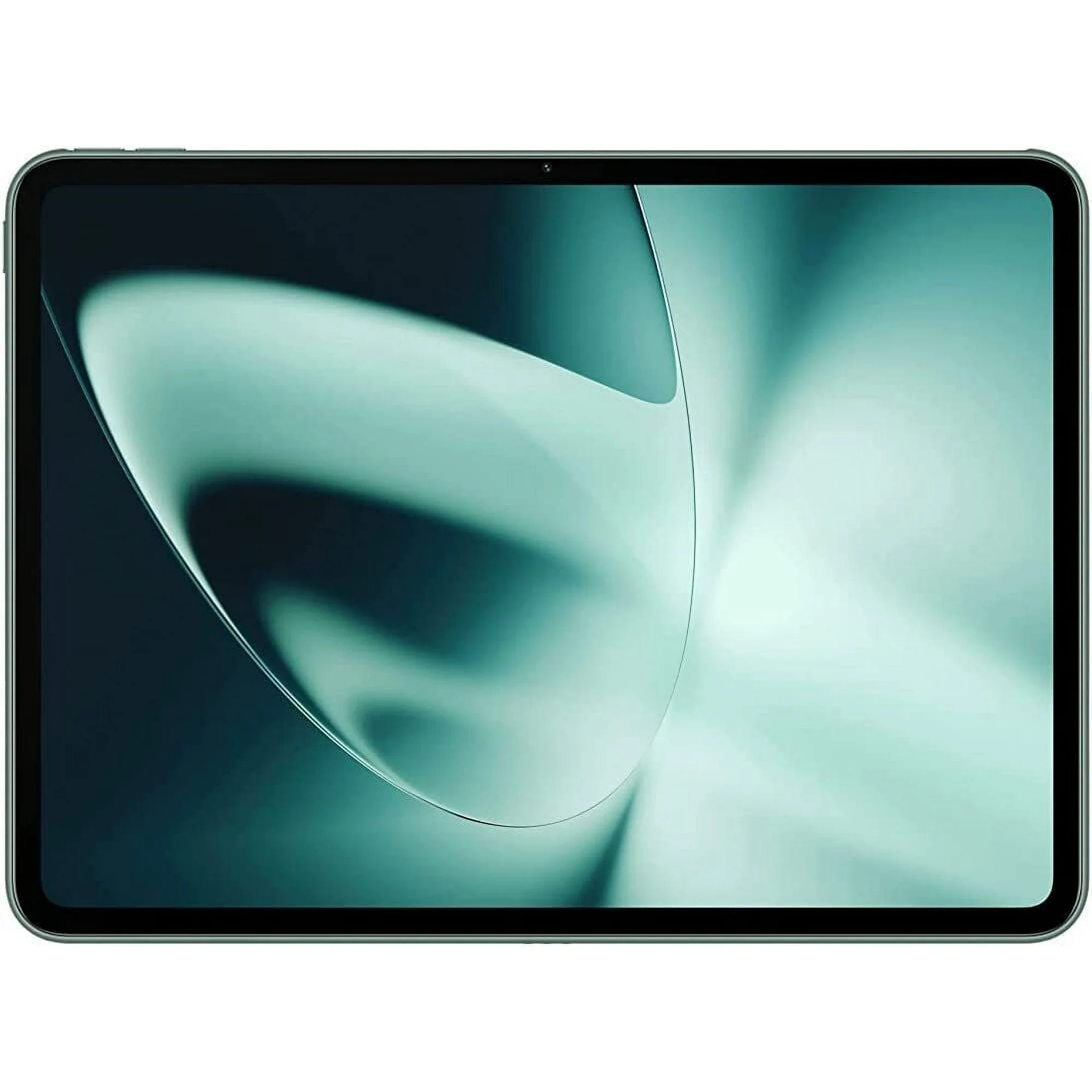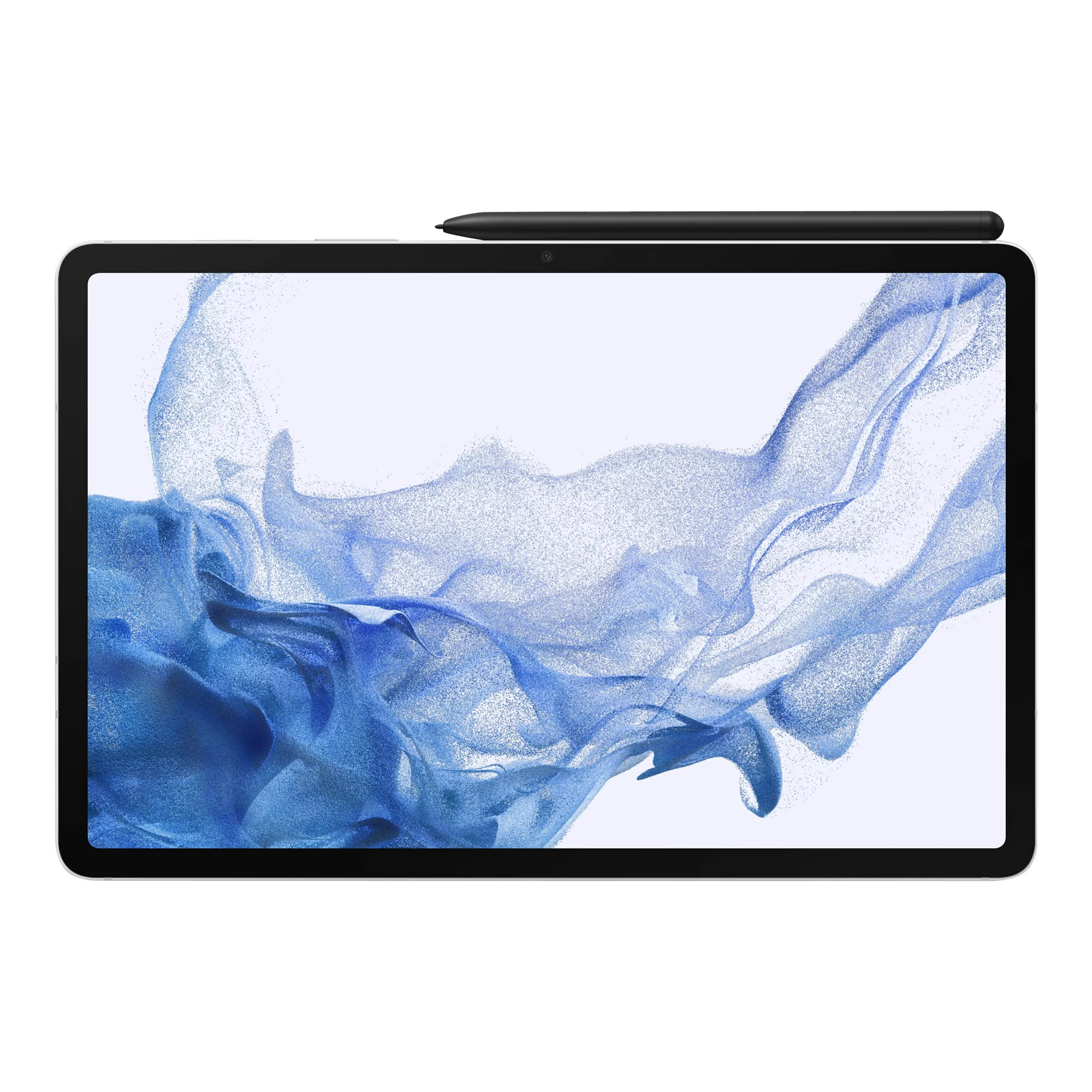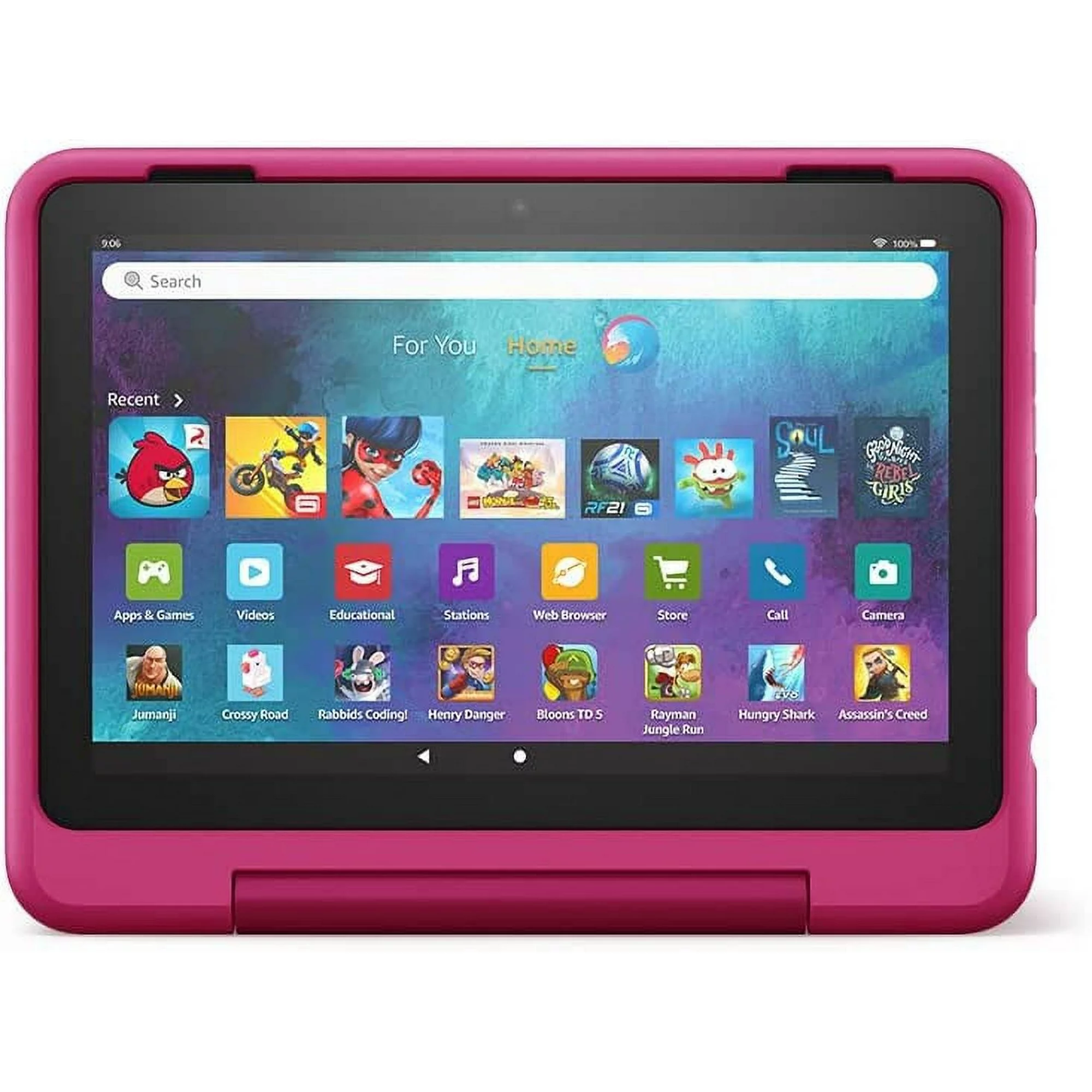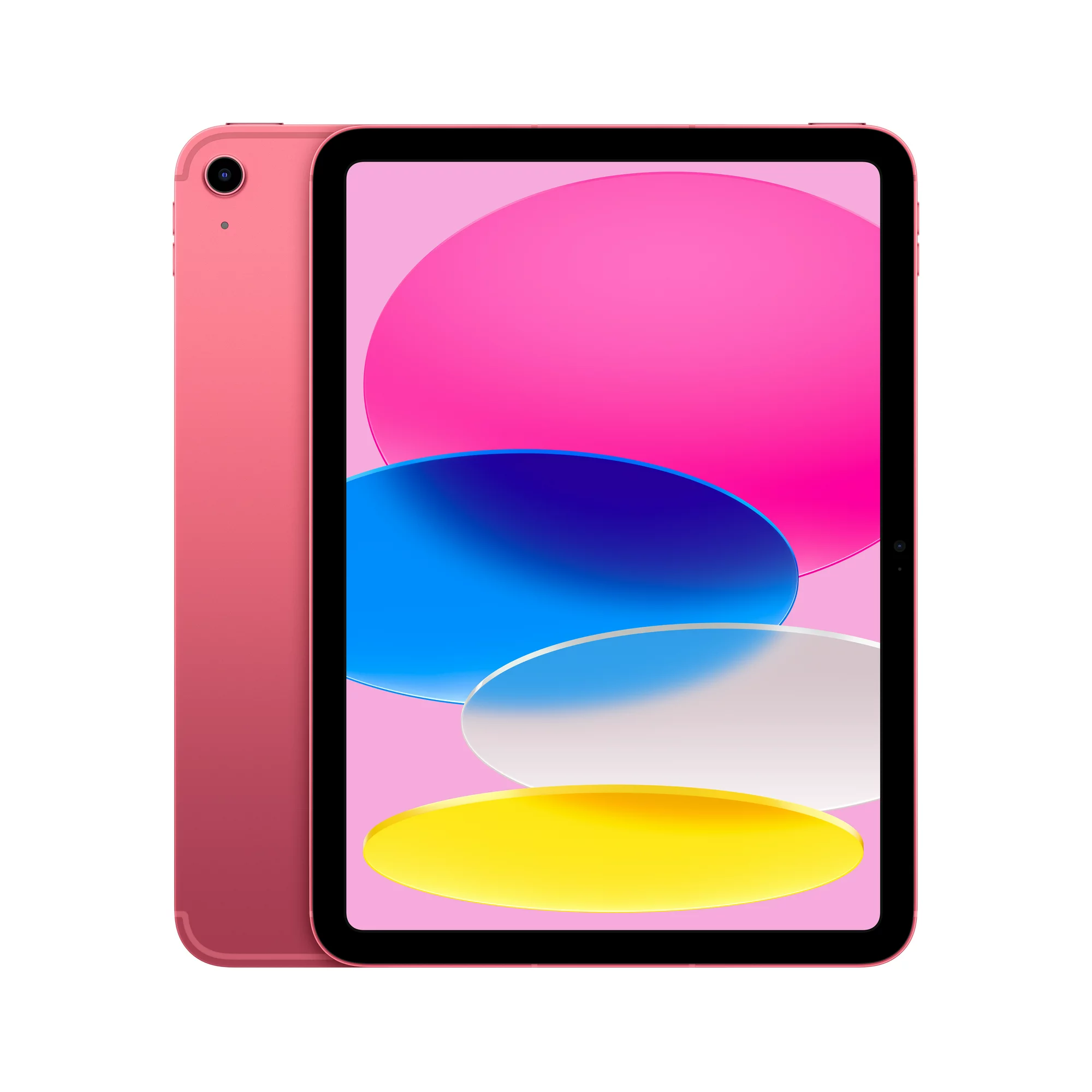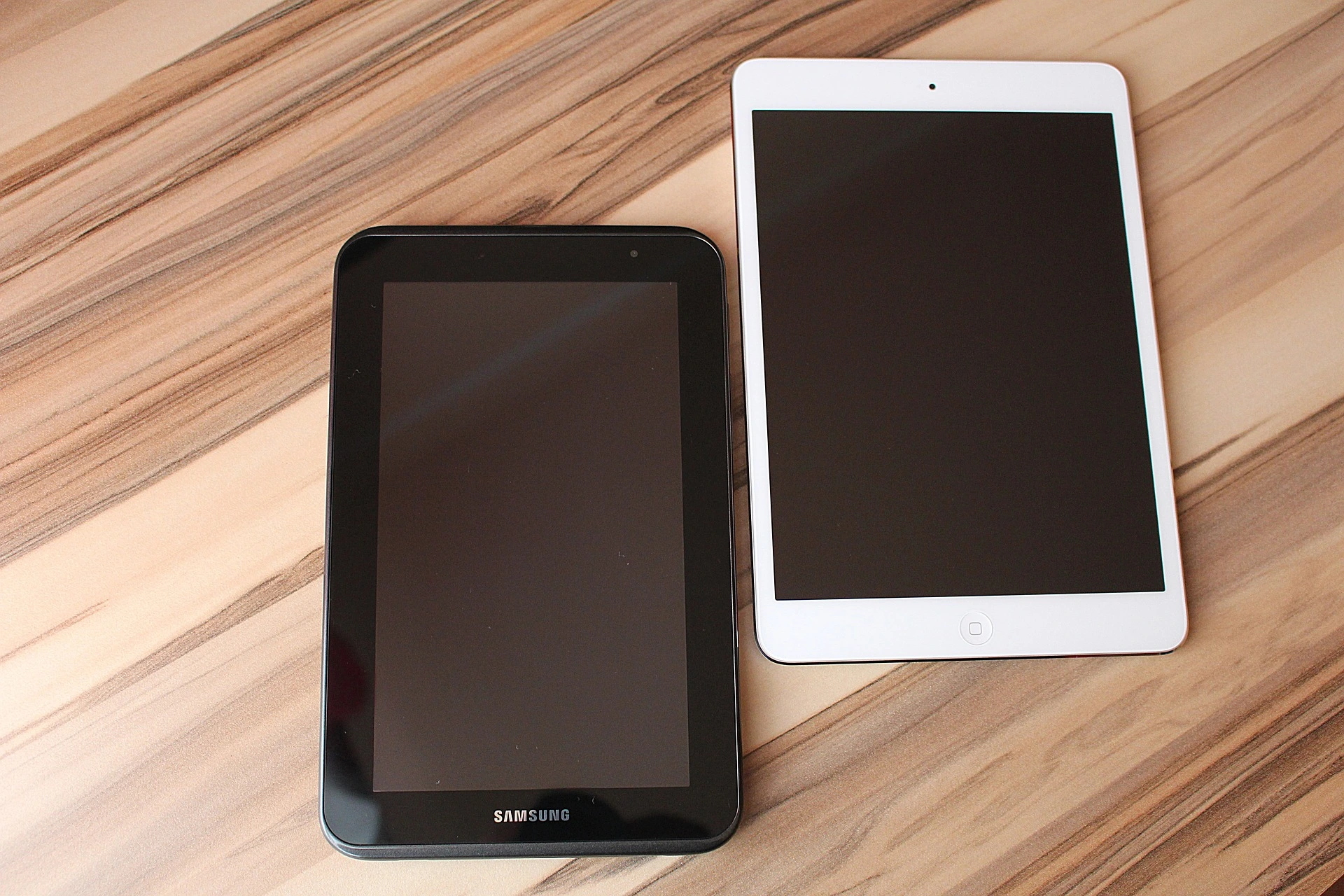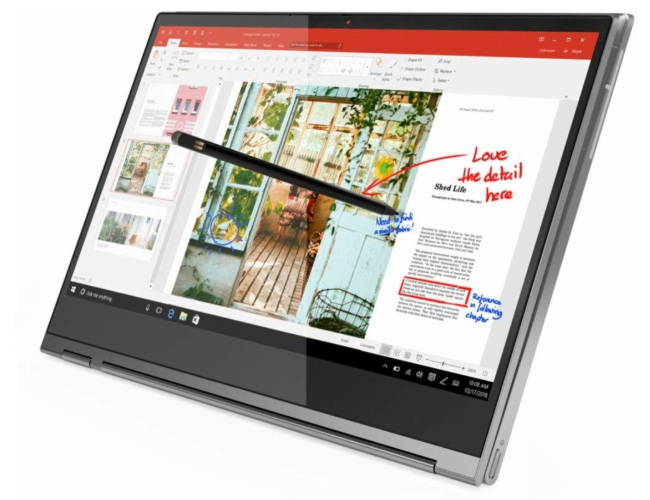
Introducing The Best Affordable Tablets You Need To Know

Are you looking for an affordable tablet to get you started this year? Introducing our five selections of some of the the best affordable tablets you can buy right now. But before that, let’s quickly delve into why you need the best tablet, and then we’ll review five of the best affordable tablets you can get. So, let’s get started. 


How to Choose One of the Best Affordable Tablets

Operating system

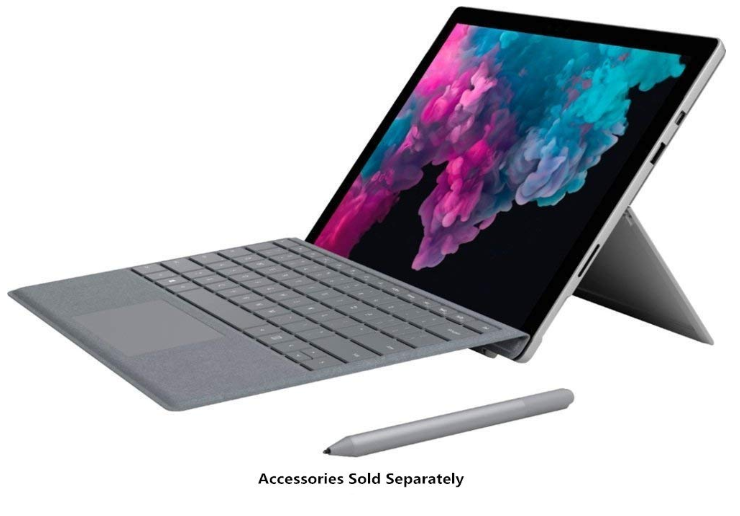
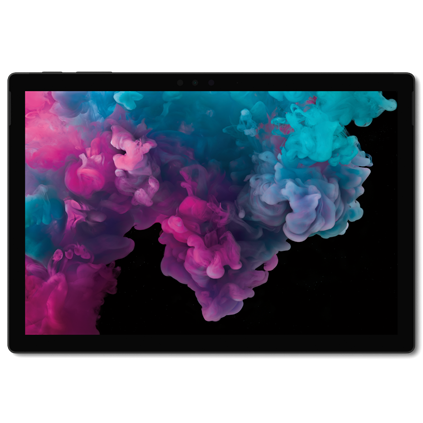
Before we get started, it’s important to know where to begin. Are you a Windows, Android or Apple user? If you’re a Windows user, then you prefer tablets under Microsoft. For example, the Surface Go or the premium Surface Pro series tablets.

Then for Android users, you have a lot more options to choose from as most tablet brands come with the Android operating system. For example, the most common and favored brands are the Samsung Galaxy Tab A or S series or the Lenovo Tab or Yoga Tab series tablets. Then lastly Apple users would focus on the Apple iPad series tablets, from the iPad Pro, and iPad Air to the iPad Mini models.      


Screen size

The optimal screen size for you will also be determined by the type of work (or play) you would wish to conduct. Larger displays make it considerably simpler to see two apps simultaneously, and larger screens also provide a more immersive viewing experience. However, the larger the tablet, the heavier it is, and the less likely you’re reluctant to move around with it. 


Accessories

Last but not least, think about any add-ons or accessories you’ll want to utilize, such as external microphones, a stylus pen, or a detachable keyboard or keypad. The good news is that many of today’s top tablets come with some type of keyboard adapter, making them more useful as 2-in-1s.

Other features of some tablets include optional 4G or 5G connection or microSD card slots for storage expansion, both of which may be quite helpful for regular travelers. Additionally, if you want to use the tablet mostly for business, you may want to get a USB hub so you can connect all of your preferred devices. Now that we got that out of the way, let’s see which of these affordable tablets is suitable for you. 


The Best Affordable Tablets


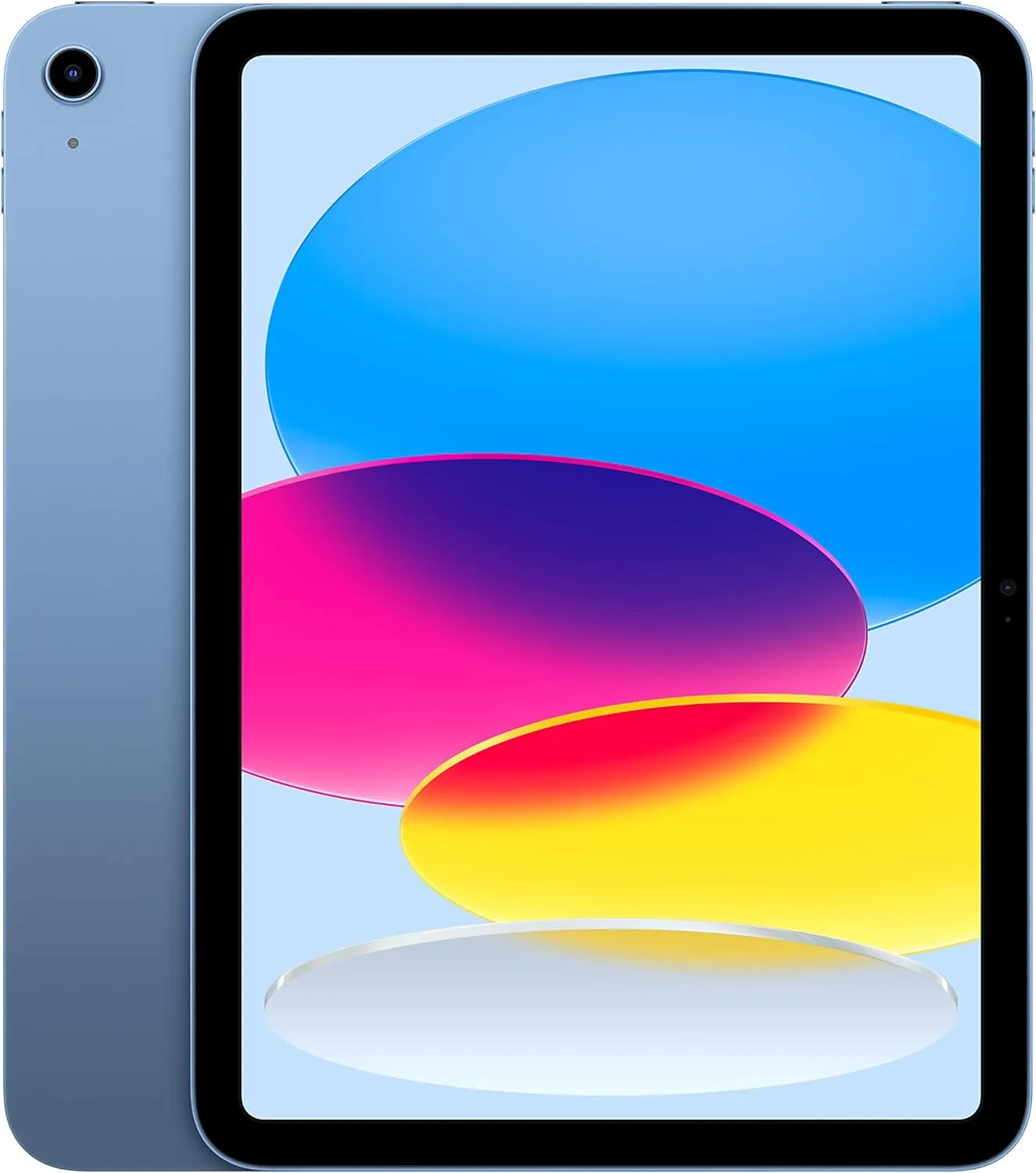
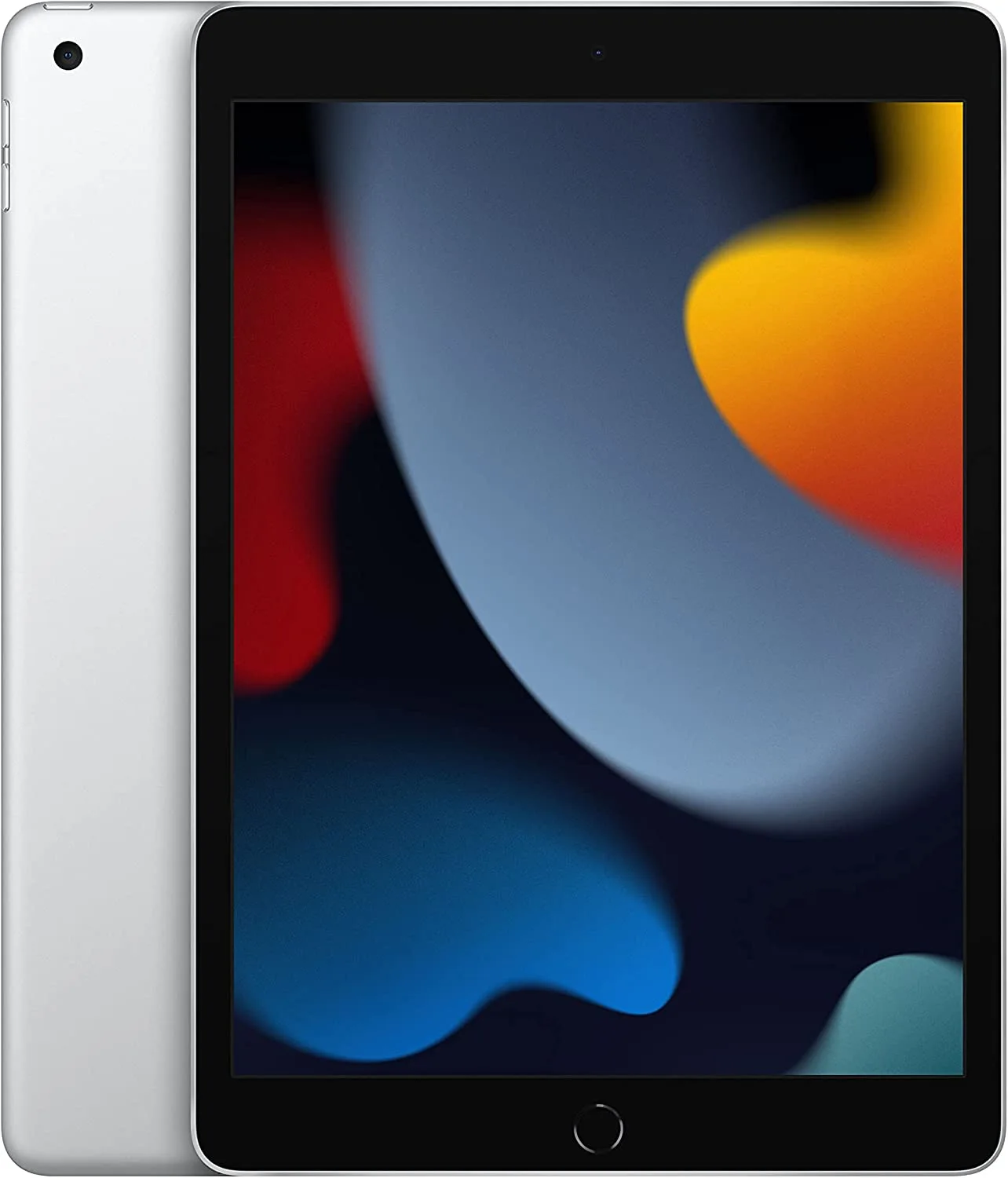
1. Apple iPad 10.2 (2021)

RELEASED: September 2021 | CPU: Apple A13 Bionic | CAMERA: 8MP back camera, 12MP front camera | VIDEO: 1080p@30fps, 720p@30  | DISPLAY: 10.2-inch, IPS LED, 2160 x 1620p | STORAGE: 64GB or 256GB | WEIGHT: 487 g (Wi-Fi), 498 g (4G/LTE) | BATTERY: 8557 mAh | INPUT PORTS: 3.5mm headphone jack, Lightning connector, Smart connector, USB 2.0 | OS: iPadOS 16 | RATING: 4.0 out of 5

PROS

  • Snappy performance
  • Good overall brightness
  • Affordable price

CONS

  • Base storage starts at 64GB
  • 2-years 2021

An ordinary Apple iPad is always a good choice. If all you need is a basic tablet at a fair price, then the Apple iPad 10.2 is definitely for you. This entry-level iPad has a 10.2-inch screen with good brightness and snappy performance thanks to the A13 Bionic processor.

Additionally, it’s the last iPad with a traditional Touch ID home button.

The ninth-generation iPad received updates last year, including support for the Apple Pencil. It also has cameras (front and rear), and 64GB of internal storage. Like its more costly models, this affordable tablet comes with either WiFi-only or 4G/LTE network capabilities.

A good multimedia device and a practical method to manage your media collection across your other Apple devices at a reasonable price, the entry-level iPad is also the least expensive Apple offers that grant you access to the App Store.

To finish off, this is Apple’s most basic and most affordable tablet. It may not be as powerful as the other top premium models and comes with a small base storage, but rest assured it’s still a powerful tablet that can handle even the simplest of tasks. 


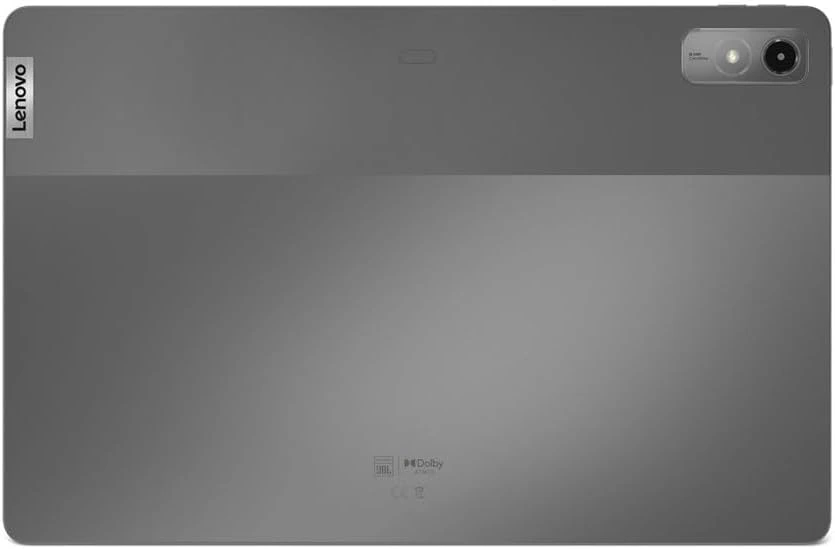
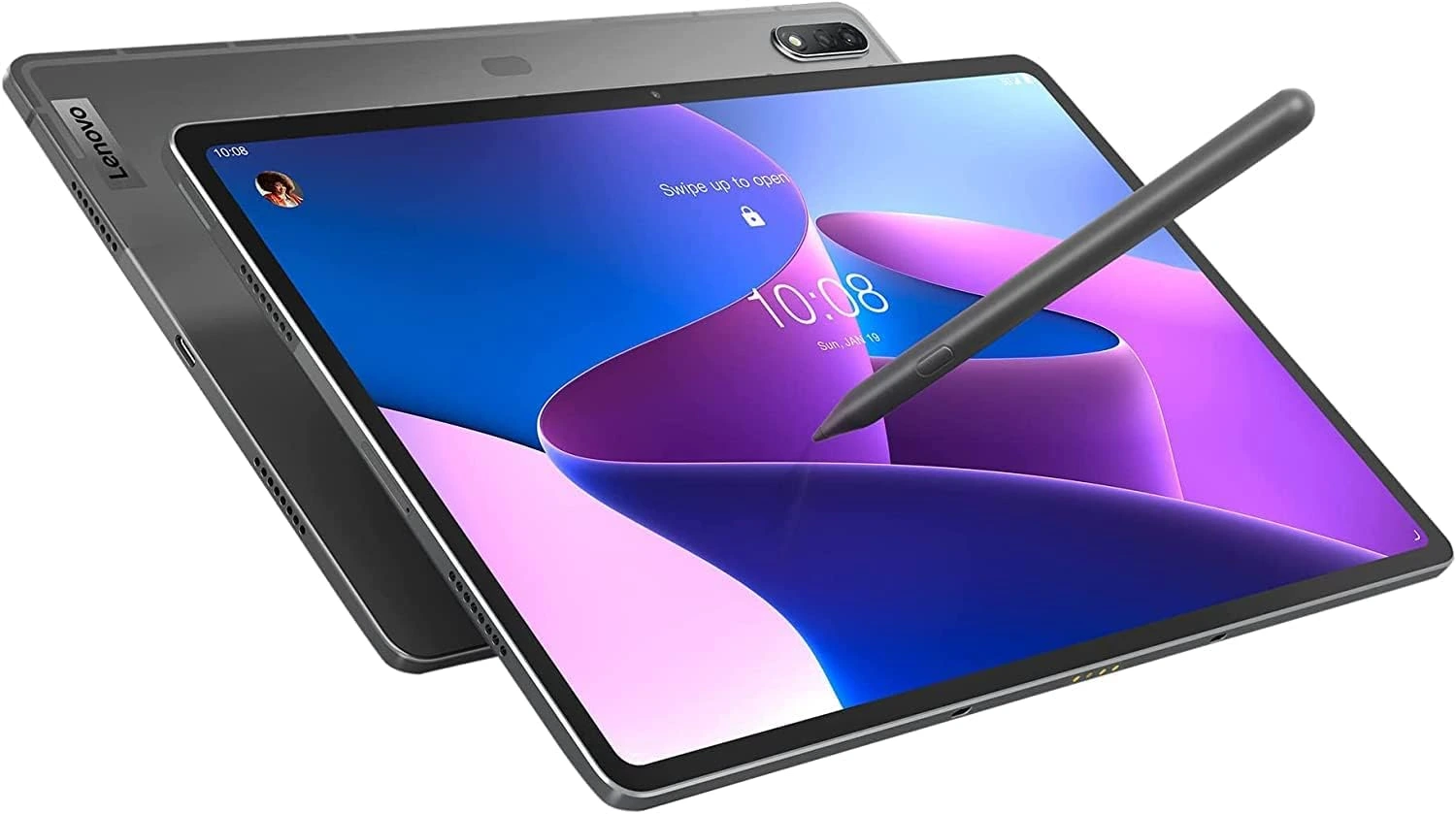
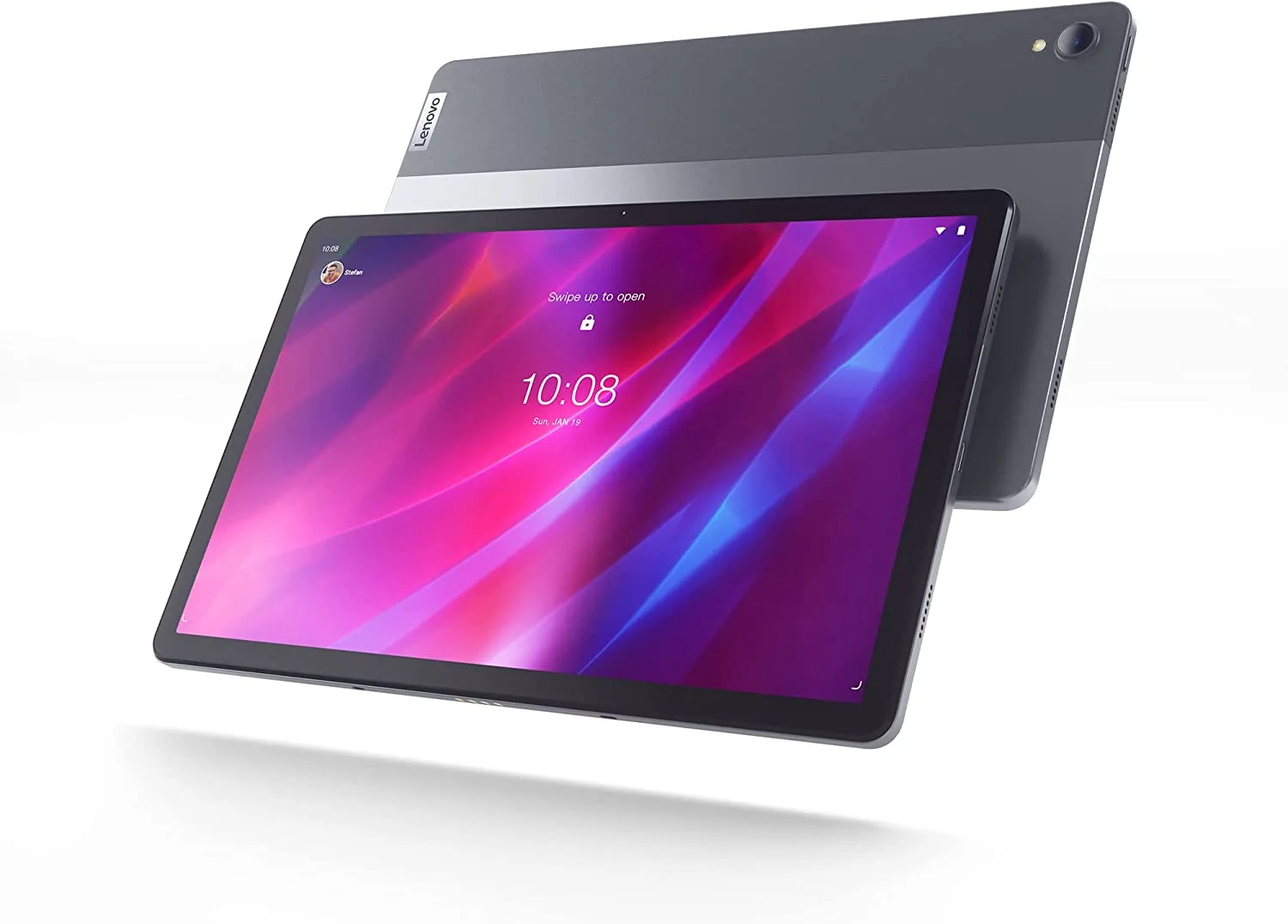
2. Lenovo Tab P11 Plus (2021)

RELEASED: June 2021 | CPU: MediaTek G90T(12nm) | CAMERA: 13MP back camera, 8MP front camera  | DISPLAY: 11-inches IPS LCD, 2,000 by 1,200 pixels | STORAGE: 64GB or 128GB | WEIGHT: 490g/17.3 oz/1.08lbs | BATTERY: 7700mAh | INPUT PORTS: microSD card reader, microphone jack, USB-C | OS: Android 12 | RATING: 3.9 out of 5

PROS

  • Standard performance
  • Surprisingly loud speakers
  • Good battery life
  • Excellent FHD+ display
  • Up to 512GB microSD support
  • Stylus support

CONS

  • Average cameras
  • No Android 13 updates
  • No headphone jack

Android tablets have struggled over the past several years as they have fallen well behind Apple’s market-dominating iPad, but Lenovo has persevered and developed a good selection of devices to suit all price segments. And one such device is the exceptional Lenovo Tab P11 Plus tablet.

Here are reasons why this tablet is one to consider. Its price ranges between US$260 and US$300. It comes with good battery life, a bright, clear FHD+ display, and some of the greatest speakers ever to be heard on a tablet. You can even insert a microSD card to expand the current internal system storage. 

The overall performance is shockingly impressive. All the apps open fast, tackle multitasking easily, and show no sign of lag. It does drop a few frames especially when gaming but only for games that are hardware-demanding.

Sadly, the selfie camera doesn’t take the best of all images, and Android 13 updates are not planned so far. Despite that, the Lenovo Tab P11 Plus is one of the best Android tablets to buy right now. 


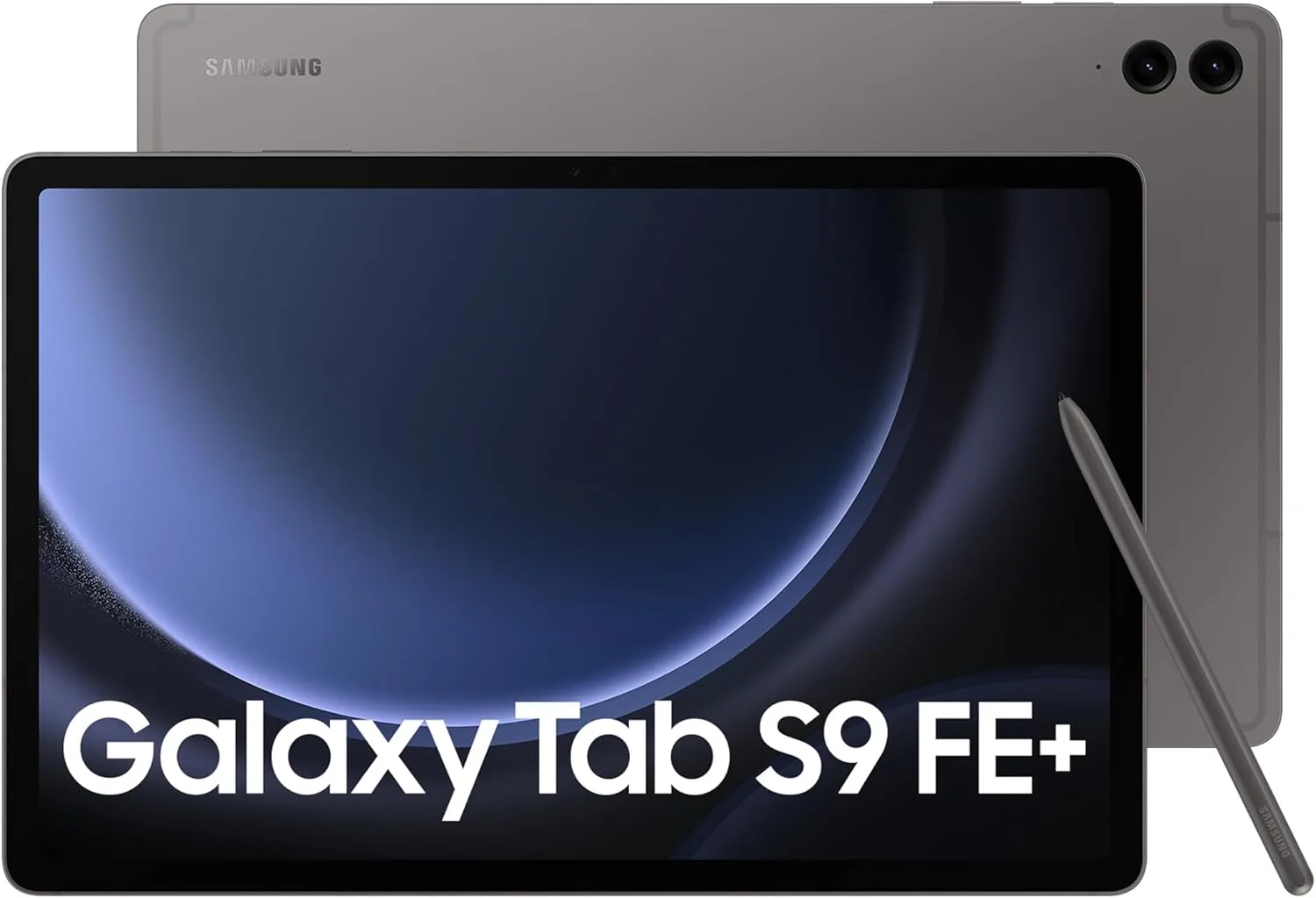
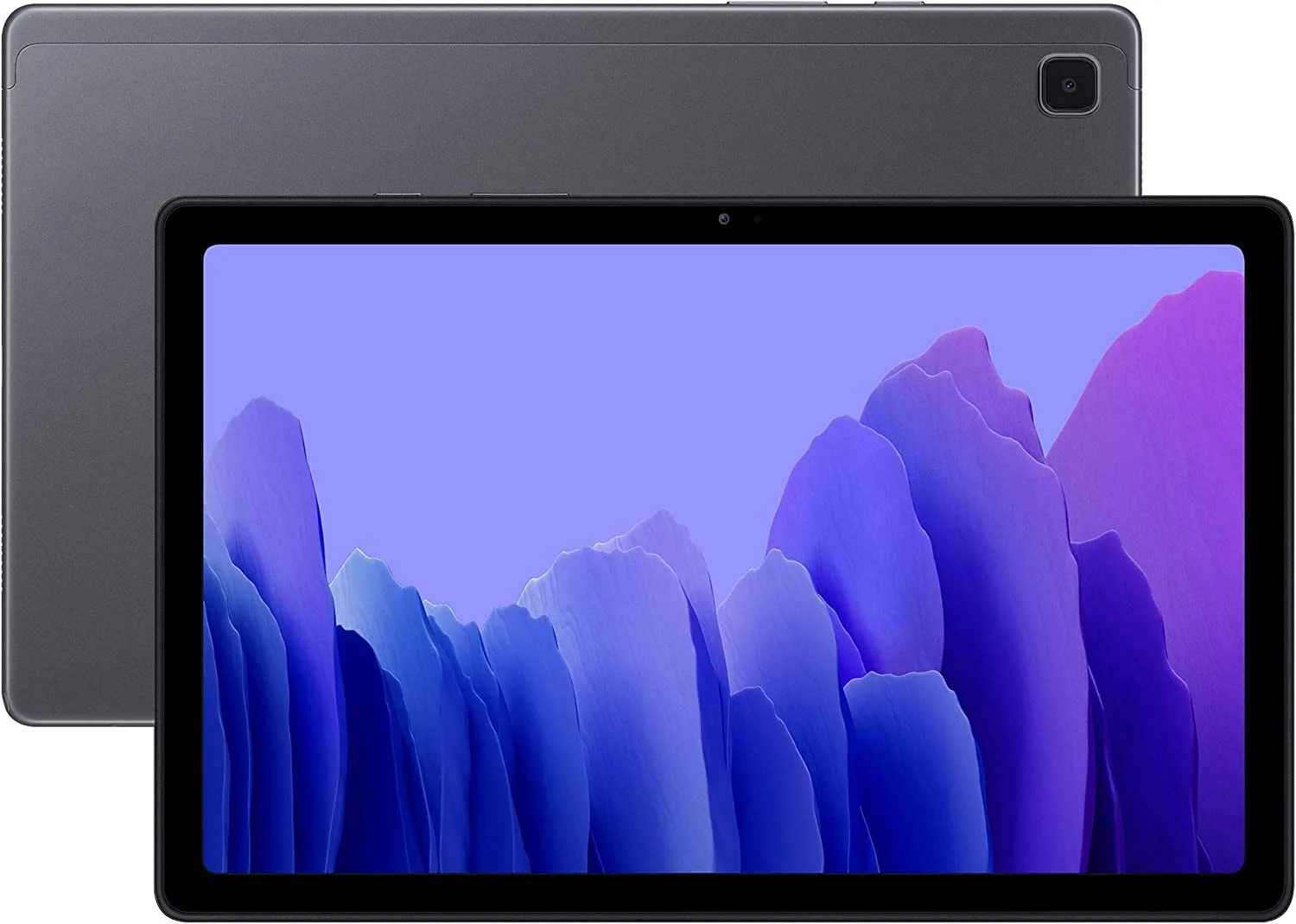
Samsung Galaxy Tab A7 (2022)

RELEASED: November 2022 | CPU: Unisoc UMS512 (12nm) | CAMERA: 8MP back camera, 5MP front camera | VIDEO: 1080p@30fps | DISPLAY: 10.4-inch LCD, 2000 x 1200p | STORAGE: 32GB or 64GB | WEIGHT: 477 g/1.05 lbs | BATTERY: 7040 mAh | INPUT PORTS: 3.5mm headphone jack, USB-C | OS: Android 12 | RATING: 3.7 out of 5

PROS

  • Good battery life
  • Cheap price tag
  • Includes facial recognition
  • includes USB-C for charging
  • Thin bezels
  • Good quality display
  • Includes MicroSD (up to 1TB)

CONS

  • Dim display
  • Average performance

The iPads from Apple have been the standard choice because of their dominance in the tablet market. Samsung has however come up with similar Galaxy tablets, such as the Galaxy Tab A7, which has made its name in the tablet market.

It comes with a pretty set of features like facial recognition, insane battery life, and a good quality Full HD+ display with thin bezels.

The only thing to note about the tablet is the low brightness, the low 32 GB of internal storage space, and the overall performance just hits average, compared to the more powerful Apple A13 CPU. Thank goodness there’s a MicroSD slot to expand your storage, and the price is cheaper too than Apple iPad.

Either than that, the Tab A7 is a great tablet to buy, and is one of the best affordable tablets to buy for Android users. Despite the budget price tag, it comes with great features to play around with. If it wasn’t for the dim display, and a more powerful processor, it would have been able to compete well with the iPad.    


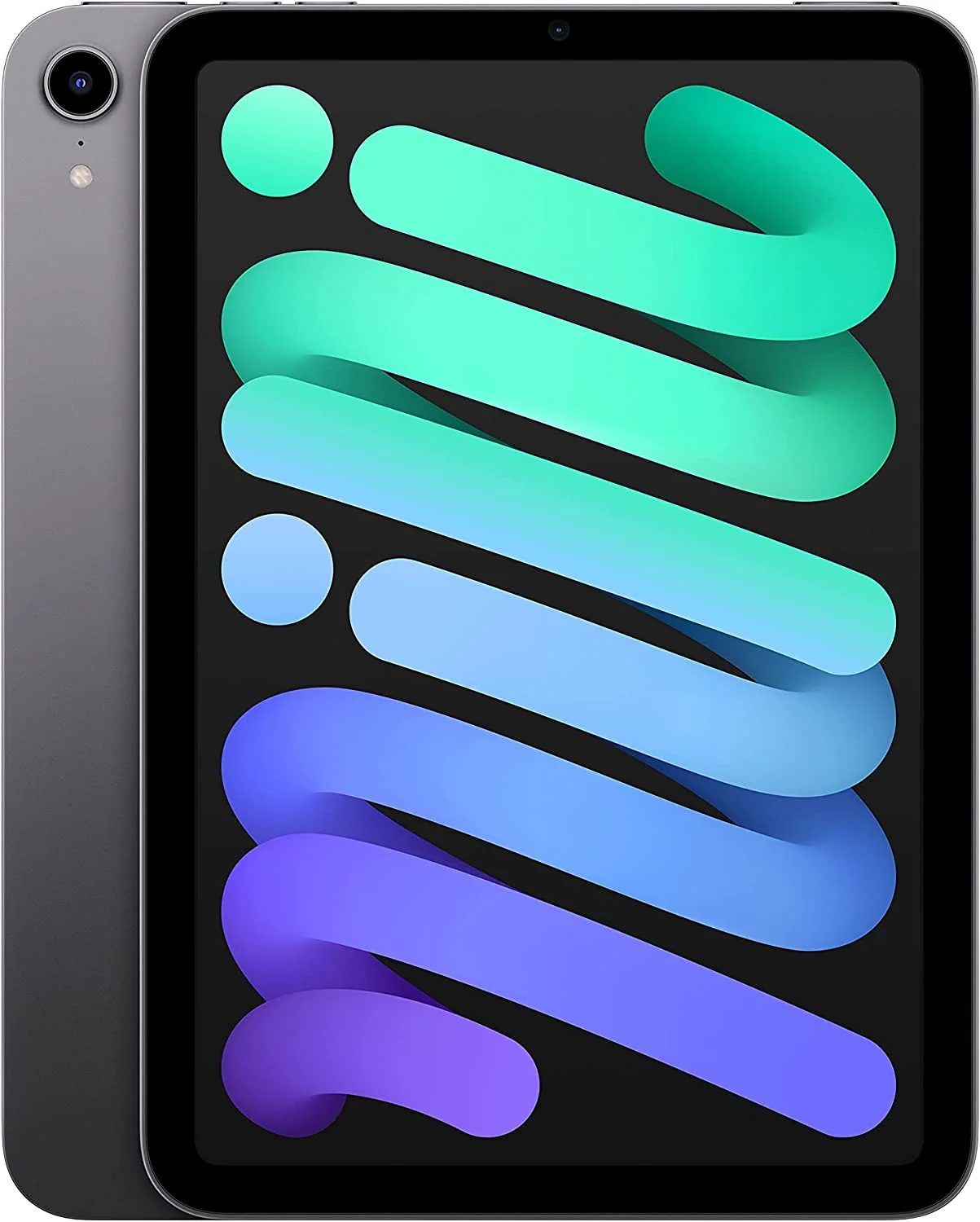
4. Apple iPad Mini 6 (2021)

RELEASED: September 2021 | CPU: Apple A15 Bionic | CAMERA: 12MP (wide) back, 12MP (wide) front | VIDEO: Up to 4K@60fps  | DISPLAY: 8.3-inch, Liquid Retina, 2266 x 1488p | STORAGE: 64GB or 256GB | WEIGHT: 293g/0.65 lbs (Wi-Fi); 297g/0.66lbs (Wi-Fi + cellular) | BATTERY: 19.3 Wh | INPUT PORTS: USB-C, magnetic connector | OS: iPadOS 16 | Score: 4.2 out of 5

PROS

  • Lightweight & very portable
  • Fast performance
  • Excellent battery life
  • Bright, colorful & vibrant display
  • Impressive webcam & camera
  • Includes USB-C
  • Supports Apple Pencil stylus

CONS

  • Quite pricey
  • No keypad, no headphone jack
  • Smaller display

If smaller tablets or iPads are more of your preference, cause of their lightweight and portability, then let me introduce you to the iPad Mini 6. Although it’s the 2021 model, it packs a lot of great features.

First, it comes with Apple’s own A15 Bionic processor which has the same impressive performance as the ones included in the  Apple iPhone 13 series smartphones. 

Next is the display. The iPad Mini comes with an 8.3-inch Liquid Retina display with 1488p resolution. Upon my first viewing, the overall OS looks bright, sharp and detailed.

HD pictures and videos look colorful and vibrant as well. It goes to show that the iPad Mini has one of the best-looking screens for an 8-inch tablet.

Thirdly is the battery life. With the iPad Mini, you get up to 11 hours of battery life, on moderate usage, which is really impressive. So there’s no need to worry about carrying a power cable to charge it.

The two cameras, the front and the rear cameras are both 12 megapixels (MP). From testing, the pictures look pretty good. It produces bright, vibrant and detailed images. The video recordings also look equally detailed with up to 4K recordings at 60 fps (frames per second). 

The price starts at US$470/£376 / €425 / R8500. That’s a high price. there’s support for the keypad and stylus, but they are sold separately. The display is small but that’s a minor issue as the screen quality makes up for it. 

With all these great features, the iPad Mini 6 is most definitely worth the buy. Even though it’s small, is lightweight and portable. Even though it’s a little more expensive, it comes with great features.

All that’s left to say is if you want an excellent one-handed tablet experience, with minimum compromises – you should check out the iPad Mini 6. It’s one of the best affordable tablets you can get today. 


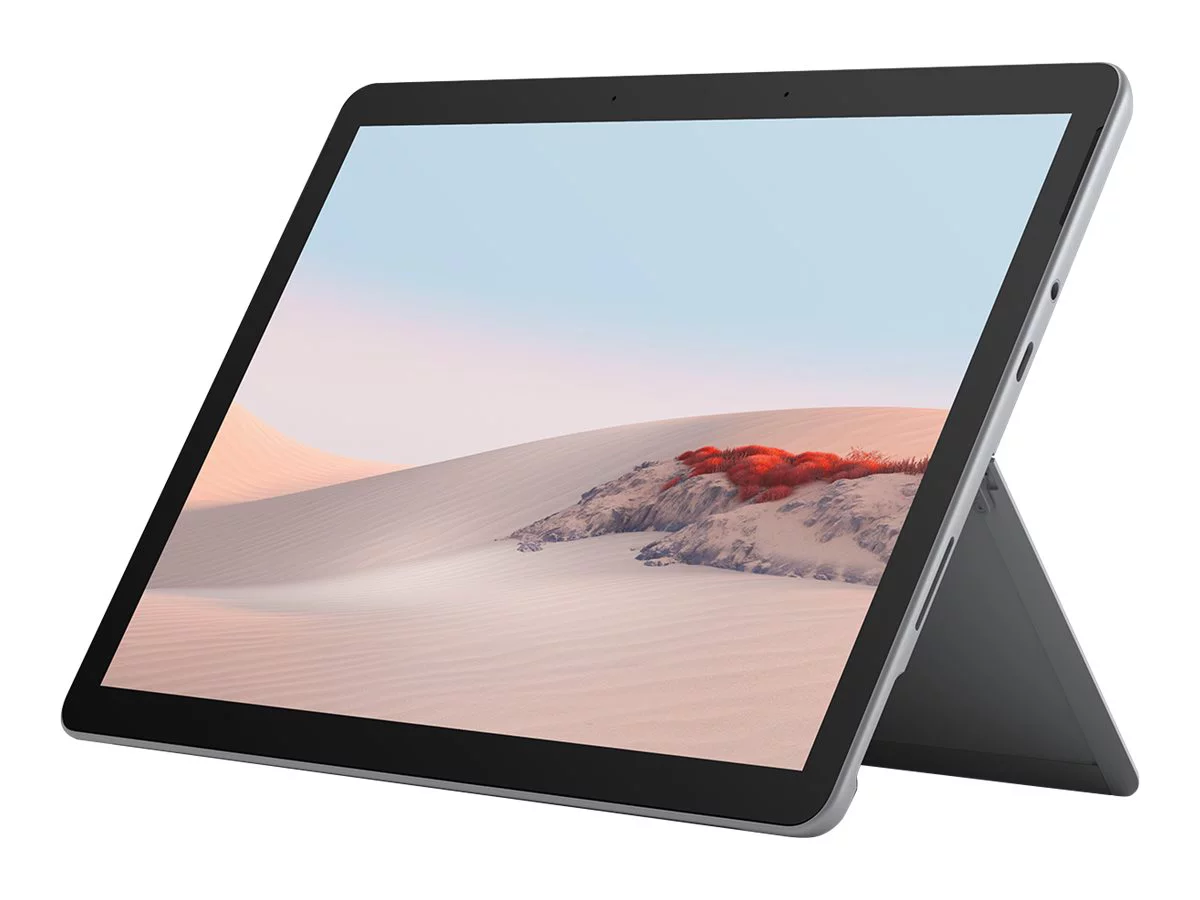
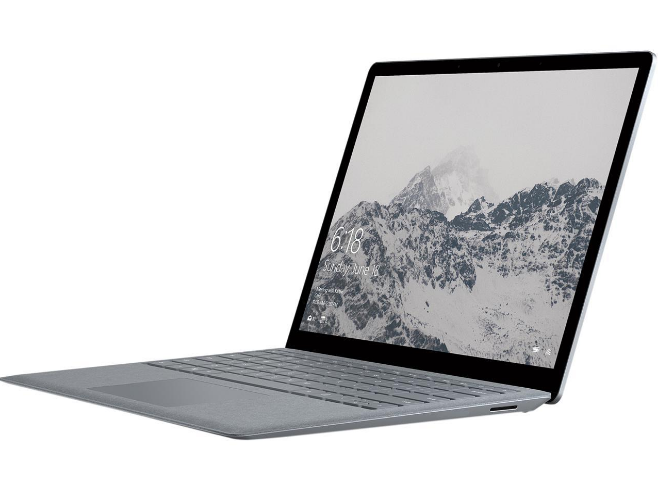
Microsoft Surface Go 2

RELEASED: May 2020 | CPU: Intel Core m3-8100Y | GPU: Intel UHD Graphics 615 | RAM: 8GB LPDDR3-1867 | CAMERA: 5MP front camera, 8MP rear camera, both with 1080p video  | DISPLAY: 10.5-inch PixelSense display, 1920 x 1280 resolution, 3:2 aspect ratio | STORAGE: 128GB SSD, NVMe | WEIGHT: 544.3g, (1.2 lbs) | BATTERY: 26.8 WHr | INPUT PORTS: USB Type-C,3.5 mm headphone jack, Surface Connect port, Surface Type Cover port, MicroSD card reader | OS: Windows 10 Home in S Mode | RATING: 3.9 out of 5 

PROS

  • Excellent quality build & design 
  • Entry model less than US$500
  • Excellent battery life
  • Bright, vibrant screen
  • Includes several input ports

CONS

  • Average performance
  • Better spec models are pricier
  • Accessories not included

The Microsoft Surface Go 2 surpasses its predecessor in delivering better performance, longer battery life, and smaller yet still thick display bezels.

It has also fixed all the problems concerning the older Surface Go and has managed to make the Surface Go 2 look premium with a better build and a good-looking Full HD + display. 

Compared to other tablets in the same price range, the overall performance is somewhat average. The accessories such as the Type Cover are sold separately, and the better-spec Surface Go 2 tablets, which come with better performance, are pricier than the base model.

I recommend looking at buying the more expensive Surface Go 2 than the base model if top performance is what you’re looking for. 

Overall, the Surface Go 2 is a great tablet option to consider, and a must-have for experienced Windows users.

Even though it isn’t the most powerful Windows 10 tablet, the Surface Go 2 is a premium, well-built, and lightweight mobile device for individuals who wants great control and excellent software support for its apps. Get it now while stocks last. 


Verdict

So there you have it – five of the best affordable tablets for you to choose from that are reliable, powerful, easy to carry, and can get the job done. For Apple users, I recommend the iPad Mini 6. It’s more powerful and has features and specs that will make it last a while. 

For Android users, I recommend the Lenovo P11 Plus. It comes at a high price but with better performance, and better features compared to the Tab A7.

For Windows users, there’s only the Surface Go 2 which is a powerful tablet. It is dated, however, but it’s cheaper than the latest and more powerful model tablet.

Overall, yes. These tablets may be older and dated, but if you’re looking for a powerful tablet that won’t cost you much, then these are the ones to look out for. So what do you think of our list of the best affordable tablets? Are they the best in your opinion?

Leave your comments below. If you have questions, however, you can also leave them here at the bottom and I’ll respond to you as soon as I can. For now, if you’ve made a choice out of these tablets reviewed, then click on the corresponding link to find out more about it, and buying options if you so desire.  


Microsoft Surface Go 2 Review: The Next Great Tablet-on-the-go

Microsoft Surface Go 2 Review

Here is the second release series of the Surface Go 2-in-1 laptop-tablet from Microsoft. It comes into 2020 with new upgrades and features from the 2018 model and starts at a mid-range price.

It comes with the intention to compete with other top tablet brands, with a sleeker look, good display, and better performance. It may not be a cheap buy but it’s very much capable and versatile for all to use.  


Microsoft Surface Go 2


Specs

Display: 10.5-inch PixelSense Touchscreen
1920 x 1280 resolution
Corning® Gorilla® Glass 3 Protection
Memory: 4GB/8GB RAM
Processor: Intel® Pentium® Gold 4425Y/8th Gen Intel® Core m3
Graphics: Intel® UHD Graphics 615
Storage: 64GB eMMC drive/128GB Solid-state drive (SSD)
Connections:


1 x USB-C®
3.5 mm headphone jack
1 x Surface Connect port
Surface Type Cover Port
Micro SDXC Card Reader
Compatible with Surface Dial*


Overview

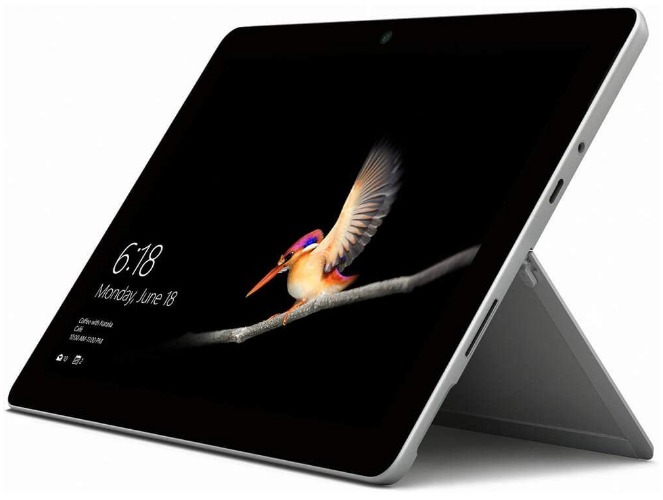
Microsoft Surface Go 2 is a tablet that can be used as a laptop with the right accessories. From the first view, it looks pretty decent with a 10.5-inch touchscreen.

Inside the tablet includes an Intel Pentium or Core m3 processor, with choices between 4 to 8GB RAM, and choices of internal storage from 64 to 128GB.

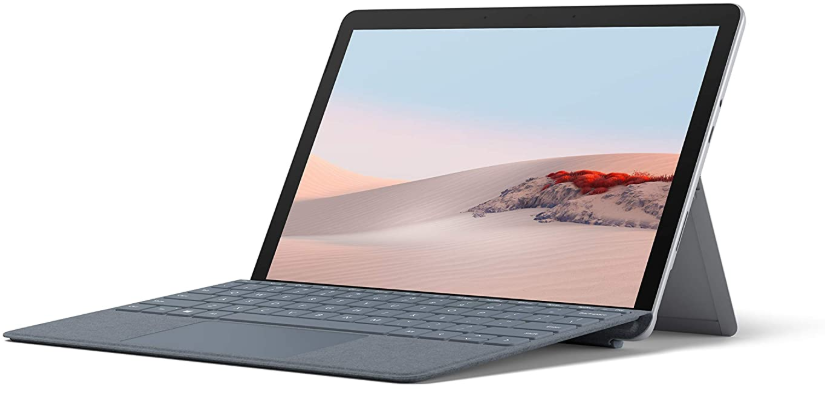
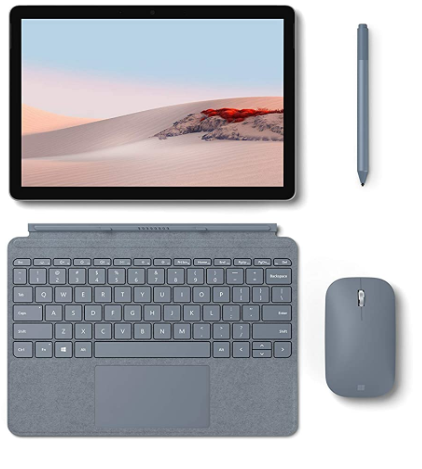
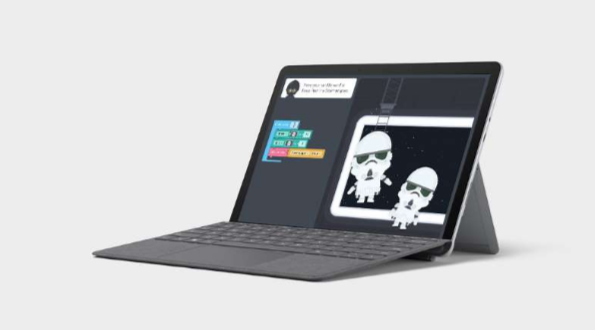
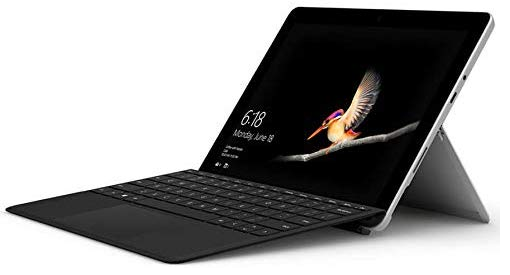
Initially, it’s a tablet but easily becomes a 2-in-1 laptop when you add the ‘Surface Go Type Cover’, where you can freely type and use the touch-pad like a normal clamshell laptop.


Design & Display

The Surface Go 2 comes with a 10.5-inch ‘PixelSense’ touchscreen with 1920 x 1280 resolution. It’s bright and vibrant.

The bezels are thinner. The screen is a half-inch bigger than the 2018 model. Overall, the screen is slightly bigger and has a better quality view.   


With the design, it’s pretty much the same as the older version. It has two lens webcams, one front-facing and one at the back.

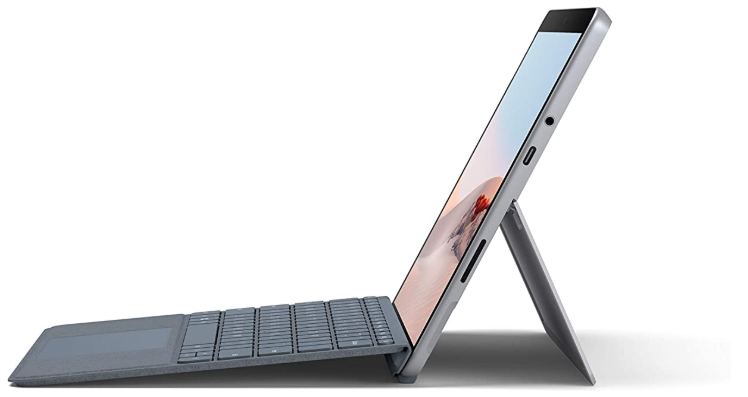
Speaking of which, at the back is also a kickstand to hold the tablet upright, and a micro SD slot to add more storage. 

On the right side is the charger port (Surface Connect) to charge the mobile unit, along with a USB-C port and a 3.5 mm headphone jack. On the left side is the SIM card tray.

On the top is the power button, along with the volume button. On the bottom lies the port to connect the ‘Surface Go Type Cover’ 

Therefore, the overall design may be the same as the older model, but it worked well. It’s still simple to use, and easy to connect to the keypad. 


Performance

The base entry model comes with 4GB of RAM and 64GB of internal storage. That’s typical specs of a budget tablet.

From the first test and usage, the performance of the tablet is good and works pretty well. The experience of doing daily tasks was delightful with no slowdown in system performance.

However, it starts to slow down though when you switch between apps on stand-by. But overall, the tablet performs well and is capable of handling everyday tasks with ease. 

This is no gaming tablet. You may get away with light gaming on the go but won’t work well with intense 3D games.

Sadly, the hardware won’t support that type of gaming, not like gaming laptops. Overall, casual gaming is fine but not hardcore gaming. 


Battery life

With battery life, the Surface Go 2 tablet lasts longer in tablet mode, however, it’s shortened when you attach the keypad and switch to S Mode.

From tests conducted without S Mode, with the keypad attached, the battery life of the tablet lasted up to 5 hours. Without the keypad, the tablet lasted up to 7 hours.

Therefore, the battery life of the tablet lasts longer in tablet mode. It’s best to detach the keypad if you’re not using it to save battery life.


Audio

The tablet comes with 2W stereo speakers in front. It sounds good and has detailed audio quality but sadly lacks bass and it’s not very loud. Therefore, the overall sound is typical of a normal tablet.     


Camera

The tablet comes with two cameras: a 5MP front-facing and an 8MP back-facing.

They both support 1080p video, meaning sharp and clear full HD quality videos. That also means good HD videos and images, sadly not 4K but hey, this is a budget tablet.  

Additionally, the front webcam comes with infrared sensors for face recognition that works well with Windows Hello. It’s a security feature to help prevent unauthorized access. 

Bottom line. The tablet comes with two cameras that deliver full HD quality videos and the front camera comes with security features. 


Verdict

Surface Go 2 is great to use and has the potential to be a great 2-in-1 tablet. With a bigger display, reliable performance for everyday use, and features, it’s a fun, portable mobile device to use wherever you are. 

I recommend this tablet to students, corporate or technical professionals, and others who are looking just to do daily tasks. The entry model is a great start at a retail price of US$399.99.

The other models are more expensive, but provide better performance and more internal storage options. 

So there you have it. This was the Microsoft Surface Go 2 review, the compact 2-in-1 laptop/tablet.

If you have comments, feedback, or just want to add to the review, please leave them below. If any questions, please leave them as well and I’ll find get back to you ASAP.


New Microsoft Laptops Preview: Surface Go 2 & Surface Book 3


Microsoft has announced new laptops scheduled for release later this month. The Surface Go 2, the budget tablet/laptop, and the Surface Book 3, the powerful 2-in-1 laptop. Let’s do a preview and see what you can expect from these two devices upon release.


Surface Go 2

Budget Laptop Tablet


Official Tech Specs:

Display: 10.5-inch PixelSense Touchscreen
1920 x 1280 resolution
Corning® Gorilla® Glass 3 Protection
Memory: 4GB/8GB RAM
Processor: Intel® Pentium® Gold 4425Y/8th Gen Intel® Core m3
Graphics: Intel® UHD Graphics 615
Storage: 64GB eMMC drive/128GB Solid-state drive (SSD)
Connections:


1 x USB-C®
3.5 mm headphone jack
1 x Surface Connect port
Surface Type Cover Port
MicroSDXC Card Reader
Compatible with Surface Dial*

See more specs >


The Surface Go 2 is a portable, 2-in-1 Microsoft laptop or tablet that comes with a big 10.5-inch touch screen, a large resolution, and comes with better battery life compared to its predecessor. Speaking of battery life, you are looking at up to 10 hours and weigh only 1,2 lbs (0.5 kg). It’s the next best in portability and a lightweight package for you to use anywhere and on the go. Here’s a breakdown of the pros and cons.


Pros:

    • Nice Full HD display
    • More storage with the MicroSD
    • Compatible with many Microsoft accessories
    • Great budget price
    • Lightweight
    • Good battery life
    • LTE Model available

Cons:

    • Surface Pen & Surface Go Type Cover sold separately


If you get the keypad accessory, then you can use it as a laptop, but in most cases, it’s sold separately and so is the stylus pen. So if you have a little extra, I suggest you get the keypad if you wish to type. The starting price for this Microsoft laptop is US$399. It’s available online right now for you to configure and pre-order.

This is a great Microsoft laptop or tablet for people who like to work on the go. If that’s you and are looking for an affordable one then this one’s for you. 


Surface Book 3

The Powerful 2-in-1 Microsoft Laptop


Official Tech Specs:

Display: 13.5” PixelSense Touchscreen, 3000 x 2000 resolution
15” PixelSense Touchscreen, 3240 x 2160 resolution
Memory: 13.5” – 8GB/16GB/32GB RAM
15” – 16GB/32GB RAM
Processor:


13.5”
Quad-core 10th Gen Intel® Core i5-1035G7
Quad-core 10th Gen Intel® Core i7-1065G715”
Quad-core 10th Gen Intel® Core i7-1065G7
Graphics:


13.5”
Intel® Core i5-1035G7: Intel® Iris Plus Graphics
Intel® Core i7-1065G7: NVIDIA GeForce GTX 1650 with Max-Q Design15”
Intel® Core i7-1065G7: NVIDIA GeForce GTX 1660 Ti with Max-Q Design
Storage: 13.5” – 256GB/512GB/1TB SSD15” – 256GB/512GB/1TB/2TB SSD
Connections:


2 x USB-A
1 x USB-C®
3.5mm headphone jack
2 x Surface Connect ports
Full-size SDXC card reader
Compatible with Surface Dial

See more specs >


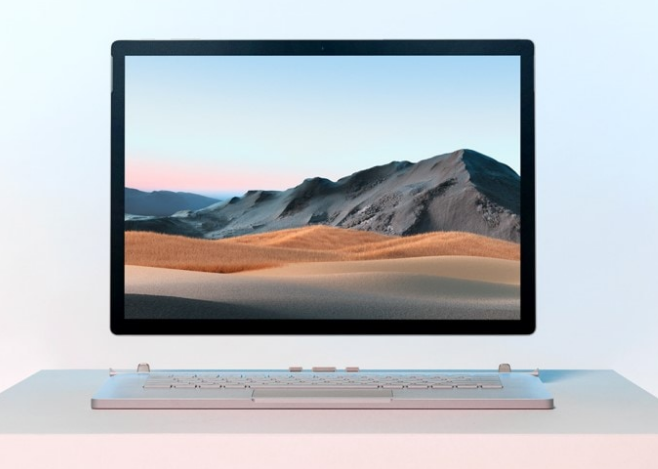
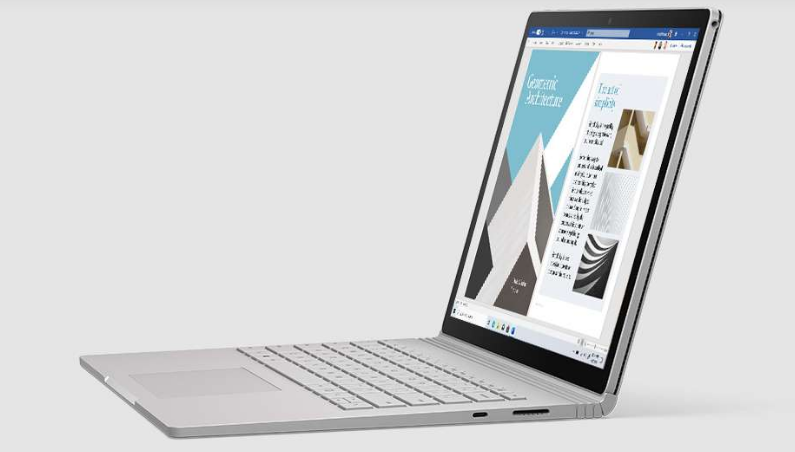
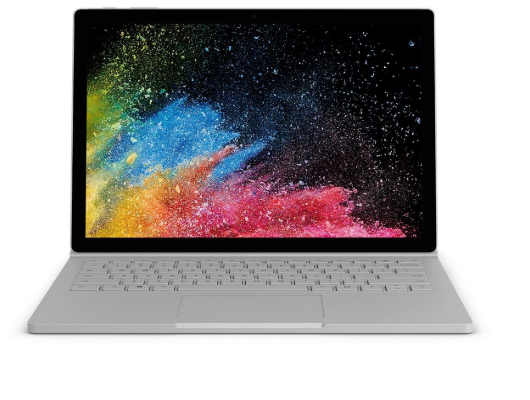
The next Microsoft laptop is the new Surface Book 3. It comes with a detachable keypad with hinges that connect to the Surface Book. The hinges are strong enough to bend the screen up to 360 degrees. It promises better performance, better graphics and texture, and better gaming than its predecessor. It comes in two model sizes: 13.5-inch and 15-inch, both with high-resolution and touchscreen displays. It also includes a GPU from NVIDIA GeForce and a mid to high-performance Intel Core i5 or i7 processor. Let’s move on to the pros and cons.


Pros:

    • Comes in 13.5-inch and 15-inch models
    • Great quality 4K display
    • Similar features to a 2-in-1 laptop
    • GPU for gaming included
    • Up to 2TB of storage
    • Up to 32GB system memory
    • Good battery life

Cons:

    • 15-inch model is expensive
    • Surface Pen & Surface Go Type Cover sold separately
    • GPU best for creative works not for hardcore gaming


Surface Book 3 is not a gaming laptop. You can get away with playing less hardware-demanding games though. But it’s a great tool to use if you need one for creative works. The starting price for the Surface Book 2 is US$1600. It’s available now on pre-order, releasing on 21 May 2020. The Surface Book 3 may come at a high price but you get a more powerful 2-in-1 laptop with a bigger screen and better specs meaning better performance. 


Verdict & Impressions

This is just a preview of what you can expect to get when you purchase the Microsoft laptop. Performance cannot really be said yet until the laptops have been reviewed. But for now, here are my impressions of the two.

The Surface Go 2 looks like a Microsoft laptop or tablet catered for those with budget constraints. The initial price is well below US$500, making it affordable and great value in my opinion.

The specs are similar to a typical budget laptop, so expect a standard laptop with a mediocre performance. But at the same time, expect a good laptop with the ability to help you get things done, nothing else. do normal everyday tasks, such as:

Bottom line – This is a budget Microsoft laptop or tablet. It’s going to be affordable. It will let you do normal everyday things well with features of lightweight and good battery life.

Surface Book 3 is looking to be a good mid to top-range Microsoft laptop, aimed at people looking for a more powerful 2-in-1 laptop, especially for those who are in the creative arts, and media development. 

Gamers can also make use of this laptop as the GPU can help run PC games, but it won’t be as powerful as top-ranked gaming laptop brands. If top-ranked laptops are what you prefer, then check them out here

It’s going to be a pricy one, with the starting price at US$1600, and that’s only for the mid-range 13-inch Intel Core i5 model.  

Bottom line – If you’re looking for a more powerful Microsoft laptop, with premium looks, nice display, and other premium features, then this one is for you.

==> To see more of what a 2-in-1 laptop can do for you, click here.  


Conclusion

So there you have it, two Microsoft laptops scheduled to come out before the end of May 2020. Release dates are scheduled from the 21st May 2020.  Now you know what to look forward to when you get one of these two Microsoft laptops, keep your eyes open for the next coming news and updates.

If you’re curious about the older Microsoft laptop models, check them out here. Anyone curious about what to look out for when getting a new laptop, check it out here. If you have any questions or comments, please leave them below and I will respond to you as soon as possible. Stay safe and take care until next time. 🙂  
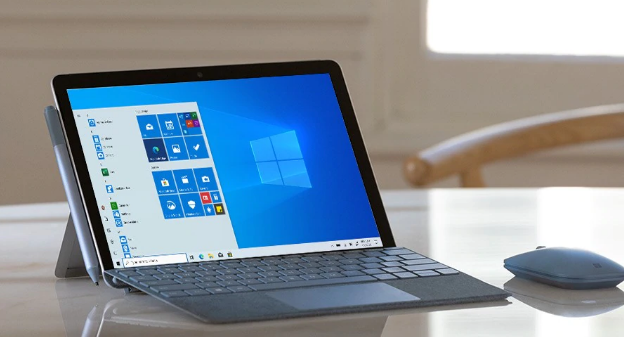
Please follow me on Instagram by clicking here: luvuyomadyibi and on Twitter: @LuvuyoMadyibi


Top 4 of 2019’s Best-Rated Tablets

Looking for a tablet? Here are seven of the best-rated tablets to choose from. Rated the best in 2019-2020, they come with great battery life, excellent portability, and impressive performance. So if you just can’t handle laptops and just want a mobile device for simple everyday tasks, then one of these tablets will be a great tool for you. 

2019 Apple iPad 10.2


2019 Apple iPad 10.2


Specs

    • CPU – A10 Fusion
    • OS – iPadOS
    • Screen size (Resolution) – 10.2-inch LCD (2160 x 1620)
    • RAM – 3GB
    • Storage – 32GB/128GB
    • Battery life –  up to 10 hrs
    • Main Cam, Front Cam – 8MP, 1.2MP
    • Weight – 483g


Apple comes out with yet another iPad: iPad 10.2. This Best-rated tablet comes packed with good specs. That means great performance. To start, it comes with a 10.2-inch screen, 10 hours of battery life, is lightweight, and takes great pictures. Inside is Apple’s top-performing processor, with 3GB and up to 128GB of internal storage.

REASON TO BUY

  • Good quality display
  • Affordable
  • Good OS performance
  • Powerful processor
  • Good battery life
  • Works well with Apple Pencil and Smart Keyboard accessories
  • So much software included


REASON NOT TO BUY

  • Apple Pencil and Smart Keyboard sold separately
  • More expensive than older iPad models
  • Not so good quality face camera


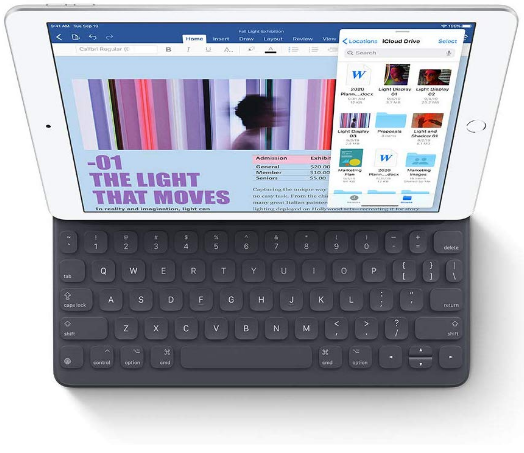
Apple iPad 10.2 with keypad


IPad 10.2 is a good buy. It’s an affordable price, has good specs, and comes with a nice HD display, and good battery life. The screen resolution is better than full HD meaning good quality visuals.  

The keyboard and stylus are not included with the iPad. The front lens takes low-quality images and clips. There are plenty of alternatives, like older iPad models to consider, if this one’s not in your budget.

The 128GB iPad is much preferable so you can store a lot more apps and media. If you’re looking for an affordable iPad to use during the year or to give to your loved ones then consider this. 

2019 Apple iPad Air


Apple iPad Air 2019


Specs

    • CPU – A12 Bionic
    • OS – iPadOS
    • Screen size (Resolution) – 10.5-inch (1668 x 2224)
    • Storage – 64GB/256GB
    • Battery life – 9 or 10 hrs
    • Main Cam, Front Cam – 8MP, 7MP
    • Weight – 456g


The iPad Air 2019 comes with a 10.5-inch touchscreen with lenses that take decent pictures. It’s lightweight with 9 hours of battery life. There are two models: 64GB and 256GB model. Inside the iPad Air is Apple’s own top-performance processor model.


REASON TO BUY

  • Good system performance
  • Great quality display
  • Decent battery life 
  • Compatible with the 1st gen Smart Keyboard and Apple Pencil


REASON NOT TO BUY

  • Same model design as previous models
  • The sound quality is not so good
  • Expensive starting at $600+
  • No USB Type-C port


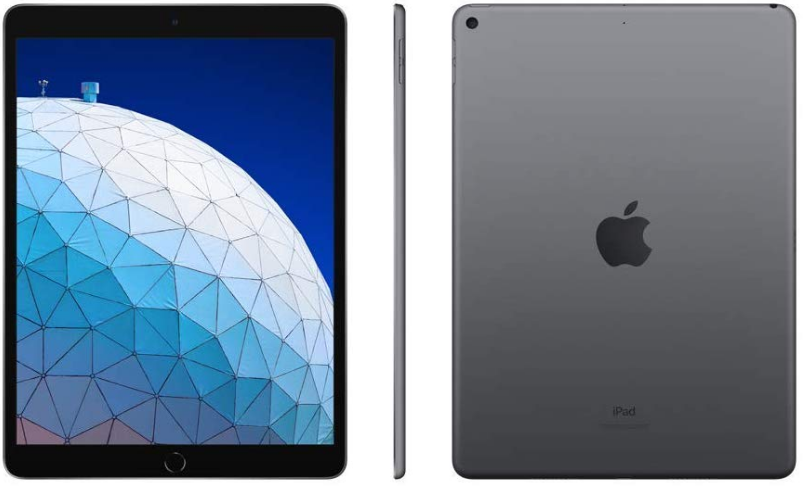
The front, side, and back views of the Apple iPad Air.


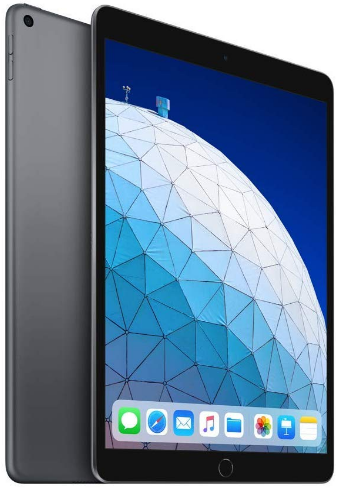
The iPad Air is almost weightless, feels light to hold, and is easy to carry around. The touch screen responds well to touch and portrays good quality images onscreen. The battery life is short but the iPad Air still lasts a good day if well used.

The iPad Air comes with the same model design as previous iPad models, but it’s thinner and lighter. The sound quality is not that good. The entry-level price is above 600 USD which is more expensive than the iPad 10.2. To conclude, the iPad Air has solid performance, good looks, and is affordable.  

Microsoft Surface Pro 7


Microsoft Surface Pro 7


Specs

  • CPU – 10th Gen Intel® Core™ i3/i5/i7
  • OS – Windows 10 Home
  • Screen size (Resolution) – 12.3-inch (2736 x 1824)
  • RAM – 4GB/8GB/16GB
  • Storage (SSD) – 128GB/256GB/512GB/1TB
  • Battery life – up to 10.5 hours
  • Main Cam, Front Cam – 5MP, 8MP
  • Weight – 775g/790g


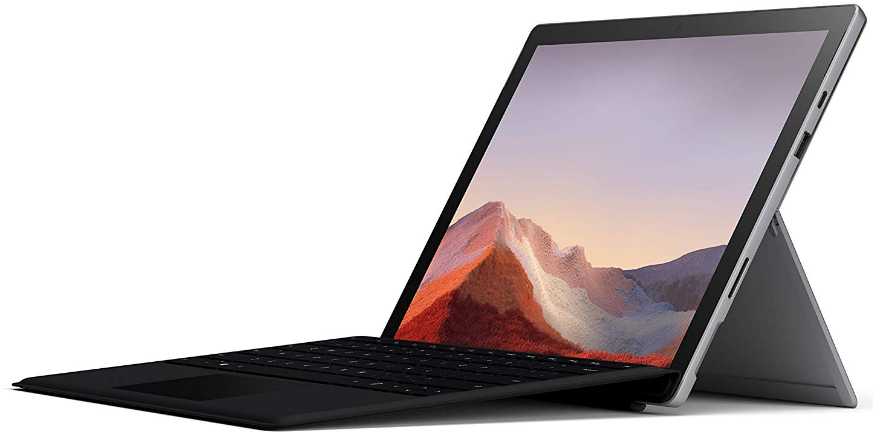
Introducing the latest tablet from Microsoft: the Surface Pro 7. The tablet comes with either one of the many available processors, from the Intel Core i3 to the i7. Next, it comes with a 12.3-inch touch screen, 10 hours of battery life, and two single-lens cameras front and rear-facing.

REASON TO BUY

  • Good choice of specs according to your budget
  • Good quality display
  • Powerful hardware
  • Support for USB Type-C

REASON NOT TO BUY

  • No changes in design from the previous model
  • Mediocre battery life
  • Keyboard sold separately
  • Expensive accessories  
  • Screen bezels are quite thick
  • Quite a heavy tablet 


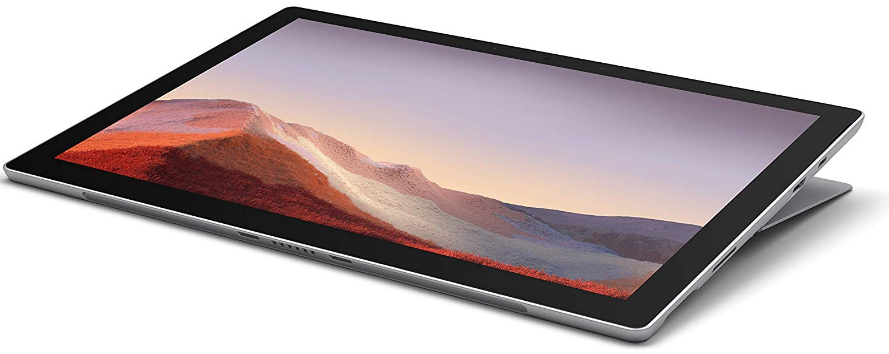
The front and side view of the Microsoft Surface Pro 7

Surface Pro 7 is a powerful tablet. It comes with good features, solid performance, and good display quality, and is available in a variety of models.

Yet, it’s not the best tablet to own because of a few things. Firstly, the battery life drains quickly if you open up too many apps. Secondly, the keyboard and stylus pen is sold separately, but they are also expensive.

And finally, the dark bezels are too thick around the display making it look so outdated if you look at the later models of today. Click here down below to check out more about this top-rated tablet.

Microsoft Surface Go


Microsoft Surface Go


Specs

  • CPU – Intel® Pentium® Gold Processor 4415Y
  • OS – Windows 10 Pro
  • Screen size (Resolution) – 10-inch HD+ (1800 x 1200)
  • RAM – 4GB or 8GB RAM
  • Storage – 64GB, 128GB or 256GB SSD
  • Battery life – up to 7 hours
  • Main Cam, Front Cam – 8MP, 5MP 
  • Weight – 522g (WiFi) or 532g (LTE)


Here’s a more affordable tablet, with decent performance, is simple to use, and can help you get your work done. Starting, it comes with a 10-inch screen with two choice models: LTE or WiFi.


System memory you get a choice of either 4GB or 8GB and internal storage from 64GB up to 256GB. Next are my opinions of this top-rated tablet.


REASON TO BUY

  • Runs Windows pretty well
  • Reliable LTE network
  • Portable and lightweight
  • Decent battery life
  • Most affordable Microsoft tablet
  • Good quality display


REASON NOT TO BUY

  • Average performance
  • Low battery life from too much
  • Dark bezels around the display are too thick


The side and keypad view of the Microsoft Surface Go.


If you’re looking for just a tablet to let you do fundamental tasks such as go online, check out social media, online shopping, etc., then this one is for you.


It’s not the best performance tablet but it’s able to get you by, and it’s available at a cheaper price. It also has good performance, a good LTE network connection, and the display looks good. 


Some things to be aware of: the dark bezels around the screen are pretty thick, making it look cramped; the battery is okay but it will drain it if you increase the brightness or open up too many apps.


Overall, this is an affordable tablet from Microsoft. If you are tight on budget and want an affordable top-rated tablet, then give this one a try. 


Closing Off


So, which of these best-rated tablets impressed you? My money’s on Apple’s IPad Air. The reason why is that it comes with good performance, a nice display, and decent battery life. It’s a pricey tablet but worth the buy.


Thanks for checking my choice of the best-rated tablets for 2019 and 2020. If you have any questions or comments, please consider jotting them down below. It shows interest and also supports my work.


If you like it, you can also share it on social media, you never know who you’ll be helping out. Social media icons are on the top right of the page. Another thing you can do is leave a comment here below. Until next time.   


What You All Don’t Know About 2 in 1 Laptop Tablets

You may never need a laptop or a tablet again. 2 in 1 laptop tablets are gaining popularity because it comes with features that cater to both the laptop user and the tablet user.


The laptop users get a laptop with a touch-screen and tablet features; and the tablet user, gets a tablet with an operating system, for example, Windows 10, a keyboard, and laptop features.


But what are 2 in 1 laptop tablets? What makes it so different from other laptops or notebooks? What can you benefit from this device?


What are 2 in 1 Laptop Tablets?

A 2 in 1 laptop-tablet is a computer device that comes with features from both a laptop and a tablet. They are normally released in the market as tablet-like laptops or laptop-like tablets. They are smaller, and lightweight and most of them are affordable.
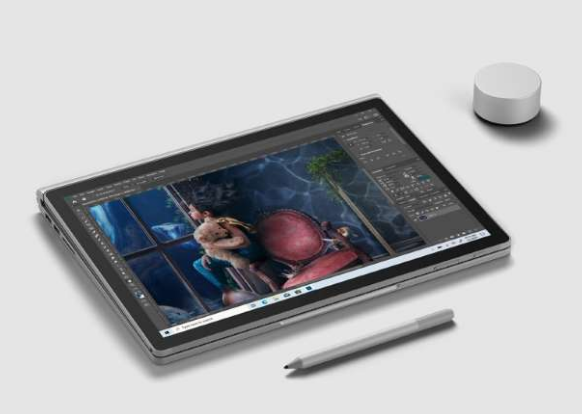
 

What makes them so different?

What makes it different from a normal laptop or a tablet? Well, it is built like a laptop but is thinner, and slimmer. Typical 2 in 1 laptop tablets include the following features:

  • A responsive touch screen
  • Laptop hinges that allow flipping the screen up to 360 degrees
  • A detachable keypad and stylus pen 
  • An operating system that runs both mobile and PC apps
  • A powerful hardware spec


Benefits

  • Works like a laptop and a tablet
  • Able to use apps for creative use
  • Access to cloud storage
  • Increases versatility with a stylus pen and a detachable keypad


Costs

  • Top-range models are really expensive
  • Detachable keyboard and stylus pen sold separately
  • Budget models include less powerful hardware

Here are typical 2 in 1 laptop tablets to consider.


Lenovo IdeaPad Miix 520

Hardware Specs

  • Intel Core i5 8th Gen 8250U
  • 8GB Memory
  • 256GB SSD hard drive
  • Intel UHD Graphics 620
  • 12.2-inch Touchscreen (1920 x 1200)
  • Detachable Keyboard
  • Windows 10 Pro

Pros

  • Good performance
  • Good hardware specs
  • Good HD+ display
  • Comfortable typing experience
  • A good alternative for expensive models
  • Includes micro-SD slot

Cons

  • Detachable keypad and stylus pen sold separately
  • Average battery life 
  • The keypad backlight performs below average
  • Thick display bezels

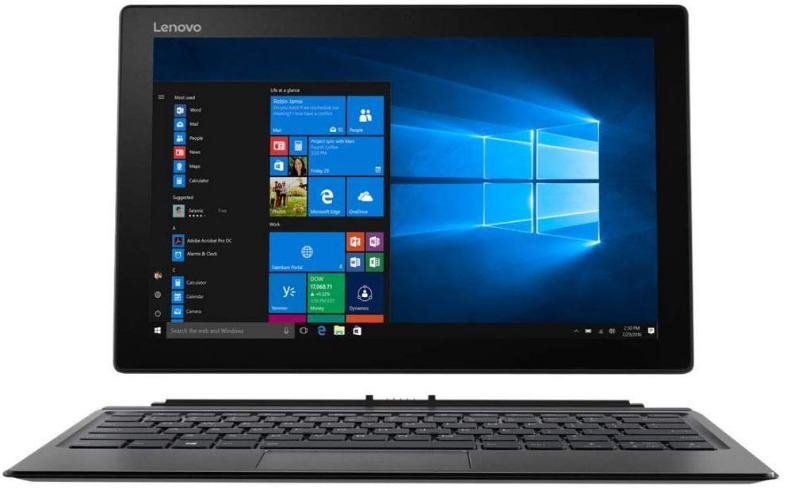
The Lenovo Ideapad Miix 520 is a 2 in 1 laptop-tablet that is geared to compete with the top market leaders in the laptop and tablet industry. It comes with the whole package: great performance; a stunning and responsive touch display; a comfortable typing experience; and the option to increase internal storage.


However, there are a few things to consider. The keypad and stylus are not included in the box. Battery life is below standard. The keyboard backlight effect is not that bright. If this 2 in 1 laptop-tablet is the one you’re looking for, then click here for more info and to get it. 
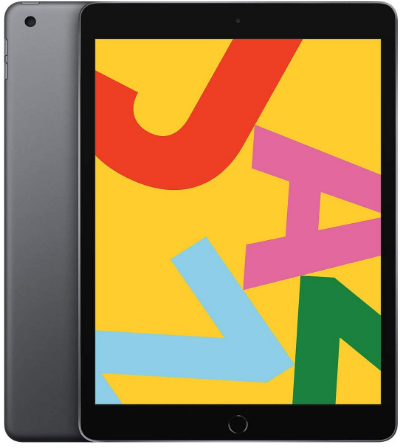
 

Score: 3.9/5 


Microsoft Surface Pro

Hardware Specs

  • Windows 10
  • Intel Core i5
  • 4GB Memory
  • 128GB SSD hard drive
  • Cellular/4G/LTE
  • 12.3-inch HD+ Touchscreen (2736 x 1824)

Pros

  • Great battery life
  • Good performance
  • Great HD+ resolution

Cons

  • High price
  • Stylus and keyboard sold separately
  • Thick screen bezels

Good performance. Great battery life. Stunning display. What more can you ask for? It has the typical specs of a midrange 2 in 1 laptop-tablet, and it’s more expensive than others in the market. Click here below to find out more and to purchase it.


Score: 4.0/5


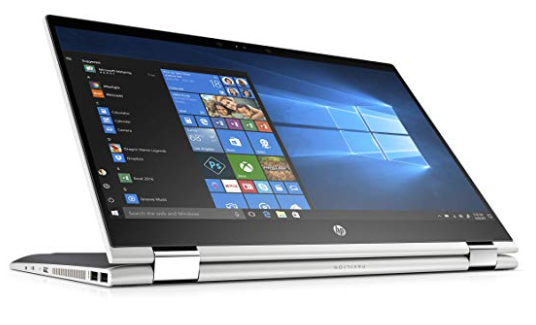
HP Pavilion X360

Hardware Specs

  • Intel Core i5 8th Gen 8265U
  • 8GB Memory
  • 1TB HDD
  • Intel UHD Graphics 620
  • 14-inch HD Touchscreen (1366 x 768)
  • Windows 10 Home 64-bit

Pros

  • Good performance
  • Huge internal storage
  • Good quality sound

Cons

  • No ethernet port
  • Average battery life
  • SSD hard drive would be better
  • No micro SD slot 

Overall, the HP Pavillion X360 is a great mid-range 2 in 1 laptop tablet. The performance and sound quality are on point, and it’s fun, easy to use, portable, and versatile. 


The battery life and the touchscreen display are average but work well. If you are happy with this 2 in 1 laptop-tablet and want to know, click here below to get more info and to purchase it.


Score: 3.9/5


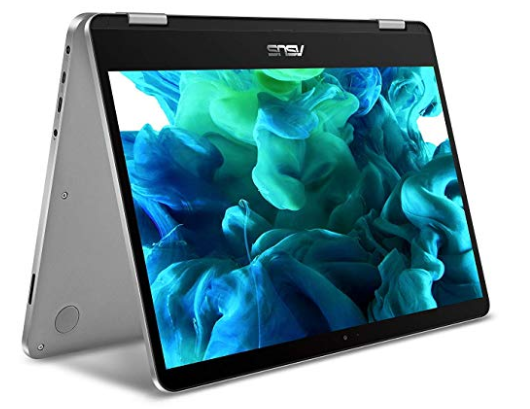
ASUS VivoBook Flip

Hardware Specs

  • 14-inch FHD Touchscreen (1920 x 1080) 
  • Intel Core i7
  • 8GB RAM 
  • 512GB SSD hard drive
  • Windows 10 Home (64 bit)
  • Intel UHD Graphics 600

Pros

  • Well designed
  • Lightweight
  • Good quality display
  • Decent battery life
  • Good performance
  • Stylus included

Cons

  • Poor webcam quality 
  • May include bloatware

The Asus Vivobook Flip is an all-around good-performance 2 in 1 laptop tablet. It’s lightweight, includes a 14-inch touch display, decent battery life, good performance from a top performance chip, and includes a stylus pen in the box. 


There is a cheaper model but it’s best to avoid, as it doesn’t perform just as well. The poor webcam quality and the bloatware installed, are minor that can easily be rectified. Overall, this is a great 2 in 1 laptop-tablet.


Score: 4.0/5


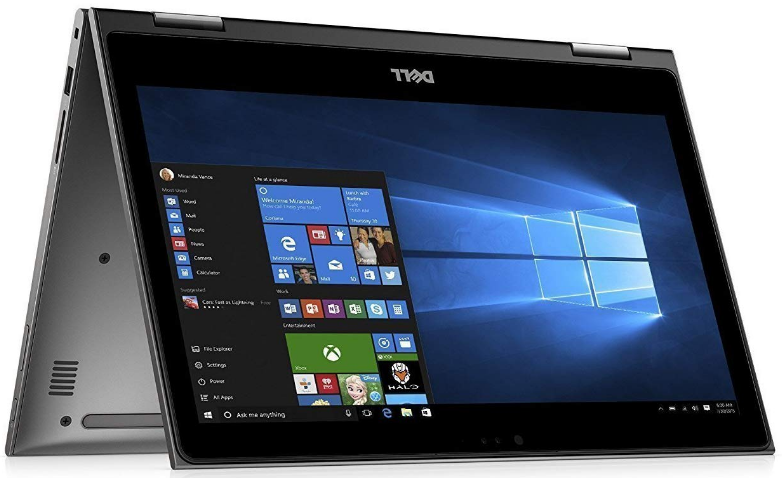
Dell Inspiron 13

Hardware Specs

  • Intel Core i5 8th Gen 8250U
  • 8GB Memory
  • 256GB SSD hard drive
  • 13.3-inch FHD Touchscreen (1920 x 1080)
  • Windows 10 Home 64-bit

Pros

  • Good performance
  • Stunning quality display
  • Affordable price

Cons

  • Average battery life

The Dell Inspiron 13 is a mid-range 2 in 1 tablet laptop that offers good performance, and a stunning full HD display, at a good price. The battery life may not the best, but for a good mid-range 2 in 1 laptop-tablet, it is one to consider.


This one is rated one of the best 2 in 1 laptop tablets to buy right now and it’s available at an affordable price. Click the button here below to see the latest prices. 


Score: 3.9/5


Last Impressions


Firstly, these 2 in 1 laptop tablets are great performers in their unique way. They offer something different to the next user and include similar features. But now, from my list above, here’s what I recommend to you. 


The first recommendation is the Microsoft Surface Pro. It has better screen technology and higher screen resolution options. It’s good for those looking 2 in 1 laptop tablet to liven up their creative side.  


If you can afford it and don’t mind purchasing the stylus pen, then you can rest assured that you made a good choice. The next recommendation is the ASUS VivoBook Flip. It offers top system performance, good battery life, and includes a free stylus pen. Another recommendation for creatives and corporate workers. business.


The rest of the 2 in 1 laptop tablets are similar in features and are available at similar prices. For a cheaper option, they are worth considering.


Closing off


There you have it. Now you know what to expect from 2 in 1 laptop tablets. They are innovative mobile devices and come with interesting features. Thanks for checking out my choice of 2 in 1 laptop tablets. If you are looking for something different, get a 2 in 1 laptop or a Chromebook.


Click here to find out more about Chromebooks. If you are interested, click where indicated and order one or find out more info. Also, leave your comments below.


Follow me on Instagram by clicking here: luvuyomadyibi and on Twitter: @LuvuyoMadyibi

5 Best 2-in-1 Laptop tablets to Buy

Are you looking for a laptop? Do you know about 2 in 1 laptop? Stop searching right now because you are in the best place. Here’s a list of the best 2-in-1 laptop tablets, from the best detachable to the best Chromebook. 

But before you move on, I highly recommend you check out this article here just to get a background of what 2 in 1 laptop are, how different or similar it is to a normal laptop, and the awesome features and benefits it brings. Now you have an idea, let’s move on.


Microsoft Surface Pro 6

Best Detachable 2-in-1 Laptop


12.3-inch HD+ (2736 x 1824) touchscreen LCD | Intel HD Graphics 620 | Intel Core i5-8250U Quad-core | 8GB RAM | 128GB SSD | 1 x USB 3.0, 1 x Mini Display Port, 1 x Headphone Jack, Micro Card Reader (SD/SDHC/SDXC) | WiFi 802.11, Bluetooth 4.1 | 8MP Rear-Facing Camera, and 5MP Front-Facing Camera | Windows 10 Home | 1.7 lbs (0.8 kg)


Other features include:

    • Detachable and adjustable keyboard
    • Office 365 Personal (1 Year) Subscription Key Card

The Good Stuff

    • Slim, sleek and lightweight 
    • Battery life of 13.5 hours 
    • Good hardware specs 
    • Detachable keyboard 

The Not-So-Good Stuff

    • No USB-C ports 
    • Stylus pen, mouse, and protective cover sold separately
    • Display is quite small


The Microsoft Surface Pro 6 comes with a keyboard that you can detach from the unit. It then switches from laptop mode to tablet mode.


It sucks that the other nice accessories are sold separately (with a bundle option available but at a higher price), and the 12-inch display is quite small, but it’s a slim 2-in-1 laptop that has a great hardware spec and a good battery life. Click above to find out more.

Verdict: 4 out of 5


Microsoft Surface Book 2

Best 15-inch 2-in-1 Laptop


15-inch HD+ (3240 x 2160) touchscreen display | NVIDIA GeForce GTX 1060 GPU (6GB GDDR5) | Intel Core 8th Generation i7-8650U Quad-Core (Up to 4.2 GHz) | 16GB of RAM | 256GB SSD | SDXC Media Card Slot, USB Type-C, USB 3.0 Type-A | 802.11ac Wi-F, Bluetooth 4.1 | 8MP Rear-Facing Camera, and 5MP Front-Facing Camera | Windows 10 Pro (64-Bit) | 1.0 lbs (0.5 kg)


Other features:

    • Includes Microsoft Surface Pen Platinum
    • USB Type-C to HDMI / VGA / DVI Adapter
    • 1080 HD video recording
    • Built-in front-facing stereo speakers
    • Dual integrated microphones


The Good Stuff

    • Beautiful colour and design 
    • Long battery life at 17 hours 
    • Insane hardware specs 
    • NVIDIA graphics card included 
    • Gorgeous looking screen

The Not-So-Good Stuff

    • Expensive


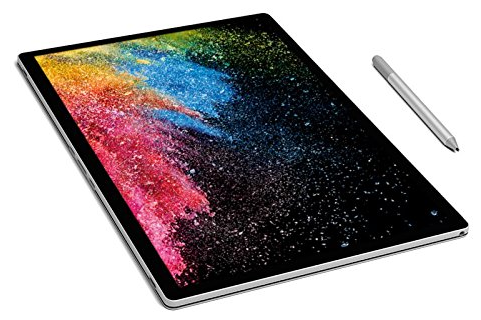
Tablet mode with Microsoft Surface Pen


The Microsoft Surface Book 2 is the most impressive 2-in-1 laptop to buy as it tops the charts with a bigger 15-inch screen.


Not only that, but it also has long battery life, comes with a great hardware spec similar to a gaming laptop, and includes a stylus pen.


It’s no surprise though, it’s an expensive 2-in-1 laptop given what you get under the hood. But it’s a great 2-in-1 laptop that will last you a good couple of years.


There’s also the affordable 13-inch 2-in-1 laptop which comes with a smaller display and lower system memory, but the Surface Book 2 15-inch 2-in-1 laptop is the better option. 

Verdict: 4.3 out of 5


Google Pixelbook

Best Chromebook 2-in-1 Laptop


12.3-inch HD+ touchscreen display (2400 x 1600) | Intel HD Graphics 615 | Intel Core 7th Gen Intel Core 3.3 GHz i5 processor | 8 GB RAM | 128 GB SSD | 2xUSB 3.1 Type-C, headphone/mic jack | 802.11ac Wi-F, Bluetooth 4.2 | 720p webcam with 60 fps | Chrome OS | 2.45 lbs (1.1 kg)


Other features include: 

    • The first laptop with the Google Assistant built-in key. Press it on your keyboard or say “Ok Google” to get started
    • Access to apps including Google Drive, Gmail, YouTube, Evernote, Slack, Infinite Painter, Lightroom, Roblox, and many more 
    • Corning Gorilla Glass

The Good Stuff

    • Beautifully designed with a sleek aluminium body 
    • Excellent keyboard feel with back-lit function 
    • Powerful for a Chromebook 
    • Supports all Android apps 
    • Fast load up times 
    • Battery life at 10 hours with fast charging

The Not-So-Good Stuff

    • Lacks in audio performance 
    • Lacks bio-metric login functions 
    • Expensive 
    • Stylus pen sold separate


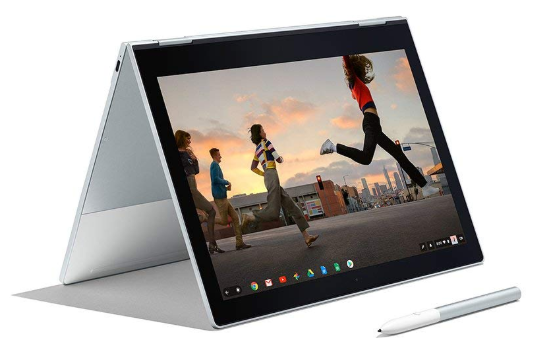
Google Pixelbook at “Tent” mode


Google Pixelbook is the best Chromebook 2-in-1 laptop to buy. I know this is not a 2-in-1 laptop, but I felt I must include it here because it has similar features. It comes with good hardware specs and access to all Android apps.


It may not be a Windows laptop but it sure has a great number of features to make you think twice about going back to Windows. 


It’s a solid Chromebook with good system performance, decent battery life, huge access to a selection of apps, and the features like a 2-in-1 laptop.


Sadly, it’s quite expensive, the audio works but not well, no biometric login, and the stylus pen is sold separately.   

Verdict: 4.5 out of 5


Asus Zenbook Flip

Best 2-in-1 Laptop for Graphics


14-inch FHD Nano Edge Touchscreen display (1920 x 1080) | NVIDIA GeForce MX150 | 8th-generation Intel Core i7-8550U Quad-Core | 16 GB of RAM | 512 GB SSD | 2xUSB-Type A, 1xHDMI, 1xUSB-C, MicroSD, Fingerprint scanner, headphone/mic jack | 802.11ac Wi-F Bluetooth 4.2 | 720p webcam | Windows 10 Home | 3.3 lbs (1.5 kg)


The Good Stuff

    • Well-made and elegance design 
    • NVIDIA graphics card included 
    • Powerful processor, and memory 
    • Fast charging 60% in 45 minutes 
    • Comes with a 14-inch HD display
    • Up to 10 hours of battery life

The Not-So-Good Stuff

    • No 4K display option 
    • Graphics card not good for high-end games 
    • No optical drive 
    • The stylus pen is expensive and is sold separately


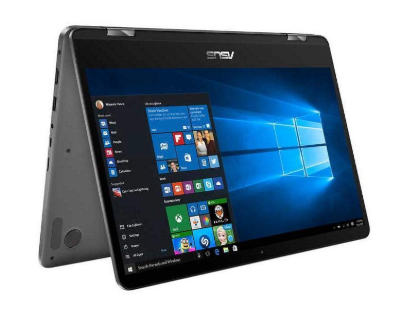
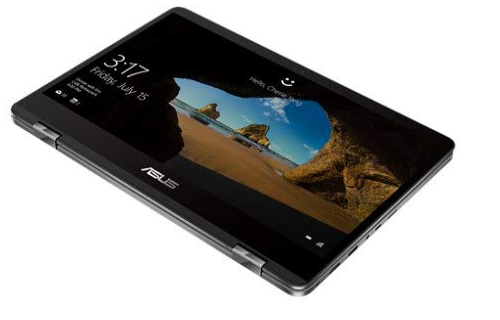
Asus ZenBook Flip in Tablet mode


The added graphics card from NVIDIA makes it the best 2-in-1 laptop that can give you the highest quality graphics. It’s not powerful enough to run high-end PC games, but it’s still a high-performance laptop. 


It has decent battery life, fast charging, nicely designed. Out of all these reviewed it’s the only one that has a full HD screen, which is not really bad but it would be better if it was available in a better quality display. Click here above to find out more. 

Verdict: 4 out of 5


 2019 Lenovo Yoga C930

The Best Overall 2-in-1 Laptop


13.9-inch FHD touchscreen (1920 x 1080), IPS technology, LED backlight | Intel UHD Graphics 620 | 8th Gen Intel Core i7-8550U processor, Quad-core, 8-way processing, Intel Turbo Boost technology | 12GB DDR4 of RAM | 256GB SSD | 1x USB 3.0 Type A Ports, 2x Thunderbolt 3 Ports,1x Memory Slots | 802.11ac Wi-F Bluetooth 4.2 | 720p webcam | Windows 10 | 3.04 lbs (1.4 kg)


Other features include: 

    • Soundbar speaker hinge with Dolby Atmos 
    • A one-month trial of Microsoft Office 365

The Good Stuff

    • Great design 
    • Good sound quality 
    • Powerful specs for high performance 
    • Good selection of input ports 
    • Up to 12 hours of battery life

The Not-So-Good Stuff

    • Expensive 
    • Small full HD display


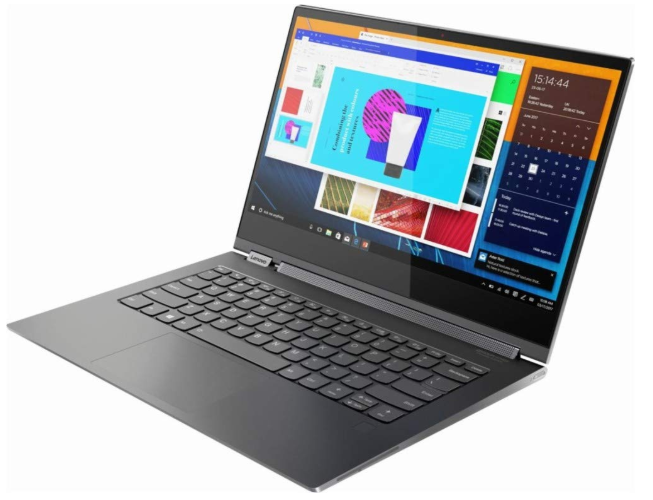
Lenovo Yoga C930 in its Tablet made, increasing its functionality.


2019’s Lenovo Yoga C930 is the king of all 2-in-1 laptops because of its unique design and hardware specs that aim to boost the performance of the laptop.


It also comes with a nice black matte finish and good battery life. It’s priced pretty high for a 2-in-1 laptop and comes with a smaller screen, but the specs are similar to top-ranked laptops but more expensive. Give this one a try. Click here above to find out more.

Verdict: 4.5 out of 5


To close off


Now that you know the best 2-in-1 laptops, you need to decide which one works best for you. They’re well designed with great hardware specs to make your life more productive, and your overall business and fun times much easier. 


So what do you think? Any thoughts on these 2-in-1 laptops? What are you looking for in laptops? Do these meet your criteria? Are going to stick to traditional laptops? Leave your comments below.