

Samsung Galaxy Tab S12 Ultra
Pros
- Premium aluminum build
- IP68 water & dust resistance
- Impressive OLED display
- Impressive performance
- Impressive Android features
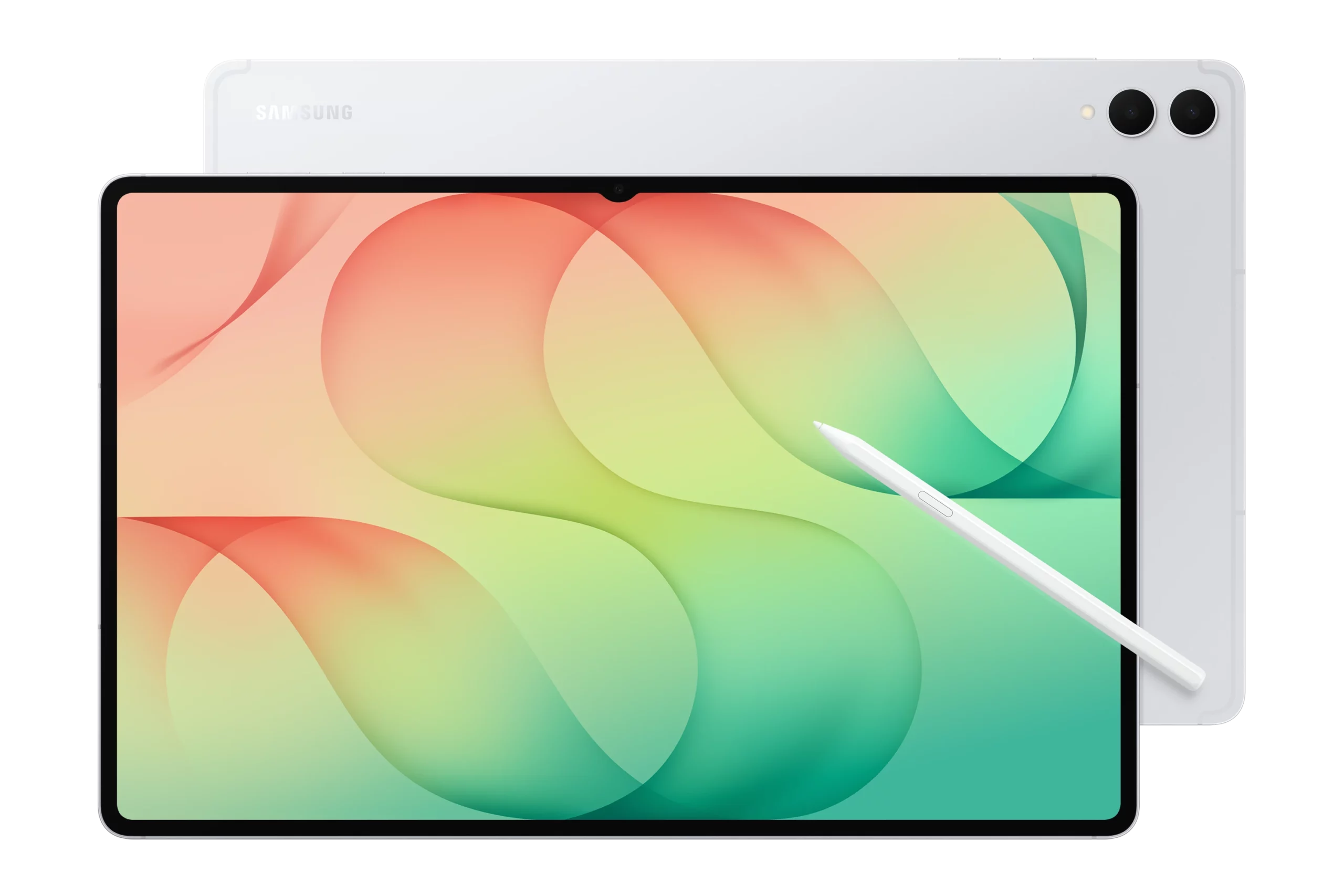
- Includes S-Pen in the box
- Excellent battery life with fast recharge
Cons
- Expensive
- No charger in the box
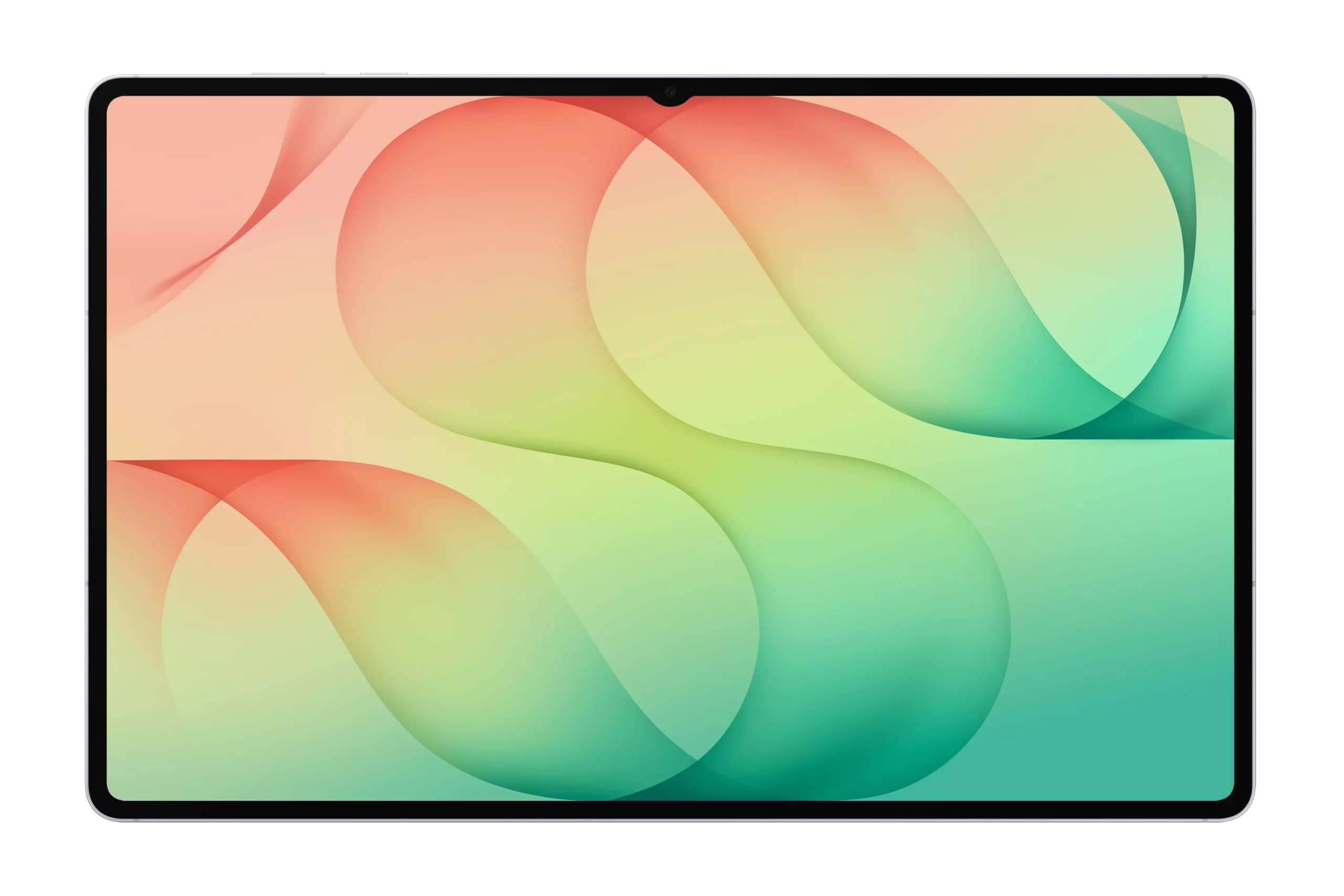
- Notch on the display
Samsung Galaxy Tab S12 Ultra
Quick Verdict
I find the Samsung Galaxy Tab S12 Ultra to be an absolute powerful tablet. It bridges the gap between a portable creative canvas and a workstation replacement better than any Android slate before it. Its staggering 14.6-inch AMOLED panel and ultra-slim profile immediately commands attention. However, its massive physical footprint and high price tag mean it’s not designed for casual users. If you demand top-tier performance, unmatched multitasking, and a pen-included ecosystem, I think this remains the undisputed king of Android hardware.
Quick Summary
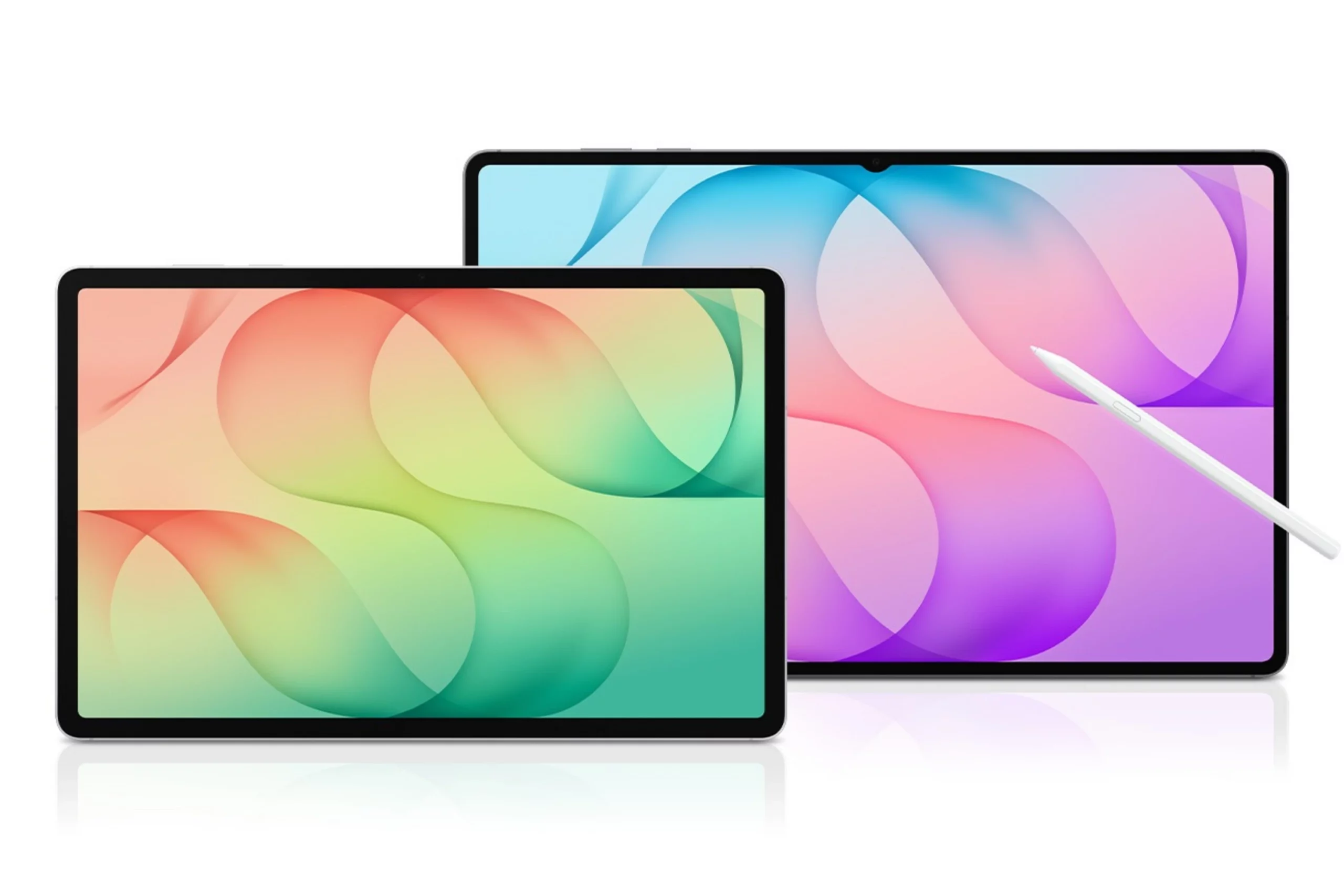
The Samsung Galaxy Tab S12 Ultra instantly redefines what a flagship Android tablet can achieve. It’s a massive 14.6-inch productivity canvas built for creators, power users, and professionals seeking a true laptop alternative. I love how Samsung paired its vibrant Dynamic AMOLED 2X display with the blistering MediaTek Dimensity 9500 processor.
Compared to the older Tab S11 Ultra, this new model boosts sustained graphics performance, improves thermal efficiency under heavy multitasking, and pushes display peak brightness even further while refining the ultra-slim profile. My initial time with this device has been nothing short of extraordinary.
However, a screen this impressive hides even more tricks under the hood. Stick with me as we dive into the finer details, hidden software tools, and real-world battery tests to see if this slate truly deserves a spot in your backpack.
Galaxy Tab S12 Ultra – Specs
- Display: 14.6-inch, Dynamic AMOLED 2X, 120Hz, HDR10+, 1848 x 2960 pixels resolution
- Chip: MediaTek Dimensity 9500
- Memory: 12GB / 16GB
- Storage: 256GB / 512GB / 1TB
- System: Android 17, One UI 9
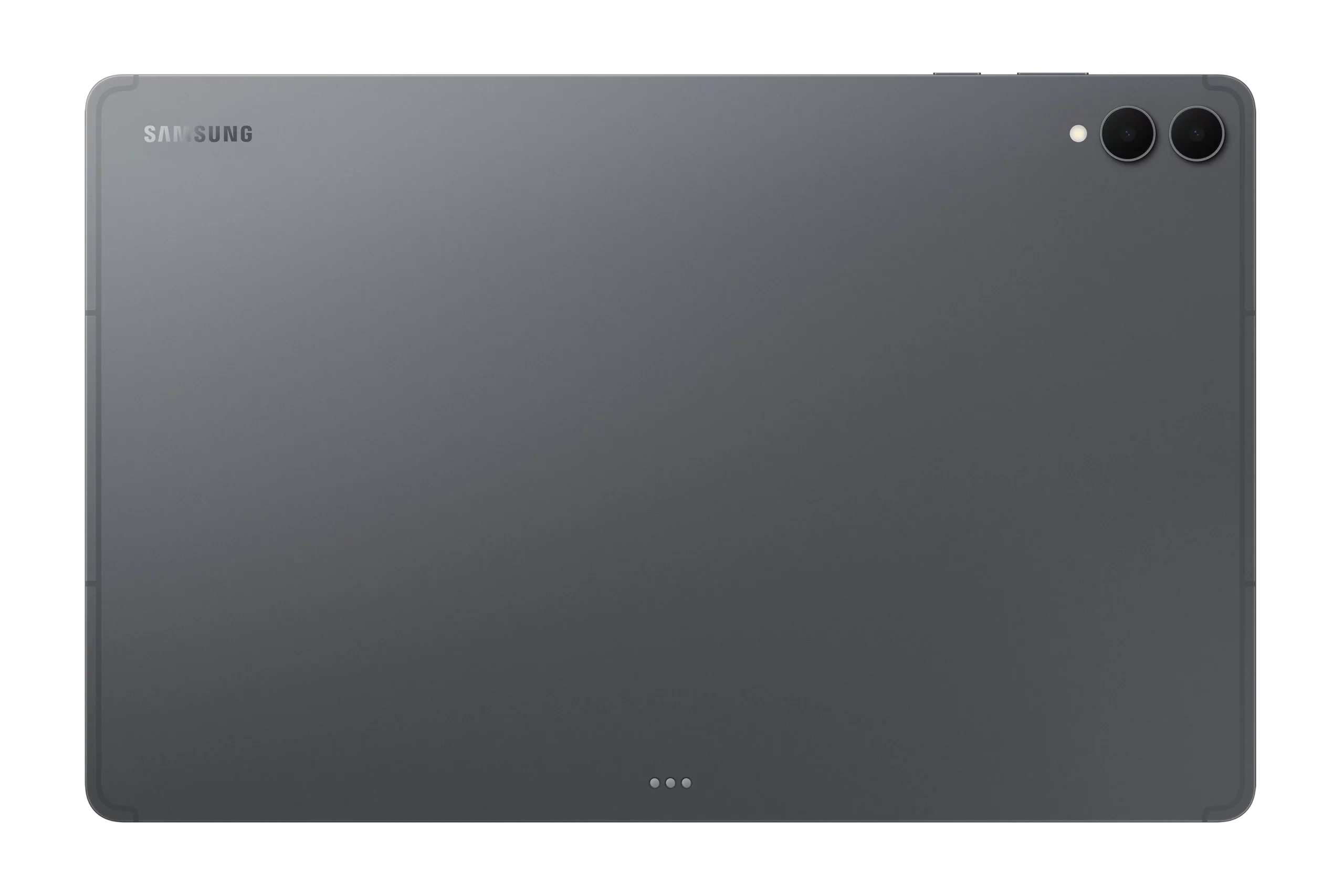
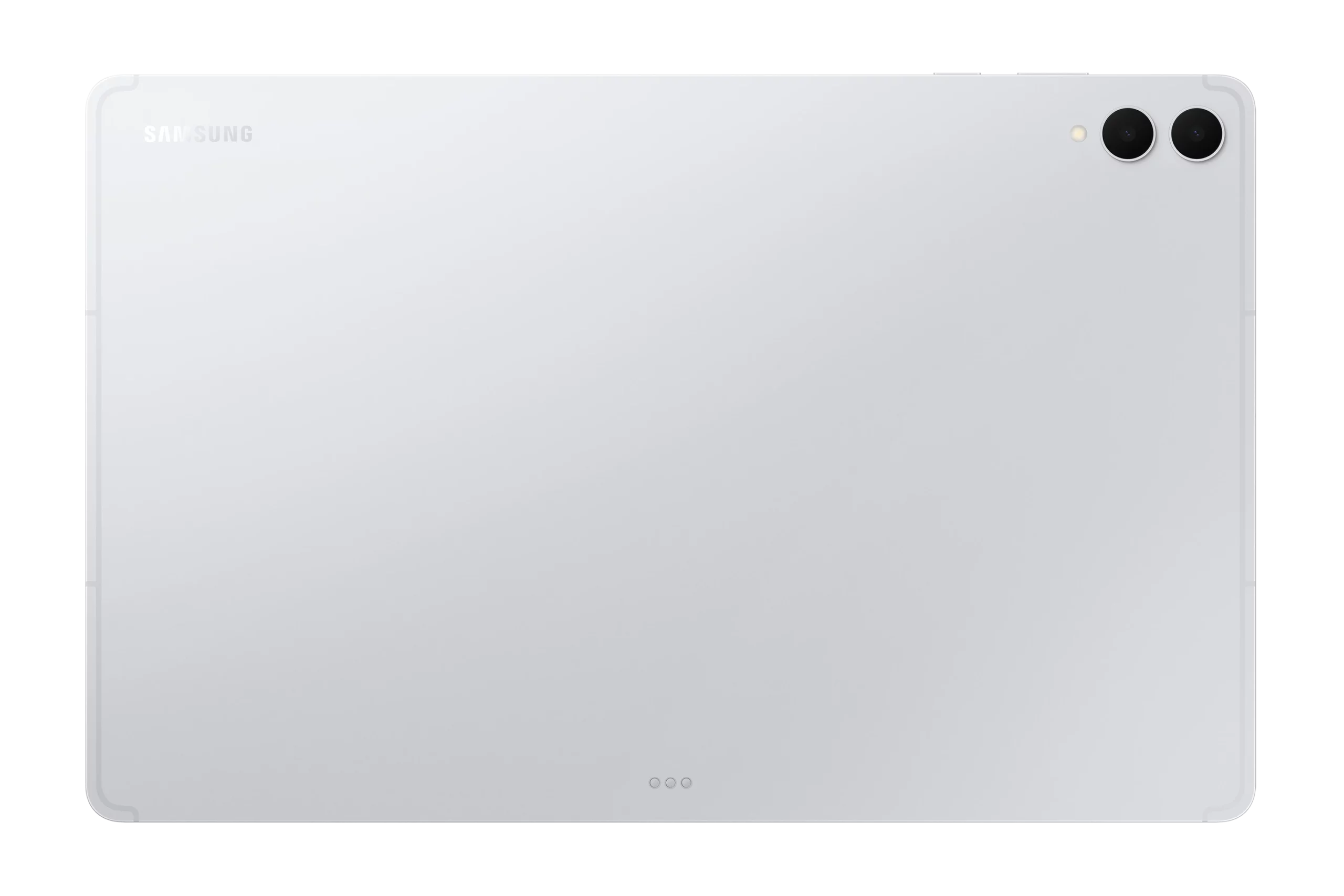
- Main Camera: Dual, 13 MP wide + 8 MP ultrawide; Up to 4K video capture at 30fps
- Selfie Camera: 12 MP ultrawide; Up to 4K video capture at 30fps
- Battery: 11600mAh; Up to 45W wired charging
- I/O Port: USB Type-C 3.2
- Other: Wi-Fi 7, Bluetooth 6.0; Colors include Gray and Silver; weighs 692 g or 695 g; Stylus support; IP68 water & dust resistant
Best Features
1) Gorgeous OLED Display
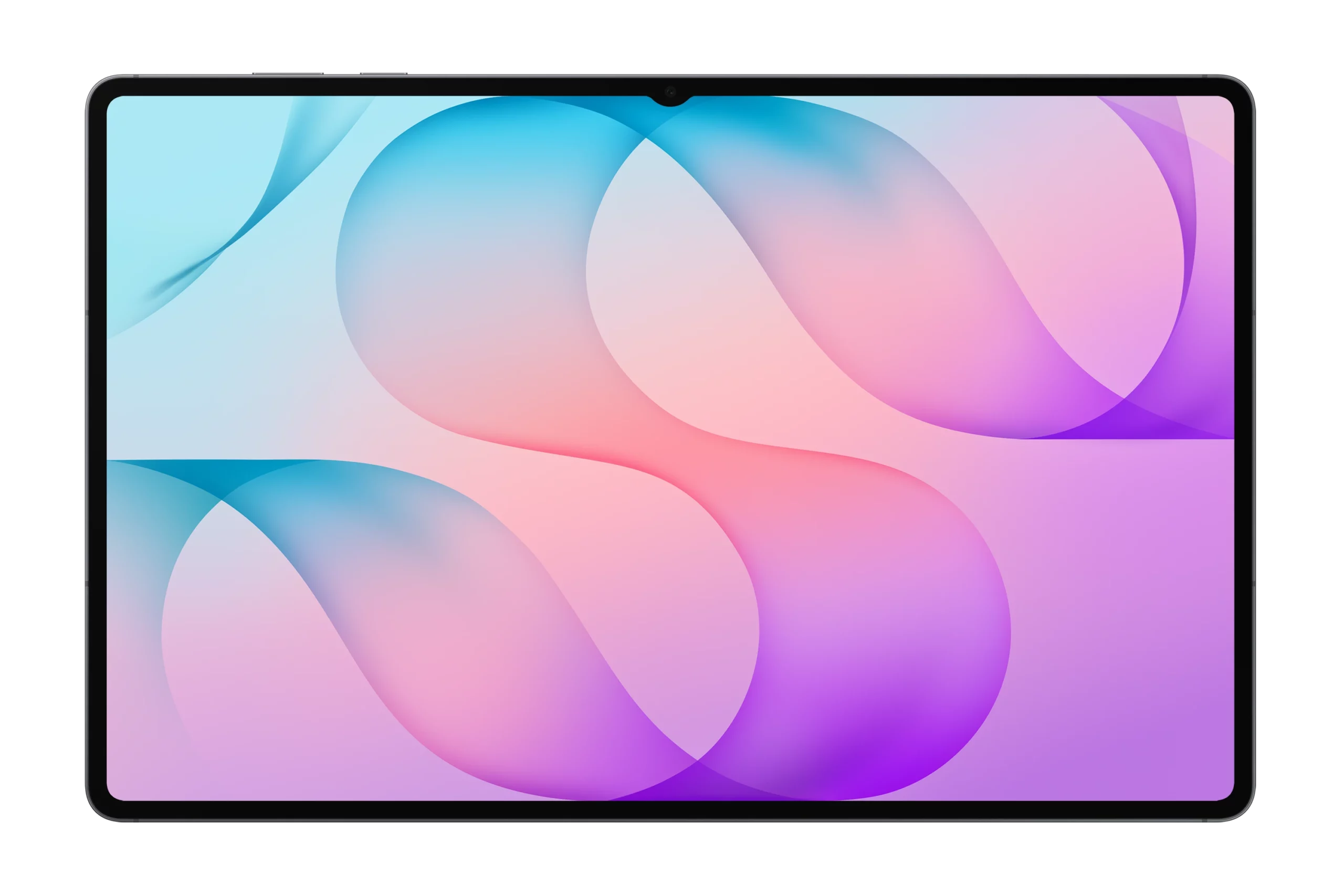
Prepare to have your eyes ruined for every other screen after looking at this panel. The new Tab S12 Ultra comes with a large 14.6-inch Dynamic AMOLED 2x display. It supports HDR10+, with 120Hz refresh rate, and high screen resolution of 1848 pixels. I am continually blown away by this large screen, which brings visuals to life with stunning clarity.
Deep blacks create stunning contrast, while the dynamic refresh rate ensures every swipe, scroll, and pen stroke feels fluid and responsive. Outdoor viewing is equally impressive because the upgraded anti-reflective coating cuts through harsh glares without washing out color saturation. This means you can comfortably stream movies, edit high-resolution photos, or read outdoors under direct sunlight without straining your eyes.
2) Impressive Battery Life & Fast Charge
Say goodbye to mid-day outlet hunting once and for all. The Tab S12 Ultra comes with a large 11,600 mAh battery pack that supports up to 45W of wired fast charging. The massive battery easily lasts through long work sessions, with a battery life of up to 13 hours on a single charge. Background power optimization keeps energy drain to a minimum when the tablet sits idle overnight.
Whenever you do run low, the 45W fast-charging support quickly boosts the power level back up in short order. You’ll get 21% charge under 15 minutes, up to 40% in half an hour, and full charge in under 90 minutes. As a result, you gain complete freedom to travel, work remotely, and stream media all day without carrying battery anxiety around with you.
3) Excellent Performance
Heavy workloads and demanding apps don’t stand a chance against this tablet. Powered by an 8-core, 3nm, flagship-grade, Dimensity 9500 chip from MediaTek, alongside a redesigned large vapor chamber, this tablet is a workhorse when it comes to intensive processing tasks. It’s also available in three memory/storage models: 12GB/256GB; 12GB/512GB; and 16GB/1TB.
With benchmark scores of 3100 on single-core, and of 9400 on multi-core, apps open instantly, graphics-heavy games run at high frame rates, and split-screen multitasking stays buttery smooth. Because thermal throttling is kept at bay during long editing sessions, you get desktop-grade responsiveness that keeps your creative workflow fast and completely uninterrupted. Overall, an excellent performance Android tablet perfect for daily use, video streaming and even gaming.
4) Android Software
Multitasking on a mobile device finally feels complete, powerful, and intuitive. One UI 9 paired with Android 17 turns this massive display into a true productivity station. Samsung DeX mode instantly switches the layout into a familiar desktop workspace complete with window resizing, precise file management, and a bottom taskbar. Combined with Samsung’s promise of 7 years of OS updates, this setup ensures you get a long-lasting workstation that adapts to your changing software needs and protects your device investment for years to come.
5) Good Durable Features
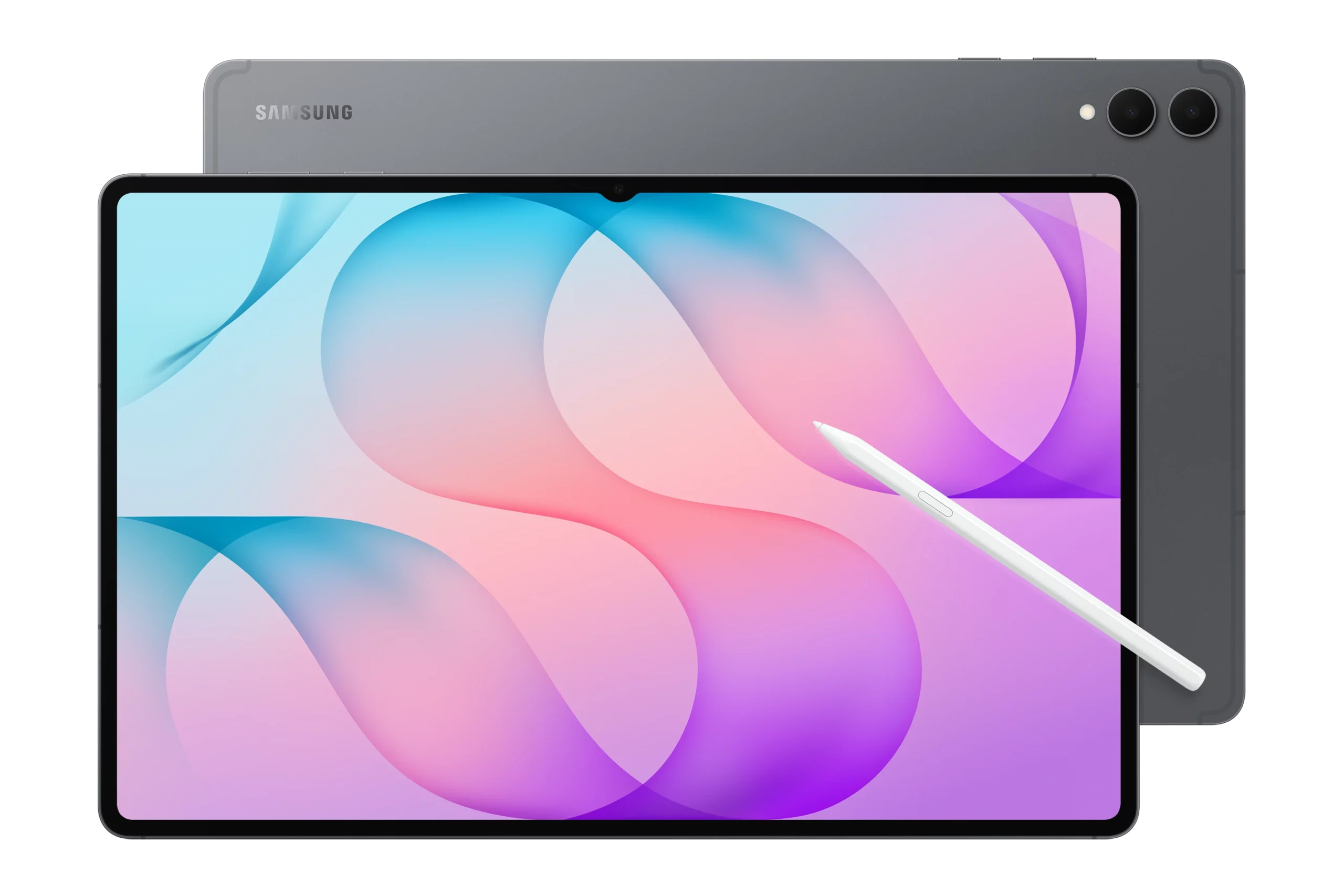
Incredible thinness no longer comes at the expense of structural strength. Despite measuring a ridiculously thin 5.1mm, the Enhanced Armor Aluminum body resists bending and flexing under pressure. The IP68 water and dust resistance rating adds a serious layer of physical defense against accidental spills and rain. This means you can confidently pack this slate into your bag and use it in unpredictable real-world environments without constantly worrying about structural damage or accidental water exposure.
6) Accessories Included
You get everything you need to start creating right out of the box without paying extra. Samsung includes the precise, pressure-sensitive S Pen in the package, allowing you to draw, sketch, and sign documents immediately. The pen attaches magnetically to the chassis for automatic pairing and charging, while the optional Book Cover Keyboard adds a full tactile typing experience. This instant access to stylus tools saves you money upfront and gives you the flexibility to transform your tablet into a digital sketchbook or a typing station at a moment’s notice. Unfortunately the Book Cover Keyboard and the 45W power adapter is sold separately.
Deal Breakers
1) Expensive
Your bank account will definitely feel the sting when you hit the Buy button. Starting at US$1,399.99, (entry model, 12GB/256GB), the Galaxy Tab S12 Ultra commands a massive premium for an Android tablet. When you add the official Book Cover Keyboard to complete the setup, the total cost quickly climbs into high-end laptop territory. This steep price tag forces you to carefully weigh if an Android slate can genuinely replace your current laptop or if it remains an expensive secondary tool.
2) Notch on the Display
Nothing ruins a seamless, borderless viewing experience quite like a black cutout slicing into your screen. Samsung insists on keeping the camera notch centered on the long top bezel to house its wide-angle front lenses. While it stays out of the way for productivity apps, it becomes immediately noticeable during full-screen video playback. You will constantly find your eyes drifting toward that notch whenever you watch movies, stream games, or view photos in landscape mode.
3) Other Features
Even the most impressive technical specs cannot fix basic physical limitations and missing ports. Carrying this massive 14.6-inch frame around in one hand feels awkward and leads to wrist fatigue during long handheld reading sessions. The complete absence of a 3.5mm headphone jack forces you to rely on wireless earbuds or USB-C dongles for private listening. Furthermore, Android app developers still fall behind iPadOS and desktop platforms when offering professional-grade creative tools. As a user, these minor compromises mean you must deal with dongles, occasional software workarounds, and a tablet that often feels too bulky for casual couch use.
Galaxy Tab S12 Ultra VS Alternatives
Galaxy Tab S11 Ultra

The Samsung Galaxy Tab S11 Ultra proves that last year’s flagship is secretly today’s smartest buy. You get almost the exact same 14.6-inch Dynamic AMOLED 2X display without paying the extreme bleeding-edge price premium. The MediaTek Dimensity 9400+ processor handles heavy multitasking, gaming, and 4K video rendering without missing a beat. You still enjoy full S Pen support, identical 45W fast charging, and a rugged IP68 metal chassis.
Samsung’s multi-year software commitment keeps the tablet feeling fresh with every major Android update. Skipping the marginal speed bump of the newer S12 Ultra saves you hundreds of dollars while delivering ninety-five percent of the exact same experience. Ultimately, the Tab S11 Ultra remains the sweetest spot for power users who want maximum screen real estate without overspending on minor iterative upgrades.
Apple iPad Pro M5 (2025)
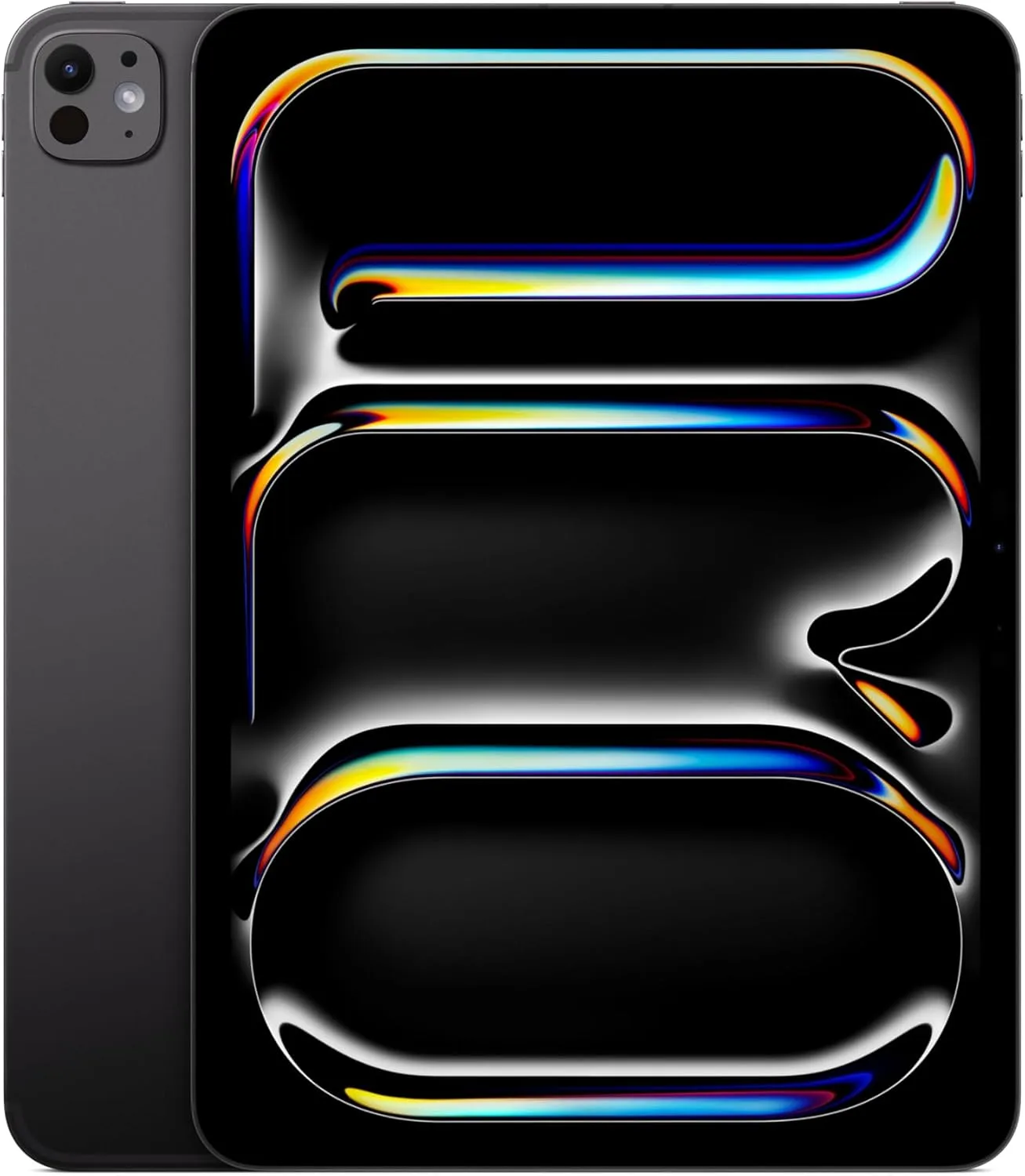
If you want raw processing power and desktop-class creative software, the iPad Pro M5 (2025) from Apple, leaves the Galaxy Tab S12 Ultra in the dust. Apple’s M5 silicon delivers unmatched single-core and multi-core performance that handles heavy 4K video editing, 3D rendering, and complex audio production effortlessly. The Ultra Retina XDR Tandem OLED panel achieves stunning color accuracy and brightness without requiring an ugly camera notch to ruin full-screen content.
Professional creative suites like Final Cut Pro, Logic Pro, and DaVinci Resolve run natively with features that mobile Android apps simply cannot match. You also get a lighter 579g frame, class-leading Apple Pencil Pro support, and a vast library of tablet-optimized applications. Choosing the iPad Pro M5 means investing in superior hardware longevity, unmatched performance headroom, and a far richer ecosystem for creative work.
Xiaomi Pad 8 Pro
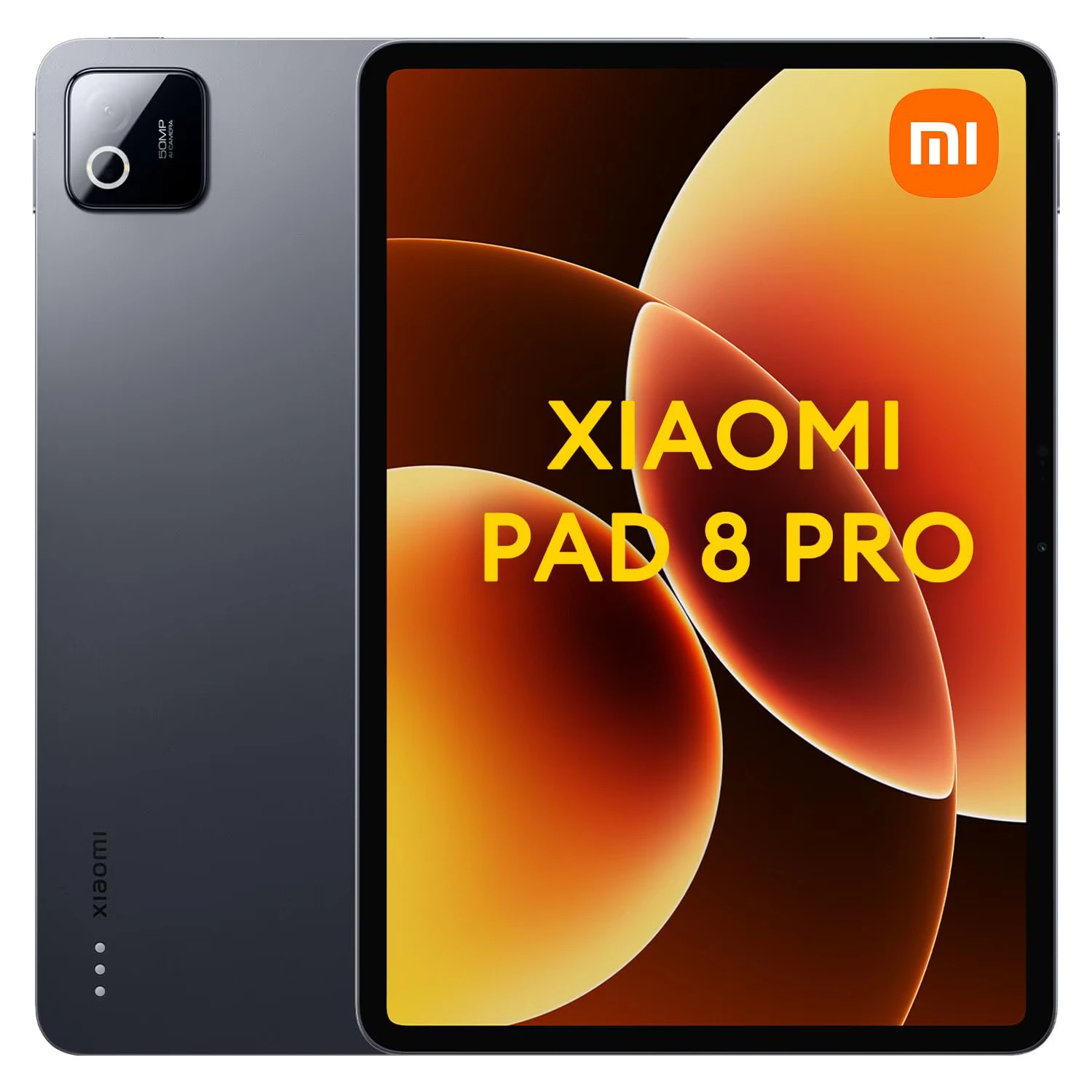
The Xiaomi Pad 8 Pro proves that you don’t need to drop a small fortune to get flagship-grade tablet performance. At less than half the price of the Galaxy Tab S12 Ultra, this sleek device delivers a blistering 144Hz refresh rate display that makes scrolling and casual gaming feel remarkably fluid. Its compact 11.2-inch form factor and sub-500g weight make it infinitely easier to hold, carry, and use with one hand compared to Samsung’s unwieldy giant.
You get flagship-grade speed from the Snapdragon 8 Elite processor, rapid 67W fast charging, and a completely notch-free display for uninterrupted video playback. Xiaomi’s HyperOS keeps the interface snappy while offering desktop-style multitasking windows without the heavy bloat. Choosing the Xiaomi Pad 8 Pro means securing a highly portable power-house that delivers maximum performance per dollar without forcing you to handle a massive, expensive slate.
Final Verdict
I believe the Samsung Galaxy Tab S12 Ultra reigns supreme as the ultimate Android hardware experience. Its glorious display, sturdy build, and included S Pen make it an absolute dream for digital artists and media enthusiasts. The sheer size and high price mean it will not suit everyone, but for those who want the biggest and best digital canvas, I recommend it without hesitation.
Buy If:
- You want the ultimate media and digital canvas: The massive 14.6-inch Dynamic AMOLED 2X display offers an unbeatable movie-watching, drawing, and note-taking experience.
- You need top-tier multitasking on Android: The Dimensity 9500 processor paired with Samsung DeX gives you true desktop-style productivity and window management.
- You want a complete stylus setup included: You get the pressure-sensitive S Pen right out of the box without paying extra for basic drawing tools.
Don’t Buy If:
- You’re on a strict budget: The high starting price and expensive keyboard accessories make this tablet a steep investment compared to traditional laptops or previous-gen models.
- You want a lightweight, handheld reading tablet: The large physical size and weight make it cumbersome to hold with one hand for long periods.
- You rely heavily on desktop-exclusive creative apps: Android still lacks native parity with certain pro-grade desktop suites found on macOS or iPadOS.
Ready to upgrade your mobile setup? Grab the Samsung Galaxy Tab S12 Ultra today to experience the pinnacle of Android productivity and media consumption. Now, I want to hear from you. What do you think about the Tab S12 Ultra? Does the massive screen justify the price, or would you prefer a smaller slate or full laptop? Drop your thoughts, questions, and experiences in the comments section below 😎


 LGMadyibi

+ There are no comments
Add yours